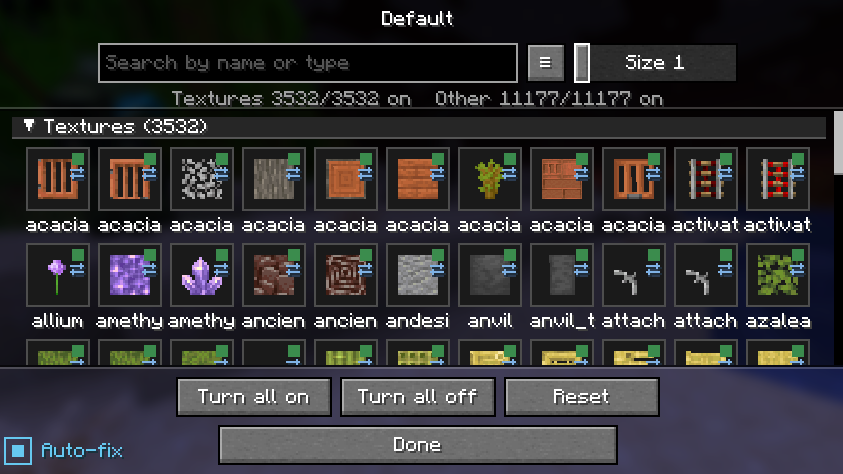

Community listing page, reviews here may not be monitored by the author.
ResourcePackSettings

No reviews yet
Add individual settings to the texture
Community voices
Reviews
No reviews yet. Be the first to review this project!
Get it on
Available Platforms
Compatibility
Supported Environments
Runs entirely on the client. Works on vanilla servers.
About
Project Details
For authors
Embed Badge
If you're the author of this project, you can embed a live badge anywhere that supports HTML or Markdown. It updates automatically whenever ratings change.
Use HTML for any page that supports it, or Markdown for README files and Markdown-based descriptions.
Identifiers
Platform IDs
Resources
External Links
About
Description
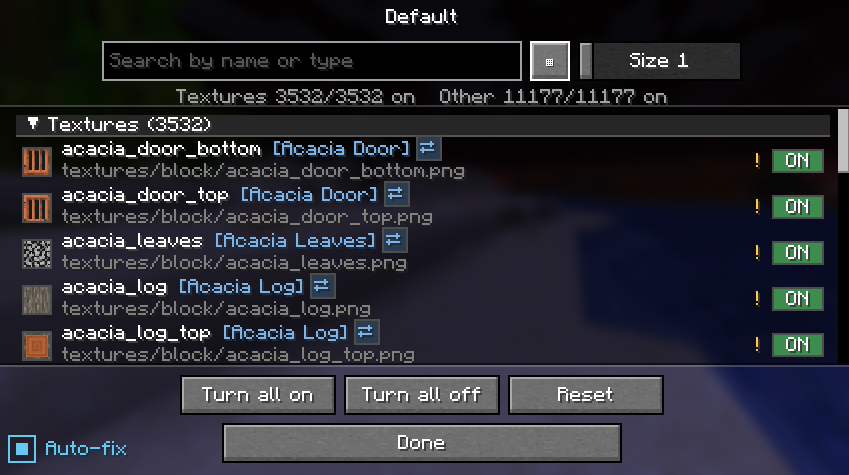
Resource Pack Settings
Brief description: You can use only the specific parts of the resource pack that you want.
without editing or unzipping the pack.
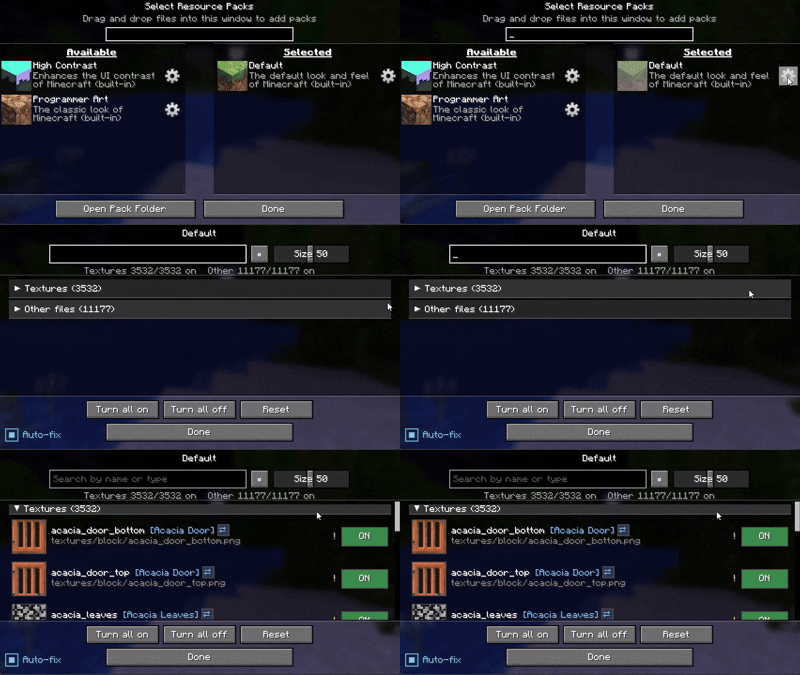
Usage example
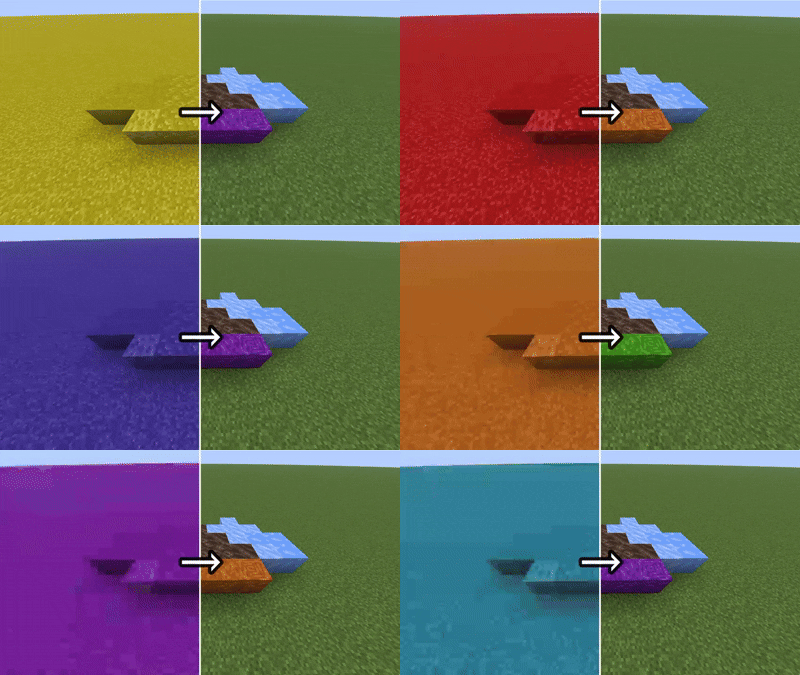
An example of applying the setting only to the specific blocks you want to target.An example of applying the setting only to the specific blocks you want to target.(All gaming textures used in this image)
If possible, I recommend using a mod such as Remove Reloading Screen alongside it.
ーーーーーーーーーーーーーーーーーーーーーーーーーーーーーーー
Others
Features (click to expand)
- 📁 All Supported — It can handle more than just textures
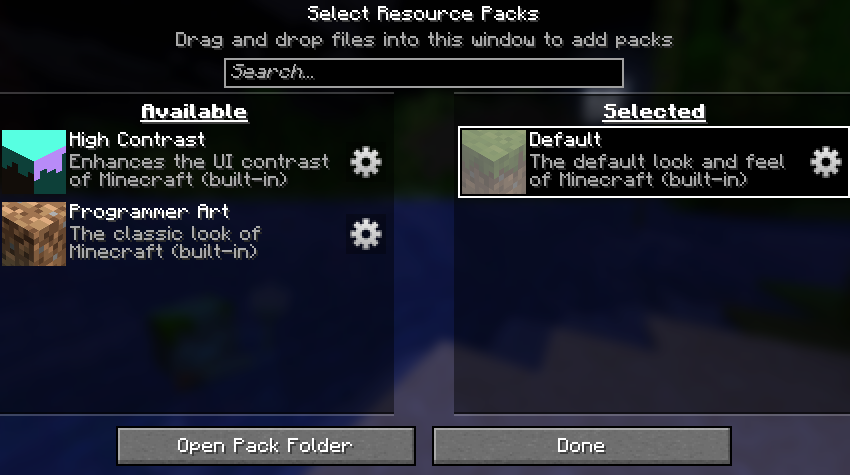
- ⚙️ Gear button on every resource pack (available and selected lists alike)
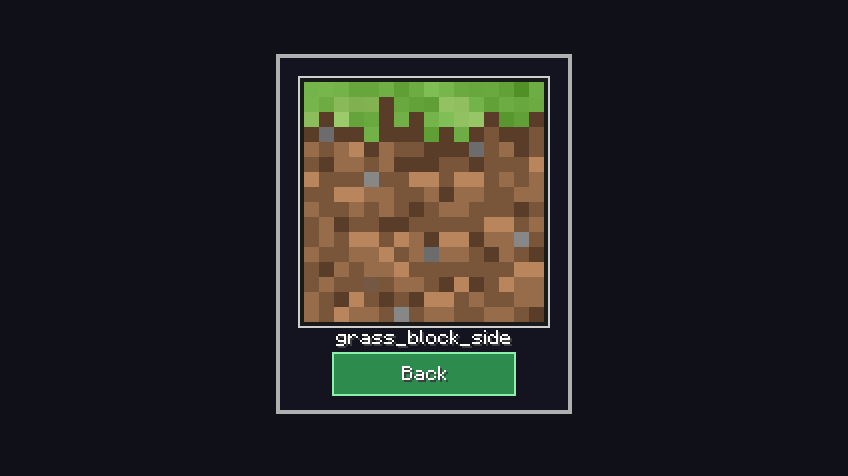
- 🖼️ Per-file ON / OFF with a live thumbnail and the file name
- 🔎 Search by file name
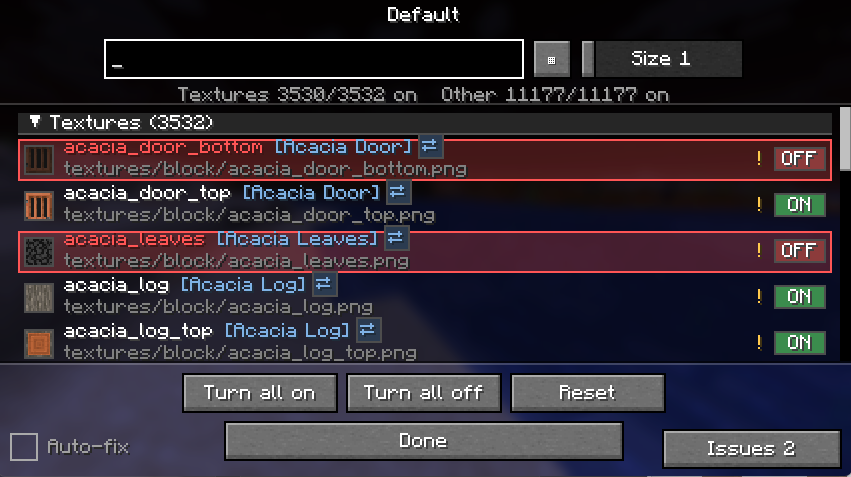
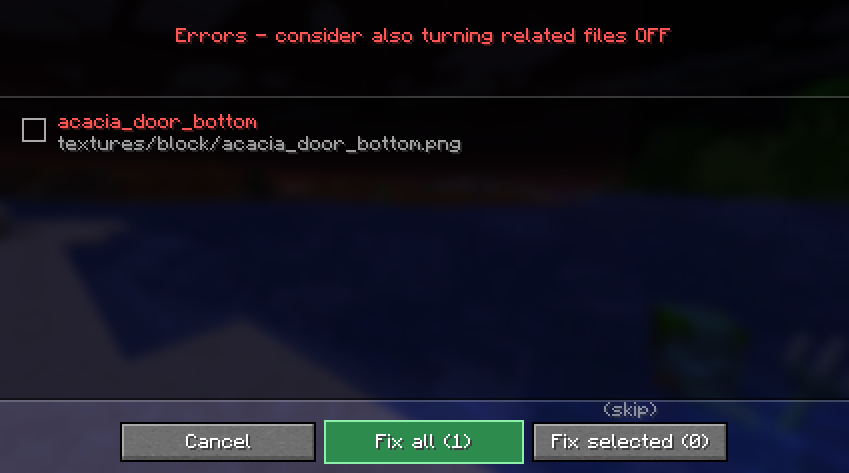
- ⚠️ warnings — it reads how textures and JSON files reference each other, and only warns you when a change would actually break rendering (the purple-and-black missing texture)
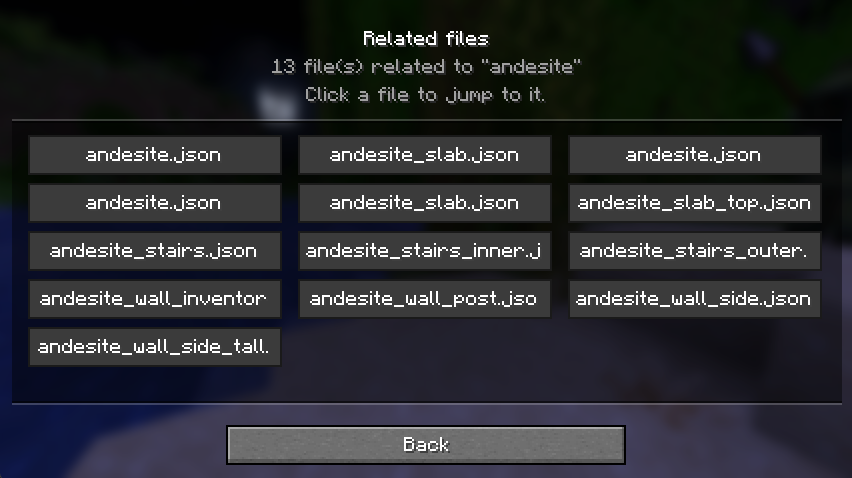
- 🔗 Jump between related files, review all current warnings, and reset with a confirmation step
How it works (click to expand)
Disabling a file never modifies the pack. The mod hides that file so the game falls back to the pack below it (or vanilla). Changes apply on the next resource reload.
Available languages (click to expand)
Follows your game language automatically, with translations in English, 日本語, Deutsch, Français, Português, हिन्दी and 中文. Any other language falls back to English.
License (click to expand)
All Rights Reserved. Personal use and unmodified inclusion in modpacks (with credit and a link back) are allowed. Re-uploading elsewhere or distributing modified versions is not permitted.
Screenshots
Gallery
Versions
Files
Relations
Project Relations
More like this
Similar Mods
Suggestions use data such as tags, dependencies, dependents, descriptions, titles, and more to rank how much they overlap with this mod.
On ModDex
Community snapshot
By the numbers
Statistics

Want to reach Minecraft players?
We're looking for a server hosting partner to feature here and other parts of the site. Interested? Send us a message!
Get in touchGet it on
Available Platforms
On ModDex
Community snapshot
By the numbers
Statistics
Resources