Community listing page, reviews here may not be monitored by the author.
ResourceStages


No reviews yet
GameStages addon that loads a resourcepack based on your levels.

Community voices
Reviews
No reviews yet. Be the first to review this project!
Get it on
Available Platforms
Compatibility
Supported Environments
Runs entirely on the client. Works on vanilla servers.
About
Project Details
For authors
Embed Badge
If you're the author of this project, you can embed a live badge anywhere that supports HTML or Markdown. It updates automatically whenever ratings change.
Use HTML for any page that supports it, or Markdown for README files and Markdown-based descriptions.
Identifiers
Platform IDs
About
Description
Description
GameStages addon that loads a resourcepack based on your levels.
How to use?
Create or open resource_stages folder in minecraft directory. Create a folder for each stage and place your resources there.
Showcase
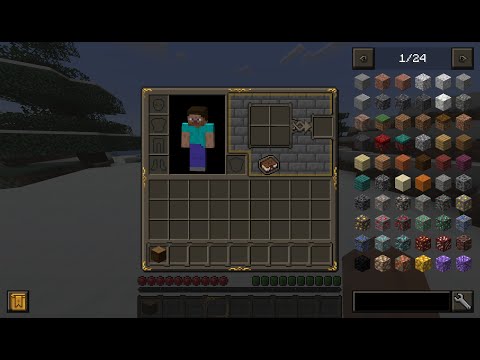
Known issues
When synchronizing levels and resources, the game freezes for a while. - This is how it should be, at this point the game reloads models and textures.
Description
GameStages addon that loads a resourcepack based on your levels.
How to use?
Create or open resource_stages folder in minecraft directory. Create a folder for each stage and place your resources there.
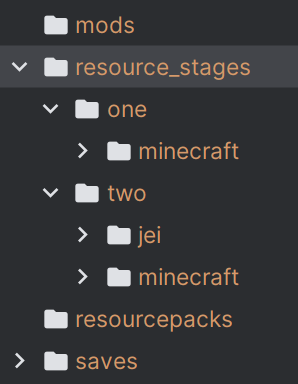
Showcase
Known issues
Not all resources and textures are instantly changed after a level change. This happens because many mods and the game itself caches textures when reloading resources, ResourceStages tries to partially bypass it, but to completely reload use F3 + T keybind.
Screenshots
Gallery
-
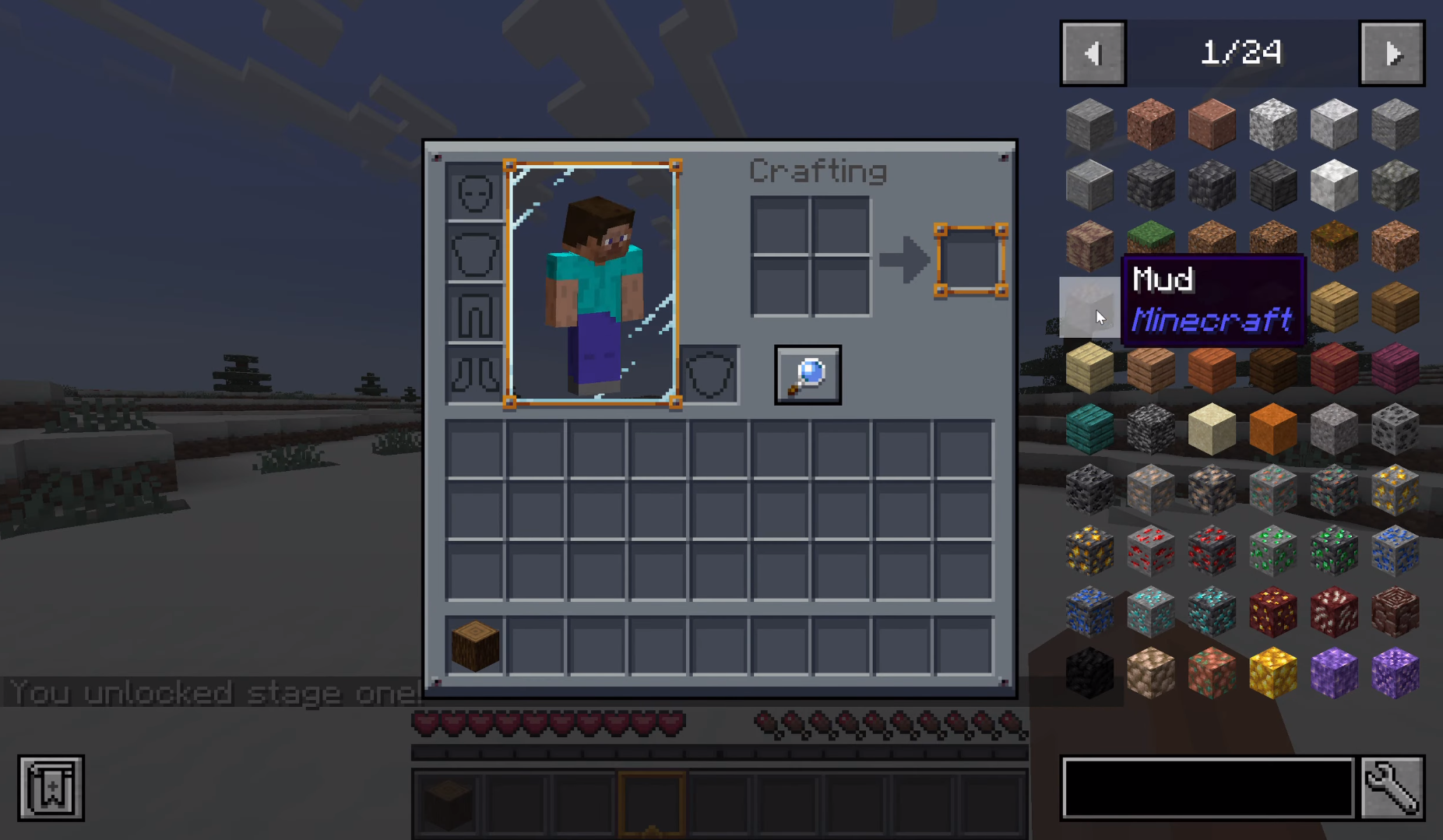 Preview
Versions
Files
Relations
Project Relations
More like this
Similar Mods
Suggestions use data such as tags, dependencies, dependents, descriptions, titles, and more to rank how much they overlap with this mod.
On ModDex
Community snapshot
By the numbers
Statistics
 (opens in a new tab)
Get it on
Available Platforms
On ModDex
Community snapshot
By the numbers