Community listing page, reviews here may not be monitored by the author.

Community voices
Reviews
No reviews yet. Be the first to review this project!
Get it on
Available Platforms
About
Project Details
For authors
Embed Badge
If you're the author of this project, you can embed a live badge anywhere that supports HTML or Markdown. It updates automatically whenever ratings change.
Use HTML for any page that supports it, or Markdown for README files and Markdown-based descriptions.
Identifiers
Platform IDs
Resources
External Links
About
Description
RetroConsole brings libretro emulation into Minecraft 1.21.1 (NeoForge). Place a console in your world, build a TV wall from Screen blocks, browse your game library, and play on in-world displays or in a fullscreen viewer.
Early release (0.1.0) — expect rough edges. Feedback welcome on GitHub.
What you get
- Retro Console block with a game library UI — tabs per system, search, favorites
- Screen blocks that form multiblock TV walls (console must touch the wall)
- Fullscreen TV view with volume, quick save/load (F5/F6)
- Server-side emulation — video and audio stream to nearby players
- Per-player saves, play-time stats, PS2 memory-card sync
- In-game config UI — paths, streaming distances, session limits, video presets
- Hardware-render cores (PS2, PSP, Dreamcast) via bundled headless OpenGL helper
Requirements
| Minecraft | 1.21.1 |
| Loader | NeoForge 21.1.x |
| Java | 21 |
| OS | Windows or Linux (64-bit) |
macOS is not supported.
This mod does not ship libretro cores, BIOS files, or ROMs. You must supply them yourself and only use content you have the legal right to use.
Quick start
- Install the mod JAR into your
modsfolder. - Launch the game —
config/retroconsole/is created automatically. - Download libretro cores (
.dll/.so) from the libretro buildbot →config/retroconsole/cores/ - Add ROMs to
config/retroconsole/roms/<system>/(e.g.nes/,gba/,ps2/) - For PS2 / Dreamcast: add BIOS to
config/retroconsole/system/(see wiki/README on GitHub) - Craft blocks (or use the Retro Console creative tab)
- Place the console so it touches your screen wall. Right-click → library → Launch.
- Right-click again while playing → fullscreen TV view.
TV screens
- Screens link only by physical contact with the console.
- Same facing/orientation → one rectangular wall.
- Look down/up sharply to place floor/ceiling screens.
Tested cores (0.1.0)
Tested on Windows 11. Other libretro cores may work but are not guaranteed.
| Core | System |
|---|---|
| nestopia_libretro | NES |
| snes9x_libretro | SNES |
| mgba_libretro | GBA |
| genesis_plus_gx_libretro | Genesis / Mega Drive |
| pcsx_rearmed_libretro | PS1 |
| pcsx2_libretro | PS2 (needs BIOS) |
| ppsspp_libretro | PSP |
| flycast_libretro | Dreamcast (needs BIOS) |
Supported catalog folders also include: gb, sms, psp, segacd, saturn — depending on which core you install.
Multiplayer
On a dedicated server, ROMs and cores live on the server. Emulation runs server-side; clients receive video/audio streams. Saves and stats are per-player on the server.
Configuration
Open ⚙ in the library, or Mods → RetroConsole → Config.
retroconsole-common.toml— folder pathsretroconsole-server.toml— streaming distances, session limits (maxCoreSlots,maxPcsx2Sessions), video quality presets
Controls (defaults)
Emulator: Arrow keys = D-Pad · Z/X/C/V = A/B/X/Y · Q/W/E/R = L1/R1/L2/R2 · Enter = Start · Right Shift = Select · I/K/J/L and T/G/F/H = analog sticks TV view: F1 = help · F5/F6 = quick save/load · Esc = exit Rebind under Options → Controls → Retro Console.
Legal
- RetroConsole is not RetroArch and is not affiliated with the libretro project. It implements the libretro API only.
- No ROMs, BIOS, or cores are included. You are responsible for complying with copyright and core licenses.
- Mod license: GPL-3.0. Source: GitHub
Links
- Source & full docs: github.com/Gaigen/retroconsole
- Libretro cores: buildbot.libretro.com
Screenshots
Gallery
-
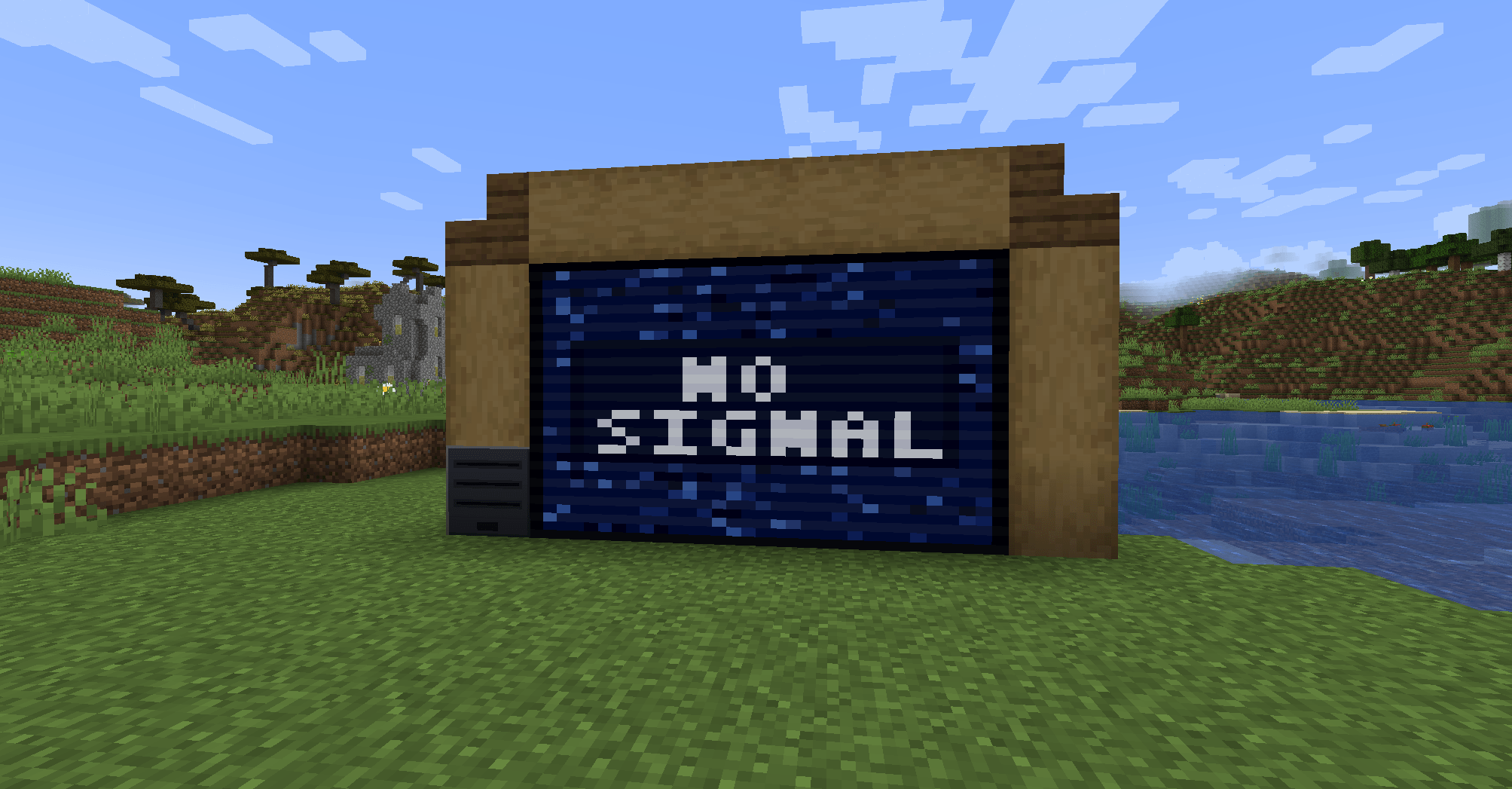 Console off
 -
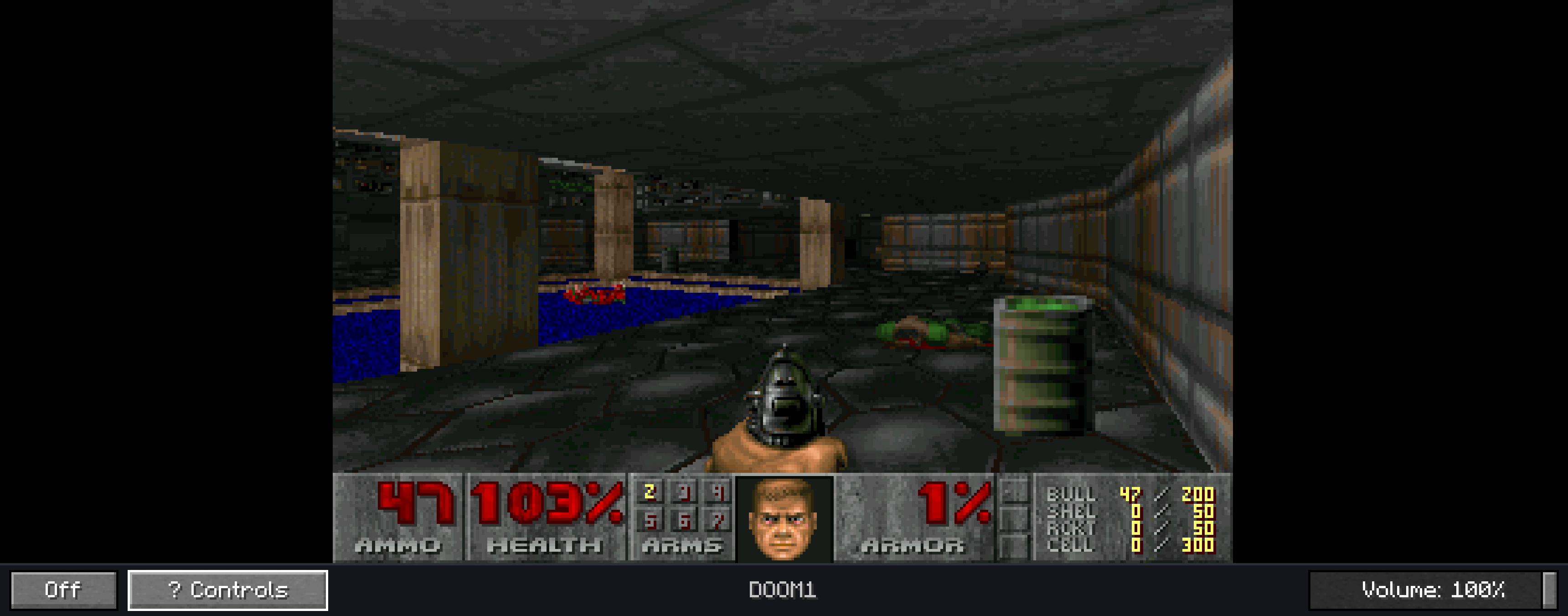 doom with prboom core Some file formats, such as .wad, are not detected by default; you need to create a folder (like "doom") inside the "roms" directory and place "doom.wad" there.
 -
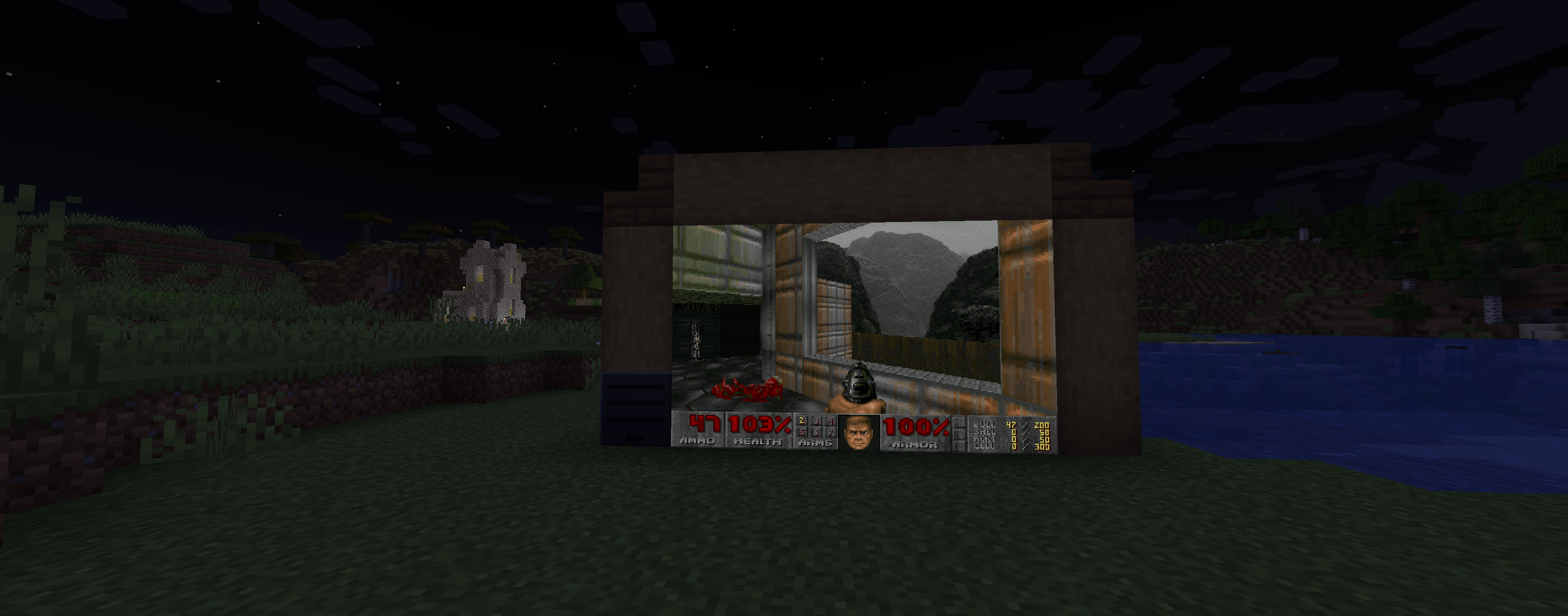 inworld screen
 -
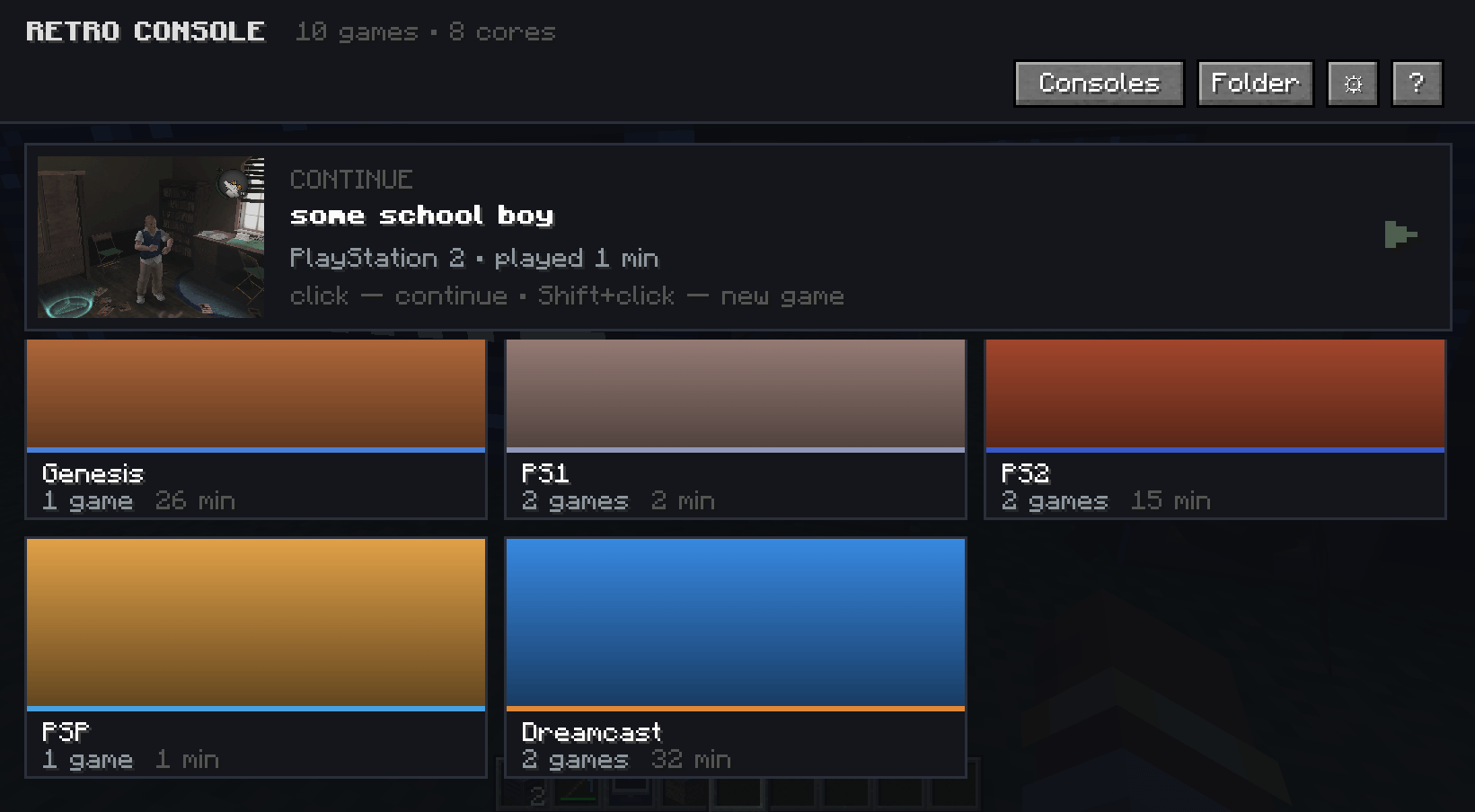 menu(cards)
 -
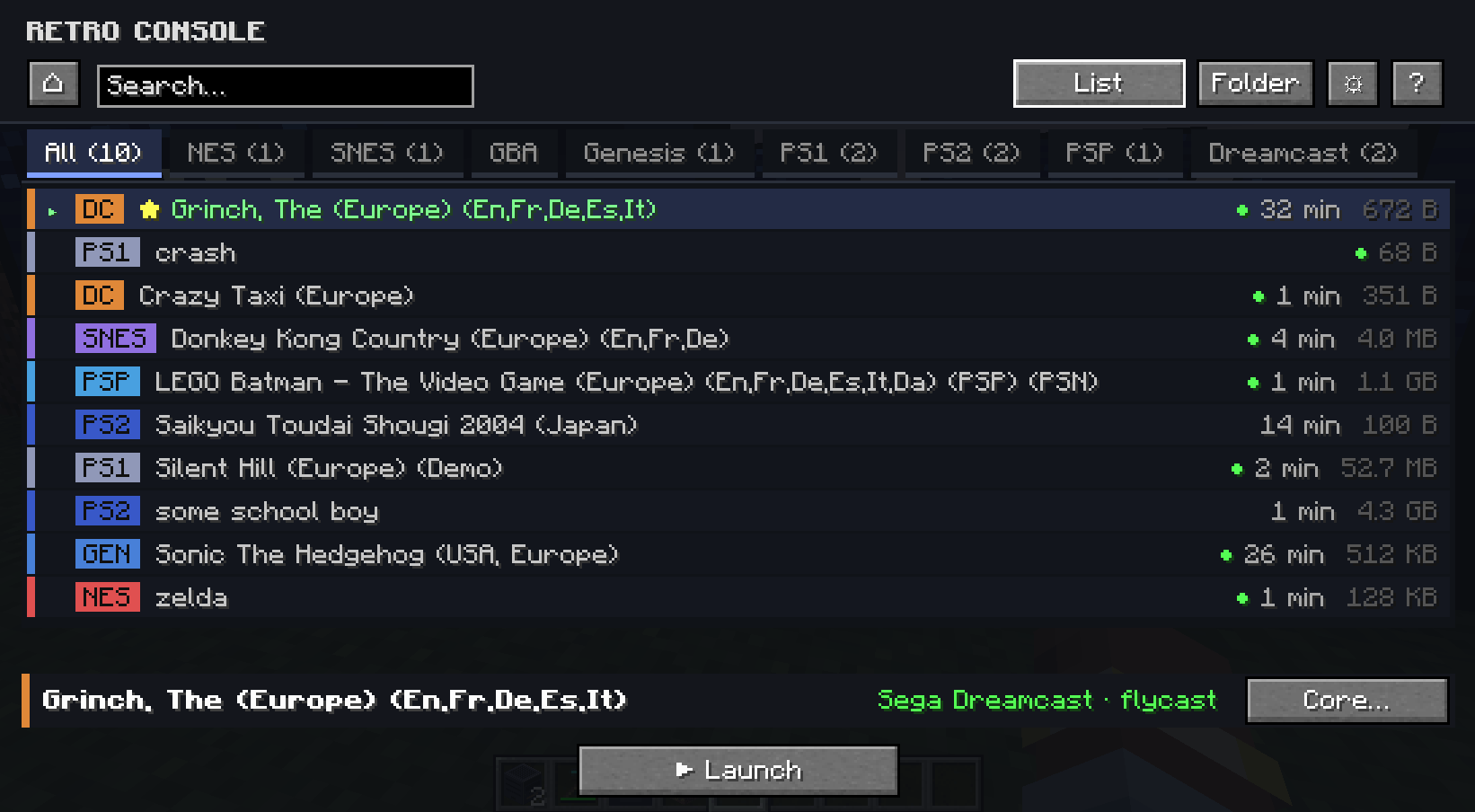 menu(list)
 -
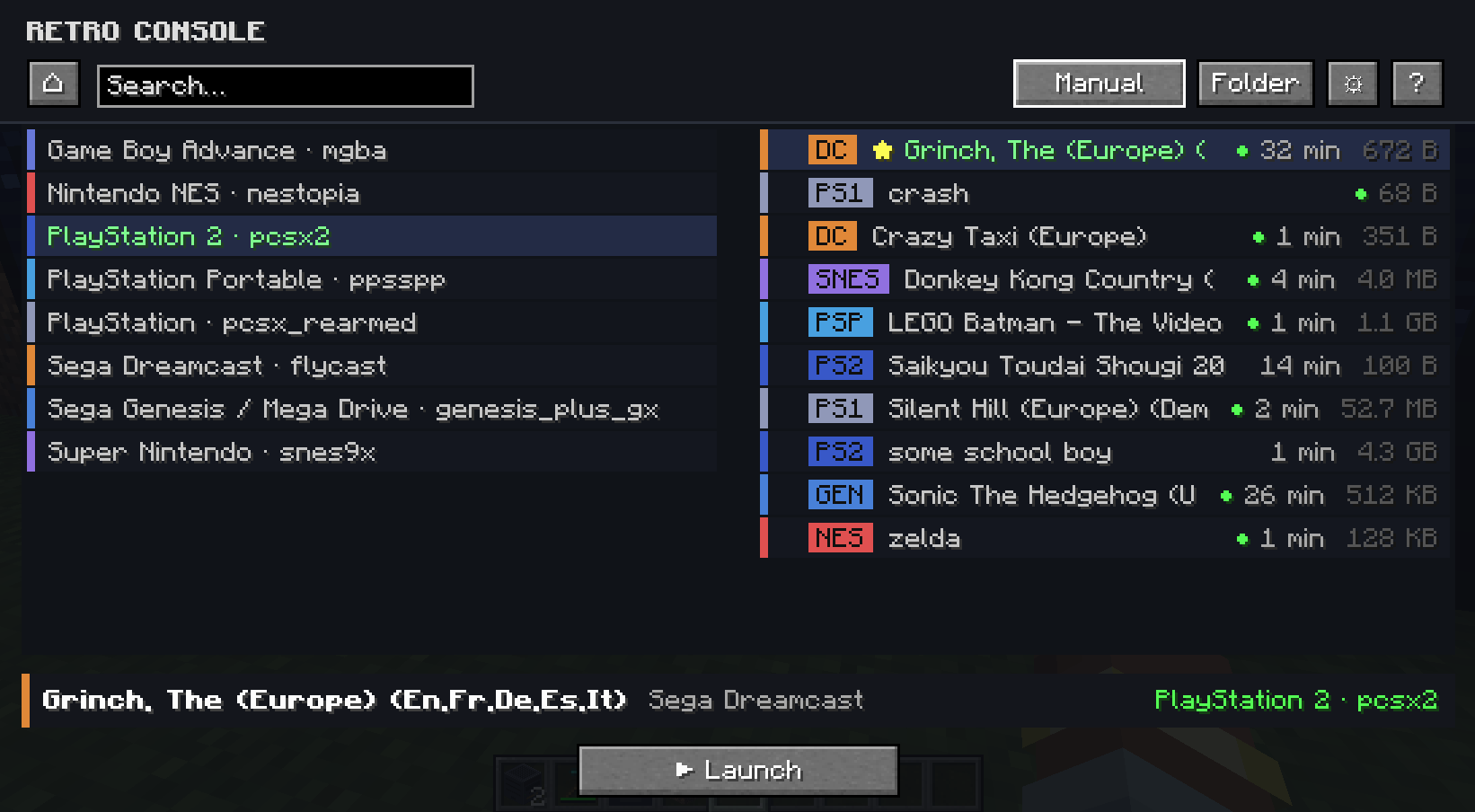 manual mode
 -
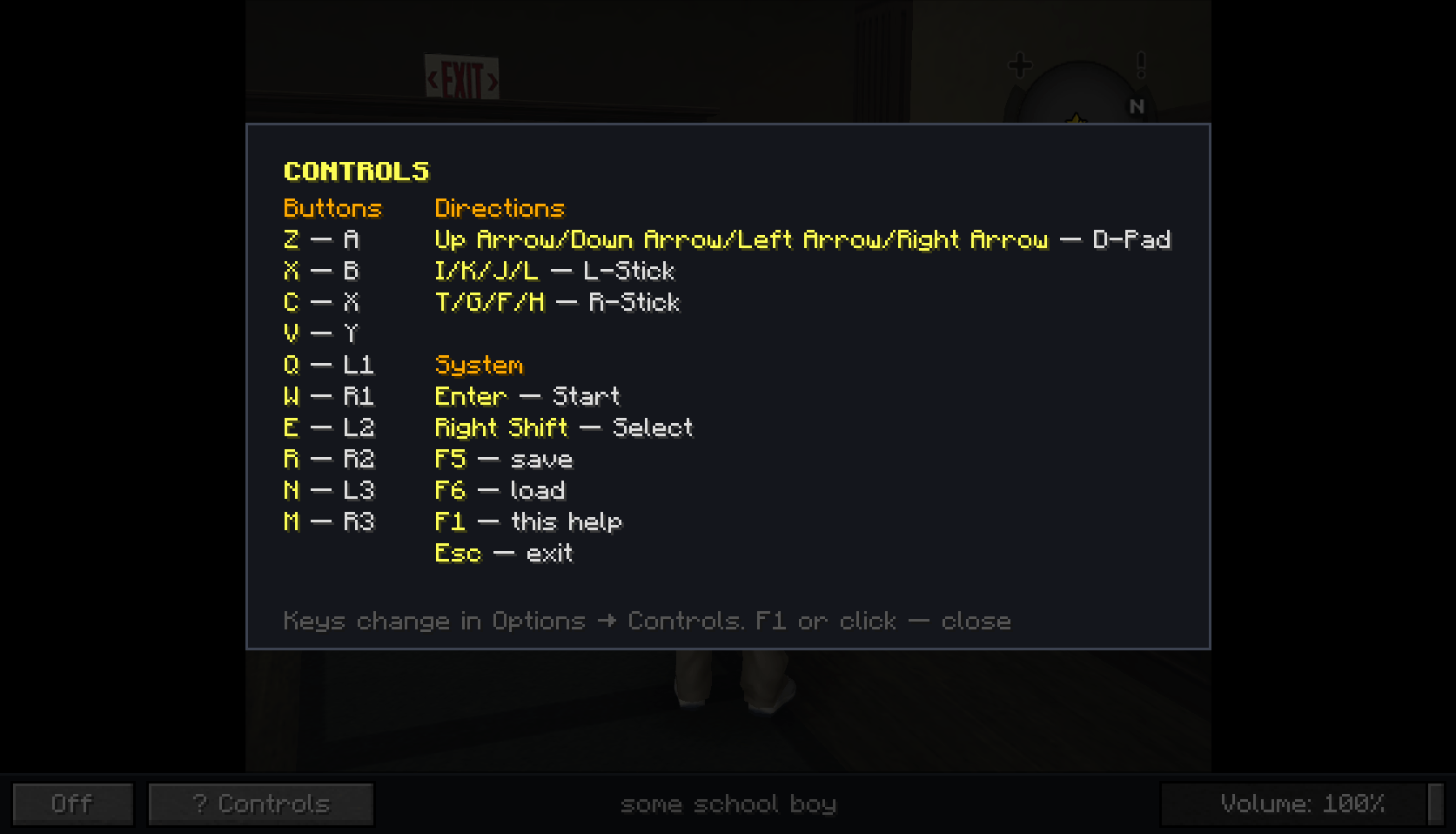 default controls
 -
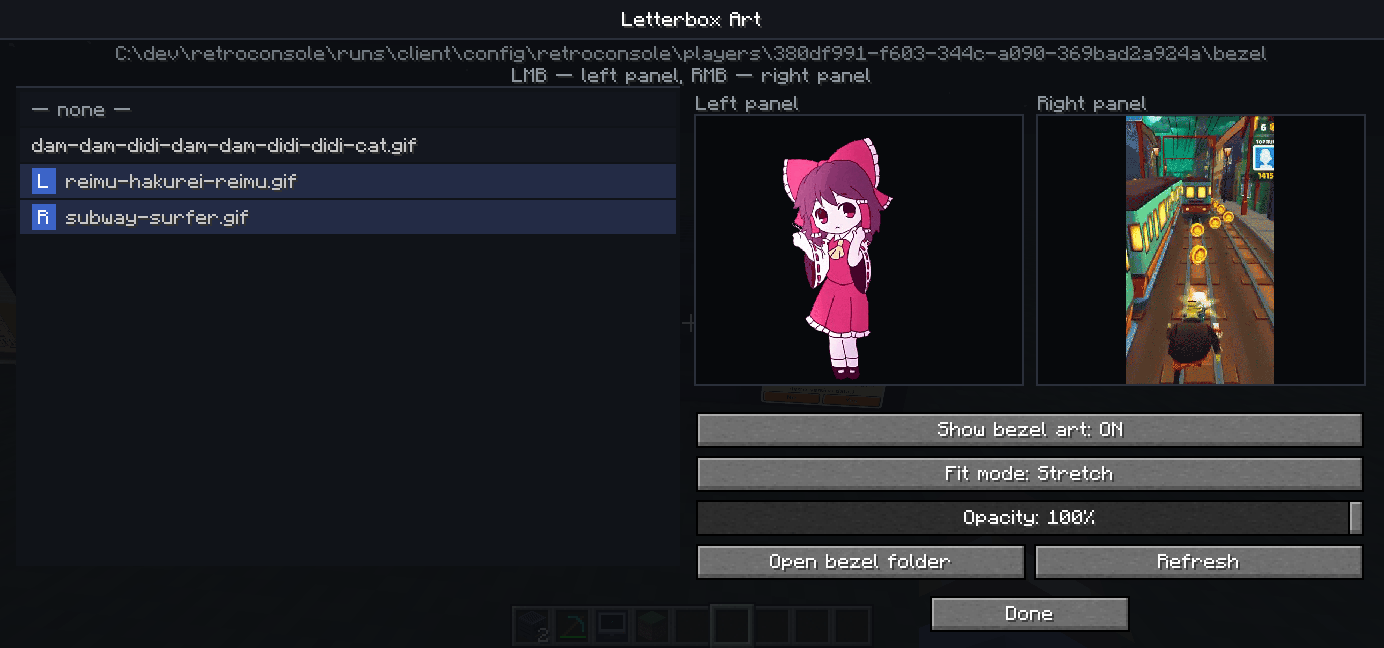 bezels meny (0.1.1 prev)
 -
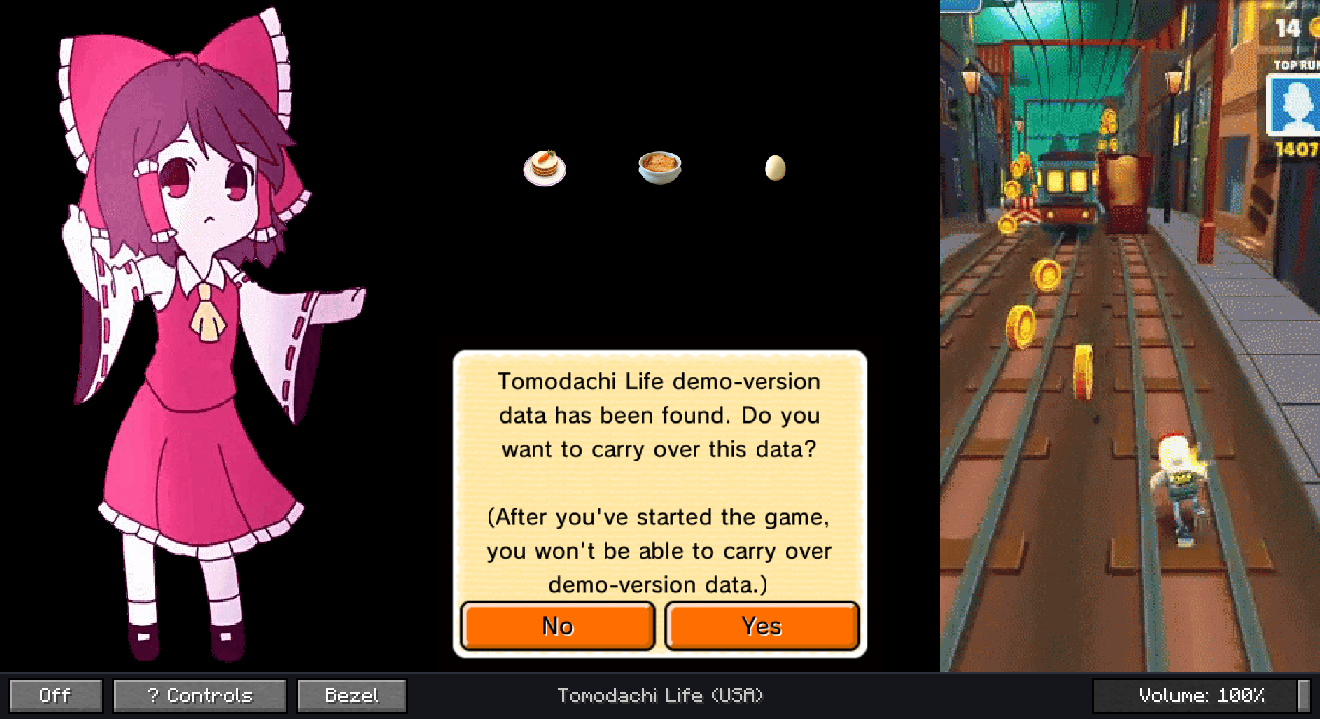 game with bezel (0.1.1 prev)
 -
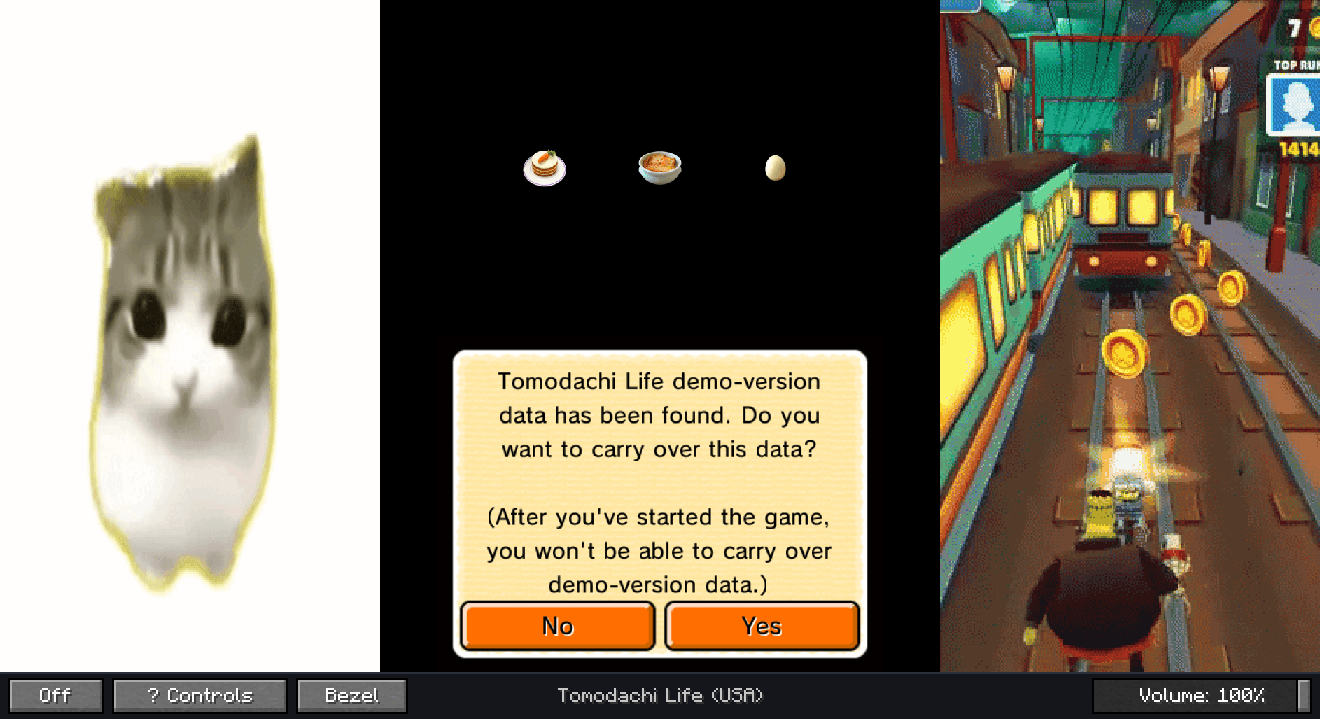 game with bezel (0.1.1 prev)
Versions
Files
Relations
Project Relations
More like this
Similar Mods
Suggestions use data such as tags, dependencies, dependents, descriptions, titles, and more to rank how much they overlap with this mod.
On ModDex
Community snapshot
By the numbers
Statistics
Want to reach Minecraft players?
We're looking for a server hosting partner to feature here and other parts of the site. Interested? Send us a message!
Get in touchGet it on
Available Platforms
On ModDex
Community snapshot
By the numbers
Statistics
Resources