
Community listing page, reviews here may not be monitored by the author.
RoadMap

No reviews yet
А lightweight and high-performance client-side mod for Fabric, designed for convenient navigation in the world of Minecraft. It adds a functional minimap and an information panel to the player's screen.
Community voices
Reviews
No reviews yet. Be the first to review this project!
Get it on
Available Platforms
Compatibility
Supported Environments
Runs entirely on the client. Works on vanilla servers.
About
Project Details
For authors
Embed Badge
If you're the author of this project, you can embed a live badge anywhere that supports HTML or Markdown. It updates automatically whenever ratings change.
Use HTML for any page that supports it, or Markdown for README files and Markdown-based descriptions.
Identifiers
Platform IDs
Resources
External Links
About
Description
🧭 RoadMap — Smooth & Clean Direction HUD
RoadMap is a lightweight, performance-focused utility mod for Fabric that adds a clean, customizable directional HUD to your screen. Whether you are exploring massive open worlds, navigating tight cave systems, or coordinating with team members in multiplayer, RoadMap ensures you always know exactly where you are heading.
✨ Features
- Real-time Direction Tracking: A precise and responsive compass overlay that updates instantly as you look around or move.
- Modern Typography: Uses high-legibility, smooth fonts that scale perfectly across all monitor resolutions without pixelation.
- Fully Customizable: Don't like where it is? Want it smaller? You can tweak everything to match your personal HUD style.
- Zero Performance Impact: Built with optimization at its core. It hooks directly into the rendering loop without dropping a single frame.
⚙️ Configuration
RoadMap works perfectly out of the box, but it creates a config file upon the first launch so you can tailor it to your needs. You can easily adjust:
- Visibility: Toggle the entire HUD overlay on or off.
- UI Scaling: Change the text size so it doesn't clutter your screen.
- Screen Alignment: Place the overlay anywhere (Top Center, Top Left, Bottom Right, etc.).
- Update Frequency: Customize how often the heading recalculates for ultimate smoothness.
🚀 Installation
- Make sure you have the latest version of Fabric Loader installed.
- Put the downloaded
.jarfile into your Minecraftmodsfolder. - Launch the game! The configuration file will be automatically generated in your
configdirectory.
🛡️ Compatibility
- Fully compatible with standard performance mods (Sodium, Lithium, etc.).
- Designed for client-side use (you don't need it installed on the server to work).
Screenshots
Gallery
-
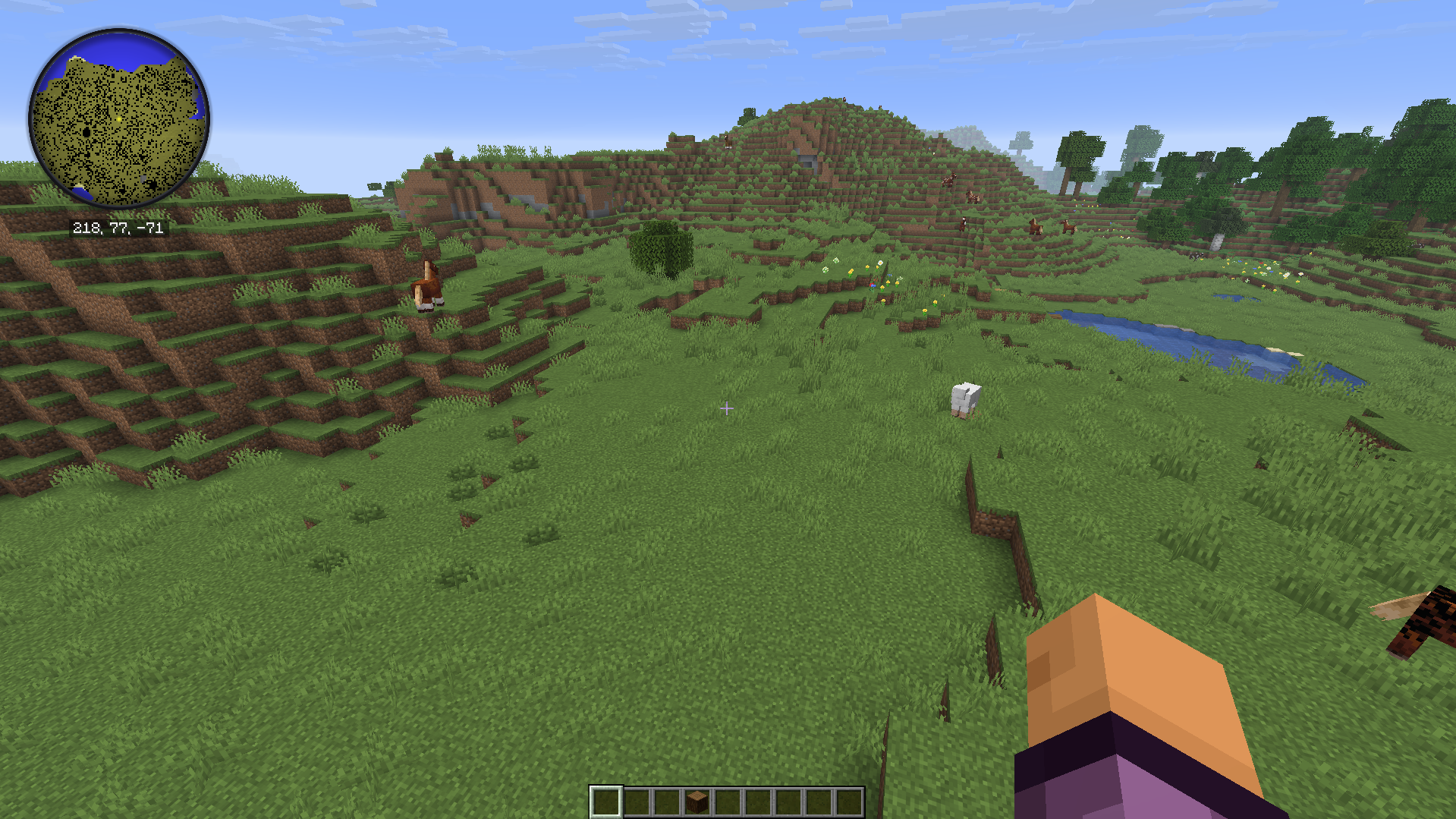 RoadMap Your guide in the game, this map will help you find the way to your goal.
 -
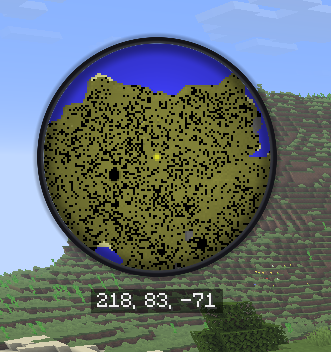 RoadMap This is what your guidebook looks like—a map to help you find your way in your world.
Versions
Files
Relations
Project Relations
More like this
Similar Mods
Suggestions use data such as tags, dependencies, dependents, descriptions, titles, and more to rank how much they overlap with this mod.
On ModDex
Community snapshot
By the numbers
Statistics

Want to reach Minecraft players?
We're looking for a server hosting partner to feature here and other parts of the site. Interested? Send us a message!
Get in touchGet it on
Available Platforms
On ModDex
Community snapshot
By the numbers
Statistics
Resources