Community listing page, reviews here may not be monitored by the author.
RotaVision

No reviews yet
Building utility visualizing block placement and rotation with translucent block before place
Community voices
Reviews
No reviews yet. Be the first to review this project!
Get it on
Available Platforms
About
Project Details
For authors
Embed Badge
If you're the author of this project, you can embed a live badge anywhere that supports HTML or Markdown. It updates automatically whenever ratings change.
Use HTML for any page that supports it, or Markdown for README files and Markdown-based descriptions.
Identifiers
Platform IDs
Resources
External Links
About
Description
RotaVision: Overview
RotaVision is a lightweight Quality of Life (QoL) utility designed to eliminate the frustration of misplacing blocks in complex builds. Stop fighting with vanilla placement physics—see exactly how your block will look before you commit to the placement.
Key Features:
Ghost-Block Preview: Renders a dynamic, transparent preview of the block in your hand at the target location, reflecting its exact final orientation.
24-Way Precision Rotation: Cycle through every possible block state (including horizontal, vertical, and axis-based rotations) using [R] (Default). This allows for ideal placement of Pistons, Logs, and Stairs without repositioning your character.
Smart State Locking: Your selected rotation index is locked to your character. Every block you place will maintain that orientation until you manually change it or switch items.
(RotaVision 1.0.1+ now supports multiplayer servers)
How to Use:
1. Hold any rotatable block (Logs, Stairs, Pistons, Observers, etc.).
2. Aim at your target location to trigger the Ghost Preview.
3. Press [R] (Default) to cycle through the 24 available rotation states.
4. Right-Click to place the block exactly as shown.
!! Make sure the mod is toggled on before use!!
Mod Toggling:
Hotkeys: Press [H] (Default) to instantly toggle the Ghost Preview on or off
Commands: Use /rv toggle or /rotavision toggle as a command alternative
Configuration: Adjust default behaviors and notification settings in the rotavision-common.toml file
Disclaimer: Project avatar created with the assistance of generative AI.
Modpacks & Distribution
You are encouraged to include RotaVision in any modpack! No special permission is required, though a link back to this project page is always appreciated.
Announcements:
Planning to complete the mod for Forge 1.20.1 before I start releasing this mod for other versions of the game and other loaders, though it is not promised. Any feedback on the mod is appreciated.
Screenshots
Gallery
-
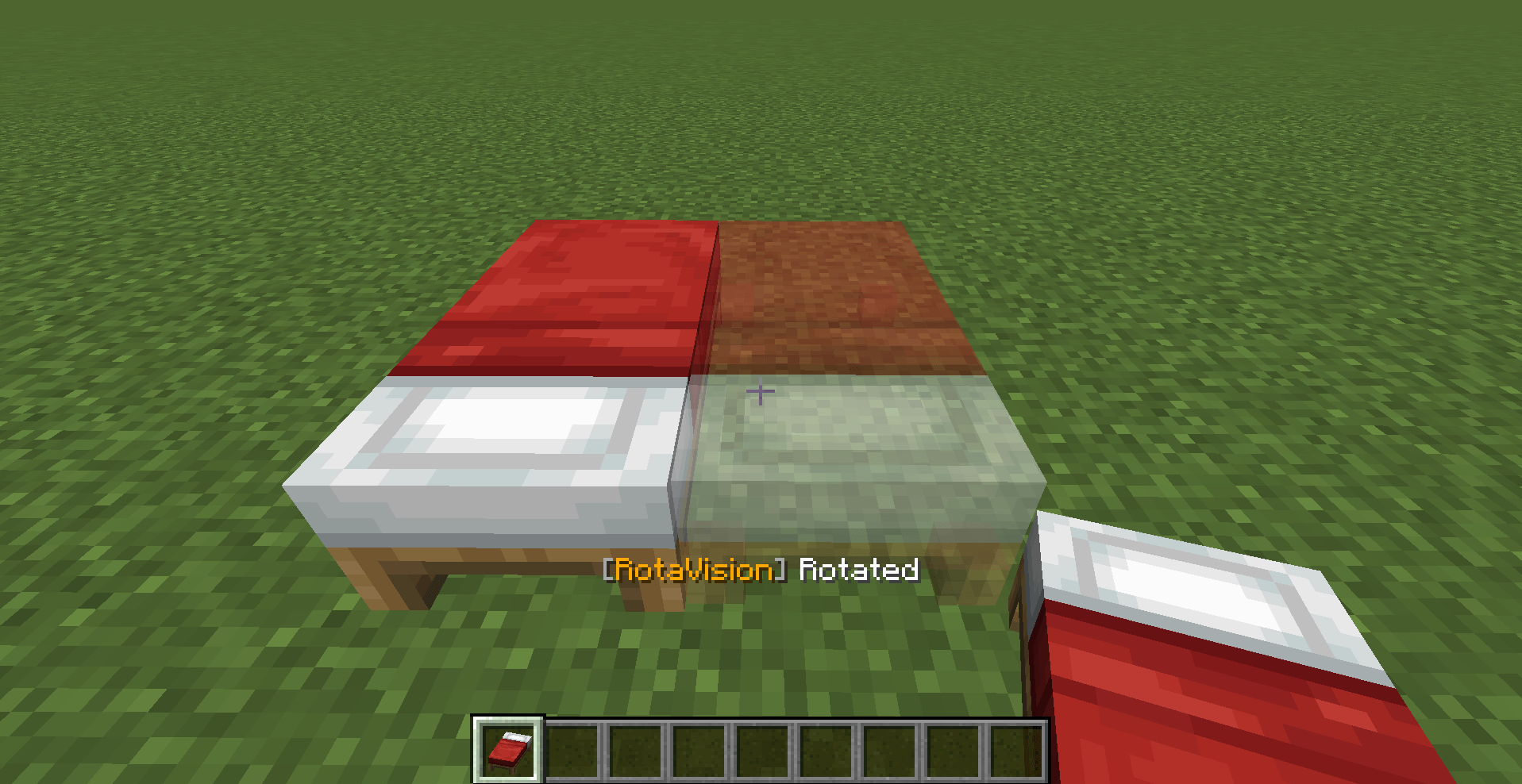 image-attachment_fc217399-2c2f-479b-8d57-f4a3f178e5c3.png
 -
 Cannot Rotate.png Cannot Rotate.png
 -
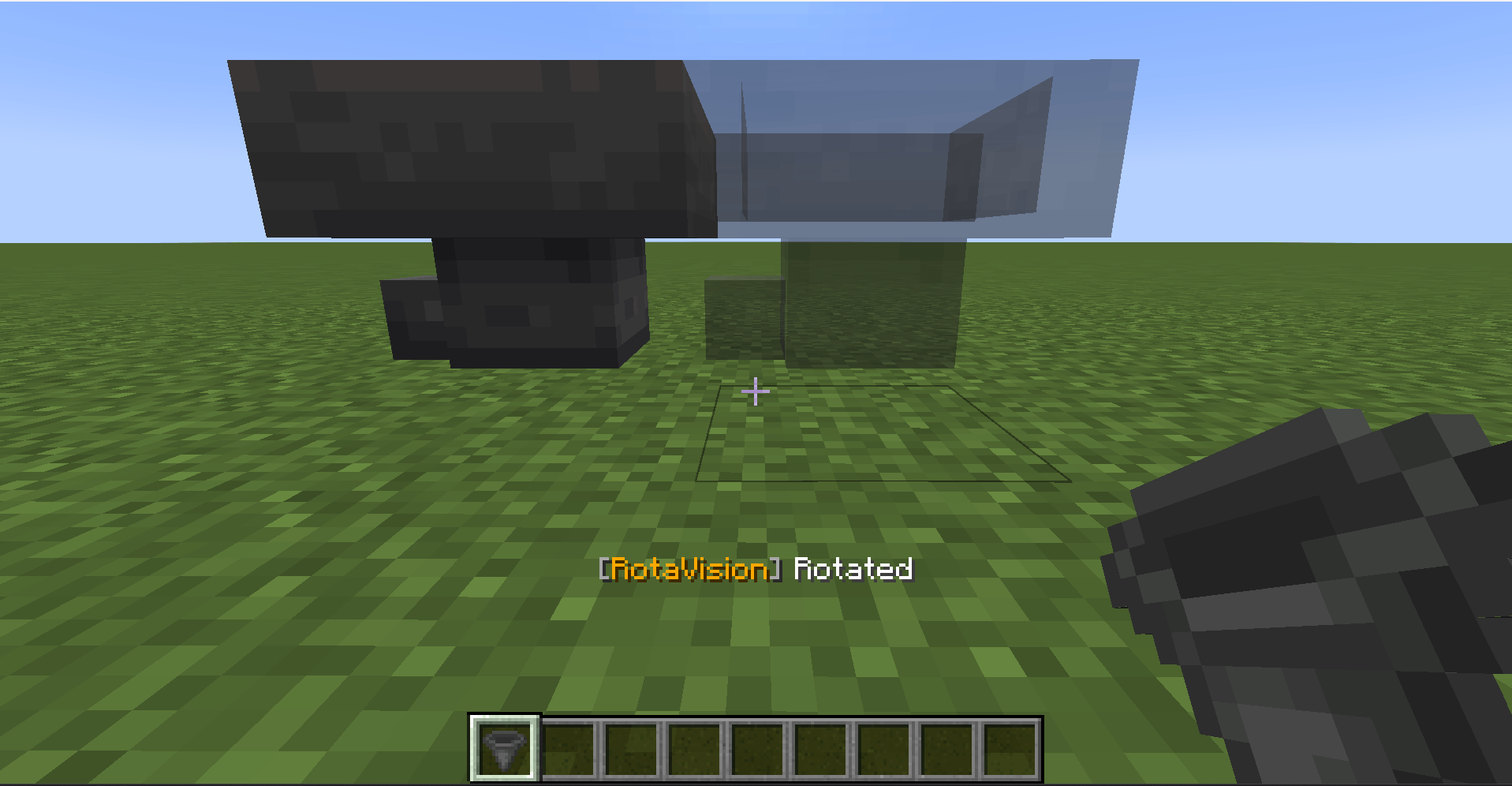 image-attachment_672474f5-7ab1-490e-8ff7-d36dc4048b3c.png
 -
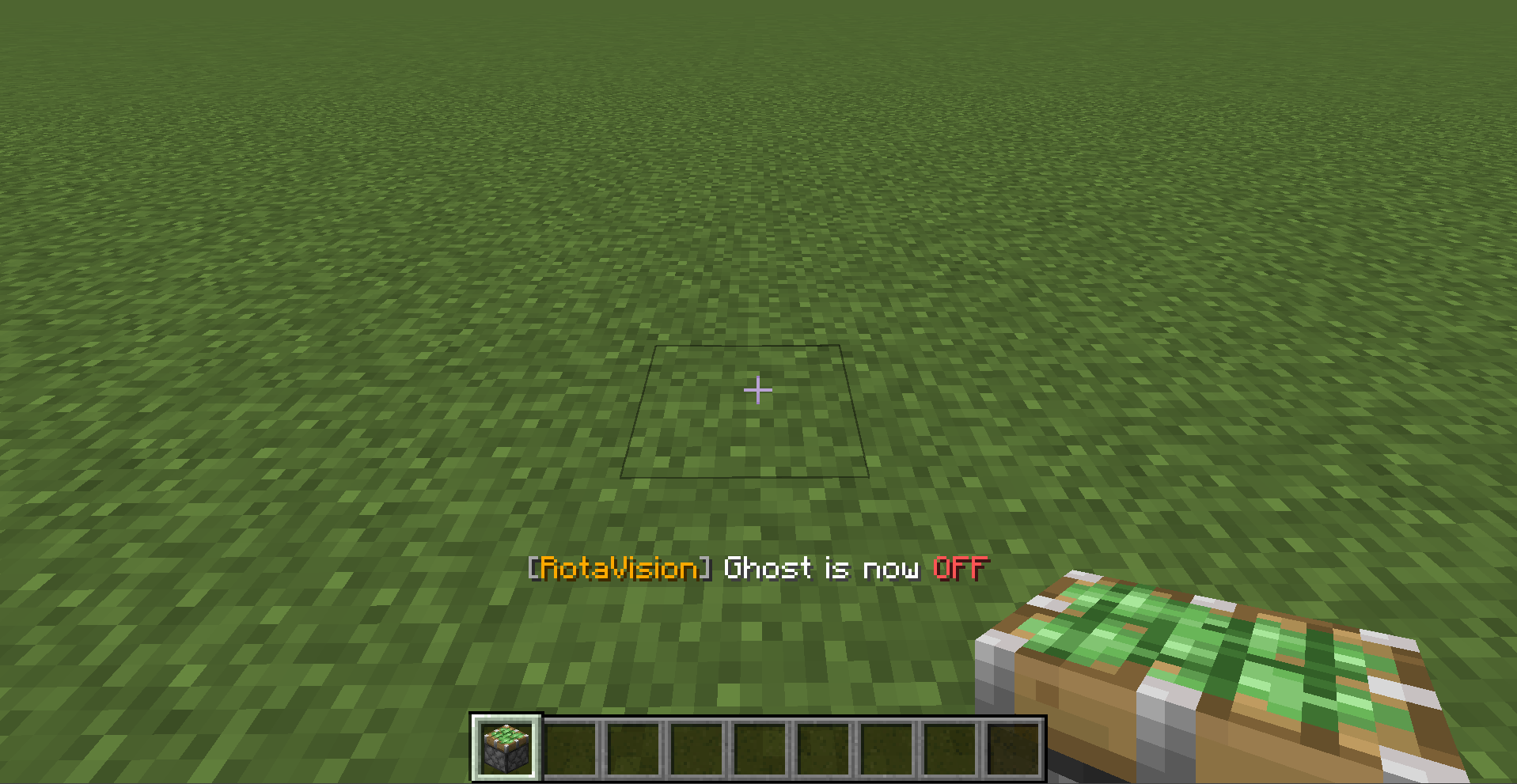 Mod Off.png Mod Off.png
 -
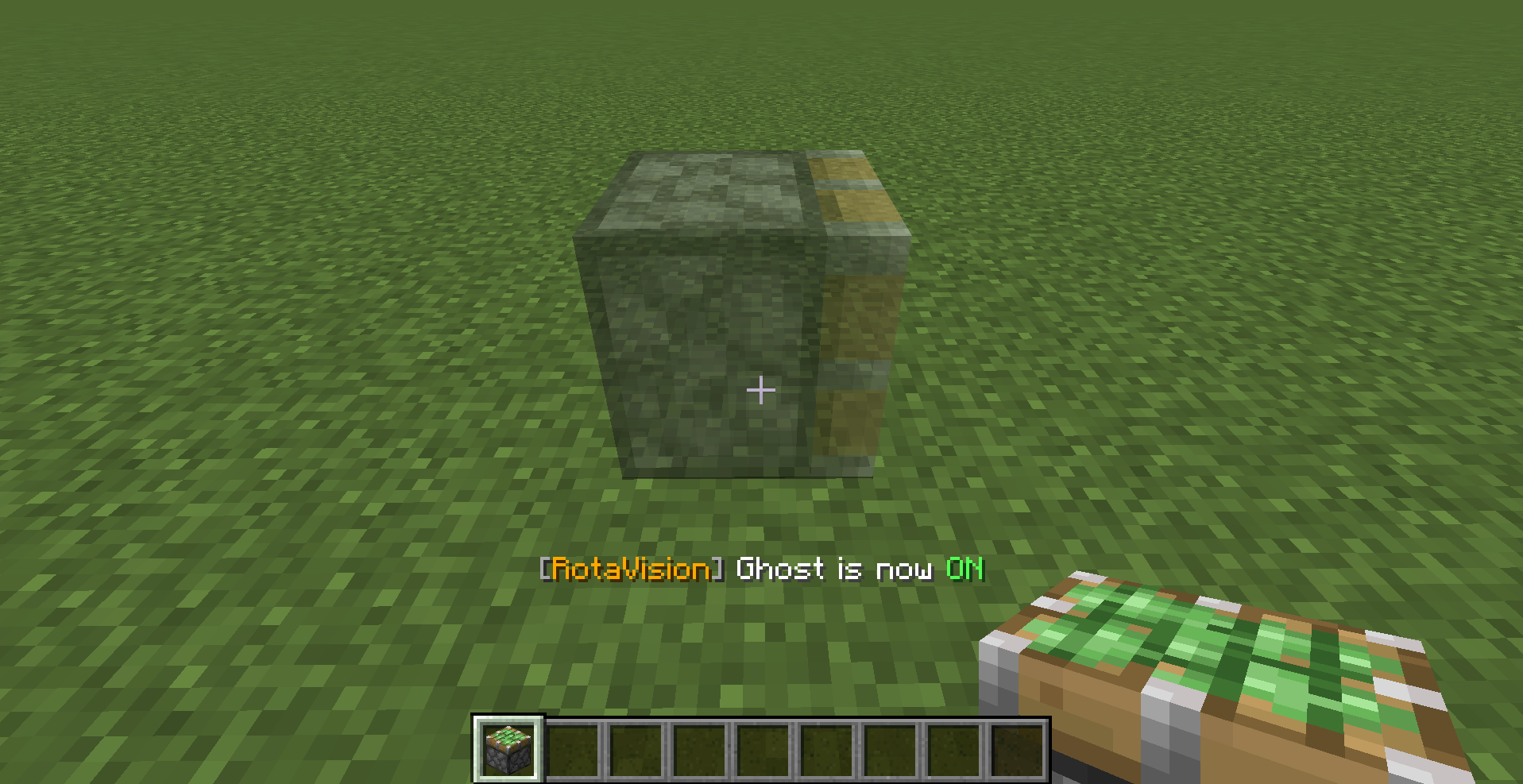 Mod On.png Mod On.png
 -
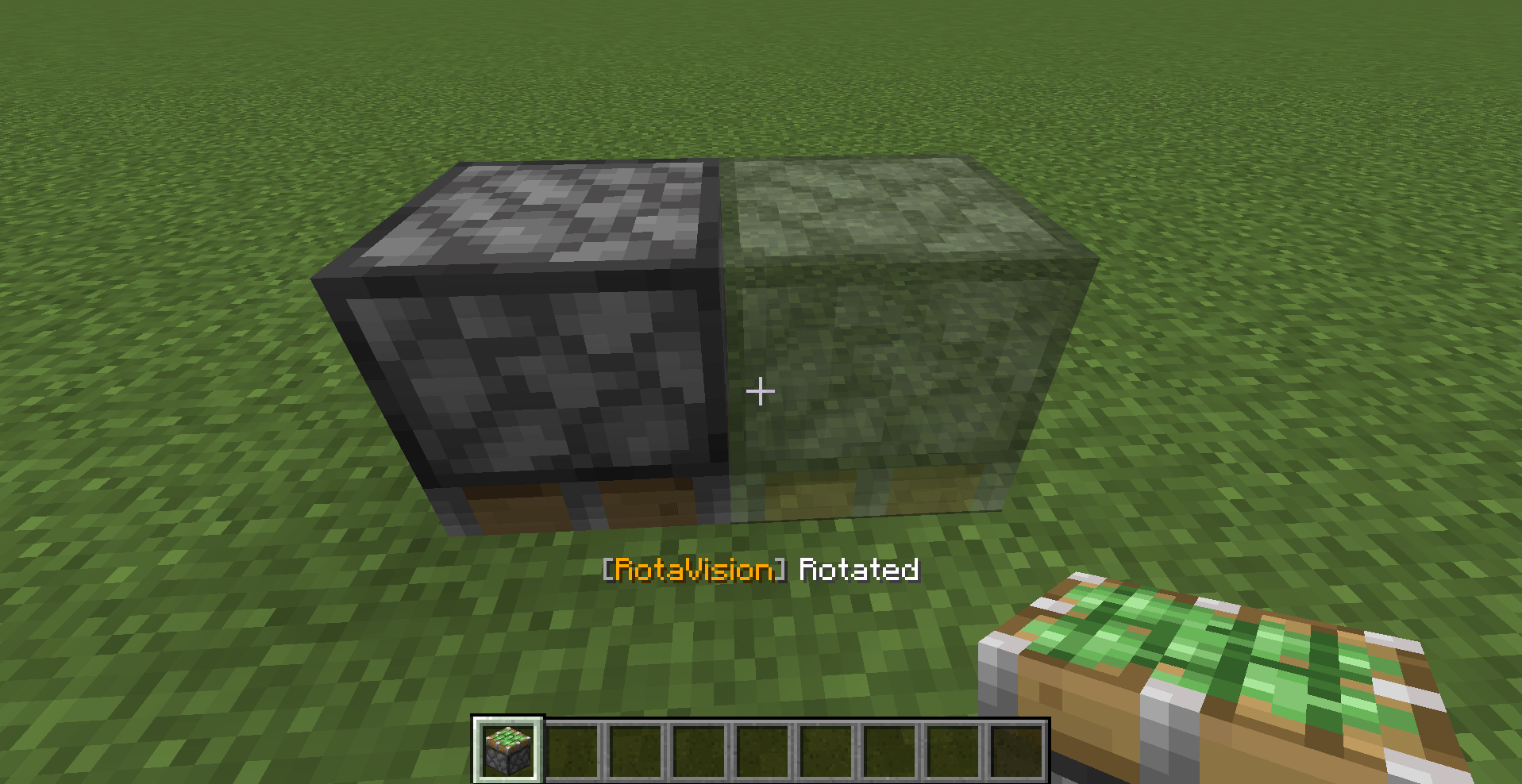 Piston View.png Piston View.png
 -
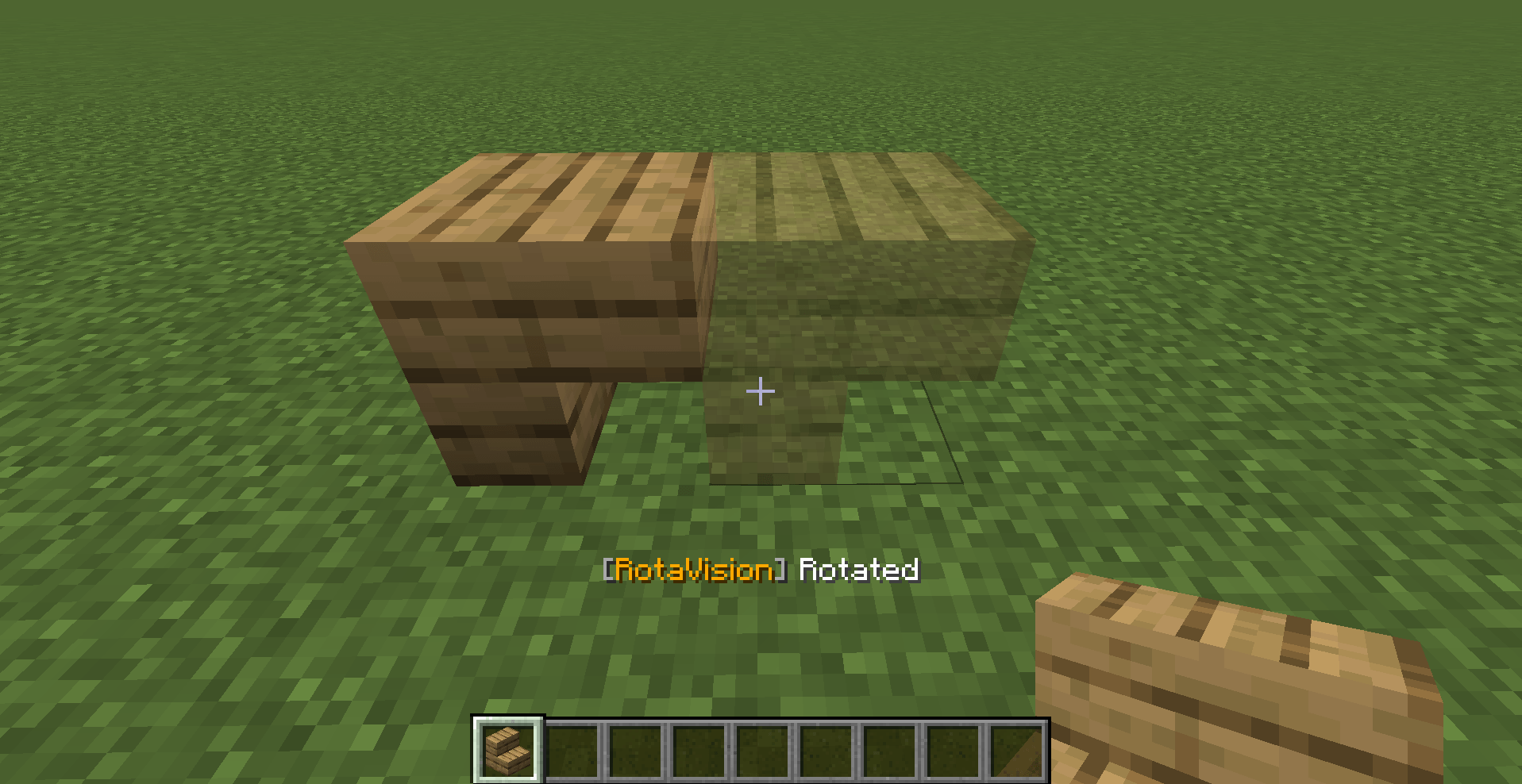 image-attachment_312913bd-8c0a-4f65-9b03-b74040f838f7.png
 -
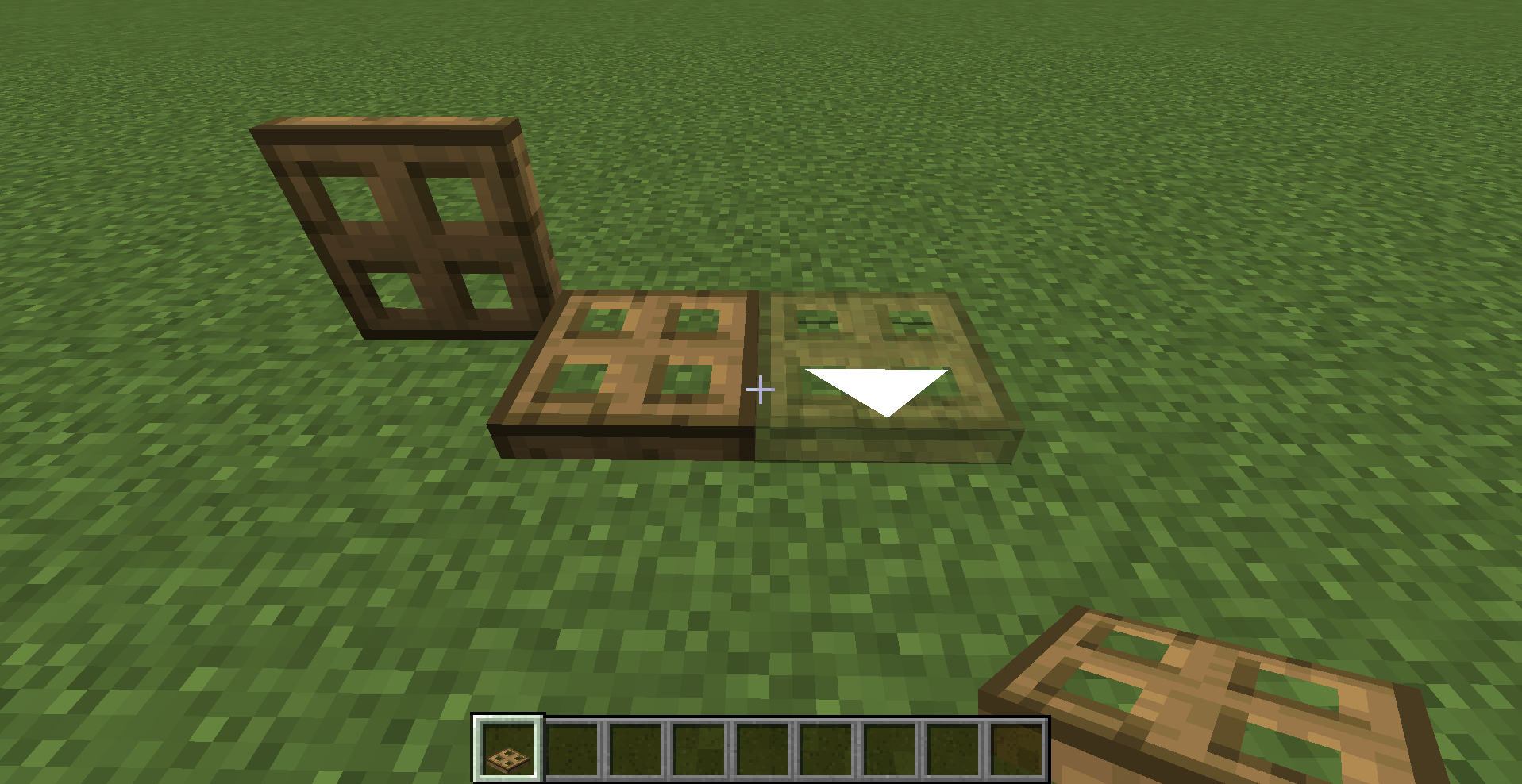 image-attachment_a2cfcad9-5b1f-412f-922c-786cc9142fd1.png
 -
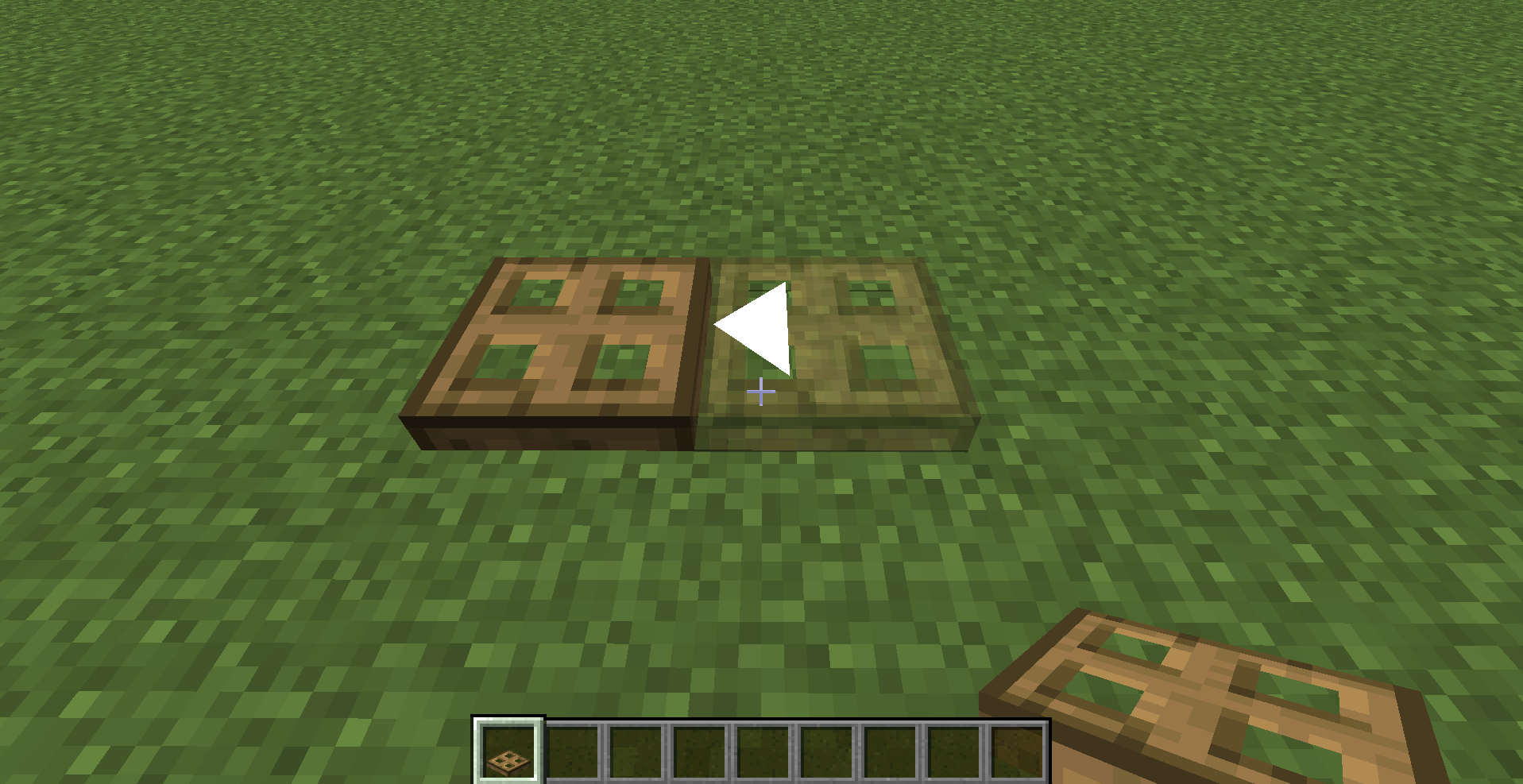 Trapdoor View.png Trapdoor View.png
Versions
Files
Relations
Project Relations
More like this
Similar Mods
Suggestions use data such as tags, dependencies, dependents, descriptions, titles, and more to rank how much they overlap with this mod.
On ModDex
Community snapshot
By the numbers
Statistics
Want to reach Minecraft players?
We're looking for a server hosting partner to feature here and other parts of the site. Interested? Send us a message!
Get in touchGet it on
Available Platforms
On ModDex
Community snapshot
By the numbers
Statistics
Resources