
Rubiks Cube
Working Rubik's Cube in Minecraft
No ratings yet
Be the first to rate it.
Community listing page
Community listing page, reviews may not be monitored by the author.

Community voices
Reviews
No reviews yet. Be the first to review this project!
Get it on
Available Platforms
Compatibility
Supported Environments
Must be installed on both the client and the server.
About
Project Details
For authors
Embed Badge
If you're the author of this project, you can embed a live badge anywhere that supports HTML or Markdown. It updates automatically whenever ratings change.
Use HTML for any page that supports it, or Markdown for README files and Markdown-based descriptions.
Identifiers
Platform IDs
About
Description

Description
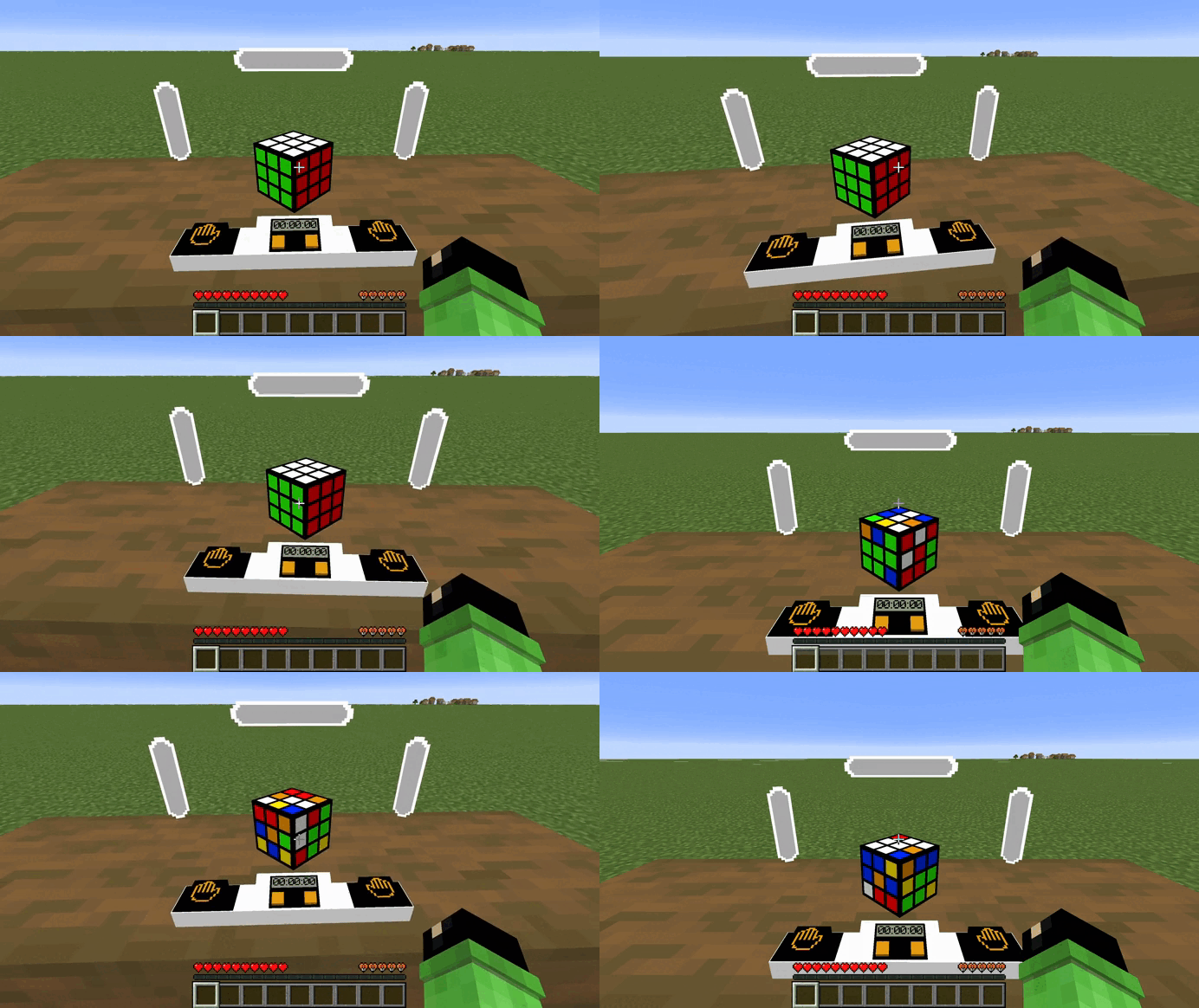
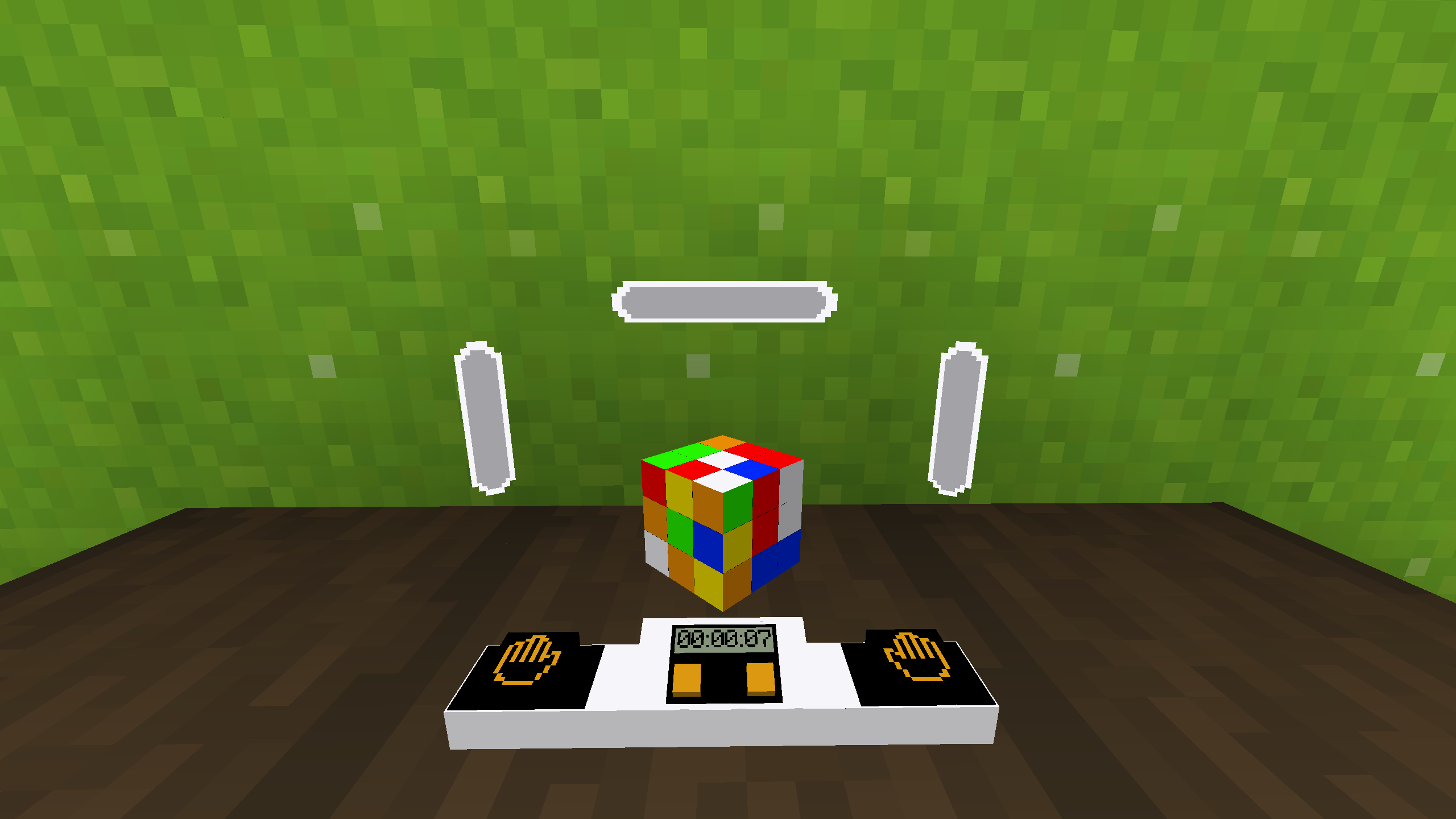
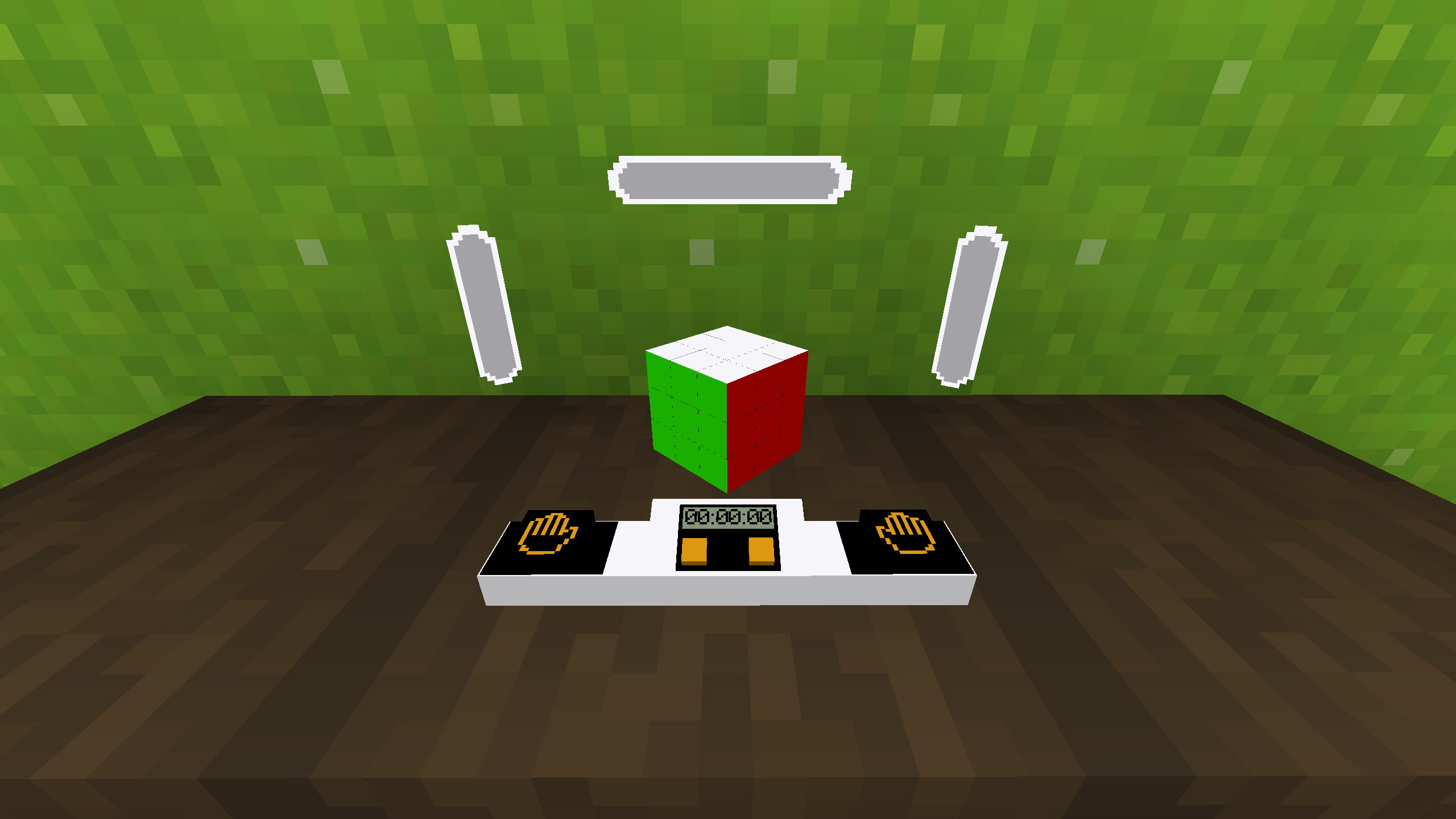
Mod/datapack adds a working Rubik's cube.
How to use
In order for the cube to appear or assemble, you need to use this command.
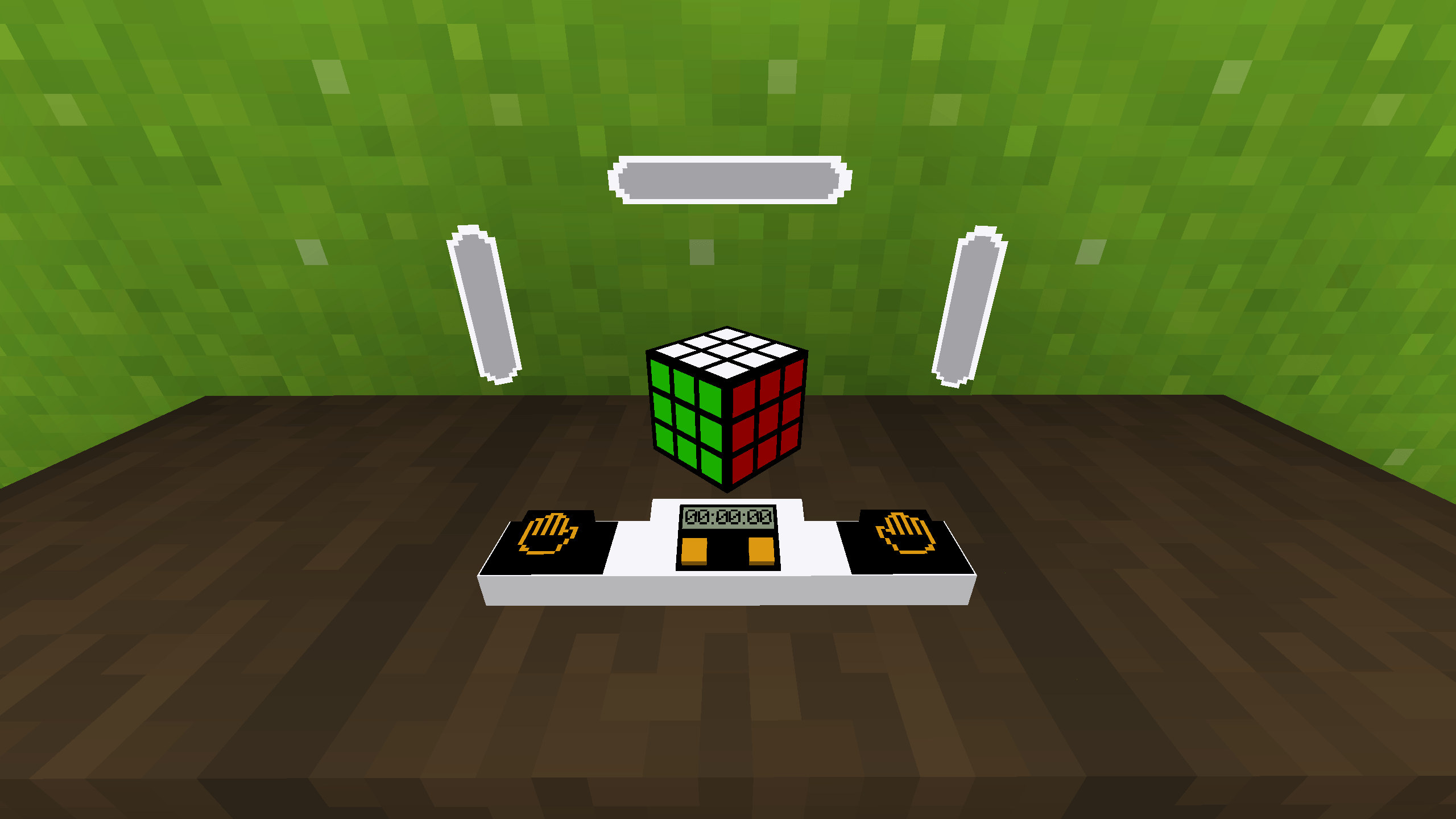
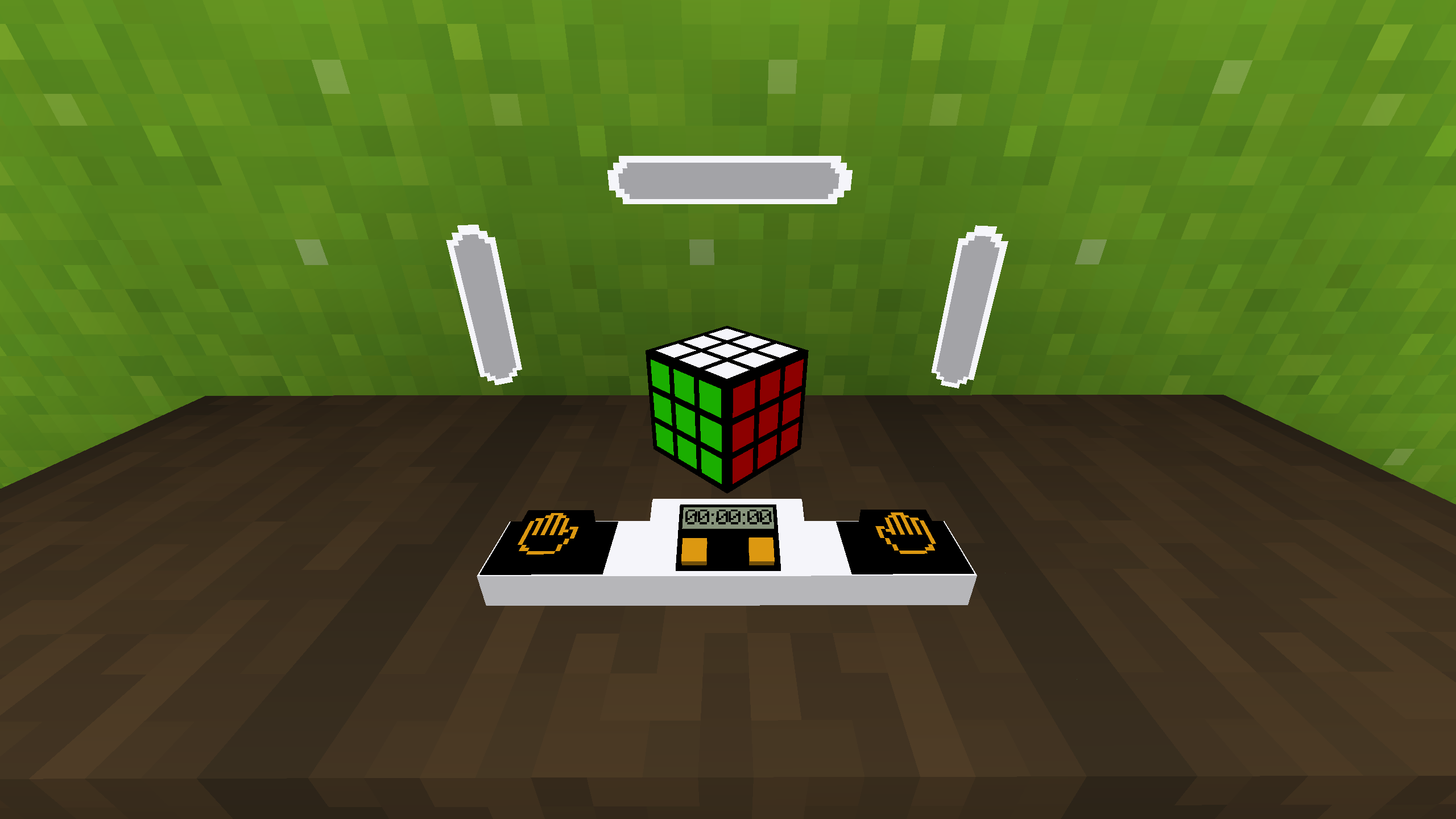
/function cube:cubeTo make the cube colored you need to use this command.
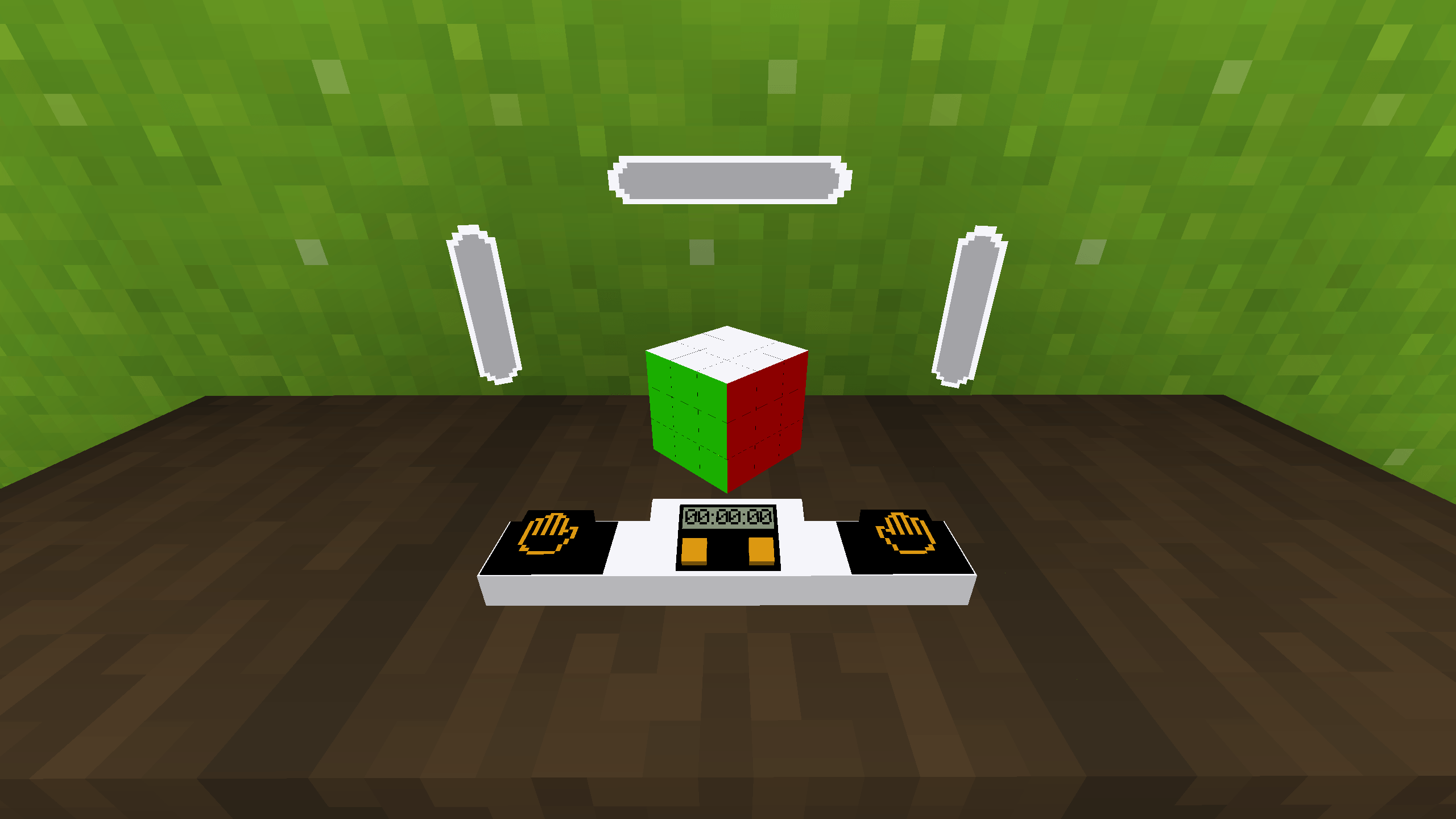
/function cube:color_cubeTo make a cube with stickers you need to use this command.
/function cube:stiker_cubeTo rotate the edges, you need to sit on the seat (in order for the hitboxes to work correctly), hold down the left mouse button and turn in the direction where you want to scroll the edge. To start the timer you need to press the left button with the image of a palm, to stop it - on the right. To disassemble the cube you need to press the right orange button or the left one. The result is the same, but not the process.
Dependencies
- Fabric loader requires Fabric API
Description
Mod/datapack adds a working Rubik's cube.
How to use
In order for the cube to appear or assemble, you need to use this command.
/function cube:cube
To make the cube colored you need to use this command.
/function cube:color_cube
To make a cube with stickers you need to use this command.
/function cube:stiker_cube
To rotate the edges, you need to sit on the seat (in order for the hitboxes to work correctly), hold down the left mouse button and turn in the direction where you want to scroll the edge. To start the timer you need to press the left button with the image of a palm, to stop it - on the right. To disassemble the cube you need to press the right orange button or the left one. The result is the same, but not the process.
Dependencies
- Fabric loader requires Fabric API
Screenshots
Gallery
-
 1
-
 2
-
 3
Versions
Files
Relations
Project Relations
More like this
Similar Mods
Suggestions use data such as tags, dependencies, dependents, descriptions, titles, and more to rank how much they overlap with this mod.
Stats
- Downloads
-
10k
 5k
 4k
- Used in
- 0 modpacks
- Followers
- 0
- In stacks
- 0
- Created
-
- Last synced
-
Nov 17, 2026 7:41 PM UTC
New file updates sync automatically.
When ModDex last fully re-synced this project from CurseForge or Modrinth. A new file release triggers a resync usually within minutes, and every project is also re-synced on a schedule. Edits that don't ship a file, such as a new description or screenshots, are checked every few hours and can appear before this date changes.
How syncing works
External Links

Stats
- Downloads
-
10k
5k
4k
- Used in
- 0 modpacks
- Followers
- 0
- In stacks
- 0
- Created
-
- Last synced
-
Nov 17, 2026 7:41 PM UTC
New file updates sync automatically.
When ModDex last fully re-synced this project from CurseForge or Modrinth. A new file release triggers a resync usually within minutes, and every project is also re-synced on a schedule. Edits that don't ship a file, such as a new description or screenshots, are checked every few hours and can appear before this date changes.
How syncing works