Community listing page, reviews here may not be monitored by the author.
Ruby Obsession

No reviews yet
Add rubies to the game! Also adds many things to do with them. =)
Community voices
Reviews
No reviews yet. Be the first to review this project!
Get it on
Available Platforms
About
Project Details
For authors
Embed Badge
If you're the author of this project, you can embed a live badge anywhere that supports HTML or Markdown. It updates automatically whenever ratings change.
Use HTML for any page that supports it, or Markdown for README files and Markdown-based descriptions.
Identifiers
Platform IDs
Resources
External Links
About
Description

Hi everyone!
This is a little addon for Loot++ that adds, of course, rubies! And lots of things to do with them.
This is meant to be an example of all the things that Loot++ can do in 1.8. It adds everything using simple files and a built in resource pack. No code required. =)
To install this mod addon, you need to download Loot++ first here!
Anyway, here are some of the features:
There are two ways to get rubies...
Ruby Ore will generate underground a bit more commonly than diamond ore, and at a similar height (20 or below).
However, in deserts and savannas, rubies are twice as common, so those would be good places to look for them.

Secondly, you can grow them as a crop. To grow them, you need ruby seeds, which you can only get from ruby flowers, which will randomly generate in your world in plains-like and forest-like biomes. You can craft these flowers into seeds, and plant them in tilled ground.
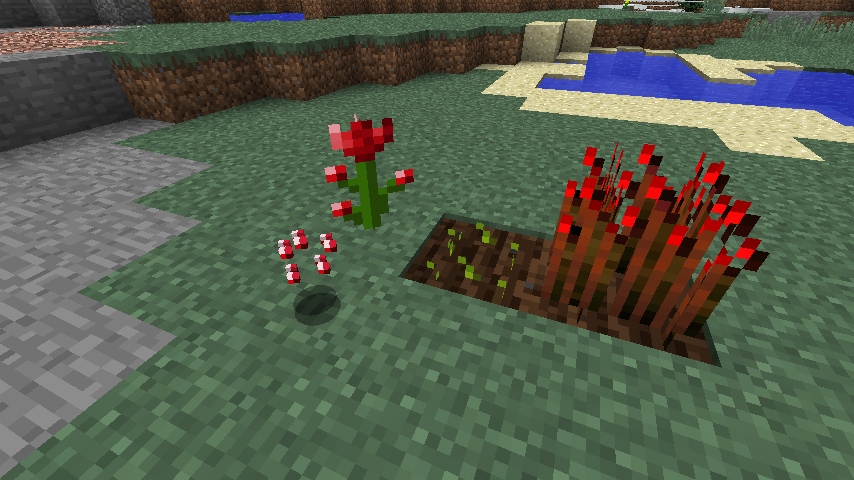
When grown, you can right click the crop to harvest a ruby sliver, which you can craft 9 of into a shattered ruby shard. Smelt that to get a ruby shard, and craft 9 ruby shards to get a shattered ruby. Finally, smelt that to get a ruby.
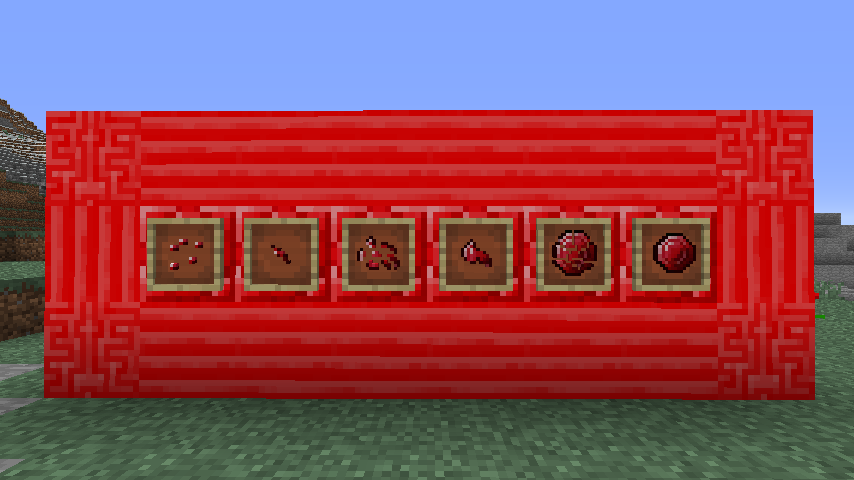
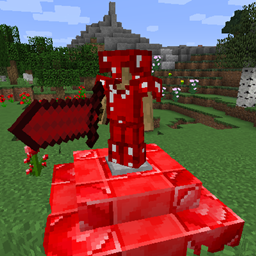
So now you've got rubies... So what do you do with them? Well for starters, you can make a nice little collection of tools and armour. They have about the same attack strength as diamond, but are a bit less durable.
Wearing the full set of ruby armour will protect you from fire damage (but not lava, so still be careful)!


You can also create some ruby apples, which give similar effects to golden apples, but using health boost instead of absorption. And you can craft some ruby apples into a cake, which will give you the same effects.

There are lots of decoration blocks as well. Even ones that interact with redstone.
The ruby button and pressure plate stay pressed for twice as long as a stone pressure plate and button, making them perfect for those pesky iron doors that never stay open long enough. The pressure plate is only triggered by players, much like obsidian pressure plates from other mods. It will only output 1/16 of it's power per player, so if 16 players stand on it at once, it will be at full power.
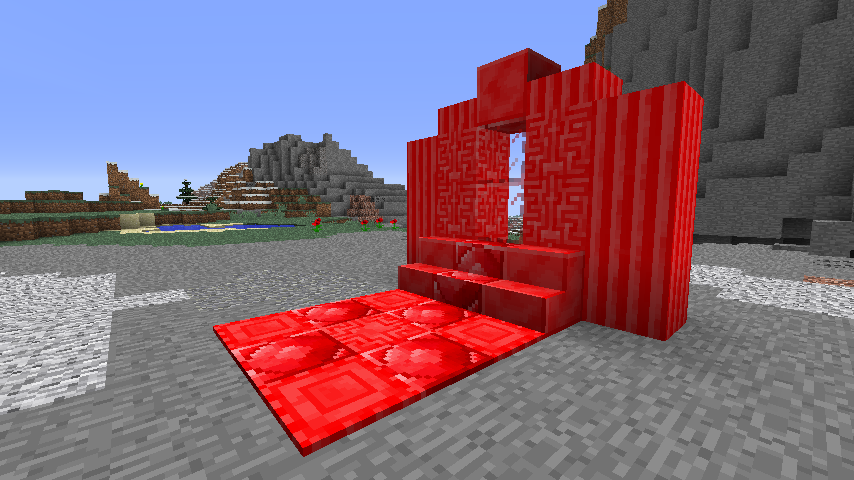

Last, but certainly not least, there is a ruby crafting table and furnace. The crafting table doesn't do anything different from a regular one except look awesome, but the furnace runs faster and is a bit more fuel efficient.

And that's about it. =)
There are quite a few recipes, so I'd suggest installing a mod that lets you view recipes like NEI (Not Enough Items).
Download Instructions:
- First download and install Loot++ for 1.8, version 1.0 or higher. Get it here.
- Run the game once with Loot++ installed, and it should create a folder in your minecraft directory (the same place as the mods folder) called addons with a folder Loot++ inside it.
- Take this download and put it inside the Loot++ folder mentioned above.
- You should be good; enjoy the rubies!
Feel free to download this addon and play with it, or just look at the file structure to see how to create your own addons. =)
If you have any questions/comments/concerns, go ahead and leave a post.
Screenshots
Gallery
Versions
Files
Relations
Project Relations
More like this
Similar Mods
Suggestions use data such as tags, dependencies, dependents, descriptions, titles, and more to rank how much they overlap with this mod.
On ModDex
Community snapshot
By the numbers
Statistics
Want to reach Minecraft players?
We're looking for a server hosting partner to feature here and other parts of the site. Interested? Send us a message!
Get in touchGet it on
Available Platforms
On ModDex
Community snapshot
By the numbers
Statistics
Resources