
Community listing page, reviews here may not be monitored by the author.
Sabas Totem Counter

No reviews yet
This mod counts every popped totem with a lot of very cool features that do aim to make your game feel good
Community voices
Reviews
No reviews yet. Be the first to review this project!
Get it on
Available Platforms
Compatibility
Supported Environments
Runs entirely on the client. Works on vanilla servers.
About
Project Details
For authors
Embed Badge
If you're the author of this project, you can embed a live badge anywhere that supports HTML or Markdown. It updates automatically whenever ratings change.
Use HTML for any page that supports it, or Markdown for README files and Markdown-based descriptions.
Identifiers
Platform IDs
Resources
External Links
About
Description
Saba's Totem Counter
Saba's Totem Counter is a lightweight, minimalist, and highly customizable client-side Fabric mod built for Crystal PvP and competitive Minecraft. It provides a real-time HUD overlay that tracks player totem pops directly next to your hotbar without cluttering your screen during intense combat.
Key Features
- Hotbar-Docked HUD: Snaps neatly beside your hotbar flush with the bottom edge of your screen, keeping your main field of view clean and unobstructed.
- Dynamic Multi-Player List: Automatically scales in real time as players pop totems. Displays a compact single card for one player and smoothly expands into a stacked list when multiple players pop.
- Adaptive Border System: Features an ultra-thin outline that intelligently adjusts when multiple players are active for a seamless docked aesthetic.
- Smart Username Truncation: Automatically formats long usernames (up to 12 characters) using compact micro-text so long gamer tags never break your HUD layout.
- Fully Client-Side: Works on any multiplayer server or SMP without needing server-side mods or plugins.
- Nametag Tier Tagger: Easily track player status directly on their nametags.
Mod Commands & Configuration
Customize your setup on the fly using in-game chat commands:
/totemsettings
Opens the main configuration menu. Use this command to customize:
- Color Profiles: Adjust custom RGB colors for accent text and border outlines.
- Background Opacity: Tweak alpha transparency settings to fit your HUD preference.
- Custom Icons: Swap default indicator symbols with custom symbols or unicode characters (e.g.,
♥). - Display Limits: Set the maximum number of tracked players displayed simultaneously (Default:
5).
/totemhud
Toggle and adjust the HUD overlay directly:
- Toggle Visibility: Quickly enable or disable the HUD overlay on demand.
- Repositioning & Alignment: Fine-tune the HUD position relative to your screen edges and hotbar.
Compatibility
- Platform: Fabric
- Environment: Client-Side Only
- Minecraft Version: 1.21.1+
Screenshots
Gallery
-
 Nametag count
 -
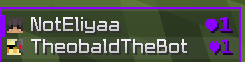 Hud
Hud -
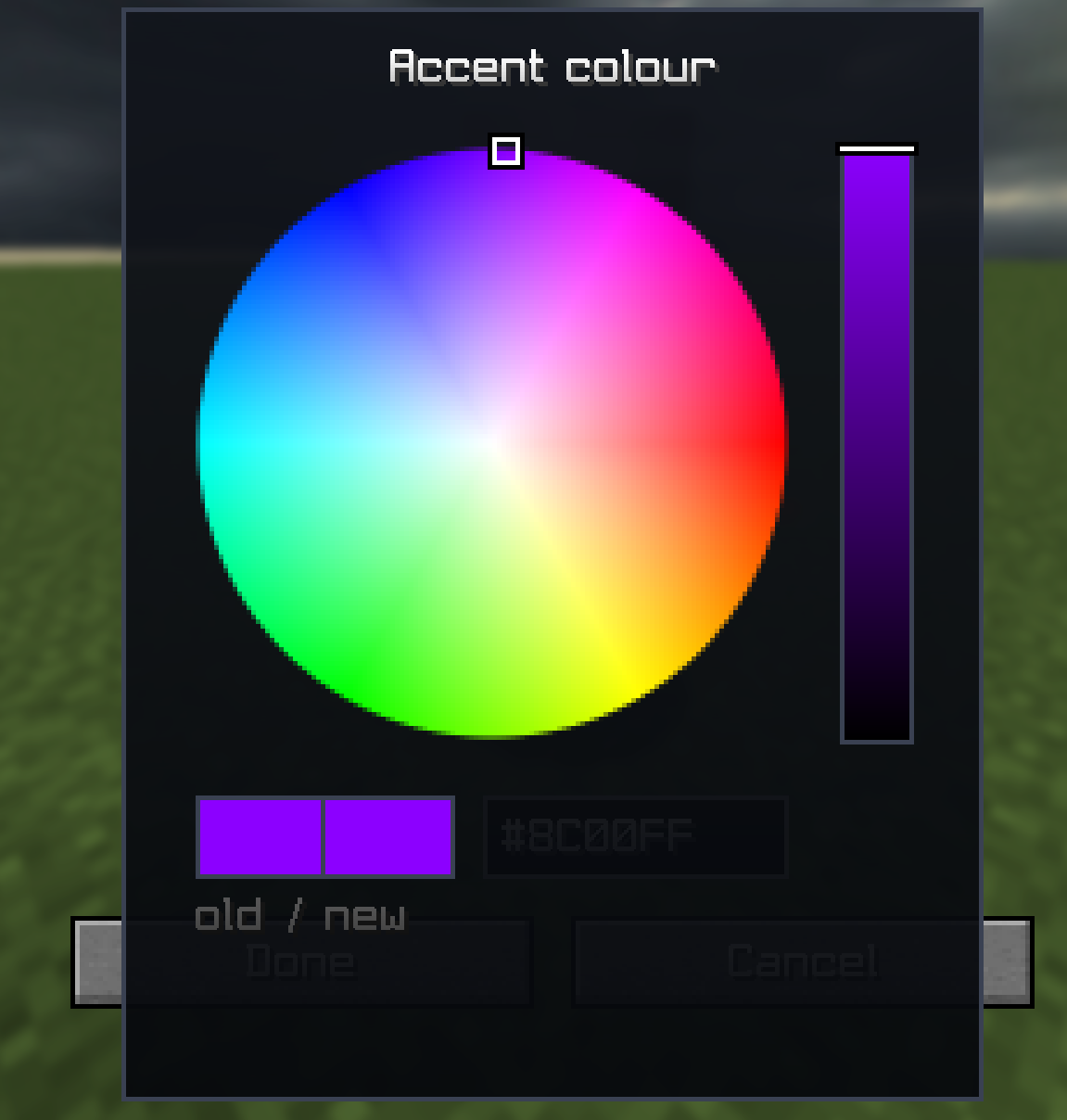 Colors
 -
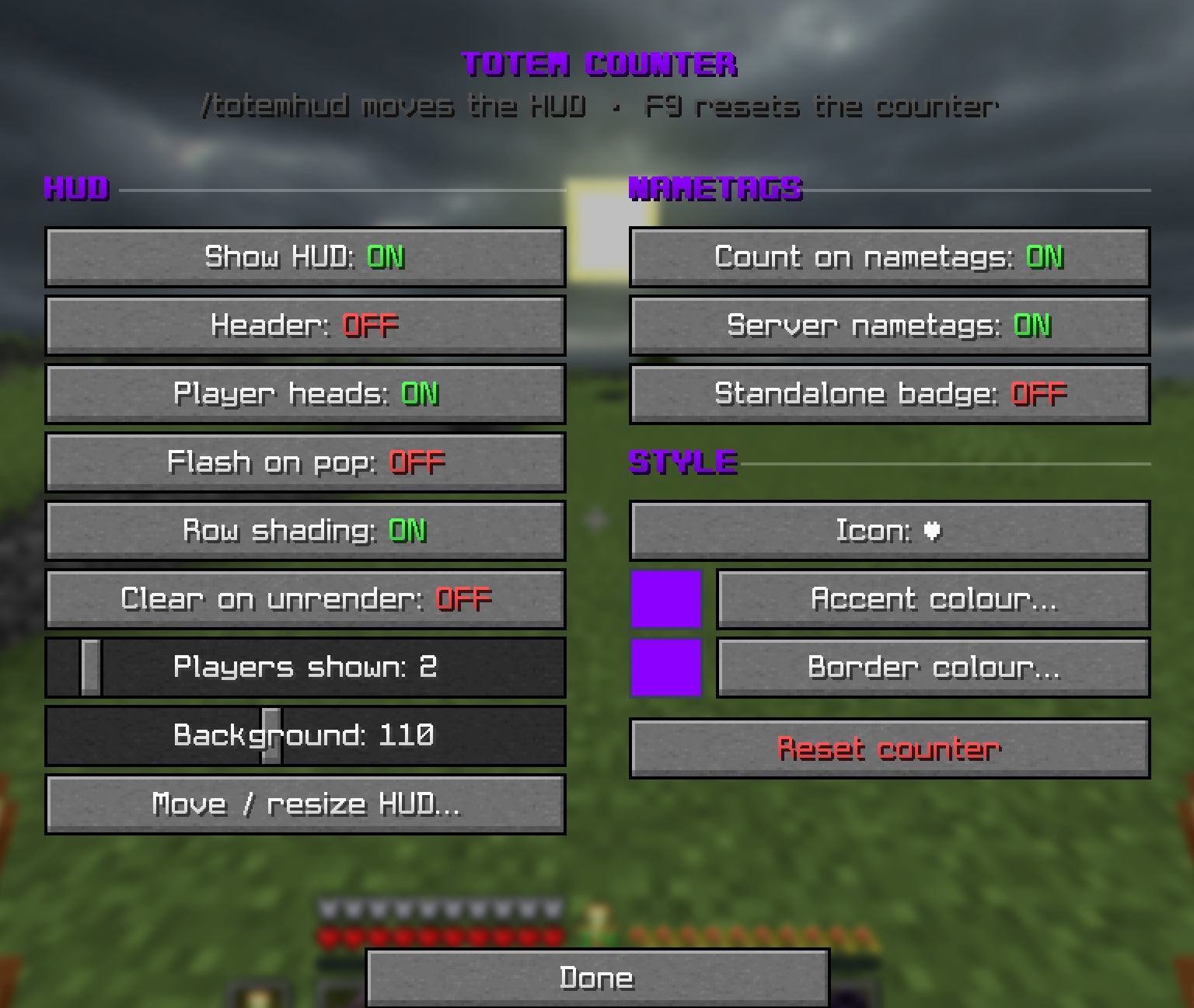 Settingssss
Versions
Files
Relations
Project Relations
More like this
Similar Mods
Suggestions use data such as tags, dependencies, dependents, descriptions, titles, and more to rank how much they overlap with this mod.
On ModDex
Community snapshot
By the numbers
Statistics

Want to reach Minecraft players?
We're looking for a server hosting partner to feature here and other parts of the site. Interested? Send us a message!
Get in touchGet it on
Available Platforms
On ModDex
Community snapshot
By the numbers
Statistics
Resources