
Community listing page, reviews may not be monitored by the author.
SceneCraft (Replay)

No reviews yet
Record your world, replay it from any angle, and render it as cinematic video. A modern ReplayMod-based project.

Community voices
Reviews
No reviews yet. Be the first to review this project!
Get it on
Available Platforms
About
Project Details
For authors
Embed Badge
If you're the author of this project, you can embed a live badge anywhere that supports HTML or Markdown. It updates automatically whenever ratings change.
Use HTML for any page that supports it, or Markdown for README files and Markdown-based descriptions.
Identifiers
Platform IDs
Resources
External Links
About
Description
🎬 SceneCraft
Record your Minecraft world. Replay it from any angle. Render it as a cinematic video.
Started as a ReplayMod fork for modern Minecraft, and growing into its own project: multi-version, multi-loader, and rebuilt for the future after the first stable release.
-E68C3A)


✨ Features
| Feature | What you can do |
|---|---|
| 🔴 Recording | Capture singleplayer worlds and multiplayer servers into .mcpr replay files, saved automatically. |
| ▶️ Replay viewer | Play, pause, change speed, and jump around the replay timeline. Fly a free camera through the recorded world, or spectate a player. |
| 🎞️ Camera path editor | Place position and time keyframes on a timeline, preview the path, and edit or drag keyframes. Time keyframes let you speed up, slow down, or reverse playback. |
| 📍 Markers | Add event markers to the replay timeline and jump back to them later. |
| 🖥️ Rendering | Render the camera path to video through FFmpeg, with configurable resolution, frame rate and bitrate. Works on both the OpenGL and Vulkan backends. OpenEXR export option support Vulkan backend, so you doesn't need to switch Graphics API to use OpenEXR option in Vulkan. |
| 🌐 360° and stereoscopic | Besides the default render, there are stereoscopic, cubic and equirectangular modes. ODS (VR video) needs an Iris shader pack and the OpenGL backend. |
| ⚡ Quick Mode | A faster replay mode for scrubbing through long recordings. |
📦 Supported versions
| Minecraft | Loader | Status |
|---|---|---|
| 26.3 | NeoForge | ✅ Available |
| 1.21.1 | NeoForge | 🛠️ Planned |
| 1.20.1 | Forge | 🛠️ Planned |
| Other versions | NeoForge | 🛠️ Planned |
Each build targets one Minecraft version and one loader, so pick the jar that matches your game.
You also need
- The Java version your Minecraft version requires.
- FFmpeg for video rendering. SceneCraft uses the default
ffmpegexecutable unless you set your own in the render settings.
Contributing to SceneCraft
If you want to contribute to SceneCraft, read workflow.
🚀 Installation
- Install the mod loader for your Minecraft version.
- Download the jar that matches your Minecraft version and loader from the releases page.
- Put the jar in your
modsfolder. - Start the game. Replays are saved automatically while you play.
🎮 Quick start
- Record. Join a world or a server and play normally. SceneCraft records in the background.
- Replay. Open the SceneCraft button on the title screen, pick a recording, and the viewer opens.
- Plan your shot. In the editor, move the camera and add position keyframes (and time keyframes if you want to change speed). Left-click empty space on the lower timeline to move the cursor, click a keyframe to select it, double-click to edit it, and drag to move it. Right-click a keyframe to snap the camera to it.
- Render. Open the render settings, pick resolution, frame rate and method, and start the render. The video file is saved when it finishes.
All actions can be rebound under Options → Controls (SceneCraft category): play/pause, add marker, position / time / both keyframes, path preview, camera roll and tilt reset, thumbnail capture, quick mode, settings, and more.
⚠️ Known issues
- ODS (VR) rendering needs Iris, which only exists for OpenGL.
- Languages other than English may still show older translations or fall back to English for new strings.
Found something else? Please open an issue with your latest.log and, if there was a crash, the crash report.
🧭 Vision
SceneCraft starts from ReplayMod's proven record, replay and render workflow, but it is not meant to stay a straight port forever.
- Now (1.0.0 → 2.0.0): expand support to Forge and performance optimization.
- After 2.0.0: a rework of the architecture and new features that fit modern Minecraft and modern tooling, rather than carrying over every design decision of the original. Details will be announced as they are decided, and may change.
Existing replays and workflows are a priority when this happens, so the stable release is intended as the solid base to build on.
🗺️ Roadmap
Now 1.0.0
- Forge support
- Translation updates
- Cleanup of temporary debug code and wider testing across OpenGL and Vulkan
After 1.0.0
- Architecture overhaul
- New, modern features beyond what ReplayMod offers
🙏 Credits
- ReplayMod by johni0702, CrushedPixel and contributors. SceneCraft is built on their work.
- jGui (MIT) and ReplayStudio (GNU Lesser v3.0) by johni0702 and contributors, the GUI toolkit used for the editor screens.
📄 License
SceneCraft is licensed under the GNU General Public License v3.0. See LICENSE.md. Bundled components keep their own licenses and copyright notices.
Screenshots
Gallery
-
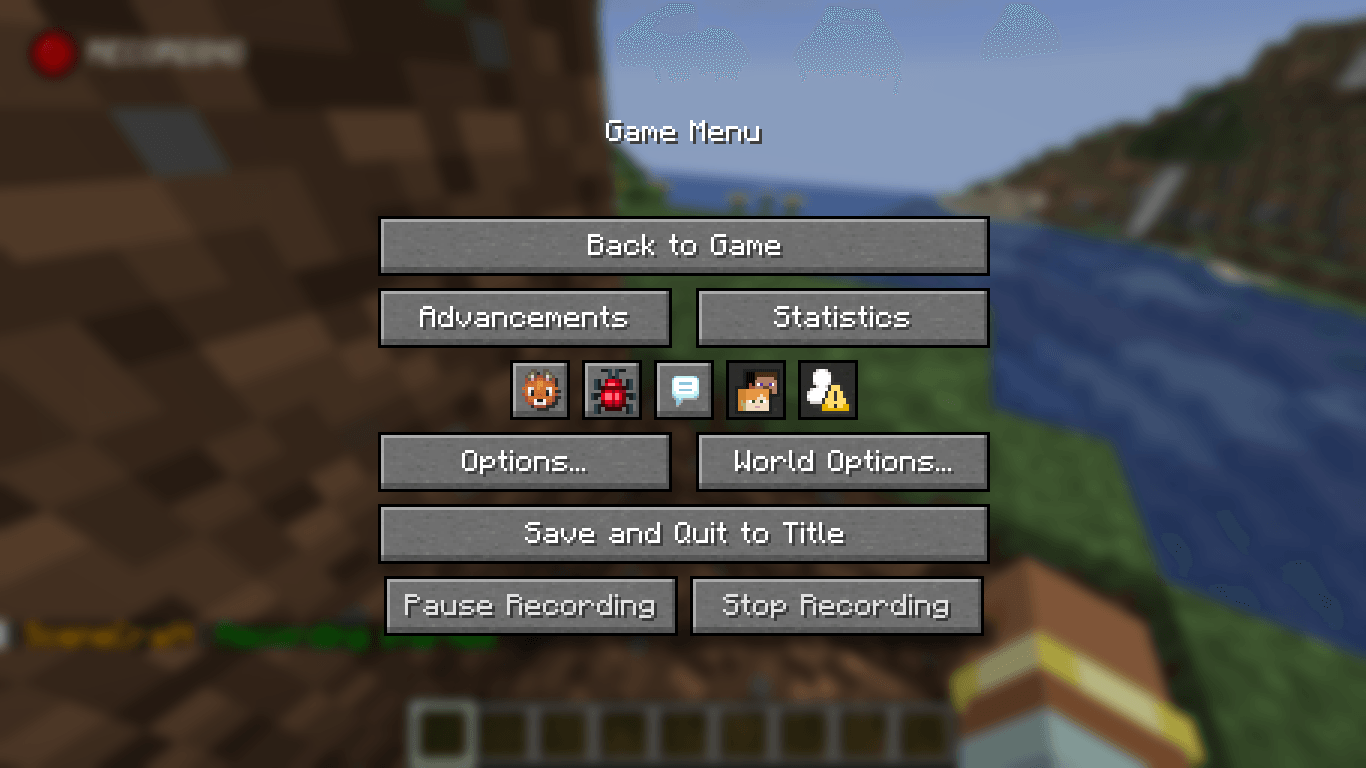 Recording Pause Screen Gui.png Recording Pause Screen Gui.png
 -
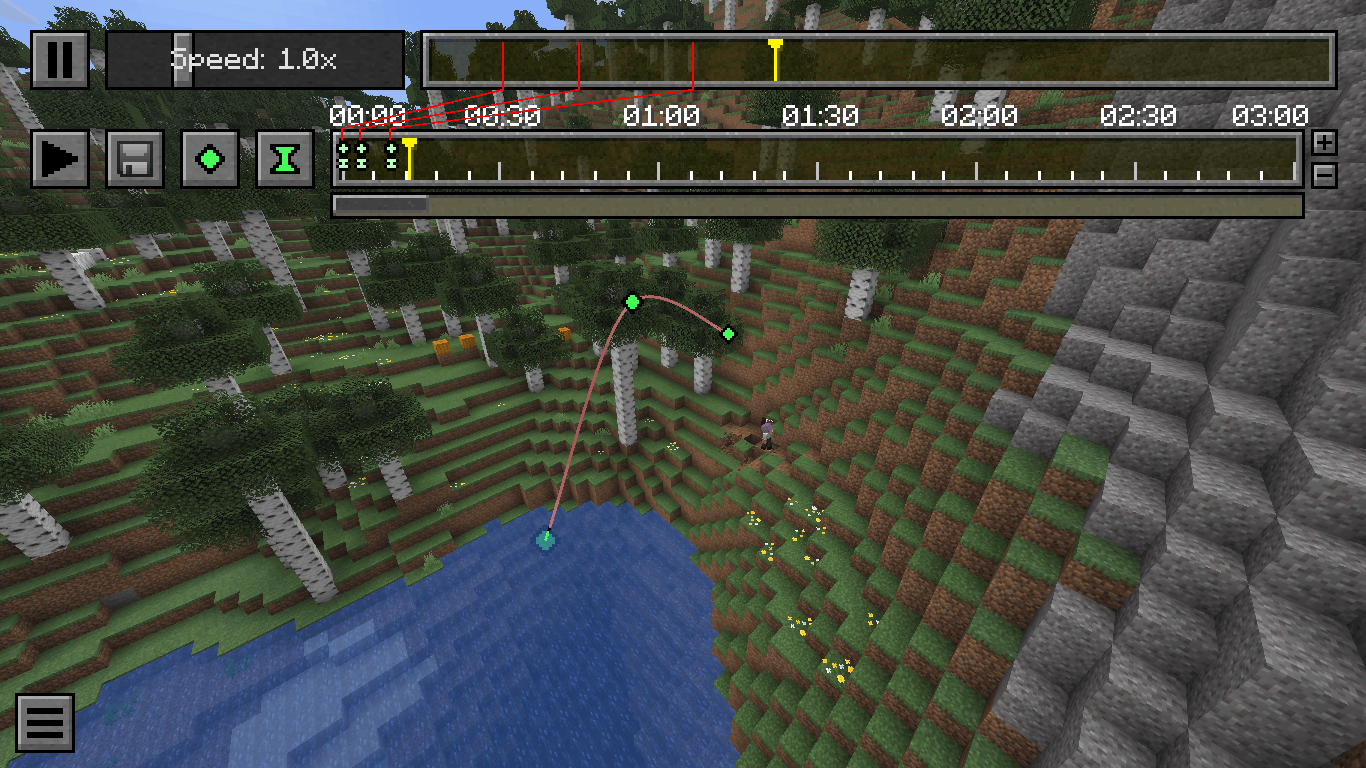 Editor Gui.png Editor Gui.png
 -
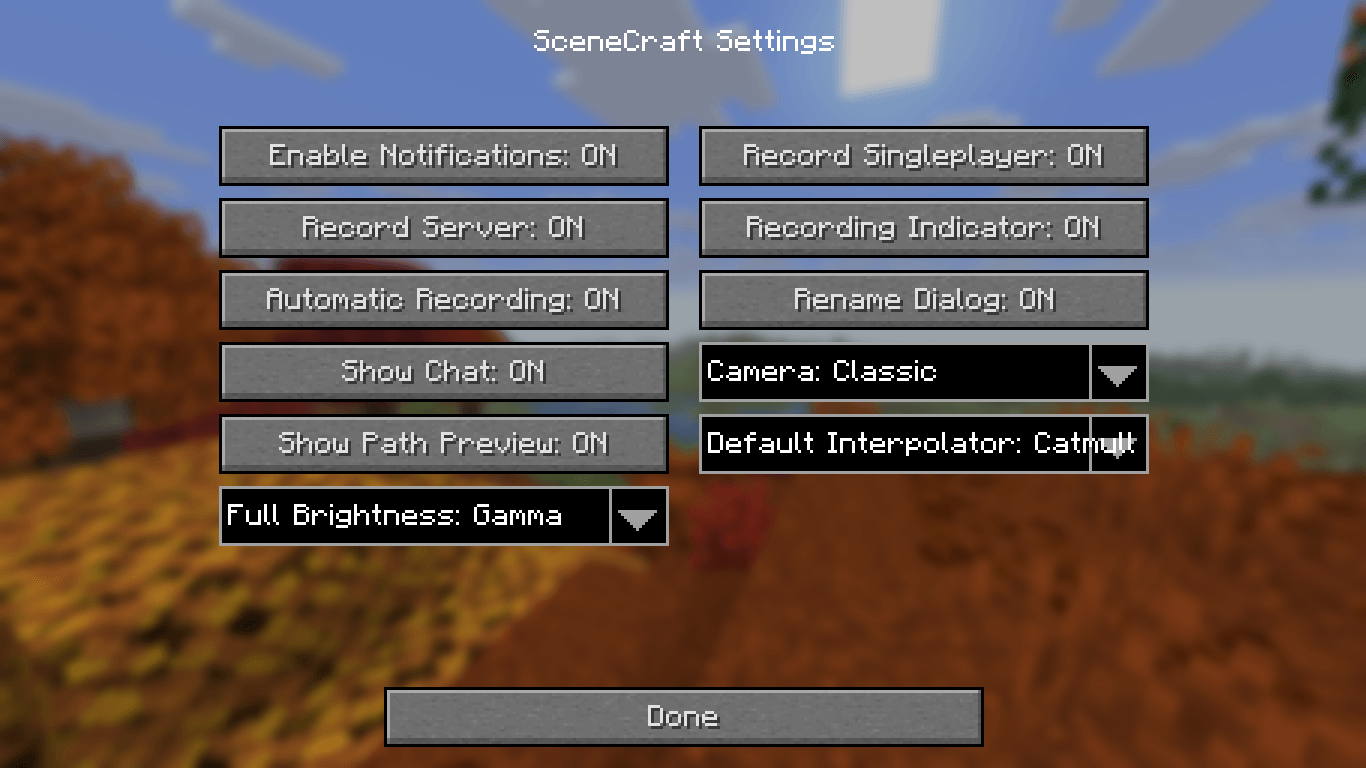 SceneCraft Settings Gui.png SceneCraft Settings Gui.png
 -
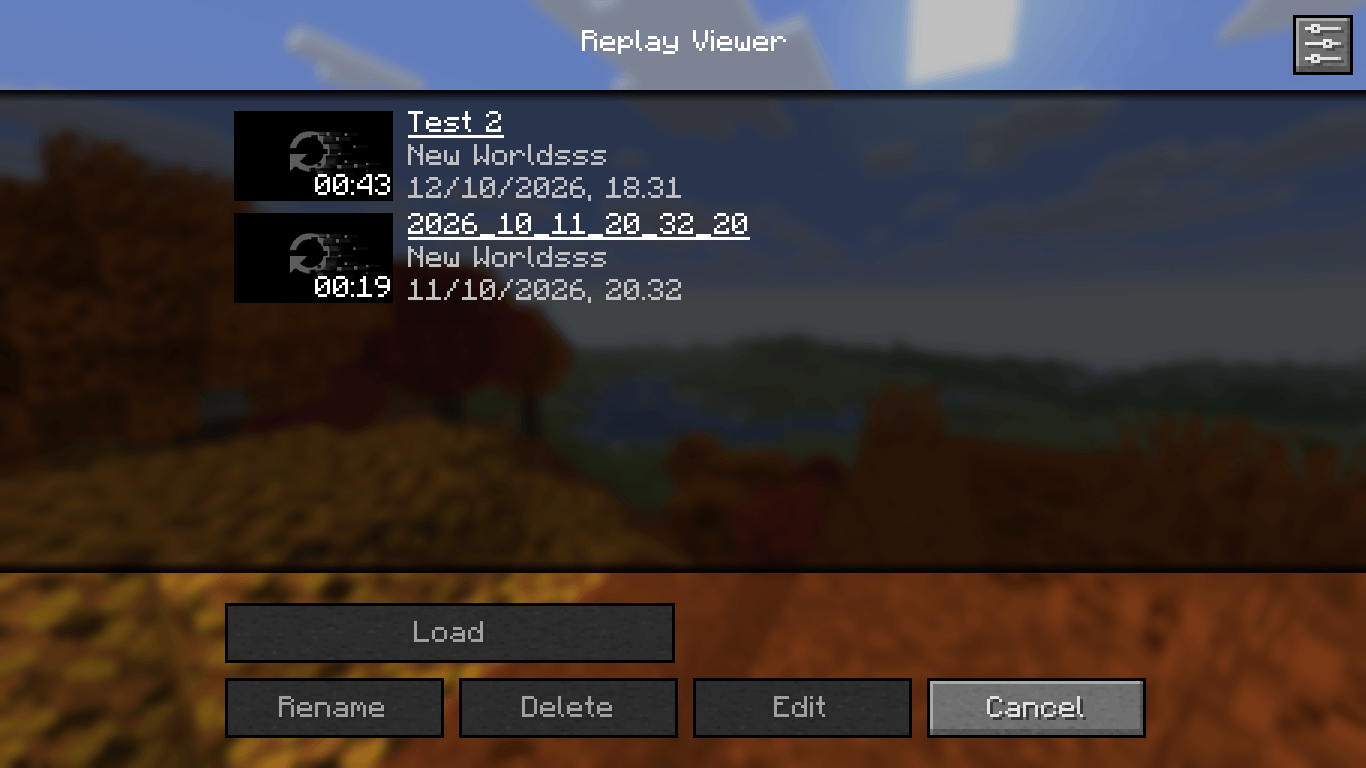 Replay Viewer Gui.png Replay Viewer Gui.png
 -
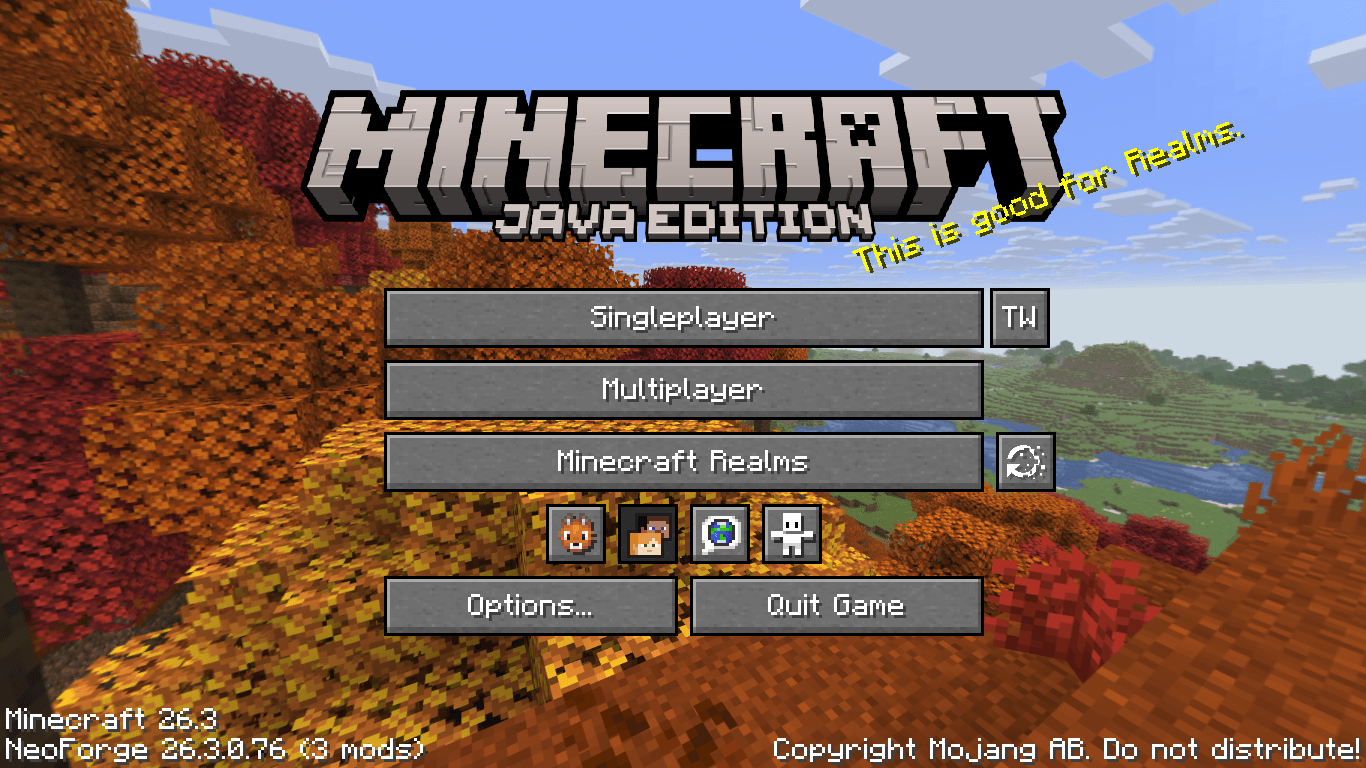 Title Screen Replay Viewer.png Title Screen Replay Viewer.png
Versions
Files
Relations
Project Relations
More like this
Similar Mods
Suggestions use data such as tags, dependencies, dependents, descriptions, titles, and more to rank how much they overlap with this mod.
On ModDex
Community snapshot
By the numbers
Statistics

Get it on
Available Platforms
On ModDex
Community snapshot
By the numbers
Statistics
Resources