
Community listing page, reviews here may not be monitored by the author.
ScreenTextMod

No reviews yet
Display custom text anywhere on your HUD via /stext

Community voices
Reviews
No reviews yet. Be the first to review this project!
Get it on
Available Platforms
Compatibility
Supported Environments
Runs entirely on the client. Works on vanilla servers.
About
Project Details
For authors
Embed Badge
If you're the author of this project, you can embed a live badge anywhere that supports HTML or Markdown. It updates automatically whenever ratings change.
Use HTML for any page that supports it, or Markdown for README files and Markdown-based descriptions.
Identifiers
Platform IDs
Resources
External Links
About
Description
ScreenTextMod
Display custom text anywhere on your HUD — with colors, timers, and a stopwatch.
Features
- Display any text on screen with /stext
- 6 screen positions — top/bottom, left/center/right
- Custom colors via name (red, green, blue, gold...) or HEX code
- Adjustable text scale from 0.5x to 5x
- Chat-style background for always-readable text
- Auto-hide timer with optional countdown display
- Built-in stopwatch with pause support — freezes on ESC, resumes when unpaused
- Per-world text and stopwatch — each world and server saves its own state
- Worlds with the same name share the same text (useful for linked worlds)
- Settings persist between game sessions with configurable save behavior
- Full localization — English and Russian supported out of the box
- Saving properties —
/ssave
Commands
| Command | Description |
|---|---|
/stext <text> |
Show text on screen |
/stext |
Clear text |
/stimer <sec> |
Auto-hide after N seconds |
/stimer <sec> countdown |
Show countdown next to text |
/stimer off |
Disable timer |
/scolor <name|hex> |
Set color (red, green, ff0000...) |
/scolor reset |
Reset to white |
/spos <position> |
Set position (top_center, bottom_left...) |
/ssize <scale> |
Set scale (0.5 – 5.0) |
/ssize reset |
Reset scale |
/sbg on|off |
Toggle background |
/swatch start|stop|reset |
Stopwatch |
/ssave text true|false |
Save text between sessions |
/ssave stopwatch true|false |
Save stopwatch between sessions |
/ssave |
Show current save settings |
Positions
top_left · top_center · top_right
bottom_left · bottom_center · bottom_right
Requirements
- Minecraft 1.21.11
- Fabric Loader + Fabric API or NeoForge
Tested on
- Fabric 1.21.11
- NeoForge 1.21.11
Screenshots
Gallery
-
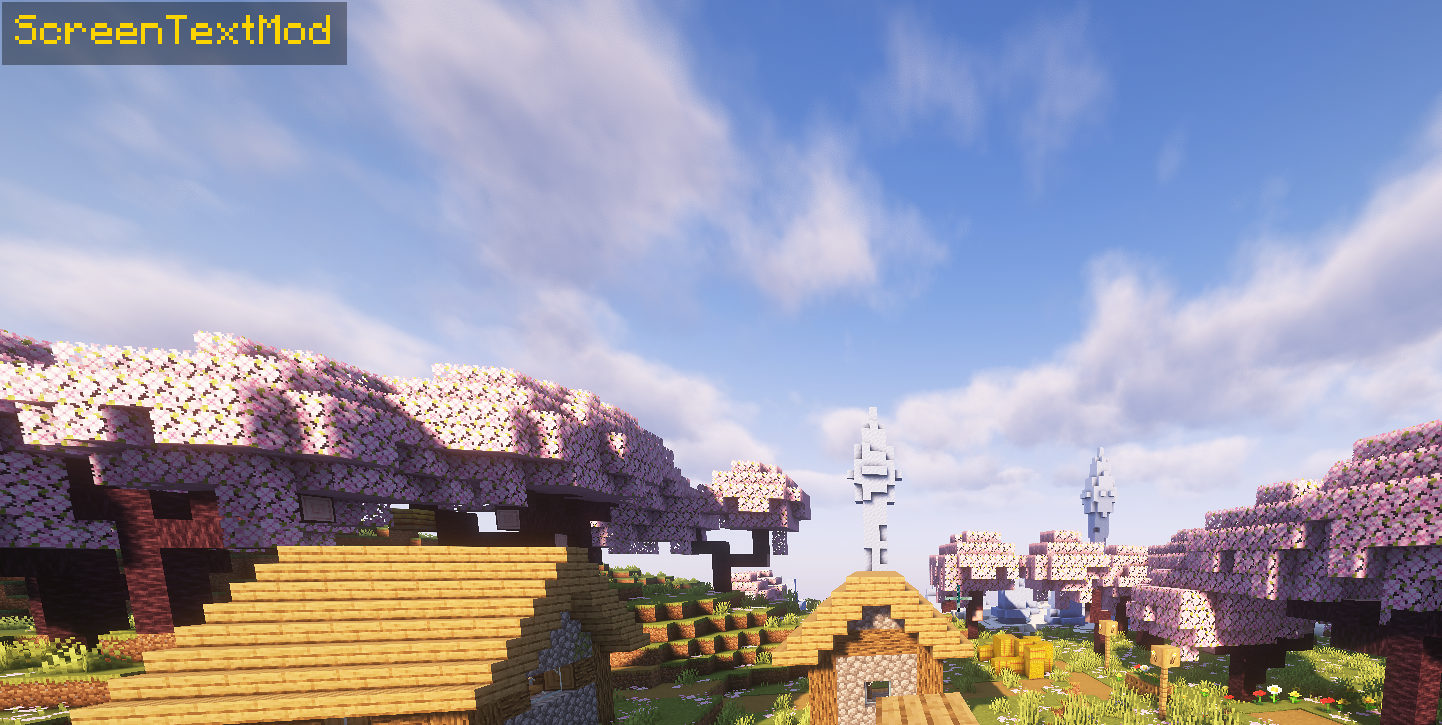 1
1 -
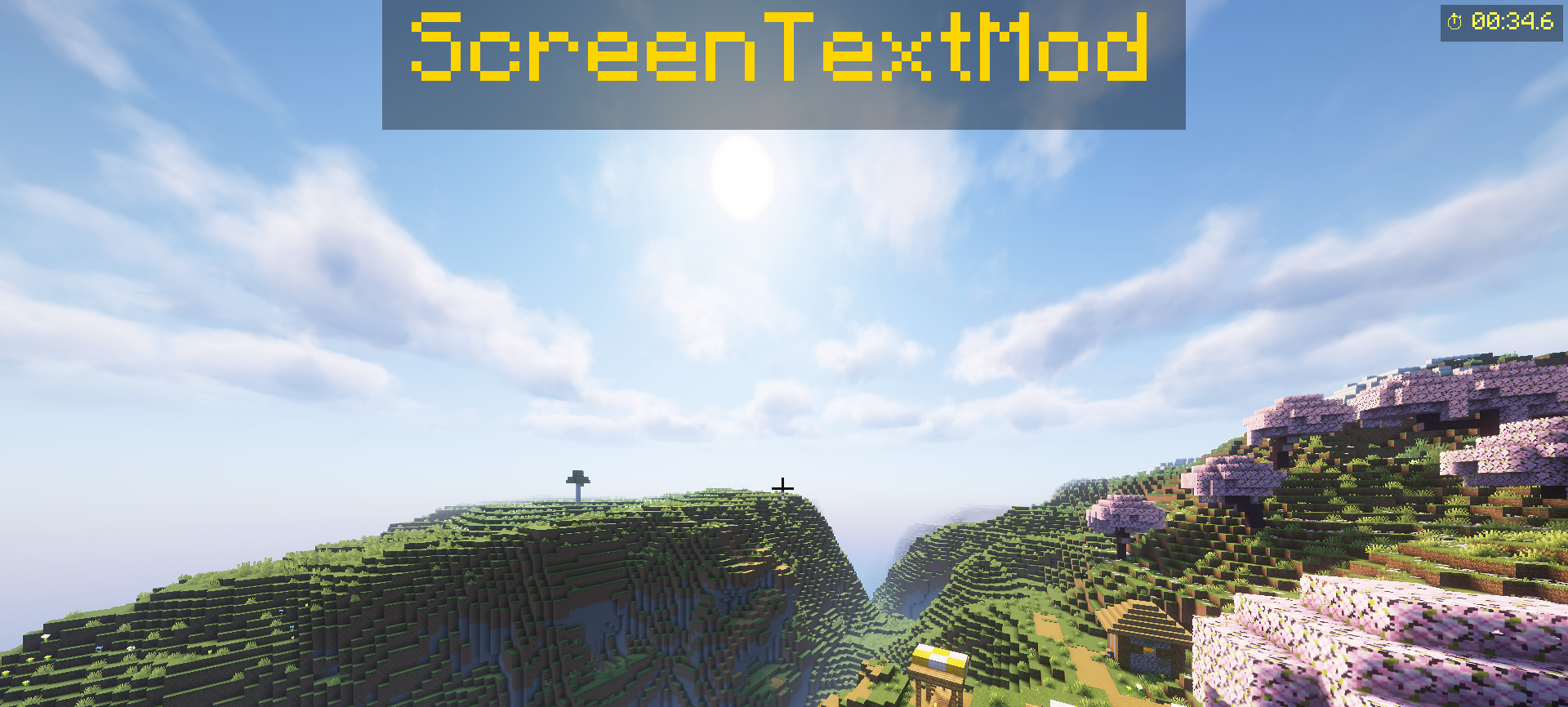 2
2 -
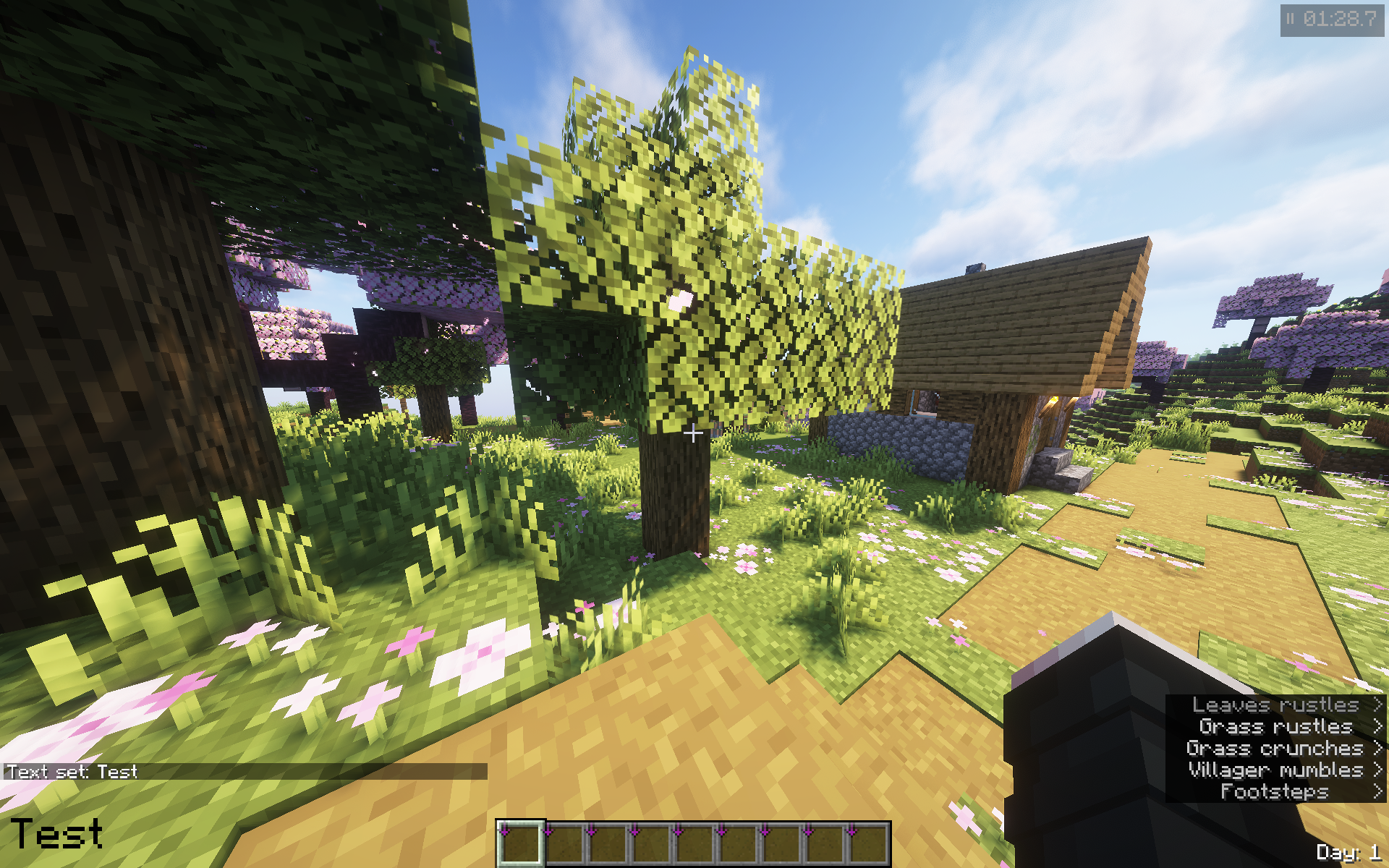 3
3 -
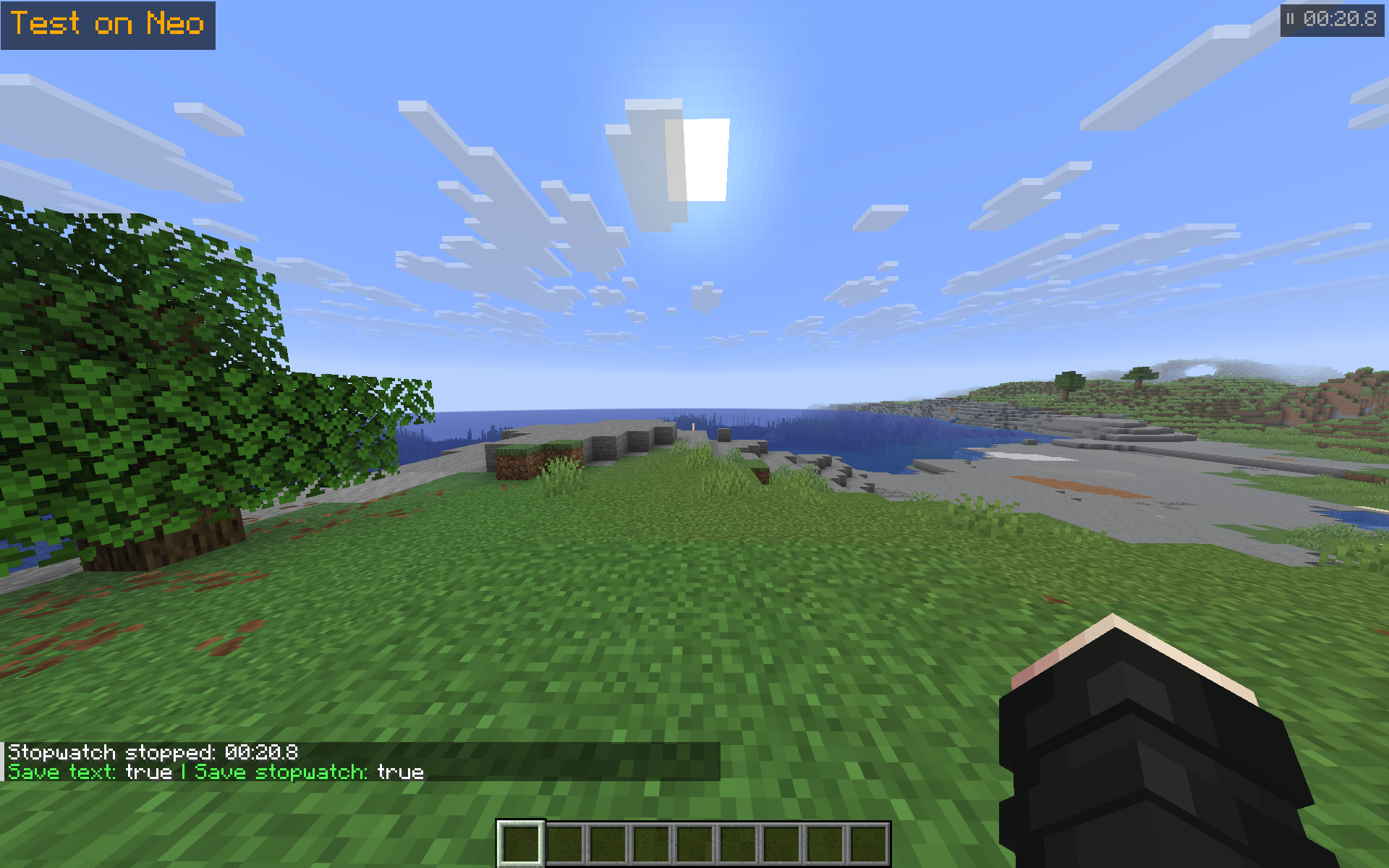 4 NeoForge
Versions
Files
Relations
Project Relations
More like this
Similar Mods
Suggestions use data such as tags, dependencies, dependents, descriptions, titles, and more to rank how much they overlap with this mod.
On ModDex
Community snapshot
By the numbers
Statistics

 (opens in a new tab)
Get it on
Available Platforms
On ModDex
Community snapshot
By the numbers
Statistics
Resources