
Community listing page, reviews here may not be monitored by the author.
Screenshot Studio

No reviews yet
Turn Minecraft into a cinematic camera studio. Capture moments cinematically, not just screenshots.
Community voices
Reviews
No reviews yet. Be the first to review this project!
Get it on
Available Platforms
Compatibility
Supported Environments
Runs entirely on the client. Works on vanilla servers.
About
Project Details
For authors
Embed Badge
If you're the author of this project, you can embed a live badge anywhere that supports HTML or Markdown. It updates automatically whenever ratings change.
Use HTML for any page that supports it, or Markdown for README files and Markdown-based descriptions.
Identifiers
Platform IDs
Resources
External Links
About
Description
Screenshot Studio
Screenshot Studio is a client-side Fabric mod that turns Minecraft into a cinematic camera studio for capturing high-quality, cinematic screenshots. Capture screenshots with full camera control, visual effects, and presets.
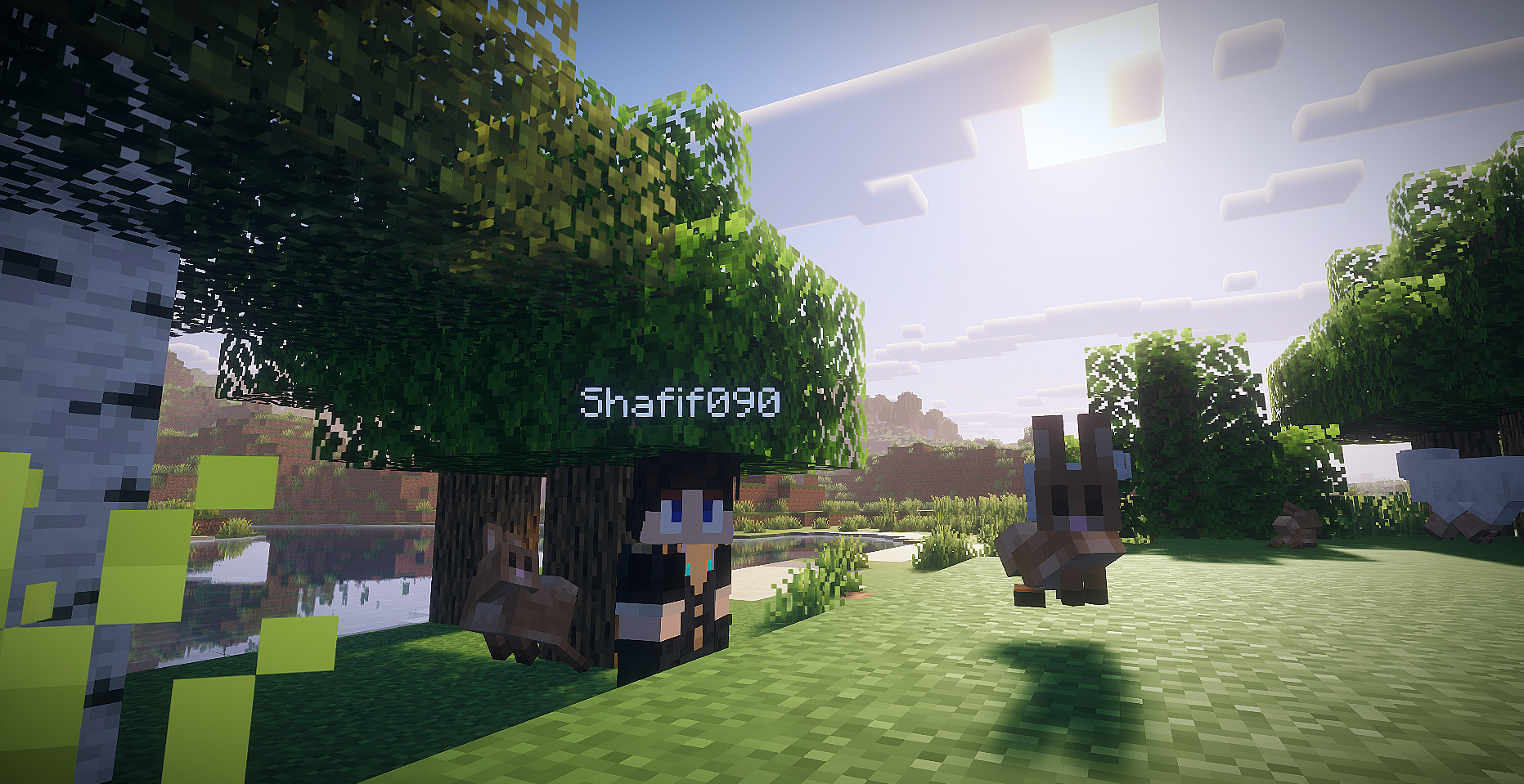 Shader: Complementary Reimagined
[USE SHADER FOR BEST RESULTS!]
Features
- Toggleable photo mode with default
F9keybind. - Singleplayer opens paused by default, with a photo mode button to switch the world between paused and running.
- Multiplayer and LAN-published worlds keep running because the server cannot be paused client-side.
- Detached free camera with precision, cinematic, and scouting movement modes.
- WASD horizontal camera movement, Space/Shift vertical movement, Ctrl boost, Q/E roll, mouse drag look, mouse-wheel FOV, and Alt+scroll speed control.
- Hidden vanilla HUD and first-person hand while photo mode is active.
- Screenshot flash without capturing the photo mode panel.
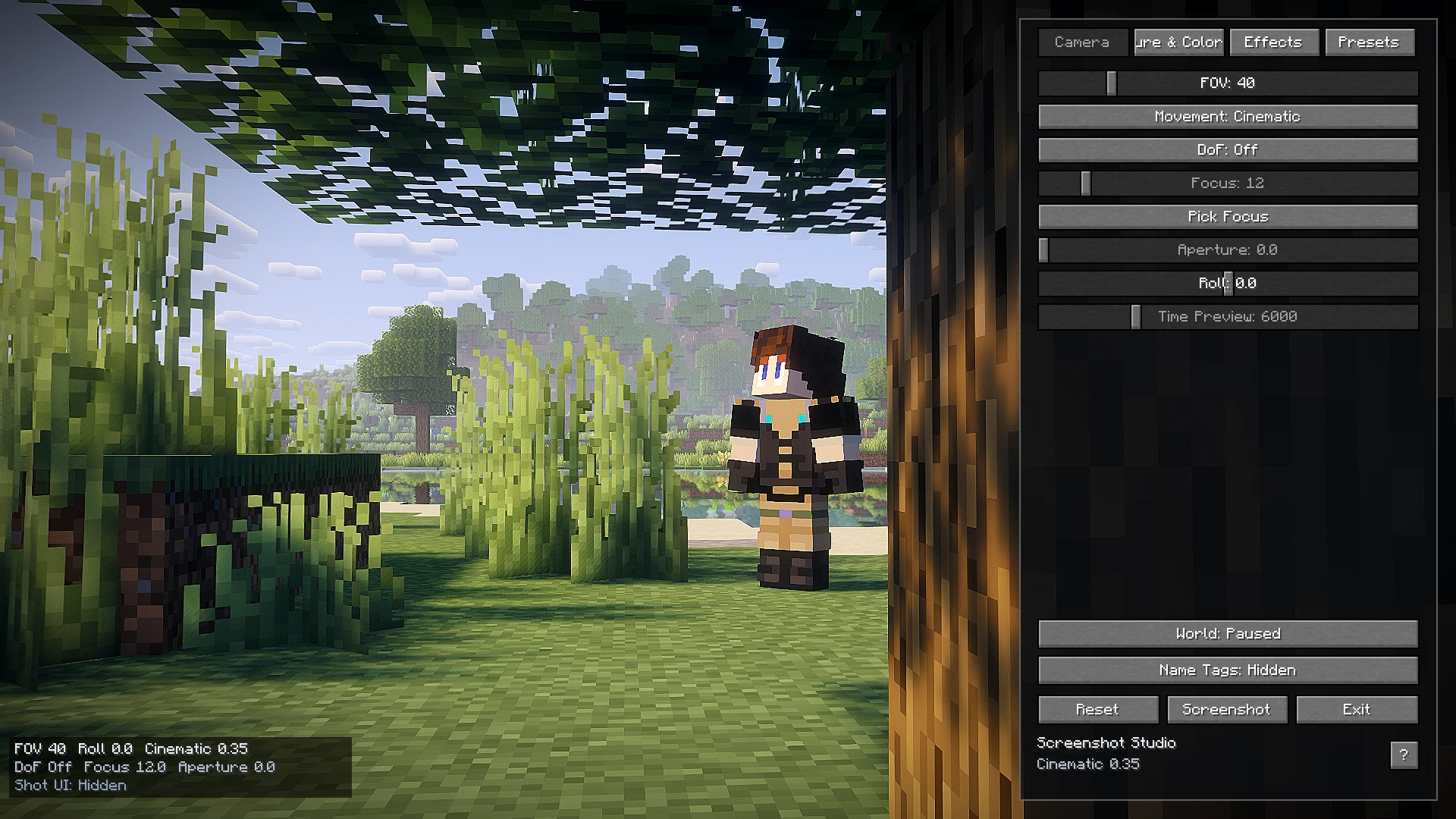
- Right-side photo panel with camera, color, effects, preset tabs, reset, screenshot, and help controls.
- Help popup with the important photo mode keybinds.
- Toast notification button for opening the saved screenshot.
- Built-in presets: Cinematic, Vivid, Noir.
- Custom presets saved as JSON under
.minecraft/config/screenshotstudio/presets/. - Screenshot panel button using Minecraft's current screenshot API through a small abstraction.
- Shader resources for color grading, vignette, chromatic aberration, grain, and DoF fallback math.
Keybinds
F9: Toggle photo mode.H: Hide or show the photo panel while photo mode is open.W/A/S/D: Move the detached camera horizontally.Space/Shift: Move camera up / down.Ctrl: Boost camera movement.Q/E: Roll camera.Mouse drag: Look around while dragging outside the panel.Mouse wheel: Adjust FOV while scrolling outside the panel.Alt + mouse wheel: Adjust camera movement speed.F: Pick depth-of-field focus from the current target.Middle click: Pick depth-of-field focus while clicking outside the panel.M: Cycle movement mode.- Optional screenshot keybind is registered but disabled by default in
config/screenshotstudio.json.
Screenshots and Videos

Known Limitations
- Multiplayer freecam is client-side. Server chunk loading is still limited by the chunks the server sends around the real player.
- Minecraft
26.1.2moved GUI rendering toGuiGraphicsExtractor, so post effects are implemented with a safe overlay fallback by default. The GLSL resources are present for a future renderer-specific pipeline hook. - Depth of field uses a screen-space center blur fallback because stable depth-buffer access is not exposed safely here.
- The time-of-day slider is disabled gracefully; visual-only sky time needs a version-specific renderer hook.
- Mouse look is drag-based while the UI screen is open, which keeps multiplayer input from being sent accidentally.
Screenshots
Gallery
-
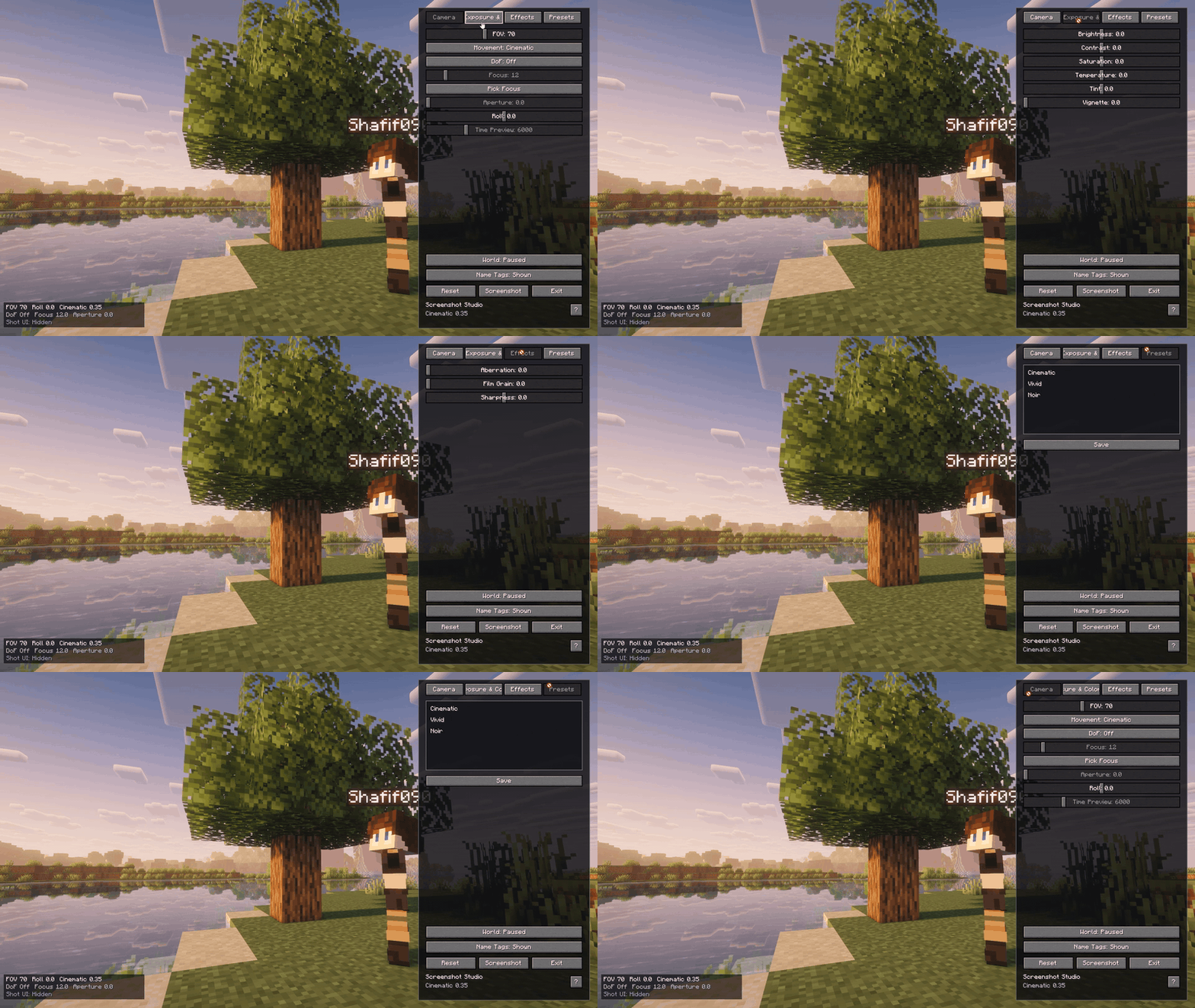 At a glance
 -
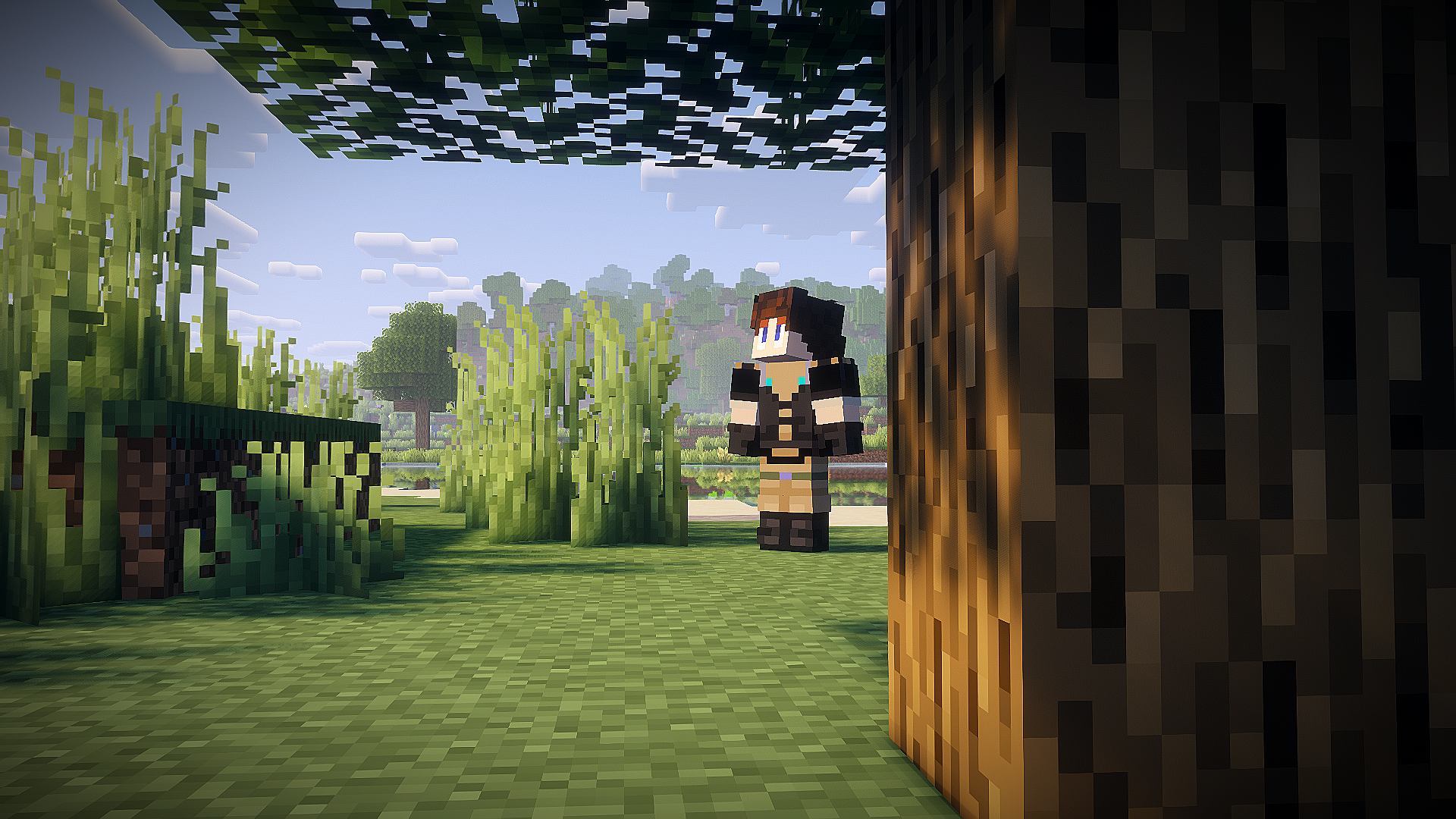
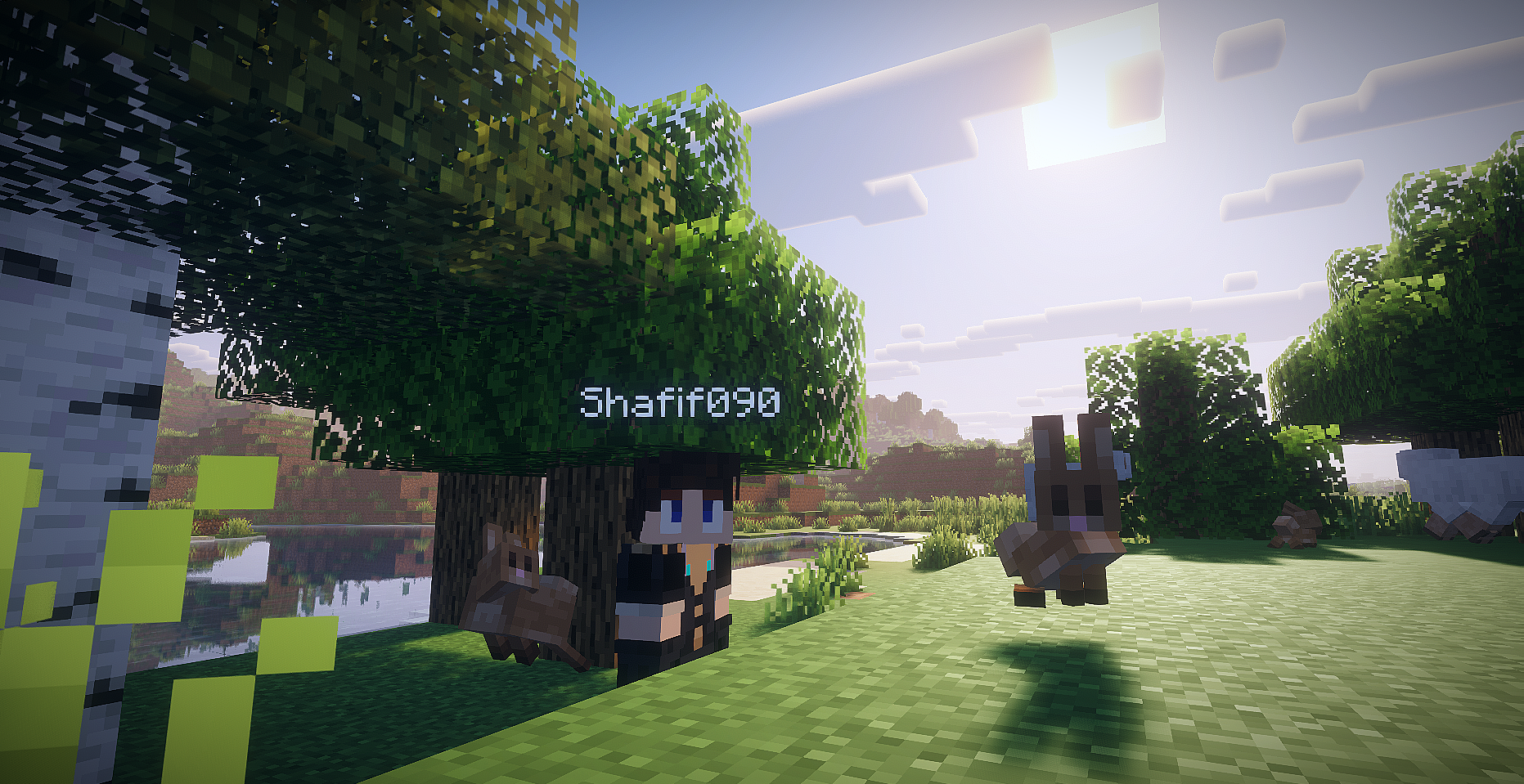 Cinematic Forest Portrait
 -
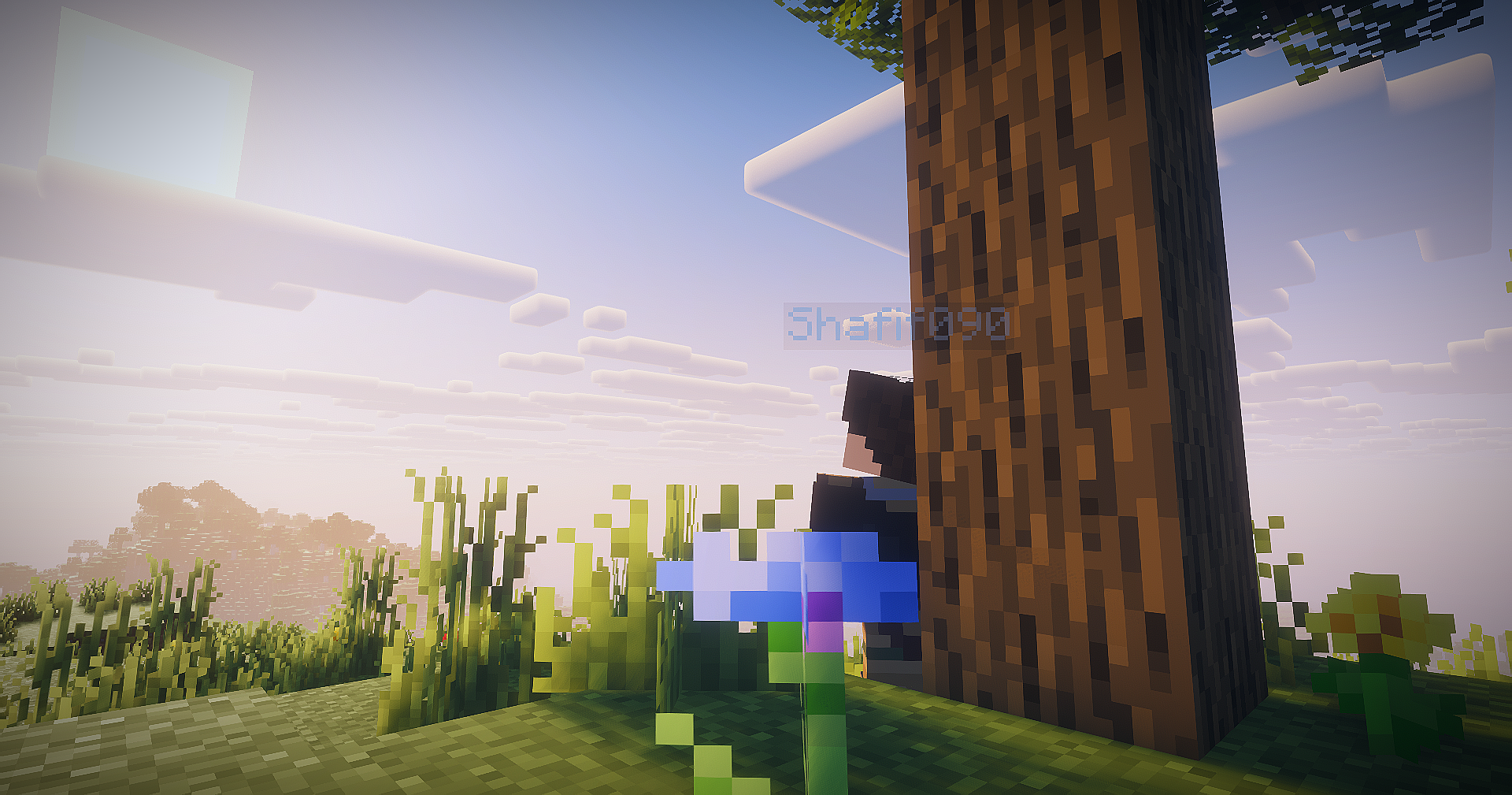
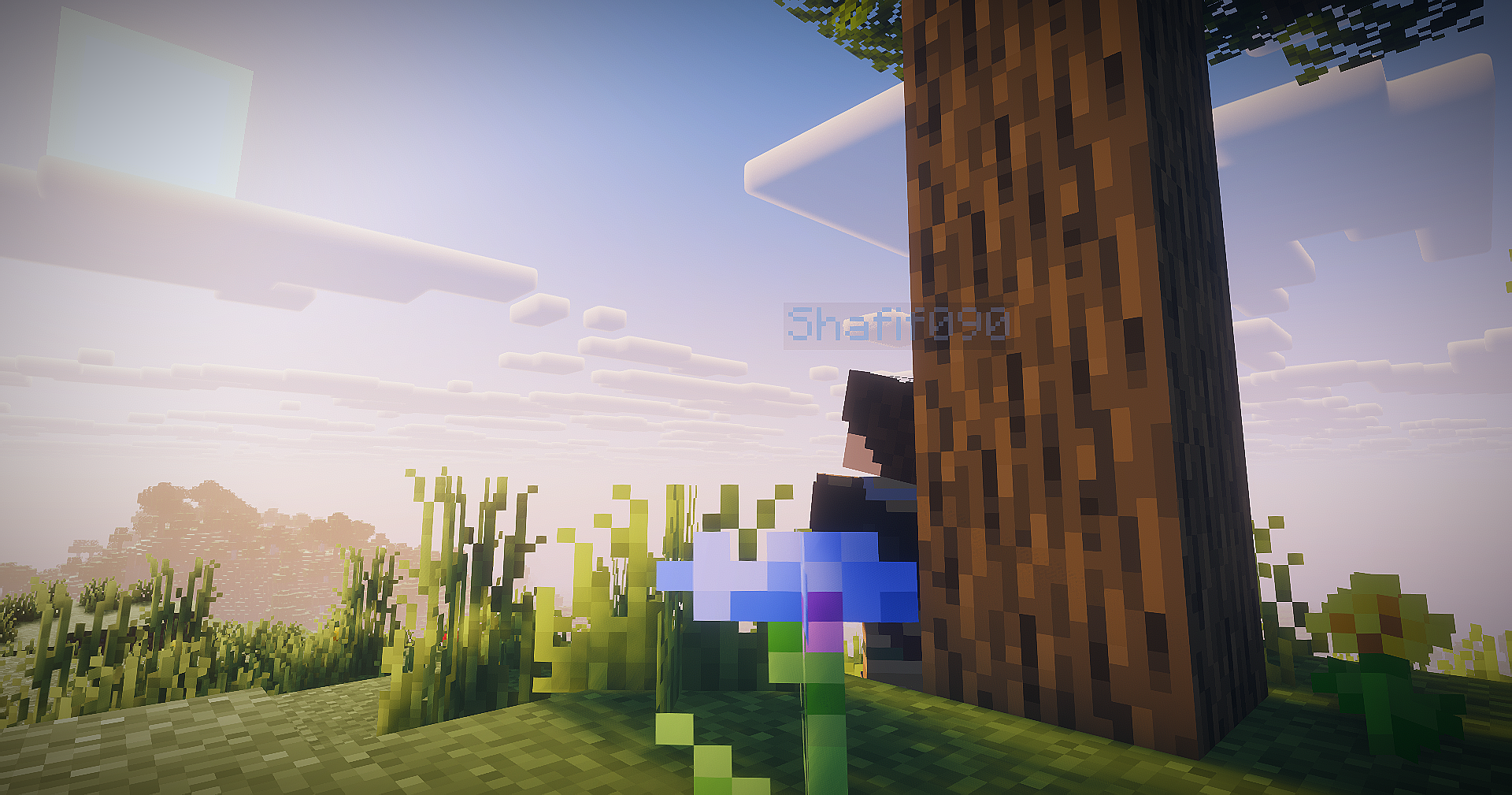 Golden Morning Light
Versions
Files
Relations
Project Relations
More like this
Similar Mods
Suggestions use data such as tags, dependencies, dependents, descriptions, titles, and more to rank how much they overlap with this mod.
On ModDex
Community snapshot
By the numbers
Statistics

Want to reach Minecraft players?
We're looking for a server hosting partner to feature here and other parts of the site. Interested? Send us a message!
Get in touchGet it on
Available Platforms
On ModDex
Community snapshot
By the numbers
Statistics
Resources