Community listing page, reviews may not be monitored by the author.
ScriptFX

No reviews yet
A mod that is a scripting engine written in Kotlin; with this engine, you can create your own storylines, cutscenes, NPCs, and quests.

Community voices
Reviews
No reviews yet. Be the first to review this project!
Get it on
Available Platforms
About
Project Details
For authors
Embed Badge
If you're the author of this project, you can embed a live badge anywhere that supports HTML or Markdown. It updates automatically whenever ratings change.
Use HTML for any page that supports it, or Markdown for README files and Markdown-based descriptions.
Identifiers
Platform IDs
Resources
External Links
About
Description
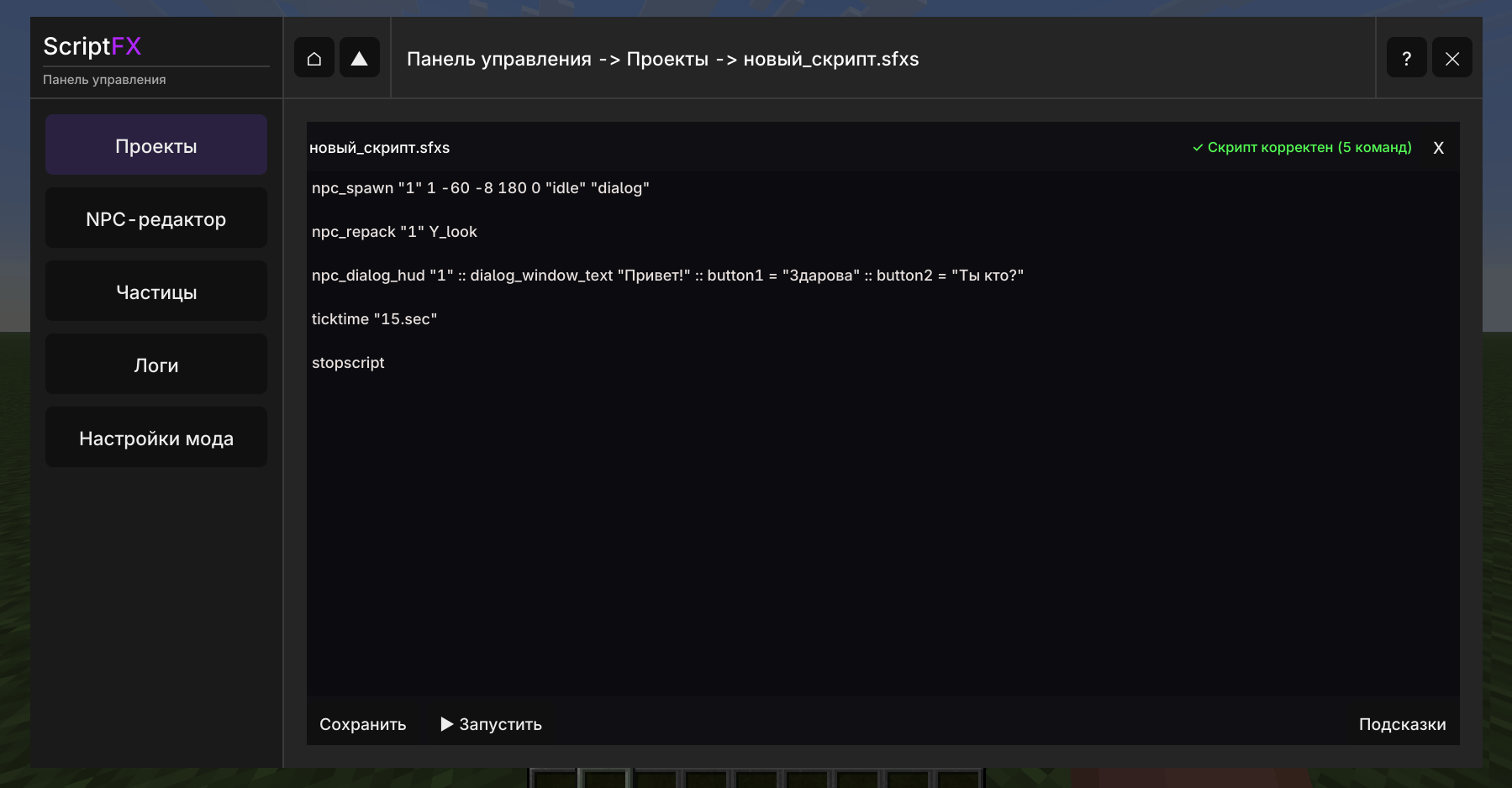
ScriptFX is a mod that functions as a scripted engine written in Kotlin. Using this engine, you can create your own storylines, cutscenes, NPCs, and quests. The mod currently includes a cutscene system, NPCs, partially integrated Snowstorm particles, quests, and triggers, and it also has its own UI settings.
Features
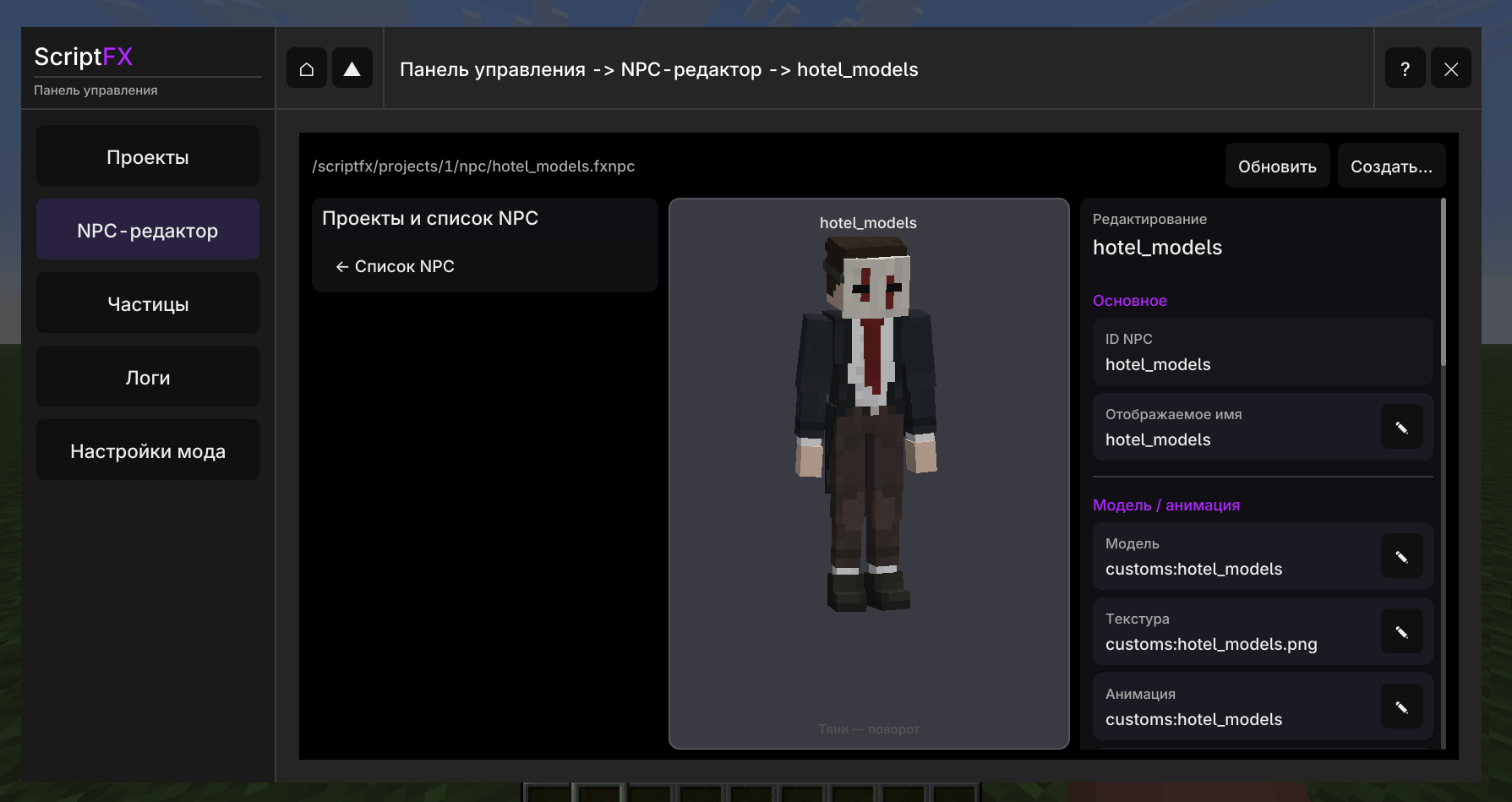
- NPC system
- Trigger system
- Cutscene system
- A dialog box with a cutscene
- The ability to create storylines
- Support for custom GeckoLib models.
- The Snowstorm particle system has been partially added.
Installation
To install it, you will need Minecraft (version: Fabric 26.1); download the latest version of the mod. You will also need to install the following mods: Fabric-API, Forge Config API Port, Modern UI, GeckoLib. Place them in the mods folder in Minecraft and launch the game.
After that, the ScriptFX mod should be installed and appear in the Minecraft mods menu. If ScriptFX has not been installed and does not appear in the Minecraft mods menu, it means something went wrong. In such cases, it is important to double‑check where you placed the files.
Resources and other stuff
At the moment, the mod is still under development. This means there may be bugs, lags, crashes, and game crashes. If you find a problem while using the ScriptFX mod, please report it in the Problems tab.
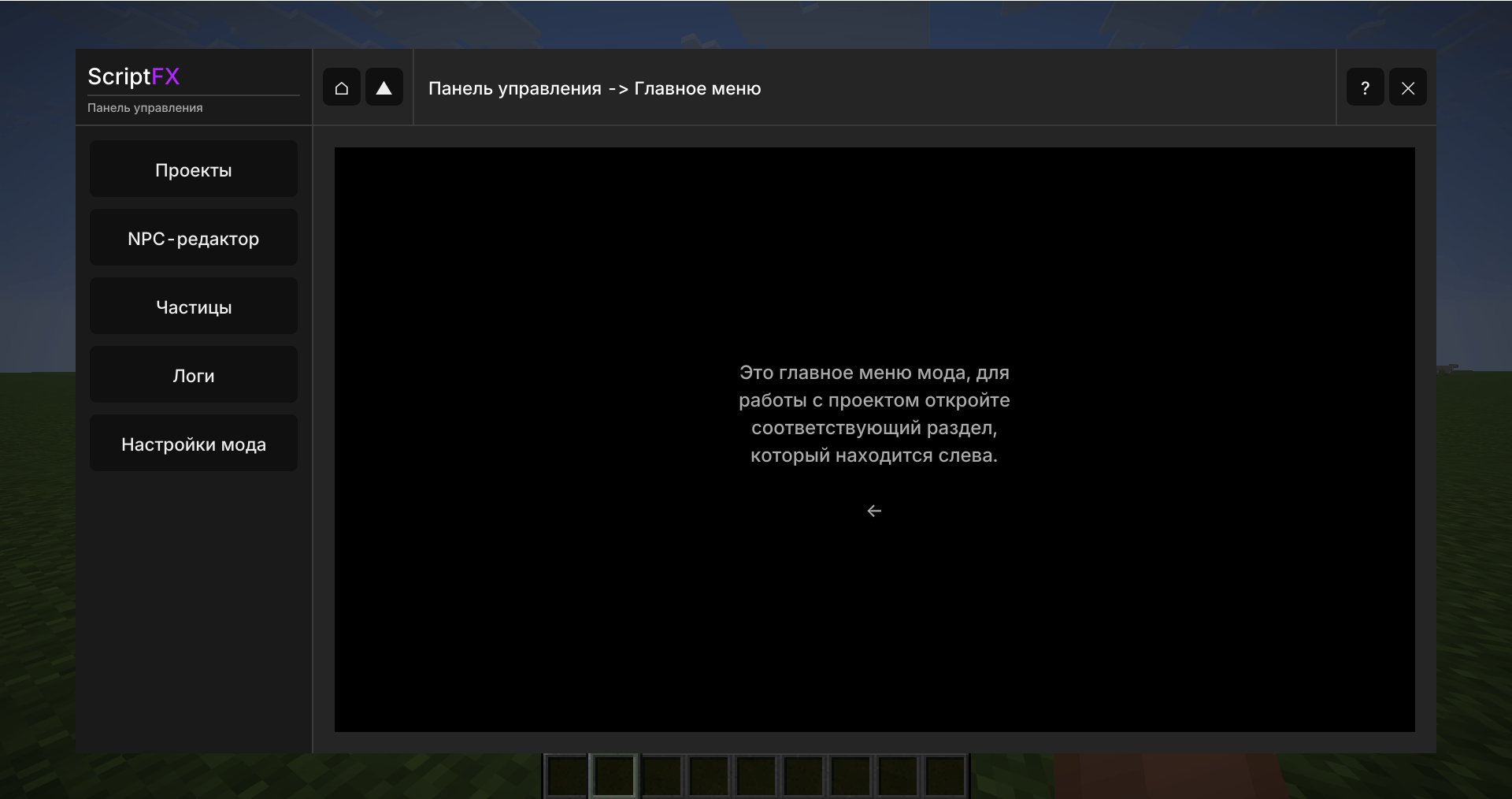
The documentation for the mod is available in the mod’s UI itself; you need to open the control panel using the hotkey “=” and then, in the top right corner, click the “?” button.
License
This project is available under the GNU General Public License v3.0. I allow modifications to be created for this mod, as well as the possibility to use it in your own projects.
The mod was partially written with the help of AI, but human involvement was also part of the development process.
Screenshots
Gallery
-
 Снимок ÑкÑана 2026-10-18 154626.png Снимок ÑкÑана 2026-10-18 154626.png
 -
 Снимок ÑкÑана 2026-10-18 155456.png Снимок ÑкÑана 2026-10-18 155456.png
 -
 Снимок ÑкÑана 2026-10-18 155508.png Снимок ÑкÑана 2026-10-18 155508.png
 -
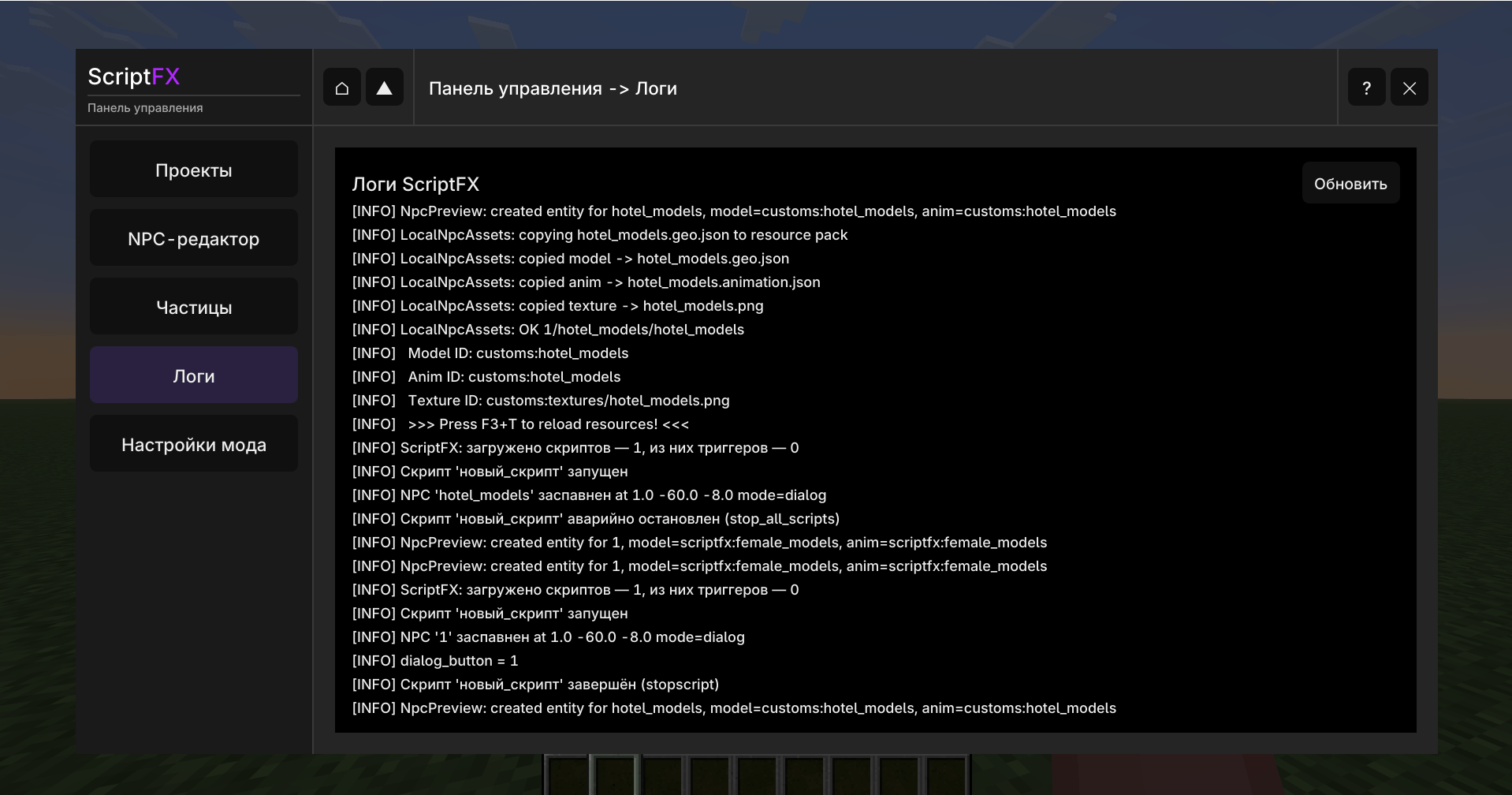 Снимок ÑкÑана 2026-10-18 155543.png Снимок ÑкÑана 2026-10-18 155543.png
 -
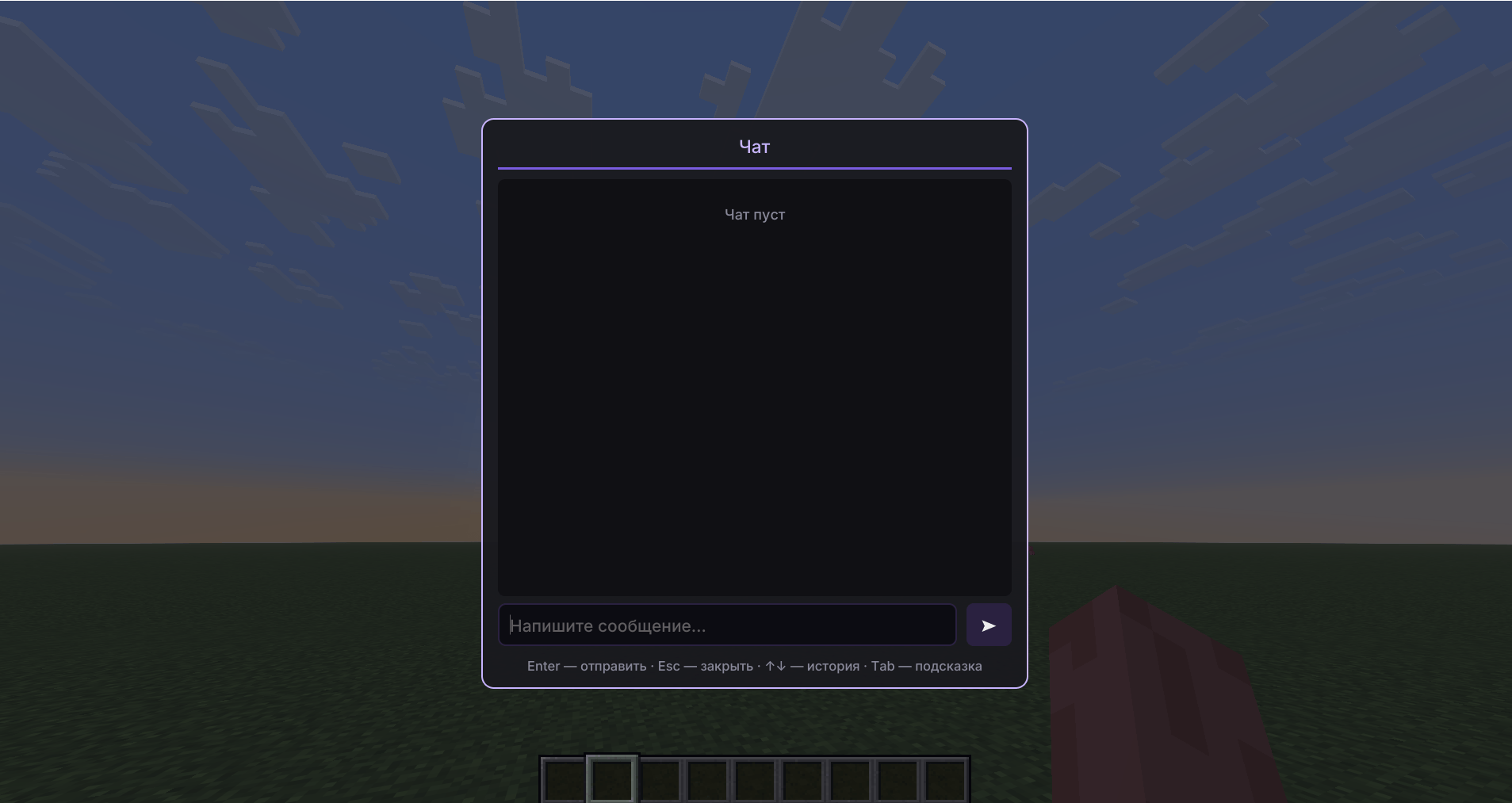 Снимок ÑкÑана 2026-10-18 155524.png Снимок ÑкÑана 2026-10-18 155524.png
Versions
Files
Relations
Project Relations
More like this
Similar Mods
Suggestions use data such as tags, dependencies, dependents, descriptions, titles, and more to rank how much they overlap with this mod.
On ModDex
Community snapshot
By the numbers
Statistics

Get it on
Available Platforms
On ModDex
Community snapshot
By the numbers
Statistics
Resources