
Community listing page, reviews here may not be monitored by the author.
Searchify


No reviews yet
Adds a Search Bar inside Chests and Storages.
Community voices
Reviews
No reviews yet. Be the first to review this project!
Get it on
Available Platforms
Compatibility
Supported Environments
Runs entirely on the client. Works on vanilla servers.
About
Project Details
For authors
Embed Badge
If you're the author of this project, you can embed a live badge anywhere that supports HTML or Markdown. It updates automatically whenever ratings change.
Use HTML for any page that supports it, or Markdown for README files and Markdown-based descriptions.
Identifiers
Platform IDs
Resources
External Links
About
Description
Searchify
Search your chests instead of squinting at them.
Searchify adds a simple search box to the top of every chest-like container. Type an item name, and any matching slot in that container lights up green — no more digging through 54 slots of cobblestone looking for the one stack of glow berries you know is in there somewhere.
Features
- 🔍 A clean "Search" box built right into the container UI, styled to match vanilla's own -fonts and colors
- 🟢 Matching item slots highlight instantly as you type
- 📦 Works on every chest-like container:
- Chests (single & double)
- Ender chests
- Barrels
- Shulker boxes (any color)
- Copper chests — every oxidation stage, waxed or not
- Chest boats
- Minecarts with chests
🎯 Only highlights matches inside the container you're actually looking at — your own inventory below is left alone. 🪶 Lightweight, client-side only — no server install needed, no gameplay changes, just a UI convenience.
How it works
Open any supported container, click the search box in the top-right corner, and start typing. Slots holding a matching item glow green. Clear the box or close the container and it resets.
Requirements
- Minecraft 26.2
- Fabric Loader
- Fabric API
Installation
- Install Fabric Loader for Minecraft 26.2.
- Download and install Fabric API.
- Download Searchify and drop it in your mods folder.
- Launch and open a chest.
Since Searchify is client-side only, it's safe to add to any server without needing it installed server-side — though other players on the server won't see your highlights (they're local to your client).
Searchify
Search your chests instead of squinting at them.
Searchify adds a simple search box to the top of every chest-like container. Type an item name, and any matching slot in that container lights up green — no more digging through 54 slots of cobblestone looking for the one stack of glow berries you know is in there somewhere.
Features
- 🔍 A clean "Search" box built right into the container UI, styled to match vanilla's own -fonts and colors
- 🟢 Matching item slots highlight instantly as you type
- 📦 Works on every chest-like container:
- Chests (single & double)
- Ender chests
- Barrels
- Shulker boxes (any color)
- Copper chests — every oxidation stage, waxed or not
- Chest boats
- Minecarts with chests
🎯 Only highlights matches inside the container you're actually looking at — your own inventory below is left alone. 🪶 Lightweight, client-side only — no server install needed, no gameplay changes, just a UI convenience.
How it works
Open any supported container, click the search box in the top-right corner, and start typing. Slots holding a matching item glow green. Clear the box or close the container and it resets.
Requirements
- Minecraft 26.2
- Fabric Loader
- Fabric API
Installation
- Install Fabric Loader for Minecraft 26.2.
- Download and install Fabric API.
- Download Searchify and drop it in your mods folder.
- Launch and open a chest.
Since Searchify is client-side only, it's safe to add to any server without needing it installed server-side — though other players on the server won't see your highlights (they're local to your client).
Screenshots
Gallery
-
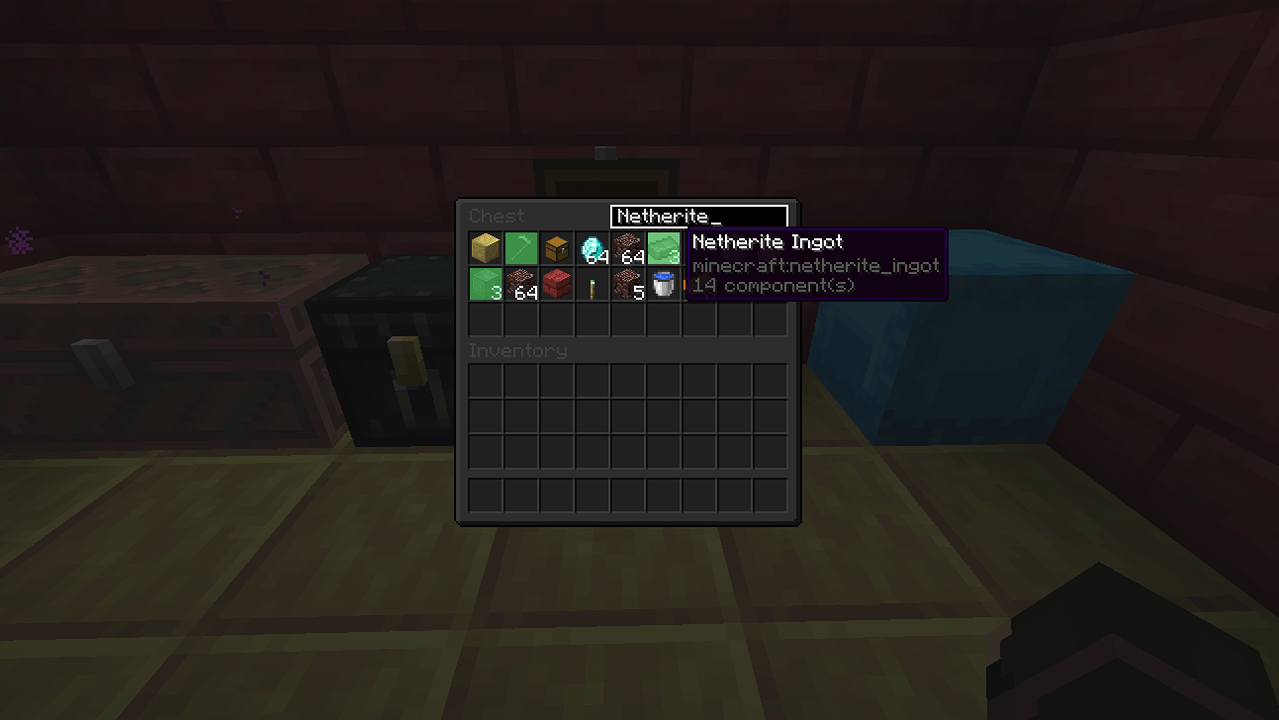 Chest 3805c5a3525e4b50ad5f8aeeb69256129c97ed9e.png
 -
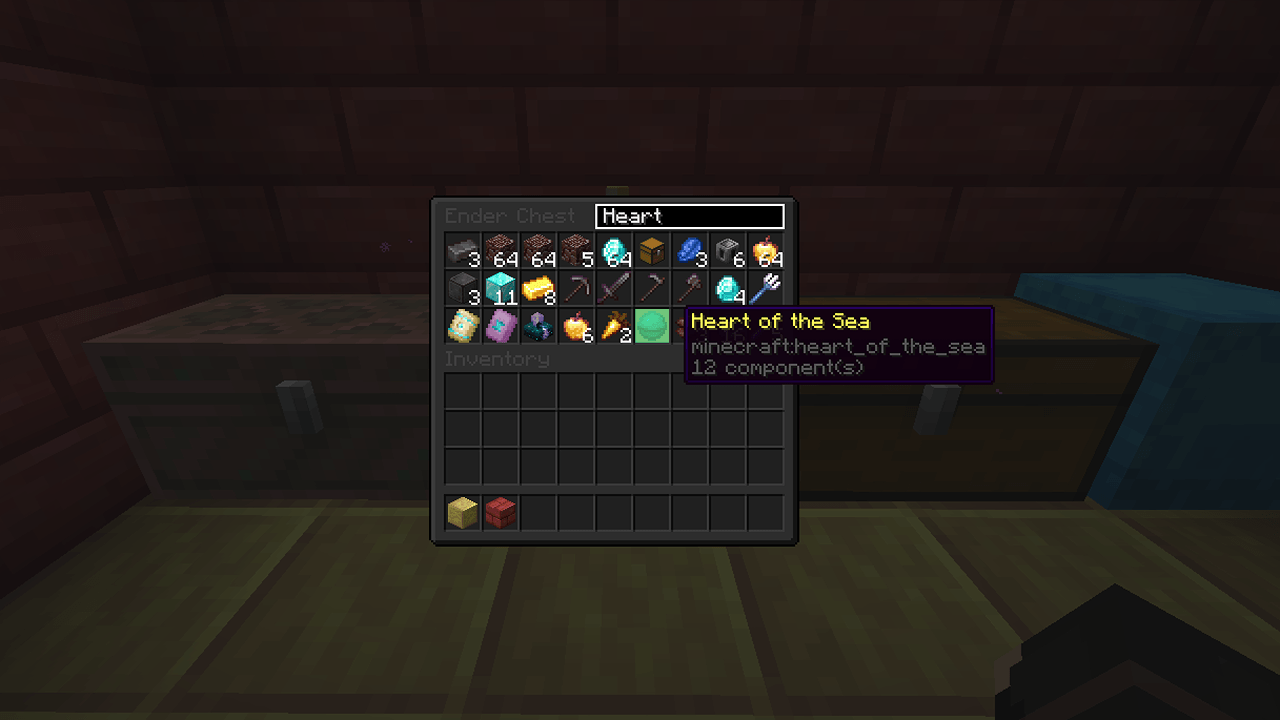 Ender Chest 0afe16777b957187824d62d3b8f08e21593a7eca.png
-
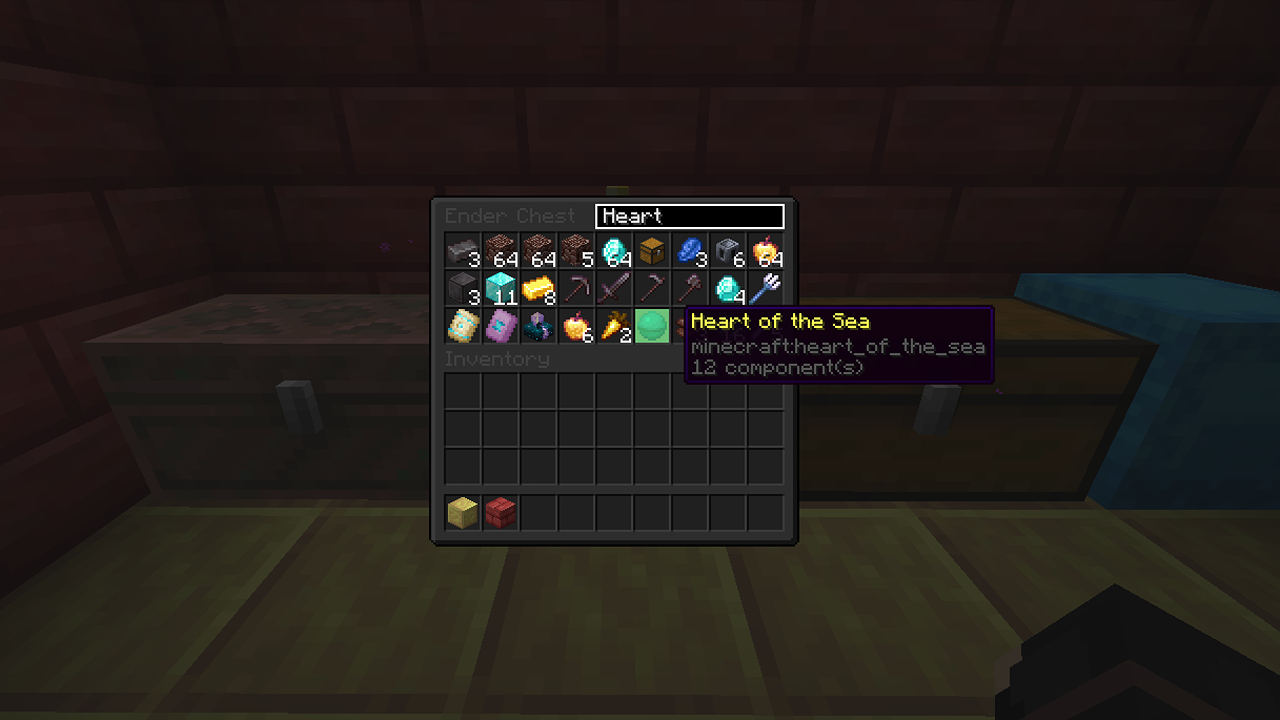 Ender Chest
 -
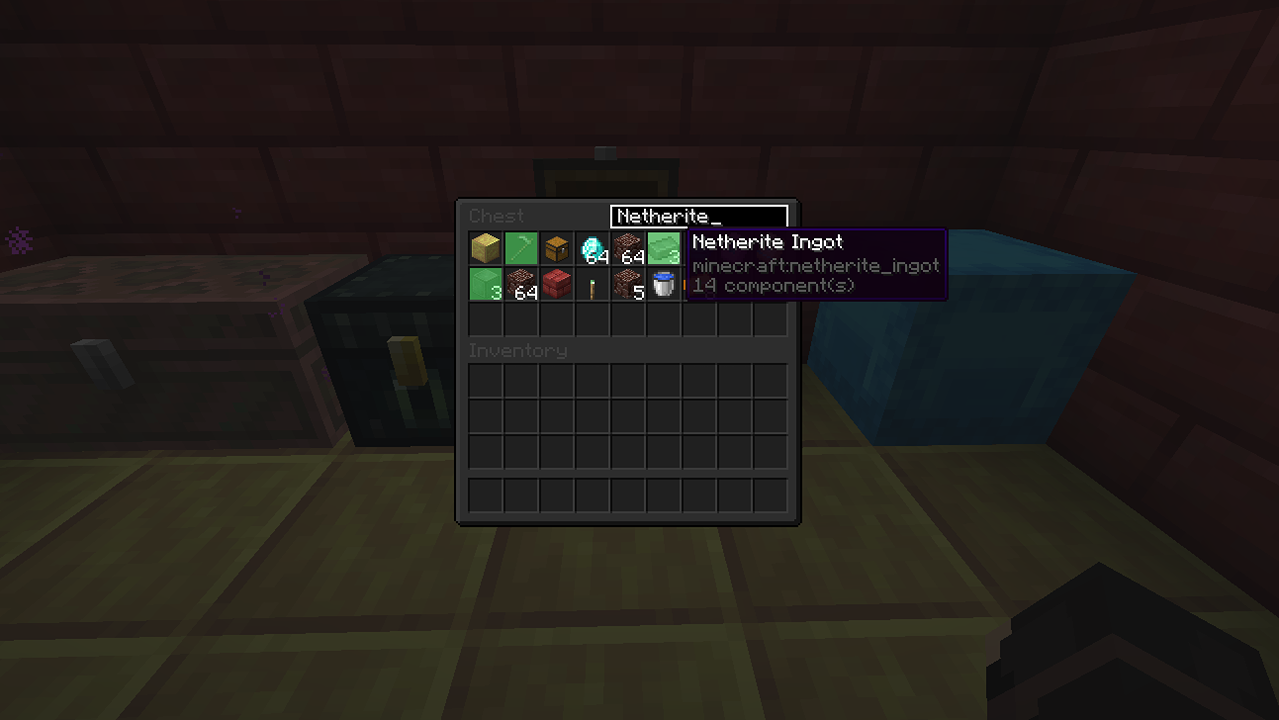 Chest
Chest
Versions
Files
Relations
Project Relations
More like this
Similar Mods
Suggestions use data such as tags, dependencies, dependents, descriptions, titles, and more to rank how much they overlap with this mod.
On ModDex
Community snapshot
By the numbers
Statistics
Want to reach Minecraft players?
We're looking for a server hosting partner to feature here and other parts of the site. Interested? Send us a message!
Get in touchGet it on
Available Platforms
On ModDex
Community snapshot
By the numbers
Statistics
Resources