
Community listing page, reviews here may not be monitored by the author.
Selenium

No reviews yet
A simple mod that allows the player to create and customise their own gui. Mainly useful for other mod developers who don't want to spend the time and energy in creating a gui
Community voices
Reviews
No reviews yet. Be the first to review this project!
Get it on
Available Platforms
Compatibility
Supported Environments
Runs entirely on the client. Works on vanilla servers.
About
Project Details
For authors
Embed Badge
If you're the author of this project, you can embed a live badge anywhere that supports HTML or Markdown. It updates automatically whenever ratings change.
Use HTML for any page that supports it, or Markdown for README files and Markdown-based descriptions.
Identifiers
Platform IDs
Resources
External Links
About
Description
Selenium
A simple mod that allows YOU to make your own gui complete with editable hud. This mod aims at easing the lives of developers who don't wish to spend the excessive time needed to create a gui. They can directly use this mod's api to easily add buttons that control their functions.
This includes:
- creating main tabs
- creating settings
- creating child settings
- choosing type (CHECK, NUMBER, TEXT)
- setting default value
- marking them as HUD
- reading/writing your values later
The current api includes the following features
Ensures a main tab exists in Selenium.
SeleniumApi.ensureMainTab(name)
Registers a top-level setting with default locked API permissions.
SeleniumApi.registerSetting(ownerModId, key, mainTab, label, type, renderType, defaultValue, hud, subSettings)
Registers a top-level setting with explicit player-edit permissions.
SeleniumApi.registerSetting(ownerModId, key, mainTab, label, type, renderType, defaultValue, hud, subSettings, permissions)
Registers a child setting under an existing parent with default locked API permissions.
SeleniumApi.registerChildSetting(ownerModId, key, mainTab, parentId, label, type, renderType, defaultValue, hud, subSettings)
Registers a child setting under an existing parent with explicit player-edit permissions.
SeleniumApi.registerChildSetting(ownerModId, key, mainTab, parentId, label, type, renderType, defaultValue, hud, subSettings, permissions)
Checks whether a Selenium setting with that id exists.
SeleniumApi.hasSetting(id)
Reads a check/toggle setting as a boolean.
SeleniumApi.getToggle(id)
Sets a check/toggle setting value.
SeleniumApi.setToggle(id, enabled)
Reads a number setting as a double.
SeleniumApi.getNumber(id)
Sets a number setting value.
SeleniumApi.setNumber(id, value)
Reads a text setting value.
SeleniumApi.getText(id)
Sets a text setting value.
SeleniumApi.setText(id, value)
Declares a boolean on/off setting type
SeleniumApi.SettingType.CHECK
Declares a numeric setting type.
SeleniumApi.SettingType.NUMBER
Declares a text/string setting type.
SeleniumApi.SettingType.TEXT
Defines what the player is allowed to do to an API-created setting.
SeleniumApi.Permissions(allowHudEdits, allowGuiAdd, allowGuiEdit, allowHiding)
Returns the default API permissions: locked editing, hiding allowed.
SeleniumApi.Permissions.defaults()
Returns permissions that let the player fully edit the setting and HUD.
SeleniumApi.Permissions.fullyEditable()
Add a color setting type (stores the color as hex #RRGGBB)
SeleniumApi.registerSetting(ownerModId, key, mainTab, label, SeleniumApi.SettingType.COLOR, renderType, "#FFFFFF", hud, subSettings, permissions)
Add a bounded slider setting type (min/max/step)
SeleniumApi.registerSetting(ownerModId, key, mainTab, label,
    SeleniumApi.SettingType.SLIDER, renderType, "50",
    Map.of("min", "0", "max", "100", "step", "1"),
    hud, subSettings, permissions)
You can pass metadata via a
Map<String, String>parameter to set the min/max/steps. The default value is set by "50" by hardcoding it (This is where the slider starts by default)
Add a selectable choice setting type (comma separated options)
    SeleniumApi.SettingType.CHOICE, renderType, "Medium",
    Map.of("options", "Low, Medium, High"),
    hud, subSettings, permissions)
Same as slider, the metadata can be passed via a
Map<String, String>parameter to set the choices. The default chocie is set by hardcoding it
Commands
Selenium adds a few commands, namely:
/selenium gui
Opens the main gui, listing all the options allowing enabling/disabling options
/selenium edithud
Allows the editing of the hud, by dragging and resizing the elements
/selenium editgui
Allows the creation/deletion of new buttons
Editing is disbaled by default, unless the develpoer chooses to enable it.
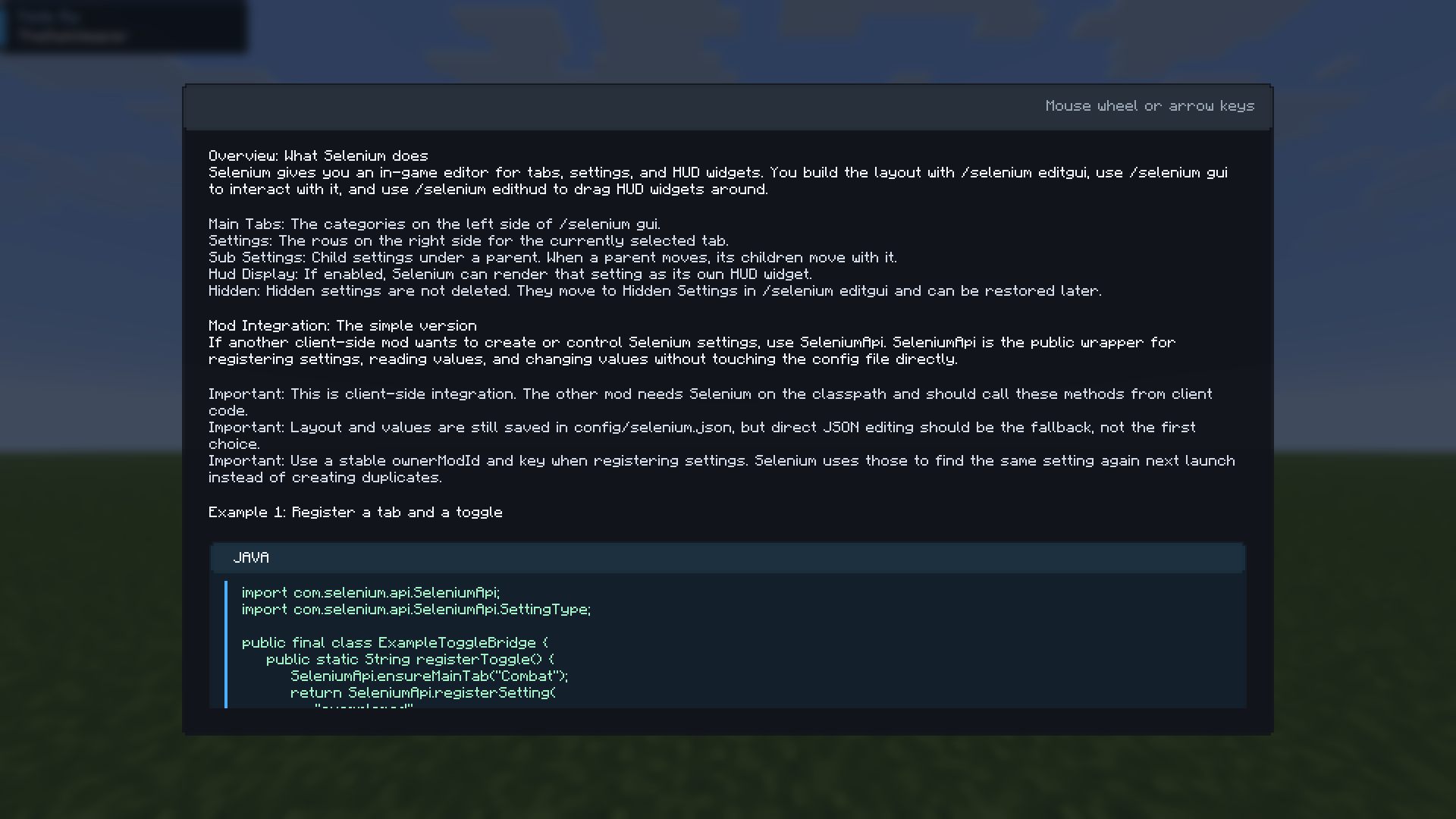
/selenium tutorial
Opens the tutorial screen
Hud rendering
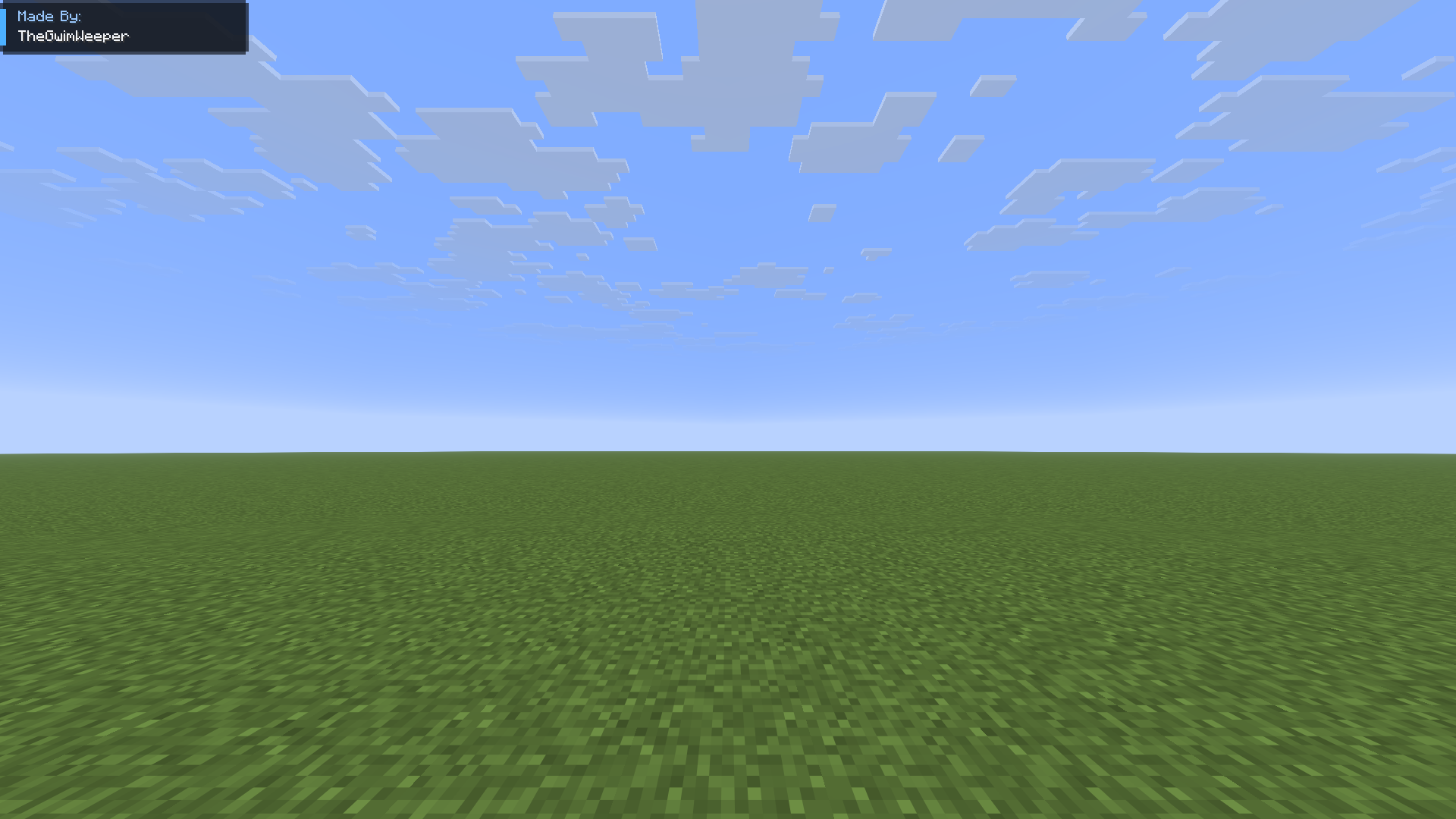
The main UI
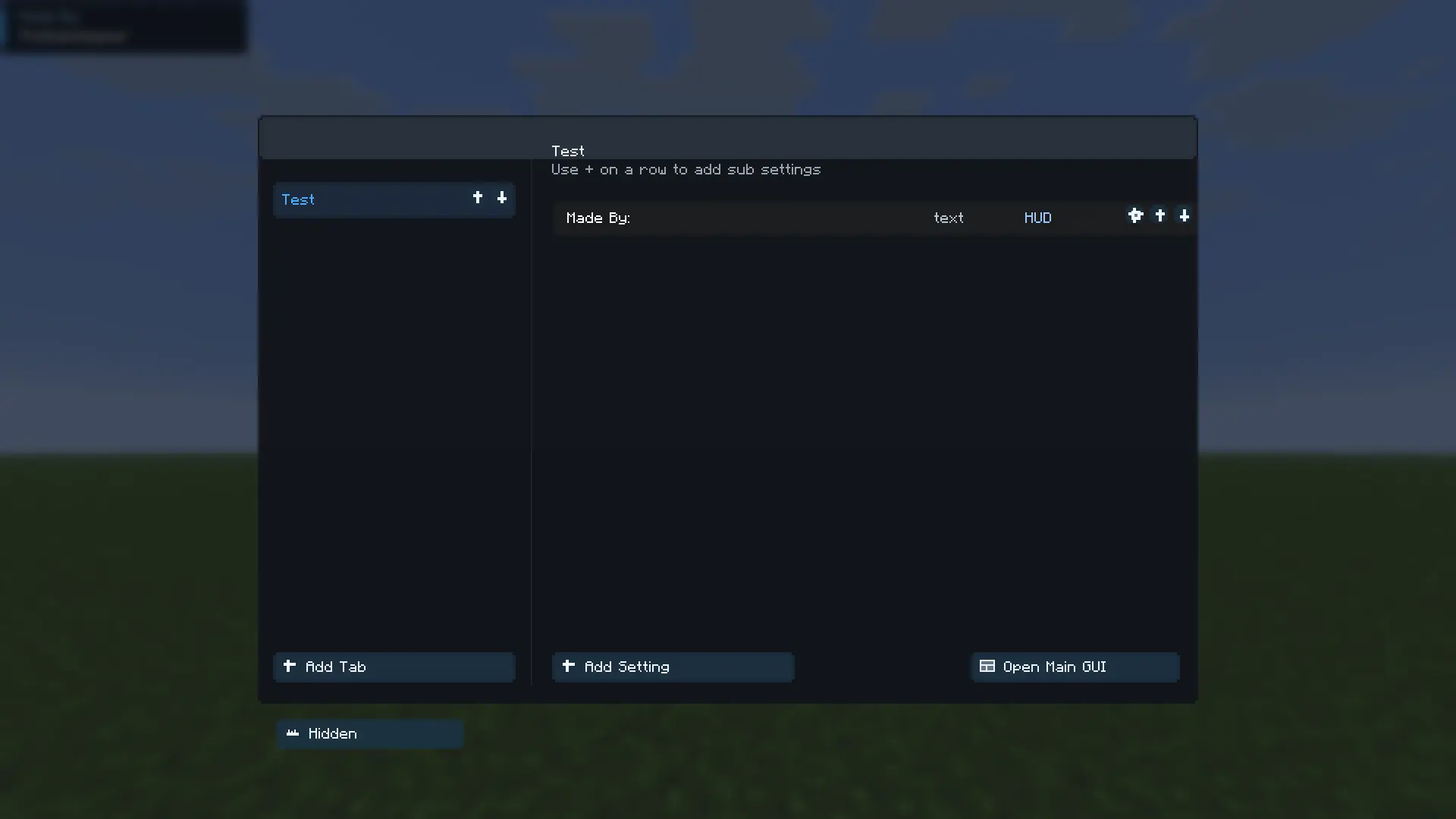
Editing main tab
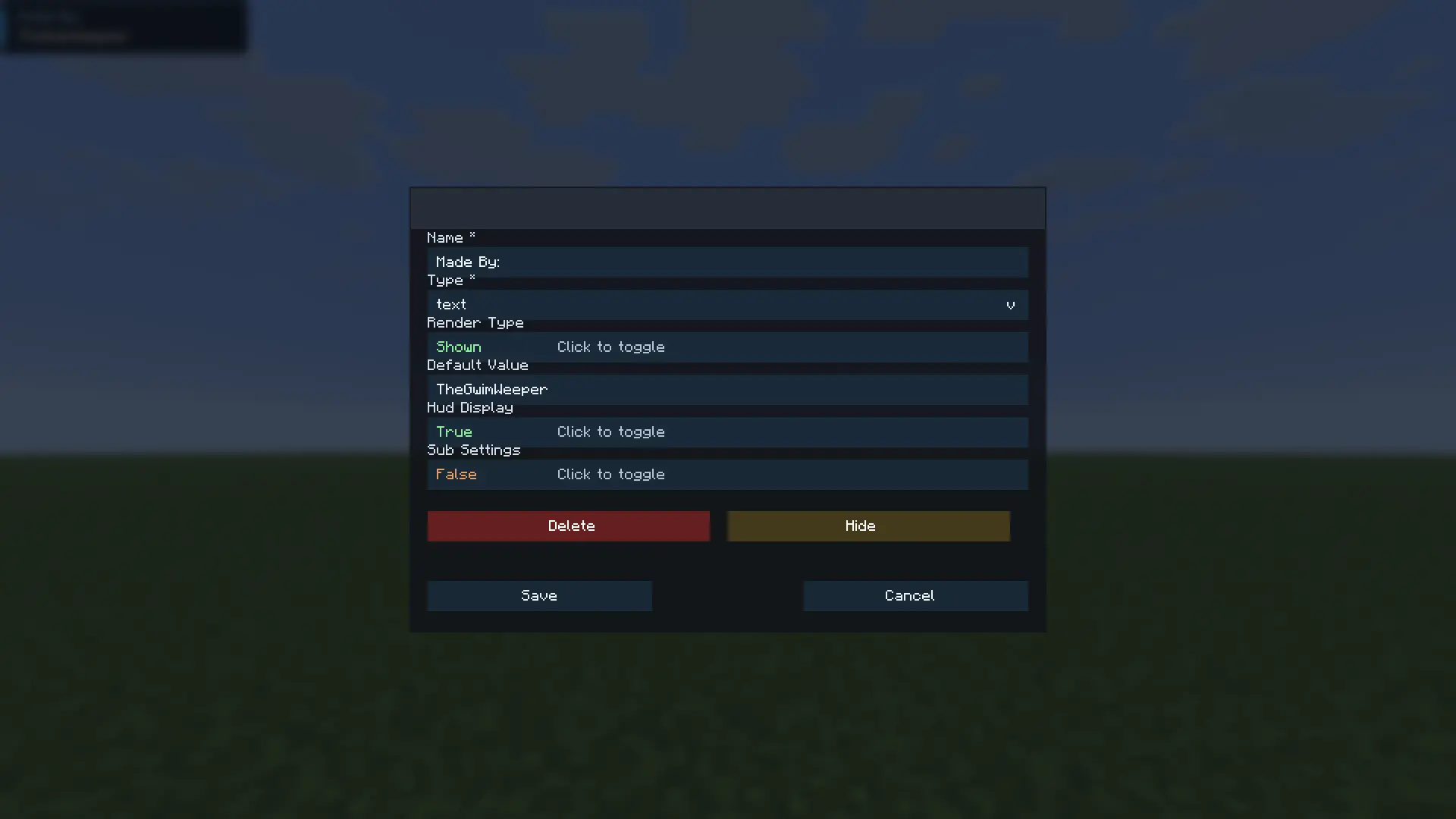
Editing an existing setting
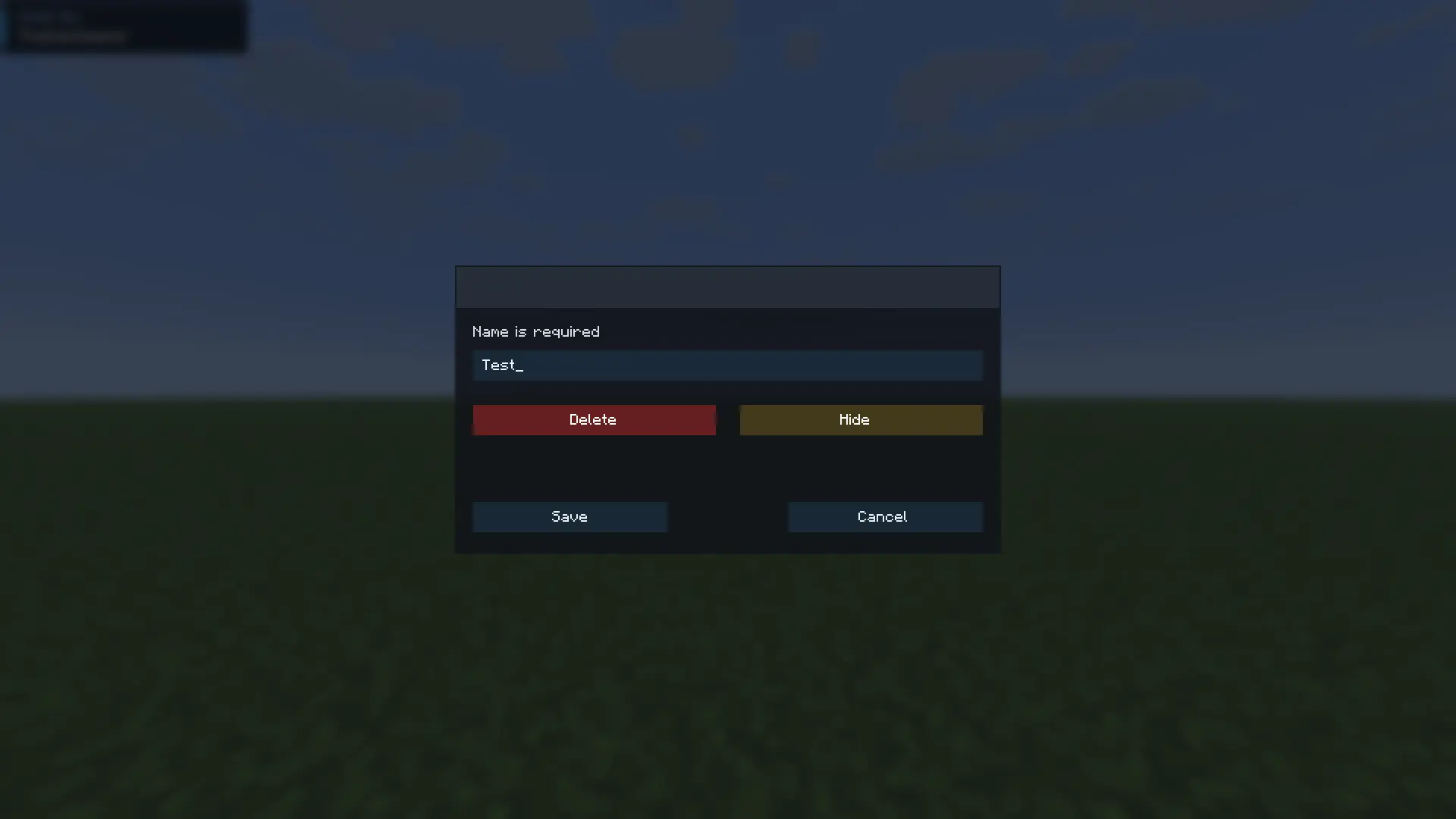
Creating a main tab (shown on the left side of the ui)
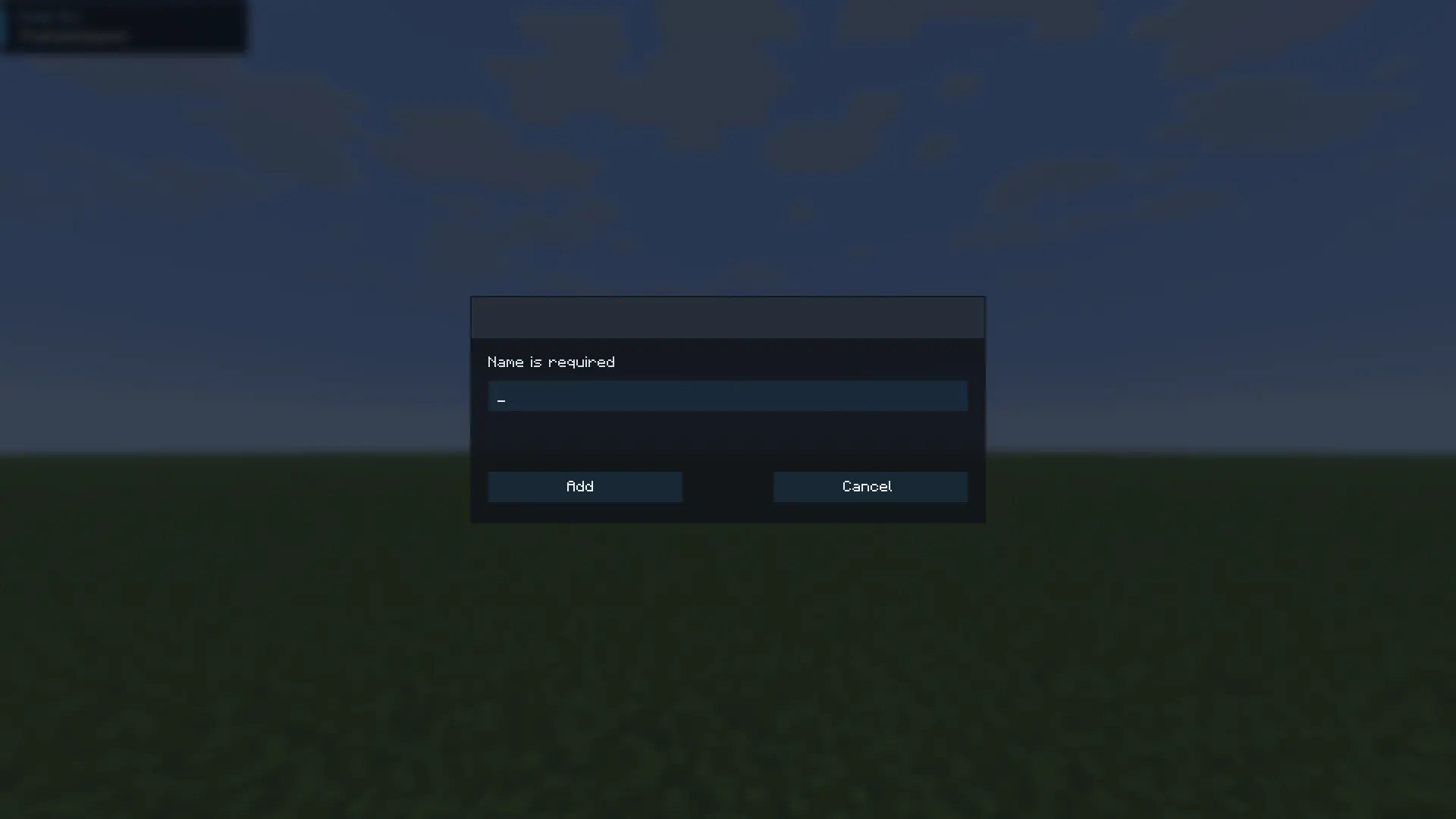
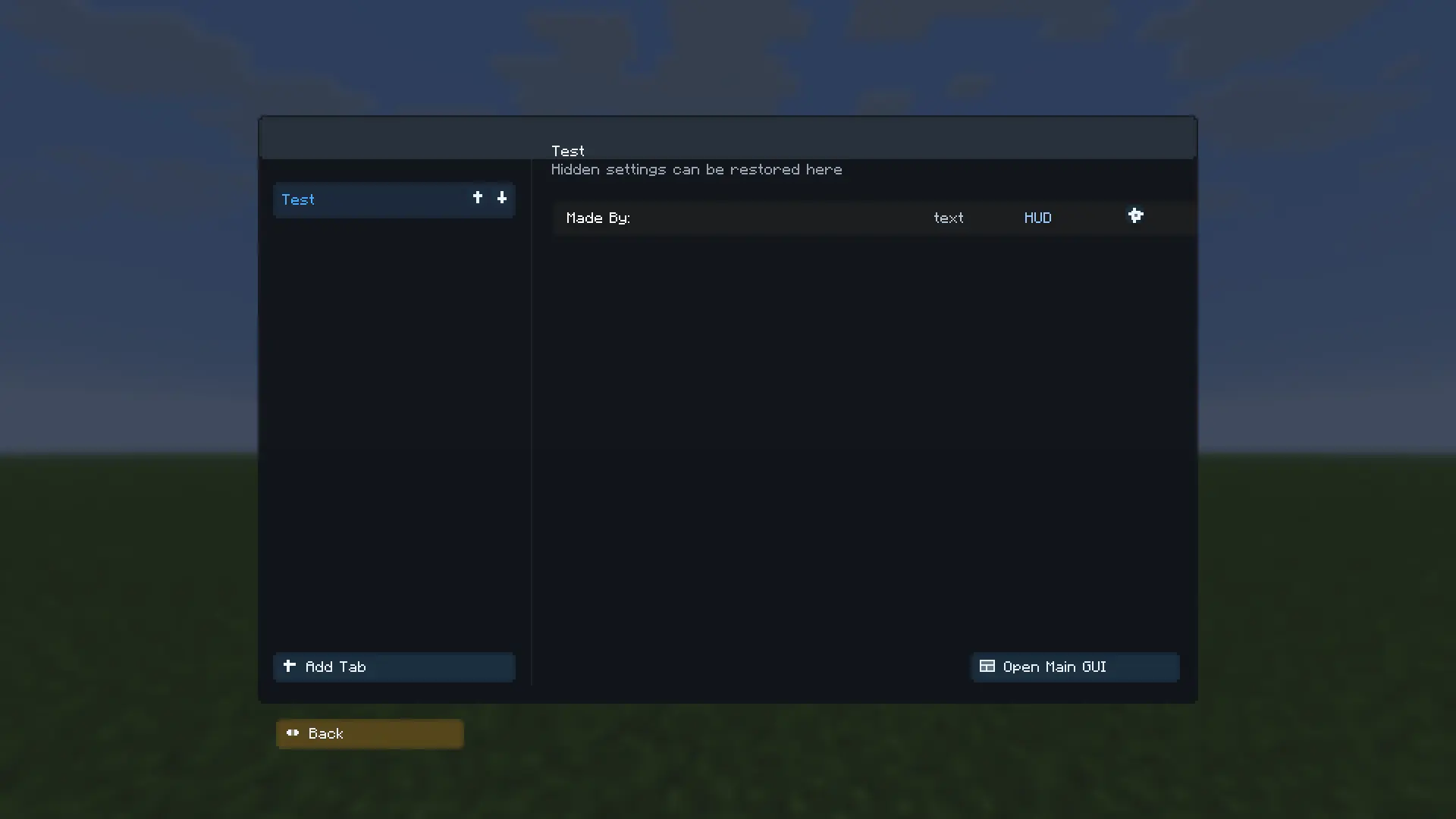
Easily hide settings and access them
The tutorial screen
Screenshots
Gallery
-
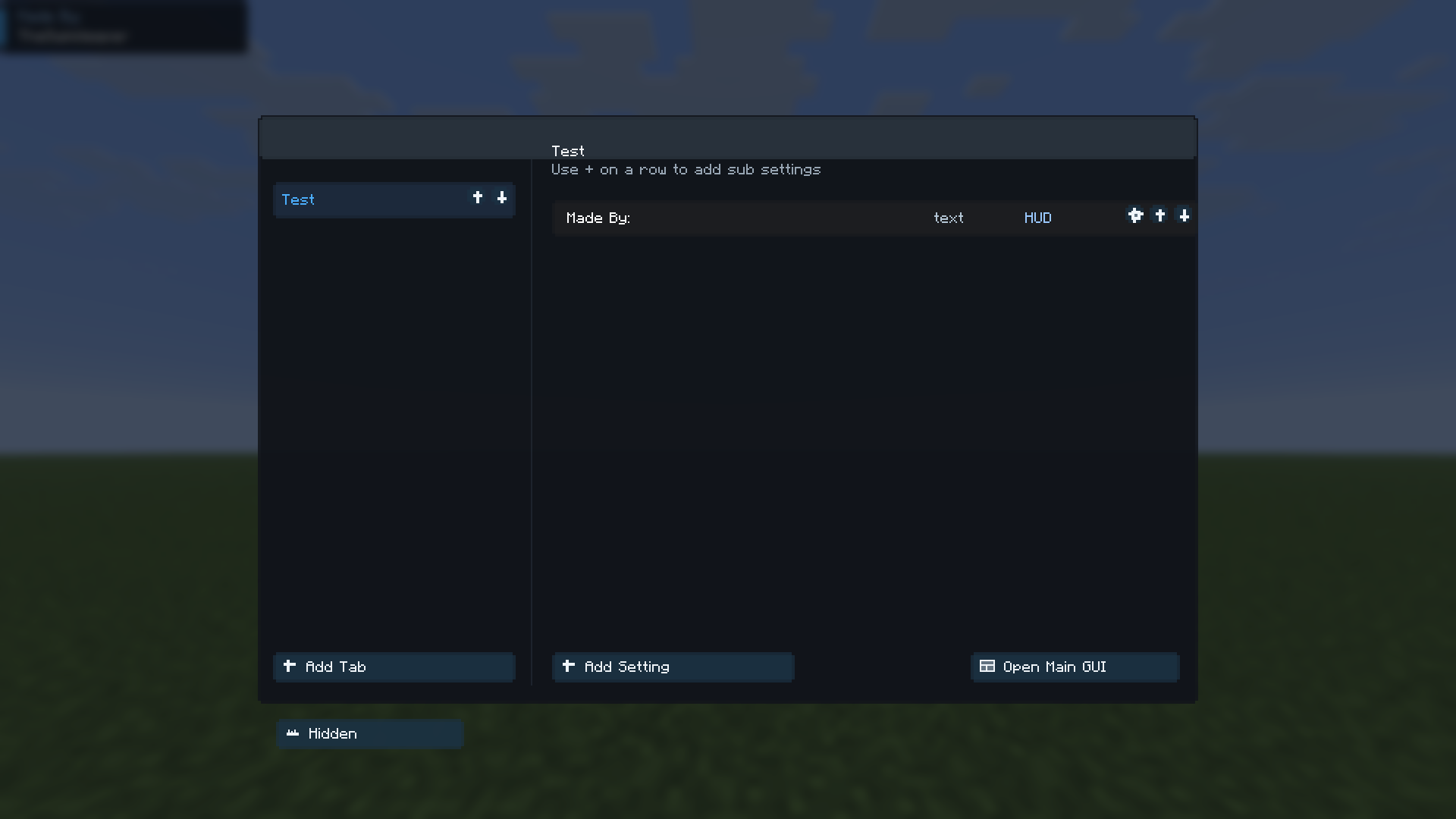 The main ui
 -
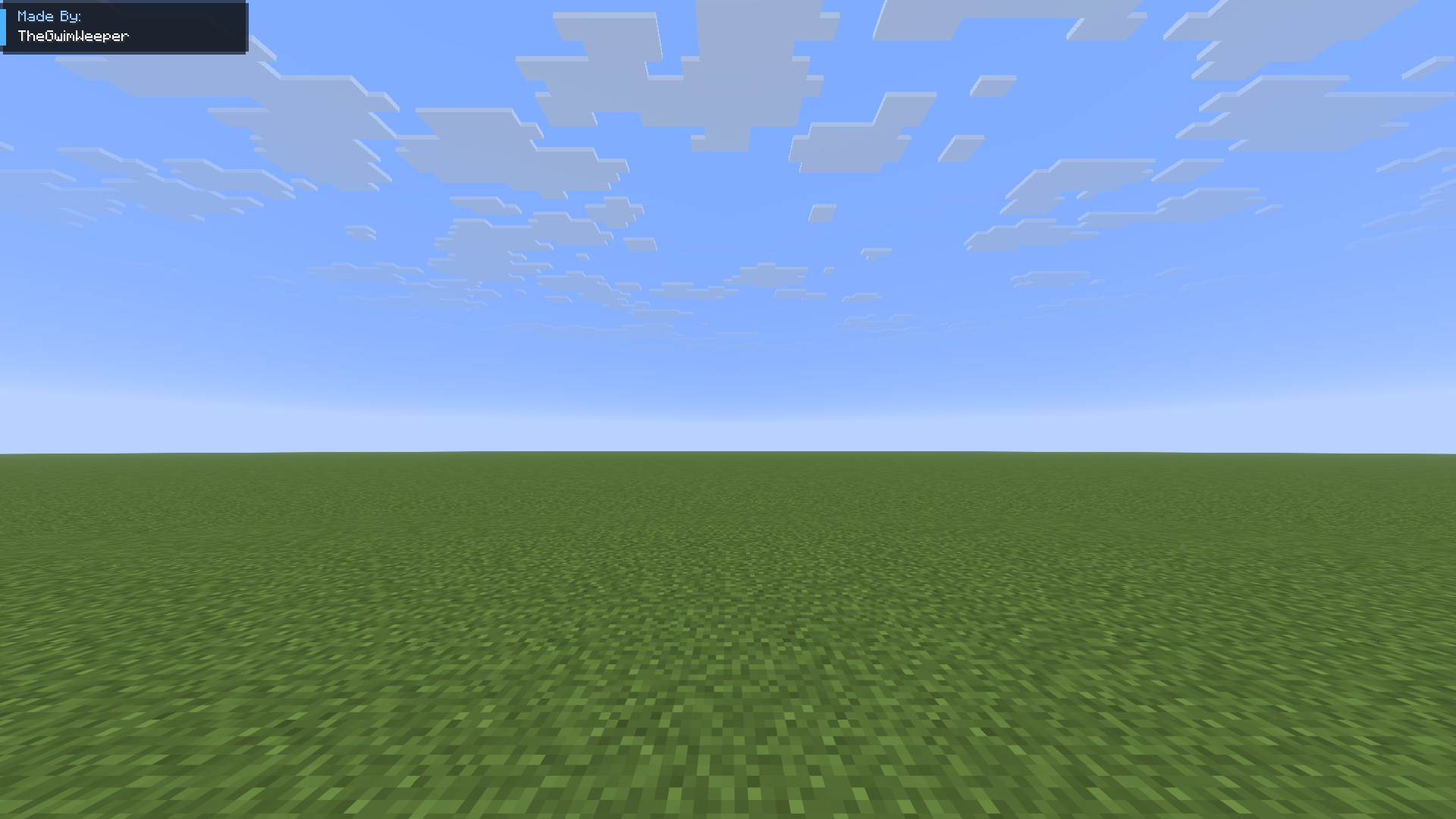 The hud
 -
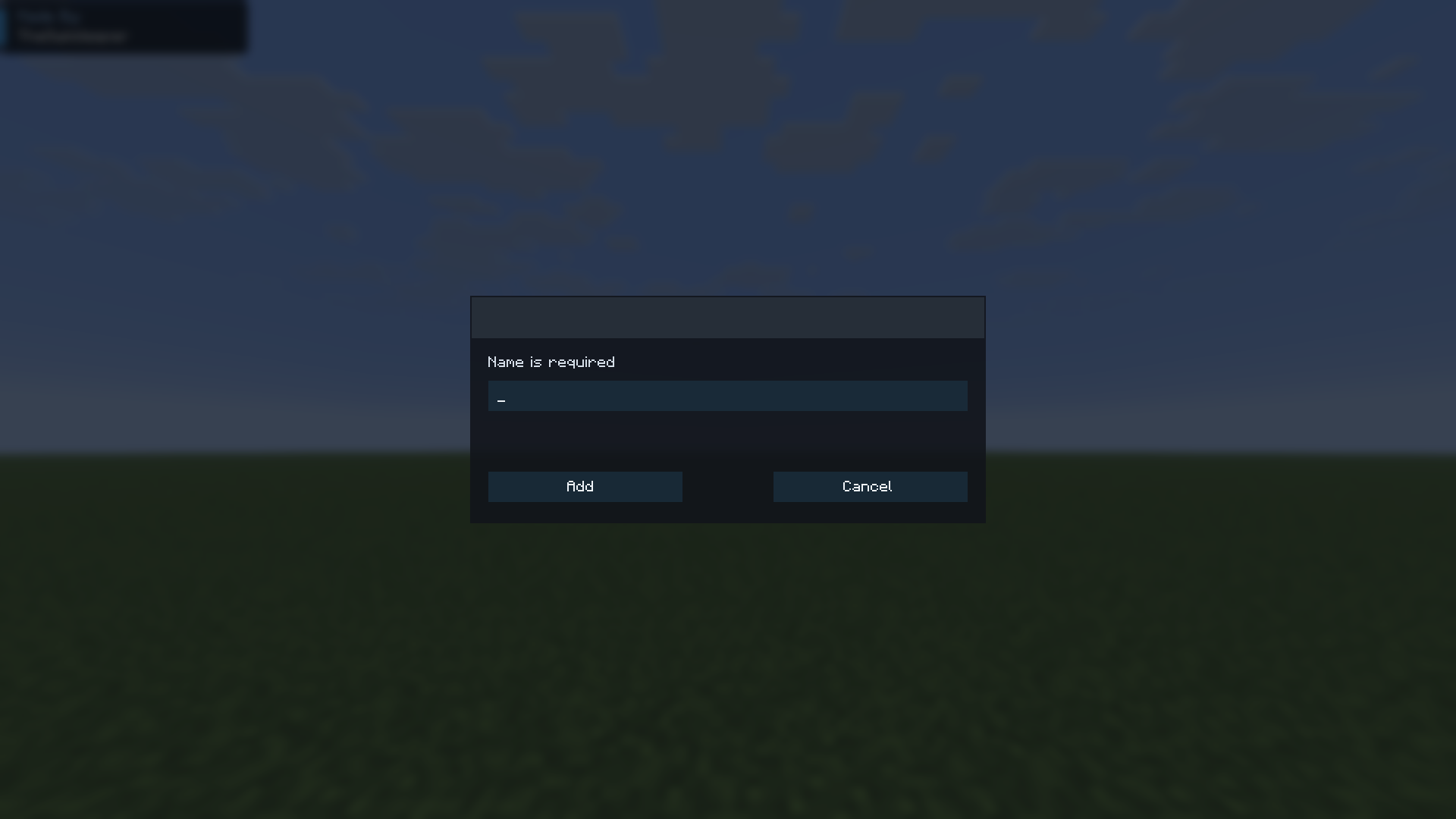 Creating a main setting
 -
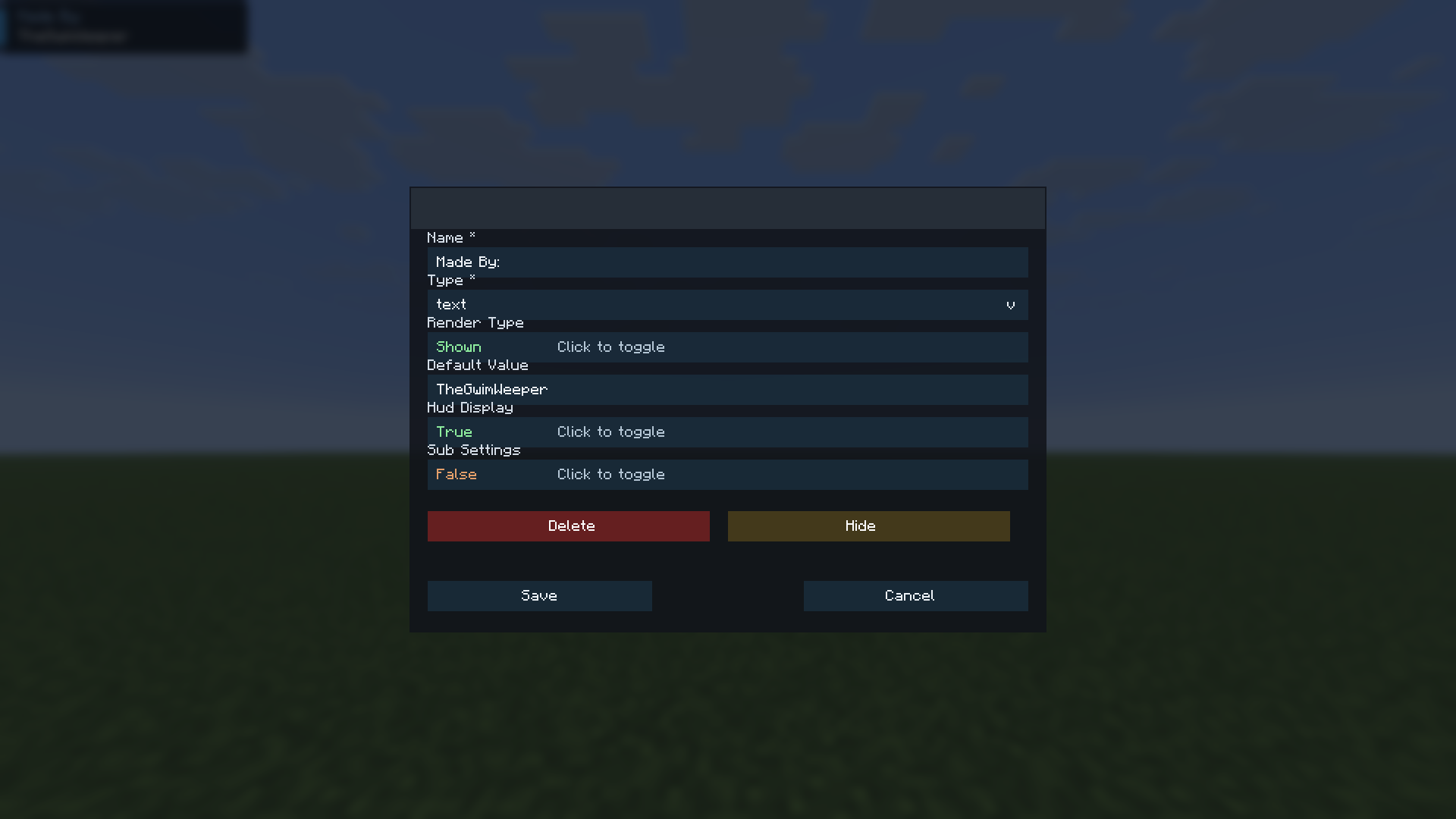 Editing a setting
 -
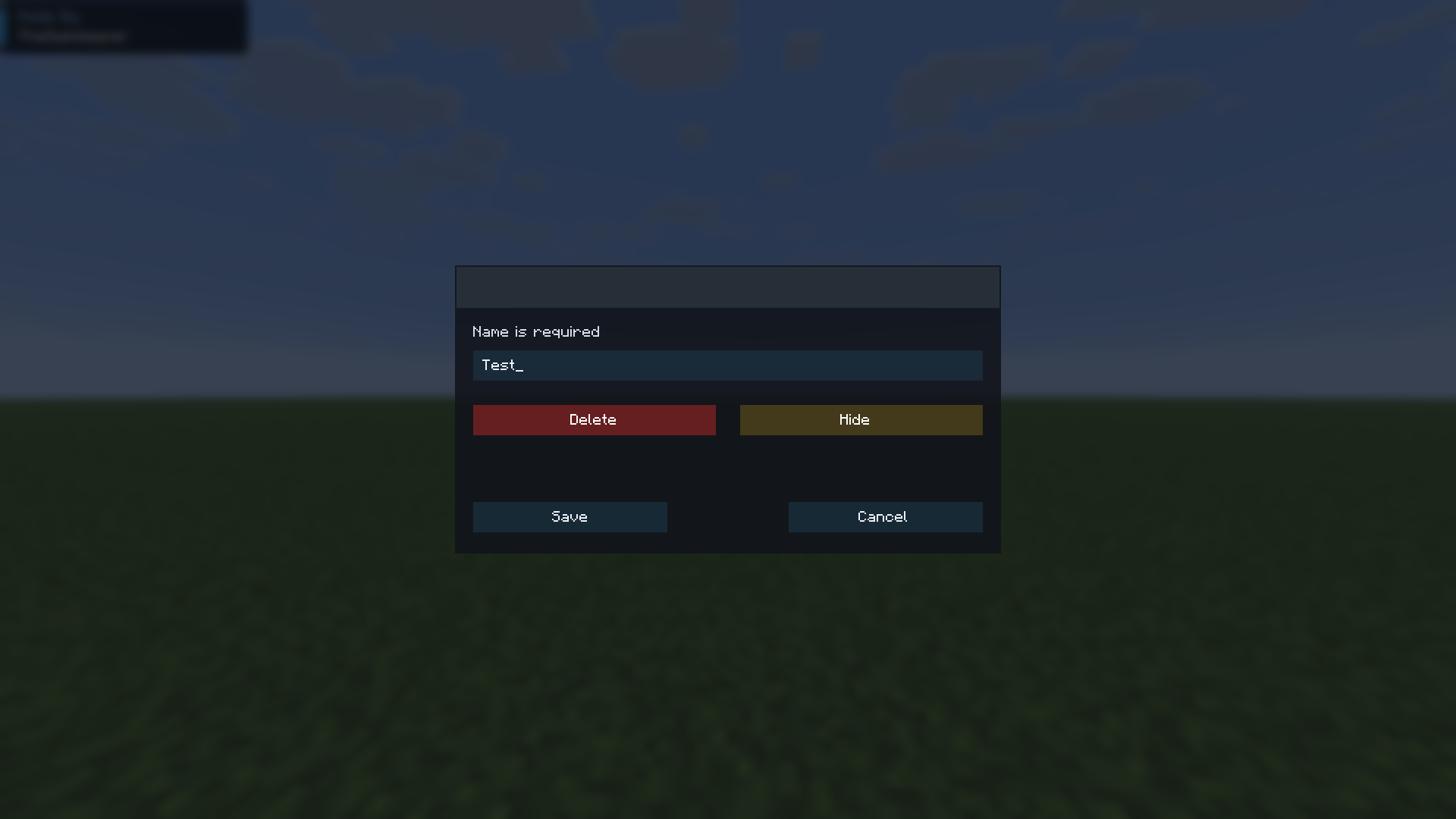 Editing main tab
 -
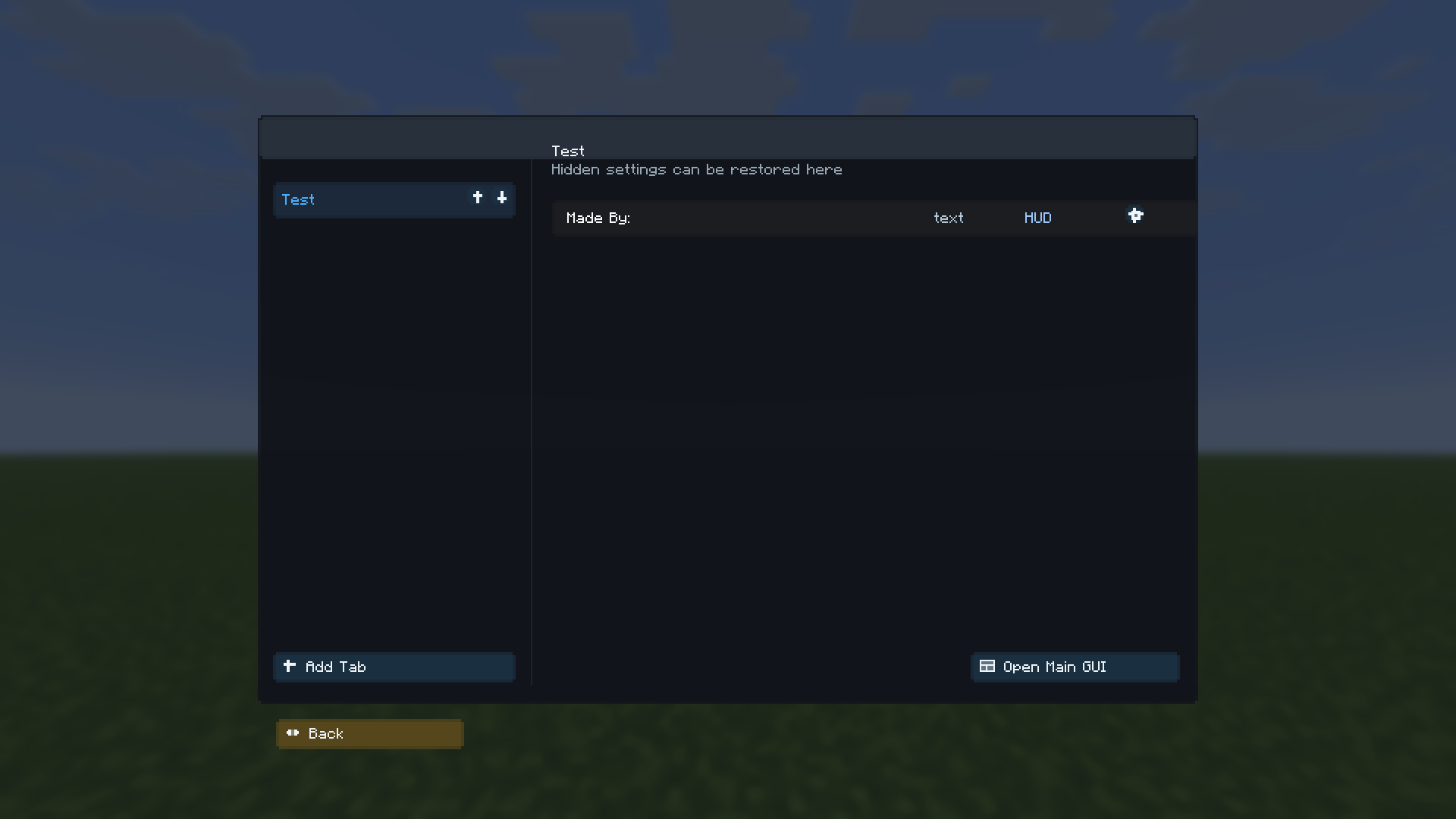 The hidden tab
 -
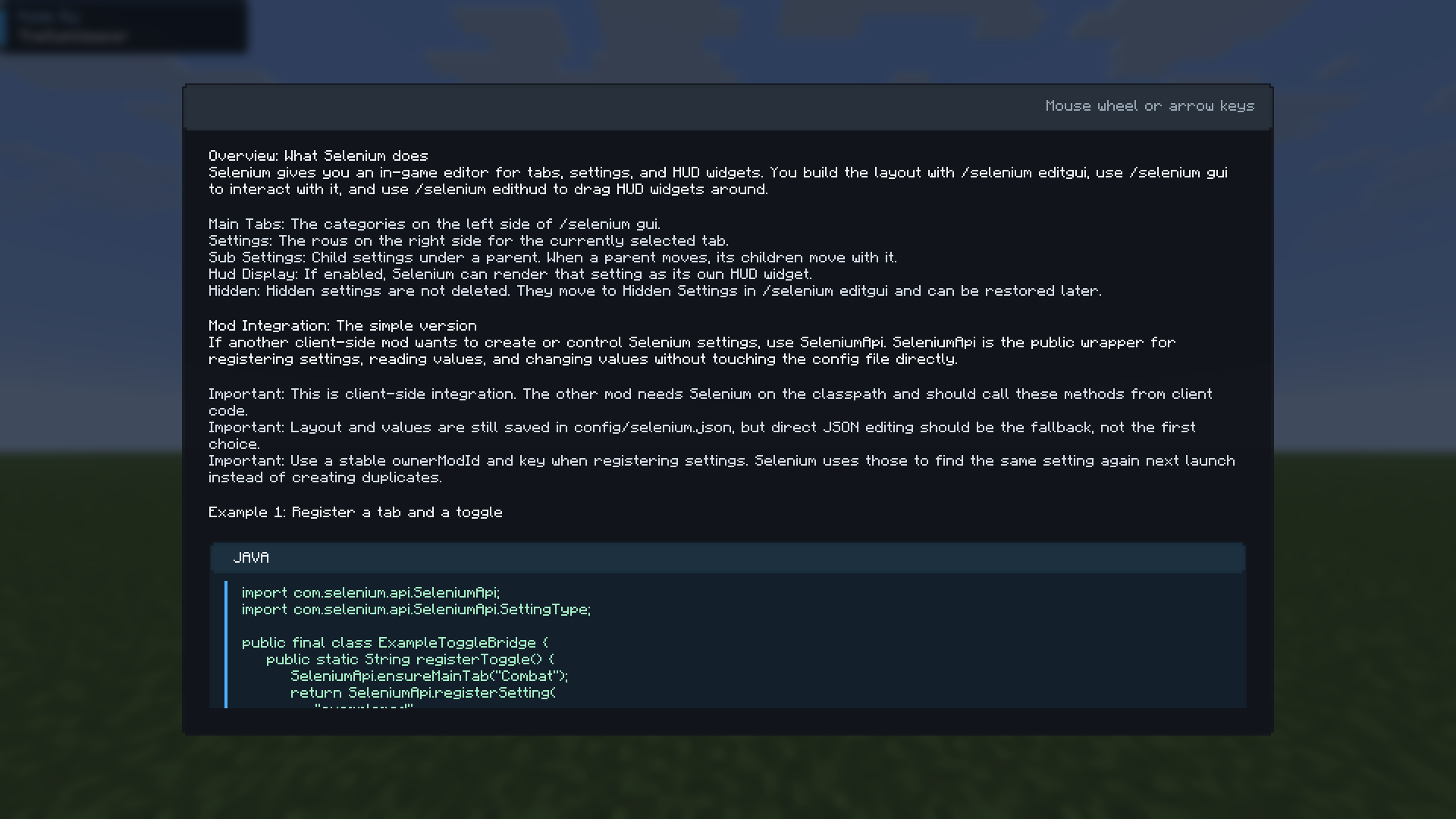 Tutorial
 -
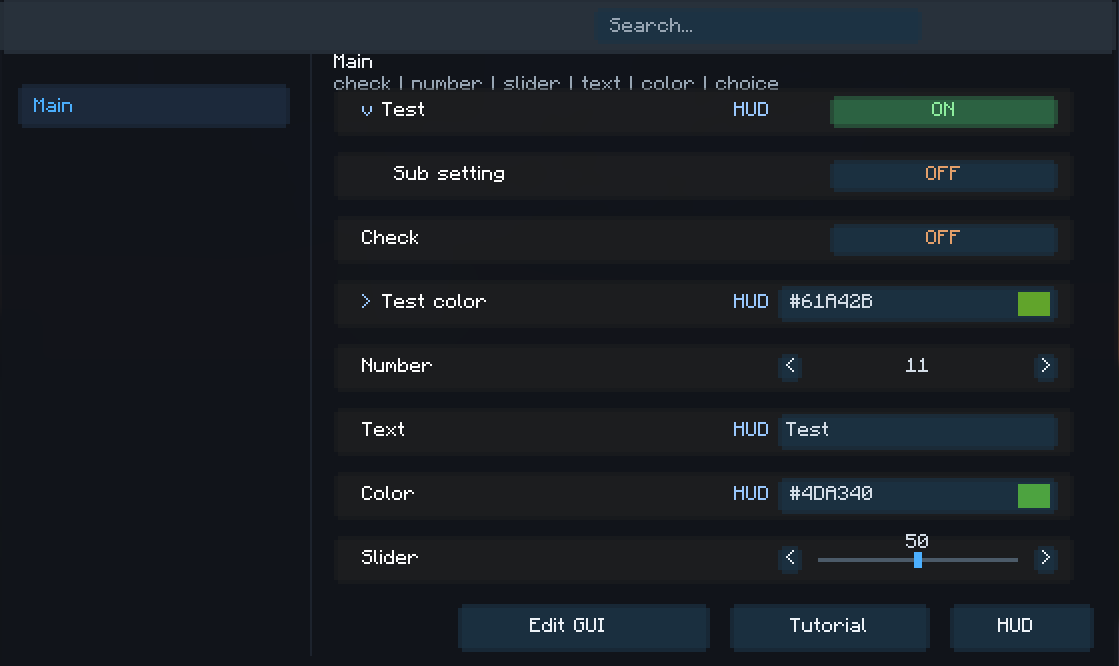 Color picker and slider
Versions
Files
Relations
Project Relations
More like this
Similar Mods
Suggestions use data such as tags, dependencies, dependents, descriptions, titles, and more to rank how much they overlap with this mod.
On ModDex
Community snapshot
By the numbers
Statistics

Want to reach Minecraft players?
We're looking for a server hosting partner to feature here and other parts of the site. Interested? Send us a message!
Get in touchGet it on
Available Platforms
On ModDex
Community snapshot
By the numbers
Statistics
Resources