Community listing page, reviews here may not be monitored by the author.
Selfie Camera

No reviews yet
Selfie, GoPro and Orbit camera modes for filming clips, Shorts and TikToks. Switch with one key, adjust distance, height and angle live in-game, hide the HUD, record. Smooth, wall-safe, client-side.
Community voices
Reviews
No reviews yet. Be the first to review this project!
Get it on
Available Platforms
About
Project Details
For authors
Embed Badge
If you're the author of this project, you can embed a live badge anywhere that supports HTML or Markdown. It updates automatically whenever ratings change.
Use HTML for any page that supports it, or Markdown for README files and Markdown-based descriptions.
Identifiers
Platform IDs
Resources
External Links
About
Description
📸 SelfieCam
Three camera rigs, one key. Made for clips.
Filming Minecraft for TikTok, Shorts or a montage? Vanilla gives you first person and "somewhere behind me". SelfieCam gives you a phone-on-a-stick selfie view, a wide-angle over-the-shoulder action cam and a slow cinematic orbit – all adjustable while you play, with the camera gliding smoothly between positions and never clipping through walls.
🎥 Modes (press V to cycle)
| Mode | What you get |
|---|---|
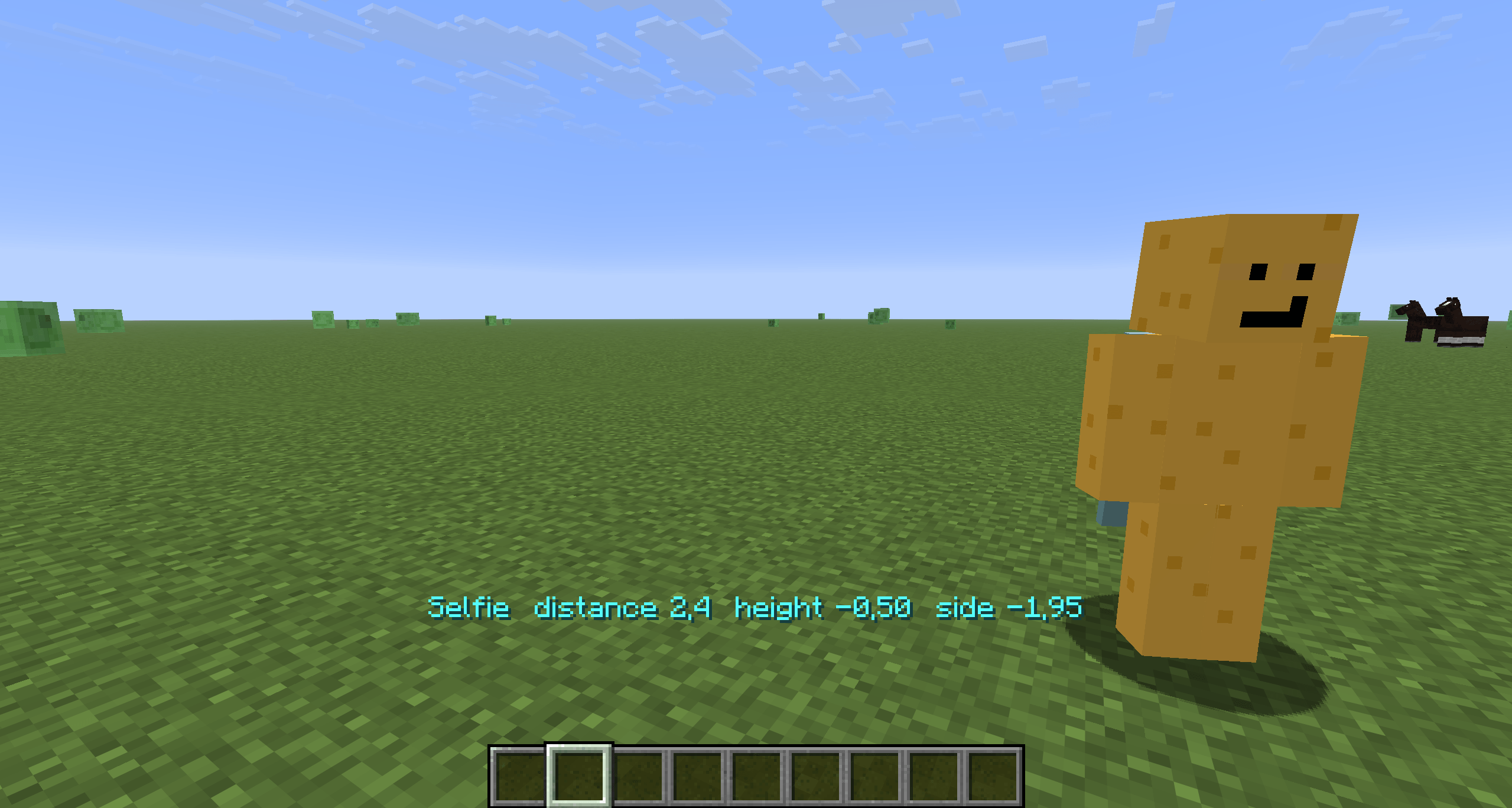
| Selfie | Camera in front of you, slightly above eye level, looking at your face – like holding a phone. It follows your head, so where you look still reads on camera. |
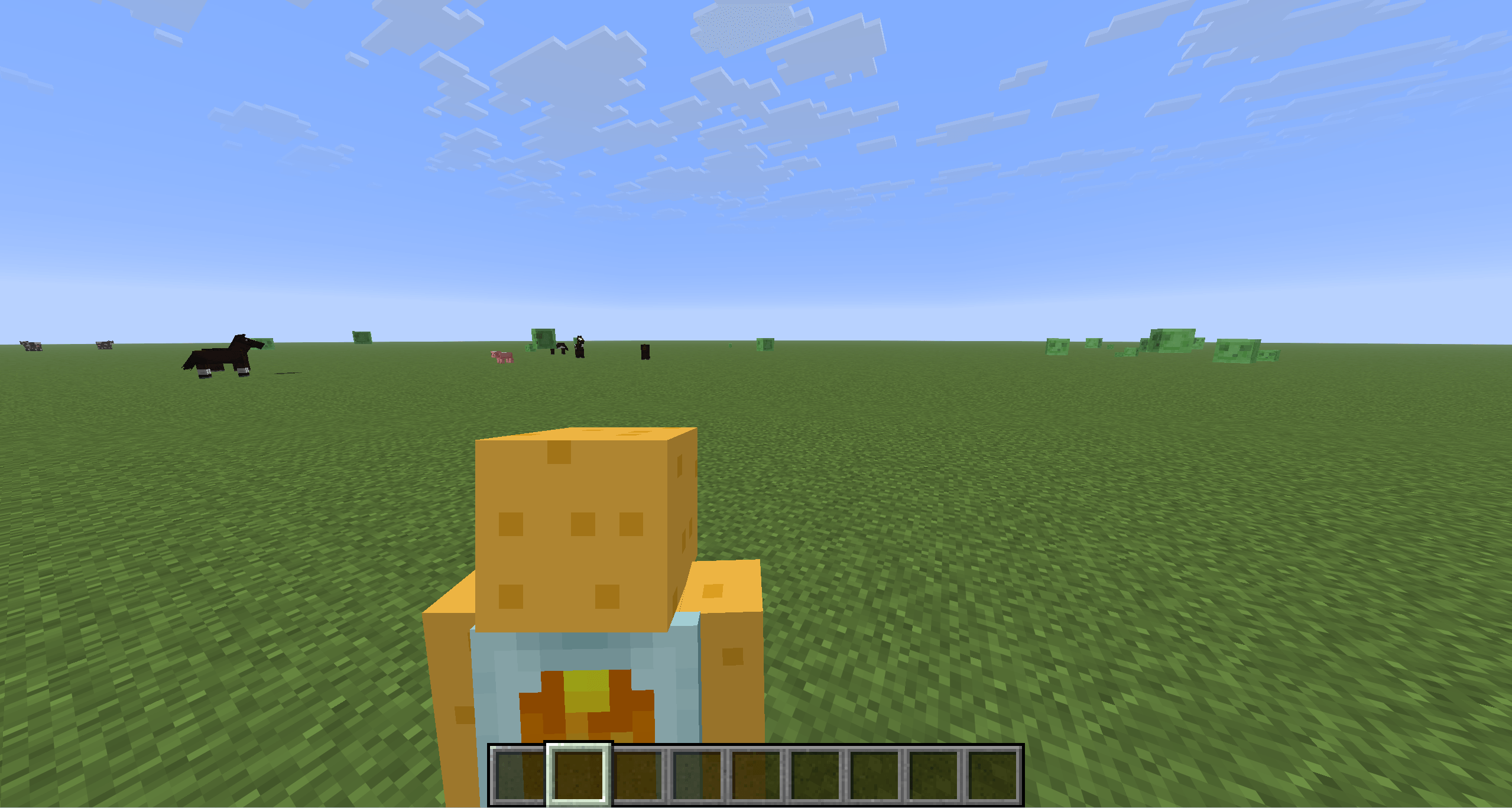
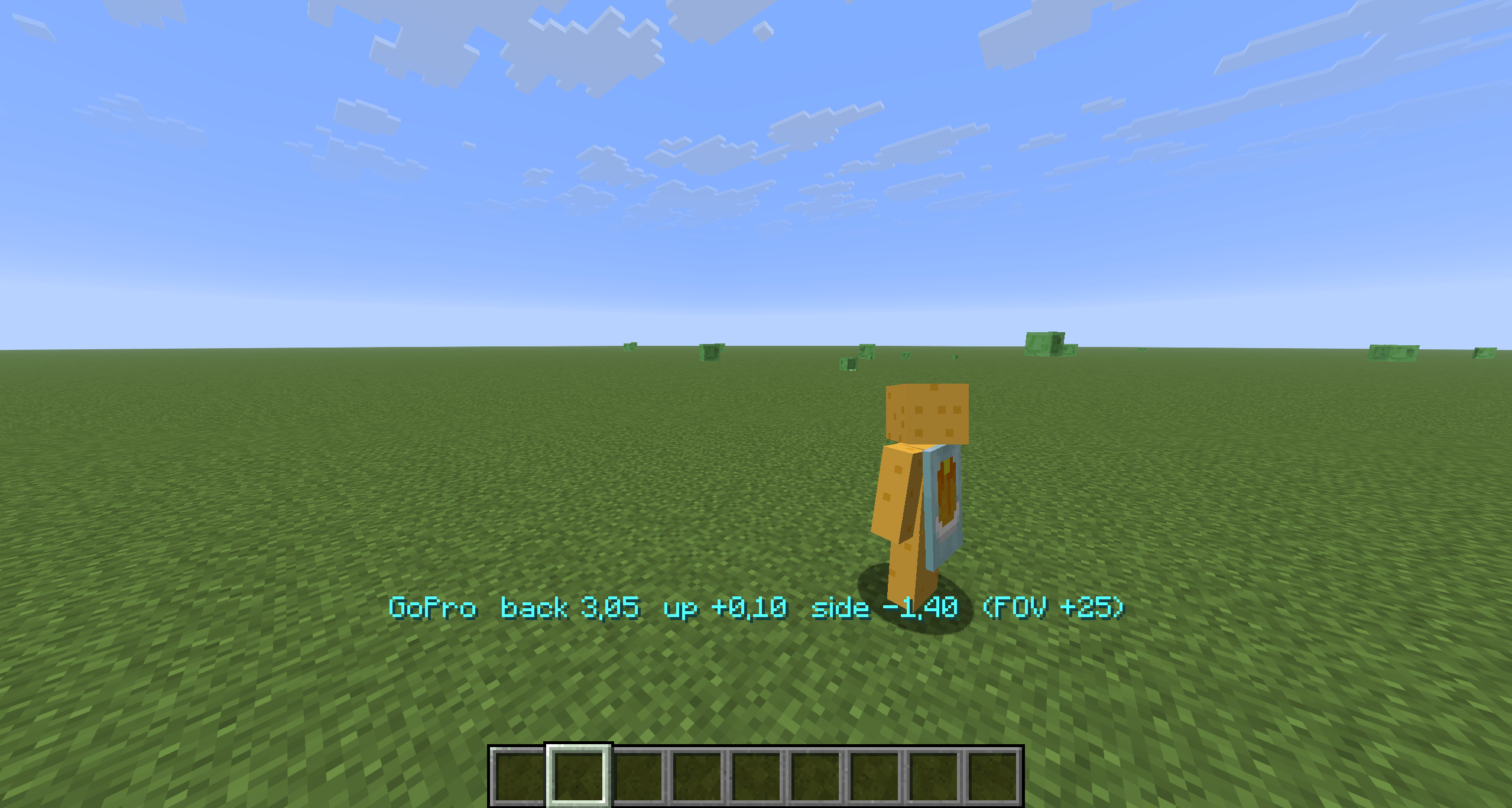
| GoPro | Over-the-shoulder action cam with a wide lens (+25° FOV). Your body stays in frame while you run, mine, fight, ride or fly. |
| Orbit | A slow cinematic circle around you at a fixed distance and pitch – hands-free b-roll. Pauses when the game is paused. |
🎮 Controls
Rebindable in Options → Controls → SelfieCam.
| Key | Selfie | GoPro | Orbit |
|---|---|---|---|
V |
next mode | next mode | next mode |
[ / ] |
closer / farther | closer / farther | closer / farther |
↑ / ↓ |
camera higher / lower | camera higher / lower | pitch up / down |
← / → |
camera left / right | camera left / right | slower / faster (negative = reverse) |
R |
reset this mode | reset this mode | reset this mode |
H |
hide / show HUD – then F2 for a clean screenshot |
Hold a key to keep adjusting; the current values show on the action bar and are saved to config/selfiecam.json.
💡 Tips for creators
- Cinematic b-roll: Orbit →
H→ record. Tune pitch with↑/↓and speed with←/→until it feels right. - Reaction shots: Selfie shows your face and whatever is behind you – perfect for "look what I found" clips.
- Action: GoPro keeps your character in the frame during parkour, elytra and combat; nudge it over either shoulder with
←/→. - Skins & emotes: Selfie mode is the easiest way to show off a skin or an emote mod.
⚙️ Config (config/selfiecam.json)
Everything the keys change plus a few extras: selfieTilt (how much the selfie looks down at you), goproFovAdd, orbitTargetY (aim at chest vs. eyes), hideHudInModes, smoothCamera, showMessages.
🧩 Compatibility
- Minecraft 1.21.8 – 1.21.11, Fabric Loader 0.16+, Fabric API required
- Client-side only – works on any server
- Uses the vanilla camera collision, so the camera never ends up inside a wall
F5keeps working; if you cycle into first person, pressVagain to bring the body back- Other mods that replace the third-person camera (shoulder-surfing style) may fight over the position – keep one of them off while filming
❓ FAQ
Does it record video? No – it positions the camera. Use OBS, ShadowPlay or your usual recorder.
Can other players see it? No, it is purely client-side.
Can I set the camera to look at something else? Not yet – the rigs are anchored to you. Say what you need in the issues.
Screenshots
Gallery
-
 SnÃmek obrazovky 2026-08-29 135317.png SnÃmek obrazovky 2026-08-29 135317.png
 -
 SnÃmek obrazovky 2026-08-29 135247.png SnÃmek obrazovky 2026-08-29 135247.png
 -
 SnÃmek obrazovky 2026-08-29 135226.png SnÃmek obrazovky 2026-08-29 135226.png
 -
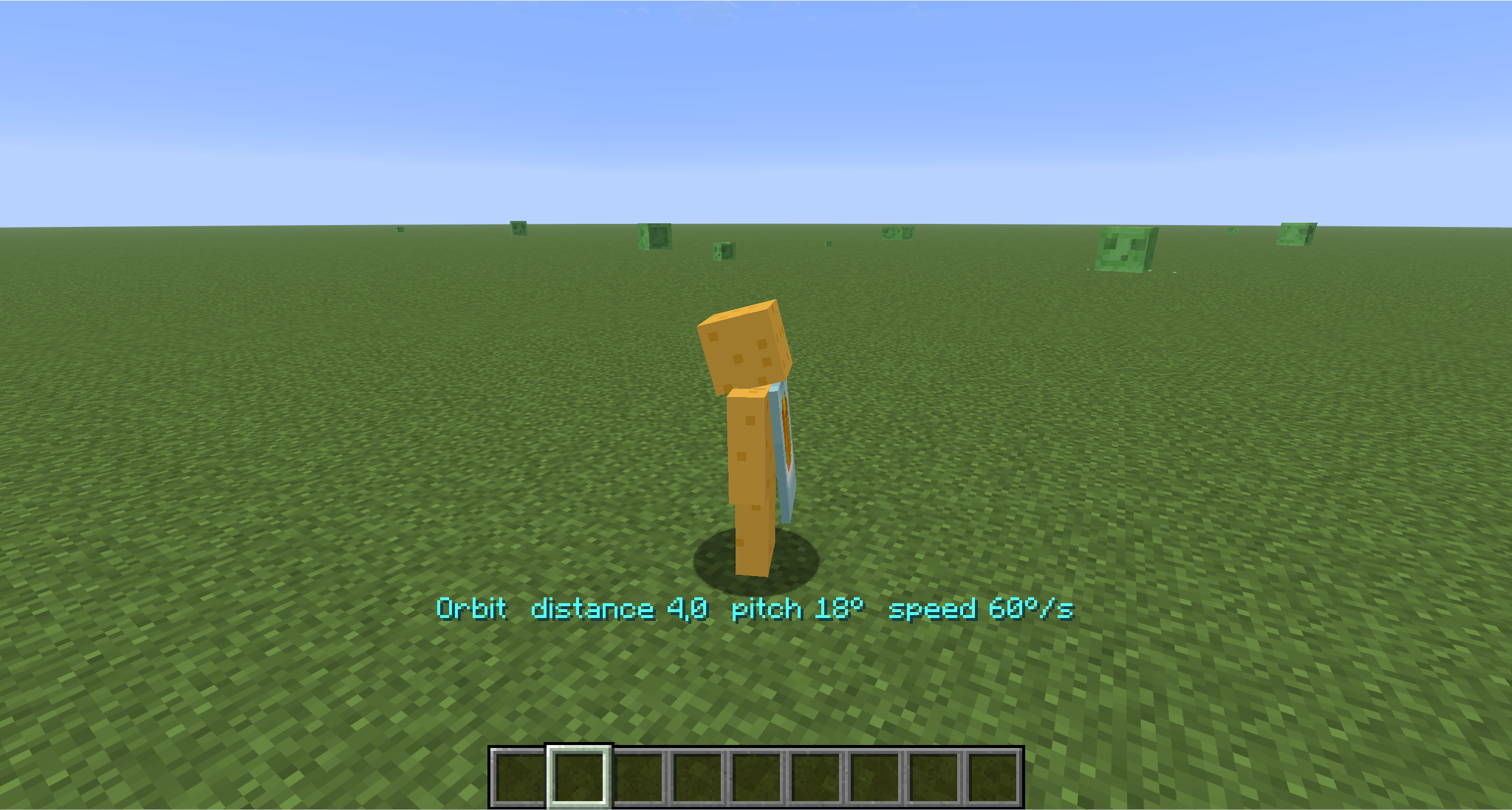 SnÃmek obrazovky 2026-08-29 135211.png SnÃmek obrazovky 2026-08-29 135211.png
Versions
Files
Relations
Project Relations
More like this
Similar Mods
Suggestions use data such as tags, dependencies, dependents, descriptions, titles, and more to rank how much they overlap with this mod.
On ModDex
Community snapshot
By the numbers
Statistics
Want to reach Minecraft players?
We're looking for a server hosting partner to feature here and other parts of the site. Interested? Send us a message!
Get in touchGet it on
Available Platforms
On ModDex
Community snapshot
By the numbers
Statistics
Resources