
Serpentine
No reviews yet
Serpentine is a light weight config library mod based on providing fast configuration to any mod needing it
Provides a framework or library for other mods to use.
Fabric is a mod loader for versions 1.14+ of Minecraft, particularly popular for client side and optimization mods.
Community voices
Reviews
Click once to include, again to exclude, again to clear
No reviews yet. Be the first to review this project!
Get it on
Available Platforms
 Modrinth
Compatibility
Supported Environments
About
Project Details
For authors
Embed Badge
If you're the author of this project, you can embed a live badge anywhere that supports HTML or Markdown. It updates automatically whenever ratings change.
Use HTML for any page that supports it, or Markdown for README files and Markdown-based descriptions.
Identifiers
Platform IDs
About
Description
Multiplayer only works on 2.0.0+

Serpentine
Serpentine is a lightweight configuration library mod that can easily be used in other projects.
Serpentine provides an easy way to setup configuration for any mod, all you need is a class that extends the Config class provided by Serpentine and to then register it in your modInitializer.
Potential Bloat
what bloat?
The config screen is probably the only bloat in this mod but even then its just three classes that automate making a config screen for you.
what does the config screen do?
The config screen parses your config's expects and detects their default value's type. If it is an integer it makes a SliderWidget that goes from 0-100 (I'll add more customisation for this in later versions), if it is a boolean it'll make two buttons for True and False, the currently selected one (not saved one) will have a checkmark next to it. If it is a float or string then a textField will be made where the user can type in their desired value.
How to setup serpentine?
Check this out for how to install serpentine as a dependency.
Then to setup a config, check out this example
Screenshots
Gallery
-
 individual value being selected A float value being selected inside of the configuration screen
 -
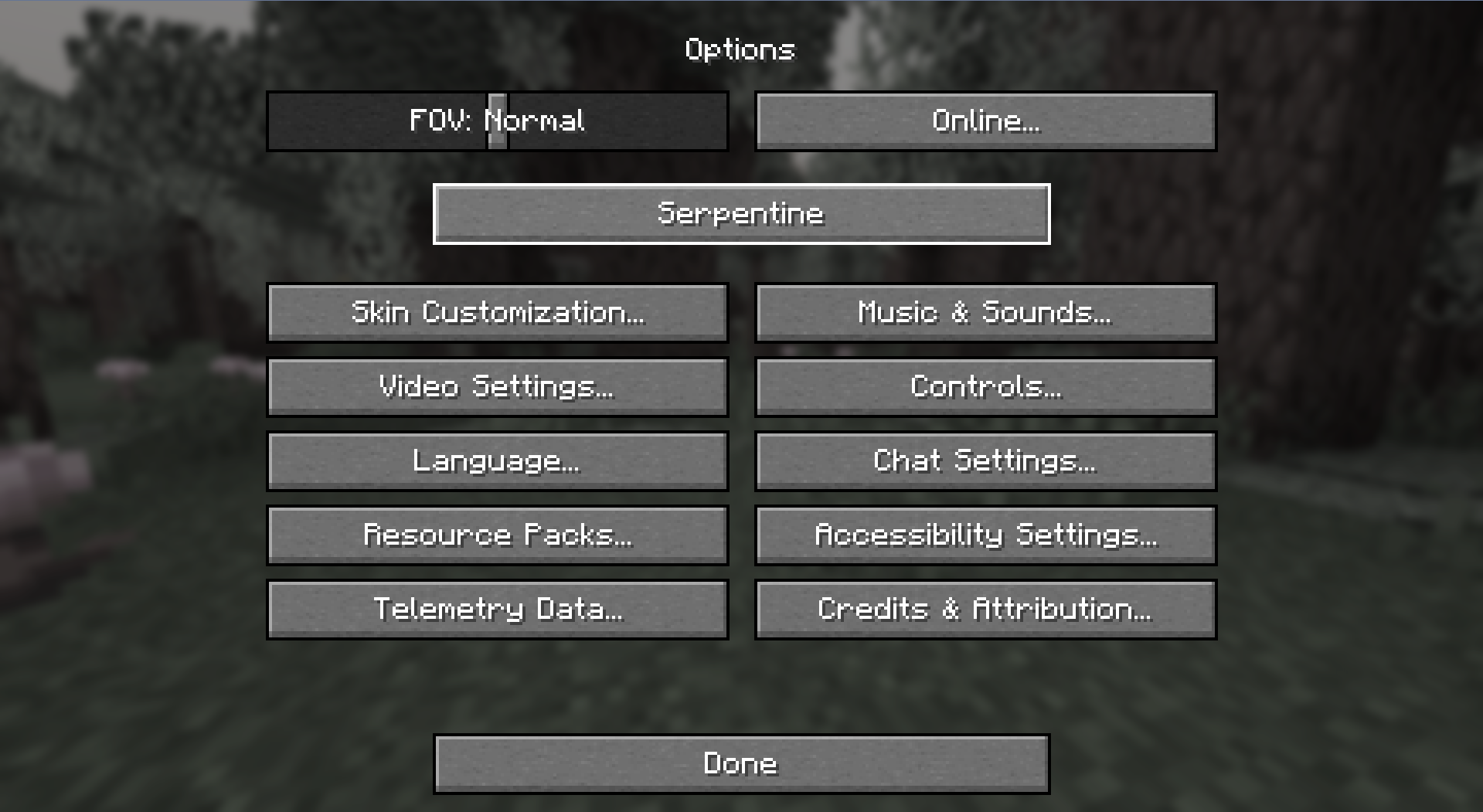 Options Screen 2 Serpentine option being highlighted
 -
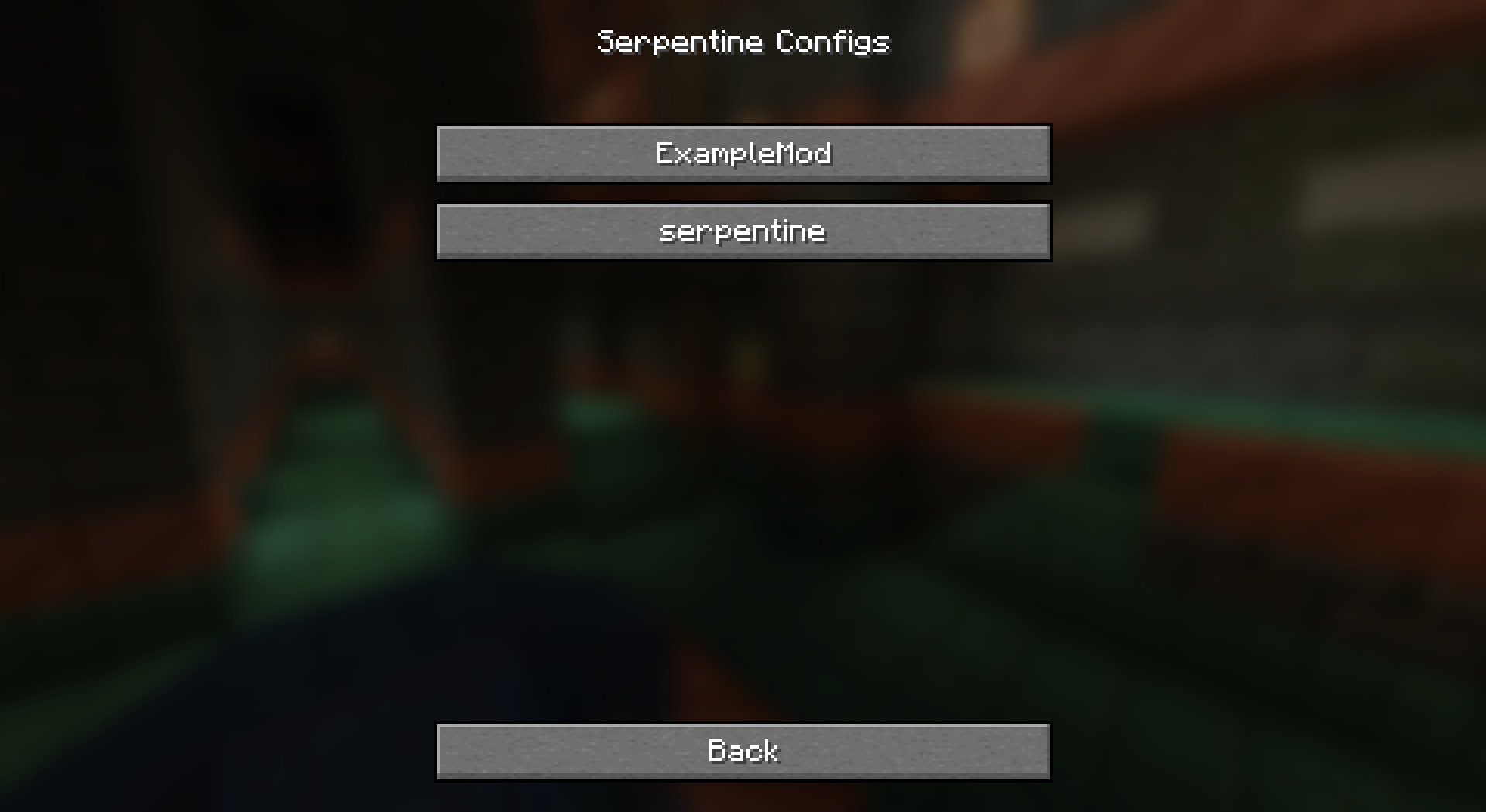 Config selection screen When pressing the Serpentine button, this now pops up (2.0.0+)
 -
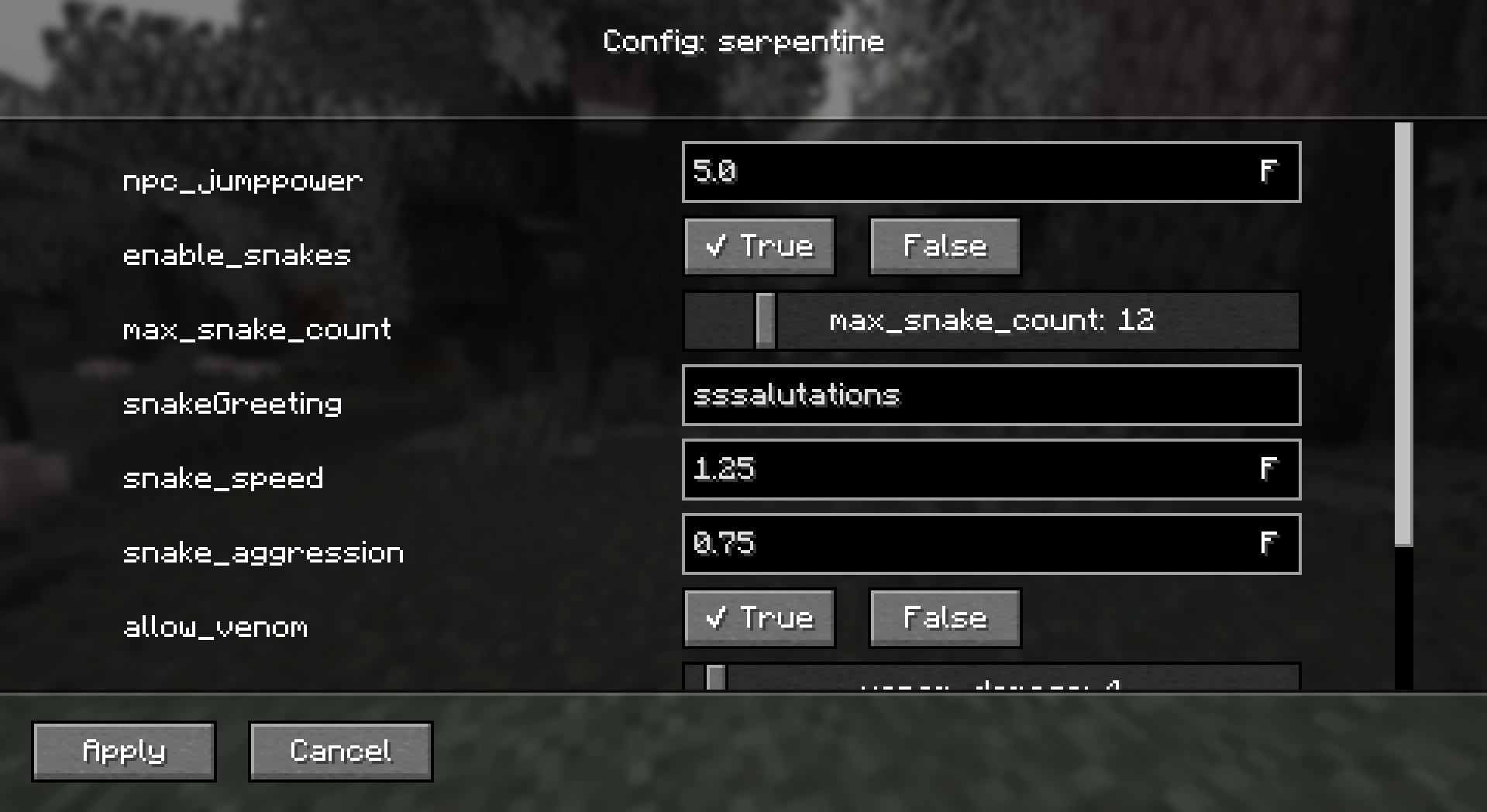 scrollbar top full image This is how it'll look ingame when you open the configuration screen
 -
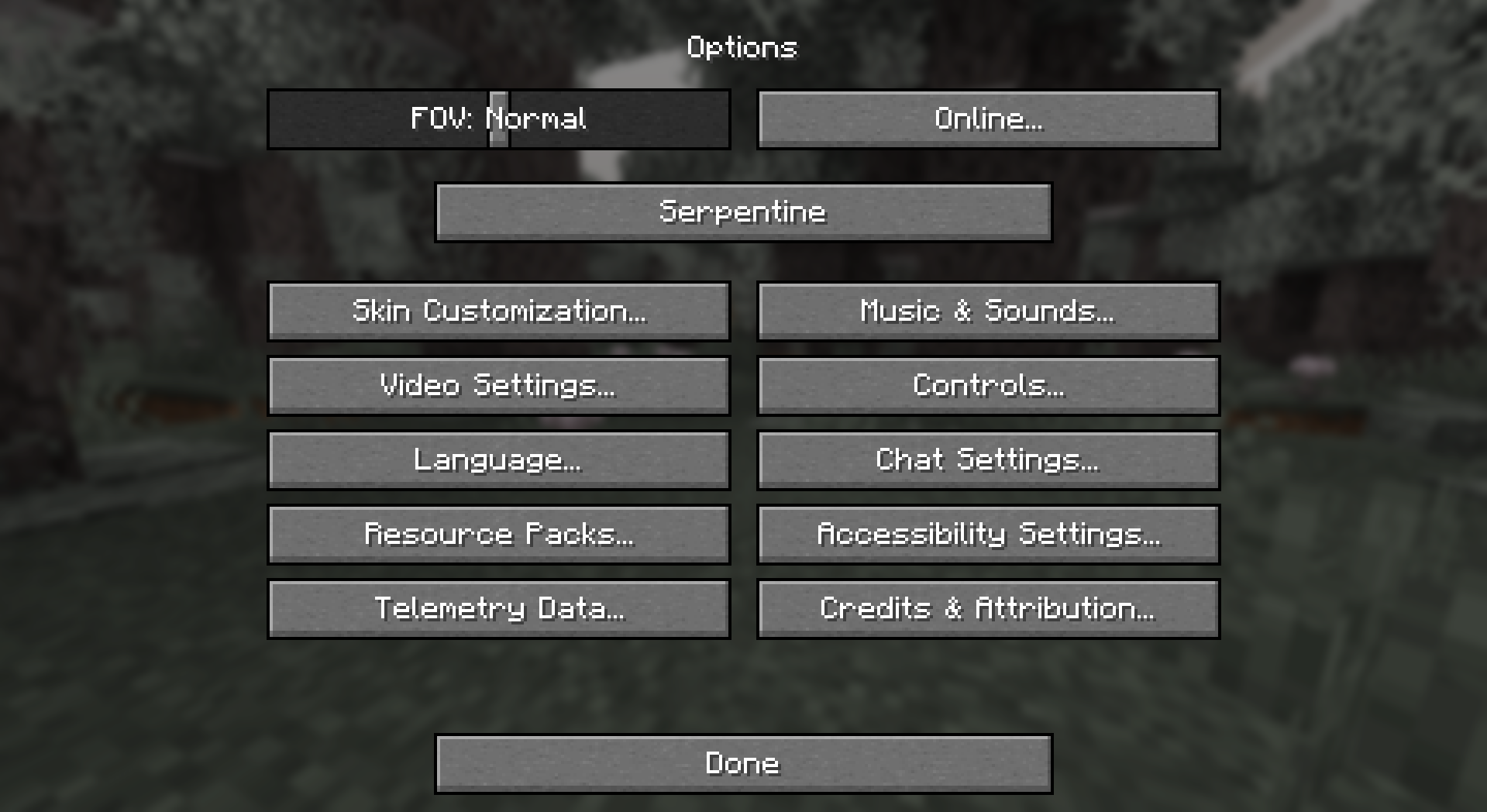 Options screen Serpentine option not being highlighted
 -
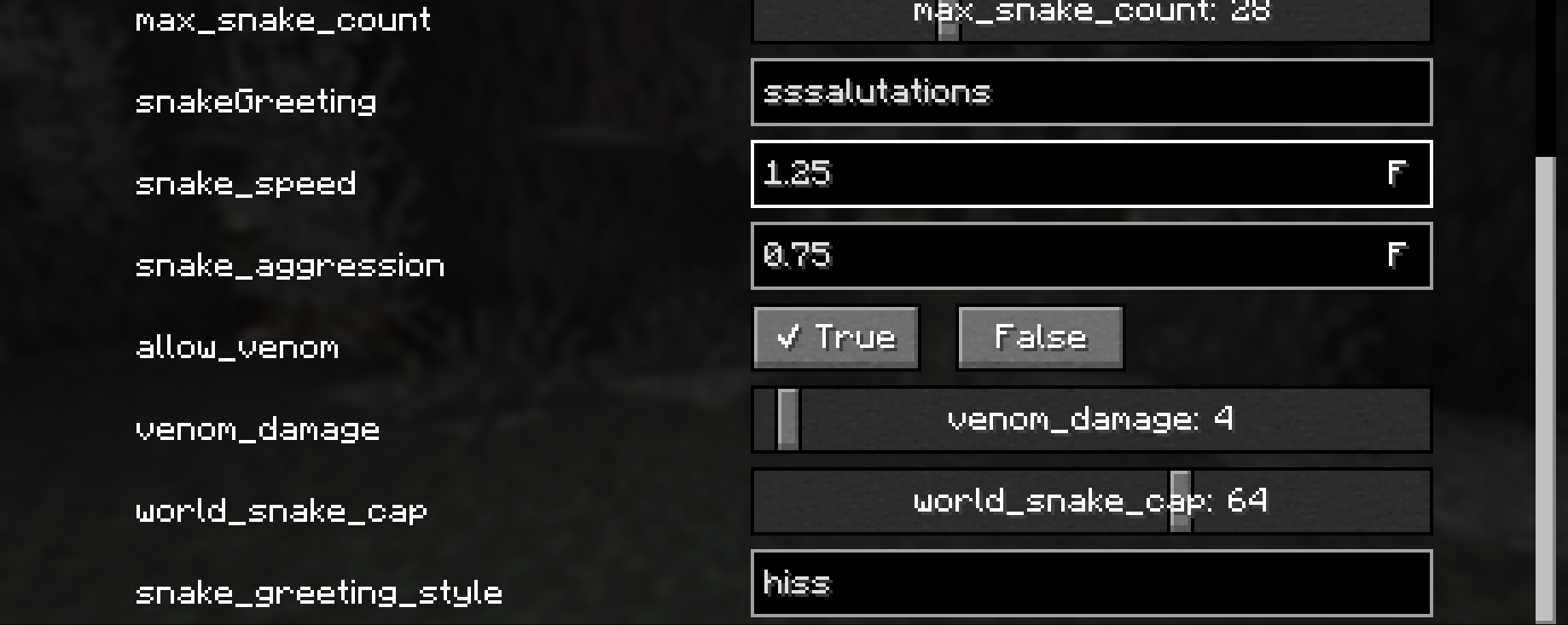 scrollbar bottom showing a maximum of 8 values can appear at one time
Versions
Files
Relations
Project Relations
More like this
Similar Mods
Suggestions use data such as tags, dependencies, dependents, descriptions, titles, and more to rank how much they overlap with this mod.
On ModDex
Community snapshot
By the numbers
Statistics

Want to reach Minecraft players?
We're looking for a server hosting partner to feature here and other parts of the site. Interested? Send us a message!
Get in touchGet it on
Available Platforms
On ModDex
Community snapshot
By the numbers