Community listing page, reviews here may not be monitored by the author.
Simple Conveyor Belts


No reviews yet
A basic conveyor belt mod. Adds spline-based item belts, that transport items from point A to B. Allows for item logistics in any shape and form.
Community voices
Reviews
No reviews yet. Be the first to review this project!
Get it on
Available Platforms
Compatibility
Supported Environments
Must be installed on both the client and the server.
About
Project Details
For authors
Embed Badge
If you're the author of this project, you can embed a live badge anywhere that supports HTML or Markdown. It updates automatically whenever ratings change.
Use HTML for any page that supports it, or Markdown for README files and Markdown-based descriptions.
Identifiers
Platform IDs
About
Description

This mod adds clean, flexible conveyor belts for Minecraft 1.21.1, compatible with both Fabric and NeoForge. It’s designed to work seamlessly with any item storage mod. The mod is still in beta, please report any issues you find.
🚚 Features:
- Adds a new Conveyor Belt item, plus optional Support and Chute blocks.
- Fully dynamic spline-based belts: Only the start and end need to be placed on blocks. Everything in-between can curve, bend, and twist freely.
- Item transfer speed: ~1 stack per second.
- Smart overflow handling: If the destination is full, items visibly pile up on the belt.
- Shader-compatible: Works with iris and oculus shaders.
- Easy filtering: Click a conveyor chute with an item to set it as filter. Also works with the Smart Filters from the FTB Filters mod.
🛠️ How to Use
- (Optional) Place Chute blocks where the belt will start and end. These can also be auto-placed when using the belt item.
- (Optional) Add Support blocks anywhere along the path to shape the belt's curve.
- Right-click the belt item on a starting inventory (e.g., a chest).
- Walk to the destination inventory and right-click it to finish the belt.
The belt path will auto-connect between the two points!
🔗 Dependencies
- Architectury API
- (Fabric Only) Fabric API
🔍 Planned Features
- Belt entity collisions / hitboxes
- Entity movement
- A backport to 1.20.1 or other versions is NOT planned.
Credits
- Conveyor textures are based on modified assets from malcolriley’s unused-textures repo.
This mod adds clean, flexible conveyor belts for Minecraft 1.21.1, compatible with both Fabric and NeoForge. It’s designed to work seamlessly with any item storage mod. The mod is still in beta, please report any issues you find.
🚚 Features:
- Adds a new Conveyor Belt item, plus optional Support and Chute blocks.
- Fully dynamic spline-based belts: Only the start and end need to be placed on blocks. Everything in-between can curve, bend, and twist freely.
- Item transfer speed: ~1 stack per second.
- Smart overflow handling: If the destination is full, items visibly pile up on the belt.
- Shader-compatible: Works with iris and oculus shaders.
- Easy filtering: Click a conveyor chute with an item to set it as filter. Also works with the Smart Filters from the FTB Filters mod.
🛠️ How to Use
- (Optional) Place Chute blocks where the belt will start and end. These can also be auto-placed when using the belt item.
- (Optional) Add Support blocks anywhere along the path to shape the belt's curve.
- Right-click the belt item on a starting inventory (e.g., a chest).
- Walk to the destination inventory and right-click it to finish the belt.
The belt path will auto-connect between the two points!
🔗 Dependencies
- Architectury API
- (Fabric Only) Fabric API
🔍 Planned Features
- Belt entity collisions / hitboxes
- Entity movement
- A backport to 1.20.1 or other versions is NOT planned.
Credits
- Conveyor textures are based on modified assets from malcolriley’s unused-textures repo.
Screenshots
Gallery
-
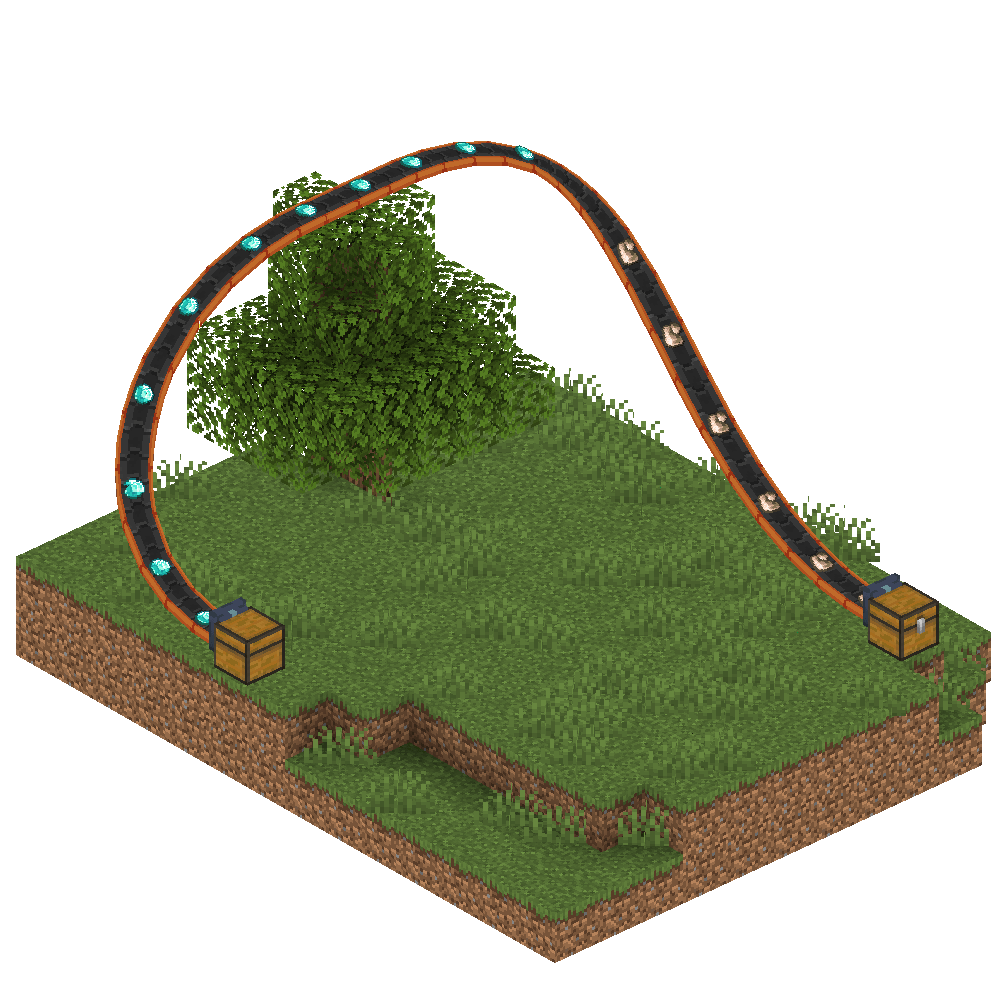 Various shapes allowed Belts are spline-based, so they can take any shape and form.
 -
 Items moved Belts can move items into any machine. If it's full, they'll pipe up in front. Items are rendered as they are being moved.
 -
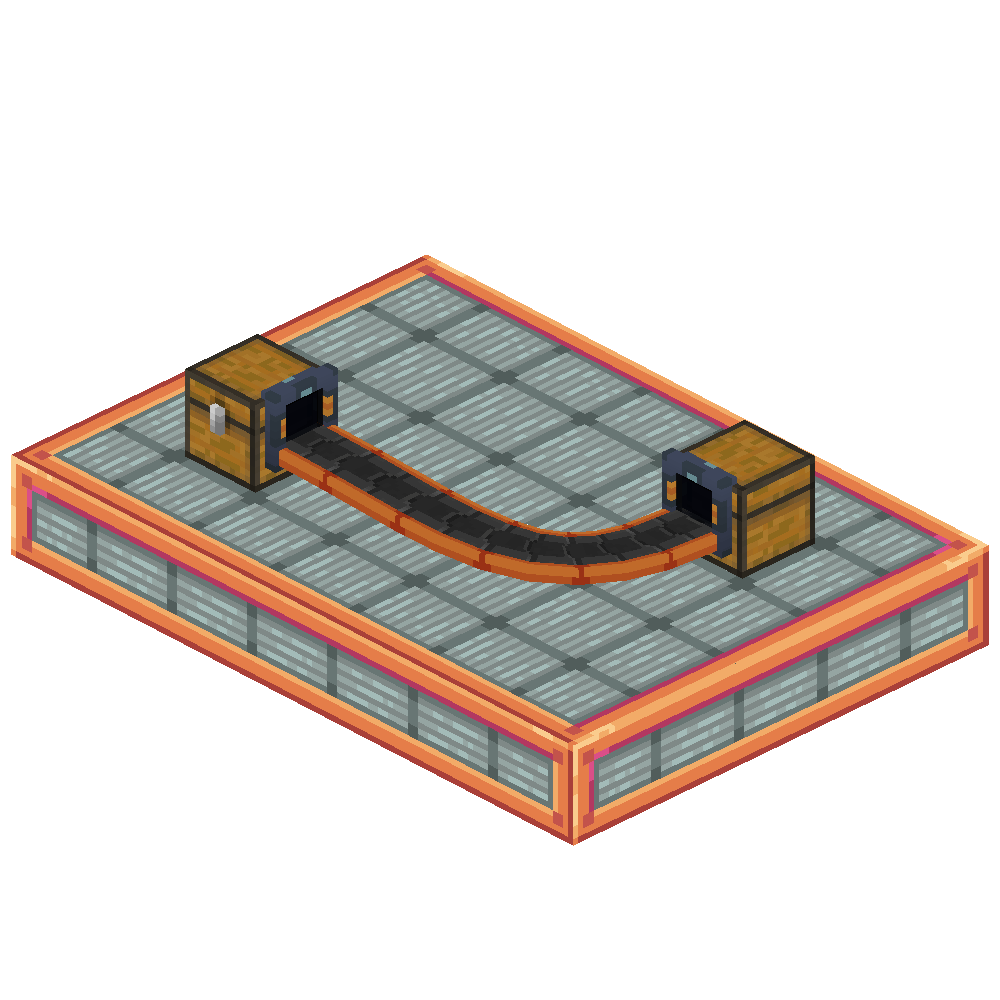 Basic empty belt A sample belt connecting 2 chests.
 -
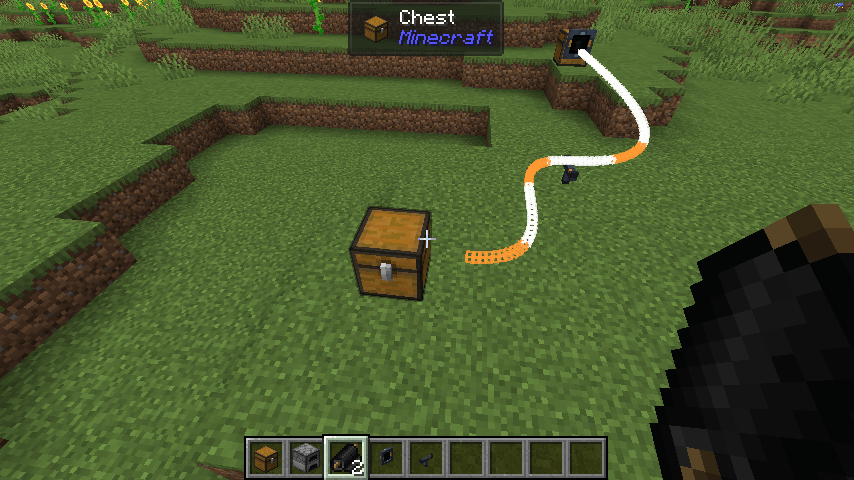 Placement Preview The belt item is used to create new belts. While creating, a preview of the belt is rendered.
-
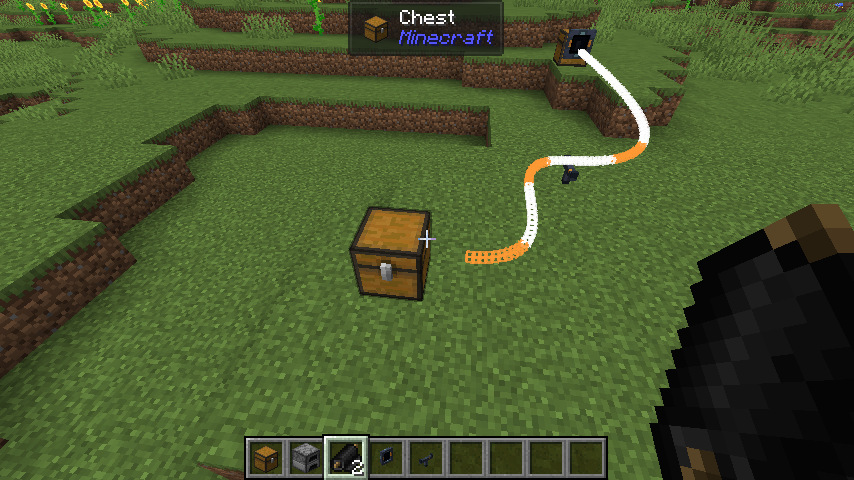 Placement Preview Shown while creating new belts
 -
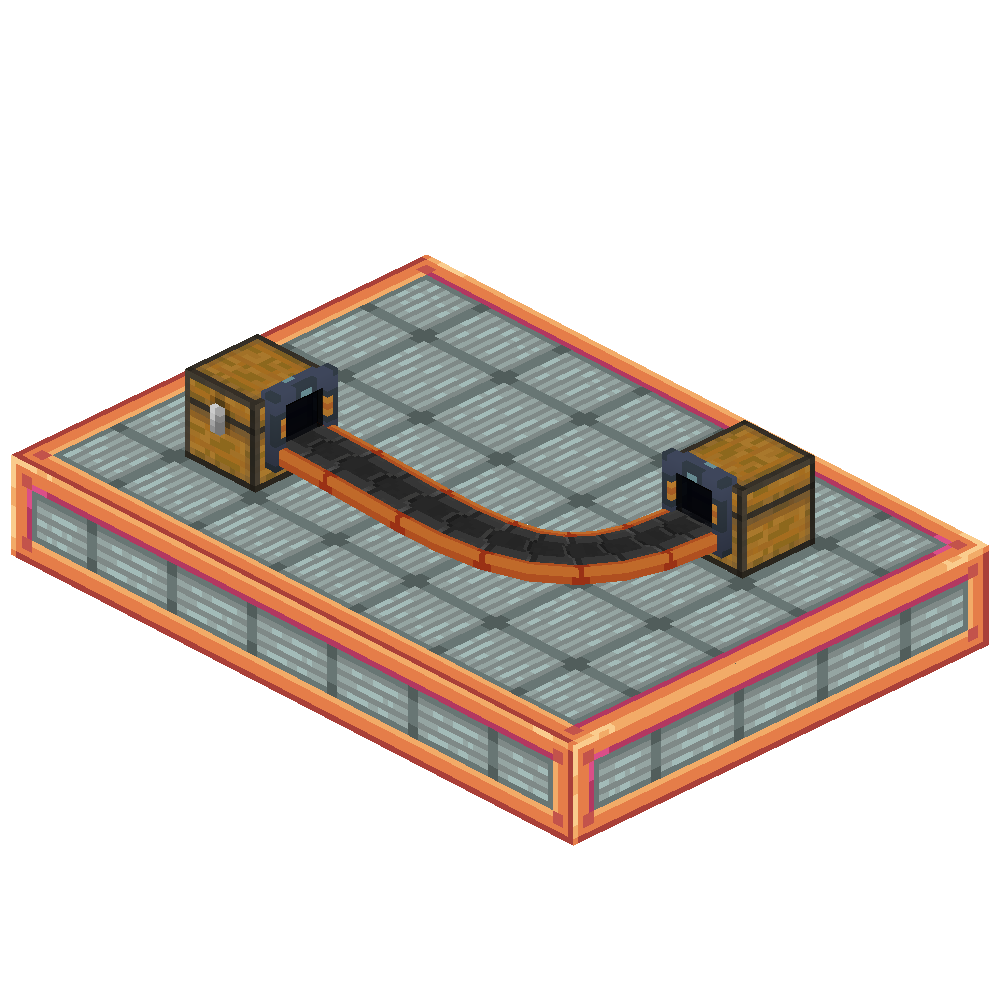 Empty belt Conveyor belts can connect inventories across blocks
 -
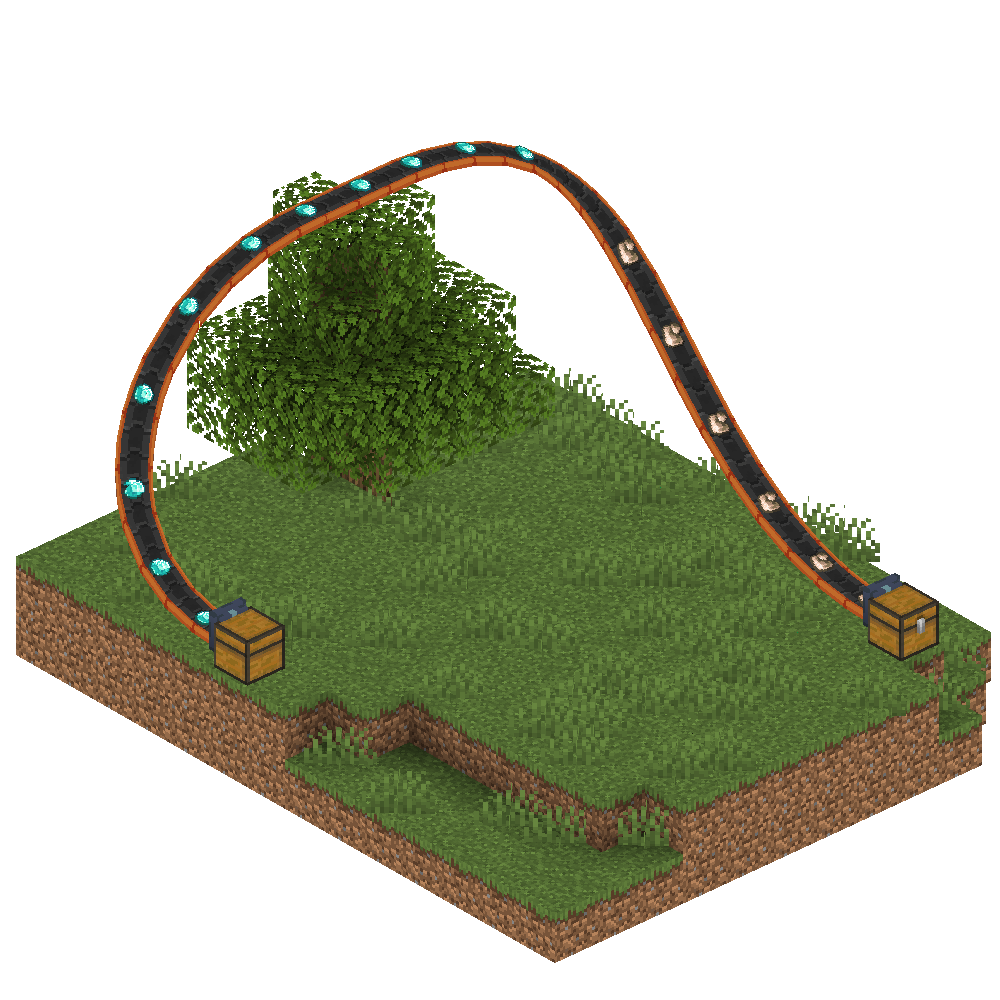 Free options The belts are spline based, so they can take any form and shape.
 -
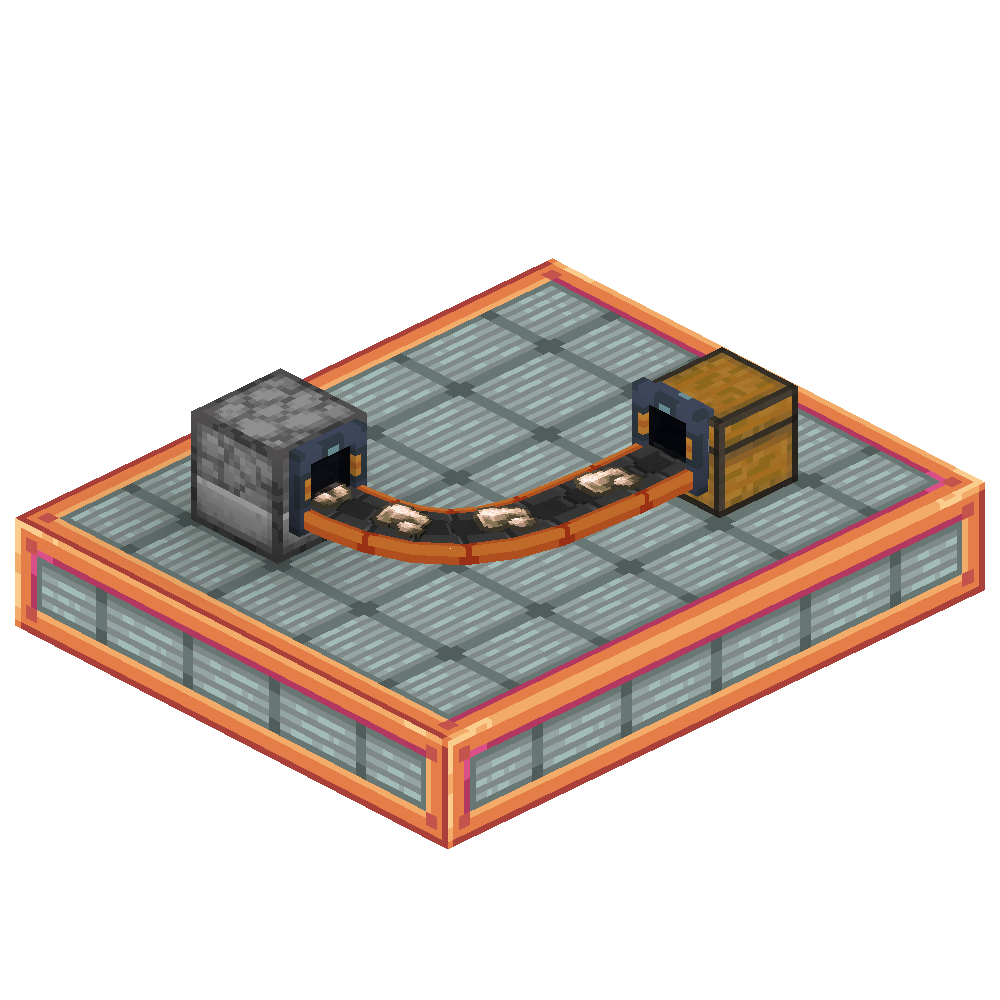 Item Transport Items can be moved into any inventory. They're visible while moving, and can pipe up if they cant be inserted.
Versions
Files
Relations
Project Relations
More like this
Similar Mods
Suggestions use data such as tags, dependencies, dependents, descriptions, titles, and more to rank how much they overlap with this mod.
On ModDex
Community snapshot
By the numbers
Statistics
Want to reach Minecraft players?
We're looking for a server hosting partner to feature here and other parts of the site. Interested? Send us a message!
Get in touchGet it on
Available Platforms
On ModDex
Community snapshot
By the numbers