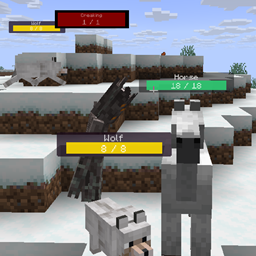
Community listing page, reviews may not be monitored by the author.
Simple Hp Bar


No reviews yet
This mod adds highly customizable hp bars above the mobs and players.

Community voices
Reviews
No reviews yet. Be the first to review this project!
Get it on
Available Platforms
Compatibility
Supported Environments
Runs entirely on the client. Works on vanilla servers.
About
Project Details
For authors
Embed Badge
If you're the author of this project, you can embed a live badge anywhere that supports HTML or Markdown. It updates automatically whenever ratings change.
Use HTML for any page that supports it, or Markdown for README files and Markdown-based descriptions.
Identifiers
Platform IDs
Resources
External Links
About
Description
This mod adds highly customizable hp bars above the mobs and players.
The health bar looks very simple, but has many inbuilt config options.
Configs will be generated after running the game at least once.
They can be found in the config/simplehpbar folder.
You can create as many config files as you want by copying one and rewriting the values in it, if you want mobs by your choice to have different bars.
By default only a default config will be generated that applies to every mob, one for some vanilla neutral mobs and one for some monsters (to show how whitelist/blacklist and other features works)
You can change the settings by the following:
-max distance to render mobs
-position
-scale (width, height of everything)
-background (size, color, transparency, border-radius)
-hp bar (size, 3 colors for low-mid-high health value, transparency, border-radius)
-smooth hp bar for lost health (3 colors for low-mid-high health value, transparency, start time to change the smooth hp bar, decrease value)
-name (add text before the name, add text after the name, text-align, color, transparency, position, scale)
-current health text (add text before the health value, add text after the health value, text-align, color, transparency, position, scale)
-max health text (add text before the health value, add text after the health value, text-align, color, transparency, position, scale)
-health in percentage text (add text before the health percentage value, add text after the health percentage value, text-align, color, transparency, position, scale)
You can edit, create or delete configs in game within the editor that comes with this mod. (press H to open it by default)
Only the latest minecraft version gets support.
Supported versions:
Forge 1.21.6 | 1.21.7 | 1.21.8
Fabric1.21.6 | 1.21.7 | 1.21.8
Neoforge 1.21.6 | 1.21.7 | 1.21.8
This mod adds highly customizable hp bars above the mobs and players.
The health bar looks very simple, but has many inbuilt config options.
Configs will be generated after running the game at least once.
They can be found in the config/simplehpbar folder.
You can create as many config files as you want by copying one and rewriting the values in it, if you want mobs by your choice to have different bars.
By default only a default config will be generated that applies to every mob, one for some vanilla neutral mobs and one for some monsters (to show how whitelist/blacklist and other features works)
You can change the settings by the following
-max distance to render mobs
-position
-scale (width, height of everything)
-background (size, color, transparency, border-radius)
-hp bar (size, 3 colors for low-mid-high health value, transparency, border-radius)
-smooth hp bar for lost health (3 colors for low-mid-high health value, transparency, start time to change the smooth hp bar, decrease value)
-name (add text before the name, add text after the name, text-align, color, transparency, position, scale)
-current health text (add text before the health value, add text after the health value, text-align, color, transparency, position, scale)
-max health text (add text before the health value, add text after the health value, text-align, color, transparency, position, scale)
-health in percentage text (add text before the health percentage value, add text after the health percentage value, text-align, color, transparency, position, scale)
You can edit, create or delete configs in game within the editor that comes with this mod. (press H to open it by default)
Supported versions:
Forge 1.21.6 | 1.21.7 | 1.21.8
Fabric1.21.6 | 1.21.7 | 1.21.8
Neoforge 1.21.6 | 1.21.7 | 1.21.8
Only the latest minecraft version gets support.
Screenshots
Gallery
-
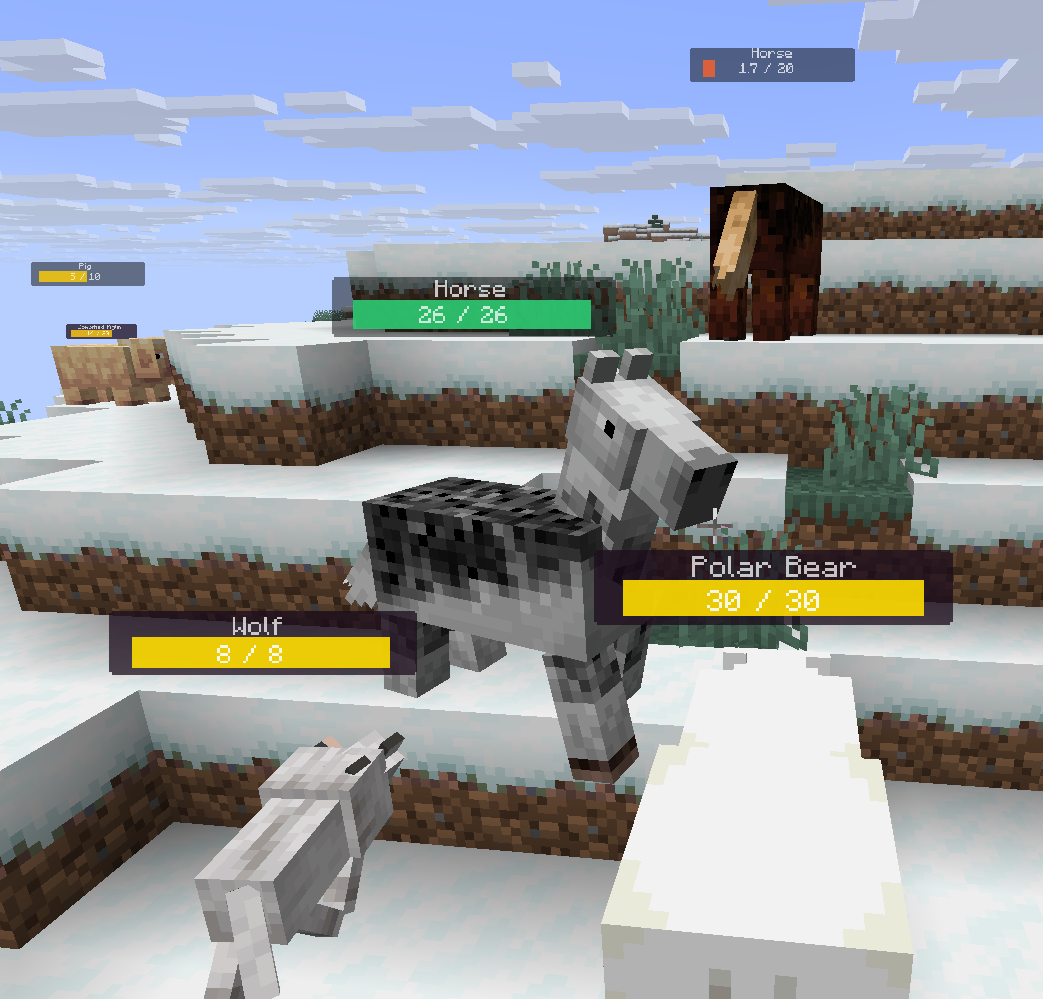 neutral and the default hp bar
 -
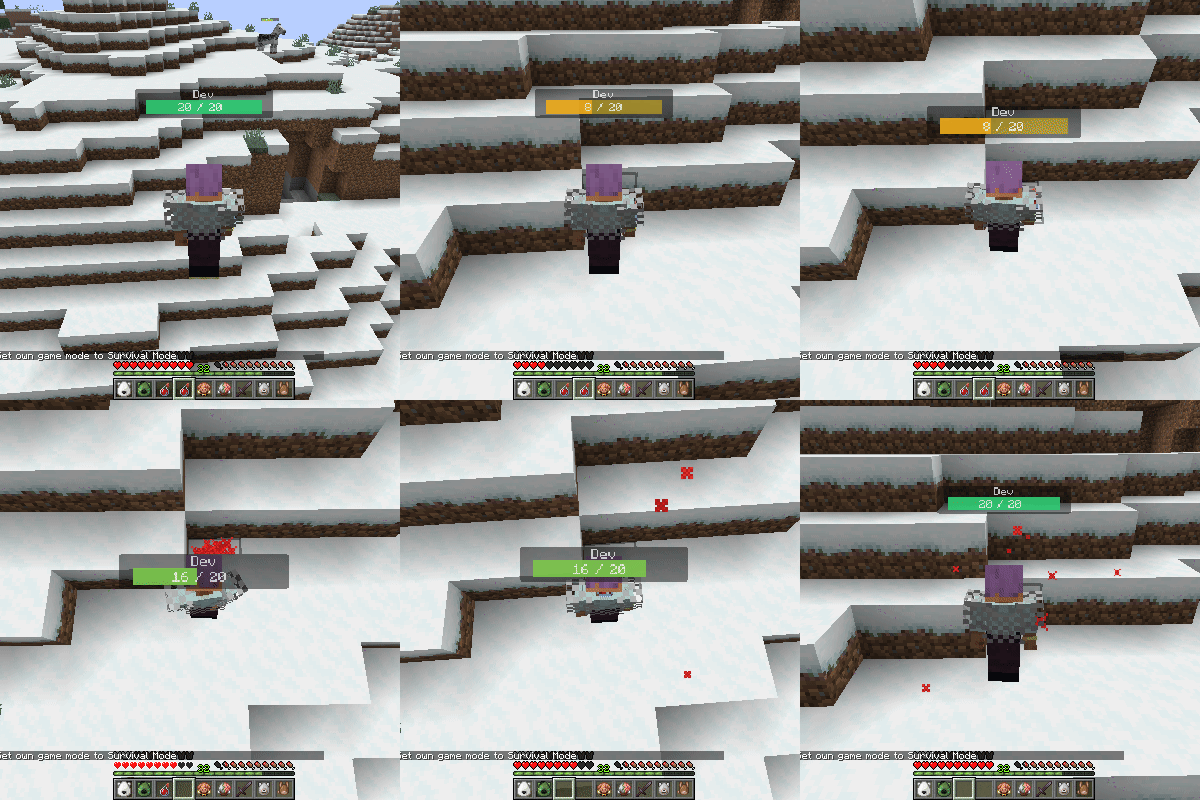
lose or gain health smoothly
-
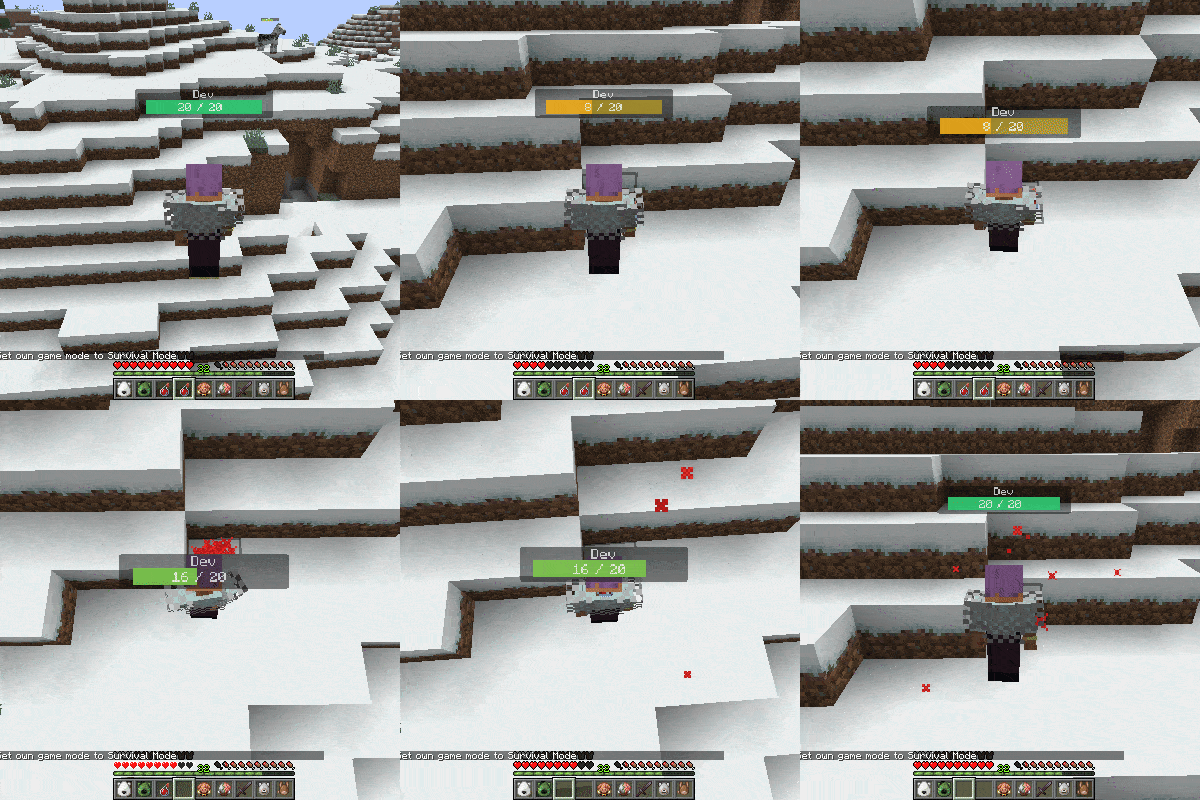 lose or gain health smoothly
 -
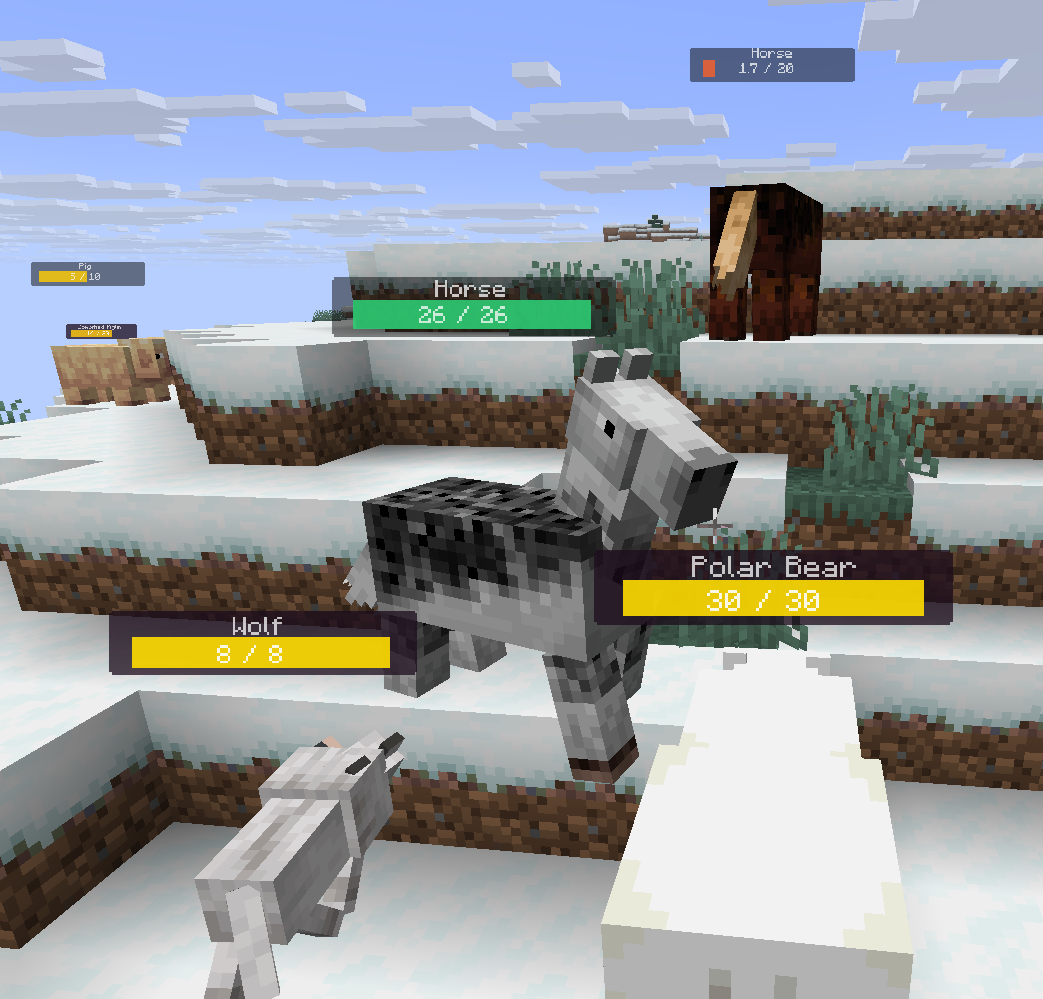 neutral and default config settings
Versions
Files
Relations
Project Relations
More like this
Similar Mods
Suggestions use data such as tags, dependencies, dependents, descriptions, titles, and more to rank how much they overlap with this mod.
On ModDex
Community snapshot
By the numbers
Statistics

Get it on
Available Platforms
On ModDex
Community snapshot
By the numbers
Statistics
Resources