
Simple Edits
No reviews yet
Adds 5 items that help with building to minecraft. Tutorial (1.1.0): https://www.youtube.com/watch?v=l2cXye38H4c
Fabric is a mod loader for versions 1.14+ of Minecraft, particularly popular for client side and optimization mods.
Community voices
Reviews
Click once to include, again to exclude, again to clear
No reviews yet. Be the first to review this project!
Get it on
Available Platforms
 Modrinth
Compatibility
Supported Environments
About
Project Details
For authors
Embed Badge
If you're the author of this project, you can embed a live badge anywhere that supports HTML or Markdown. It updates automatically whenever ratings change.
Use HTML for any page that supports it, or Markdown for README files and Markdown-based descriptions.
Identifiers
Platform IDs
About
Description
SimpleEdits
SimpleEdits is a Minecraft mod that adds tools for editing blocks in the game. It provides a selection wand for replacing blocks, a block state changer for modifying certain block states, and a water drain wand for removing water from an area.
Video
Tutorial (1.1.0): https://www.youtube.com/watch?v=l2cXye38H4c
Features
- Selection Wand: Allows players to select and replace blocks within a specified area.
- Block State Changer: Enables players to change the state of certain blocks, such as rotating stairs or changing slab types.
- Water Drain Wand: Drains water in a selected area.
- Chisel: Allows players to chisel blocks that have a chisel variant (ex. sandstone, tuff, stone).
- Shape Wand: Creates shapes based on the one selected (check usage for commands).
Installation
- Ensure you have Minecraft 1.20 or 1.21.1 installed. And the corresponding version of Fabric.
- Download the SimpleEdits mod from the releases page.
- Follow this tutorial to install the mod: How to install Fabric mods.
Usage
Selection Wand
-
Usage:
- Right-click on a block to set the first position.
- Right-click on another block to set the second position.
- It fills the area with the block type you have selected (default is set to air).
-
Commands:
/undo: Undo the last block replacement./block <block_type>: Set the block type for replacement./clearpos: Clear the selected positions.
Block State Changer
- Usage: Right-click on a block to change its state (ex. rotation, pos). Works with stairs and slabs only!
Water Drain Wand
- Usage: Use the wand on a block adjacent to water to drain the water in the selected area.
- Note: The wand should only be used for small patches of water! A large body of water may cause lag!
Chisel
- Usage: Right-click on a block to chisel it. Works with blocks that have a chisel variant (ex. sandstone, tuff, stone).
- Note: The chisel will only work on blocks that have a chisel variant!
Shape Wand
- Usage: Right-click on a area to fill it with the shape you have selected.
- Commands:
/shape <shape>: Set the shape for the wand./block <block_type>: Set the block type for the shape./radius <radius>: Set the radius for the shape./undoshape: Undo the last shape fill.
Brush
- Usage: Hold Right-click to fill a area
- Commands
/brush <size> <block_type> <brush_type><size>a number ranges from 1 to 10, where 1 is the lowest and 10 is the highest- 1 makes 3^3 area so a 10 make a 30^3 area
<block_type>there are suggestions enabled<brush_type>2 types,- Cubic, A cubic brush
- Spherical, a spherical brush
Screenshots
Gallery
-
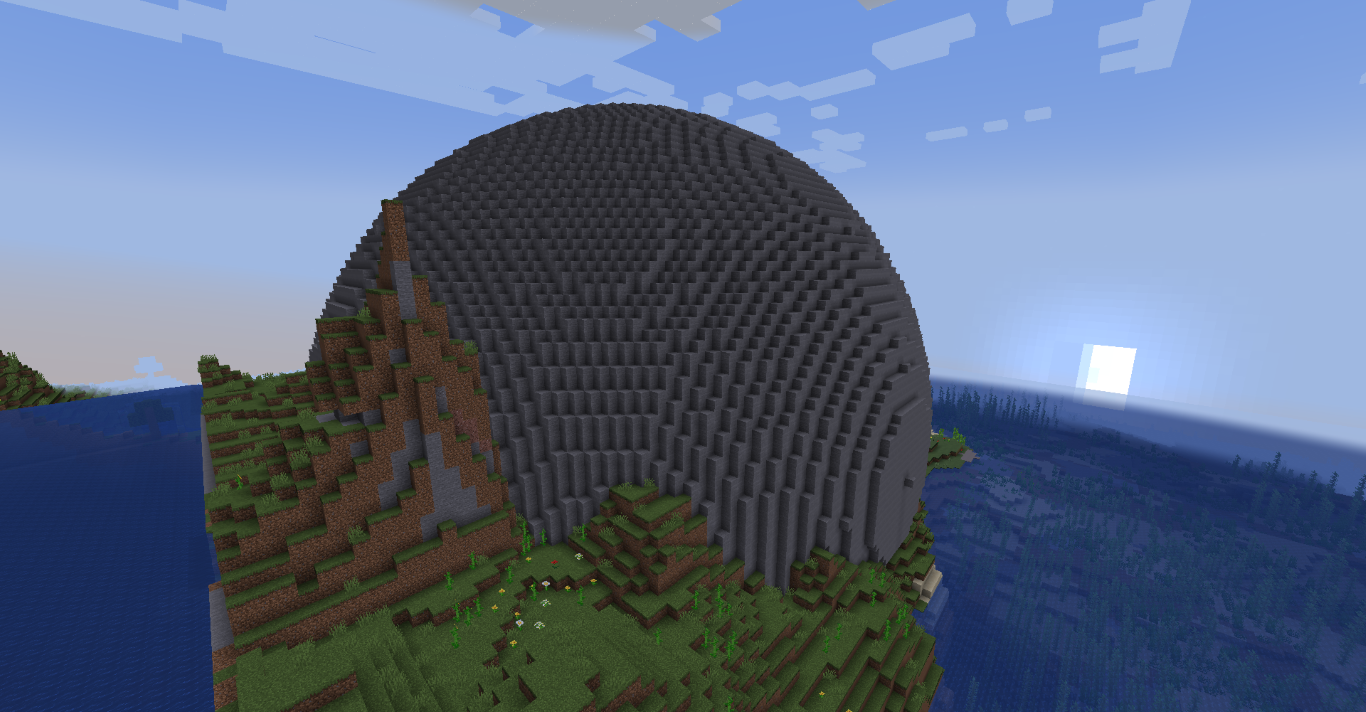 Stone Sphere using simple edits
 -
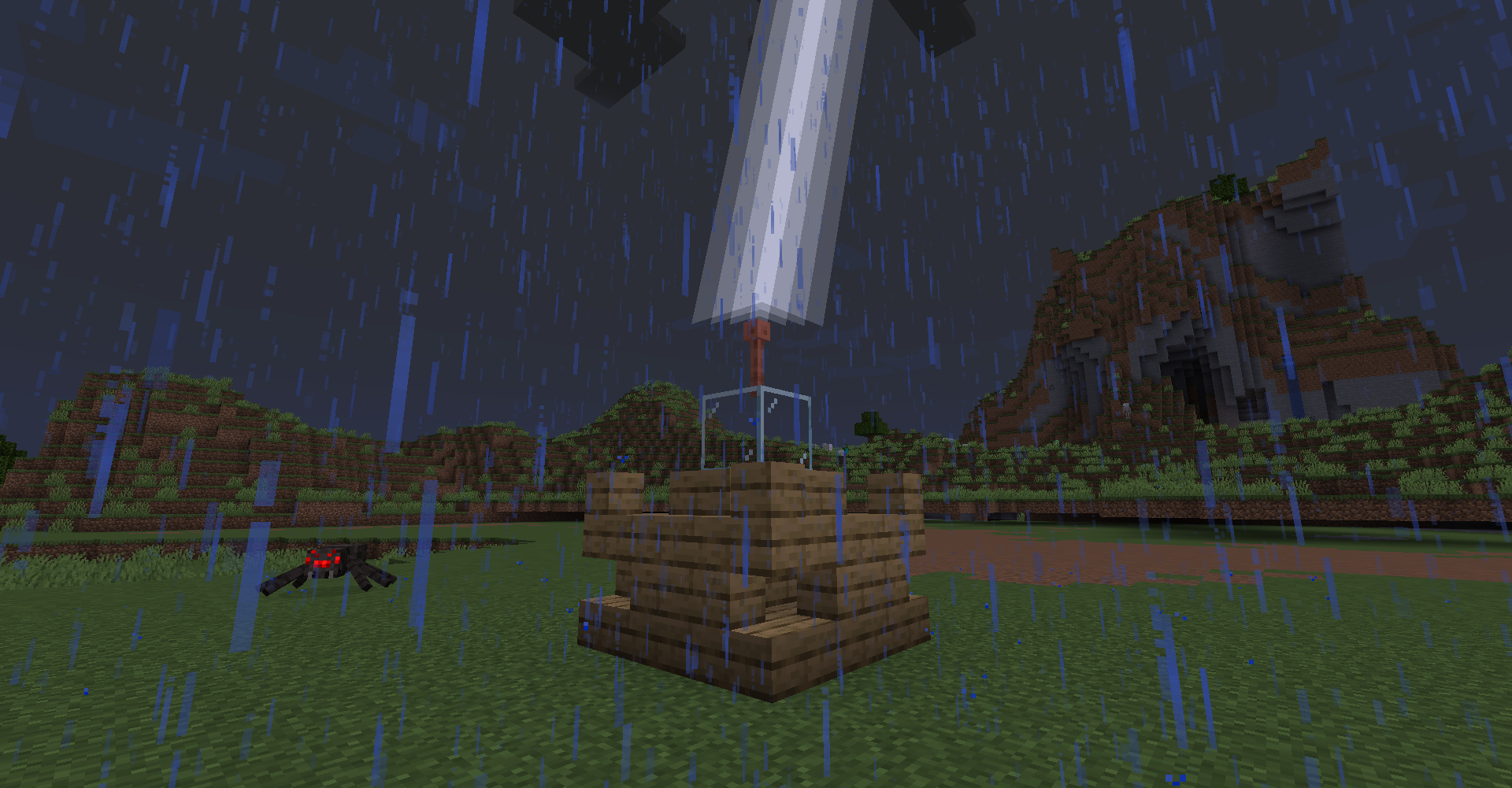 Cool stair sturctures using simple edits
Versions
Files
Relations
Project Relations
More like this
Similar Mods
Suggestions use data such as tags, dependencies, dependents, descriptions, titles, and more to rank how much they overlap with this mod.
On ModDex
Community snapshot
By the numbers
Statistics

Want to reach Minecraft players?
We're looking for a server hosting partner to feature here and other parts of the site. Interested? Send us a message!
Get in touchGet it on
Available Platforms
On ModDex
Community snapshot
By the numbers