
Community listing page, reviews here may not be monitored by the author.
SimpleQoL

No reviews yet
One mod that adds multiple, configurable, quality of life features such as Zoom, Freelook, Borderless Fullscreen, Full bright, and Custom Crosshairs!
Community voices
Reviews
No reviews yet. Be the first to review this project!
Get it on
Available Platforms
Compatibility
Supported Environments
Runs entirely on the client. Works on vanilla servers.
About
Project Details
For authors
Embed Badge
If you're the author of this project, you can embed a live badge anywhere that supports HTML or Markdown. It updates automatically whenever ratings change.
Use HTML for any page that supports it, or Markdown for README files and Markdown-based descriptions.
Identifiers
Platform IDs
Resources
External Links
About
Description
SimpleQoL
One mod. Six features. Zero bloat.
SimpleQoL bundles the quality-of-life features you'd normally need five separate mods for — all in one lightweight client-side package with a clean in-game config screen.
✨ Features
🔍 Zoom
Hold C to zoom in, just like OptiFine.
- Scroll wheel adjusts zoom level while held
- Smooth FOV interpolation in and out
- Optional smooth camera mode while zooming
- Hides your hand while zoomed for a cleaner view
- Fully configurable: divisor, scroll toggle, smooth camera toggle
🌟 Fullbright
Press B to toggle maximum brightness instantly.
- Saves your previous gamma setting and restores it on disable
- Never writes the high gamma value to
options.txt— your settings stay clean - One keypress on, one keypress off
🖥️ Borderless Fullscreen
Press F11 to toggle true borderless windowed mode.
- Uses GLFW directly — no hacks, no flicker
- Saves and restores your previous window position and size
- Alt-tab friendly
👁️ Freelook
Hold V to look around freely without rotating your player body.
- Camera snaps back to your movement direction when released
- Great for scouting, building, and parkour
📍 Coordinates HUD
A clean, always-visible overlay showing where you are.
- Displays XYZ position, facing direction, biome name
- Shows your Nether/Overworld coordinate equivalent automatically
- Choose from 4 screen corners (Top Left, Top Right, Bottom Left, Bottom Right)
- Hides automatically when F3 is open
- Toggle via keybind or config screen
➕ Crosshair Customizer
Replace the vanilla crosshair with something that's actually yours.
- 5 styles: Default, Cross, Dot, Circle, Circle + Dot
- Full RGB color picker with opacity control
- Adjustable size and thickness
- Optional black outline for visibility on any background
- Hide in third person view
- Hide when not targeting a block or entity
⚙️ Config
All settings are accessible in-game via the Mod Menu gear icon — no need to edit any files. Config is saved to <gamedir>/config/simpleqol.json and persists across sessions.
Every keybind is rebindable in the standard Controls menu.
📦 Dependencies
| Mod | Required |
|---|---|
| Fabric Loader 0.16.14+ | ✅ |
| Fabric API | ✅ |
| Mod Menu | ✅ |
More features on the way! If you have any issues or suggestions, let me know in my discord!
Screenshots
Gallery
-
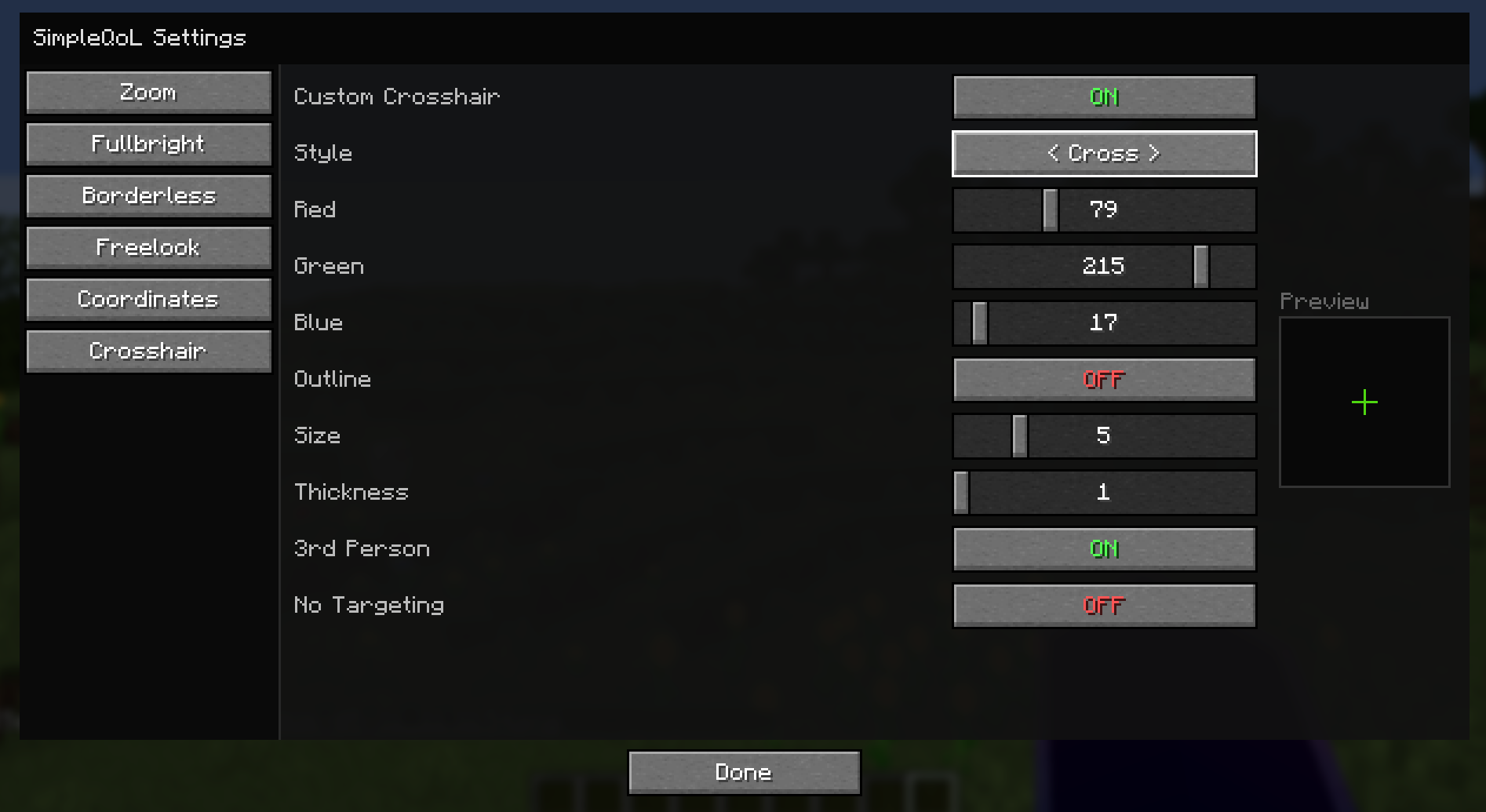 Crosshair Settings Config for crosshair settings, with preview box
 -
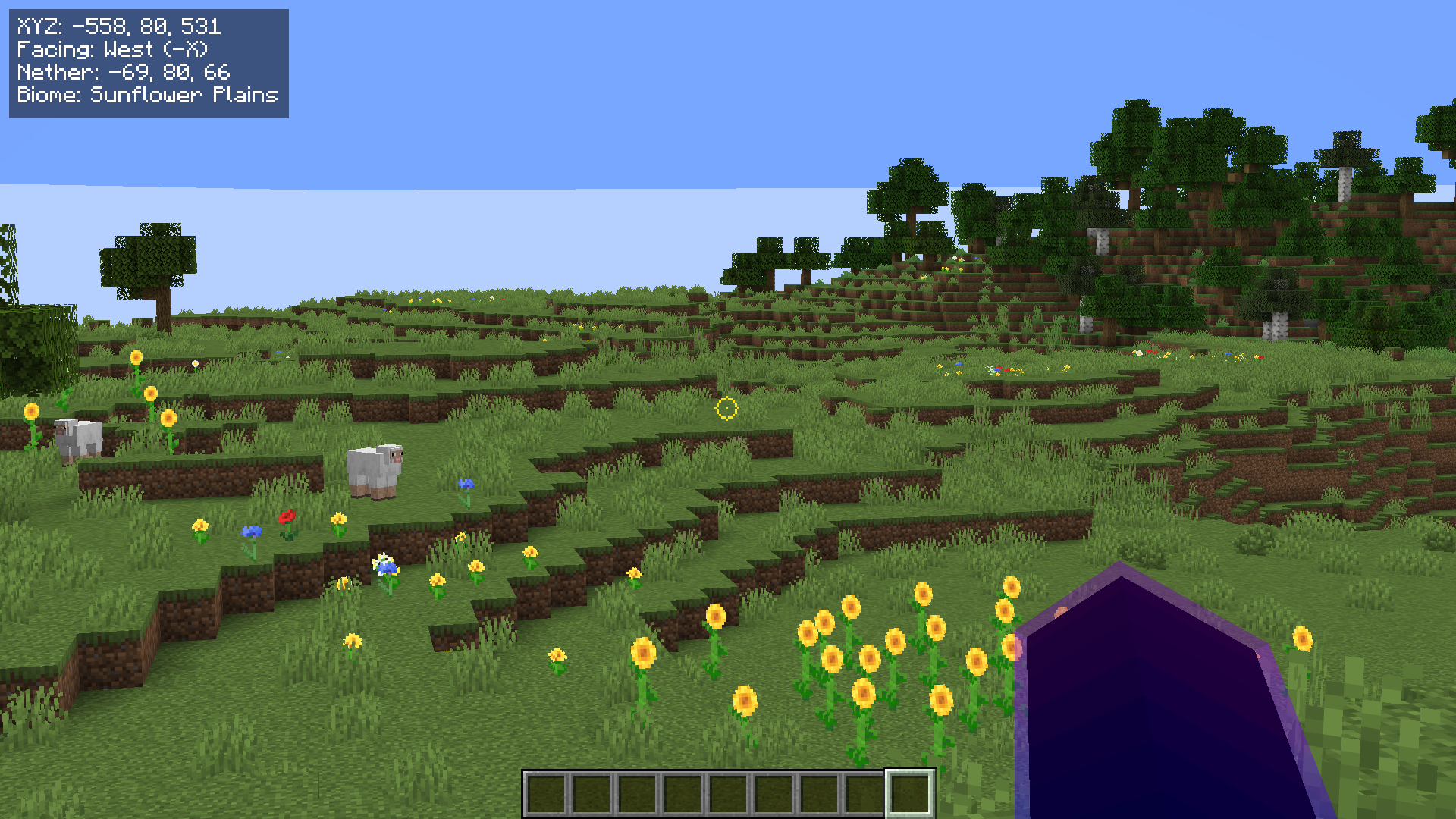 In Game Custom Crosshair, FullBright, Coordinate HUD
 -
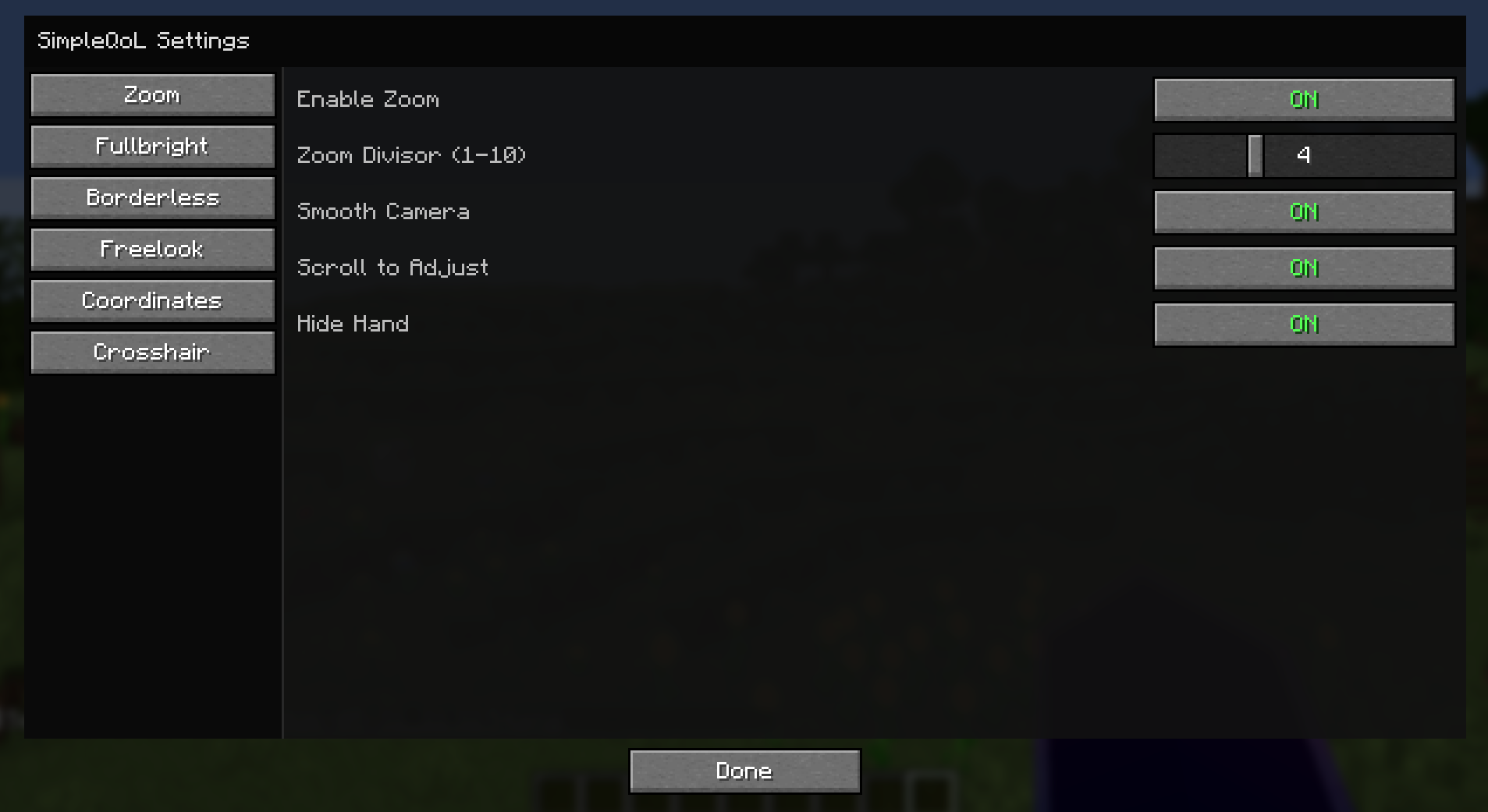 Zoom Settings Settings for zoom function
 -
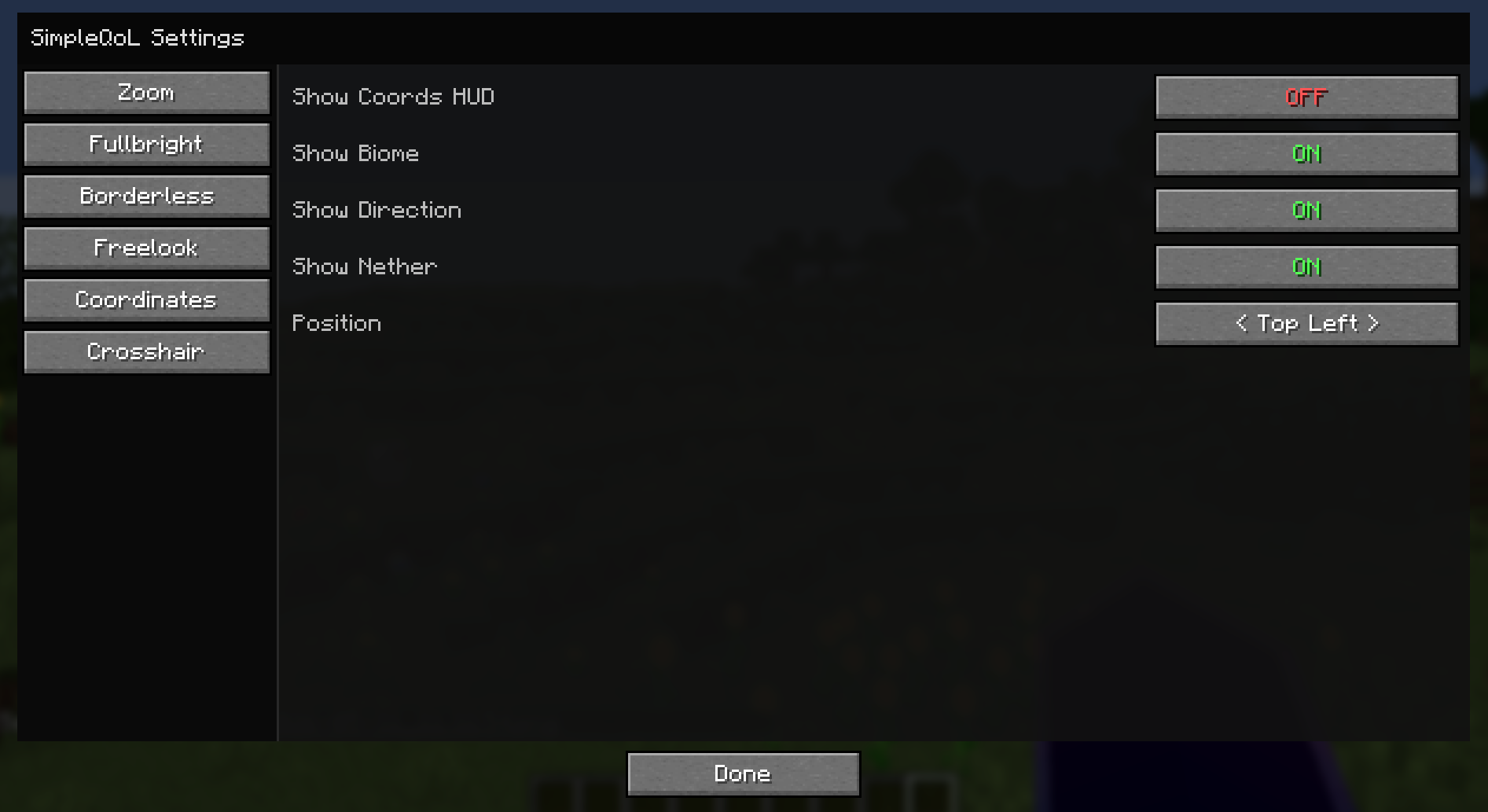 Coordinate HUD Settings for Coordinate HUD
 -
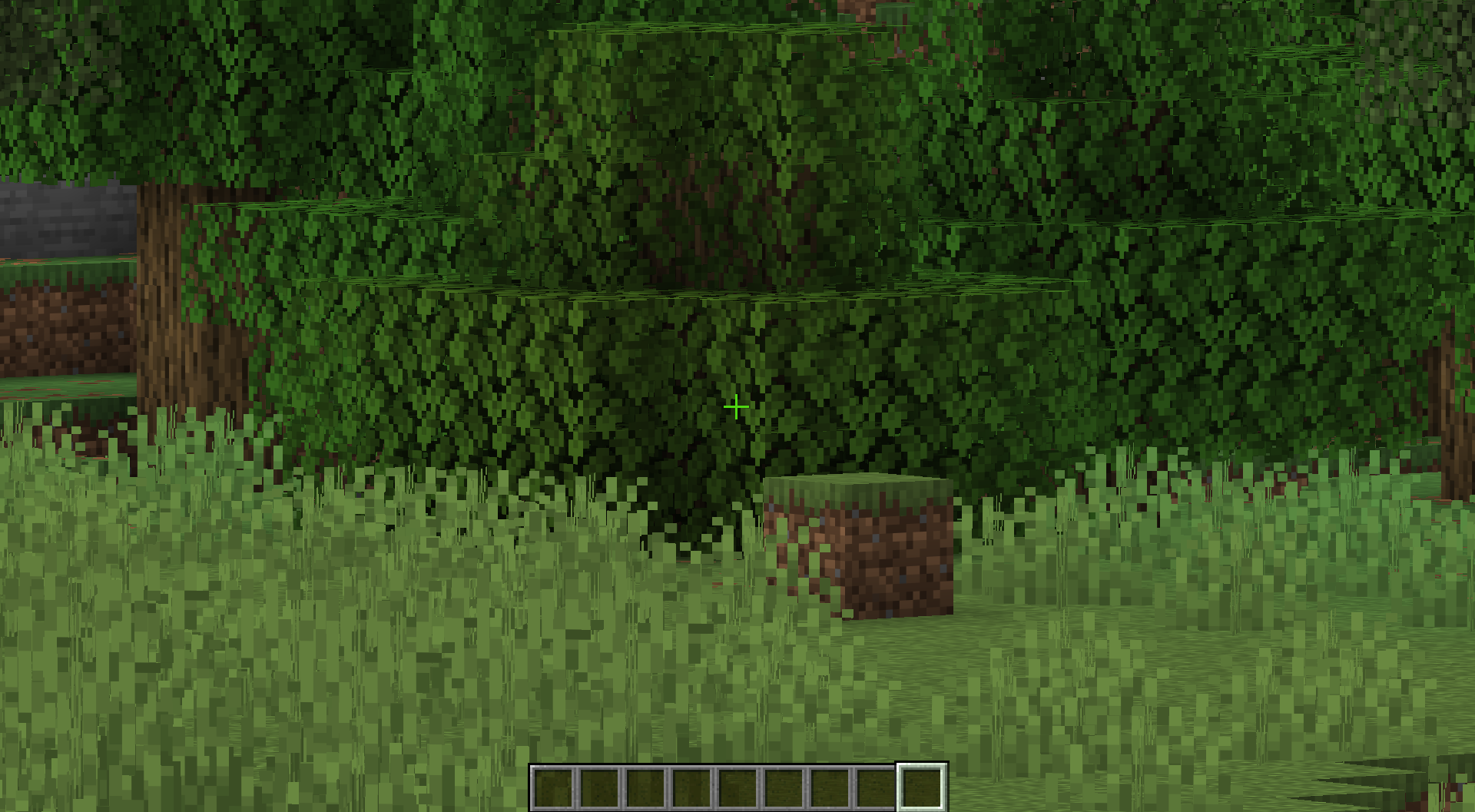 Extra Zoom Same position as base zoom, but zoomed all the way in
 -
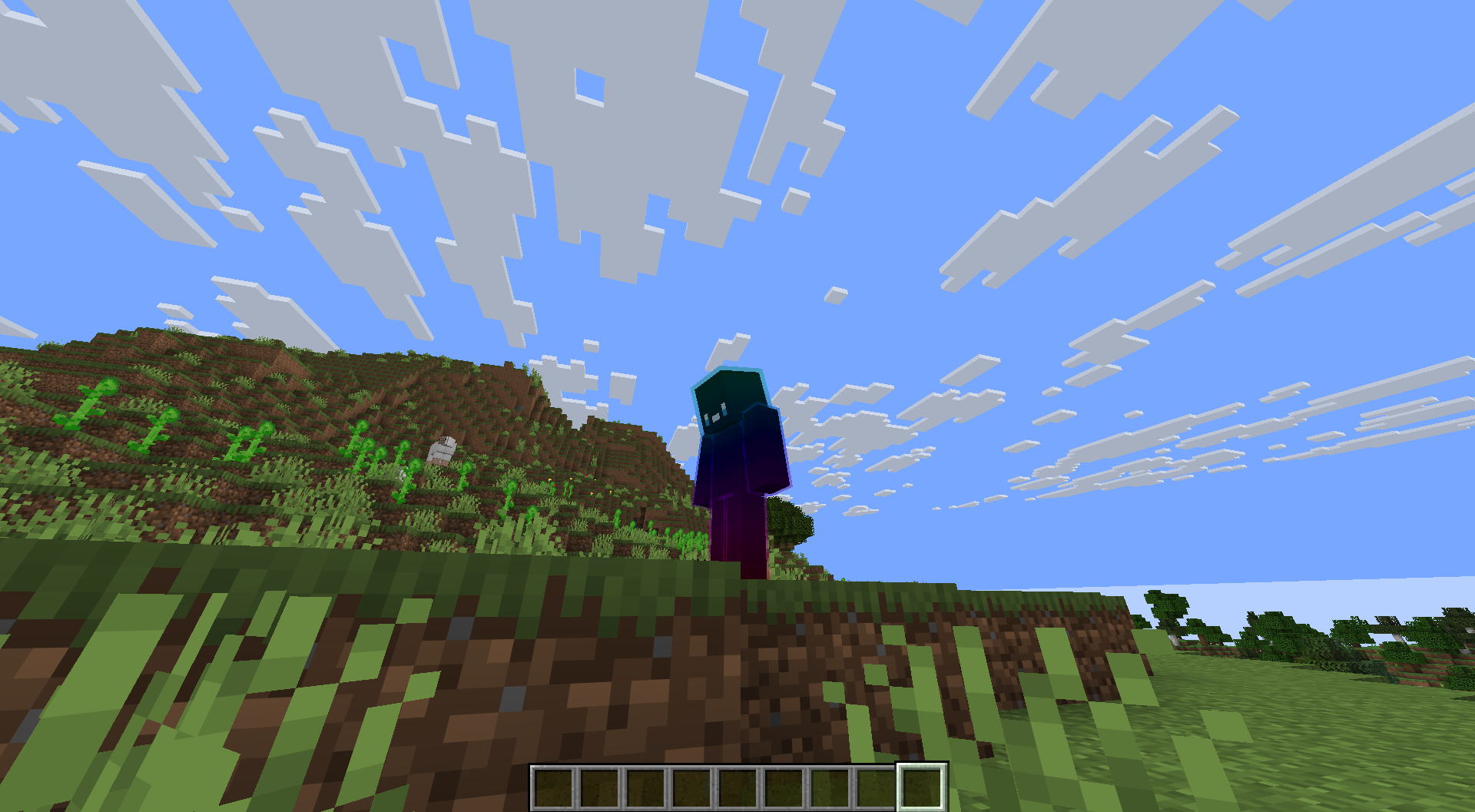 FreeLook FreeLook from 3rd Person POV
 -
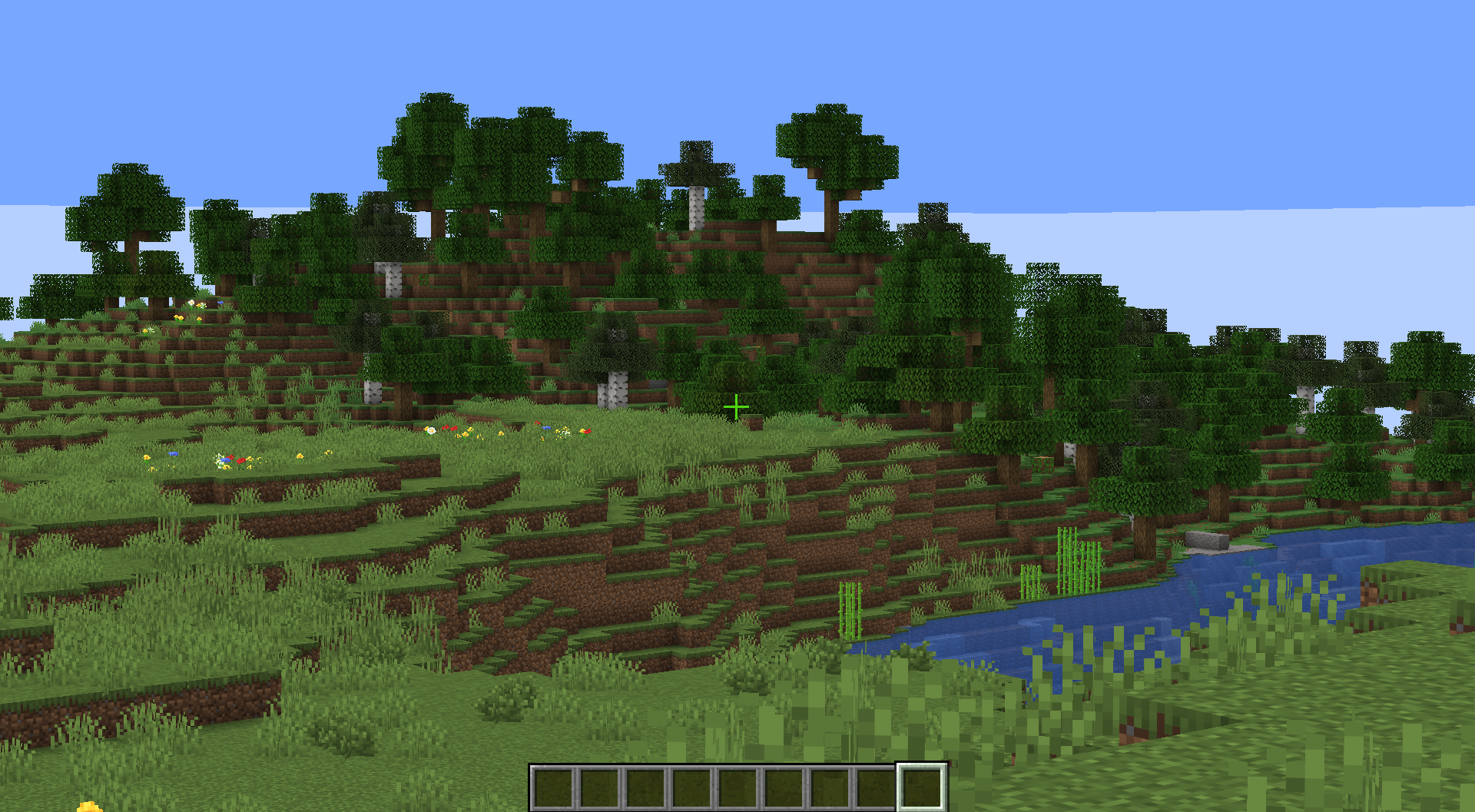 Base Zoom Default zoom amount
Versions
Files
Relations
Project Relations
More like this
Similar Mods
Suggestions use data such as tags, dependencies, dependents, descriptions, titles, and more to rank how much they overlap with this mod.
On ModDex
Community snapshot
By the numbers
Statistics

Want to reach Minecraft players?
We're looking for a server hosting partner to feature here and other parts of the site. Interested? Send us a message!
Get in touchGet it on
Available Platforms
On ModDex
Community snapshot
By the numbers
Statistics
Resources