
Community listing page, reviews here may not be monitored by the author.
Simple Soundboard

No reviews yet
A simple soundboard mod for Simple Voice Chat
Community voices
Reviews
No reviews yet. Be the first to review this project!
Get it on
Available Platforms
Compatibility
Supported Environments
Runs entirely on the client. Works on vanilla servers.
About
Project Details
For authors
Embed Badge
If you're the author of this project, you can embed a live badge anywhere that supports HTML or Markdown. It updates automatically whenever ratings change.
Use HTML for any page that supports it, or Markdown for README files and Markdown-based descriptions.
Identifiers
Platform IDs
About
Description
Simple Soundboard
A simple soundboard mod for Simple Voice Chat
This mod allows you to play .mp3 files directly into your voice chat stream. It features a GUI to manage your sounds, with separate volume controls for what you hear and what other players hear.
Features
- MP3 Support: Play standard
.mp3files. - Microphone Injection: Sounds are merged into your microphone stream, so anyone with Simple Voice Chat can hear them.
- Dual Volume Sliders:
- Player Volume: How loud the sound is for other people.
- Local Volume: How loud the sound is for you.
Dependencies
Fabric Loader
Fabric API
Simple Voice Chat
Fabric Language Kotlin
Note: Simple Soundboard may download the
yt-dlpexecutable to support audio handling/downloading features.
Installation
- Download and install Fabric and Simple Voice Chat.
- Download Simple Soundboard from modrinth.
- Drop the downloaded jar file into your
modsfolder. - Launch Minecraft.
Usage
- Open the Folder:
- Launch the game once to generate the directories.
- Navigate to your Minecraft instance folder (e.g.,
.minecraft). - Open the
soundboardfolder.
- Add Sounds:
- Drag and drop your
.mp3files into thesoundboardfolder.
- Drag and drop your
- Play:
- Join a world or server.
- Press
J(default key) to open the Soundboard GUI. - Click "Play" on a sound.
Configuration
You can access the configuration via the Config button in the soundboard GUI.
- Play Locally: Toggle this ON to hear the sounds yourself, or OFF to play them only for other players.
- Volume Memory: The mod remembers the specific volume settings (Local vs Player) for every individual sound file.
Screenshots
Gallery
-
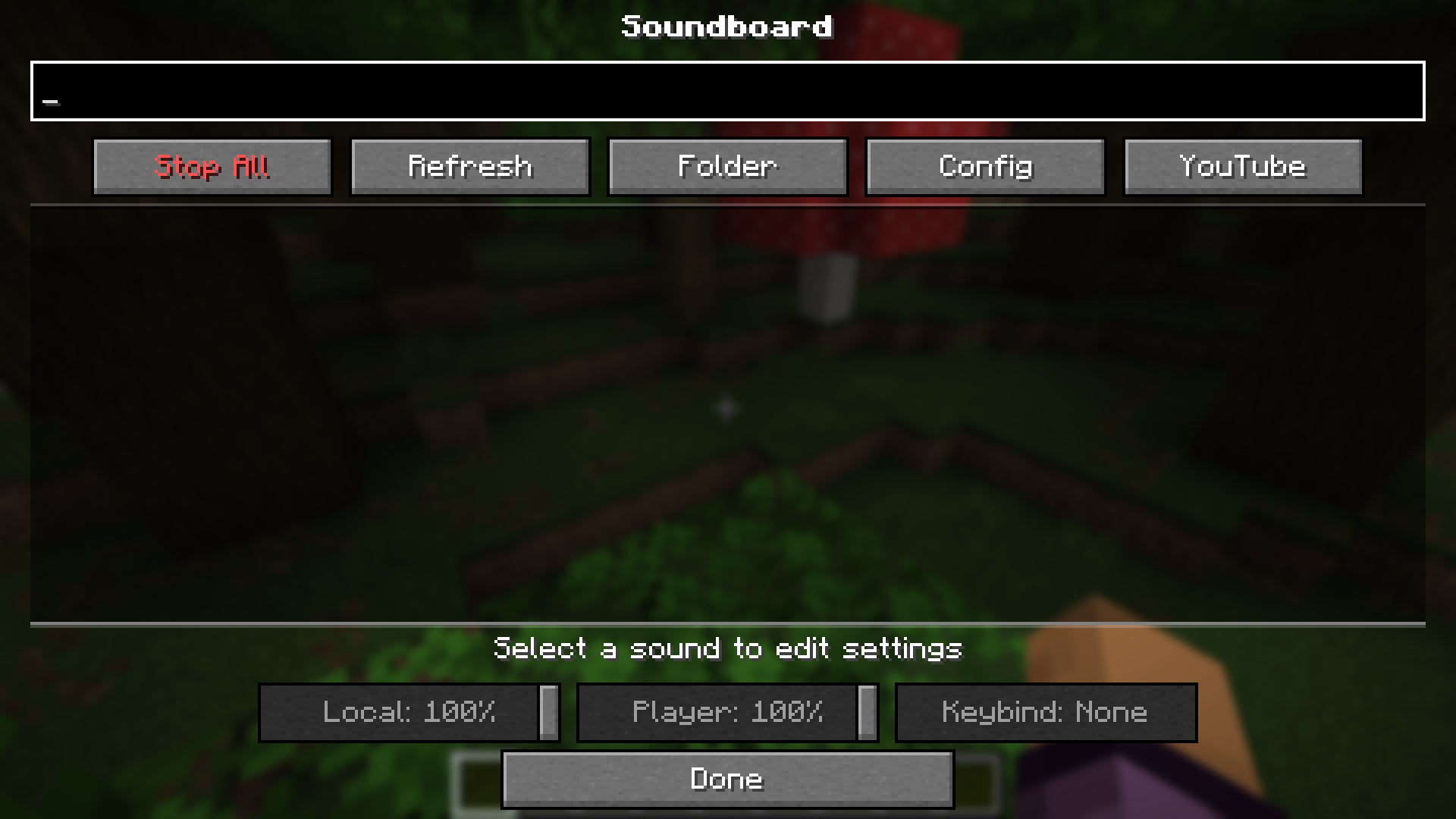 Soundboard Screen The main screen of the mod.
 -
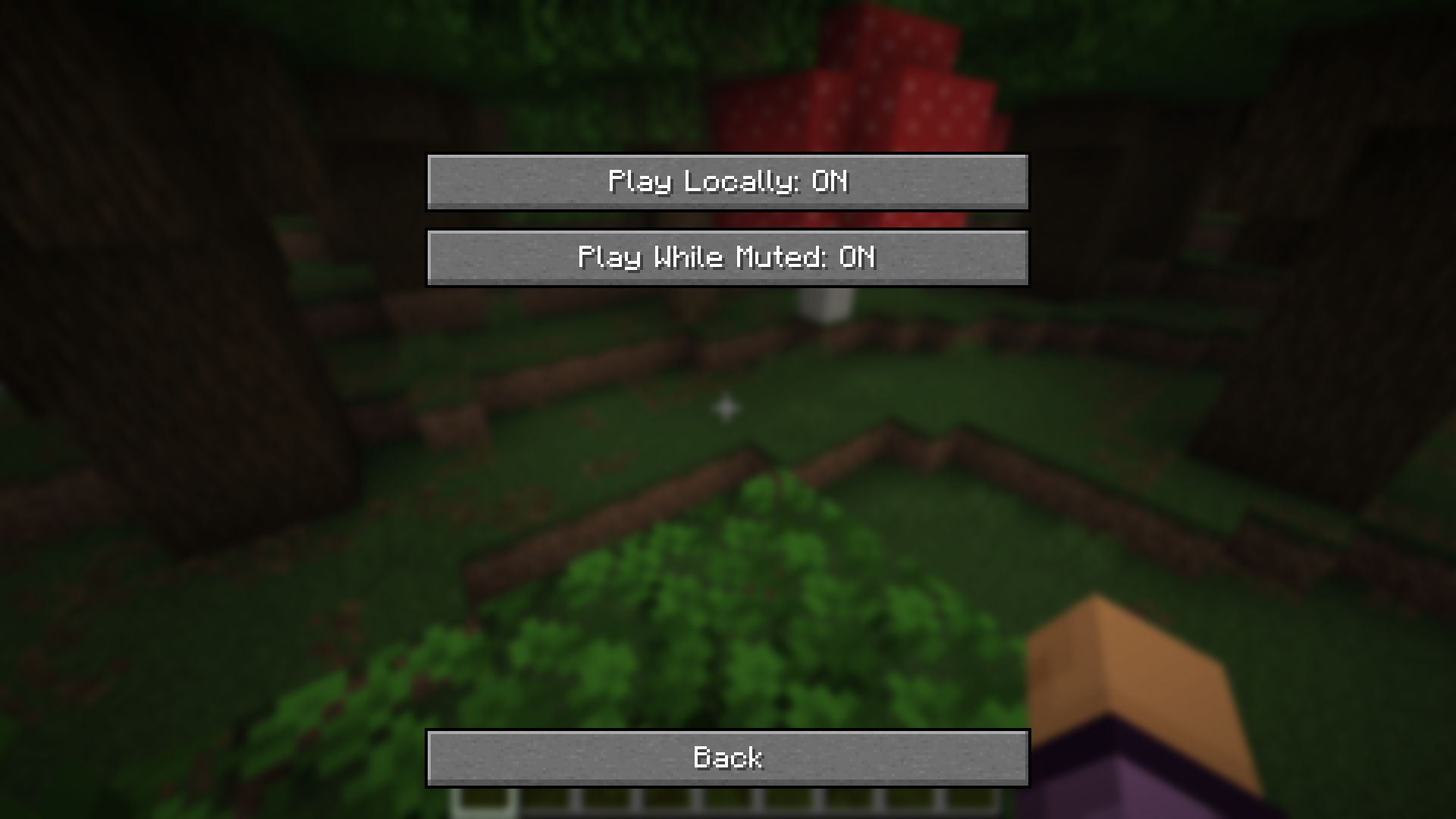 Configuration Screen
 -
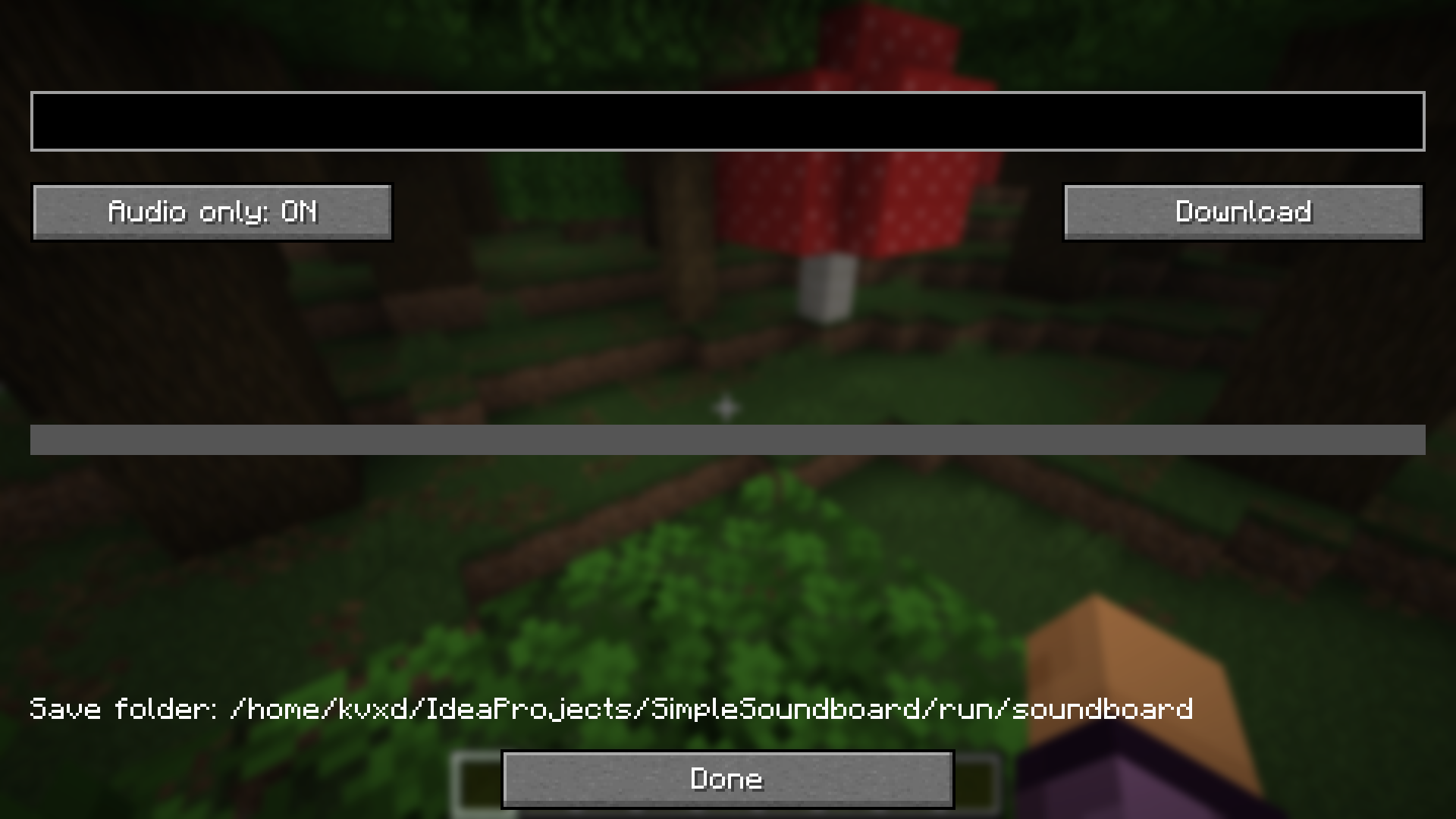 Youtube Downloader Screen
Versions
Files
Relations
Project Relations
More like this
Similar Mods
Suggestions use data such as tags, dependencies, dependents, descriptions, titles, and more to rank how much they overlap with this mod.
On ModDex
Community snapshot
By the numbers
Statistics

Want to reach Minecraft players?
We're looking for a server hosting partner to feature here and other parts of the site. Interested? Send us a message!
Get in touchGet it on
Available Platforms
On ModDex
Community snapshot
By the numbers