
Community listing page, reviews here may not be monitored by the author.
Sit on any Block

No reviews yet
Simple data pack for sitting on blocks.

Community voices
Reviews
No reviews yet. Be the first to review this project!
Get it on
Available Platforms
About
Project Details
For authors
Embed Badge
If you're the author of this project, you can embed a live badge anywhere that supports HTML or Markdown. It updates automatically whenever ratings change.
Use HTML for any page that supports it, or Markdown for README files and Markdown-based descriptions.
Identifiers
Platform IDs
About
Description
Tschipcraft's
Sit on any Block


A data pack for 1.14.x-1.19.x
Features
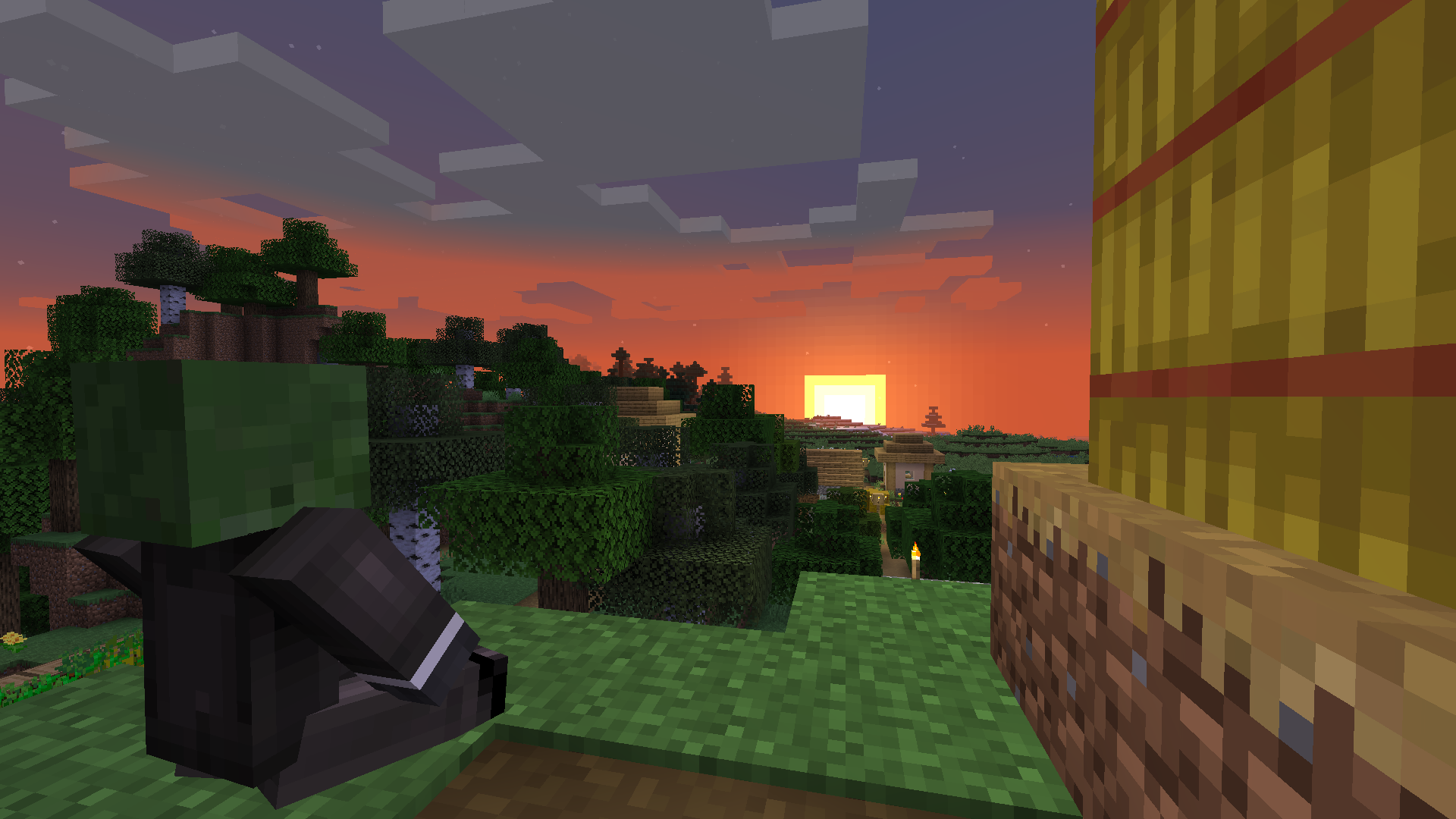
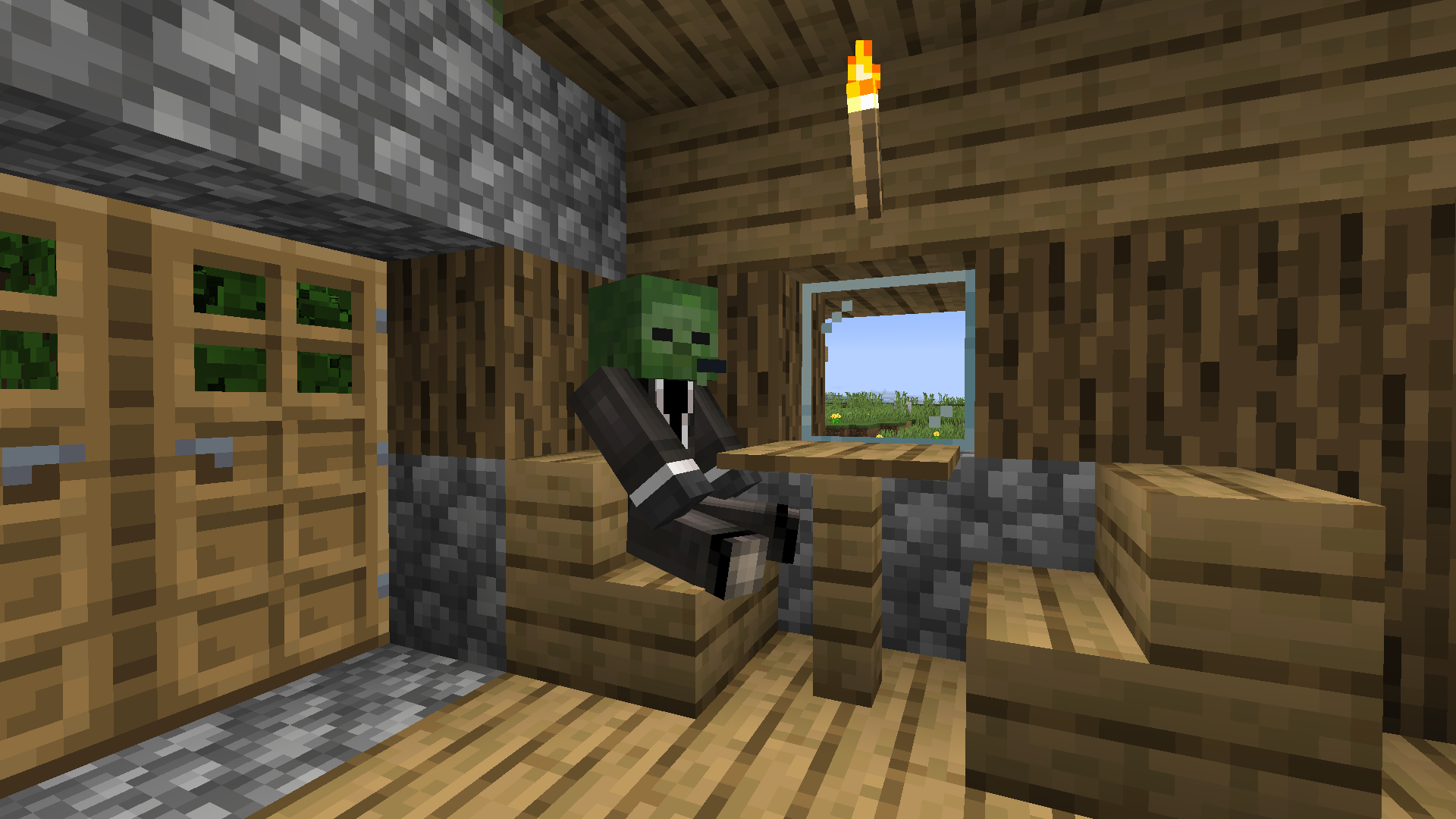
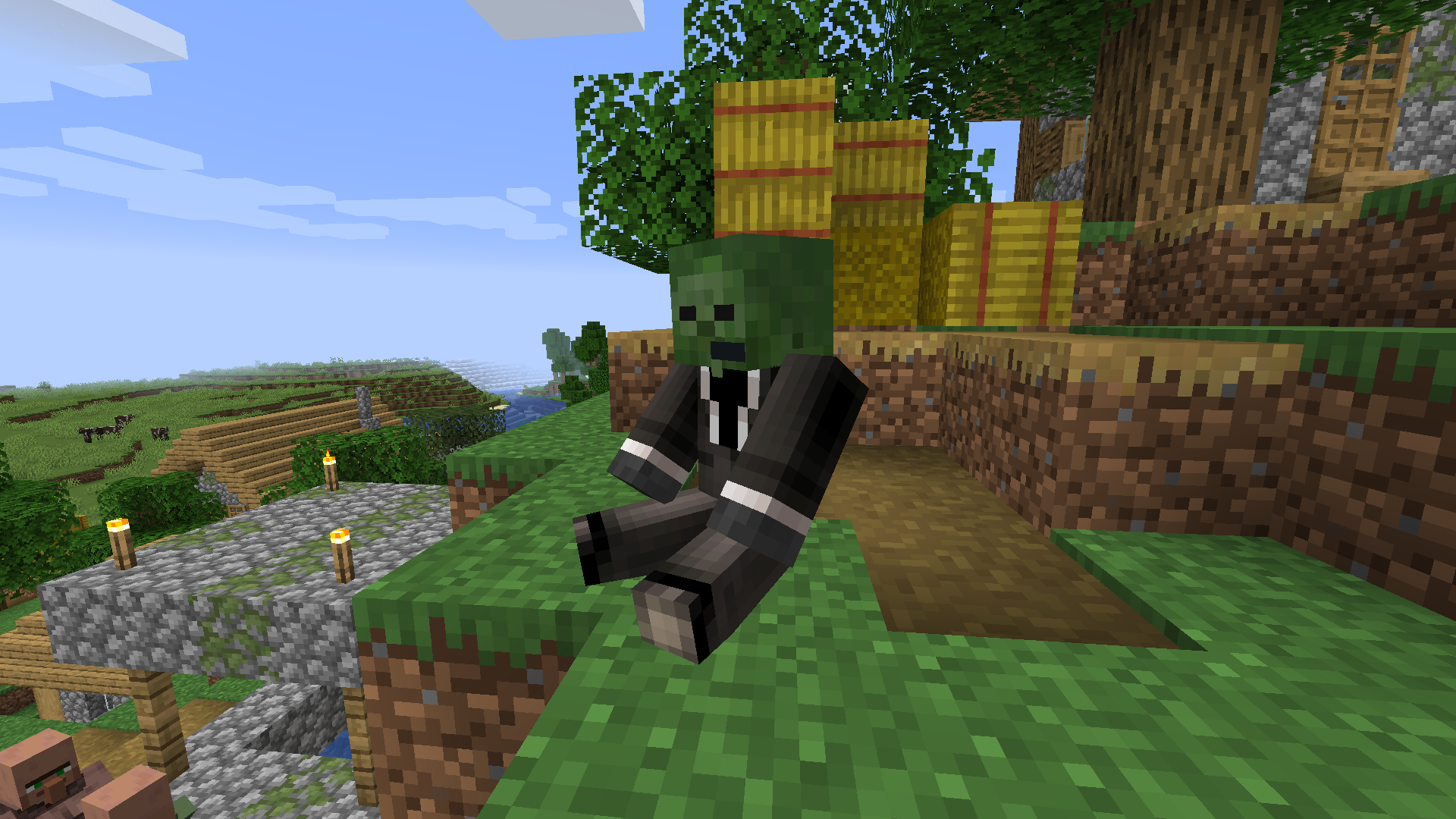
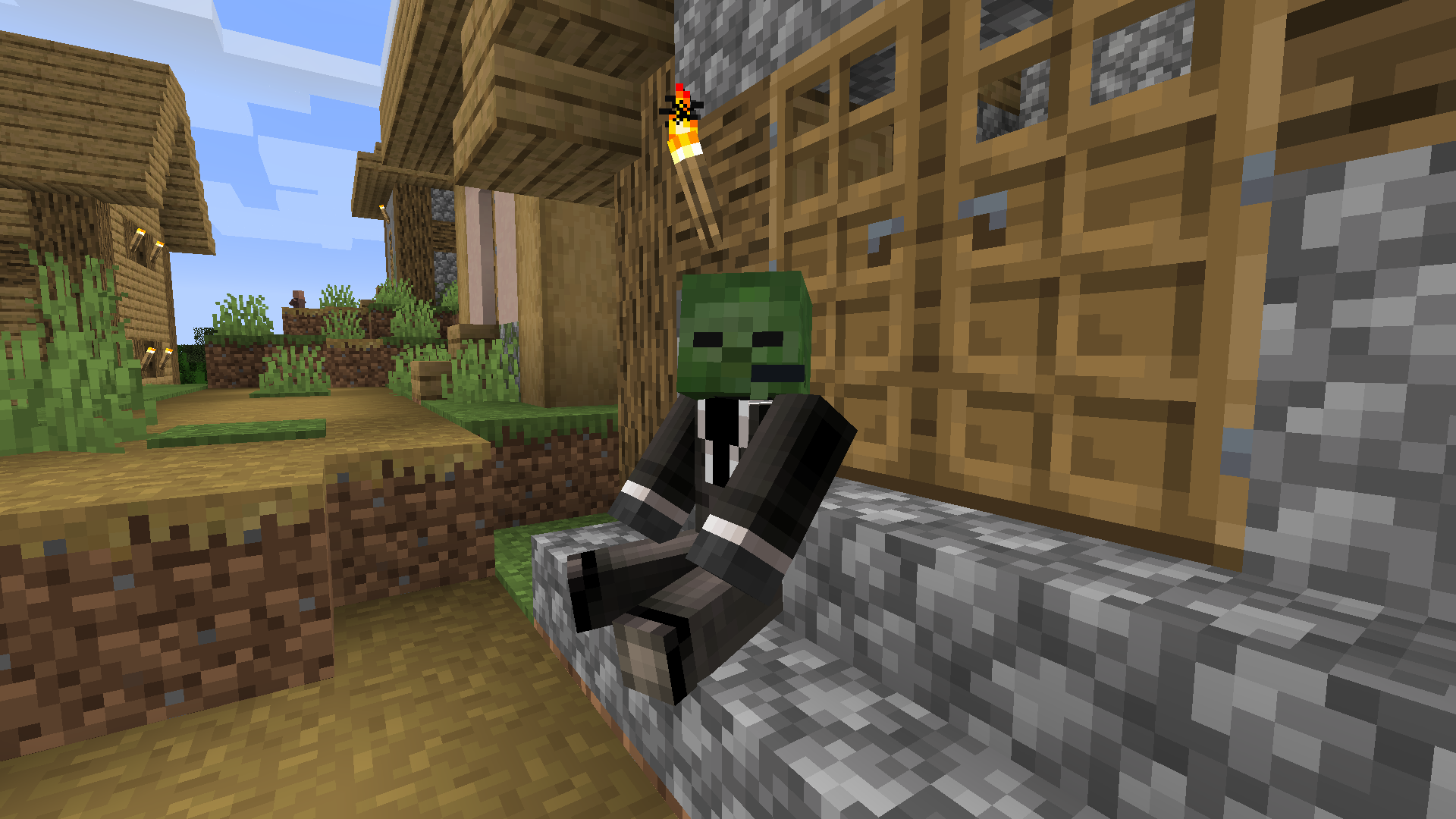
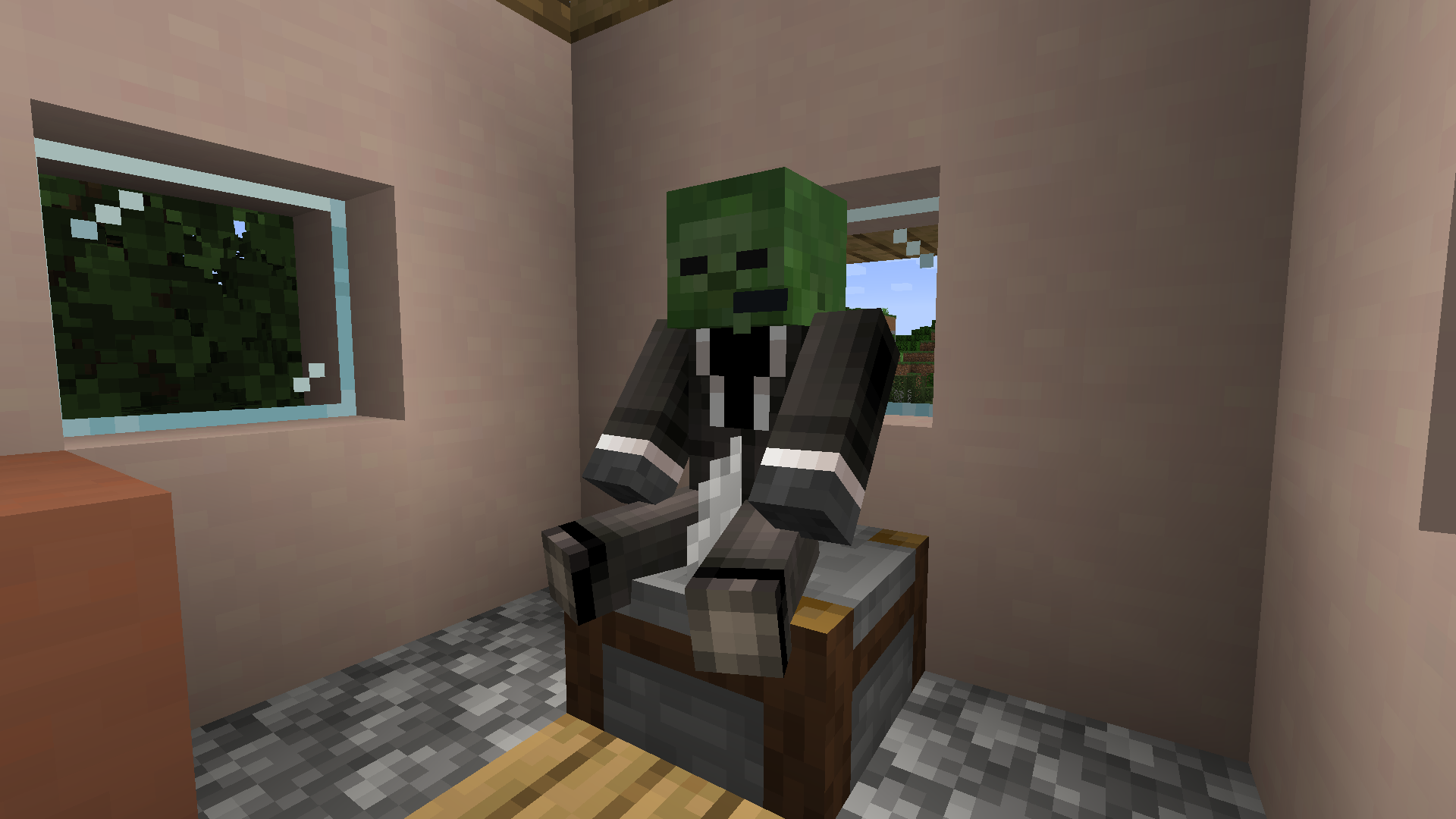
This pack gives you the ability to sit on stairs and blocks.
To sit on a block, stand on it, put any items in your main hand away, look down and right-click. Stairs work the same way, the only difference is that you don't have to specifically look down to sit on them. These "chairs" will stay longer, but will despawn if no players are around. To get rid of a chair immediately, hold any type of axe in your main hand or break the stair block.
Installation
Download the latest release and put the data pack .zip file into the datapacks folder of your Minecraft world.
Manage
To open the ingame menu, execute /trigger menu. There is a Reset and an Uninstall button.
Compatibility
For Minecraft 1.14x - 1.18x, use a legacy edition.
Current version might work in 1.20x (untested), will not work in 1.21x or above.
External Links


Screenshots
Gallery
Versions
Files
Relations
Project Relations
More like this
Similar Mods
Suggestions use data such as tags, dependencies, dependents, descriptions, titles, and more to rank how much they overlap with this mod.
On ModDex
Community snapshot
By the numbers
Statistics

 (opens in a new tab)
Get it on
Available Platforms
On ModDex
Community snapshot
By the numbers