
Community listing page, reviews here may not be monitored by the author.
SkinBlink

No reviews yet
A client-side Fabric mod that adds customizable blinking animations to Minecraft skins with an easy-to-use eye editor and skin-based blink colors.
Community voices
Reviews
No reviews yet. Be the first to review this project!
Get it on
Available Platforms
Compatibility
Supported Environments
Runs entirely on the client. Works on vanilla servers.
About
Project Details
For authors
Embed Badge
If you're the author of this project, you can embed a live badge anywhere that supports HTML or Markdown. It updates automatically whenever ratings change.
Use HTML for any page that supports it, or Markdown for README files and Markdown-based descriptions.
Identifiers
Platform IDs
Resources
External Links
About
Description
SkinBlink
Bring your Minecraft character to life with customizable blinking animations!
SkinBlink is a client-side Fabric mod that adds realistic blinking animations to Minecraft player skins. Select your eye pixels, customize how your character blinks, and make your skin feel more alive during gameplay, cinematics, screenshots, roleplay, and Replay Mod recordings.
⚠️ Important Notes
- Note: This mod is NOT WORKING in REPLAY MOD!
- Currently supports Minecraft 1.21.11 only.
- Client-side only. No server installation required.
- Works with Premium Minecraft accounts.
- Works with launcher-provided and custom skins.
- Currently does NOT support default offline Minecraft skins such as Steve and Alex.
- Currently does NOT support official Minecraft skins when using offline/cracked mode.
- Offline skin support may be added in a future update.
Features
- Custom blinking animations
- Eye pixel selection editor
- Blink color selection directly from your skin
- In-game GUI editor
- Head preview and editing canvas
- Adjustable blink timing
- Save and load blink configurations
- Replay Mod friendly
- Works in singleplayer and multiplayer
- Easy-to-use editor accessible in-game
How To Use
- Open the SkinBlink editor.
- Select the pixels that represent your eyes.
- Choose a blink color from your skin.
- Save your configuration.
- Enable blinking.
- Enjoy a more alive-looking Minecraft character!
Compatibility
Supported
- Minecraft 1.21.11
- Fabric Loader
- Singleplayer
- Multiplayer (Client-Side Only)
- Premium Minecraft skins
- Custom launcher skins
Not Currently Supported
- Default offline Steve skins
- Default offline Alex skins
- Official Minecraft skins in offline/cracked mode
Links
YouTube
https://www.youtube.com/@RealNamanYT
Discord
https://discord.com/invite/caHT3dU74u
https://instagram.com/realnamanyt
Known Issues
- Default offline skins (Steve/Alex) do not currently support blinking.
- Official Minecraft skins may not work correctly in offline/cracked mode.
- Some custom skin providers may require additional testing.
Credits
Created by RealNamanOP.
Thanks to everyone who tested SkinBlink and provided feedback during development!
Screenshots
Gallery
-
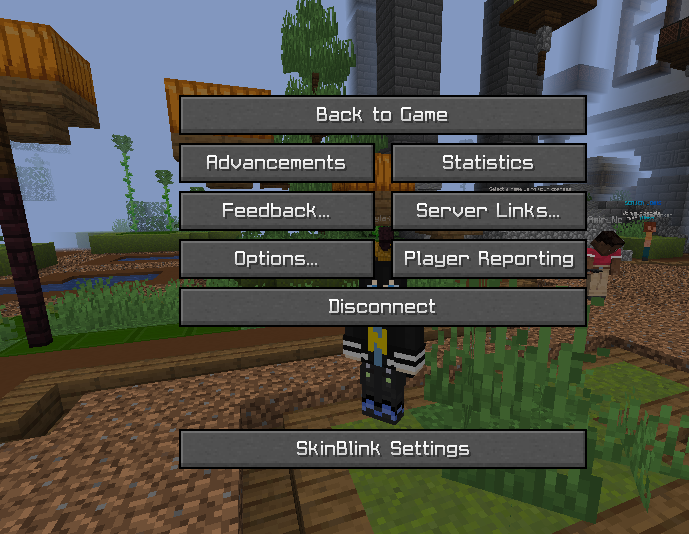 Option You can see this mod's settings button at OPTIONS screen.
 -
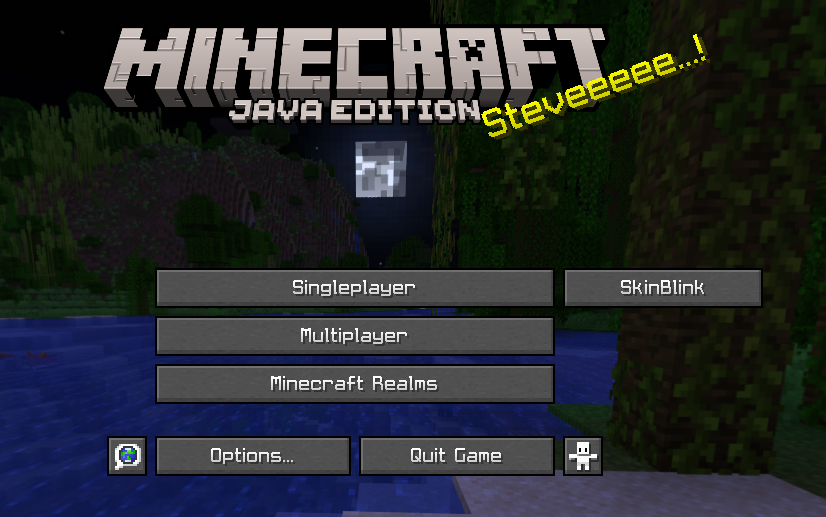 Minecraft Also a button on minecraft screen!
 -
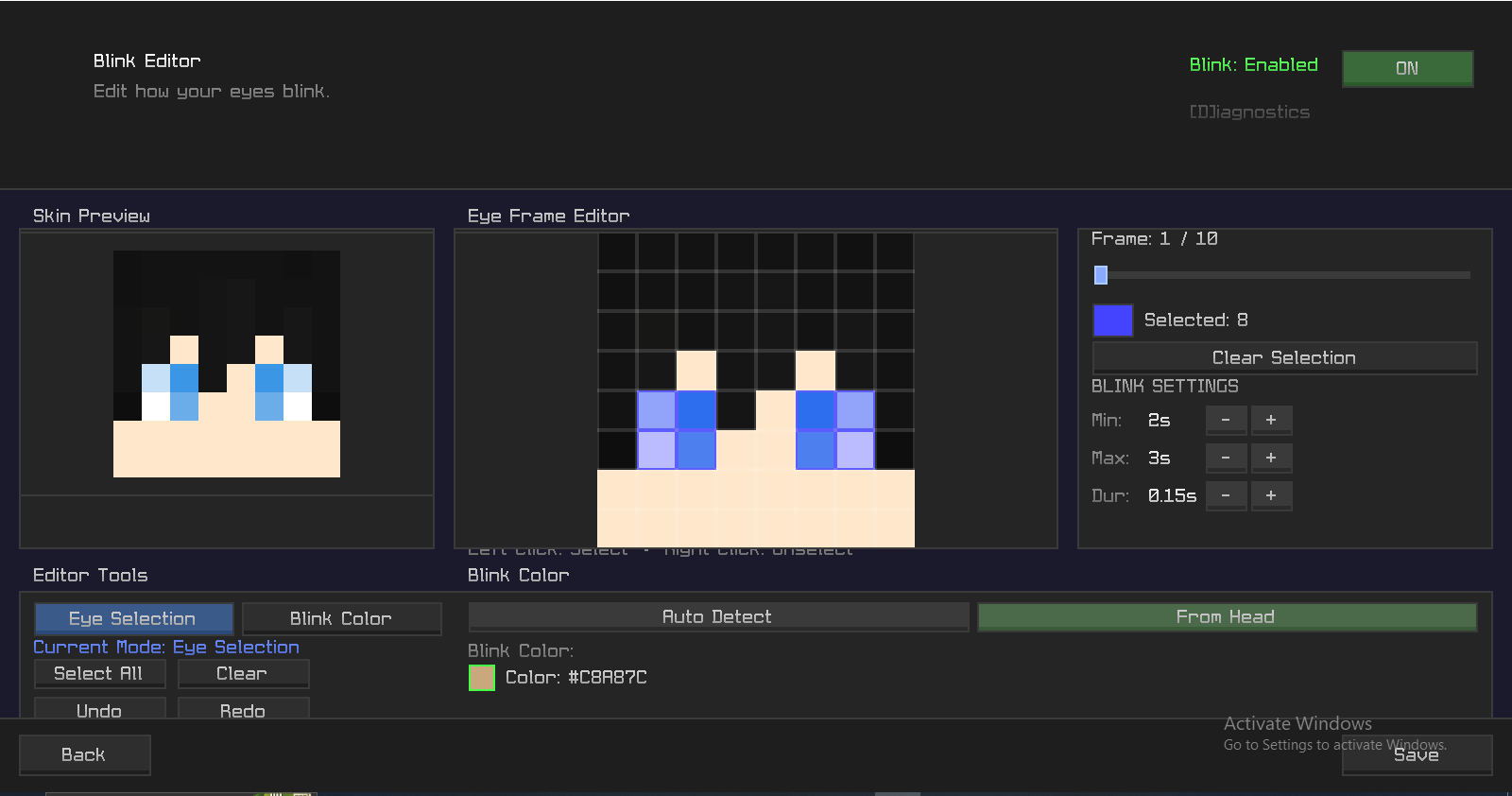 Config Screen This is the CONFIG Screen of this MOD!
 -
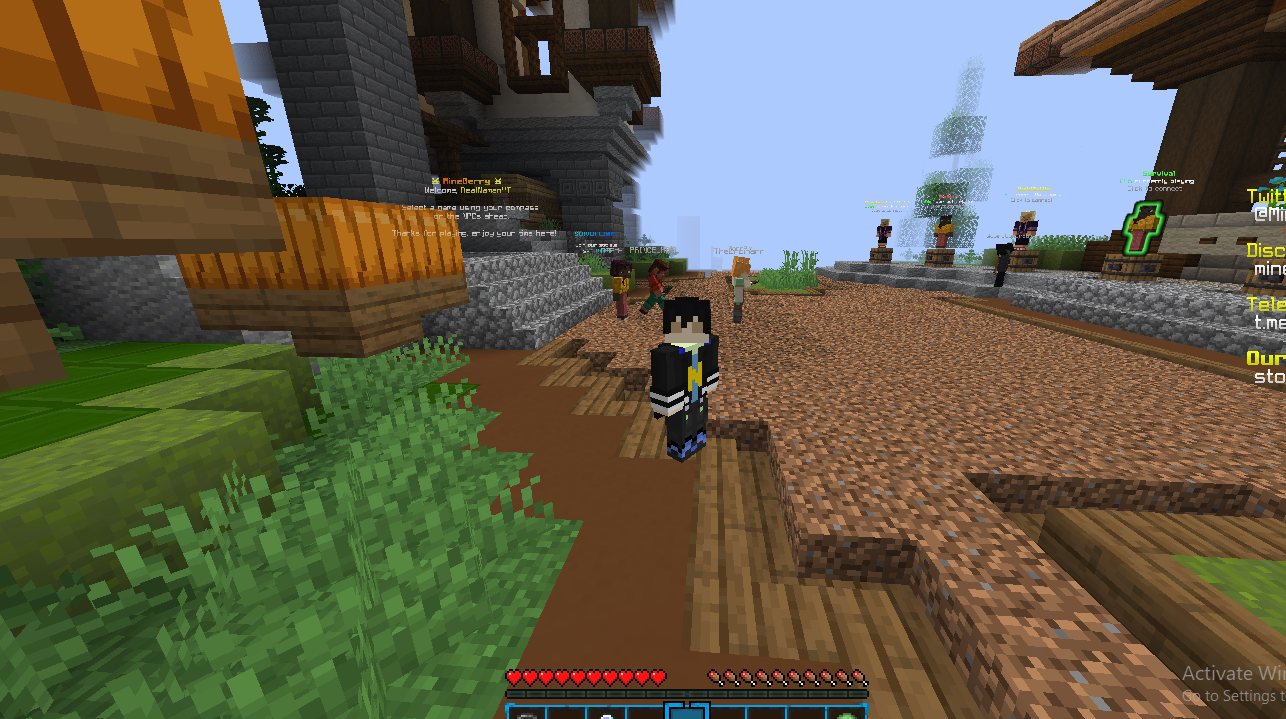 Blink You can see My Character blink, closed EYES.
Versions
Files
Relations
Project Relations
More like this
Similar Mods
Suggestions use data such as tags, dependencies, dependents, descriptions, titles, and more to rank how much they overlap with this mod.
On ModDex
Community snapshot
By the numbers
Statistics

Want to reach Minecraft players?
We're looking for a server hosting partner to feature here and other parts of the site. Interested? Send us a message!
Get in touchGet it on
Available Platforms
On ModDex
Community snapshot
By the numbers
Statistics
Resources