
Community listing page, reviews here may not be monitored by the author.

Community voices
Reviews
No reviews yet. Be the first to review this project!
Get it on
Available Platforms
About
Project Details
For authors
Embed Badge
If you're the author of this project, you can embed a live badge anywhere that supports HTML or Markdown. It updates automatically whenever ratings change.
Use HTML for any page that supports it, or Markdown for README files and Markdown-based descriptions.
Identifiers
Platform IDs
Resources
External Links
About
Description
⚠This project has been discontinued. Check out the better and upgraded version: Skull [Portable]
Skull
Obtain Custom and Player Heads in Survival!
You can find the values for custom heads on this site.
📖Features
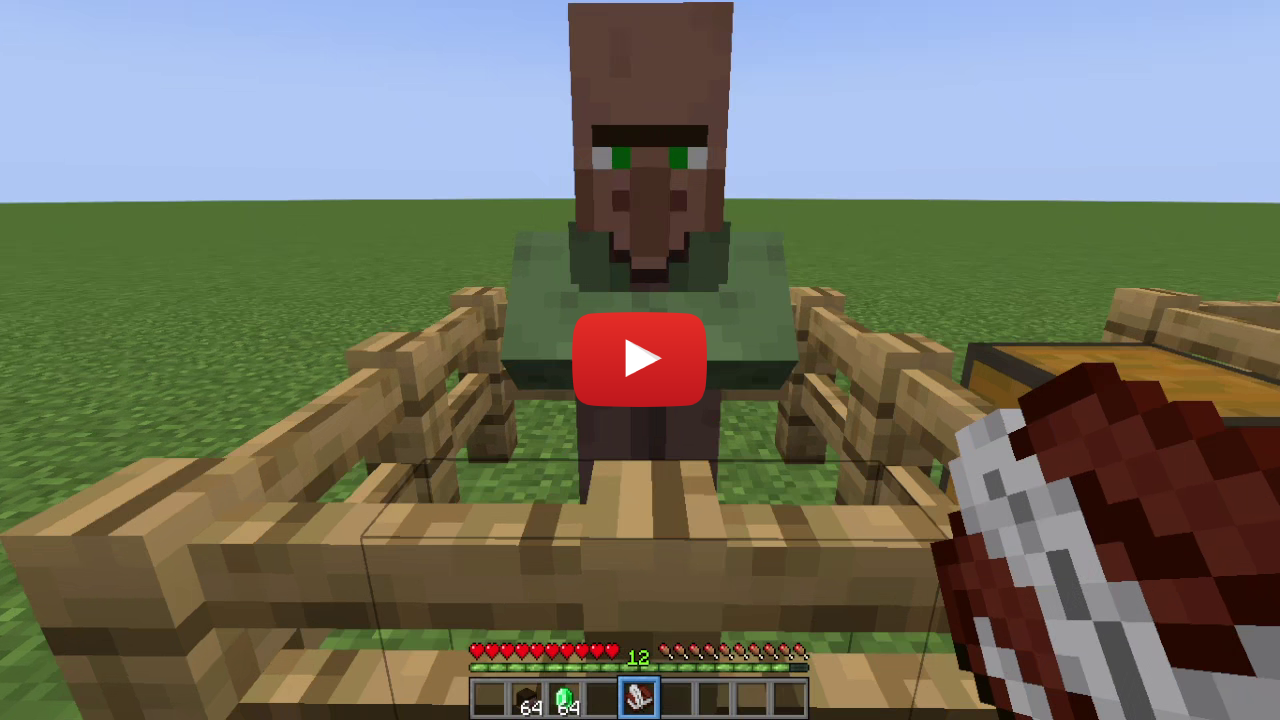
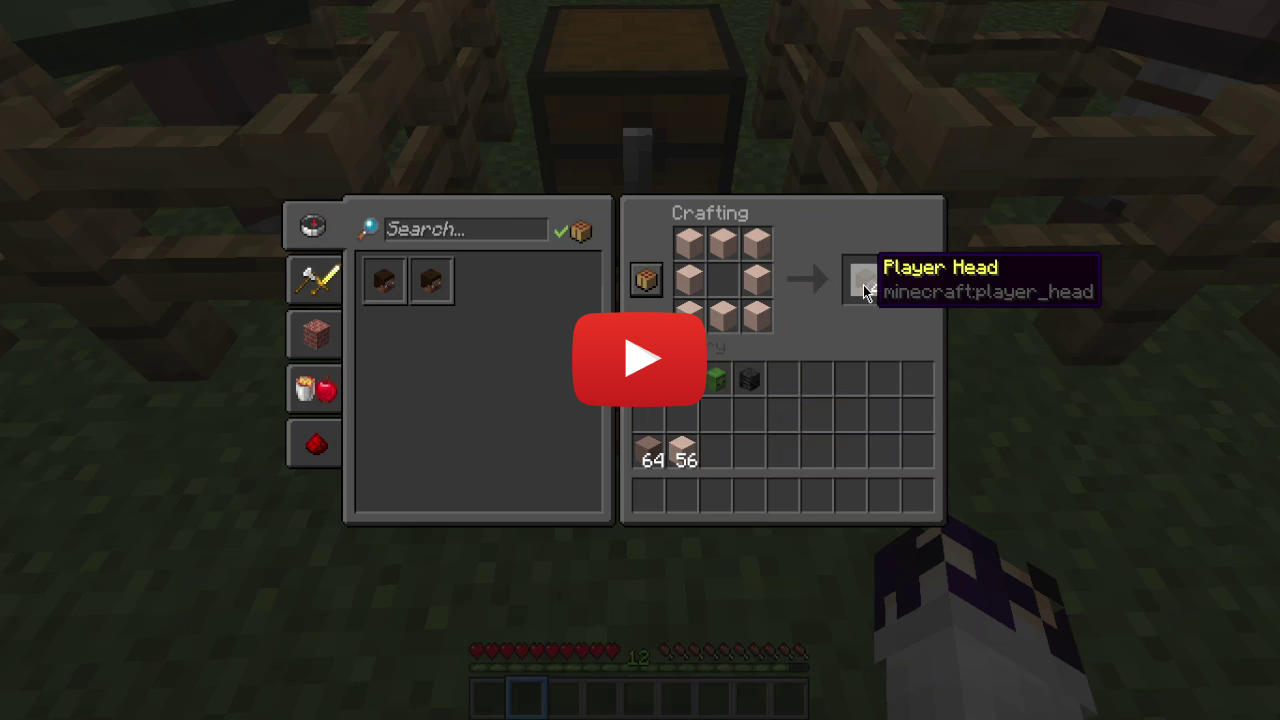
This Data Pack allows you to get custom heads in vanilla minecraft using a villager and a Book&Quill. To do so, just summon the skull merchant, craft a bunch of heads, choose a head value or a player name, paste it in a Book&Quill (in case of the player head sign the book with the name of the player), and then add the trade to the merchant.
Craft a Head
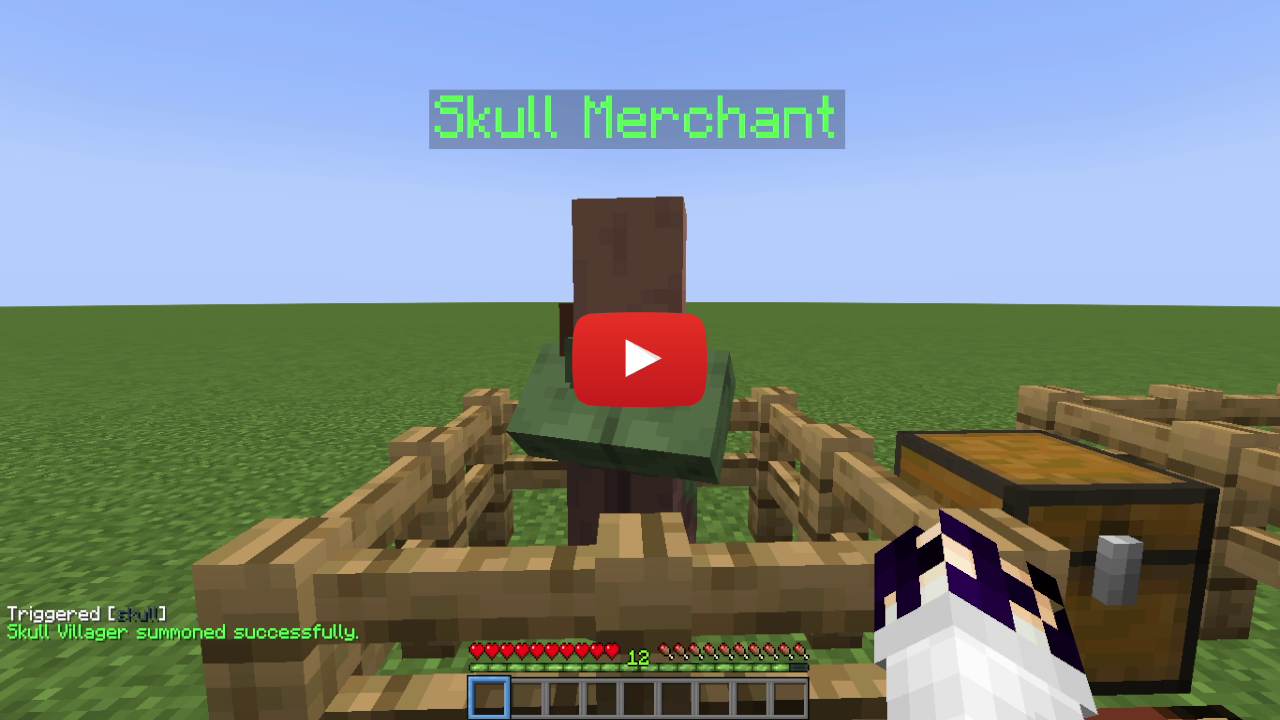
Summon a Skull Merchant
- To succesfully summon a Skull Merchant the villager must be unemployed.
Add Trades for Custom and Player Heads
-
Add a trade for a custom head: to add a trade for a custom head, simply paste the value of the head you want on a book, then shift and right-click on the villager to teach him the trade.
-
Add a trade for a player head: to add a trade for a player head, simply sign a book with the name of the player, then shift and right-click on the villager to teach him the trade. The book will be consumed and a new one will be given to you.
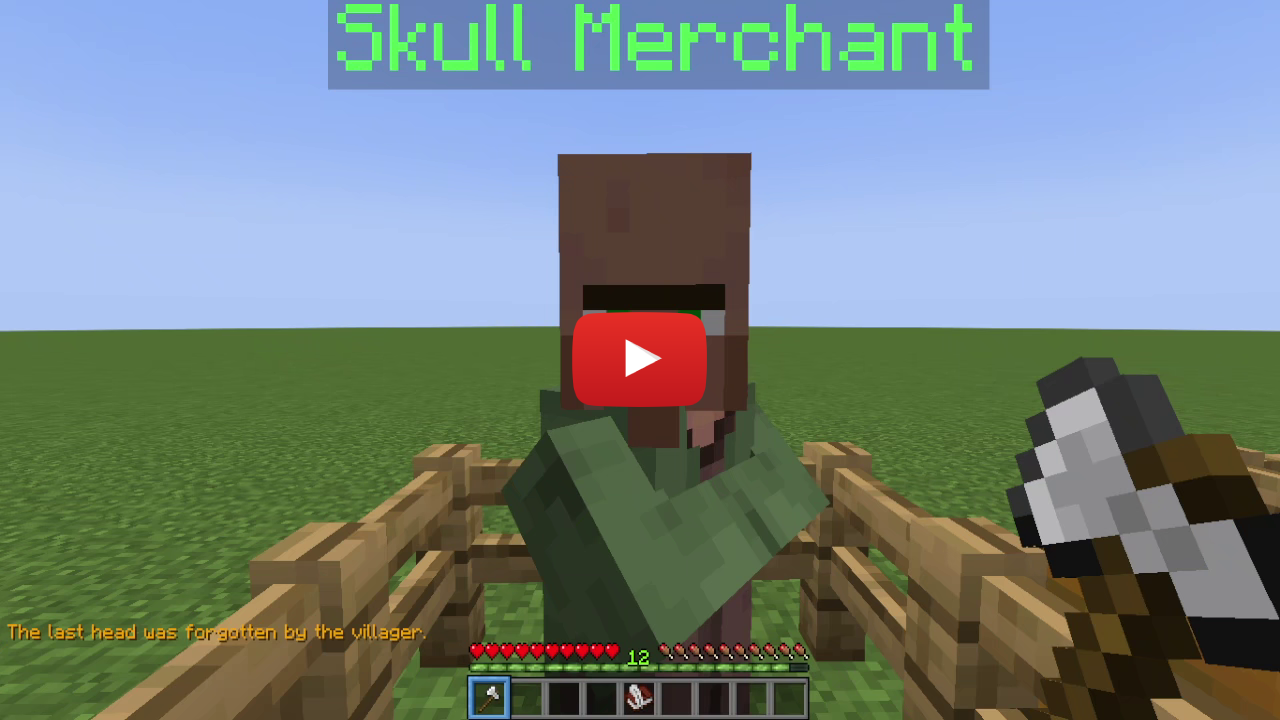
Remove the Last Trade
- To remove the last trade simply hold an axe (of any type) and shif+right-click on a Skull Merchant.
📤Uninstall the DataPack
To uninstall the Data Pack run the command /function custom_heads:uninstall. When the uninstallation process is completed a confirmation message will be sent in the chat.
🔗External links


❗️Known Issues❗️
- From the second trade that will be added, at the end of the operation, the not updated villager trading UI will be opened. To see the new added trade, just close the UI and talk again to the villager.
- When removing a trade, at the end of the operation the not updated villager trading UI will be opened. To see the changes (removed trade) just close the UI and talk again to the villager.
Screenshots
Gallery
Versions
Files
Relations
Project Relations
More like this
Similar Mods
Suggestions use data such as tags, dependencies, dependents, descriptions, titles, and more to rank how much they overlap with this mod.
On ModDex
Community snapshot
By the numbers
Statistics

Want to reach Minecraft players?
We're looking for a server hosting partner to feature here and other parts of the site. Interested? Send us a message!
Get in touchGet it on
Available Platforms
On ModDex
Community snapshot
By the numbers
Statistics
Resources