Community listing page, reviews may not be monitored by the author.
Sky Strata

No reviews yet
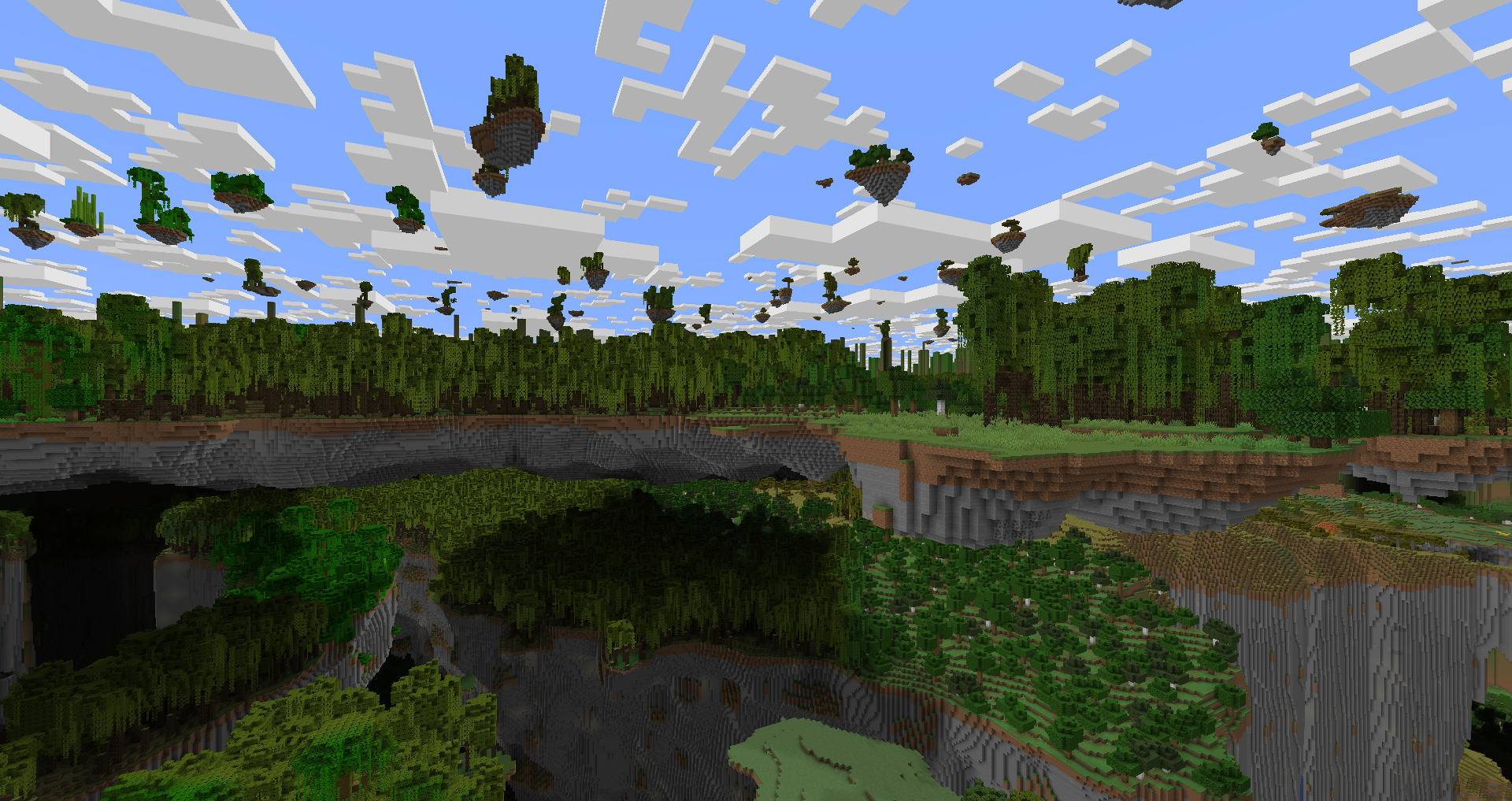
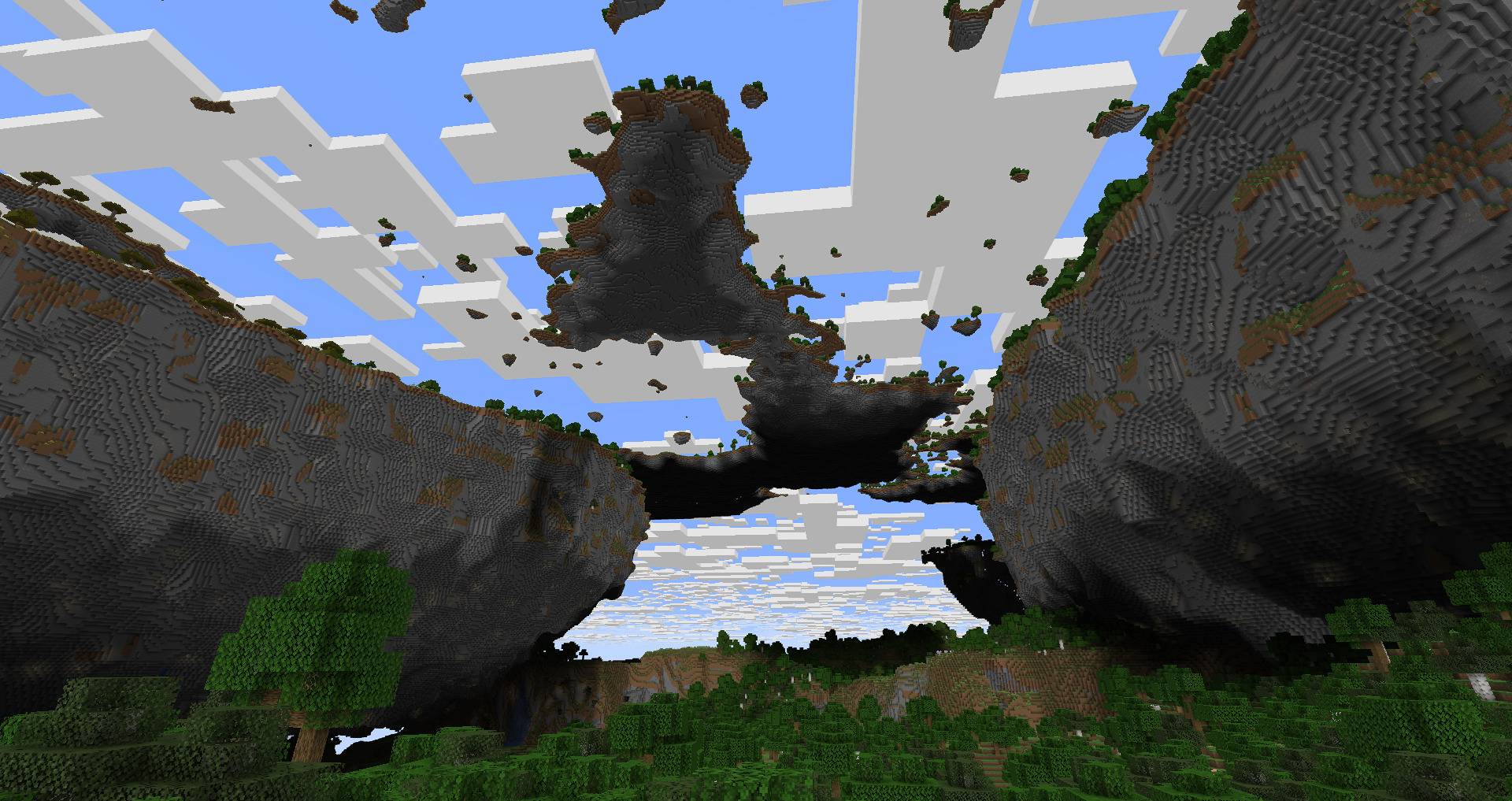
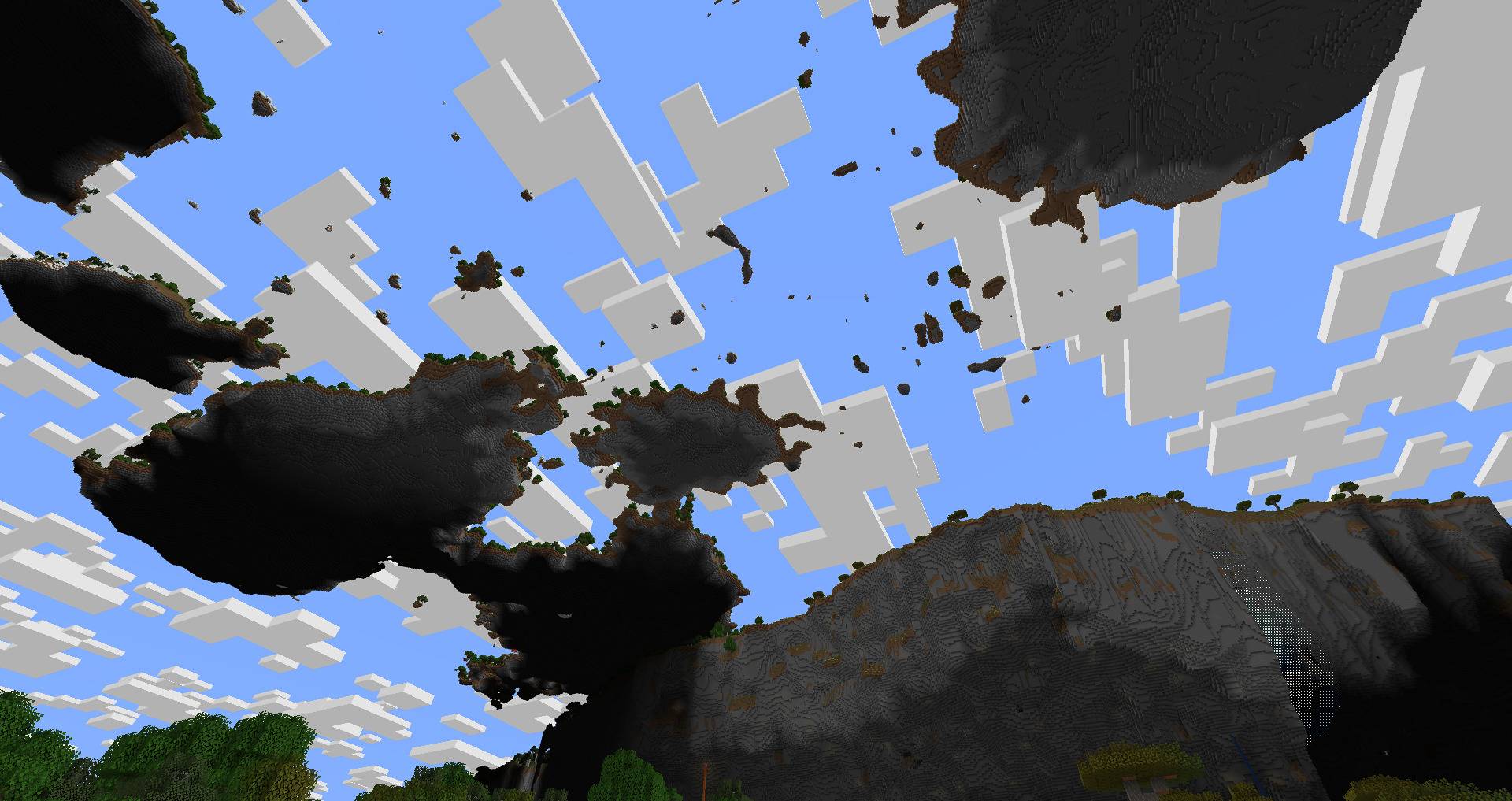
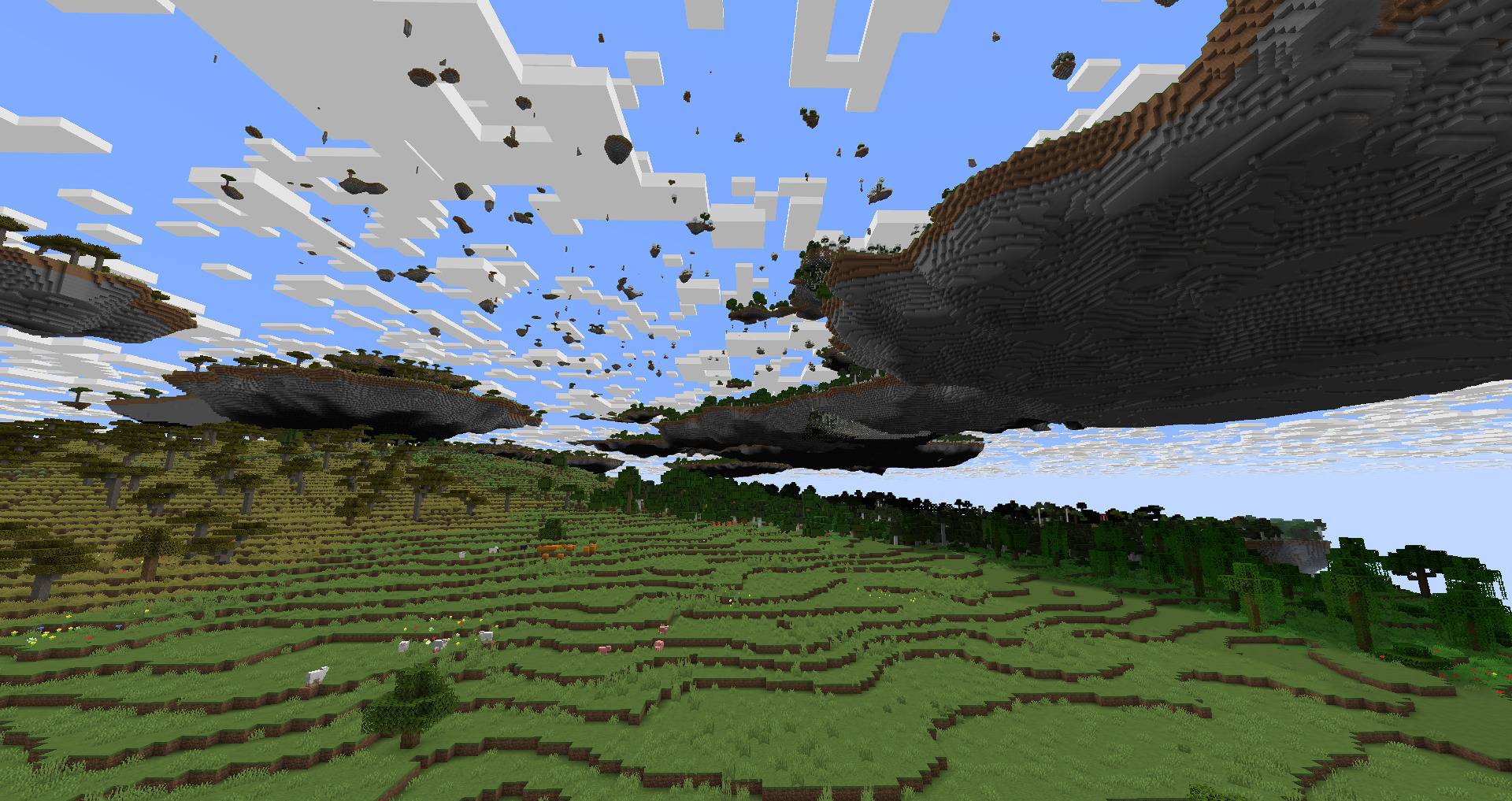
Giant floating continents and configurable layers of sky islands. A world type built for airships.

Community voices
Reviews
No reviews yet. Be the first to review this project!
Get it on
Available Platforms
About
Project Details
For authors
Embed Badge
If you're the author of this project, you can embed a live badge anywhere that supports HTML or Markdown. It updates automatically whenever ratings change.
Use HTML for any page that supports it, or Markdown for README files and Markdown-based descriptions.
Identifiers
Platform IDs
Resources
External Links
About
Description
# Sky Strata
A world type for Minecraft 1.21.1 built for airships. If you play with Create Aeronautics or similar mods, you will need them to get anywhere.

By default the world has three layers:
- **Giant islands** (top surface around y 230–280). Floating continents hundreds of blocks across. Their sides are near-vertical cliffs that cut deep inward below the rim. Under them lies a forest floor with rivers. The gaps between islands are huge.
- **Dense sky layer** (y 305–375). Frequent large islands.
- **Shards** (y 385–462). A sparse layer of small floating islands.
The ocean and vanilla terrain stay below the giant islands. Trees and grass grow on every level.
## Installation
Requires NeoForge for 1.21.1. Put `skystrata-<version>.jar` into `mods/`.
When creating a world, click **World Type** and pick **Sky Strata**. For a dedicated server, set this in `server.properties` (the server uses the default layers):
```
level-type=skystrata\:sky_strata
```
Normal worlds are not affected. The mod does not override any vanilla worldgen file.
## Configuring layers
With **Sky Strata** selected, click **Customize** on the world creation screen. The **Preset** button cycles through ready-made layouts:
- **Classic**: the default three layers described above.
- **Archipelago**: no continents, two island layers with shards above them.
- **Sky Tower**: five layers stacked up to y 699.
- **Giants**: a single layer of huge continents.
- **Shattered**: three sparse shard layers.
The layer list on the left shows each layer's height range; select a layer to edit it on the right. Use **+**, **−**, **↑** and **↓** to add, remove and reorder layers. Up to 8 layers, from bottom to top. Each layer has:
- **Type**: continents, islands or shards.
- **Gap**: distance from the top of the previous layer to the bottom of this one. For the first layer it is counted from sea level (y 63). Negative values let layers overlap.
- **Thickness**: height of the layer in blocks.
- **Density**: how much of the sky the layer fills.
- **Size**: horizontal scale of the islands.
The world height grows automatically to fit the layers, up to y 2031. The settings are stored in the world and cannot be changed later.
## Compatibility
- The world type has its own copies of the vanilla overworld biomes (`skystrata:forest`, `skystrata:plains`, …). These copies are added to the matching `minecraft:` and `c:` biome tags. Mods that add features, mobs or structures by biome tag work in them.
- Mods that add new biomes through TerraBlender (Biomes O' Plenty, Terralith-as-mod, …) do not inject their biomes into this world type.
- Mods that target vanilla biomes by ID instead of by tag do not apply here. Neither does the *Adventuring Time* advancement.
- Trees on the lower levels (under islands and overhangs) generate without bee nests and cocoa. The vanilla tree decorators for those crash when a tree gets no logs on a crowded layer. Trees on the topmost surface are unchanged.
- The world is 528 blocks tall (y −64 … 463).
## Building
The worldgen data is generated by a script from vanilla data. You need Python 3.11+ and Java 21.
```
python setup_vanilla.py # downloads the 1.21.1 server + NeoForge tags, extracts reference data into vanilla/
python build.py # writes the generated data into src/generated/resources
./gradlew build # writes build/libs/skystrata-<version>.jar
```
Tools for testing on a local server (`testserver/`, created by `setup_vanilla.py`; install the NeoForge server into it and put the jar into `testserver/mods/`):
```
# accept the EULA in testserver/eula.txt and set level-type=skystrata\:sky_strata in server.properties first
python tools/run_server.py <radius_chunks> <center_cx> <center_cz> # pregenerate, report chunks/s
python tools/render.py 528 # slices and top views into renders/
```
## Translations
The mod's strings live in `lang/<code>.json` (English, Russian, Ukrainian, German, French, Spanish, Brazilian Portuguese, Polish, Italian, Turkish, Simplified and Traditional Chinese, Japanese, Korean). To add a language, copy `lang/en_us.json` to the new language code, translate it and rerun `setup_vanilla.py` and `build.py`; biome names come from the game's own translations.
## License
MIT
Screenshots
Gallery
-
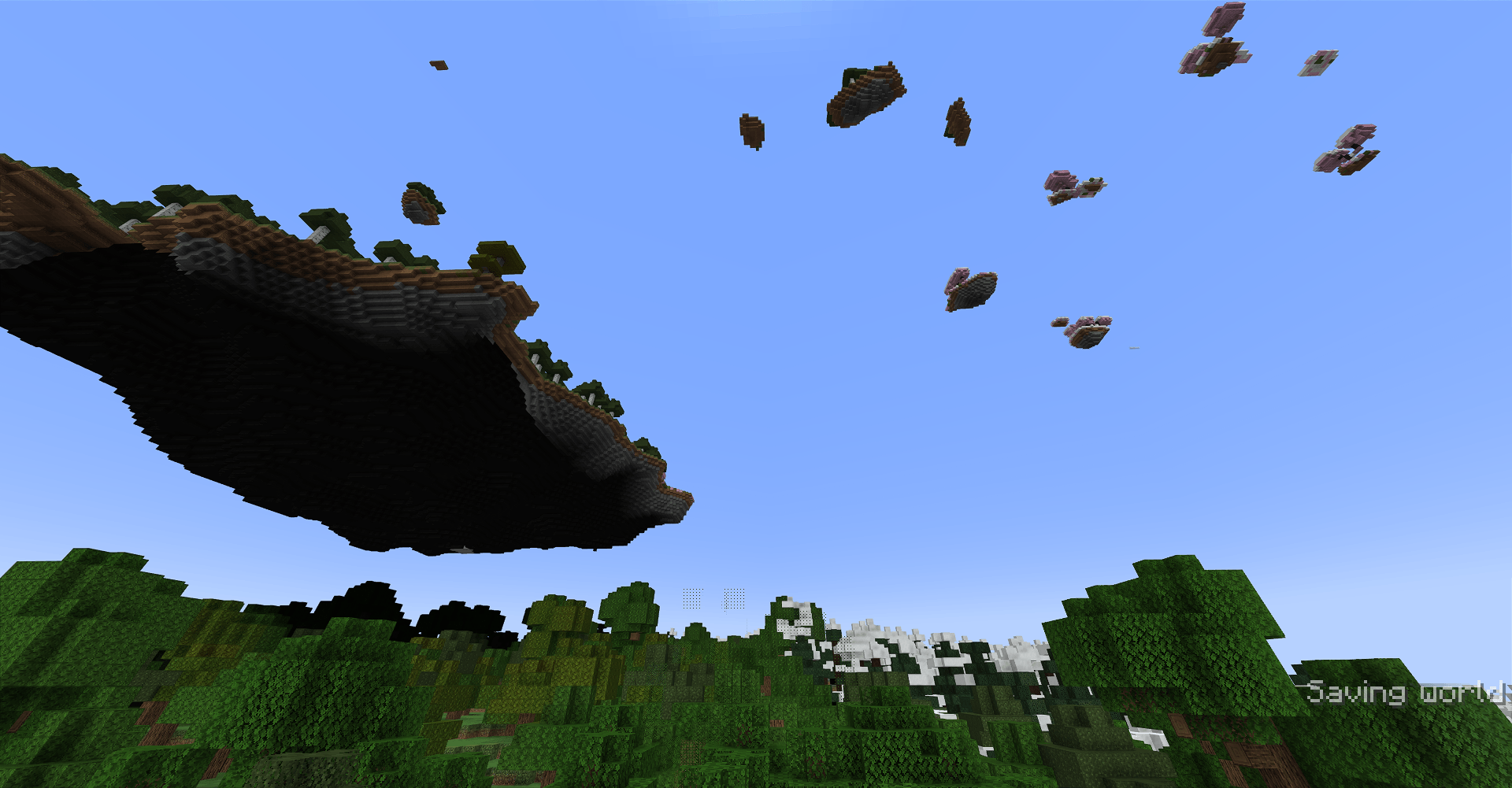 12-continent-underside-over-forest.png 12-continent-underside-over-forest.png
 -
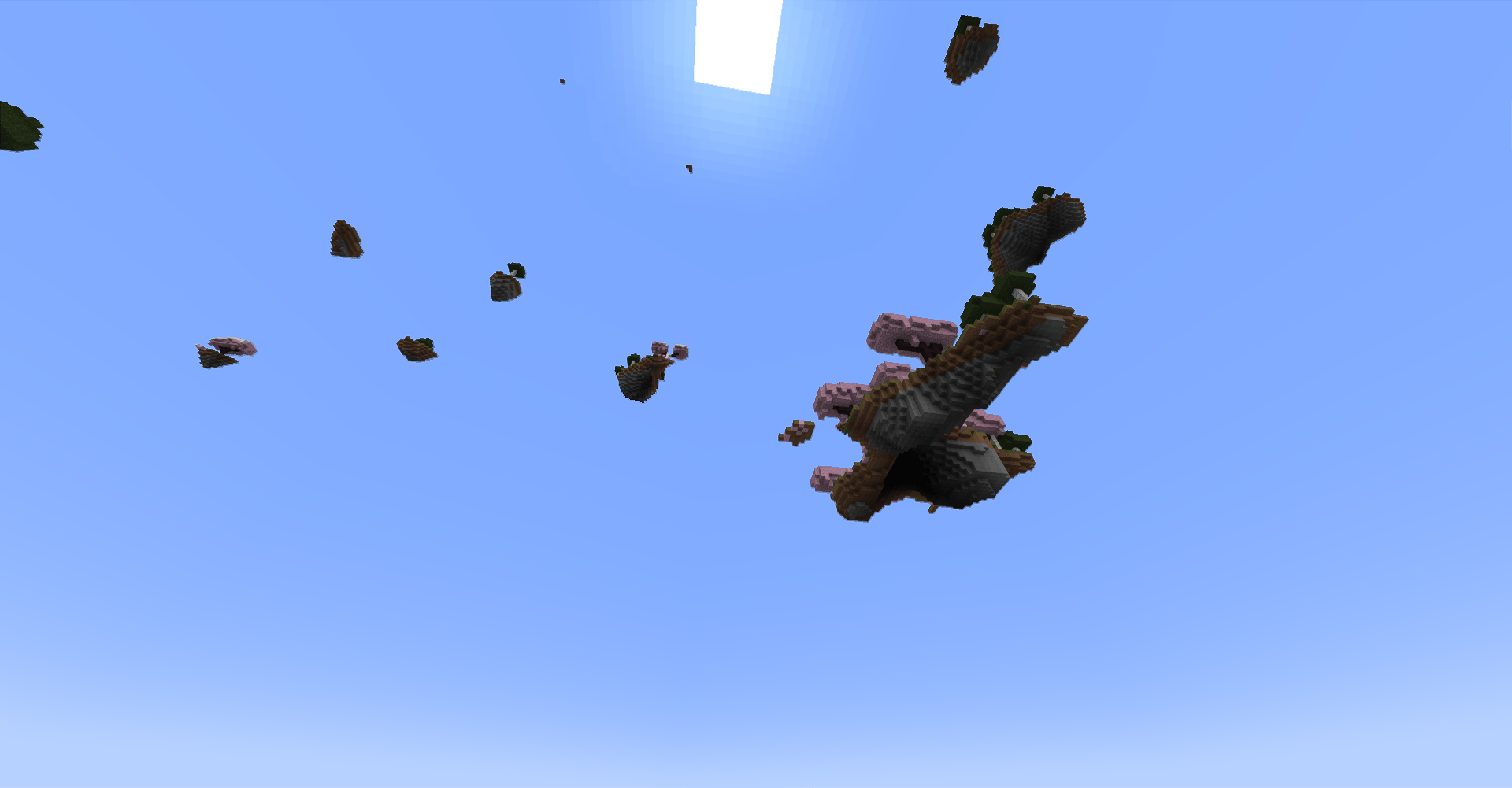 13-shards-in-sky.png 13-shards-in-sky.png
 -
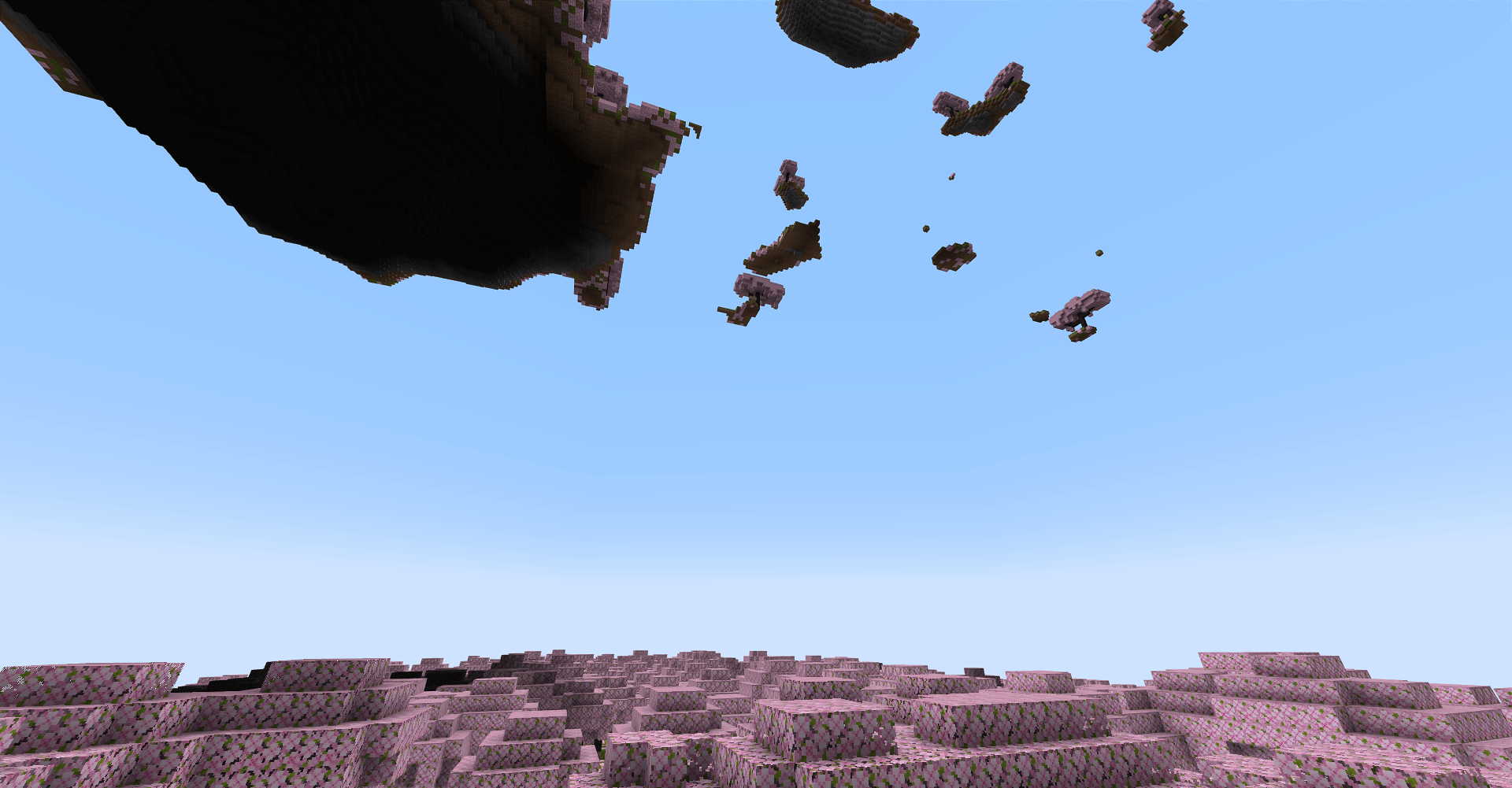 14-islands-above-cherry-grove.png 14-islands-above-cherry-grove.png
 -
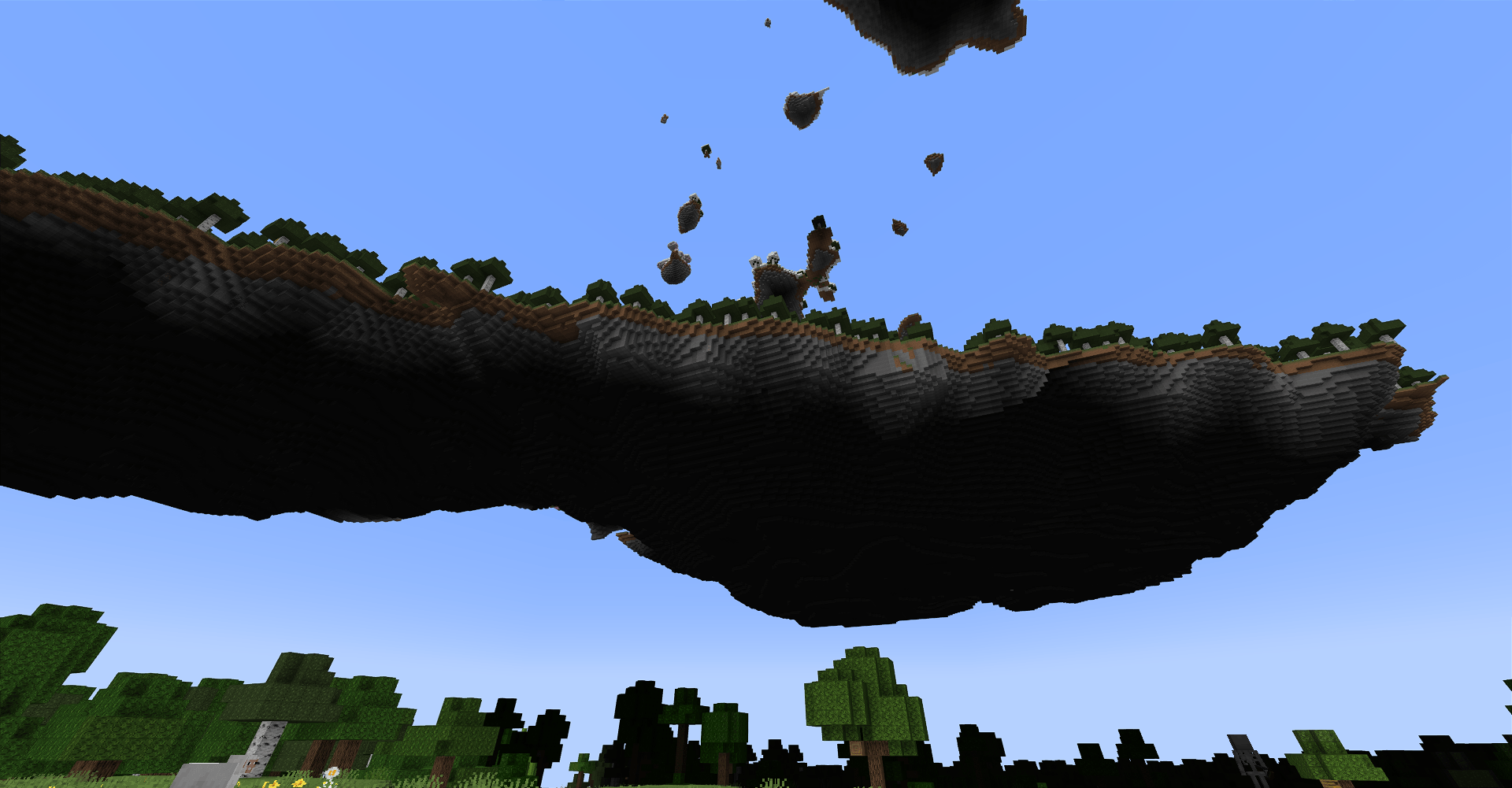 15-floating-continent-underside.png 15-floating-continent-underside.png
 -
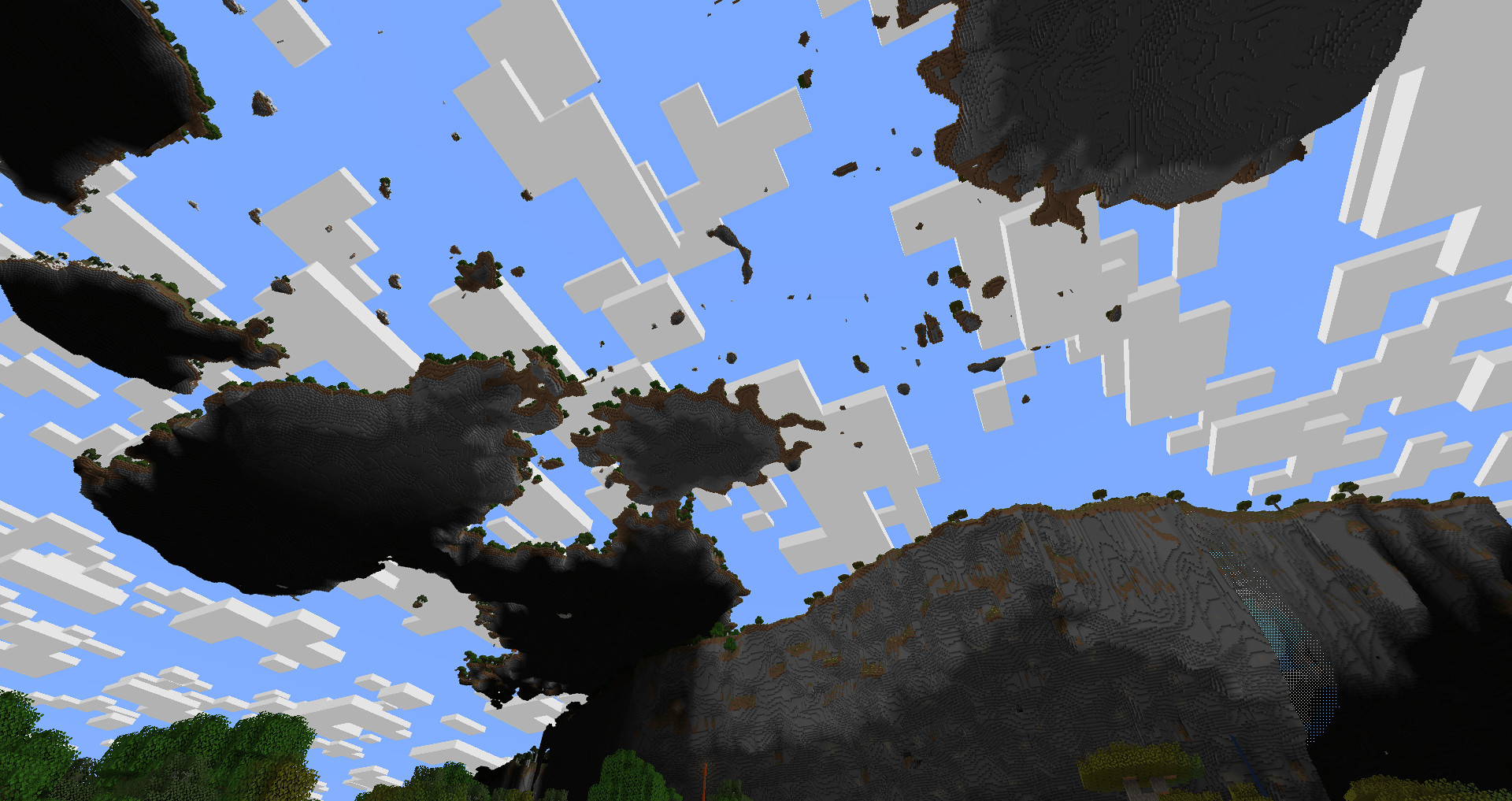 2026-10-24_21.16.49.png 2026-10-24_21.16.49.png
 -
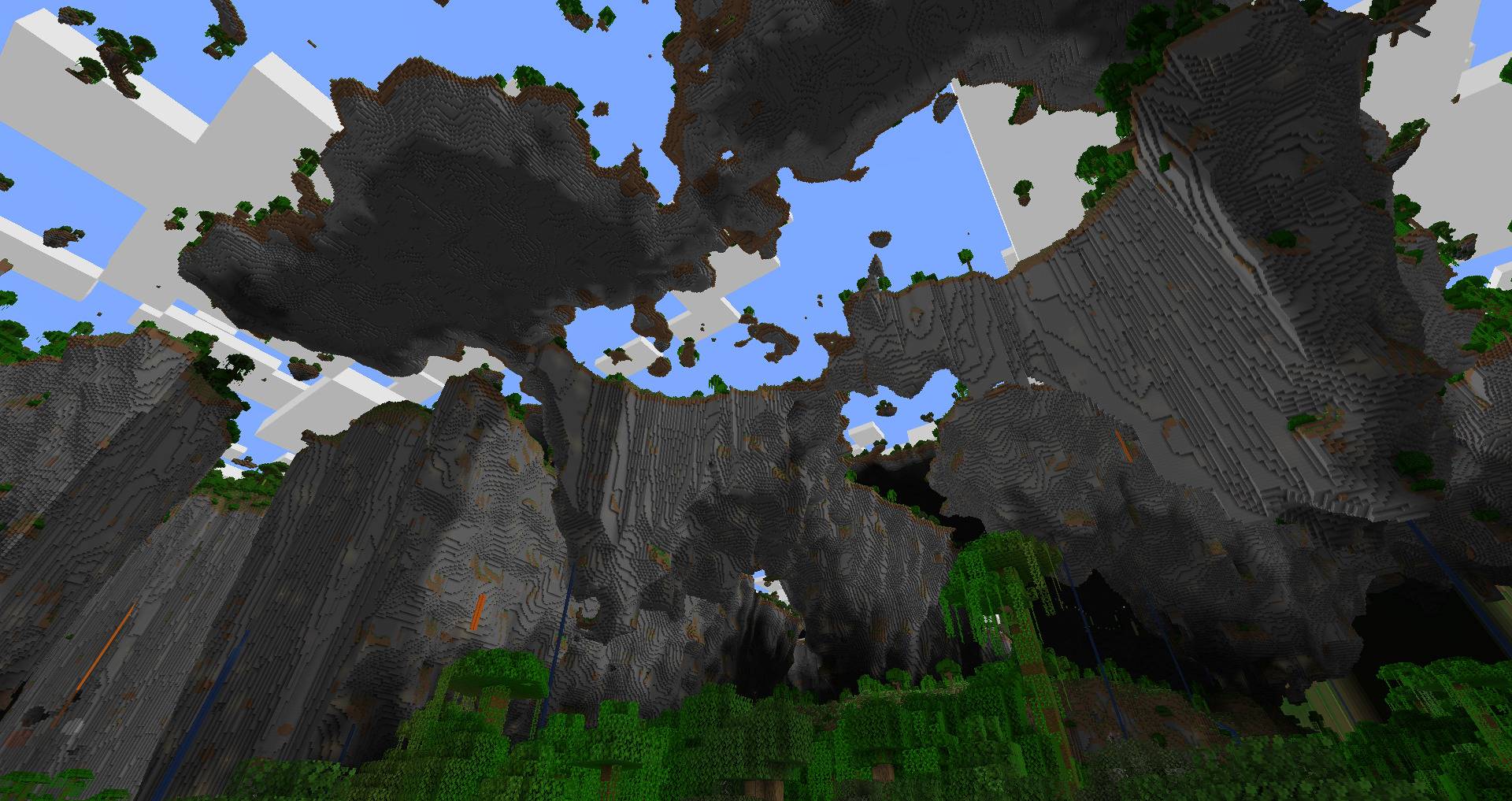 2026-10-24_20.51.17.jpg 2026-10-24_20.51.17.jpg
 -
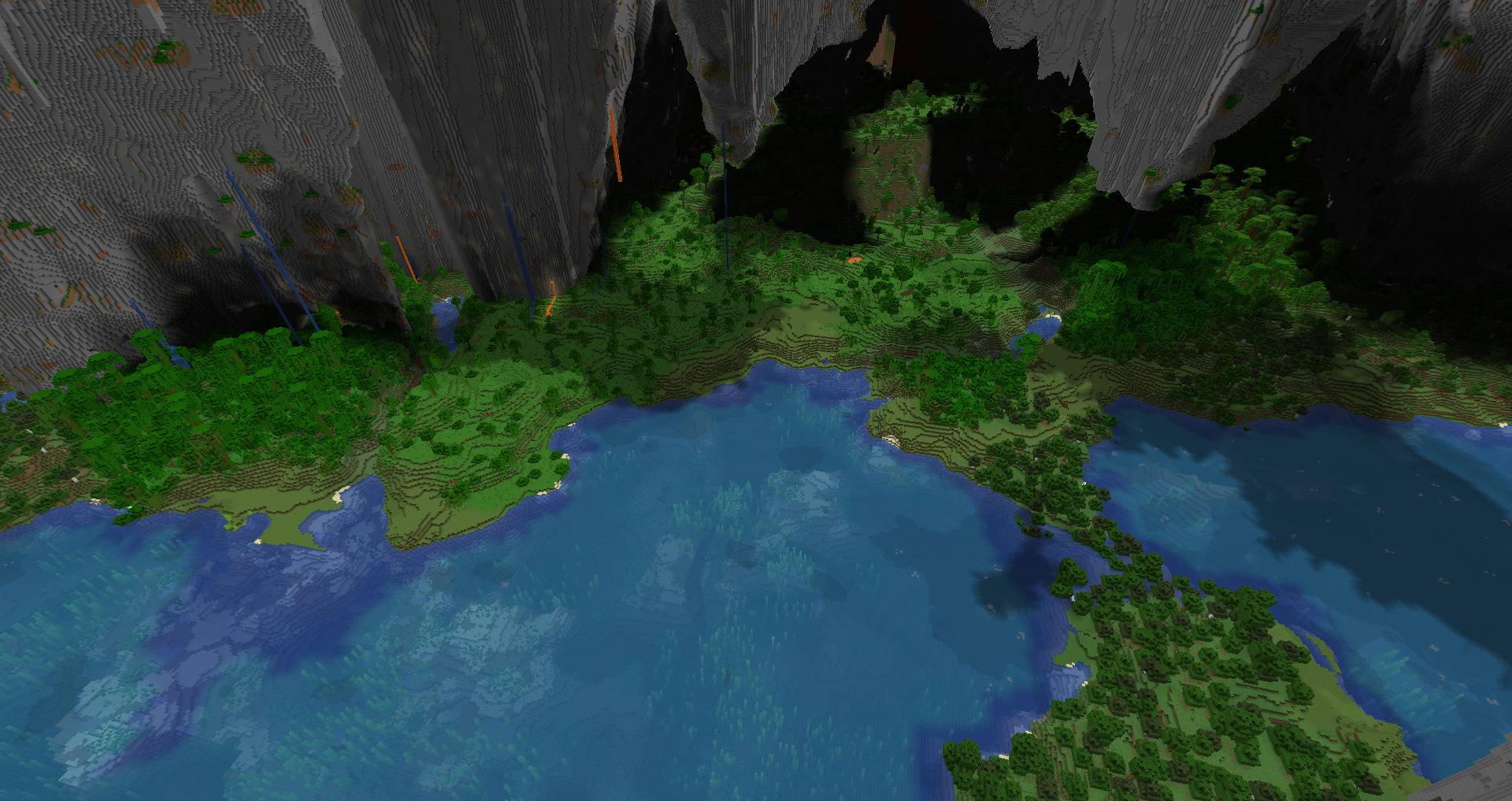 2026-10-24_20.52.10.jpg 2026-10-24_20.52.10.jpg
 -
 2026-10-24_20.56.47.jpg 2026-10-24_20.56.47.jpg
 -
 2026-10-24_21.06.59.jpg 2026-10-24_21.06.59.jpg
 -
 2026-10-24_21.16.49.jpg 2026-10-24_21.16.49.jpg
 -
 2026-10-24_21.23.49.jpg 2026-10-24_21.23.49.jpg
 -
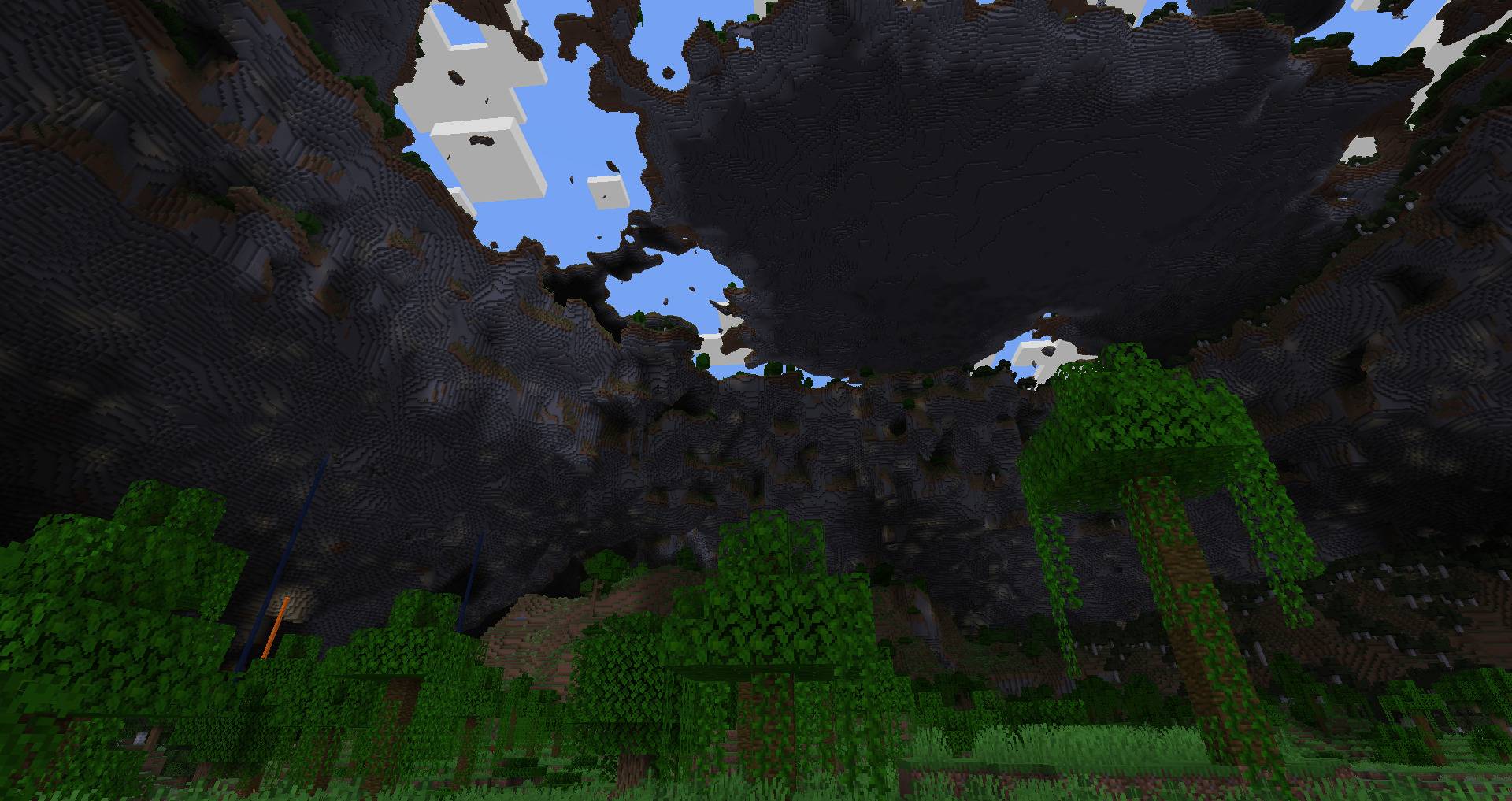 2026-10-24_21.29.06.jpg 2026-10-24_21.29.06.jpg
 -
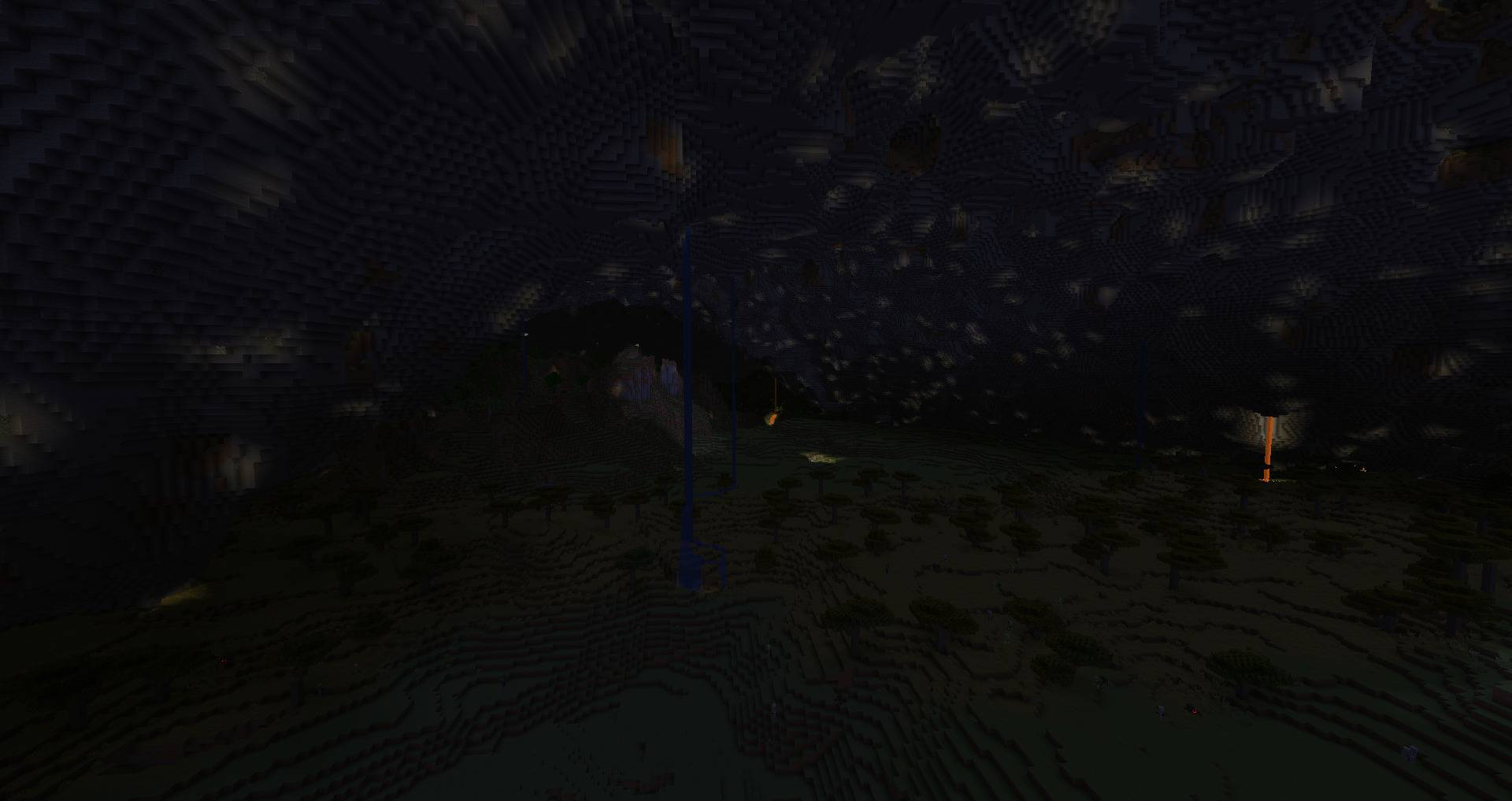 2026-10-24_21.29.59.jpg 2026-10-24_21.29.59.jpg
 -
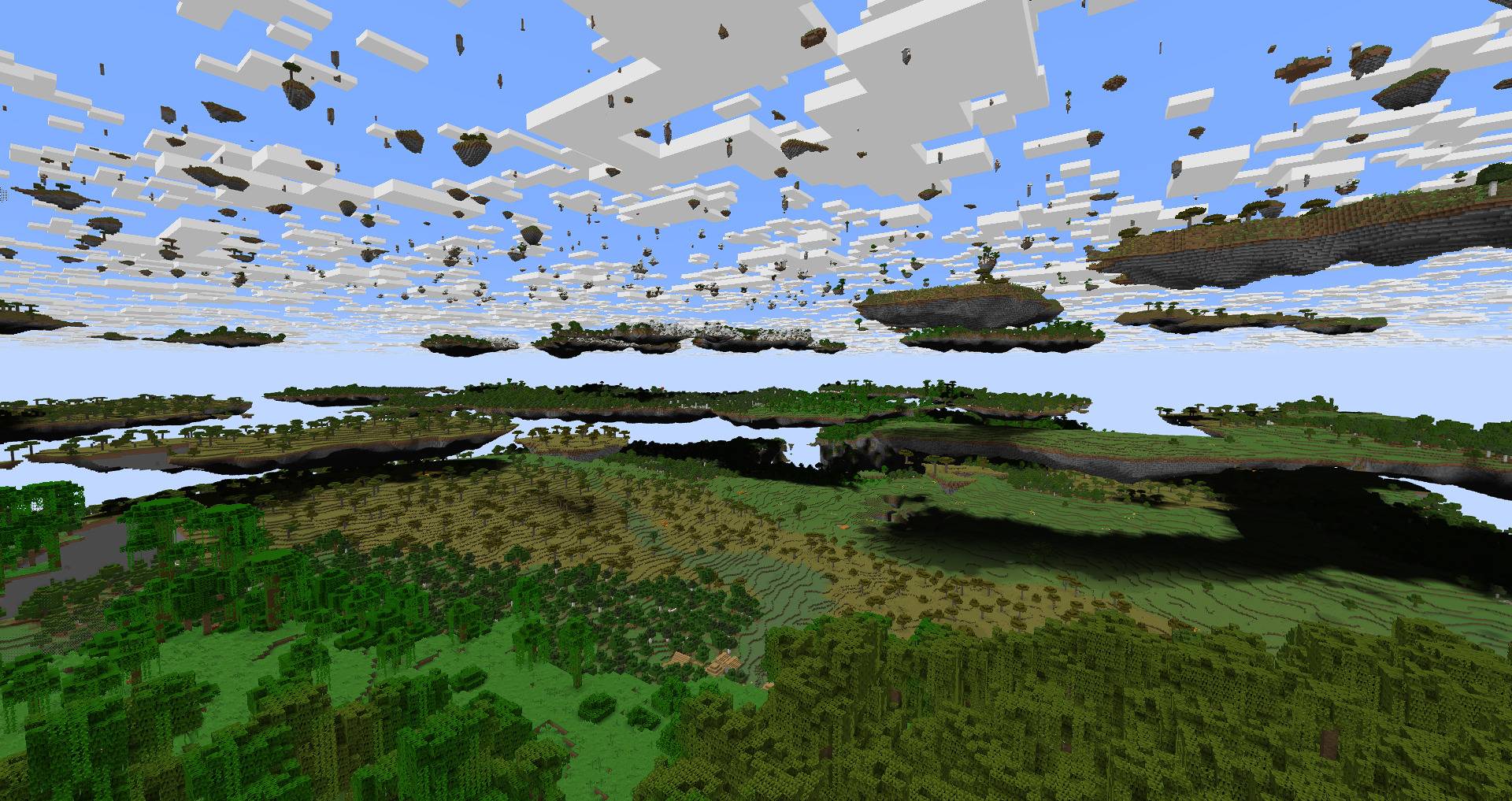 2026-10-24_21.30.55.jpg 2026-10-24_21.30.55.jpg
Versions
Files
Relations
Project Relations
More like this
Similar Mods
Suggestions use data such as tags, dependencies, dependents, descriptions, titles, and more to rank how much they overlap with this mod.
On ModDex
Community snapshot
By the numbers
Statistics

Get it on
Available Platforms
On ModDex
Community snapshot
By the numbers
Statistics
Resources