
SkyBoxed
No reviews yet
lets you put on and swap skyboxes in a instant from any image
Centers around fantasy elements such as spells, rituals, and magical energies, often involving personal empowerment and magical automation.
Fabric is a mod loader for versions 1.14+ of Minecraft, particularly popular for client side and optimization mods.
Community voices
Reviews
Click once to include, again to exclude, again to clear
No reviews yet. Be the first to review this project!
Get it on
Available Platforms
 Modrinth
Compatibility
Supported Environments
About
Project Details
For authors
Embed Badge
If you're the author of this project, you can embed a live badge anywhere that supports HTML or Markdown. It updates automatically whenever ratings change.
Use HTML for any page that supports it, or Markdown for README files and Markdown-based descriptions.
Identifiers
Platform IDs
Resources
External Links
About
Description
Skyboxed
Skyboxed is a lightweight, high-performance Fabric mod that allows you to completely customize your Minecraft sky on the fly. By taking advantage of modern rendering pipelines, Skyboxed allows you to replace the default sky with any panoramic image or custom background you want.
Say goodbye to complicated resource packs just to change your scenery. With Skyboxed, managing your atmosphere is entirely dynamic, visual, and configuration-free.
🌟 Features
-
In-Game Skybox Manager: Access a dedicated, clean visual management screen right from your Video Settings menu.
-
Drag & Drop Support: Simply drag
.pngor.jpgimages directly into your open Minecraft window to instantly add them to your collection. -
Real-Time Switching: Select any uploaded image to apply it as your active skybox instantly—no game restarts or resource reloads required.
-
Smart Resolution Scaling: Automatically handles large image files, scaling textures efficiently up to a crisp $2048 \times 2048$ resolution to keep your game running smoothly without sacrificing performance.
-
Persistent Configuration: Your chosen skybox saves automatically and loads right back up the next time you launch the game.
🛠️ How It Works
-
Open your Options $\rightarrow$ Video Settings.
-
Click the new Skyboxes button at the top right of the menu.
-
Drag and drop your favorite images or panoramic landscapes directly into the screen.
-
Click a thumbnail to instantly change your horizon, or hit Clear to return to the vanilla sky.
Screenshots
Gallery
-
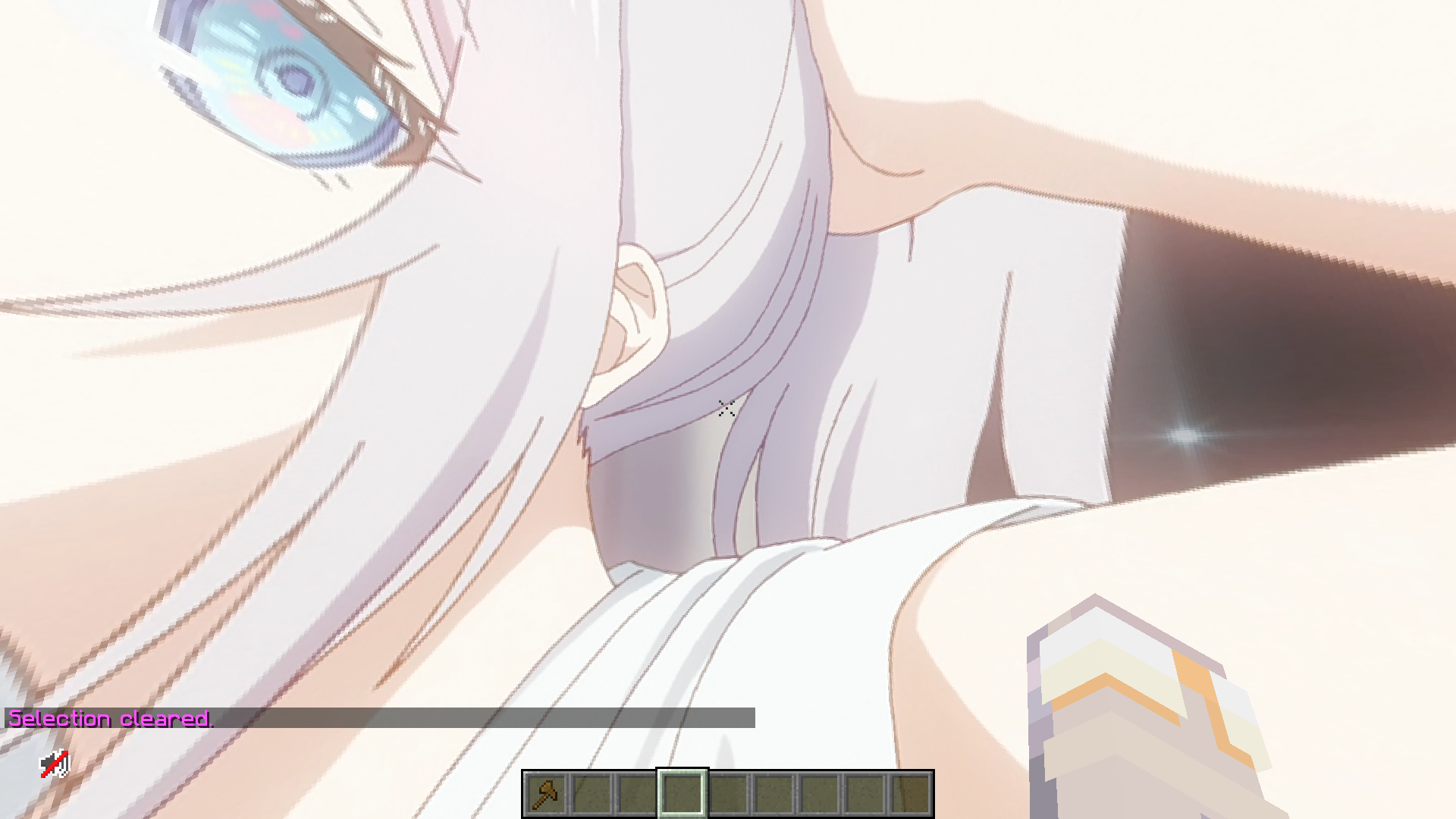 skybox1
 -
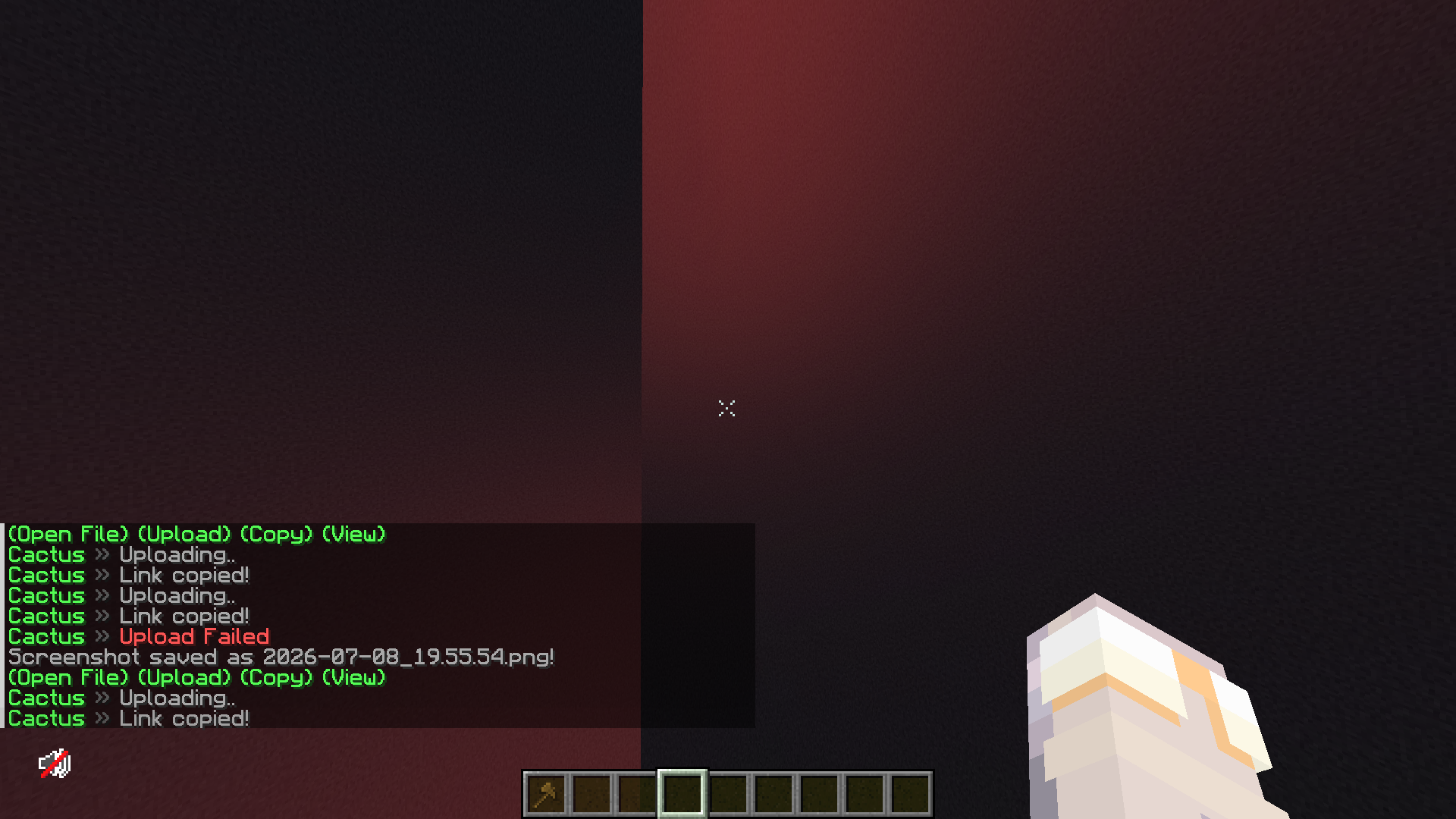 skybox2
 -
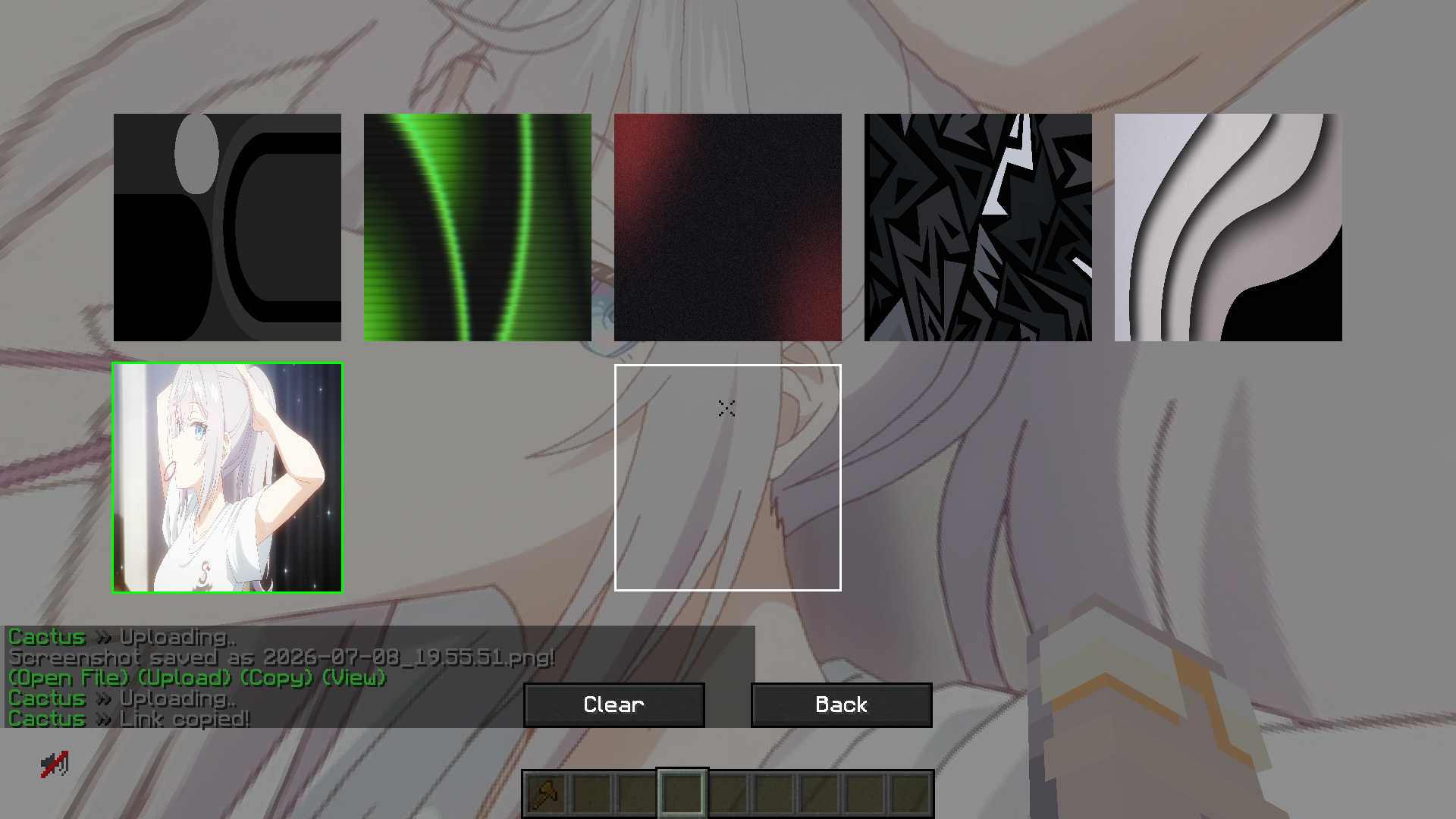 selection menu
Versions
Files
Relations
Project Relations
More like this
Similar Mods
Suggestions use data such as tags, dependencies, dependents, descriptions, titles, and more to rank how much they overlap with this mod.
On ModDex
Community snapshot
By the numbers
Statistics

Want to reach Minecraft players?
We're looking for a server hosting partner to feature here and other parts of the site. Interested? Send us a message!
Get in touchGet it on
Available Platforms
On ModDex
Community snapshot
By the numbers
Statistics
Resources