
sleep plugin
No reviews yet
Minecraft Paper plugin for enhanced sleep mechanics - only fraction of online players need to sleep to skip the night.
Paper is a fork of Spigot that adds its own plugin API on top of the Bukkit API. All Spigot plugins are compatible with paper, not all paper plugins are compatible with Spigot.
Spigot is a popular software for running dedicated servers that can load Plugins created with the Bukkit API.
Community voices
Reviews
Click once to include, again to exclude, again to clear
No reviews yet. Be the first to review this project!
Get it on
Available Platforms
 Modrinth
Compatibility
Supported Environments
About
Project Details
For authors
Embed Badge
If you're the author of this project, you can embed a live badge anywhere that supports HTML or Markdown. It updates automatically whenever ratings change.
Use HTML for any page that supports it, or Markdown for README files and Markdown-based descriptions.
Identifiers
Platform IDs
Resources
External Links
About
Description
SleepPlugin
Enhanced sleep mechanics for Minecraft 1.21.x and 26.x. Instead of everyone having to sleep, only a configurable percentage of online players is needed to skip the night. Works on Paper, Purpur, Spigot and compatible servers.
Features
- Configurable sleep percentage — default 50% of online players, configurable per world
- Weighted sleep votes with LuckyPerms (optional, auto-detected)
- Bossbar showing live sleep progress
- Phantom prevention (
spawn_phantomsgame rule) - Storm and night skipping
- Smooth time transition from night to morning
- Multiple message modes (normal, minimal, silent)
- Ignore players in Nether and End dimensions
- Smart counting for odd player counts
- Multi-world support with per-world overrides
- Multi-language support (English, Russian, and custom languages)
- Configuration update system that preserves your settings across updates
- Admin command
/sleep reload|status
Requirements
- Minecraft: 1.21.x or 26.x
- Server: Paper, Purpur, Spigot (or compatible)
- Java: 21+ (1.21.x) / 25+ (26.x)
Installation
- Download
SleepPlugin-1.0.4.jar - Place it in your server's
plugins/folder - Restart the server
Examples
With default sleep-percentage: 50:
- 2 players online: 1 player needs to sleep
- 3 players online: 1 player needs to sleep ((3-1)/2 = 1)
- 4 players online: 2 players need to sleep
- 5 players online: 2 players need to sleep ((5-1)/2 = 2)
- 6 players online: 3 players need to sleep
With sleep-percentage: 25:
- 4 players online: 1 player needs to sleep
- 8 players online: 2 players need to sleep
- 20 players online: 5 players need to sleep
Configuration
The config file is created at plugins/SleepPlugin/config.yml on first start:
# SleepPlugin Configuration
# Do not change this version number manually
version: "1.0.4"

language: en_EN
skip-delay: 3
morning-time: 1000
message-mode: normal
min-players-required: 2
ignore-nether-end-players: true
sleep-percentage: 50
prevent-phantoms: true
bossbar:
  enabled: true
  color: YELLOW
  style: SOLID
  title: "Sleeping %s/%s"
smooth-time-transition:
  enabled: true
  duration-ticks: 60
  steps: 60
storm-settings:
  skip-storms: true
# world-settings:
#   world:
#     sleep-percentage: 50
#     min-players-required: 2
Settings
language: Plugin message language (en_EN or ru_RU, or any custom code)skip-delay: Seconds before the night is skippedmorning-time: Time value set when skipping to morningmessage-mode: Message verbosity (normal, minimal, silent)min-players-required: Minimum players needed to activate sleep mechanicsignore-nether-end-players: Exclude Nether/End players from calculationssleep-percentage: Percentage of online players that must sleep (1-100, default 50). At least 1 player is always requiredprevent-phantoms: Disables phantom spawning while the plugin is activebossbar:enabled: Show the sleep progress bossbarcolor: PINK, BLUE, RED, GREEN, YELLOW, PURPLE, WHITEstyle: SOLID, SEGMENTED_6, SEGMENTED_10, SEGMENTED_12, SEGMENTED_20title: Bossbar title (%s= sleeping count / required count)
smooth-time-transition: Smooth time change settings (enabled,duration-ticks,steps)storm-settings: Storm skipping (skip-storms)world-settings: Per-world overrides. Add a section named after a world to overridesleep-percentageandmin-players-requiredfor that world only
Command
/sleep status— show percentage and per-world settings (permission:sleepplugin.admin)/sleep reload— reload config and language files (permission:sleepplugin.admin)
LuckyPerms Integration
SleepPlugin optionally integrates with LuckyPerms as a soft-dependency. Without it, the plugin behaves exactly as before (every player counts as 1). Install LuckyPerms and it is detected automatically.
Weighted sleep votes — set the sleepplugin.weight meta so a player's sleep counts as multiple votes:
/lp group vip meta set sleepplugin.weight 2
A VIP with weight 2 counts as 2 sleeping players, so fewer donors are needed to skip the night. Weight is clamped to 1-100 and supports LuckyPerms contexts (e.g. per world/server):
/lp group vip meta set sleepplugin.weight 2 server=survival
Permissions:
sleepplugin.exempt— player is not counted for sleep calculations (e.g. admins in creative/spectator). Default: false.sleepplugin.bypass.min-players— sleeping player skips the night even belowmin-players-requiredor when alone. Default: false.sleepplugin.admin— access to/sleepcommand. Default: op.
Note:
sleepplugin.exemptandsleepplugin.bypass.min-playersare plain Bukkit permissions — they work with any permissions plugin.
Custom Language Files
You can create your own translations:
- Navigate to
plugins/SleepPlugin/lang/ - Copy
template.yml(created on first start) oren_EN.yml/ru_RU.yml - Rename it to your language code (e.g.,
de_DE.yml,fr_FR.yml,es_ES.yml) - Translate all message strings
- Set
language: de_DEinconfig.yml - Restart the server
The plugin automatically detects all custom language files! Use template.yml — it has helpful comments for translators.
Screenshots
Gallery
-
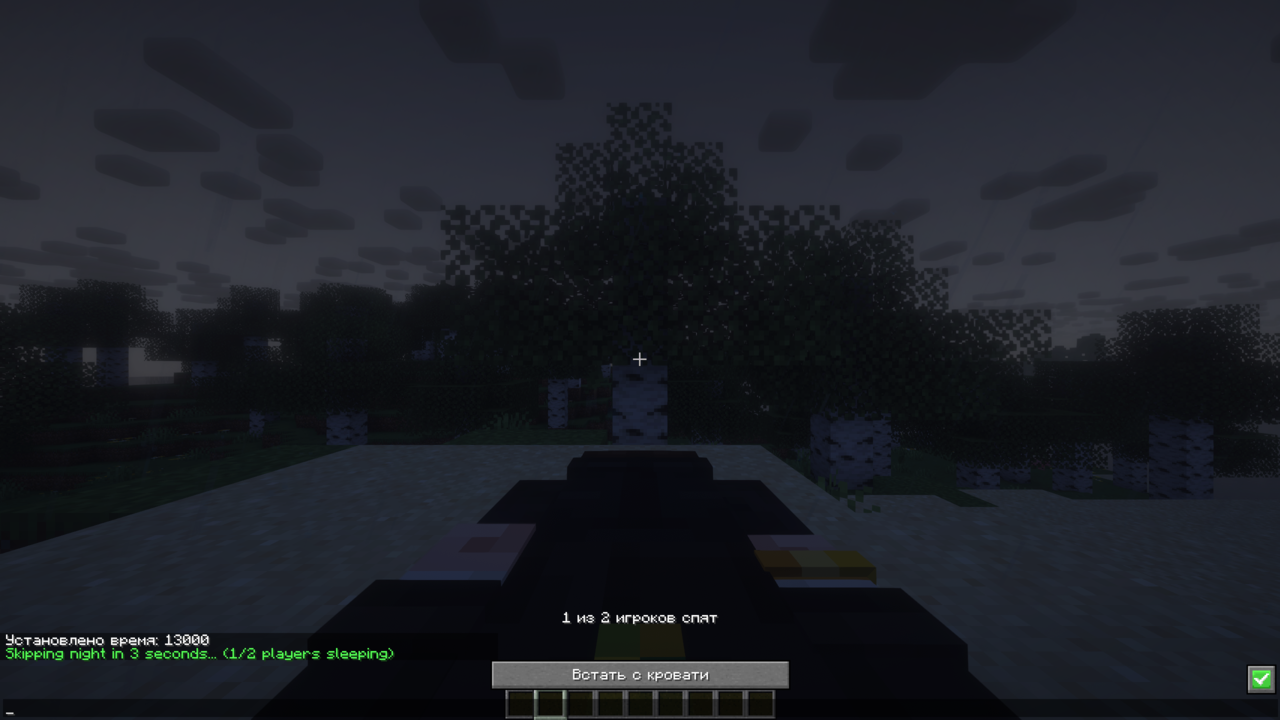 sleep
sleep -
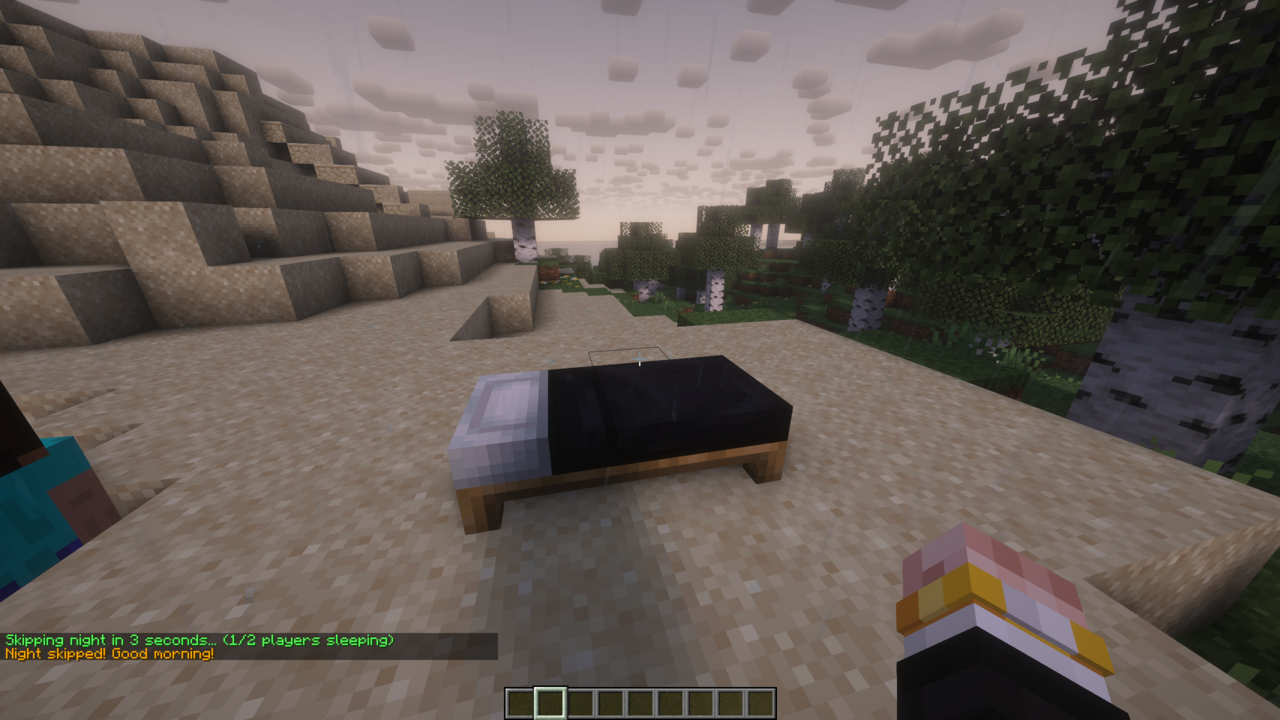 night skipped
Versions
Files
Relations
Project Relations
More like this
Similar Mods
Suggestions use data such as tags, dependencies, dependents, descriptions, titles, and more to rank how much they overlap with this mod.
On ModDex
Community snapshot
By the numbers
Statistics

Want to reach Minecraft players?
We're looking for a server hosting partner to feature here and other parts of the site. Interested? Send us a message!
Get in touchGet it on
Available Platforms
On ModDex
Community snapshot
By the numbers
Statistics
Resources