
Community listing page, reviews here may not be monitored by the author.
Smart Inventory

No reviews yet
Sort, deposit, withdraw, and compact items between containers and your inventory
Community voices
Reviews
No reviews yet. Be the first to review this project!
Get it on
Available Platforms
Compatibility
Supported Environments
Must be installed on both the client and the server.
About
Project Details
For authors
Embed Badge
If you're the author of this project, you can embed a live badge anywhere that supports HTML or Markdown. It updates automatically whenever ratings change.
Use HTML for any page that supports it, or Markdown for README files and Markdown-based descriptions.
Identifiers
Platform IDs
Resources
External Links
About
Description
English

Tidy any container in one click — and your whole inventory, too.
Smart Inventory adds a compact, vanilla-styled panel to every container so you can sort, stack, and clean up your items instantly, without dragging anything or leaving the screen.
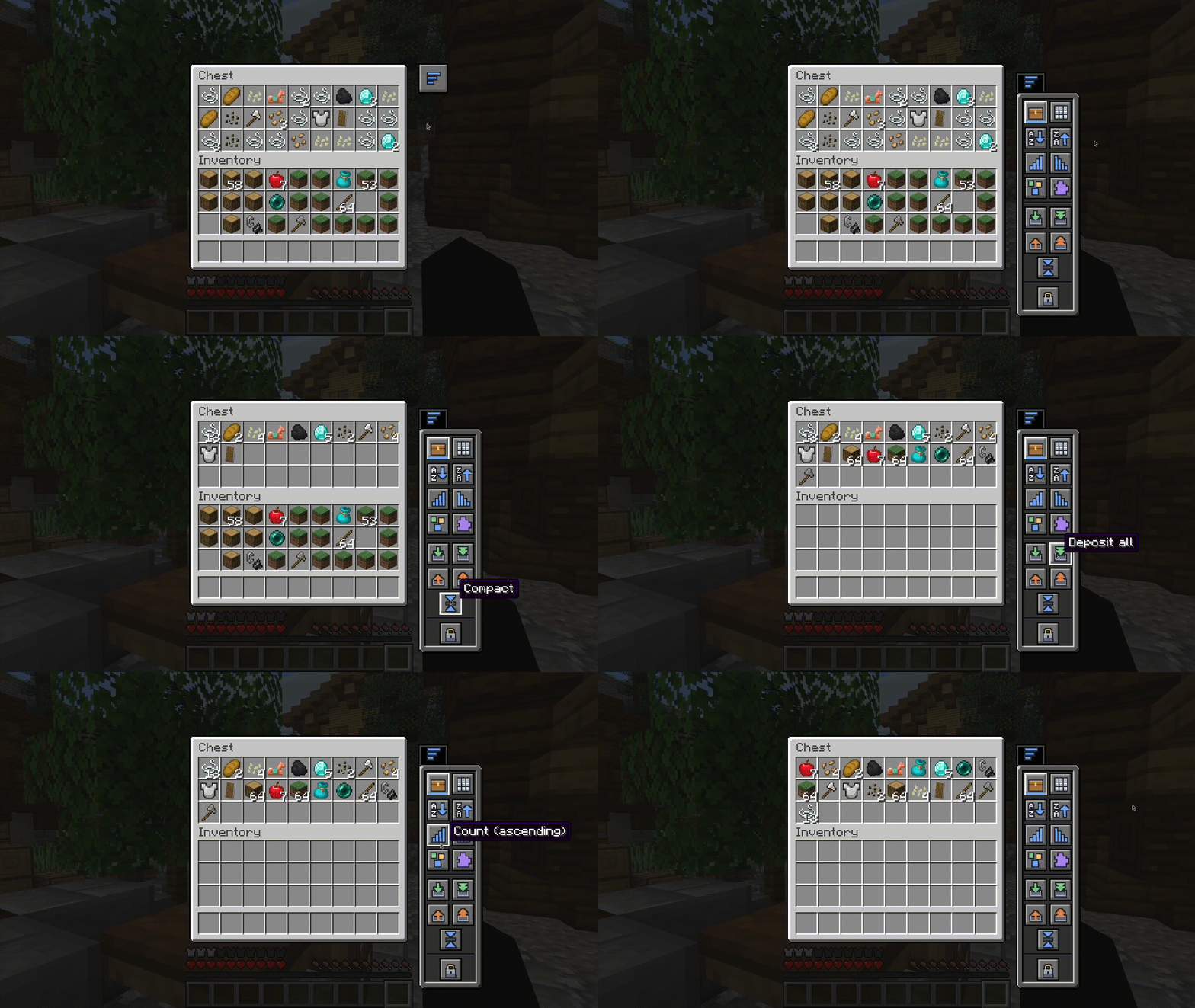
How to use it
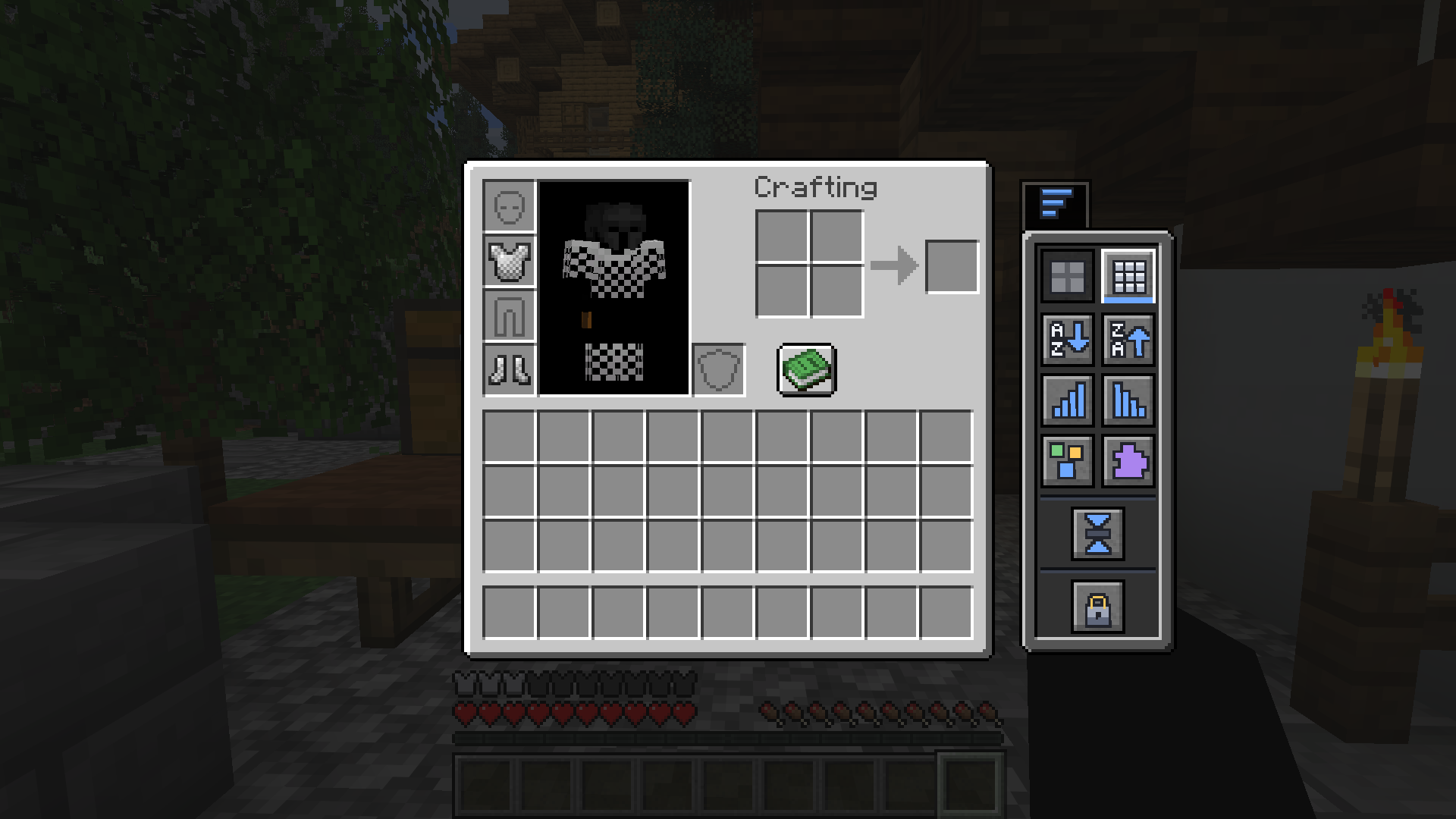
Open a chest, barrel, shulker box, or just your own inventory, then click the small side tab. The panel slides in next to the screen — choose what you want to do, and you're done.
Sort it your way
One click reorders the container or your inventory:
| Sort by | |
|---|---|
 |
Name — A → Z |
 |
Name — Z → A |
 |
Quantity — most first |
 |
Quantity — fewest first |
 |
Category — tools, blocks, food… |
 |
Mod — group items by the mod they come from |
Move items instantly
| Action | |
|---|---|
 |
Deposit matching — top up stacks the container already has |
 |
Deposit all — move everything in |
 |
Withdraw matching — pull more of what you're already carrying |
 |
Withdraw all — take everything out |
 |
Compact — merge partial stacks into full ones |
Keep your hotbar the way you like
| Hotbar mode | |
|---|---|
 |
Hotbar protected — left untouched while you organize |
 |
Hotbar included — sorted and moved along with everything else |
Localization
Smart Inventory currently includes translations for:
- English
- Portuguese
The interface automatically follows your Minecraft language settings.
Works everywhere
Chests, barrels, ender chests, shulker boxes, hoppers, dispensers, and droppers — the panel adapts automatically and displays the appropriate icon for each container type.
Português
Organize qualquer contêiner com um clique — e todo o seu inventário também.
Smart Inventory adiciona um painel compacto com aparência vanilla a qualquer contêiner, permitindo organizar, empilhar e limpar seus itens instantaneamente, sem arrastar nada e sem sair da tela.
Como usar
Abra um baú, barril, shulker box ou apenas o seu inventário e clique na pequena aba lateral. O painel desliza ao lado da interface — escolha a ação desejada e pronto.
Organize do seu jeito
Com um clique, você reorganiza o contêiner ou o seu inventário:
| Ordenar por | |
|---|---|
|
Nome — A → Z |
|
Nome — Z → A |
|
Quantidade — maior primeiro |
|
Quantidade — menor primeiro |
|
Categoria — ferramentas, blocos, comidas… |
|
Mod — agrupa itens pelo mod de origem |
Mova itens instantaneamente
| Ação | |
|---|---|
|
Depositar semelhantes — completa pilhas que o contêiner já possui |
|
Depositar tudo — move tudo para dentro |
|
Retirar semelhantes — pega mais itens iguais aos que você já carrega |
|
Retirar tudo — pega tudo |
|
Compactar — junta pilhas incompletas em pilhas cheias |
Mantenha sua hotbar do jeito que você gosta
| Modo da hotbar | |
|---|---|
|
Hotbar protegida — permanece intacta durante a organização |
|
Hotbar incluída — é organizada junto com o restante dos itens |
Idiomas
Smart Inventory atualmente possui suporte para:
- English
- Português
A interface acompanha automaticamente o idioma configurado no Minecraft.
Funciona em todos os lugares
Baús, barris, ender chests, shulker boxes, funis, ejetores e liberadores — o painel se adapta automaticamente e exibe o ícone correto para cada tipo de contêiner.
Screenshots
Gallery
-
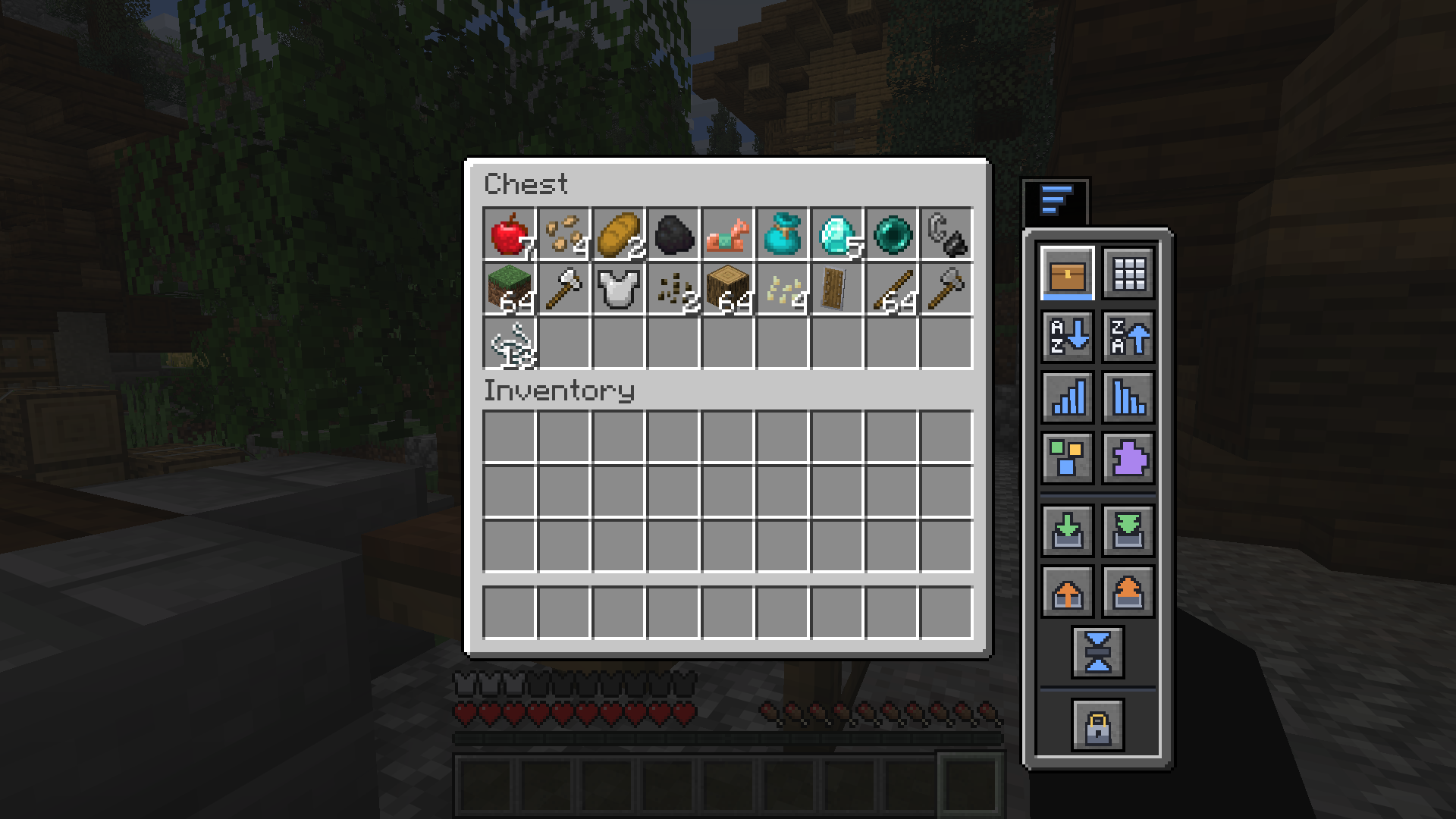 Sort & move items, right from the chest Open any container and the panel slides in beside it — sort, deposit matching, withdraw, or compact in a single click, without dragging anything.
 -
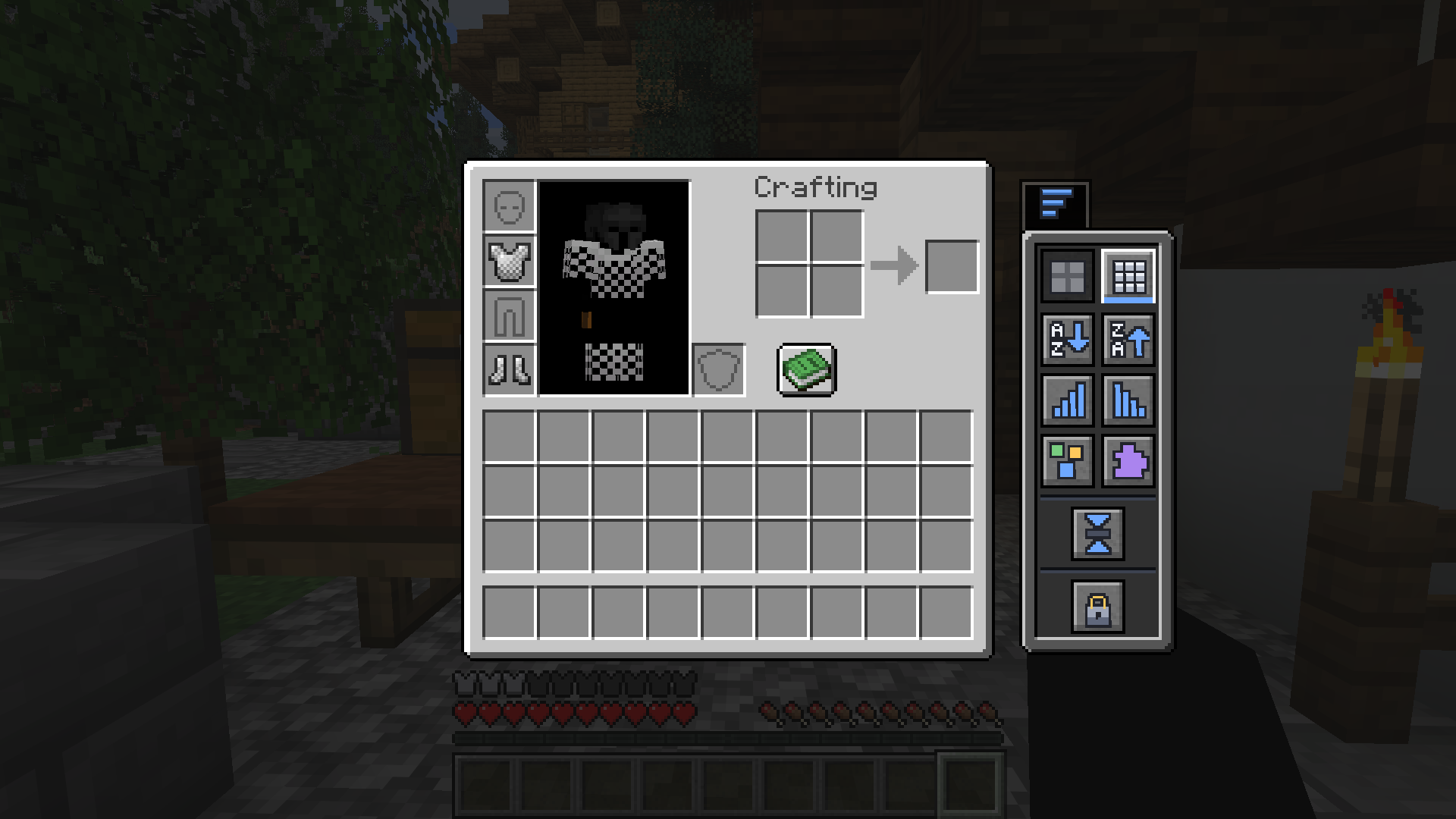 Tidy your own inventory, anywhere The same one-click sorting and compacting works on your player inventory too — no container needed.
Versions
Files
Relations
Project Relations
More like this
Similar Mods
Suggestions use data such as tags, dependencies, dependents, descriptions, titles, and more to rank how much they overlap with this mod.
On ModDex
Community snapshot
By the numbers
Statistics

Want to reach Minecraft players?
We're looking for a server hosting partner to feature here and other parts of the site. Interested? Send us a message!
Get in touchGet it on
Available Platforms
On ModDex
Community snapshot
By the numbers
Statistics
Resources