Community listing page, reviews may not be monitored by the author.
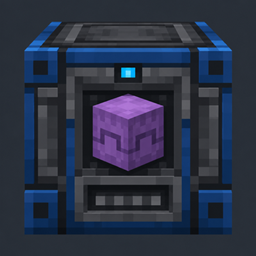
Smart Shulker Unloader

No reviews yet
Automatically unload Vanilla and Ascended Storage shulker boxes into a 9-slot buffer. Pauses safely when full and returns empty boxes separately—no redstone required. For Fabric 26.3.

Community voices
Reviews
No reviews yet. Be the first to review this project!
Get it on
Available Platforms
About
Project Details
For authors
Embed Badge
If you're the author of this project, you can embed a live badge anywhere that supports HTML or Markdown. It updates automatically whenever ratings change.
Use HTML for any page that supports it, or Markdown for README files and Markdown-based descriptions.
Identifiers
Platform IDs
Resources
External Links
About
Description
Smart Shulker Unloader
Automatic shulker unloading. Keep your items moving.
Smart Shulker Unloader adds an always-on machine that empties supported shulker boxes into a compact item buffer. Feed it from a hopper, let it unload, and collect the empty box separately—no redstone control required.
⚙️ Features
-
Automatic operation: Starts when a supported filled shulker box is inserted.
-
Hopper input: Feed shulkers from above or place one in the machine’s GUI.
-
Nine-slot item buffer: Unloaded items are stored in the machine and can be extracted from below.
-
Separate empty-box return: Empty shulkers are returned from the rear side of the block.
-
Safe output handling: Unloading pauses when the item buffer is full and resumes when space becomes available. Remaining contents stay inside the shulker.
-
Whole-box progress: The GUI tracks progress across the complete unloading job.
-
Vanilla and Ascended Storage support: Works with vanilla shulkers and compatible Ascended Storage shulkers.
-
English and German interface: GUI text follows the selected game language.
🔨 Crafting the Smart Shulker Unloader
Craft the machine in a regular crafting table:
| Lapis Ore | Dropper | Lapis Ore |
|---|---|---|
| Lapis Ore | Shulker Box | Lapis Ore |
| Lapis Ore | Lapis Ore | Lapis Ore |
🧩 Using the Unloader
Place the block with its front facing the side you want to access. Insert a filled shulker box through the GUI or feed it with a hopper above.
The machine moves the shulker’s contents into its nine-slot buffer. A hopper underneath can extract those items. When the shulker is empty, the machine moves it to its separate return output at the rear. Place a hopper behind the block to collect empty boxes automatically.
If the item buffer is full, the machine waits without discarding the remaining contents. It resumes automatically when a hopper removes items. If the empty-box return output is occupied, the machine waits until it can return the box.
🛠️ Requirements
-
Minecraft: Java Edition 26.3
-
Mod Loader: Fabric Loader 0.20.1 or newer
-
Java: 25 or newer
-
Fabric API: Required
-
Ascended Storage: Optional
For multiplayer, install Smart Shulker Unloader and Fabric API on both the server and the client.
Screenshots
Gallery
-
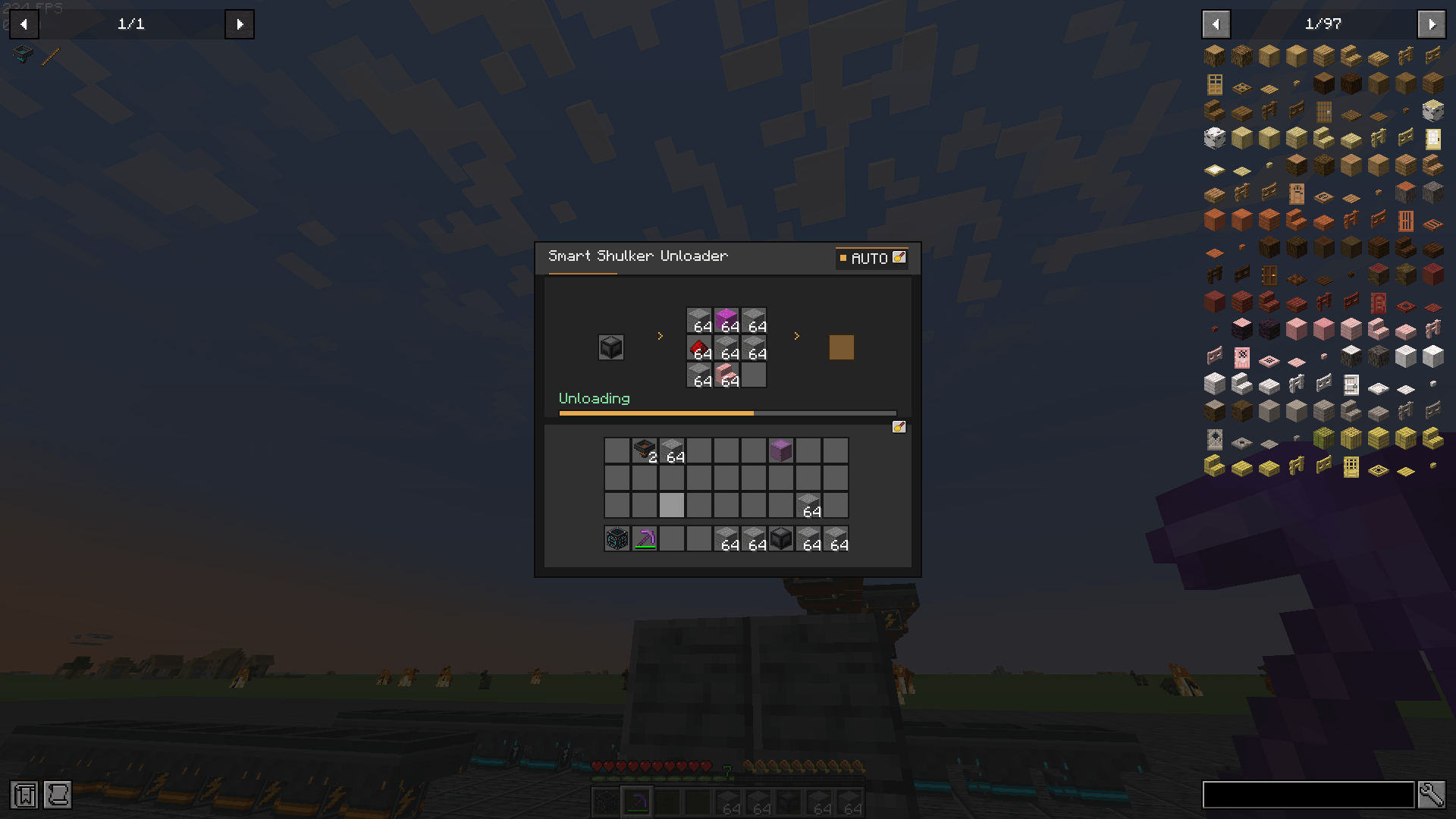 2026-10-28_03.50.48.png 2026-10-28_03.50.48.png
Versions
Files
Relations
Project Relations
More like this
Similar Mods
Suggestions use data such as tags, dependencies, dependents, descriptions, titles, and more to rank how much they overlap with this mod.
On ModDex
Community snapshot
By the numbers
Statistics

Get it on
Available Platforms
On ModDex
Community snapshot
By the numbers
Statistics
Resources