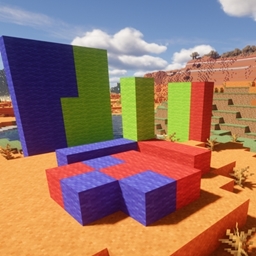
Community listing page, reviews here may not be monitored by the author.
Smartbuild


No reviews yet
Significantly simplifies the construction process...
Community voices
Reviews
No reviews yet. Be the first to review this project!
Get it on
Available Platforms
Compatibility
Supported Environments
Runs entirely on the server. Also works in singleplayer.
About
Project Details
For authors
Embed Badge
If you're the author of this project, you can embed a live badge anywhere that supports HTML or Markdown. It updates automatically whenever ratings change.
Use HTML for any page that supports it, or Markdown for README files and Markdown-based descriptions.
Identifiers
Platform IDs
Resources
External Links
About
Description
Hello, everyone. First of all, I strongly recommend that you download projects through the official curseforge and modrinth launchers—this will increase the reward for the creators. Thank you all very much for your support!!!


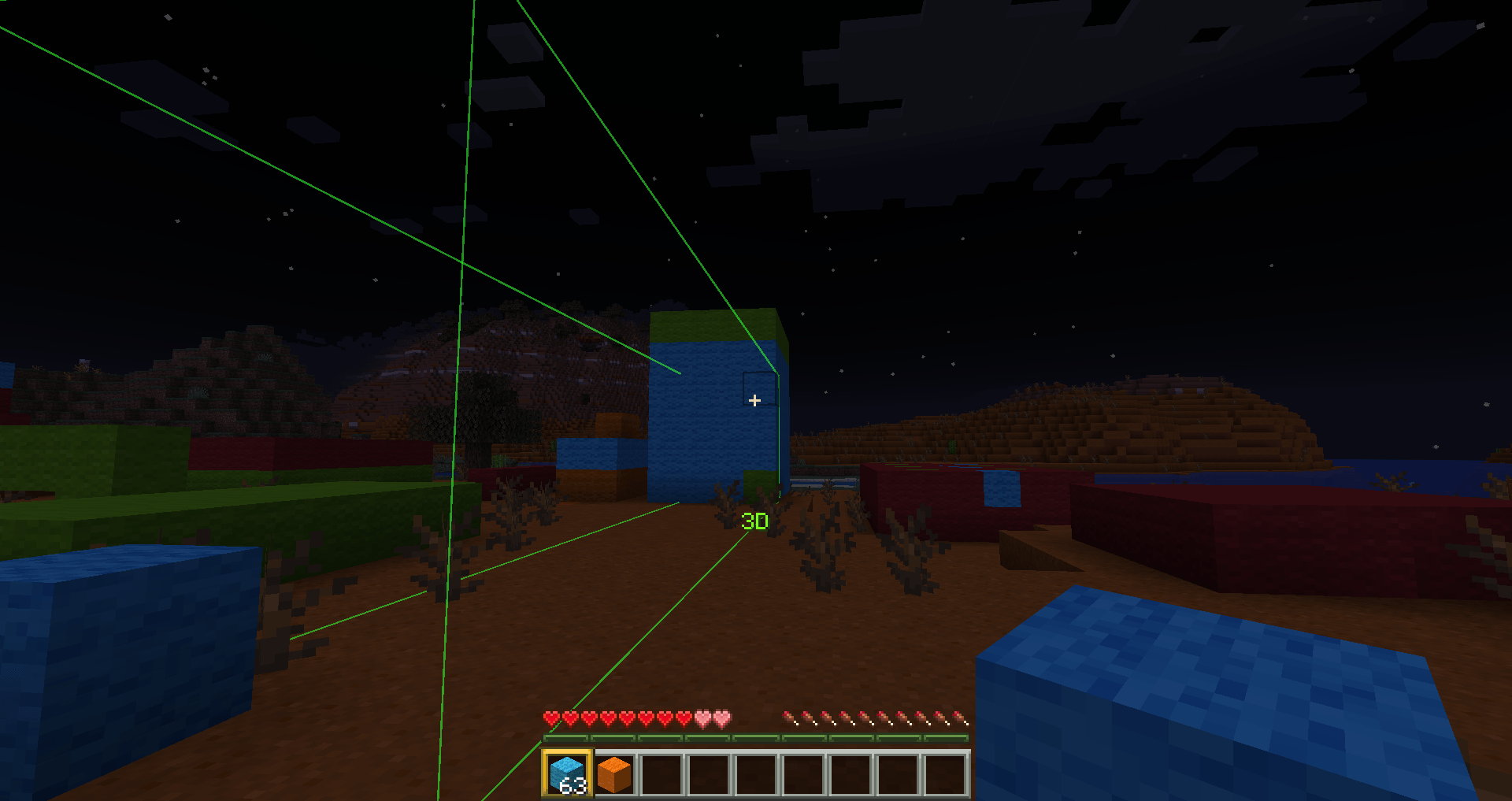
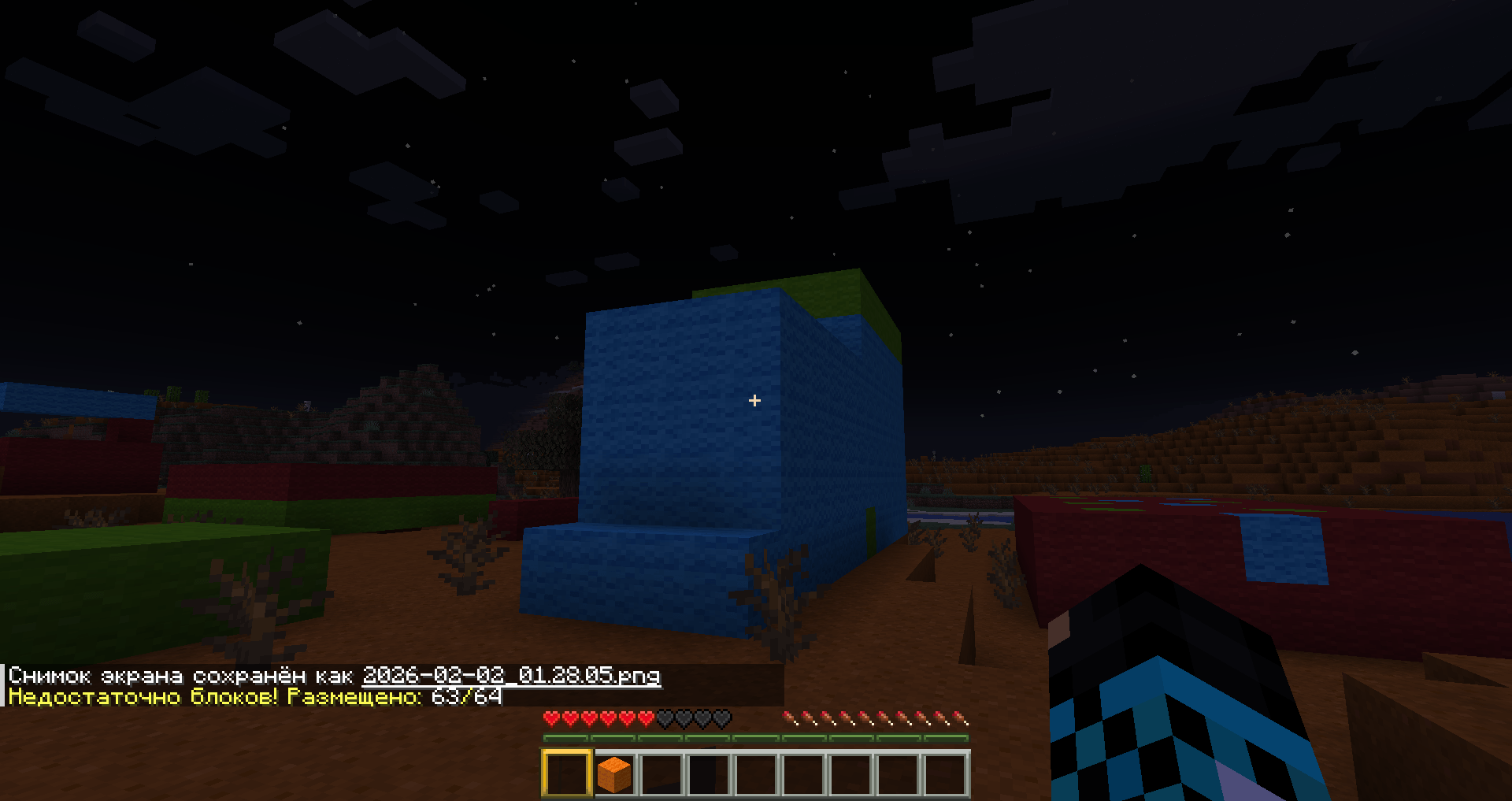
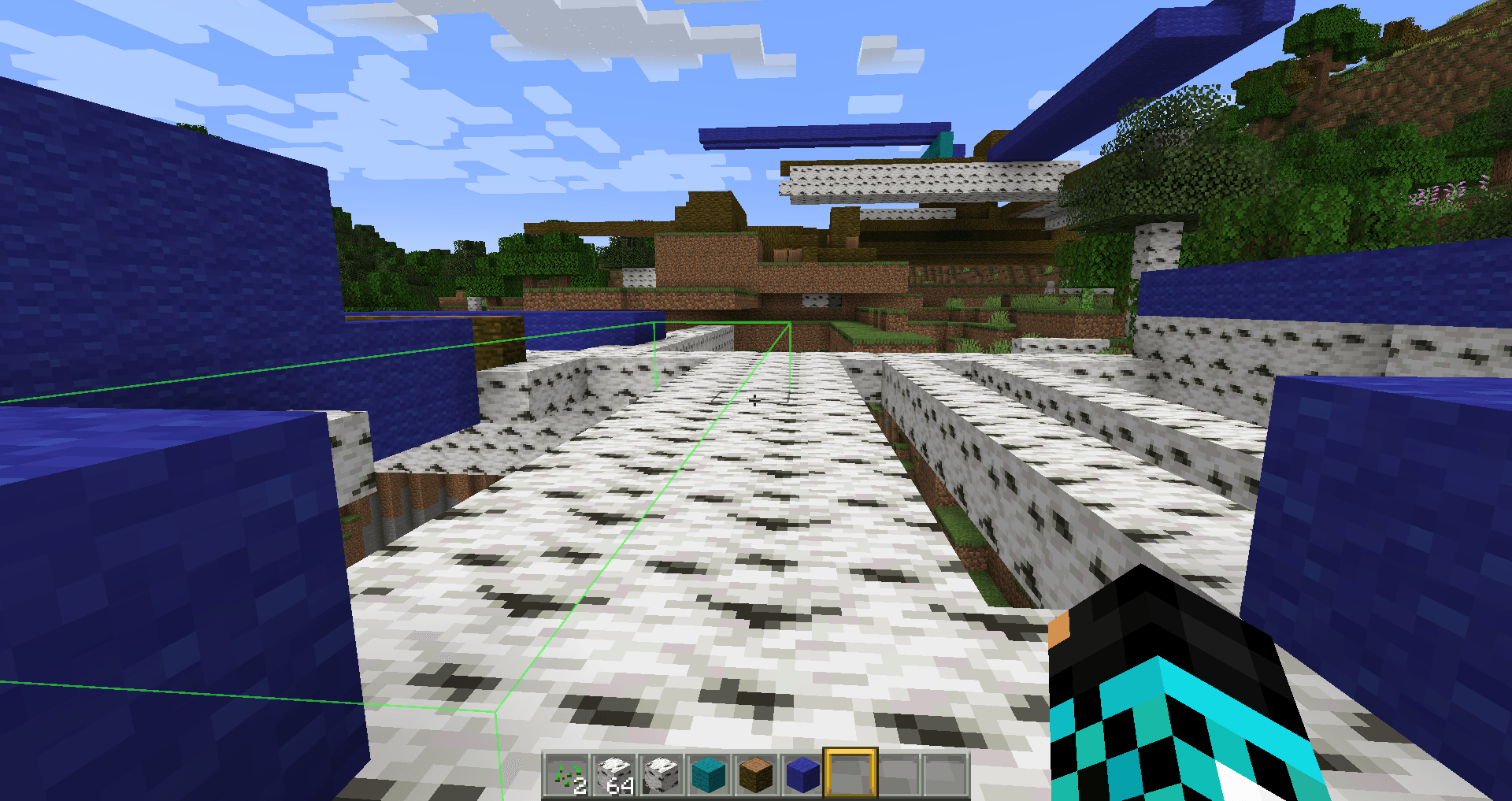
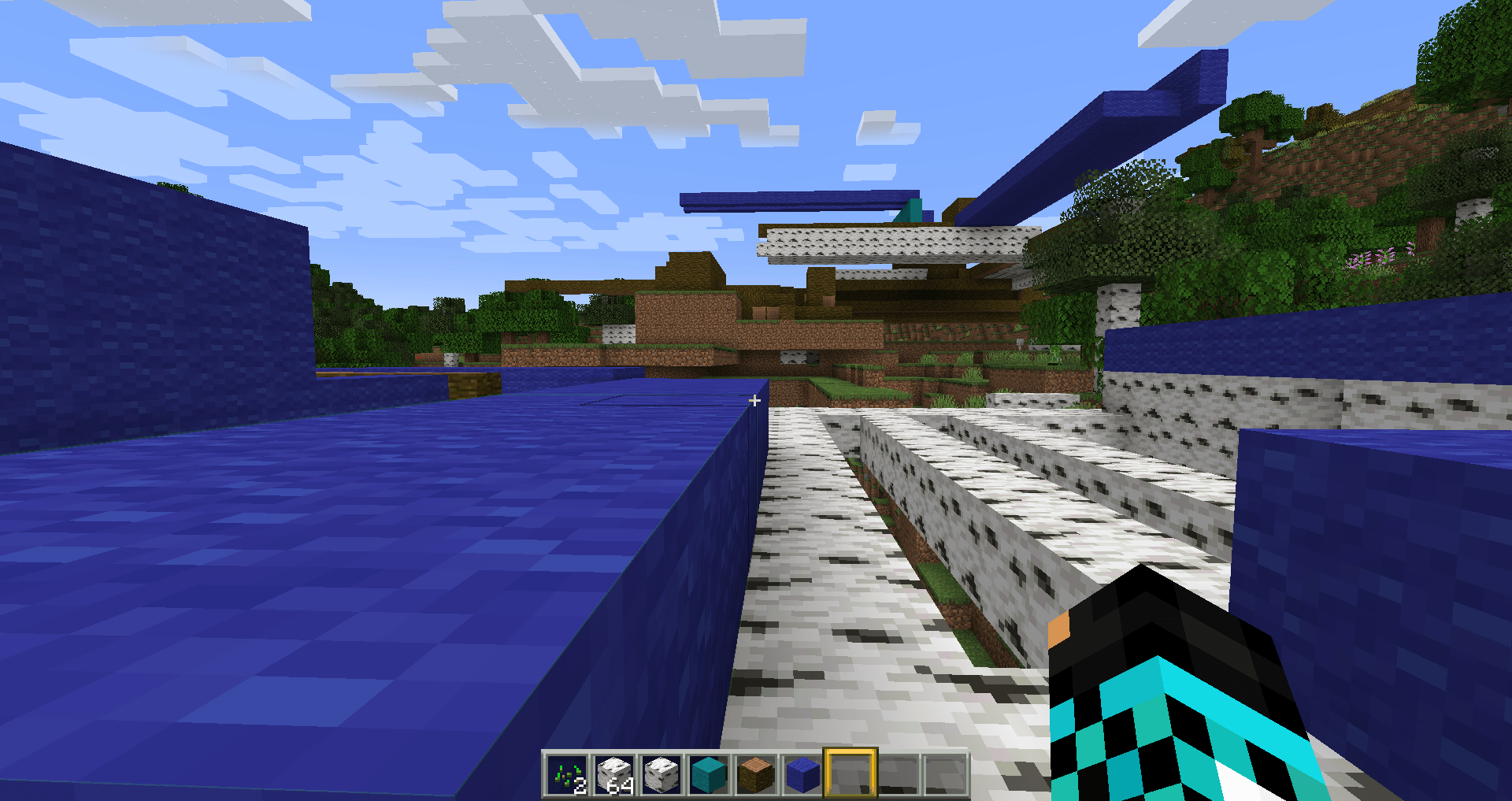
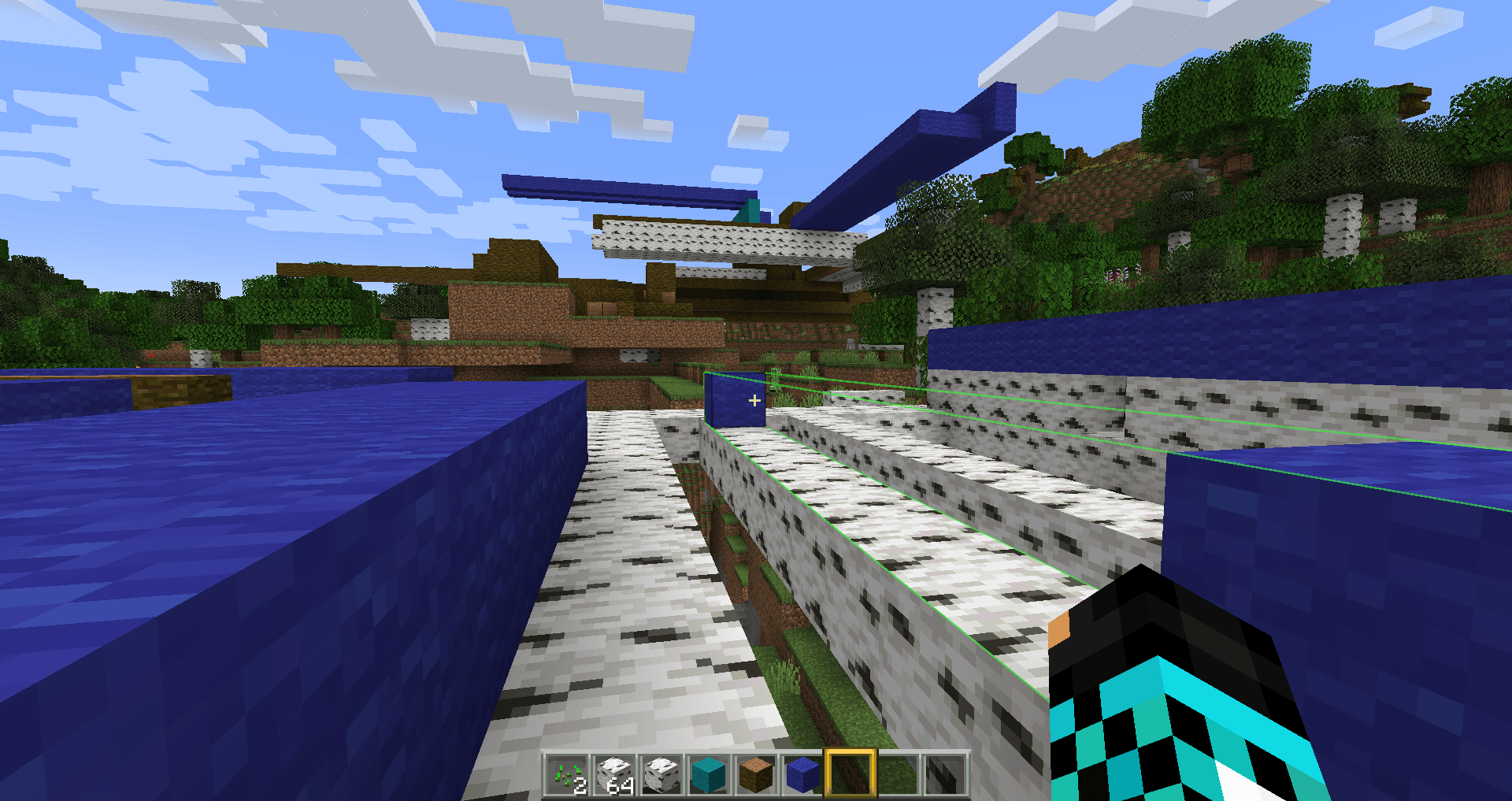
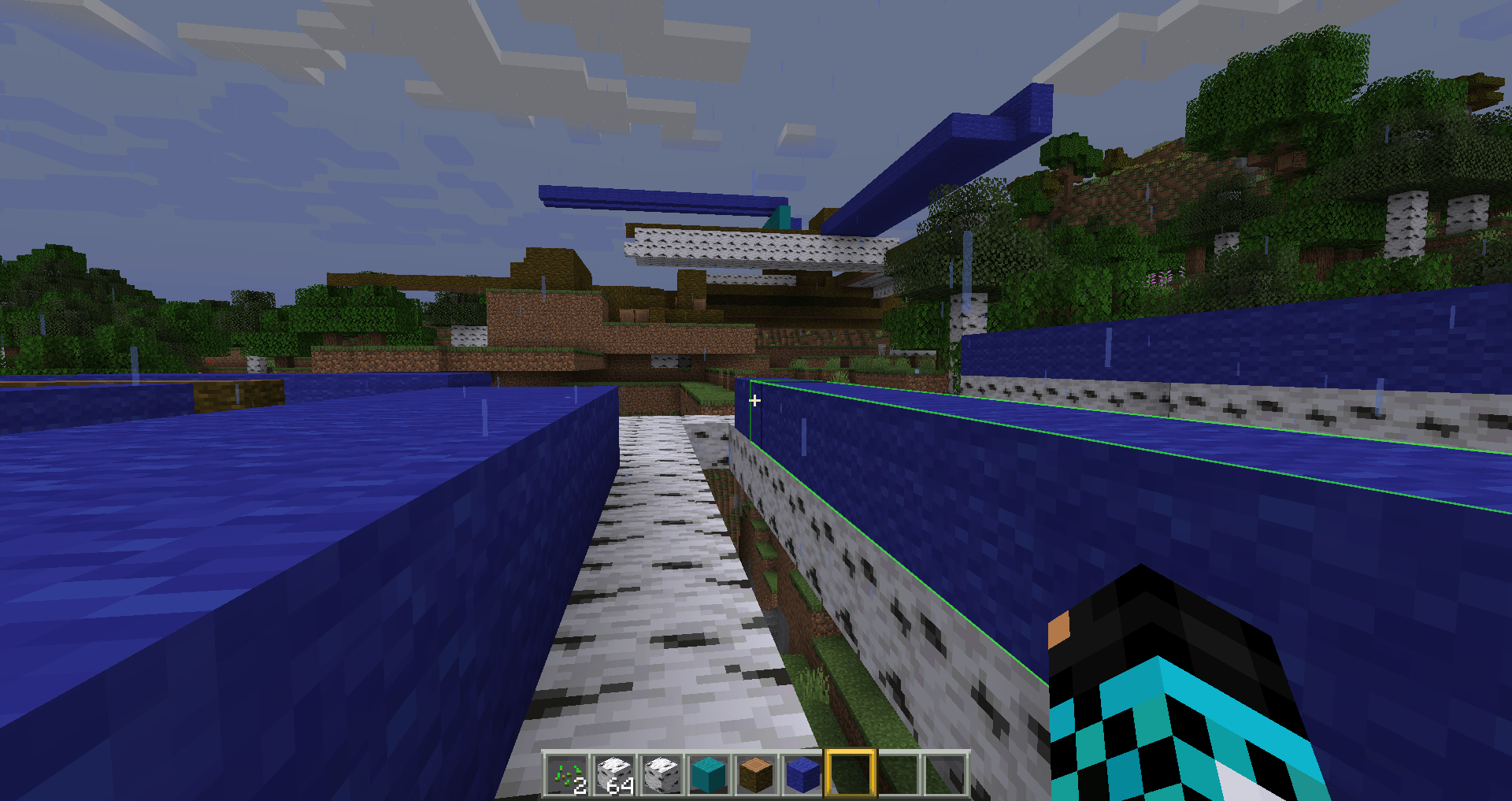
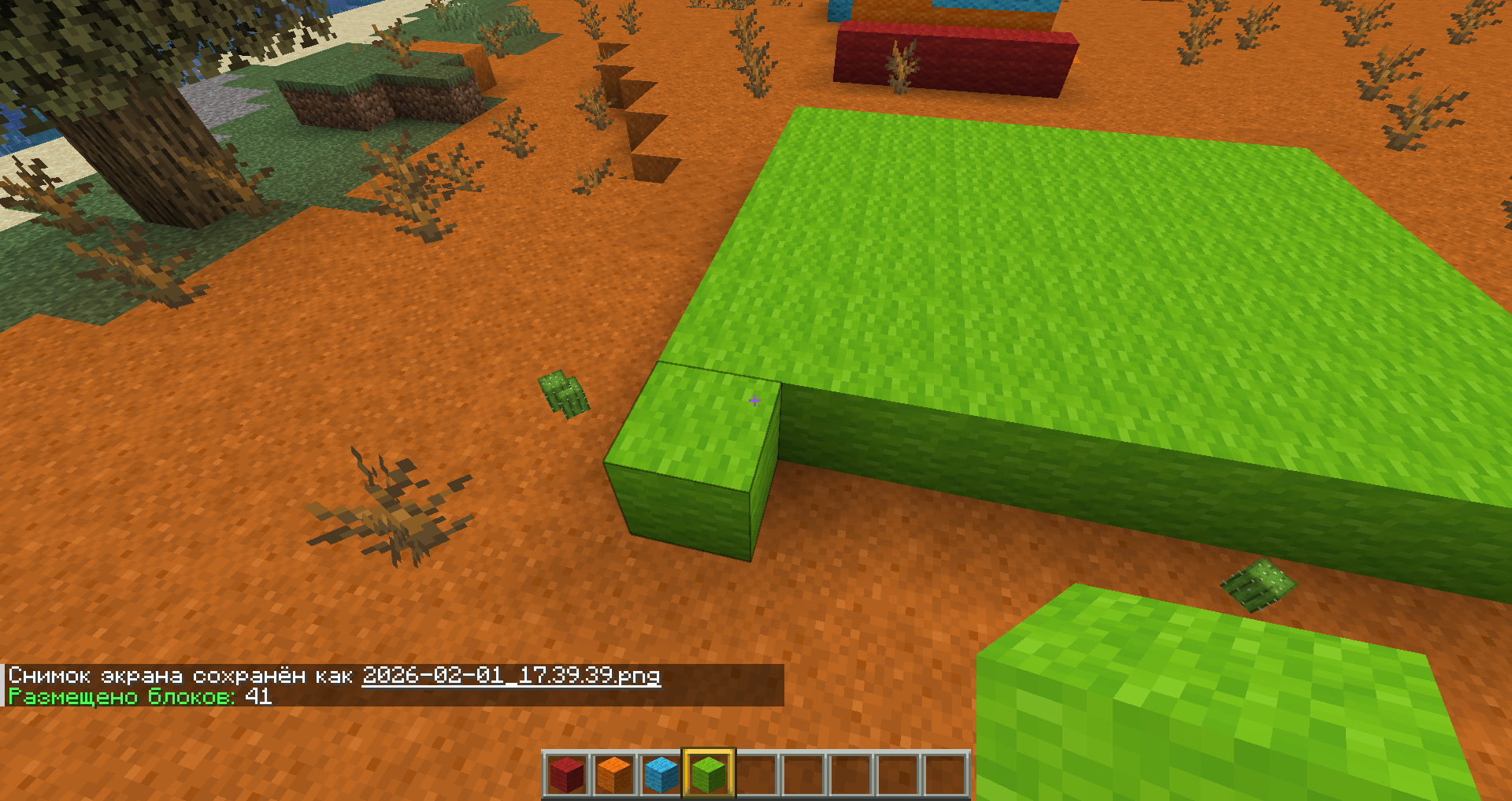
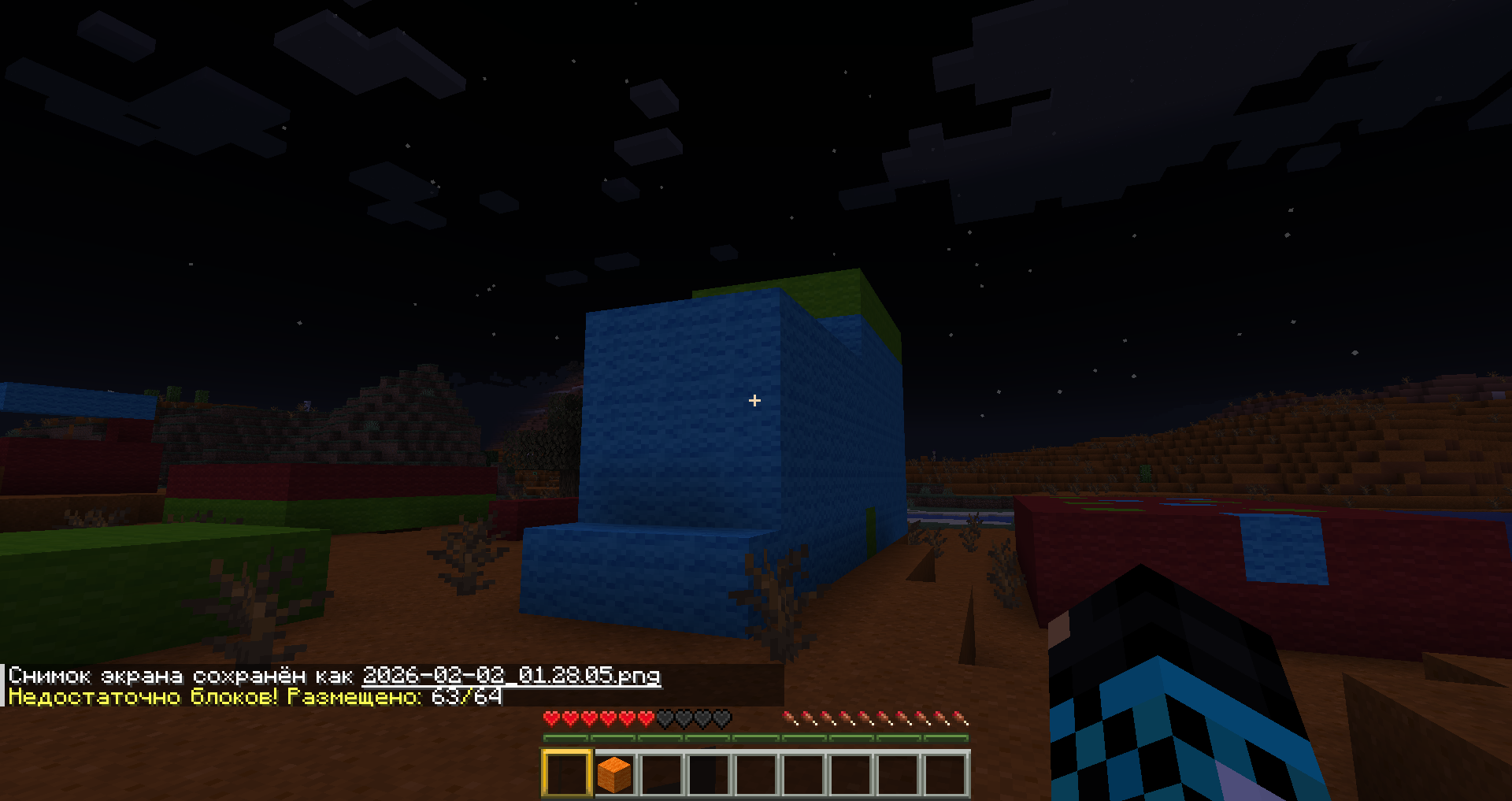
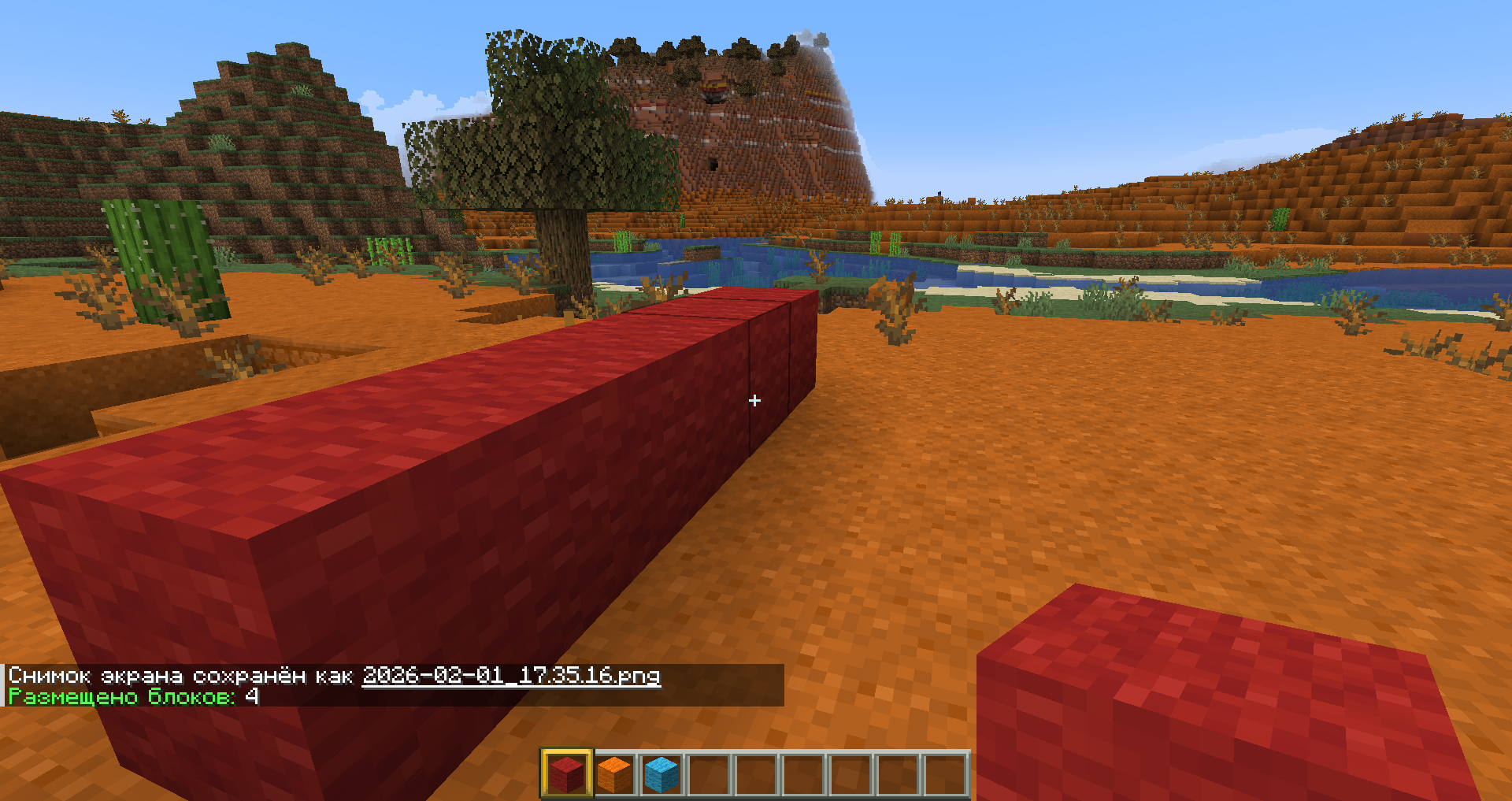
It will save you from the routine of creating large structures of the same type. Simply turn on selection mode, place the first block, then the second block, and the entire selected area will be filled with the same blocks as the first.
Go to settings. Set the key to activate selection mode. There are 3 modes in total:
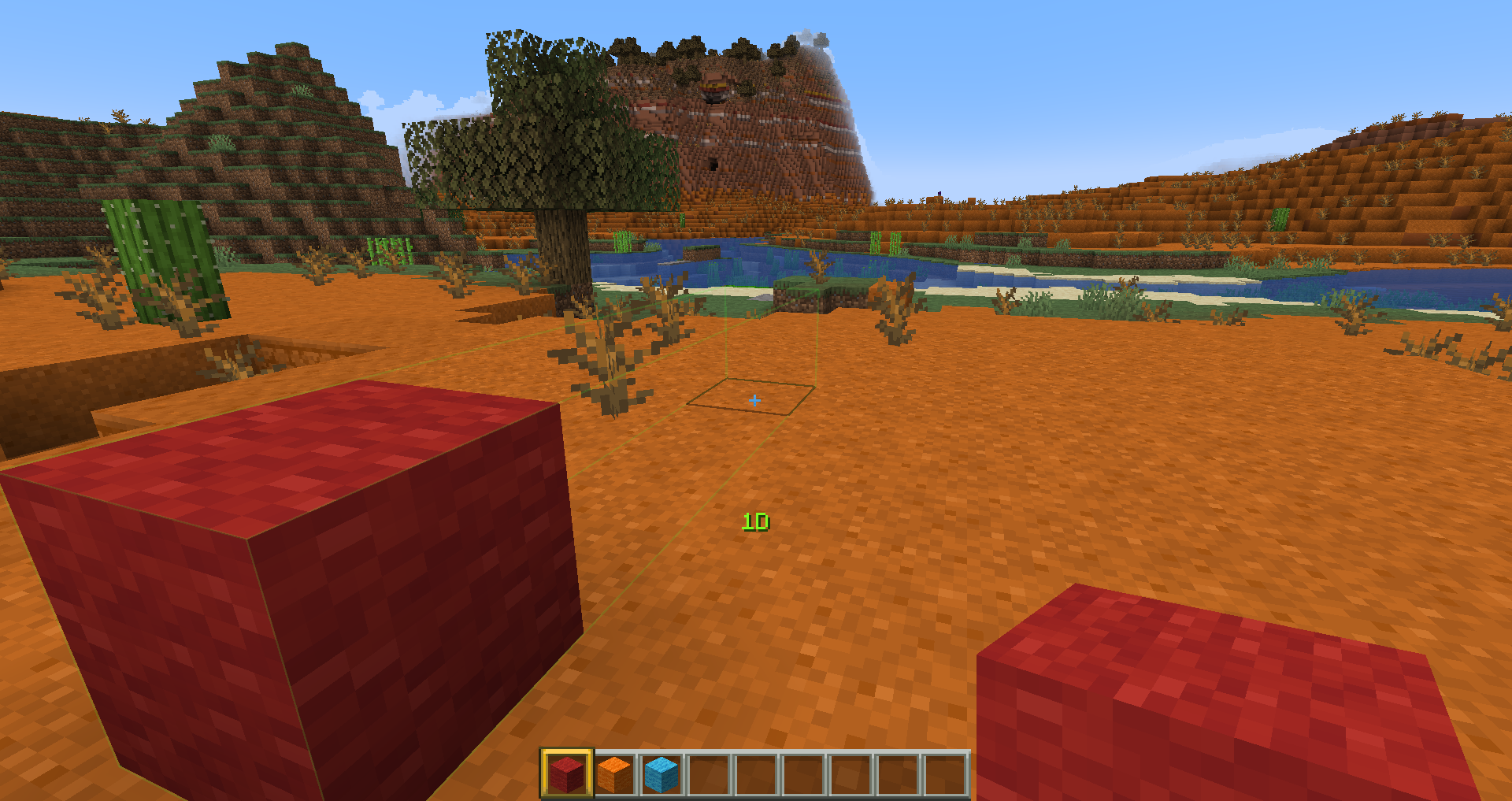
First mode - "1D"
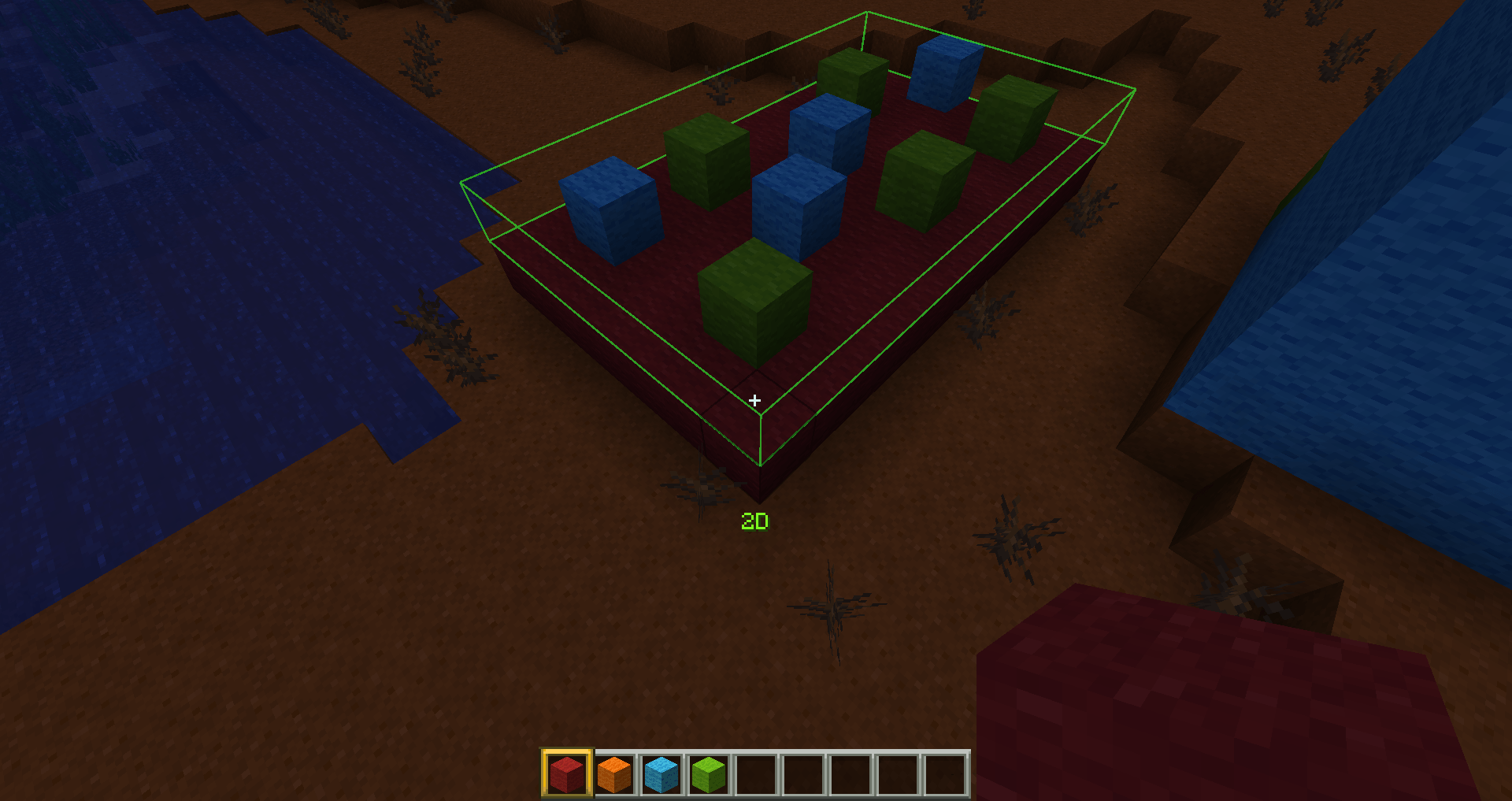
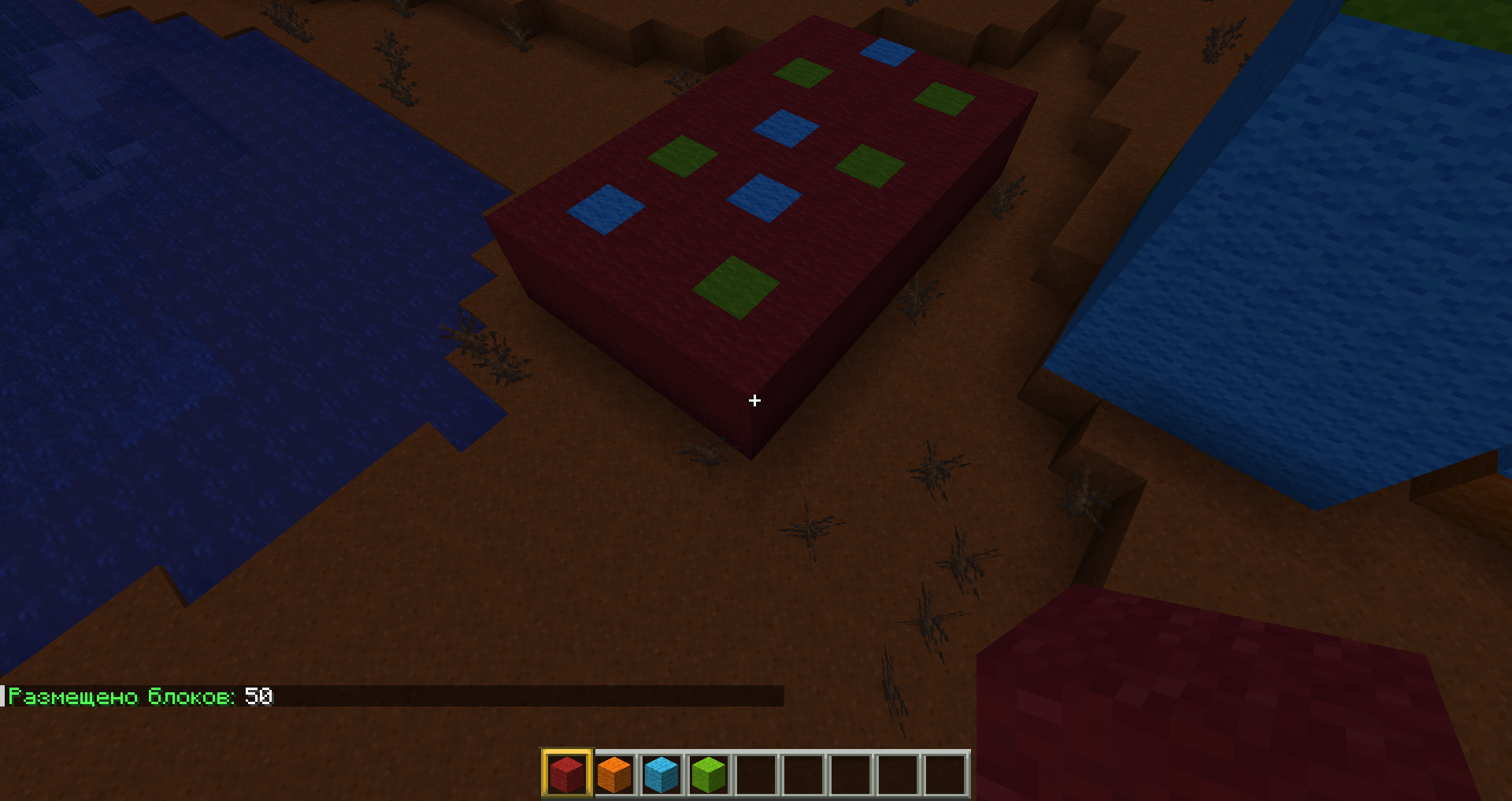
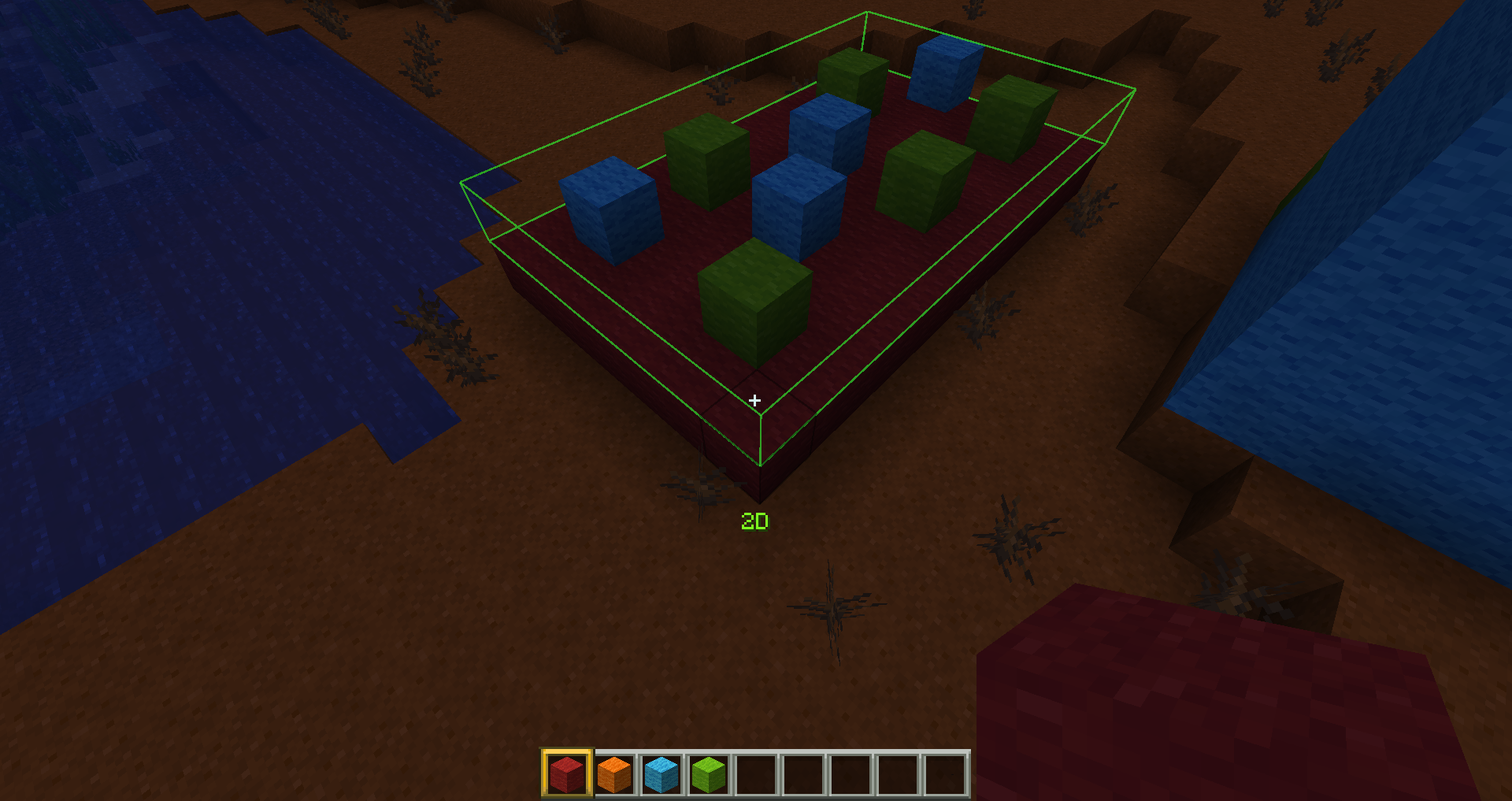
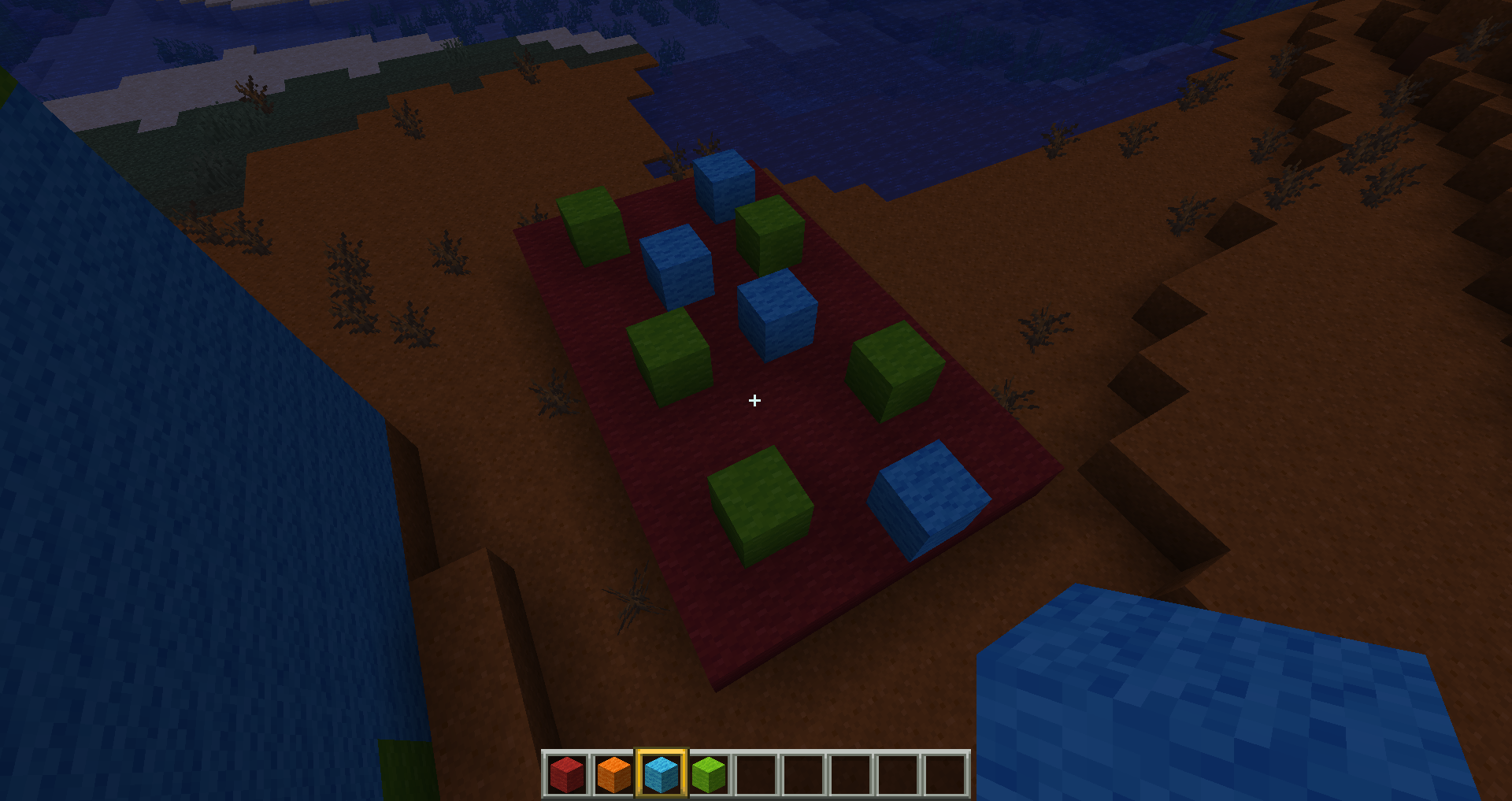
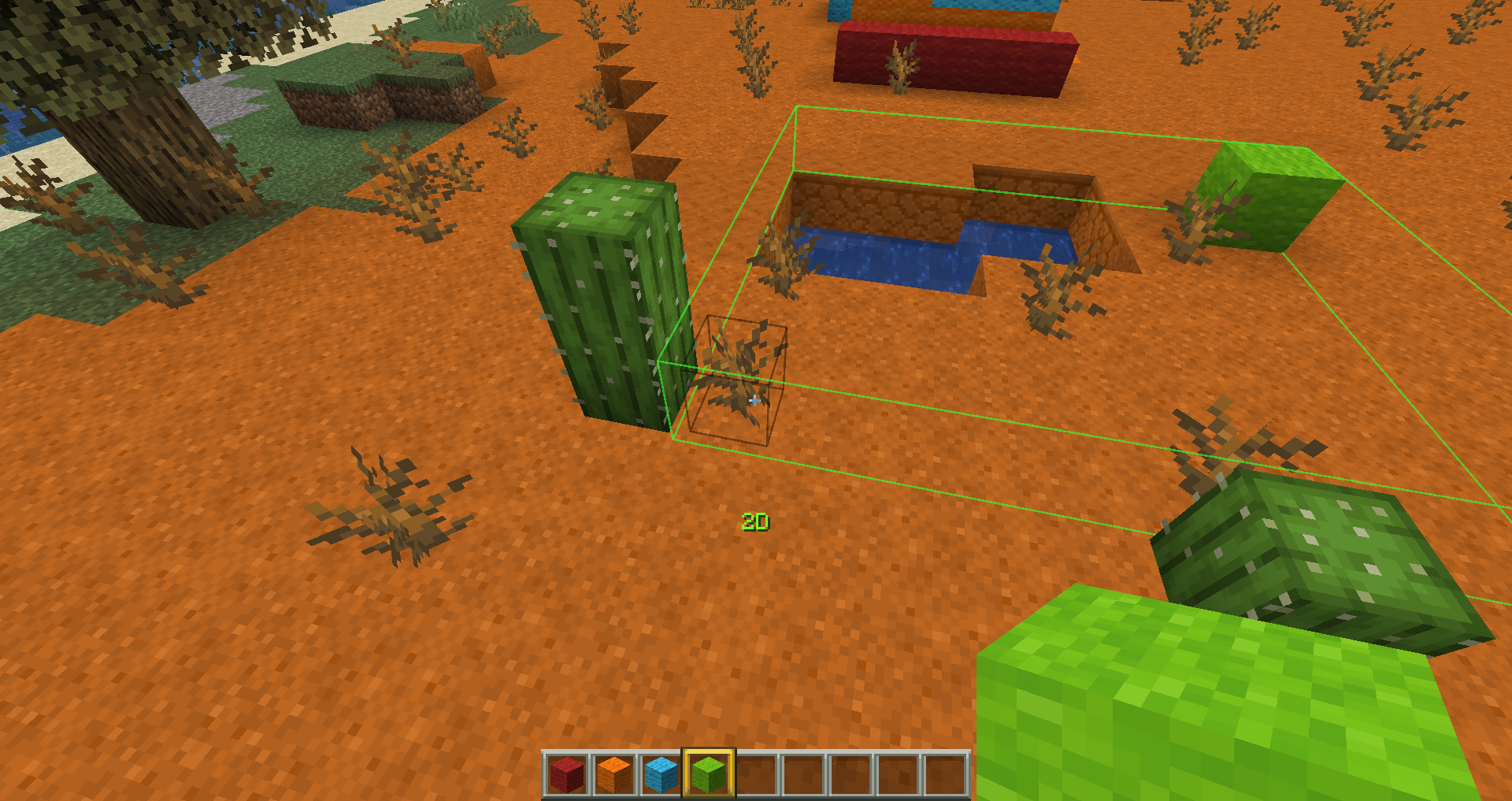
Second mode - 2D
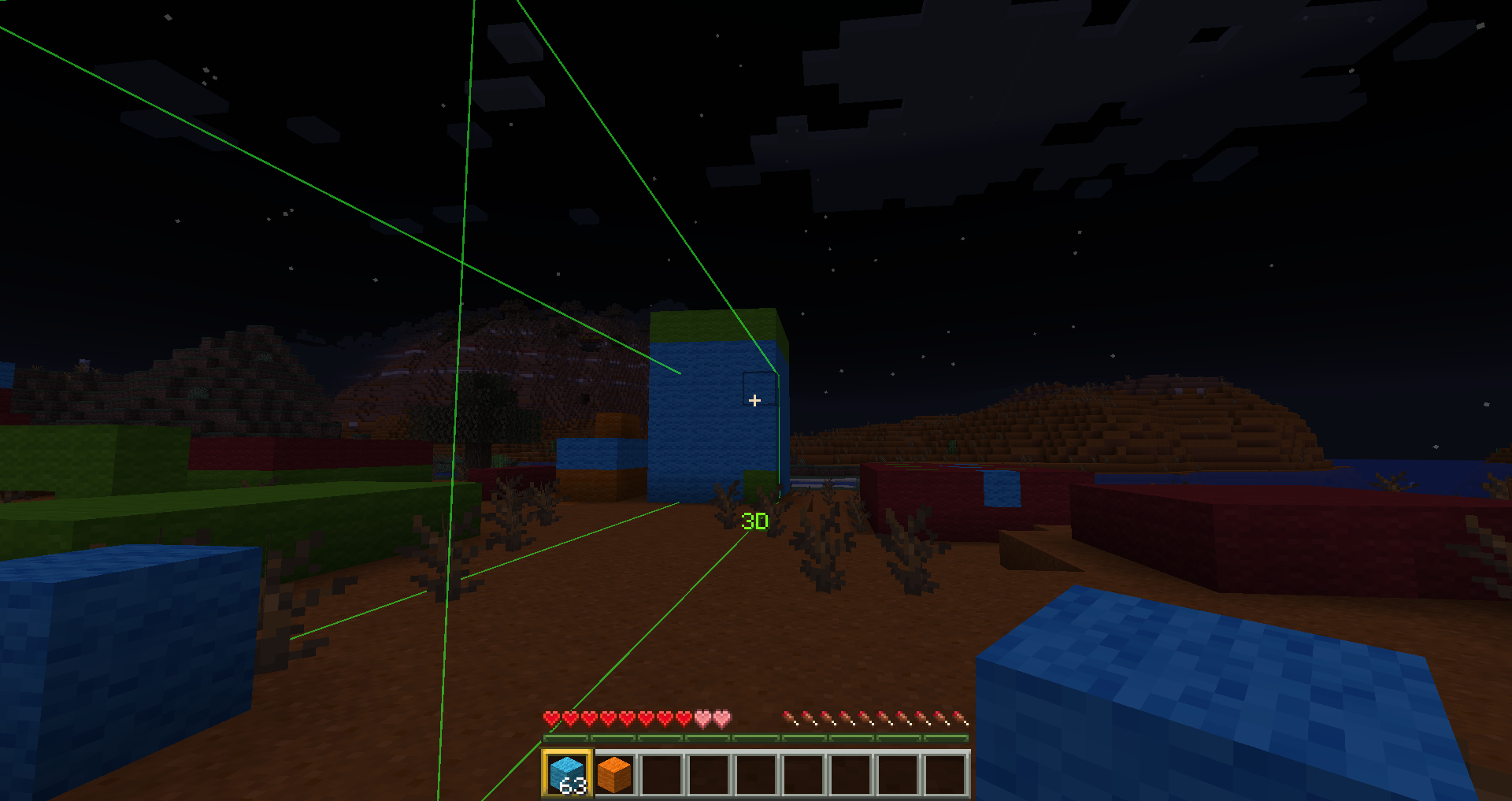
Third mode - 3D.
After that, set the first block, move to the other side and set the second block, after which the selected area will be filled with the same blocks as the first one in exactly the same position.
In addition, when switching to selection mode, the range of interaction with blocks increases to 20. This can be configured in the configuration file.
Please note that the creation of structures depends on the position of the first and last blocks you click. If you click on the first block and move in a direction where there are no blocks, pay attention to the position of the mouse pointer. If you move the cursor slightly below or slightly to the side, instead of creating a single line, you'll create a wall or floor.



Dependence: smartbuildLib
Usage
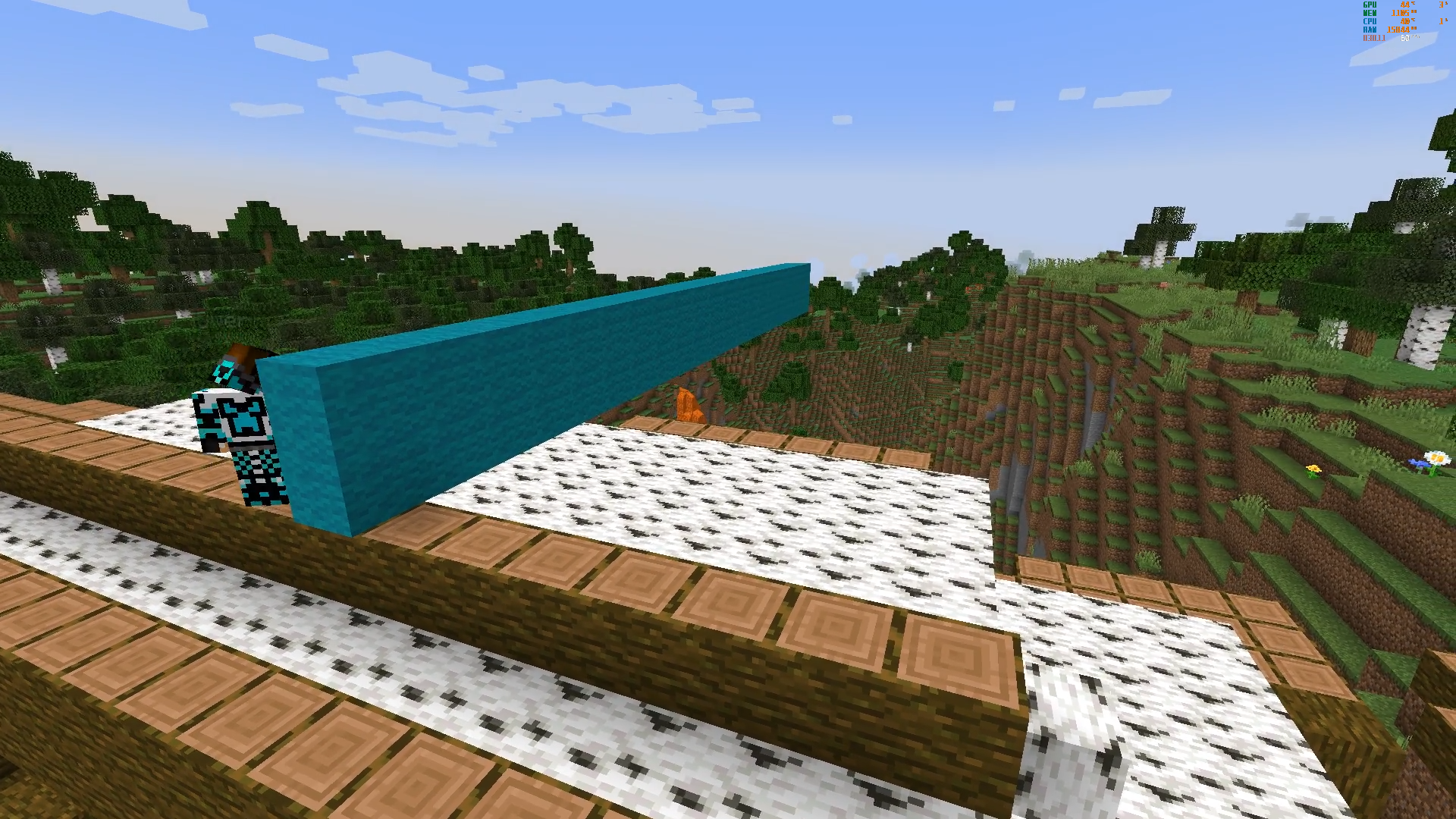
Set the block in the desired position, then press the button (by default, the left Shift key), right-click on the block, and then drag it in the direction in which you want to build a line or other structure. The size and shape of the structure will be adjusted depending on where you are looking.
Please note that the creation of structures depends on the position of the first and last blocks you click. If you click on the first block and move in a direction where there are no blocks, pay attention to the position of the mouse pointer. If you move the cursor slightly below or slightly to the side, instead of creating a single line, you'll create a wall or floor.
In addition, when squatting, the range of interaction with the blocks increases to 20. This can be configured in the configuration file.
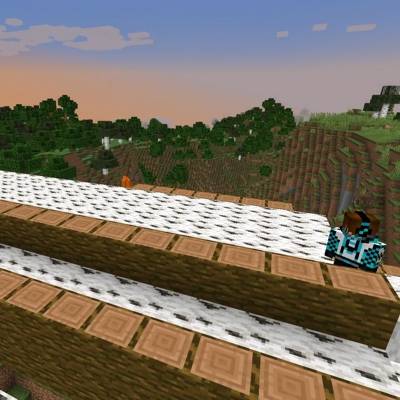
Configuration

Hello, everyone. First of all, I strongly recommend that you download projects through the official curseforge and modrinth launchers—this will increase the reward for the creators. Thank you all very much for your support!!!


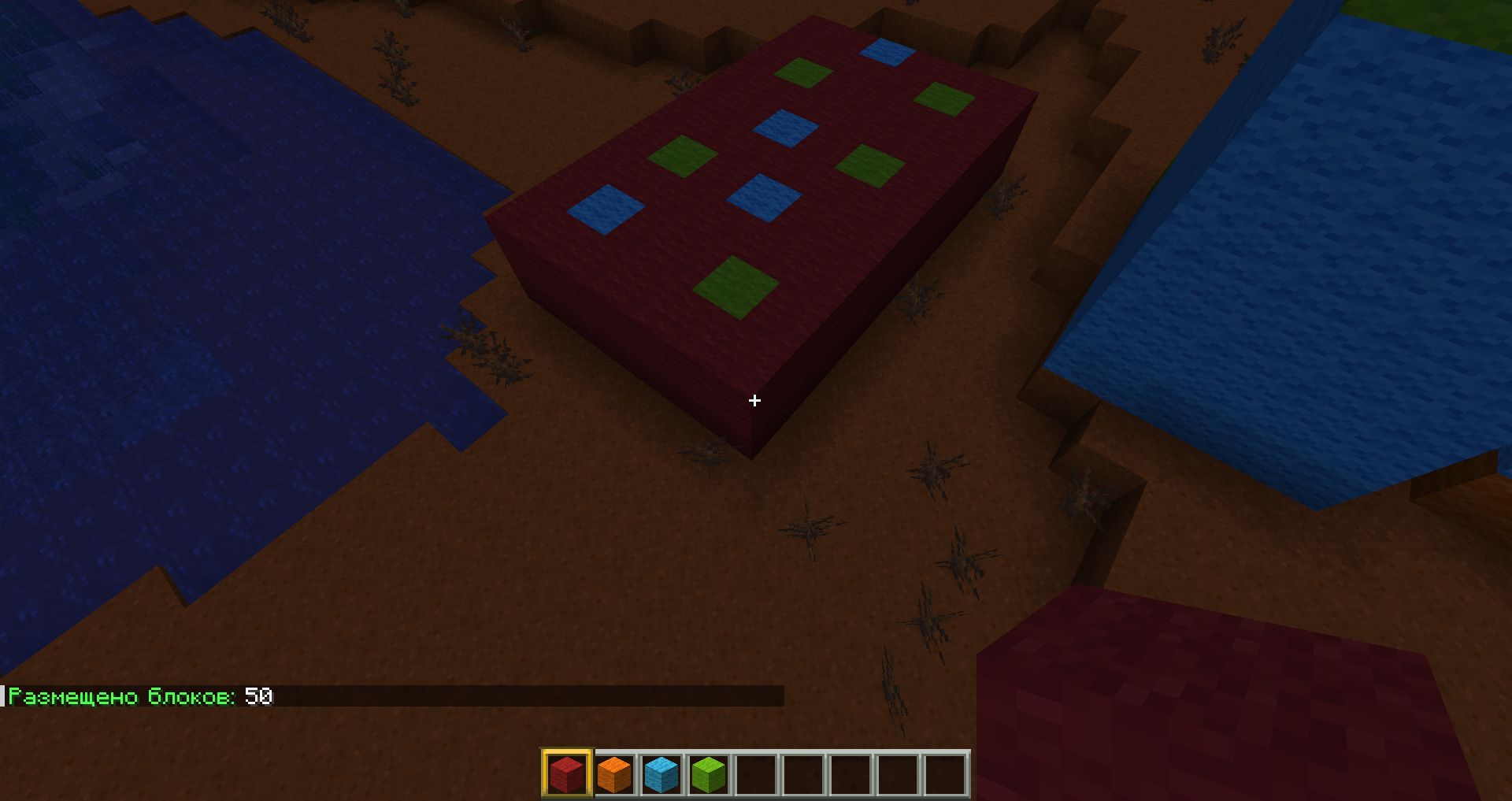
This mod allows you to instantly build lines, columns, walls and floors by easily setting the size with your mouse cursor using just one key on your keyboard (default is the right shift key).
"If you are tired of building identical parts for your incredible structures, constantly clicking the mouse button to place each block, this mod will save you from this tedious routine!"



Dependence:
Usage
Go to settings. Set the key to activate selection mode. There are 4 modes in total:
First mode - "1D"


Second mode - 2D


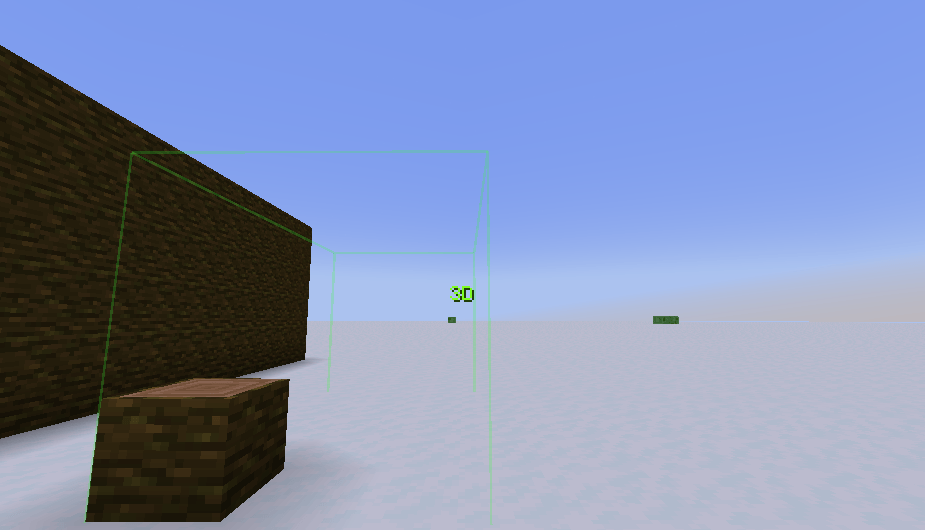
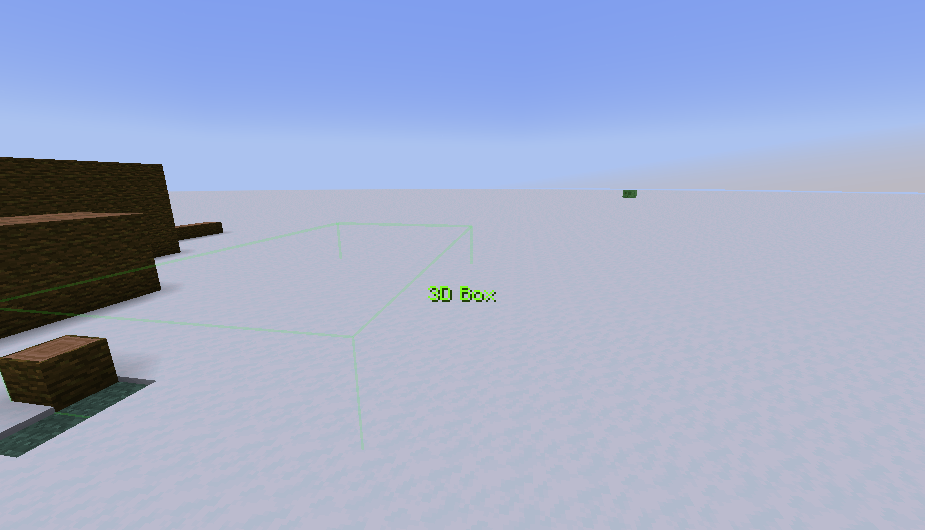
Third mode - 3D


Fourth mode - 3D Openbox (available only starting with version Smart Build Lib 2.2.0)

 After that, set the first block, move to the other side and set the second block, after which the selected area will be filled with the same blocks as the first one in exactly the same position.
In addition, when switching to selection mode, the range of interaction with blocks increases to 20. This can be configured in the configuration file.
Please note that the creation of structures depends on the position of the first and last blocks you click. If you click on the first block and move in a direction where there are no blocks, pay attention to the position of the mouse pointer. If you move the cursor slightly below or slightly to the side, instead of creating a single line, you'll create a wall or floor.

Configuration

Screenshots
Gallery
-
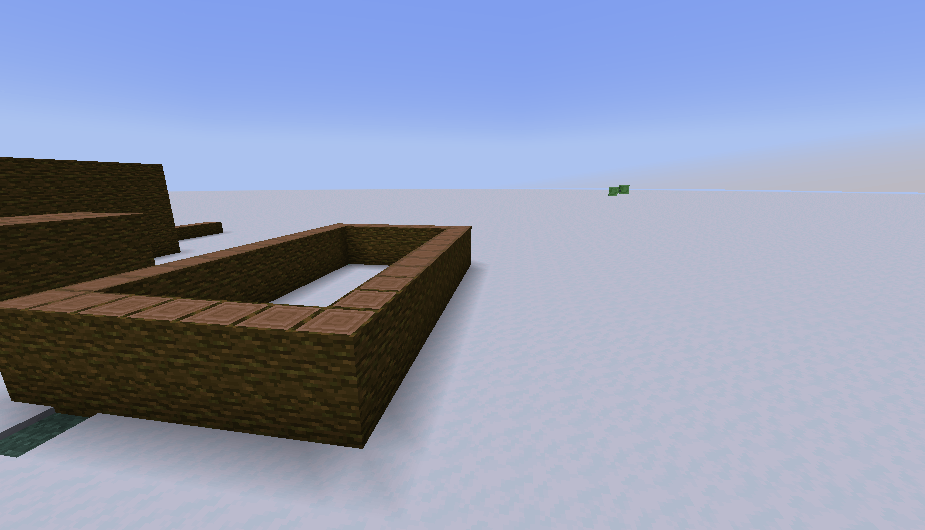 2.2.0 2026-02-15_22.45.59.png
 -
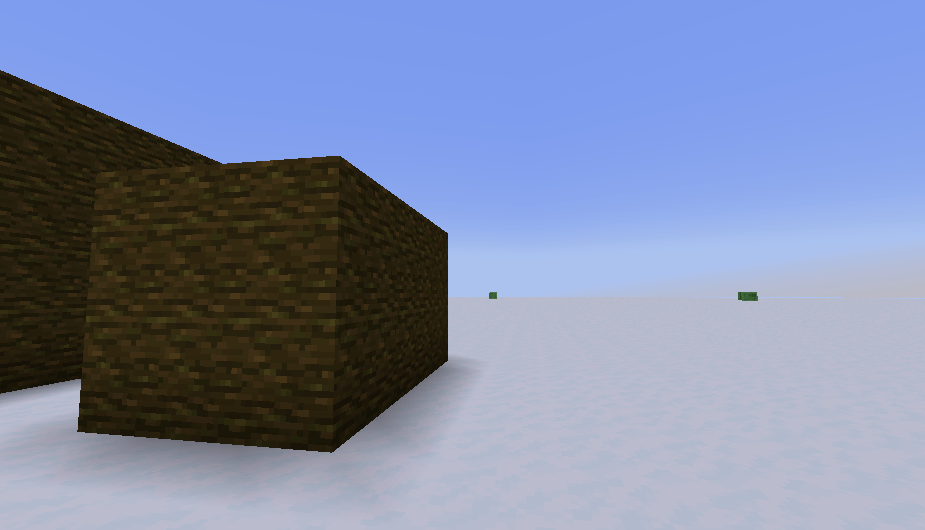 2026-02-15_22.45.32.png 2026-02-15_22.45.32.png
 -
 2026-02-15_22.45.25.png 2026-02-15_22.45.25.png
 -
 2.2.0 2026-02-15_22.45.56.png
 -
 2026-02-02_01.28.05.png 2026-02-02_01.28.05.png
 -
 2026-02-02_01.28.09.png 2026-02-02_01.28.09.png
 -
 2026-02-02_01.25.24.png 2026-02-02_01.25.24.png
 -
 2026-02-02_01.25.44.png 2026-02-02_01.25.44.png
 -
 2026-01-29_19.47.57.png 2026-01-29_19.47.57.png
 -
 2026-01-29_19.48.15.png 2026-01-29_19.48.15.png
 -
 2026-01-29_19.48.38.png 2026-01-29_19.48.38.png
 -
 2026-01-29_19.48.49.png 2026-01-29_19.48.49.png
-
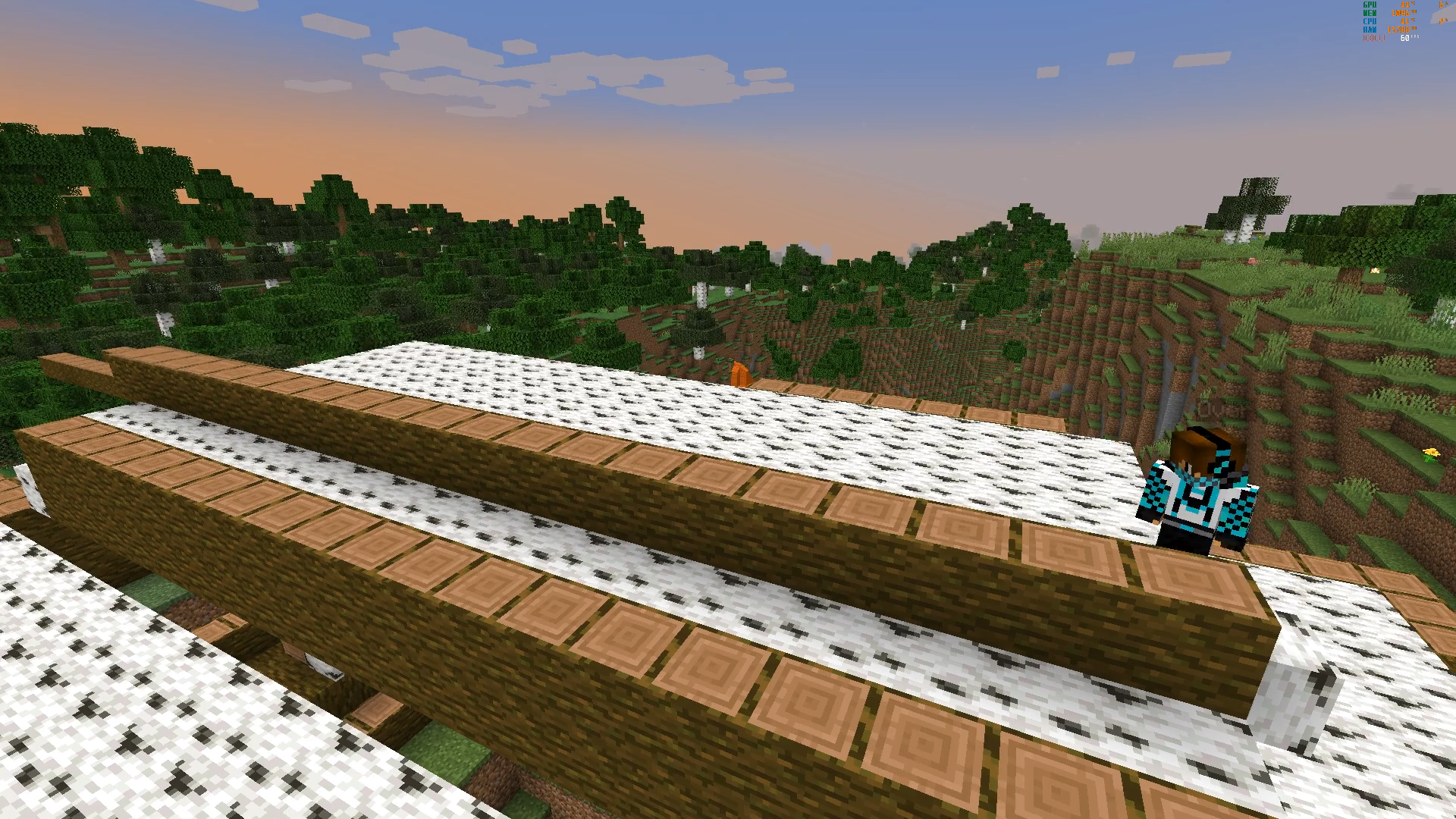
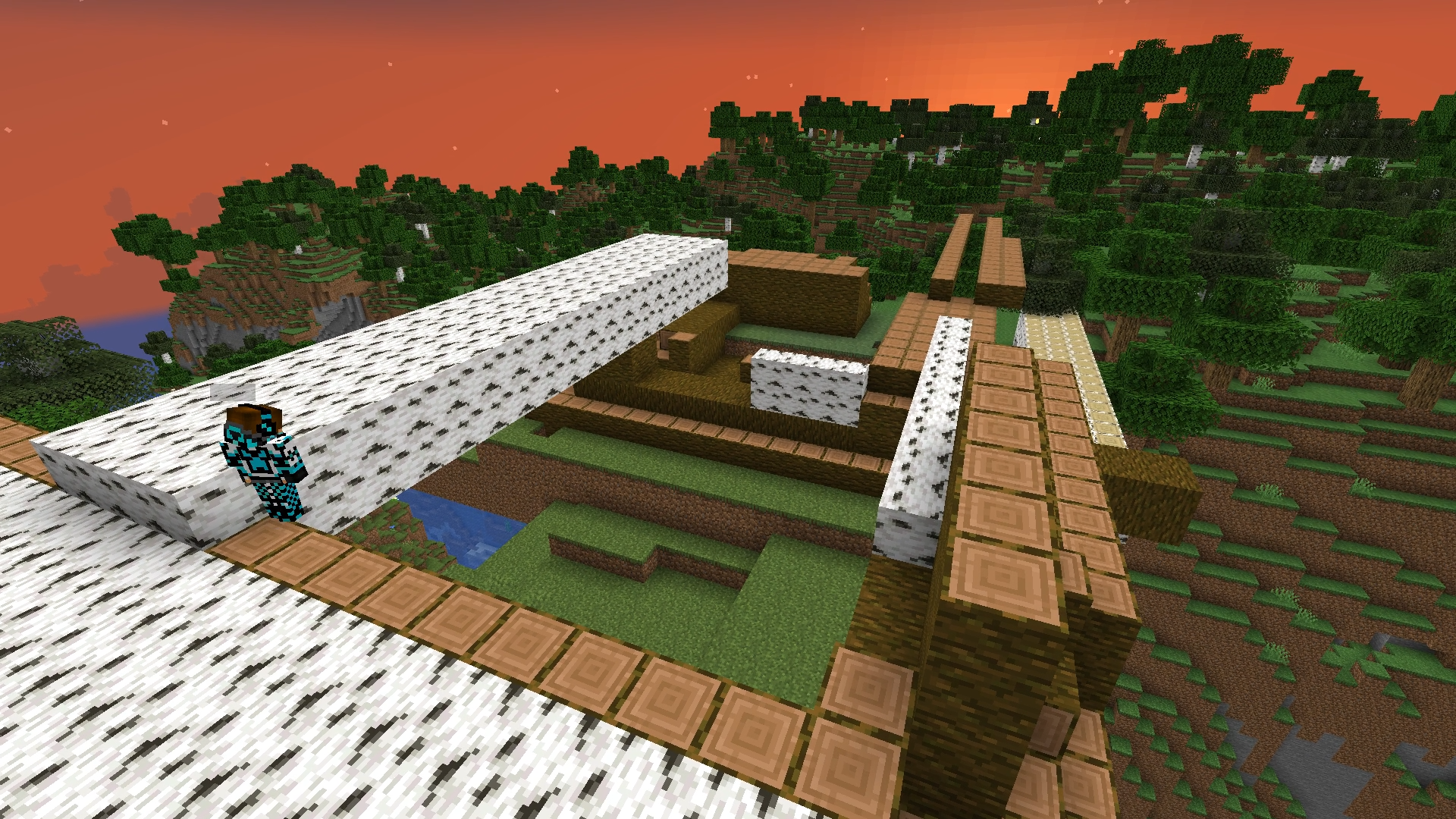 Installation of all kinds of three-dimensional structures
 -
-
 ...
... -
-
-
-
-
-
 ...
... -
-
-
Versions
Files
Relations
Project Relations
More like this
Similar Mods
Suggestions use data such as tags, dependencies, dependents, descriptions, titles, and more to rank how much they overlap with this mod.
On ModDex
Community snapshot
By the numbers
Statistics
Want to reach Minecraft players?
We're looking for a server hosting partner to feature here and other parts of the site. Interested? Send us a message!
Get in touchGet it on
Available Platforms
On ModDex
Community snapshot
By the numbers
Statistics
Resources