
SMP Utils
No reviews yet
A lightweight, read-only combat HUD for SMP-kit PvP that has a totem counter, hotbar stock & durability, reach display, and combo tracking. No automation, no reach changes, no ESP.
Fabric is a mod loader for versions 1.14+ of Minecraft, particularly popular for client side and optimization mods.
Community voices
Reviews
Click once to include, again to exclude, again to clear
No reviews yet. Be the first to review this project!
Get it on
Available Platforms
 Modrinth
Compatibility
Supported Environments
About
Project Details
For authors
Embed Badge
If you're the author of this project, you can embed a live badge anywhere that supports HTML or Markdown. It updates automatically whenever ratings change.
Use HTML for any page that supports it, or Markdown for README files and Markdown-based descriptions.
Identifiers
Platform IDs
Resources
External Links
About
Description
SMP Utils
A simple combat HUD for SMP PvP. It shows you stuff you already have access to, like how many totems you've got left, who just popped one, and how far away the thing you're hitting is. The point is to keep your eyes on the fight instead of checking your hotbar every two seconds.
It doesn't touch your inputs, your reach or your hitboxes. It just reads what's already there and puts it on screen.
Made with the MCTiers / PvPTiers SMP kit in mind (netherite, totems, gapples) but it works fine for normal survival PvP too.
Is this a cheat? No
Putting this near the top because people always ask. SMP Utils only shows info your normal client already knows or already gets sent. There's no:
- autocrystal, auto totem, auto anchor or auto pearl
- reach extender, hitbox expander, killaura, aimbot or triggerbot
- player ESP, tracers, xray rendering or radar
- anything that shows you hidden info
One thing though. Plenty of servers and tournaments ban even basic HUD mods, so check the rules where you play before you install it. That part's on you, not me.
What it does
Hotbar stock tells you how many totems, gapples, end crystals and pearls you've got left, and warns you when your armour or weapon is about to break.
Totem pop counter counts your own pops for the current fight. It can count an opponent's pops too, since the totem effect gets broadcast to everyone nearby anyway.
Low health and totem cue flashes (and plays a sound if you want) when you drop low or pop a totem. It fires once instead of spamming you every tick.
Reach display shows how far away whatever you're aiming at is. It measures the distance. It doesn't extend it.
Combo counter tracks your current hit streak and resets when you get hit. Read the note further down on this one.
Ping, TPS and FPS so you can see what the server's doing.
You can turn any of it on or off, drag it around, save different setups per server, and rebind the keys.
What you need
- Minecraft 1.21.11
- Fabric Loader
- Fabric API
- Mod Menu and Cloth Config if you want the settings screen (optional)
It's client side only. Don't bother putting it on the server, it won't do anything there.
Keybinds
- H toggles the HUD
- J resets the totem counter
- K opens hud moving
Both can be changed in Controls or in the config.
About the combo counter
Working out whether a hit actually landed is hard to do properly from the client, because the client can't always see the server's damage. So the combo counter has to guess. It goes off whether you swung at a live target under your crosshair and resets when your own health drops. Treat it as a rough guide. Everything else reads real data.
Other mods
It gets on fine with other client side HUD and QoL mods. If two HUDs end up sitting on top of each other just move mine in the config. If something actually breaks, open an issue.
Bugs and ideas
Bug reports and feature requests are welcome on the issue tracker, as long as they stay inside the no cheats stuff above. PRs welcome too.
Not affiliated with Mojang, Microsoft, MCTiers or PvPTiers. Minecraft is a trademark of Mojang.
Screenshots
Gallery
-
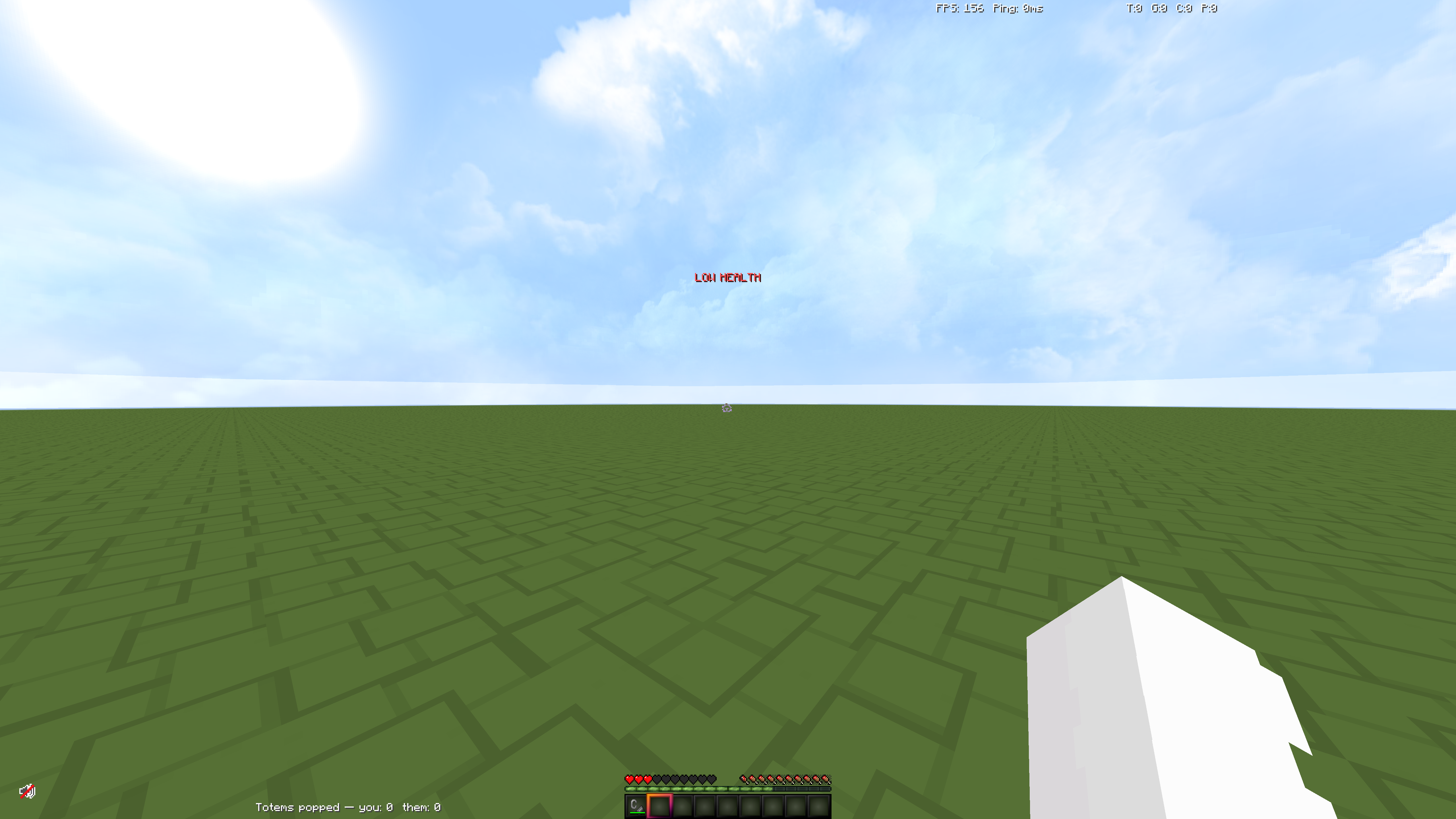 Low Health Indicator Where the Low Health Indicator is on the HUD and what it looks like
 -
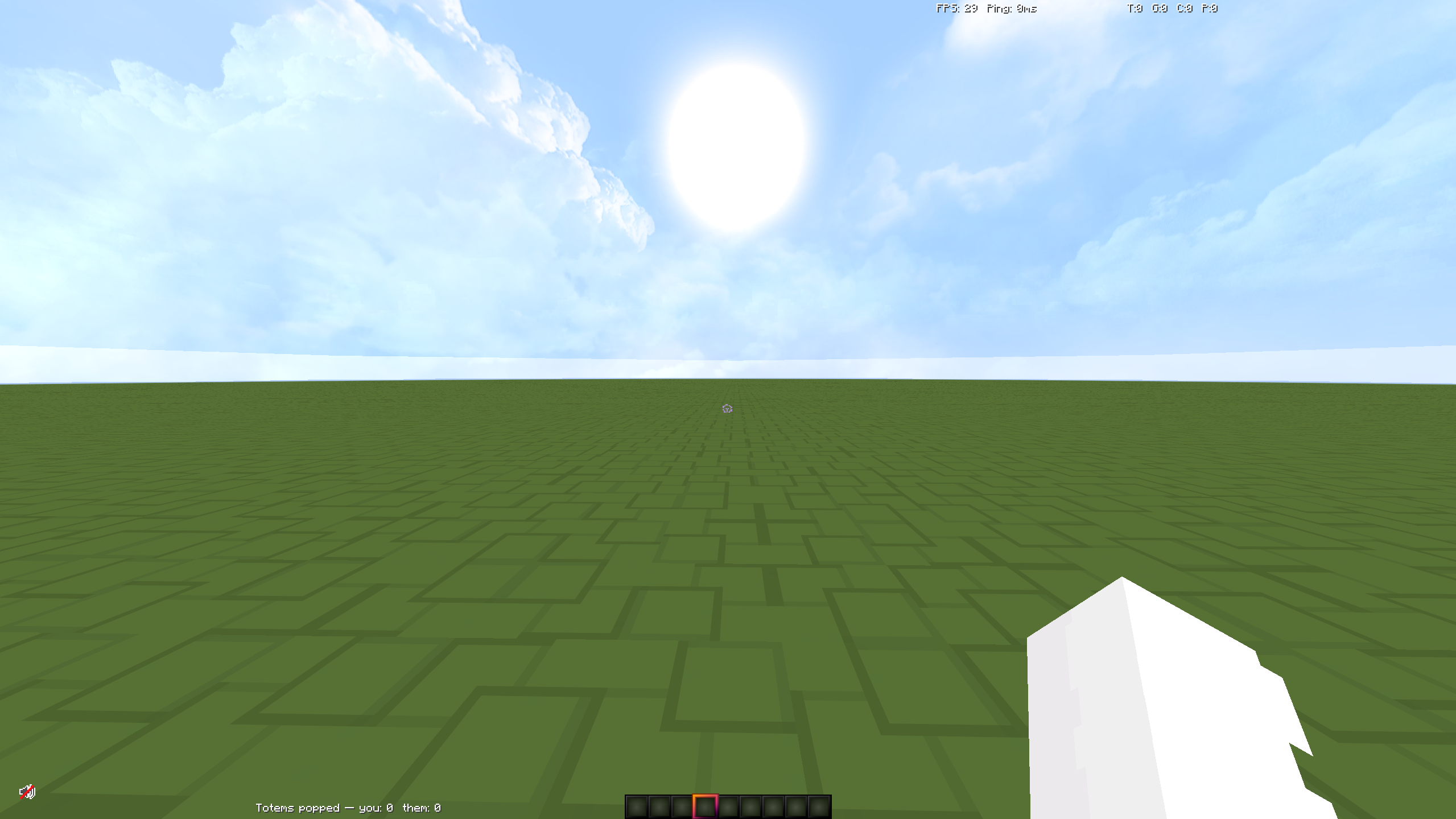 HUD Example HUD layout
 -
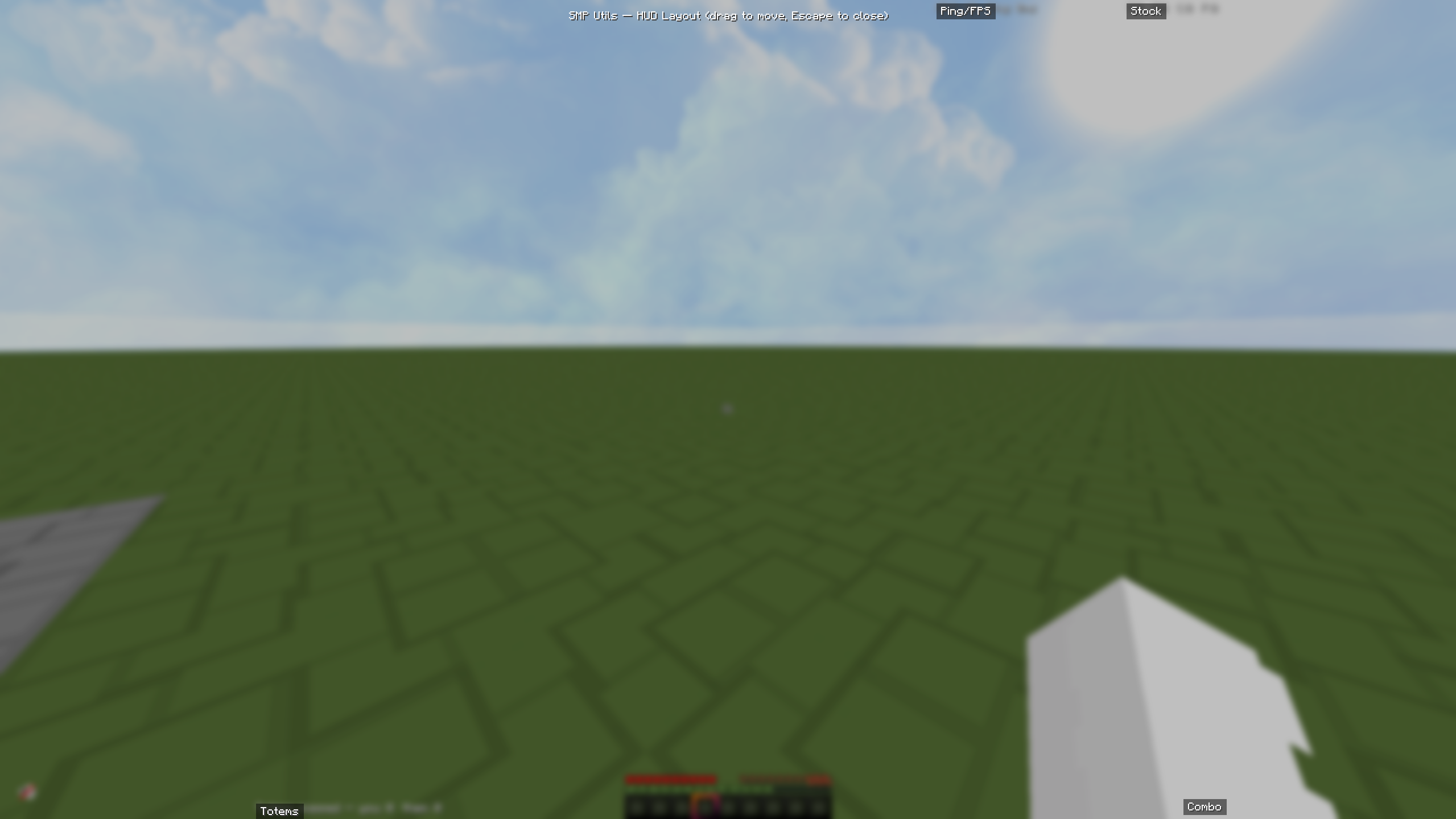 Hud moving HUD moving and reorganising
 -
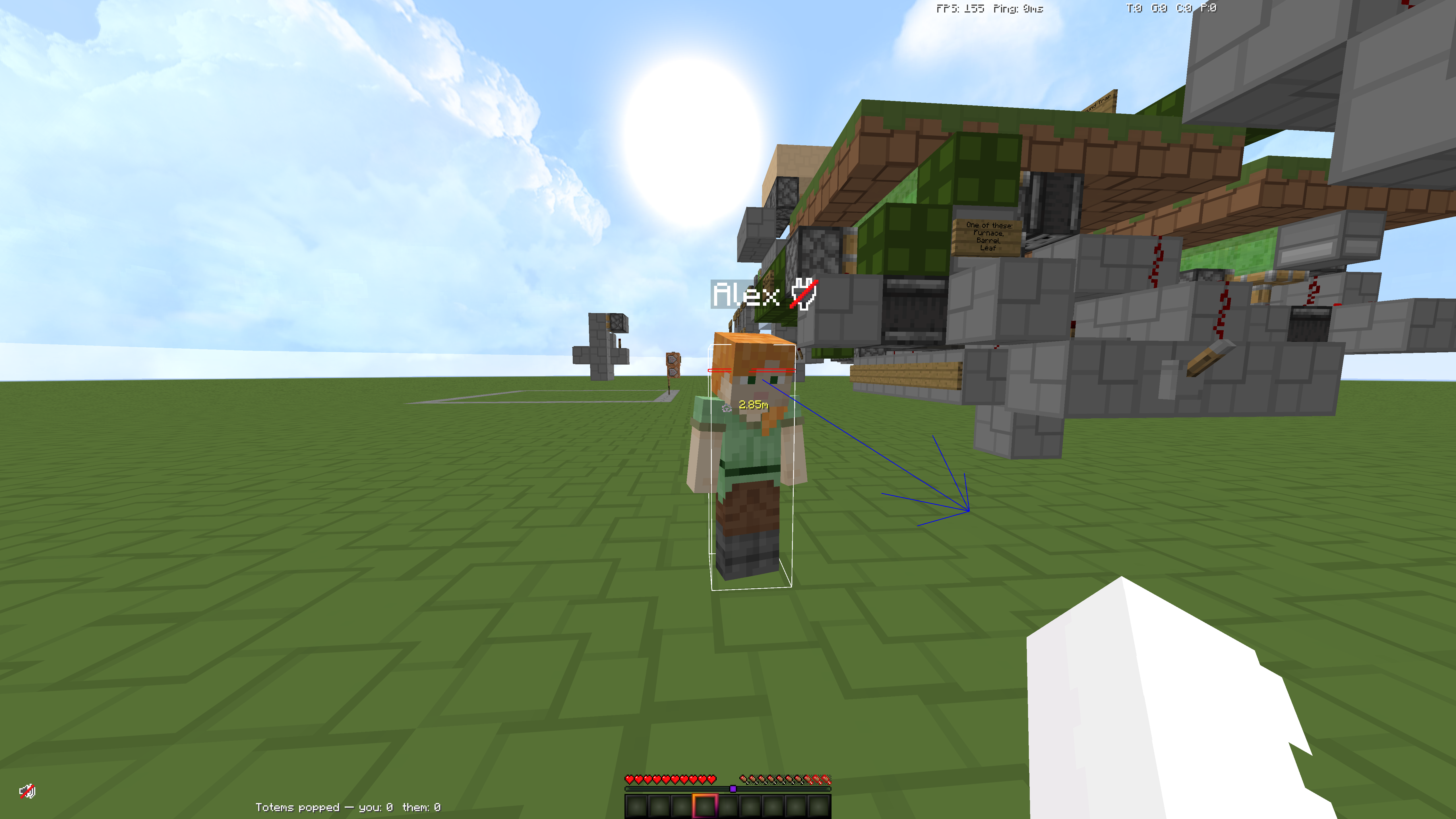 Reach Display Example of the reach display
Versions
Files
Relations
Project Relations
More like this
Similar Mods
Suggestions use data such as tags, dependencies, dependents, descriptions, titles, and more to rank how much they overlap with this mod.
On ModDex
Community snapshot
By the numbers
Statistics

Want to reach Minecraft players?
We're looking for a server hosting partner to feature here and other parts of the site. Interested? Send us a message!
Get in touchGet it on
Available Platforms
On ModDex
Community snapshot
By the numbers
Statistics
Resources