
Snake Game Clientside
No reviews yet
Adds a clientside snake game which you can play if you get bored or are waiting for something.
Features small, self-contained games within Minecraft.
Fabric is a mod loader for versions 1.14+ of Minecraft, particularly popular for client side and optimization mods.
Community voices
Reviews
Click once to include, again to exclude, again to clear
No reviews yet. Be the first to review this project!
Get it on
Available Platforms
 Modrinth
Compatibility
Supported Environments
About
Project Details
For authors
Embed Badge
If you're the author of this project, you can embed a live badge anywhere that supports HTML or Markdown. It updates automatically whenever ratings change.
Use HTML for any page that supports it, or Markdown for README files and Markdown-based descriptions.
Identifiers
Platform IDs
Resources
External Links
About
Description
Adds the classic snake game to Minecraft, which you can play using the /clientsnake command. It is purely clientside and so nice if you are waiting for something or bored.

Has a few persistent settings:
- Speed: The number of milliseconds between snake updates
- Show Pointers: Wether to show the direction of each snake element using the < ^ > and V characters
- Show In Chat: Whether to inform you of your score when you die
- Show Stats: Whether to display your current & highest scores as you play
- Digest: Whether to show the eating animation
To open the game, type the command /clientsnake To move use the 4 arrow keys
For help type /clientsnake help
To set the speed type /clientsnake speed <Value from 20-1000>
The speed is the rate at which the snake game updates, in milliseconds, meaning a speed of 1000 is one update per second, whereas 50 is 20 updates per second. It defaults to 120.
To toggle the other settings use the command /clientsnake , the options will show as suggestions.
To see your highest score use the commmand /clientsnake highscore

Screenshots
Gallery
-
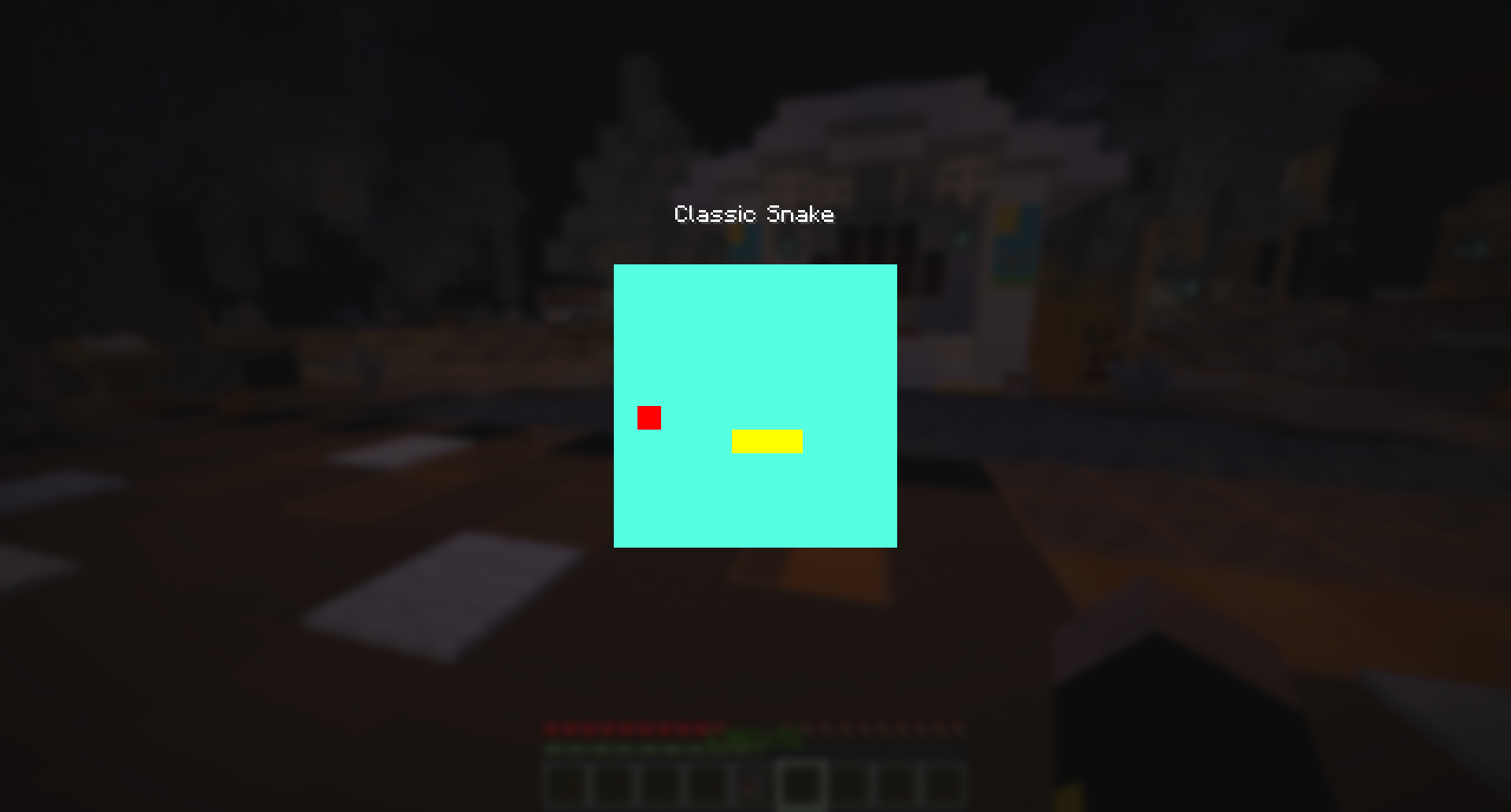 Starting the game
 -
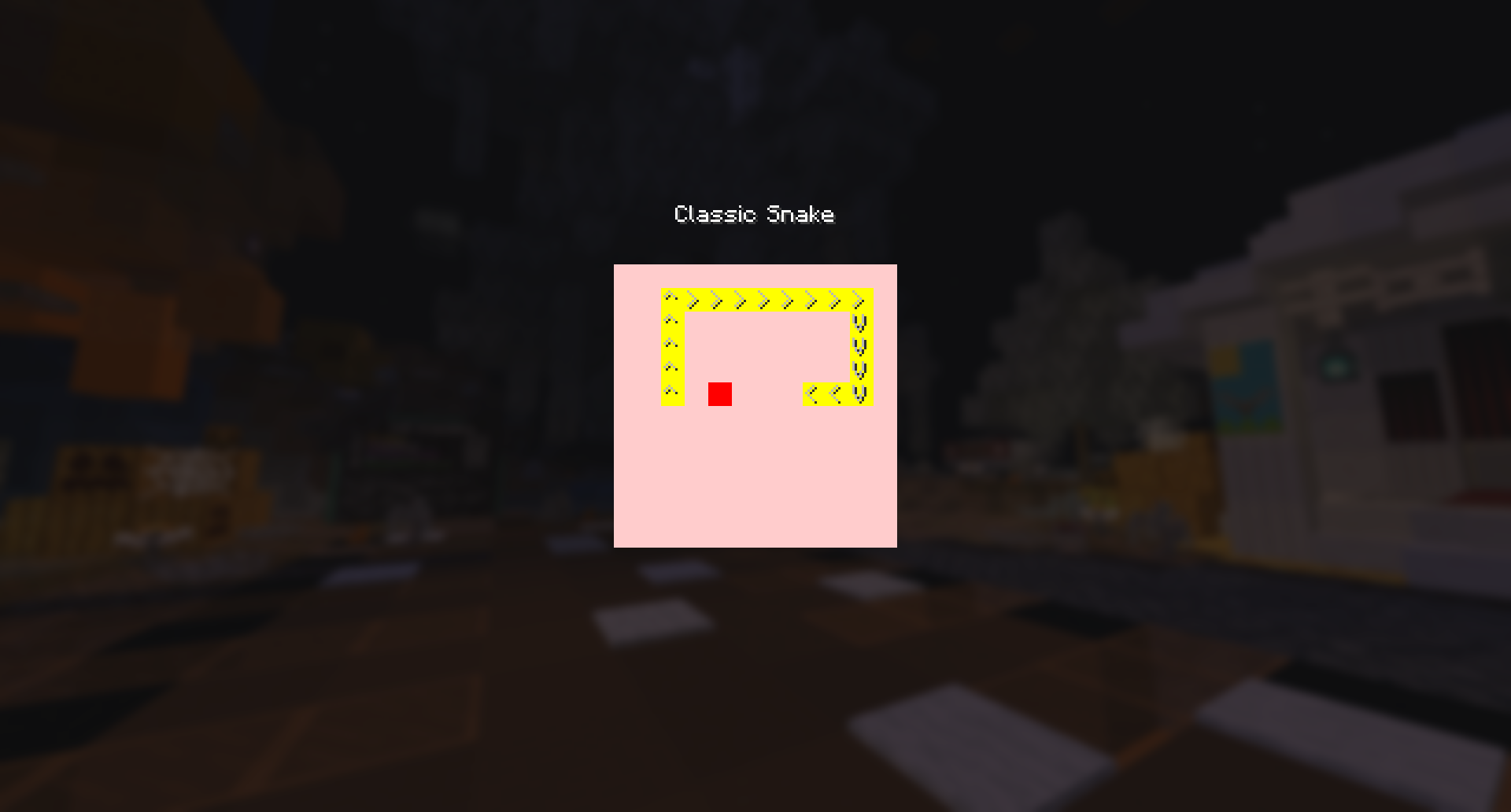 Showing the Pointers Feature
 -
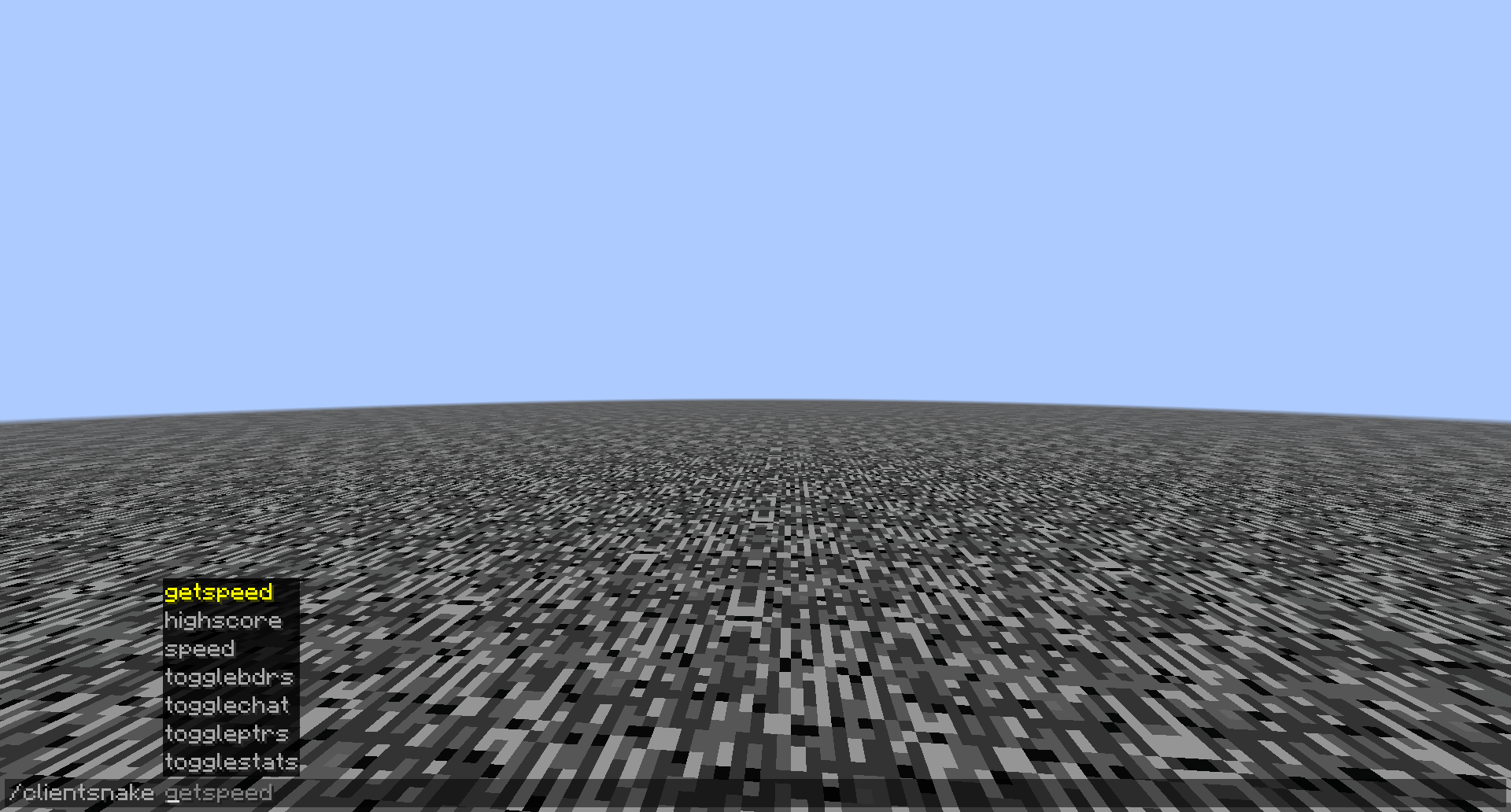 The Command Options
 -
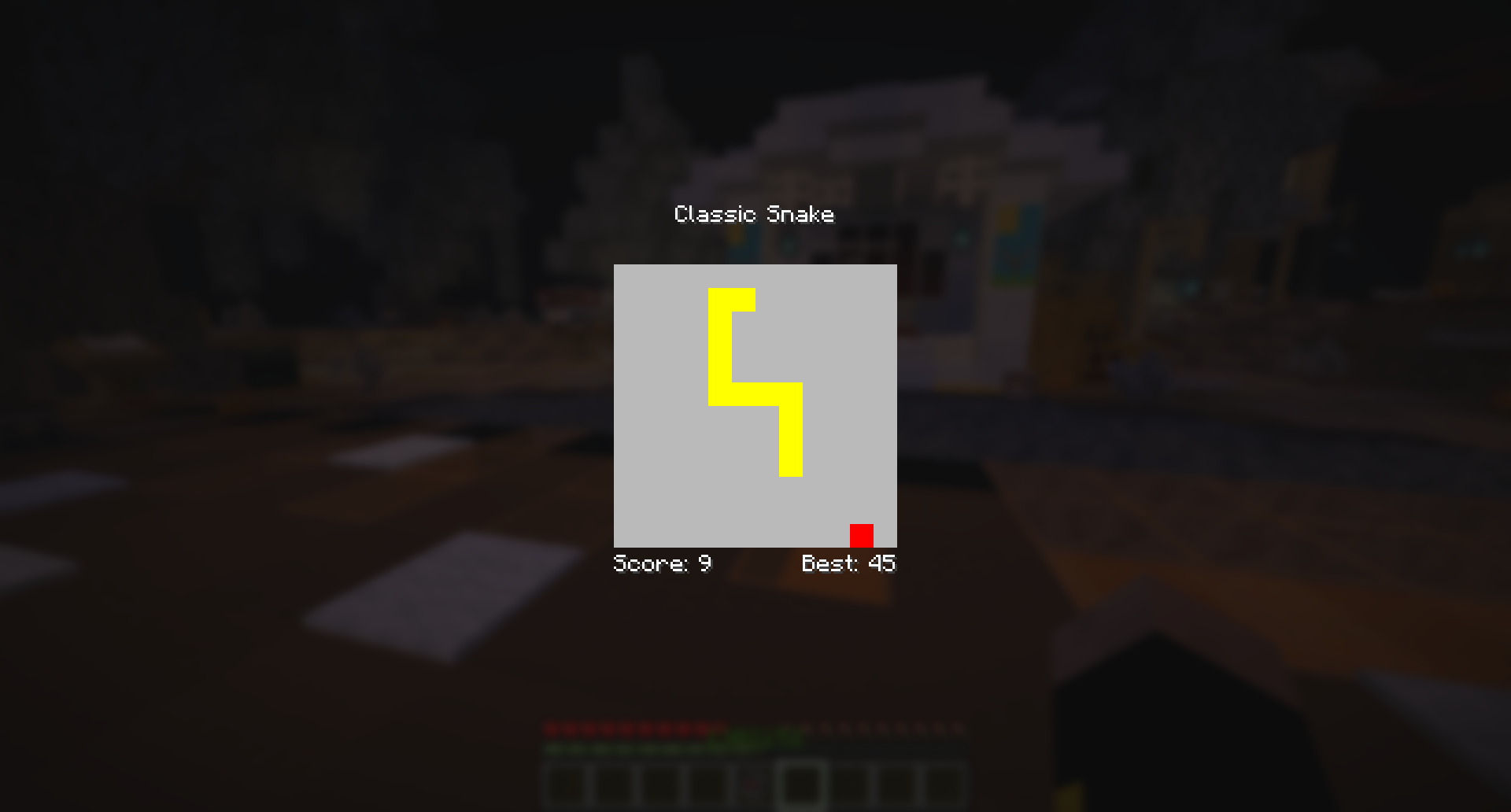 The High Score and Current Score counters
Versions
Files
Relations
Project Relations
More like this
Similar Mods
Suggestions use data such as tags, dependencies, dependents, descriptions, titles, and more to rank how much they overlap with this mod.
On ModDex
Community snapshot
By the numbers
Statistics

Want to reach Minecraft players?
We're looking for a server hosting partner to feature here and other parts of the site. Interested? Send us a message!
Get in touchGet it on
Available Platforms
On ModDex
Community snapshot
By the numbers
Statistics
Resources