Community listing page, reviews here may not be monitored by the author.
special effect text

No reviews yet
You can use this mod to make some special effect texts
Community voices
Reviews
No reviews yet. Be the first to review this project!
Get it on
Available Platforms
About
Project Details
For authors
Embed Badge
If you're the author of this project, you can embed a live badge anywhere that supports HTML or Markdown. It updates automatically whenever ratings change.
Use HTML for any page that supports it, or Markdown for README files and Markdown-based descriptions.
Identifiers
Platform IDs
Resources
External Links
About
Description
Special Effect Text
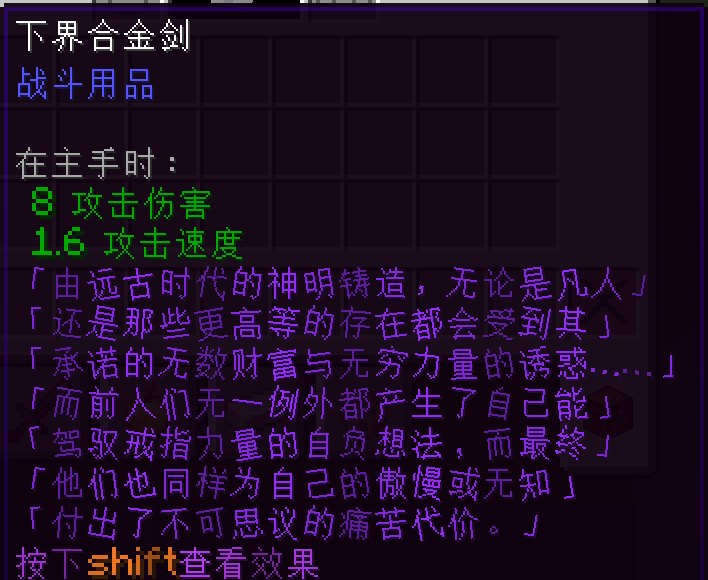
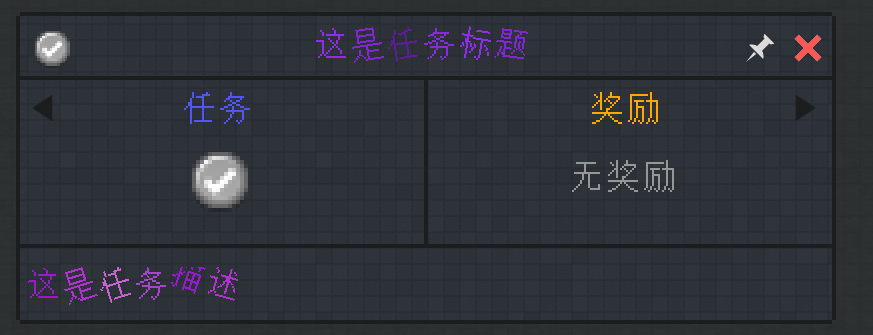
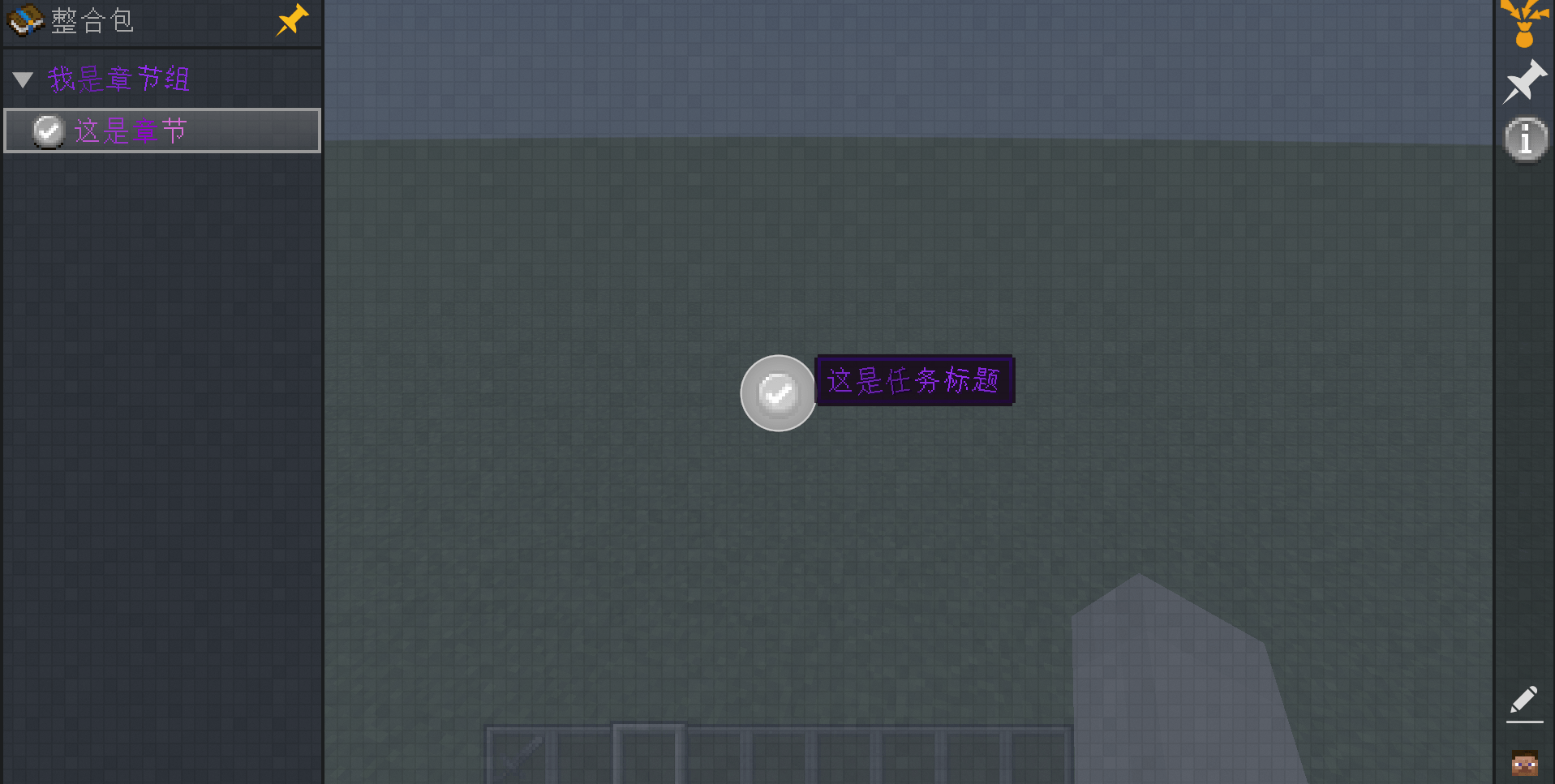
Add dynamic text effects to Minecraft: wave, rotation, color gradient, and image background. Works with tooltips, boss bars, entity names, GUIs, and any text using the vanilla font interface.
This is a client-side mod; in theory, only the client needs to install it.
This mod was created with AI assistance.
Introduction
Special effect text is automatically recognized on the client. Both hardcoded text and translated text resolved from Component.translatable can use it. Text without §{...} renders exactly like vanilla.
KubeJS tooltip strings and Text.of components can be used directly:
ItemEvents.tooltip(event => {
    event.add("cloudy:machine_star", "§{y=sin(x),speed=0.15,range=[0,99999],start=0}Right-click to summon the precursor, source code")
})
Toggling and Reset
§{...} starts the effect from that position, and §r turns it off. The markers themselves are not displayed.
§{y=sin(x),speed=0.15,range=[0,6],start=0}Wavy text§r Normal text
x is measured in characters per row, starting from start + 0. speed is the phase increment every 50 ms (about 1 tick); it can be negative to move the phase in the opposite direction. When effect text is displayed for the first time, an independent client-side playback clock is created. After that, it is calculated every frame based on the client's local clock and does not depend on world or server ticks. If the text stops being displayed for more than about half a second and then appears again, it restarts from time 0. When range is present, a looping range is used. Positive y moves the character upward, and positive rotation angle is handled clockwise. If an expression is invalid or evaluates to a non-finite value, the character returns to its default position.
Expressions support x, pi, e, addition, subtraction, multiplication, division, modulo, exponentiation, parentheses, and the functions sin, cos, tan, asin, acos, atan, sqrt, abs, radical, floor, ceil, round, exp, log, log10, min, max, atan2, pow, clamp, lerp.
pow(m,n) is m raised to the power of n, abs(m) is the absolute value, and radical(m,n) is the n-th root of m. radical supports odd integer roots for negative numbers. If the result is not a real number, the character returns to its default position.
Piecewise Functions
Use if(condition, value-if-true, value-if-false). Comparison operators supported: <, <=, >, >=, ==, !=. Comparison results are 1 or 0. if can be nested indefinitely to create piecewise functions:
§{y=if(x<3,sin(x),if(x<6,0.5,-sin(x))),speed=0.15,range=[0,9],start=0}Piecewise swing§r
In the example above, sin(x) is used when x<3, a constant 0.5 when 3<=x<6, and -sin(x) when x>=6. Conditional branches are lazily evaluated; only the selected branch is computed. The alias piecewise(condition, true-value, false-value) can also be used.
Swing and Rotation
§{y=sin(x*0.8)*0.35,speed=0.2,range=[0,6],start=0}Swing§r
§{angle=sin(x)*20,speed=0.1,range=[0,6],start=0}Rotation§r
The unit of y is the font line height. angle is automatically normalized to 0–360 degrees. The two can be fused:
§{§{y=sin(x)*0.3,speed=0.2,range=[0,6],start=0}&&§{angle=sin(x)*15,speed=0.2,range=[0,6],start=0}}Fused text§r
Color Gradient
§{color=[#ff3030,#ffe066,#40d9ff],speed=1}Gradient text§r
Colors cycle smoothly through the list. speed=0 stops the flow. Color gradient and image background cannot be active at the same time; when both appear in the same fused marker, the image background takes priority.
Image Background
§{a=x*16,b=0,speed=1,range=[0,4],start=0,background='minecraft:textures/block/stone.png',size=16}Image background§r
a and b are the top-left corner of the image sampling area in image pixels. size is the side length of the sampling square. If the sampling area goes beyond the image boundary, it wraps around to the other side. The background transforms along with the character's swing and rotation.
Where It Works
The effect rendering hooks into Minecraft's Font, so it covers GUIs, tooltips, boss bars, entity names, and other text that uses the vanilla font interface. Expressions are evaluated on the client every frame; the server only needs to send text containing these characters normally.
Screenshots
Gallery
-
 3073154145BF9D6FAF0DBE50970B773B.png 3073154145BF9D6FAF0DBE50970B773B.png
 -
 24FD1021417550EA98516ADBFC6C38BB.png 24FD1021417550EA98516ADBFC6C38BB.png
 -
 3A31D98956931D800CF8445F05CF580E.png 3A31D98956931D800CF8445F05CF580E.png
 -
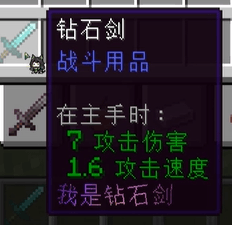 å±å¹æªå¾ 2026-09-03 224835.png å±å¹æªå¾ 2026-09-03 224835.png
Versions
Files
Relations
Project Relations
More like this
Similar Mods
Suggestions use data such as tags, dependencies, dependents, descriptions, titles, and more to rank how much they overlap with this mod.
On ModDex
Community snapshot
By the numbers
Statistics
Want to reach Minecraft players?
We're looking for a server hosting partner to feature here and other parts of the site. Interested? Send us a message!
Get in touchGet it on
Available Platforms
On ModDex
Community snapshot
By the numbers
Statistics
Resources