
Community listing page, reviews here may not be monitored by the author.

Community voices
Reviews
No reviews yet. Be the first to review this project!
Get it on
Available Platforms
Compatibility
Supported Environments
Runs entirely on the client. Works on vanilla servers.
About
Project Details
For authors
Embed Badge
If you're the author of this project, you can embed a live badge anywhere that supports HTML or Markdown. It updates automatically whenever ratings change.
Use HTML for any page that supports it, or Markdown for README files and Markdown-based descriptions.
Identifiers
Platform IDs
Resources
External Links
About
Description
🎵 SpotiHUD
A sleek, highly customizable music overlay & controller for Minecraft!
SpotiHUD brings your favorite tunes directly into your Minecraft world. Say goodbye to constantly Alt-Tabbing just to see what song is playing or to skip a track. Whether you are jamming to your personal Spotify playlists or vibing to the native Minecraft soundtrack, SpotiHUD beautifully displays your music on a modern, customizable HUD right on your screen.
✨ Key Features
- 🎧 Full Spotify Integration: Connect your Spotify account to see live album art, track names, and artist info update in real-time as you listen.
- 🎹 Minecraft Native Music Support: Not using Spotify? SpotiHUD natively detects when the game plays built-in music (like C418 or Lena Raine) and beautifully displays it on the HUD.
- 🎮 In-Game Media Controls: Pause, play, skip, or go back to the previous track using fully customizable Minecraft keybinds.
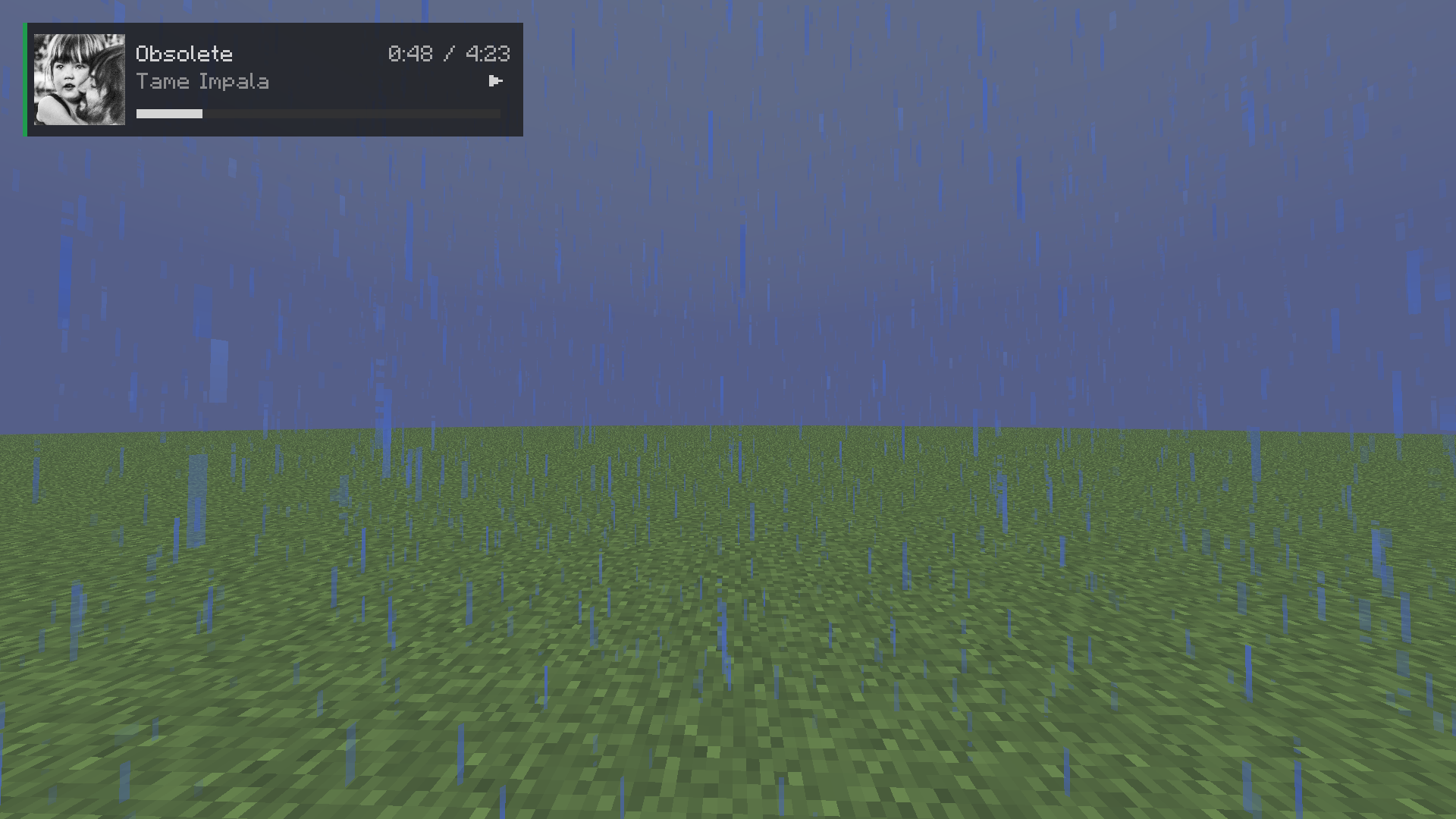
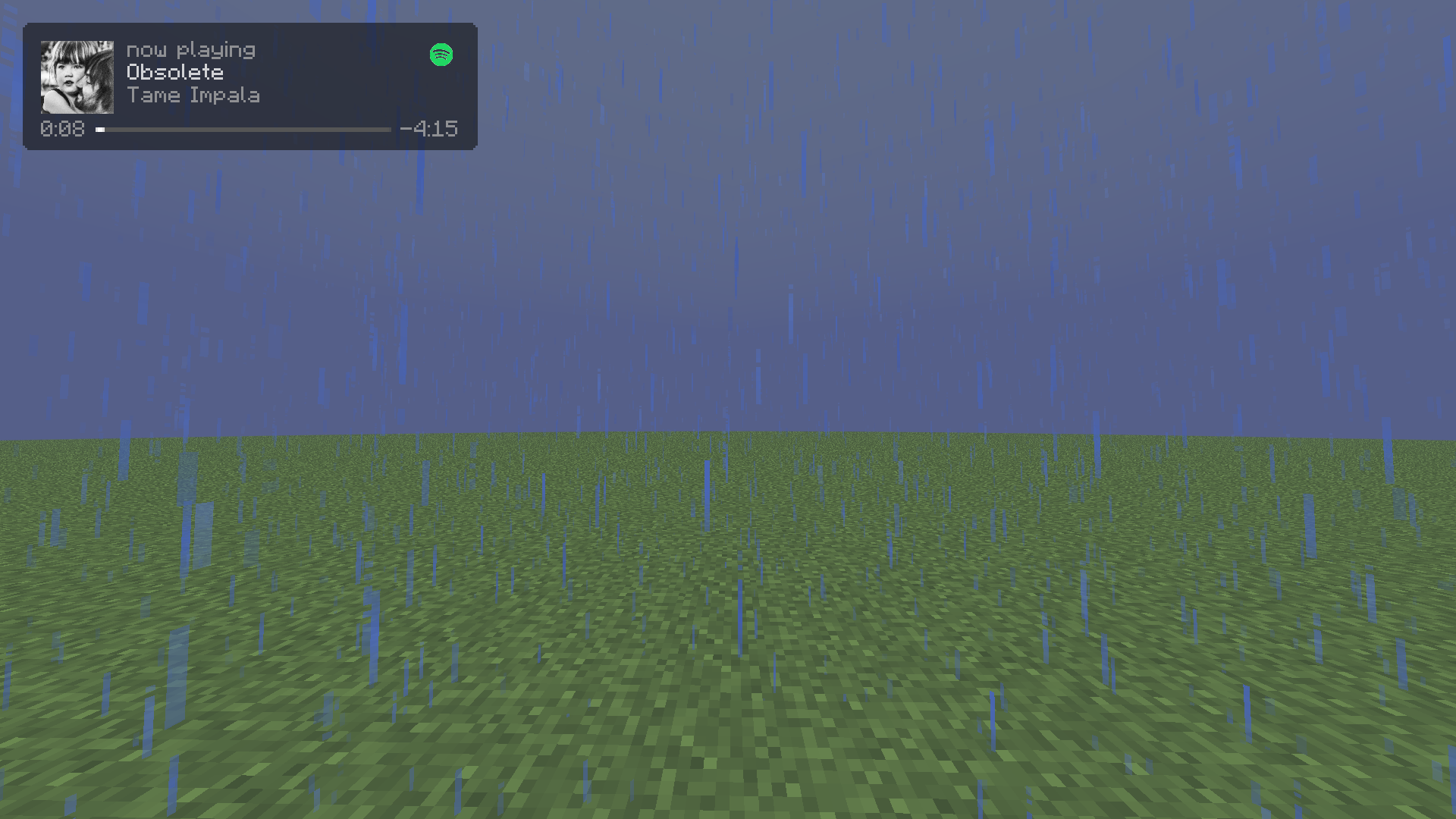
- 🎨 Premium UI Styles: Choose between two custom-designed aesthetics:
- Compact: A clean, minimalistic text-based player that stays out of your way.
- Liquid Glass: A modern, frosted glass background with rounded corners and high-res album art.
- ✨ Interactive Setup Wizard: A gorgeous, user-friendly setup wizard will greet you on your first launch to easily authenticate your Spotify account and pick your favorite HUD style.
⚙️ Ultimate Customization
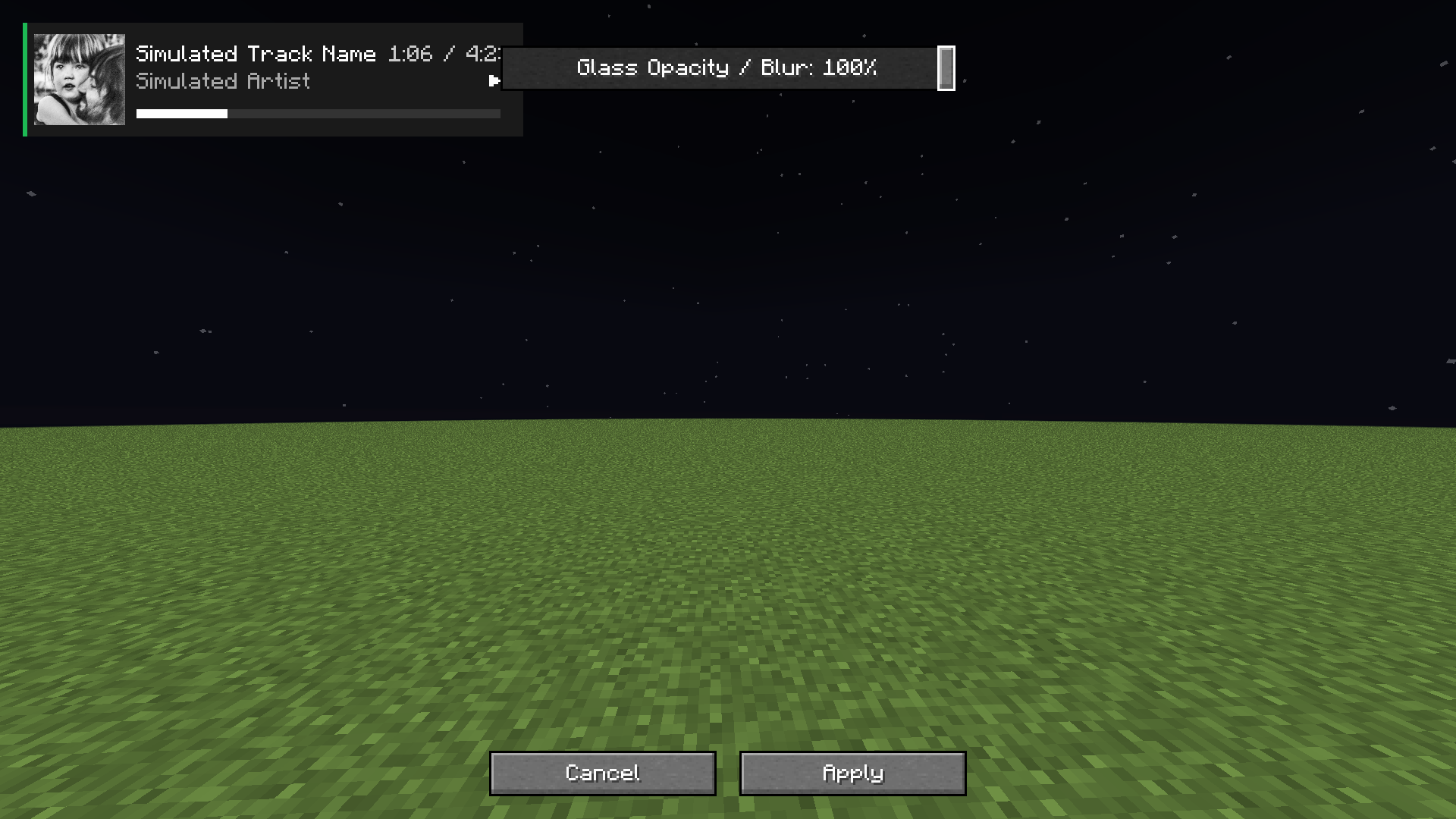
Your HUD, your rules. SpotiHUD features a fully interactive visual editor:
- Drag & Drop: Simply click and drag the HUD anywhere on your screen.
- Scale & Resize: Adjust the size to fit your specific GUI scale.
- Glass Opacity & Blur: Use a buttery smooth slider to precisely adjust the transparency of the frosted glass background without hiding your text.
- Toggle Information: Don't want to see the album art? Want to hide the progress bar? Everything can be toggled via the ModMenu settings!
📖 How to Setup Spotify (One-Time Setup)
Because SpotiHUD connects to your personal Spotify account securely, you'll need to provide it with a free "Developer App" key so it can read what you're listening to. The Setup Wizard walks you through this, but here is the process:
- Go to the Spotify Developer Dashboard and log in.
- Click "Create app".
- Name it
SpotiHUD(or anything you like) and set the Redirect URI exactly to:http://localhost:8080/callback. - Once created, click on Settings to find your Client ID and Client Secret.
- Launch Minecraft, and when the SpotiHUD Setup Wizard asks, paste both codes in.
- The mod will automatically open a browser window for you to click "Agree". Done!
📦 Requirements & Dependencies
To run SpotiHUD, you will need the following installed in your mods folder:
- Fabric API
- ModMenu (Required to access the settings configuration screen)
- Cloth Config API (Required for rendering the settings menu)
Made with ❤️ by RoyalKala
Screenshots
Gallery
Versions
Files
Relations
Project Relations
More like this
Similar Mods
Suggestions use data such as tags, dependencies, dependents, descriptions, titles, and more to rank how much they overlap with this mod.
On ModDex
Community snapshot
By the numbers
Statistics

Want to reach Minecraft players?
We're looking for a server hosting partner to feature here and other parts of the site. Interested? Send us a message!
Get in touchGet it on
Available Platforms
On ModDex
Community snapshot
By the numbers
Statistics
Resources