
Community listing page, reviews here may not be monitored by the author.
SquareMarkers

No reviews yet
A Fabric mod to easily show markers, areas and claims on squaremap.
Community voices
Reviews
No reviews yet. Be the first to review this project!
Get it on
Available Platforms
About
Project Details
For authors
Embed Badge
If you're the author of this project, you can embed a live badge anywhere that supports HTML or Markdown. It updates automatically whenever ratings change.
Use HTML for any page that supports it, or Markdown for README files and Markdown-based descriptions.
Identifiers
Platform IDs
About
Description
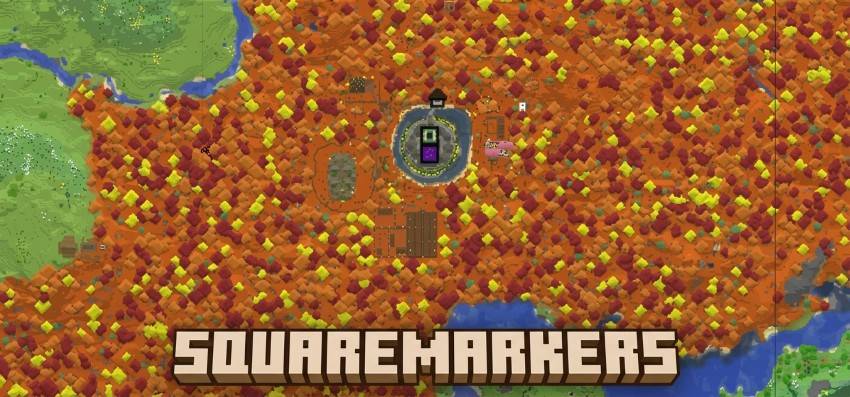
SquareMarkers
Automatically display useful points of interest on your server's squaremap without requiring players to
run commands.
SquareMarkers is a server-side, Fabric-only port of Pl3xMarkers, adapted to use the squaremap API.
Players do not need to install SquareMarkers on their clients.
You can check out the mod on this website: http://play.swordfishbe.eu:8080
Features
SquareMarkers can display:
- Player-created area markers
- Nether portals
- End portals
- End gateways
- Lightning strikes
- Active beacons
- Lodestone sign markers
- Cross-dimensional players
- Open Parties and Claims claimed areas
Markers are automatically added, updated, and removed when the corresponding
object changes in the Minecraft world.
All marker types can be enabled, disabled, and configured individually.
Optional integrations
Open Parties and Claims
Open Parties and Claims is completely optional. SquareMarkers works normally
when it is not installed.
Player-created areas
Players can create named areas without using commands.
- Create one banner for every corner of the area.
- Make sure all banners use the same base color.
- Give every banner exactly the same name using an anvil.
- Place a lodestone at each corner.
- Place one of the named banners directly on top of every lodestone.
- The area will automatically appear on squaremap.
Area behavior:
- The placement order does not matter.
- Only the outermost points are used to draw the area.
- Points inside the outer boundary are ignored when calculating its shape.
- Points can be added or removed at any time.
- Two aligned points create a circle.
- Two non-aligned points create a rectangle.
- Three or more points create an automatically calculated outer boundary.
- The default maximum area size is 512 blocks and can be changed in the
configuration.
The banner name and base color identify which points belong to the same area.
Nether portal markers
Travel through a Nether portal to register it automatically.
When portal renaming is enabled, a renamed name tag can be used on a portal to
give its marker a custom name.
Portal popups include a button for navigating to the corresponding Overworld or
Nether coordinates on squaremap.
Beacon markers
Beacon markers are created automatically after a placed beacon becomes active.
The marker is removed when the beacon is destroyed.
Sign markers
- Place a lodestone.
- Place a sign directly on top of it.
- Add text to the sign.
- The sign and its text will appear on squaremap.
Editing the sign updates its marker. Removing the sign or lodestone removes the
marker.
End portals and gateways
End portals and End gateways are detected automatically and displayed on the
map.
No commands or manual configuration are required.
Lightning markers
Lightning strikes are temporarily displayed on squaremap.
The marker lifetime can be configured in seconds.
Cross-dimensional players
SquareMarkers can show:
- Players in the Nether on the Overworld map
- Players in the Overworld on the Nether map
Coordinates are automatically converted using the standard 8:1
Overworld-to-Nether scale.
Spectators, invisible players, and players hidden through squaremap are not
displayed.
Open Parties and Claims
When Open Parties and Claims is installed, claimed chunks are automatically
combined into colored claim areas.
Claim markers update when chunks are claimed, unclaimed, or changed. Claim
names and colors are taken from Open Parties and Claims.
This integration can be disabled independently in the SquareMarkers
configuration.
Configuration
The configuration file is generated at: config/squaremarkers/config.yml
Available settings include:
- Enable or disable individual marker types
- Layer priorities
- Area size limits
- Area entry messages
- Feedback messages and sounds
- Always-visible hover labels
- Sign text formatting
- Nether portal renaming
- Lightning marker lifetime
- Cross-dimensional player visibility
- Open Parties and Claims integration
Reload the configuration and all marker layers with: /squaremarkers reload
The command can be used from the server console or by a player with gamemaster
command permissions.
Custom area formatting
Area names support a limited and sanitized selection of HTML:
<b>Bold</b>
<i>Italic</i>
<u>Underlined</u>
<br>
<span style="color: #RRGGBB;">Colored text</span>
Unsafe HTML and scripts are escaped before being sent to the web map.
Data storage
Marker data is stored per world in JSON files below: config/squaremarkers/
Data is written using UTF-8 and atomic file replacement where supported.
If a marker file contains invalid JSON, SquareMarkers preserves it as a
`.broken-<timestamp>` backup instead of preventing the server from starting.
Credits
SquareMarkers is based on Pl3xMarkers by Gjorgdy.
squaremap is developed by jpenilla and its contributors.
Screenshots
Gallery
-
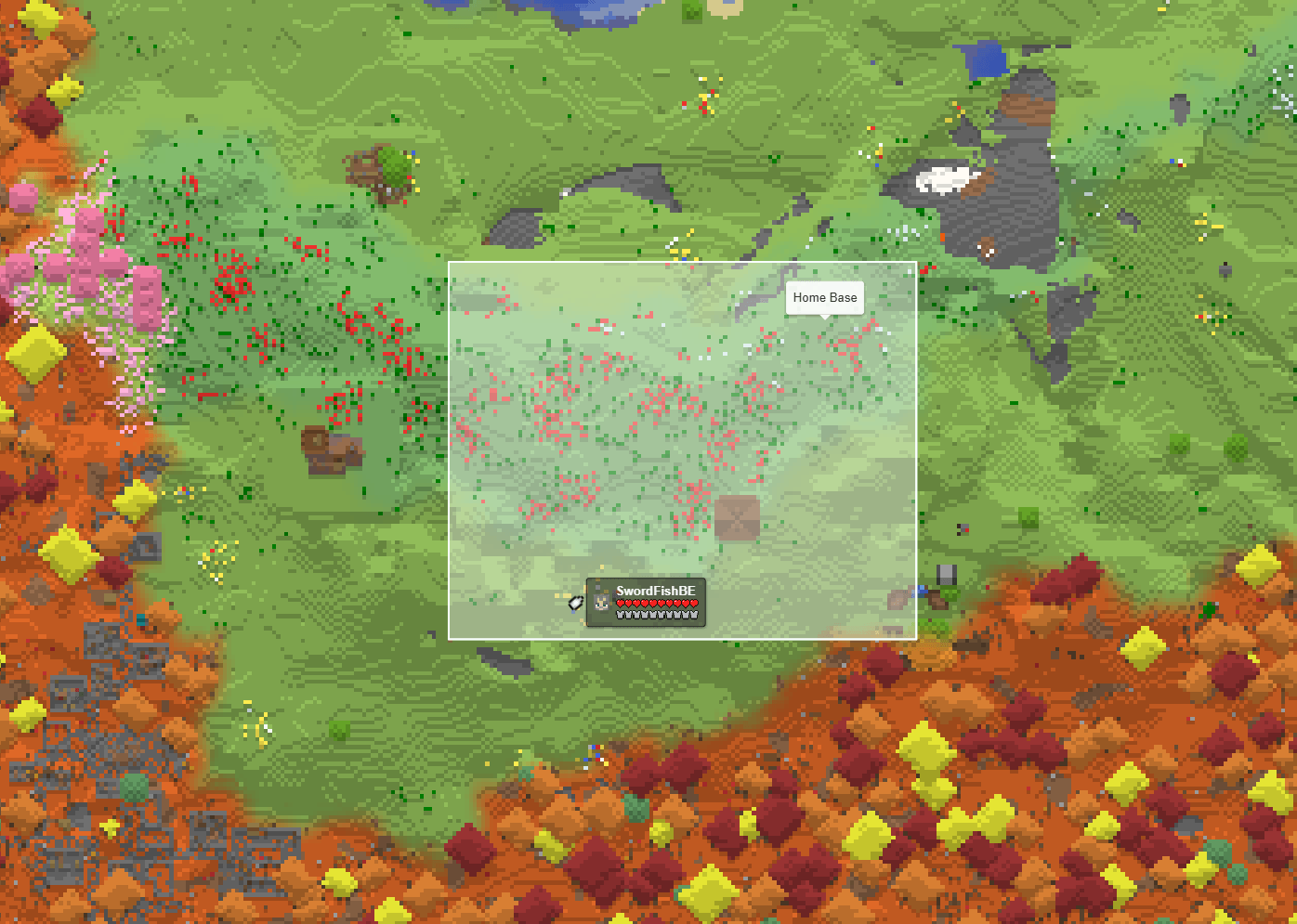 SquareMarkers - Lodestone Banners An area marked with 2 lodestone + named banners
 -
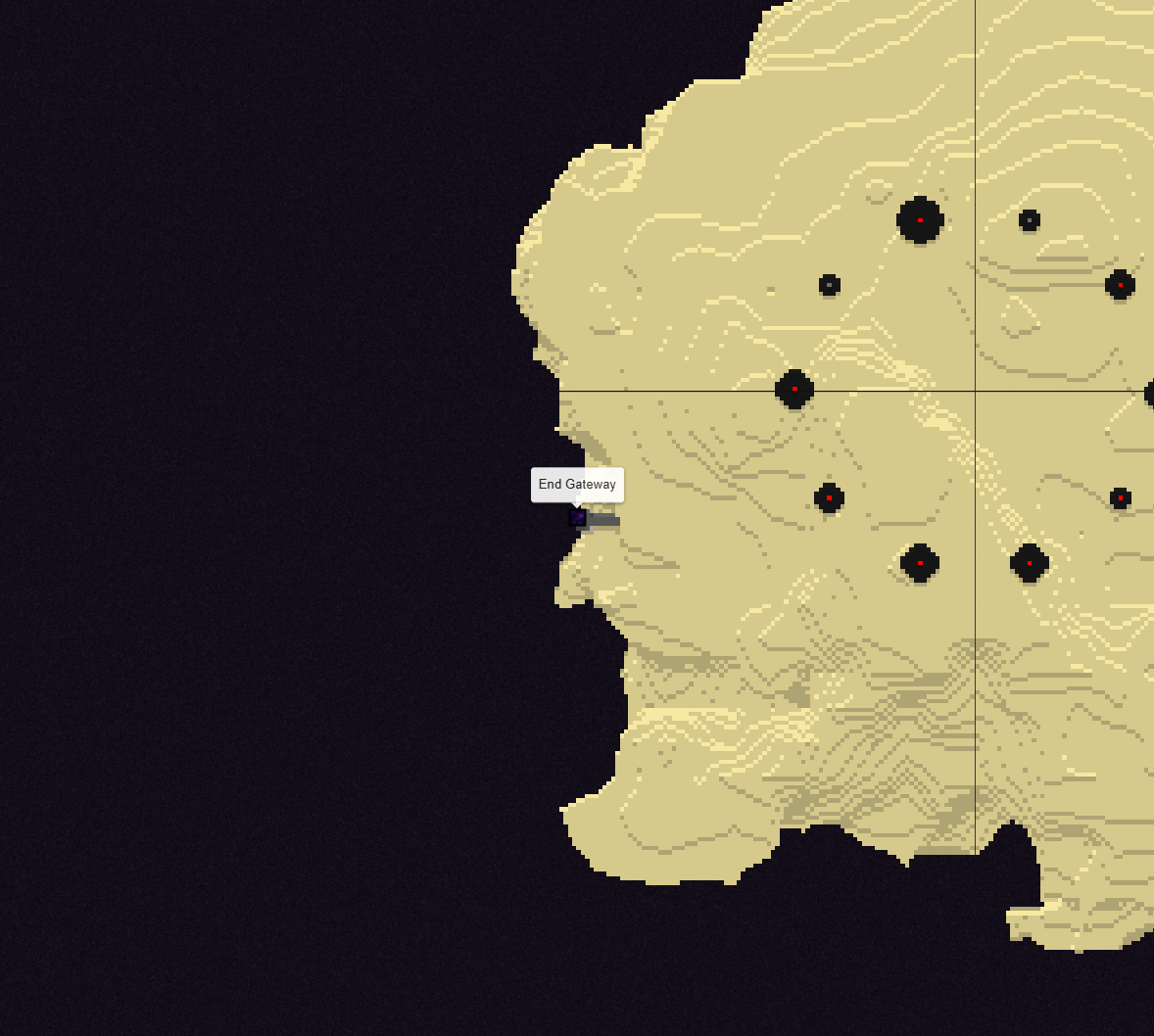 SquareMarkers - The End Portal an end portal marker in The End
 -
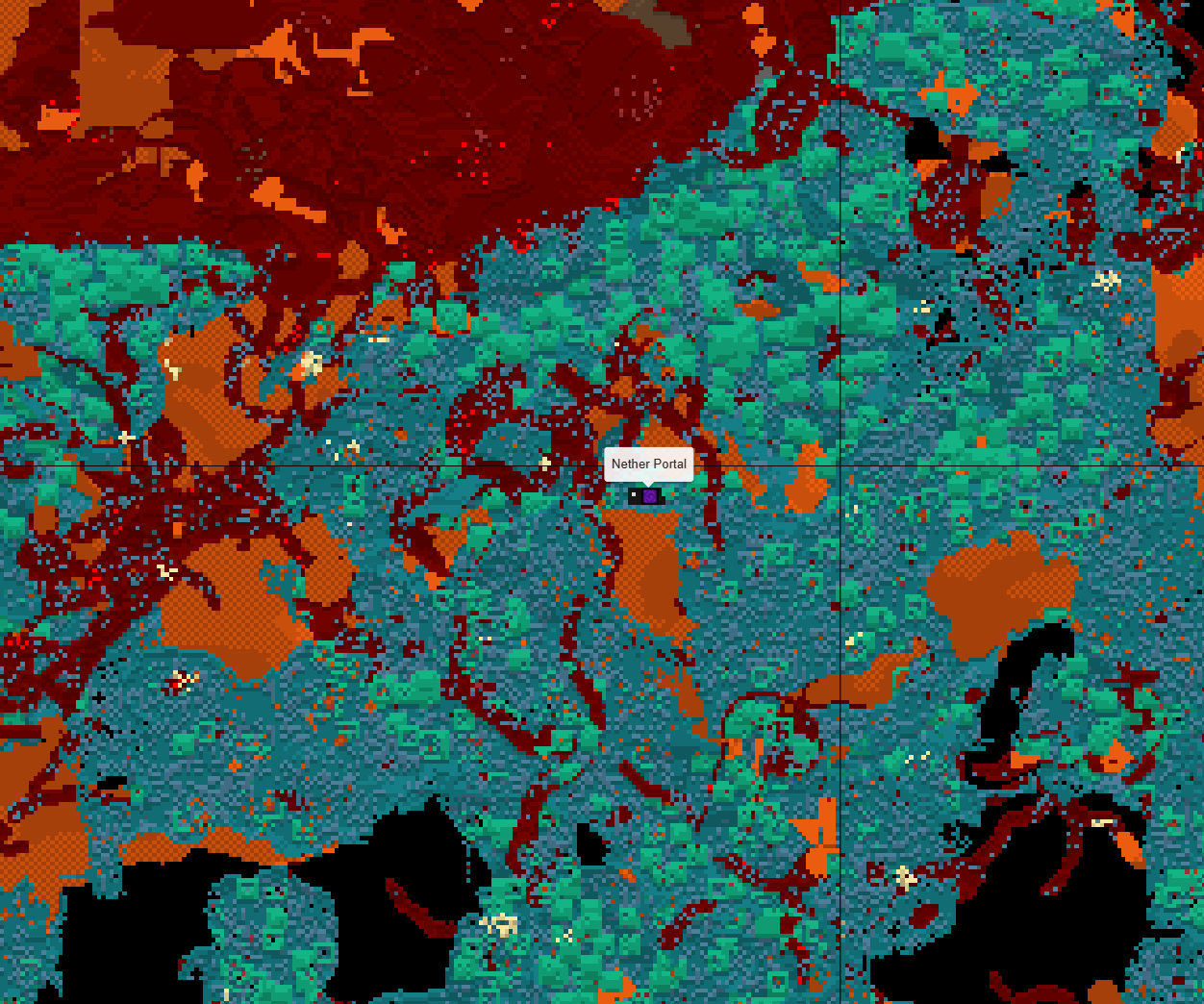 SquareMarkers - Nether Portal a nether portal marker in the nether.
 -
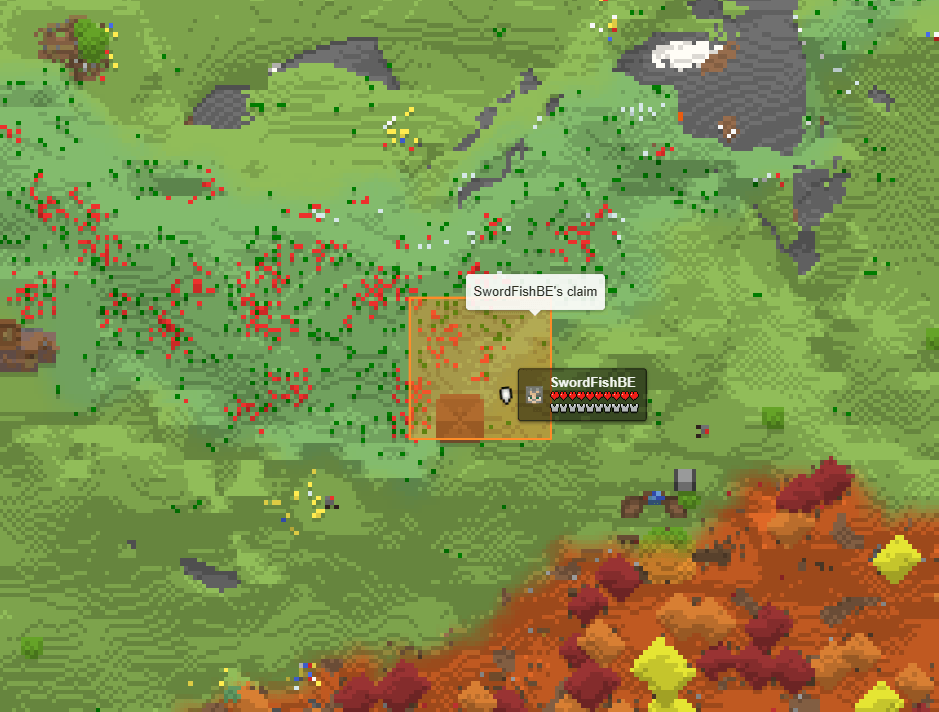 SquareMarkers - OPAC Open Parties and Claims claimed chunks automaticly show up.
 -
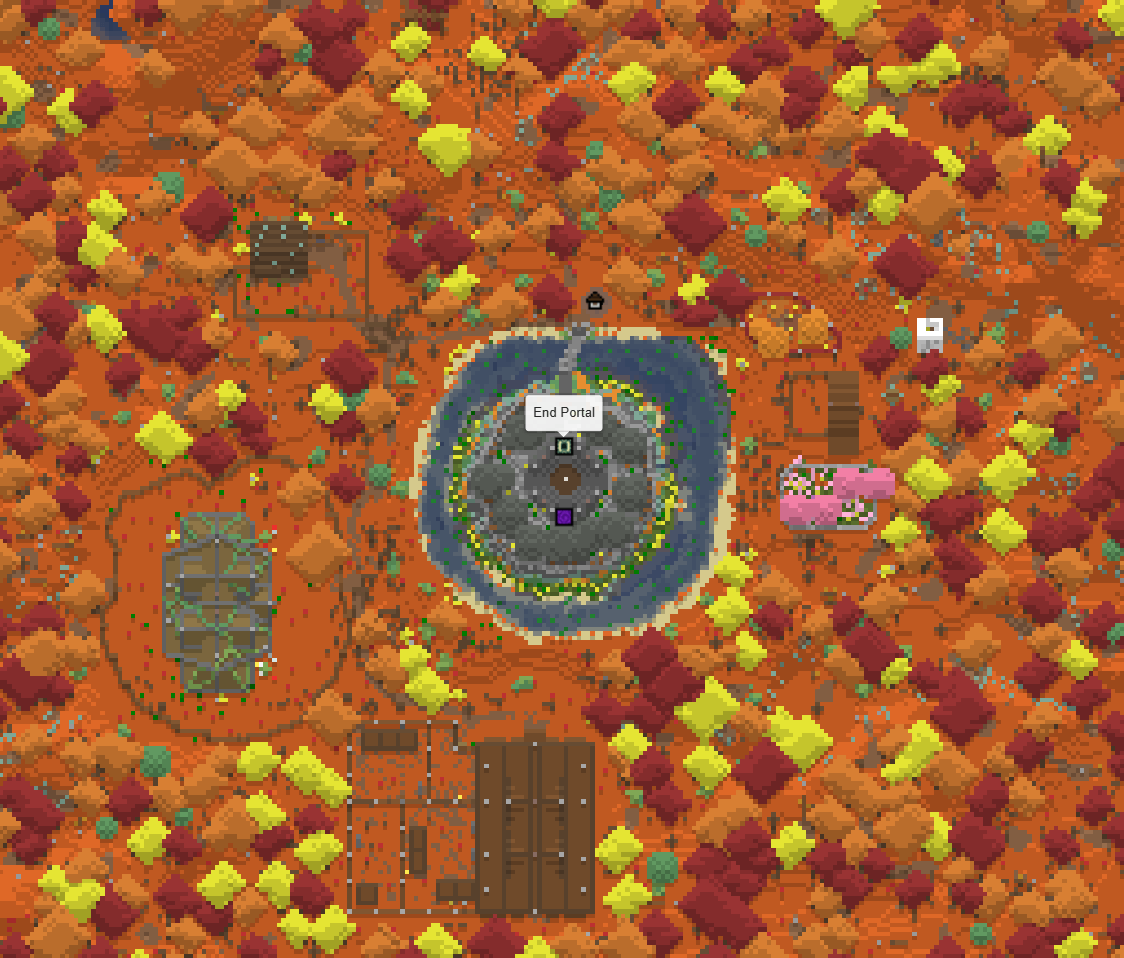 SquareMarkers - Markers End Portals, Nether Portals, Beacons,... can all be shown on the map.
 -
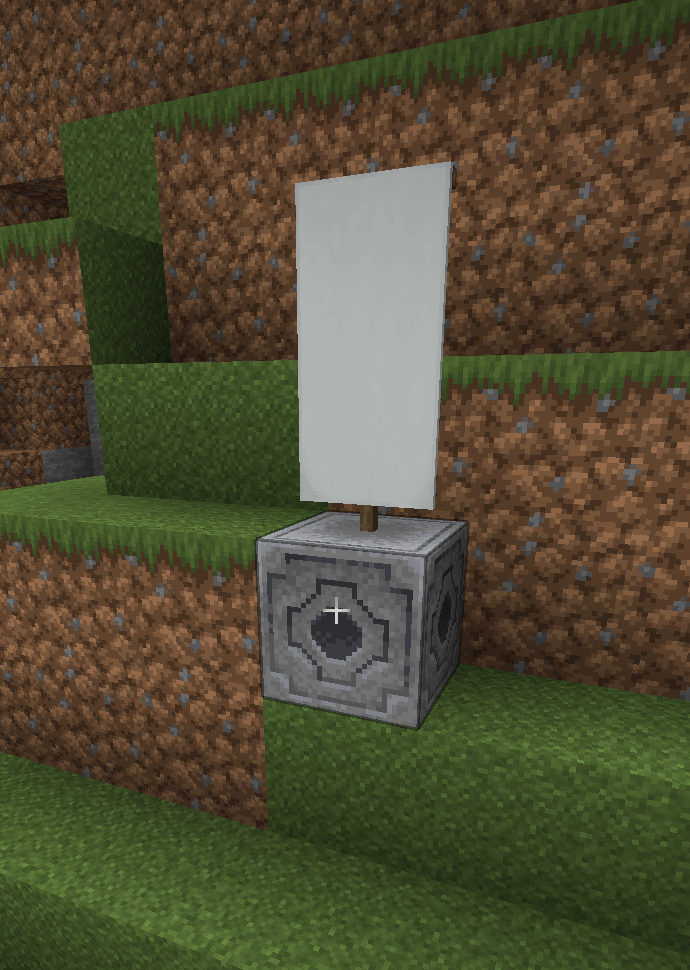 SquareMarkers - Lodestone Banner A lodestone + name banner
 -
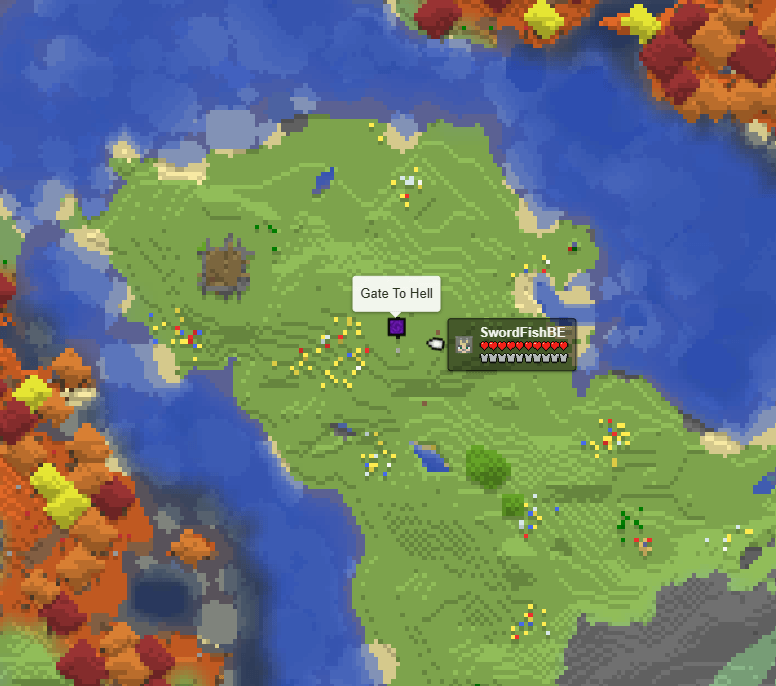 SquareMarkers - Named Nether Portal Naming the nether portal using a nametag.
 -
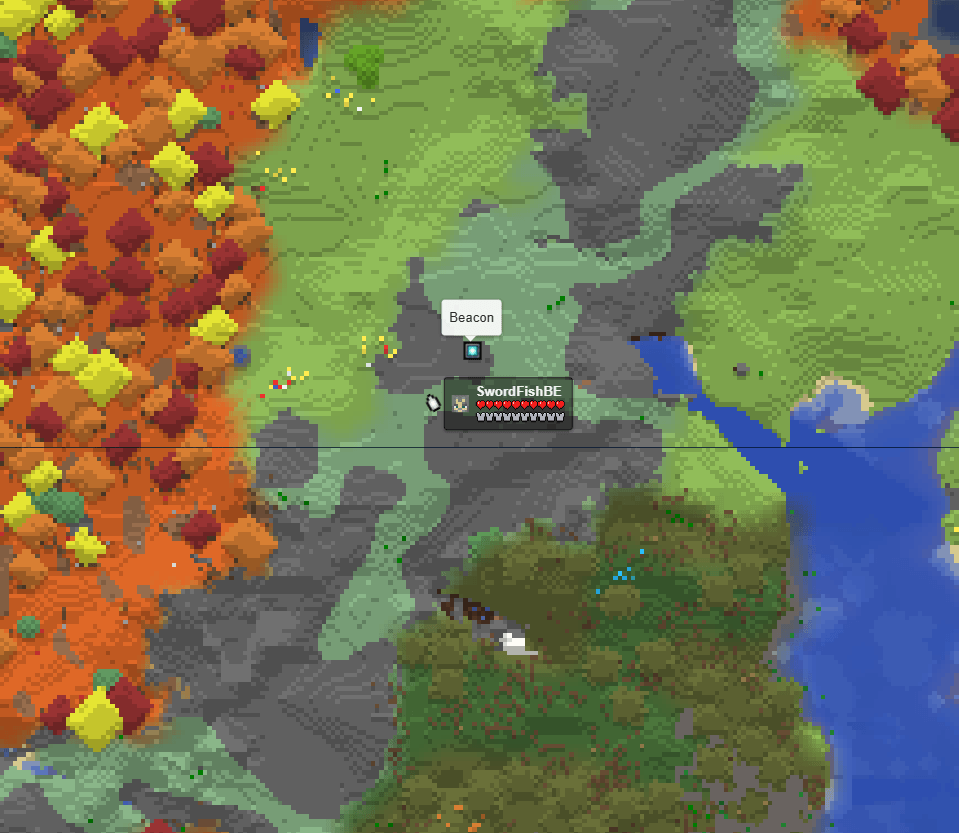 SquareMarkers - Beacon Beacon marker
 -
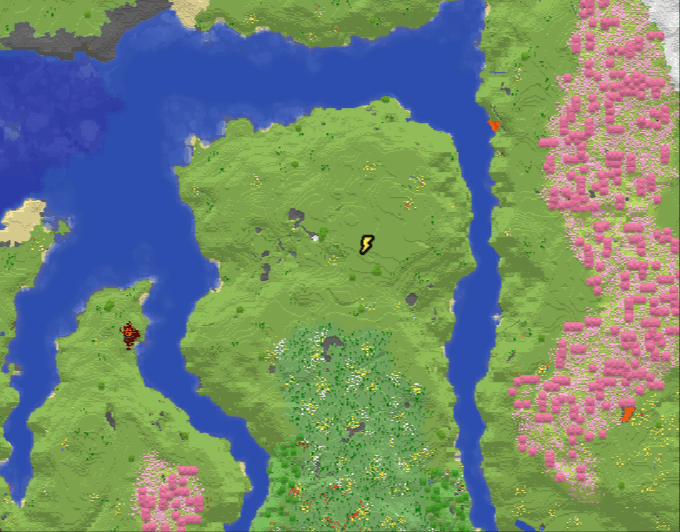 SquareMarkers - Lightning Strike A lighting strike, shown on the map.
Versions
Files
Relations
Project Relations
More like this
Similar Mods
Suggestions use data such as tags, dependencies, dependents, descriptions, titles, and more to rank how much they overlap with this mod.
On ModDex
Community snapshot
By the numbers
Statistics
Want to reach Minecraft players?
We're looking for a server hosting partner to feature here and other parts of the site. Interested? Send us a message!
Get in touchGet it on
Available Platforms
On ModDex
Community snapshot
By the numbers