
Community listing page, reviews here may not be monitored by the author.

Community voices
Reviews
No reviews yet. Be the first to review this project!
Get it on
Available Platforms
Compatibility
Supported Environments
Runs entirely on the client. Works on vanilla servers.
About
Project Details
For authors
Embed Badge
If you're the author of this project, you can embed a live badge anywhere that supports HTML or Markdown. It updates automatically whenever ratings change.
Use HTML for any page that supports it, or Markdown for README files and Markdown-based descriptions.
Identifiers
Platform IDs
About
Description
ScreenshotToClipboard
A client-side MOD for Minecraft 1.21.11 / Fabric.
When you take a screenshot (F2), the saved image is automatically copied to your OS clipboard. Works on Windows / macOS / Linux.
Features
-
Automatically copies screenshots to the clipboard just by taking them
-
Multi-language support: Japanese / English
-
Toggle notification message on/off (Default: OFF)
- If ModMenu + Cloth Config are installed, you can open the settings screen from ModMenu
- Even without them, you can change the setting by editing
config/screenshottoclipboard.json
Supported Environment
- Minecraft: 1.21.11
- Mod Loader: Fabric
- Supported OS: Windows / macOS / Linux
How to Use
- Install the mod and launch the game
- Press F2 to take a screenshot
- The image is copied to your clipboard, so you can immediately paste it into Discord / Twitter / image editing software, etc.
Configuration
Using ModMenu
- Open ScreenshotToClipboard from the Mod list in ModMenu and change the settings from the configuration screen.
Editing the JSON Directly
config/screenshottoclipboard.json
showMessage: Whether to display a chat notification after copying the screenshot (true/false)
Example:
{
  "showMessage": true
}
About Linux (Important)
On Linux, external tools may be required for clipboard integration depending on your environment.
- Wayland:
wl-copy(package:wl-clipboard) - X11:
xclip
If neither is installed, copying may fail depending on your setup.
For Developers
Build
./gradlew build
Output:
build/libs/ScreenshotToClipboard-<version>.jar
How It Works (Overview)
- Hooks into the internal processing of
ScreenshotRecorderusing Mixin - Loads the saved PNG on a background thread and sends it to the OS clipboard
License
MIT
Screenshots
Gallery
-
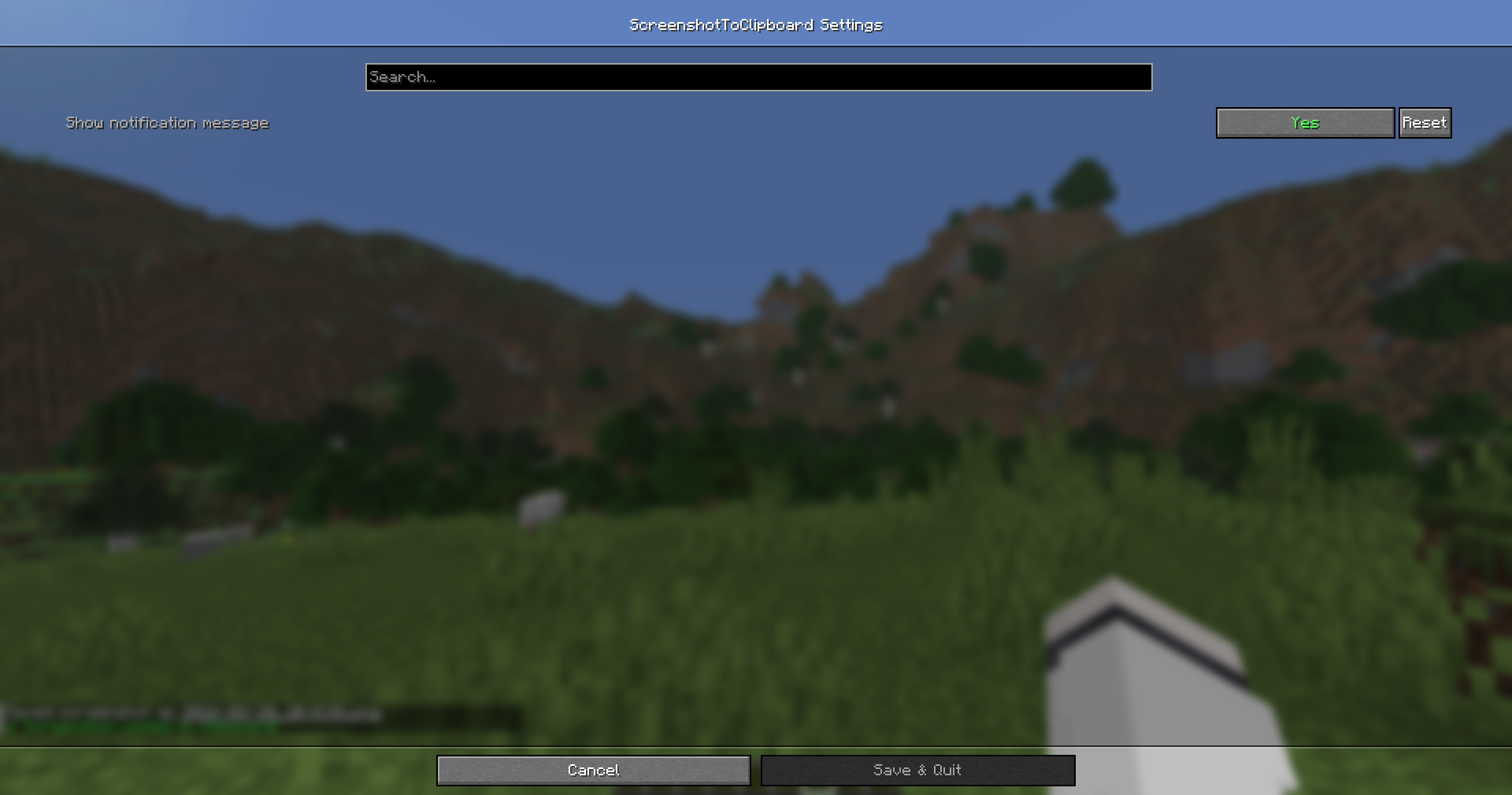 Settings Screen Required: ModMenu ClothConfig
 -
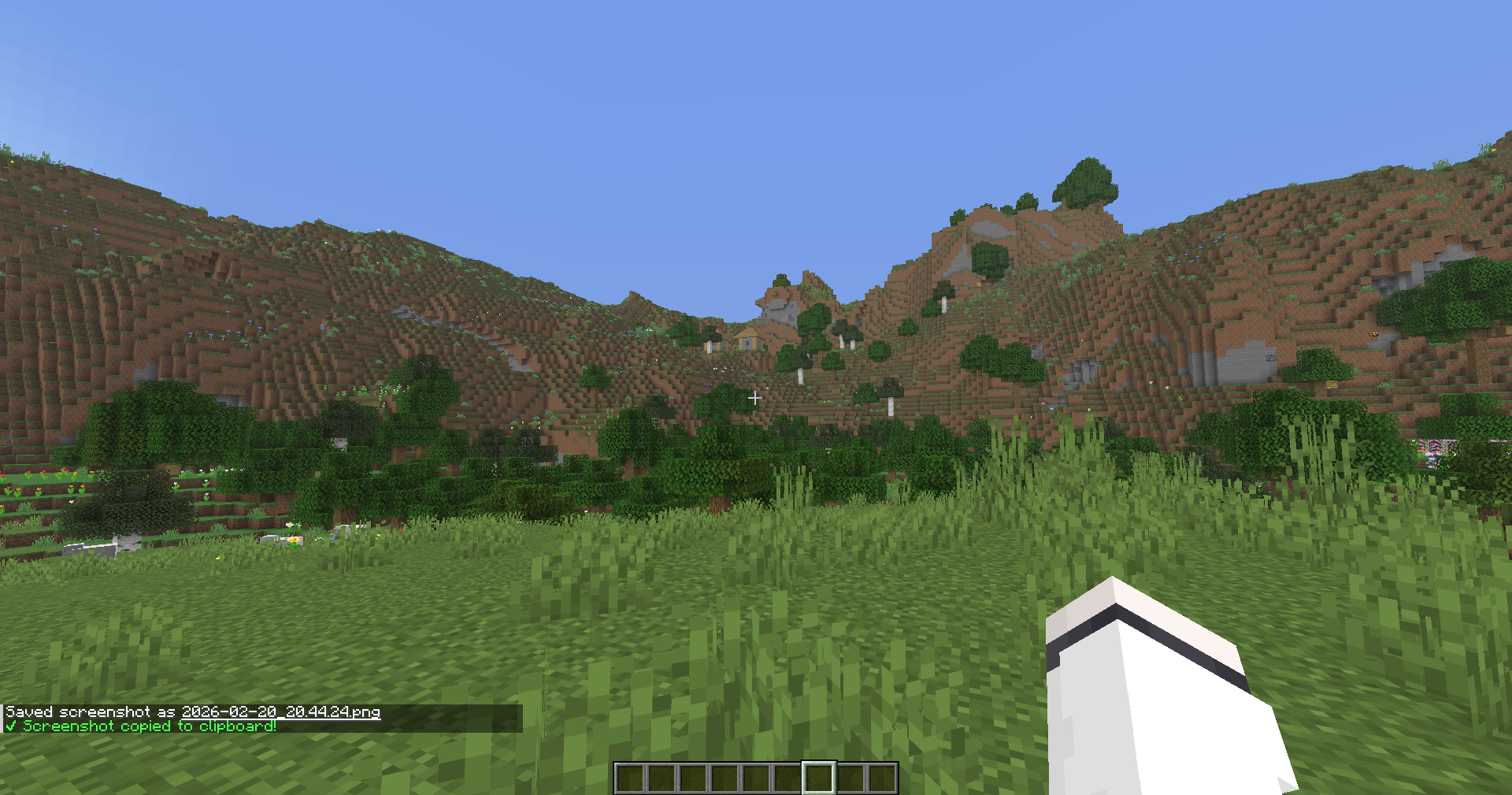 Chat Message
Versions
Files
Relations
Project Relations
More like this
Similar Mods
Suggestions use data such as tags, dependencies, dependents, descriptions, titles, and more to rank how much they overlap with this mod.
On ModDex
Community snapshot
By the numbers
Statistics

Want to reach Minecraft players?
We're looking for a server hosting partner to feature here and other parts of the site. Interested? Send us a message!
Get in touchGet it on
Available Platforms
On ModDex
Community snapshot
By the numbers