
Community listing page, reviews may not be monitored by the author.


Community voices
Reviews
No reviews yet. Be the first to review this project!
Get it on
Available Platforms
About
Project Details
For authors
Embed Badge
If you're the author of this project, you can embed a live badge anywhere that supports HTML or Markdown. It updates automatically whenever ratings change.
Use HTML for any page that supports it, or Markdown for README files and Markdown-based descriptions.
Identifiers
Platform IDs
About
Description

ST-Scenes is a mod built from the ground up and used to create custom scenes, custom NPCs, and more. Suitable for map makers,
creators of assemblies with mods, and just screenwriters at heart. In total, the mod adds an NPC creator and a scene customizer.
Currently in early beta.

Video
FAQ:
How to add your own NPC texture?
-To add your own NPC texture follow the steps below:
1)Open ST-Scenes mod with any archiver
2)Go to "assets/stscenes/textures/entity/player/"
and there either create your own folder and upload your texture file to it, or upload your texture to the slim/wide folder.
3) Save the files and run minecraft
What is a scene, triggers, action?
-Wow, this is going to take a while, in a nutshell:
A scene is a program that is run either manually through a scene setting, or through a trigger,
which depending on its type reacts to something and starts the scene. Scene contains Actions,
they are divided into complex and simple.Complex actions are needed to tell the NPC to go to some point,
say something, teleport somewhere, etc.Simple actions are needed to for example execute a command,
turn on another scene, etc. When a scene is running, Actions are switched sequentially from top to bottom.
Note actions like "Go to", "Follow" assign the state of the NPC, and this means that when you switch such an action NPC
does not stop going or following someone, and it stops either if you disable this state by another action,
or at the end of the scene.
Screenshots
Gallery
-
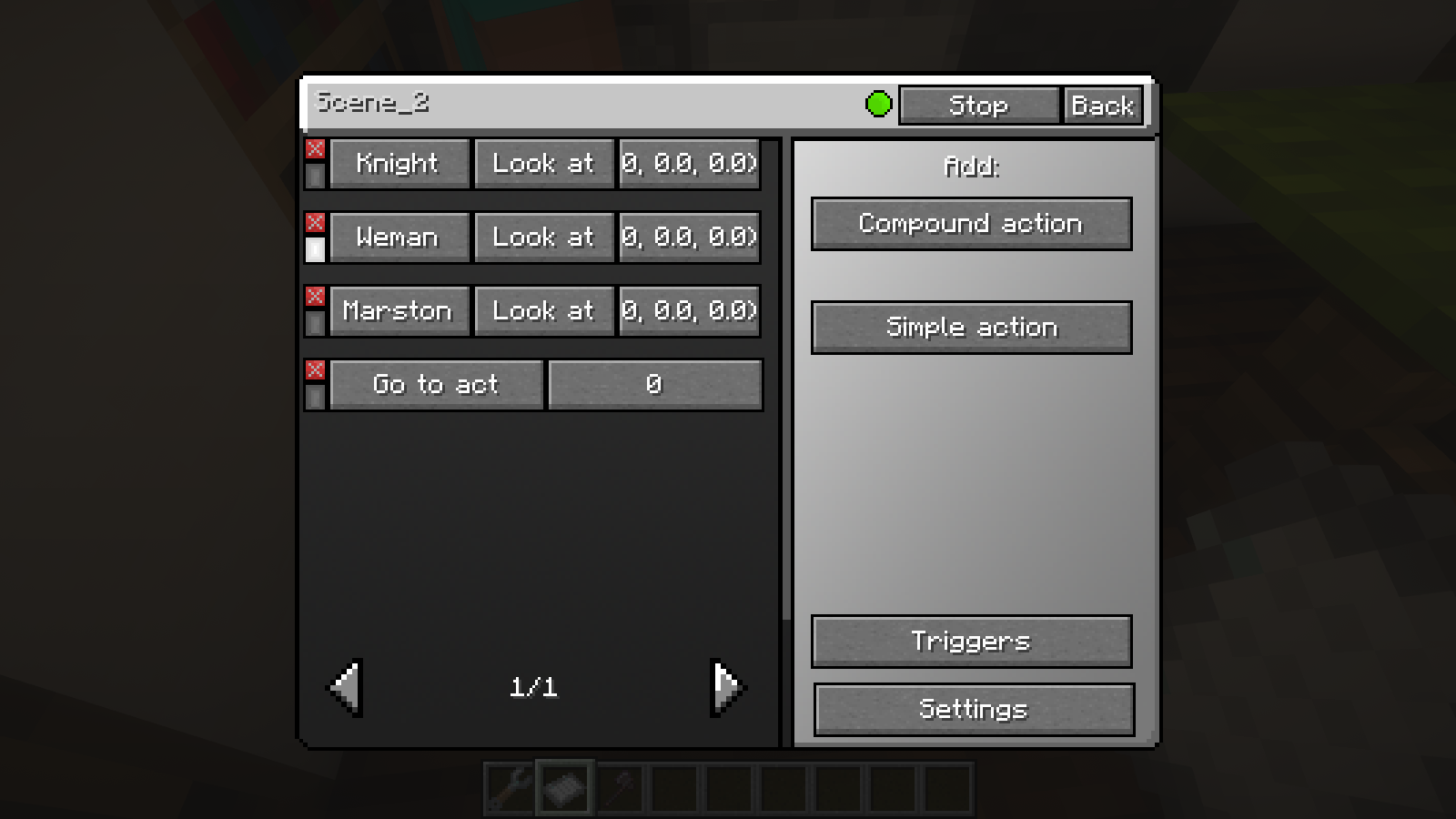 Scene Setting
 -
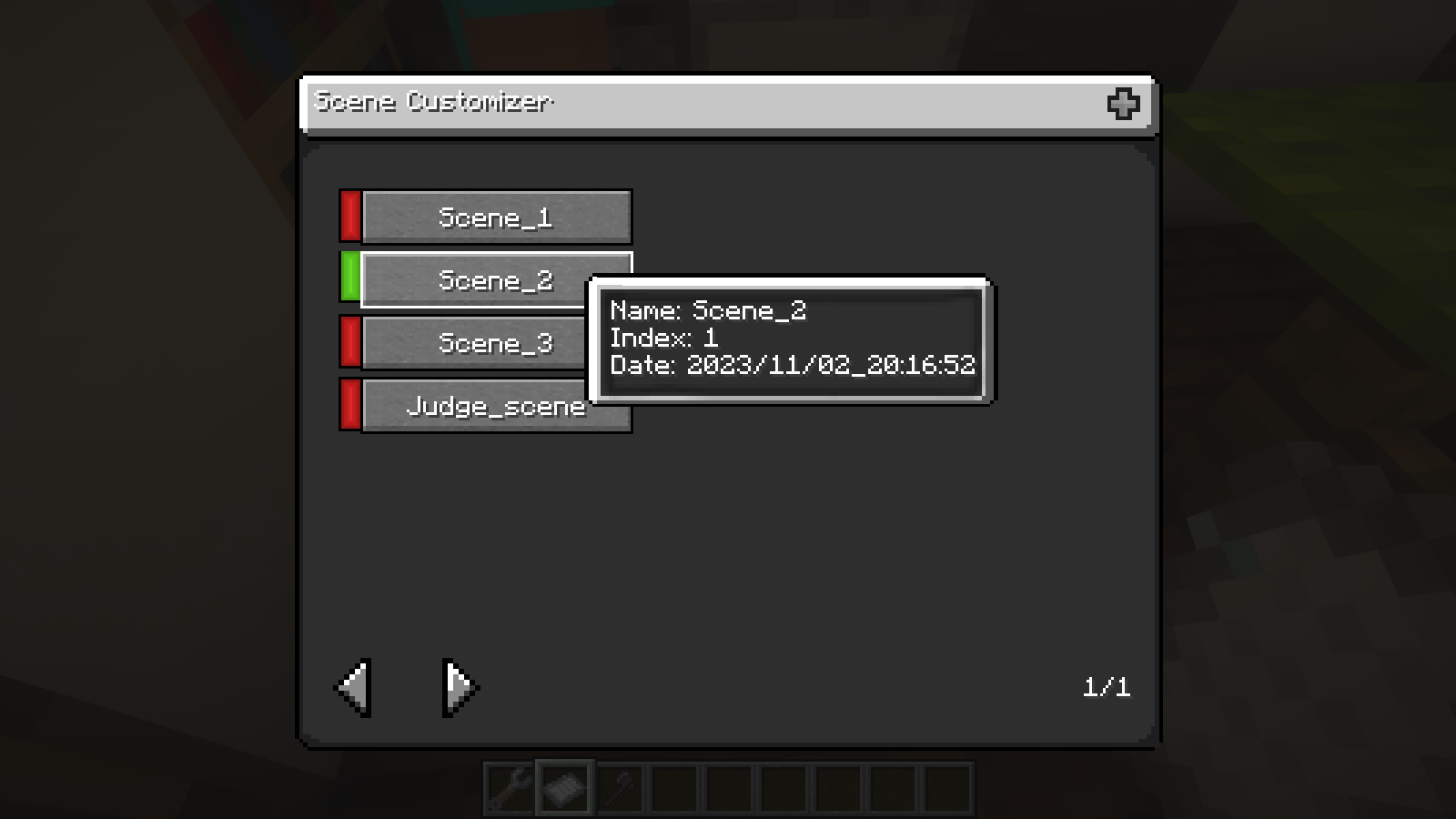 Scene Browser
 -
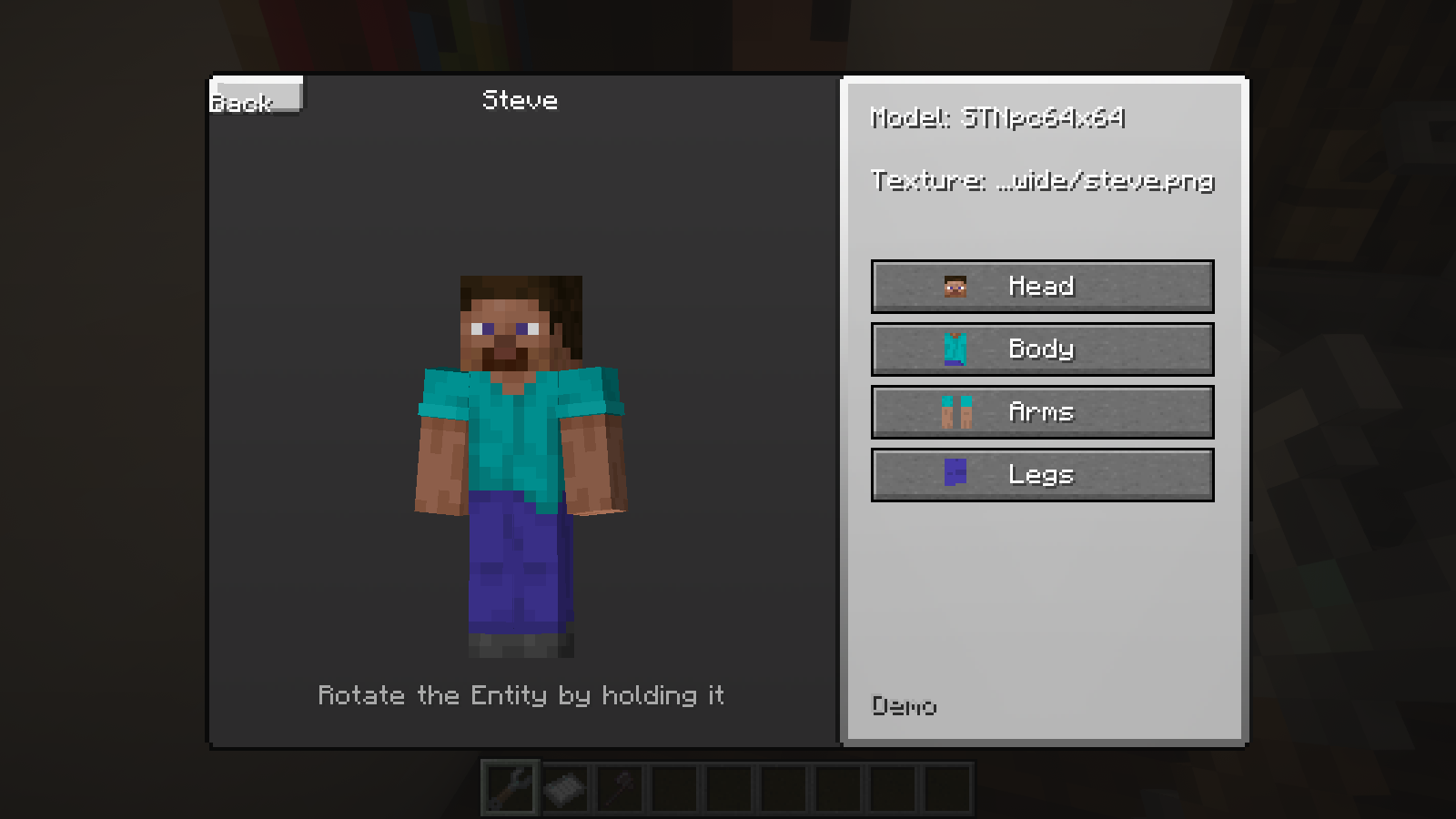 NPC customization
 -
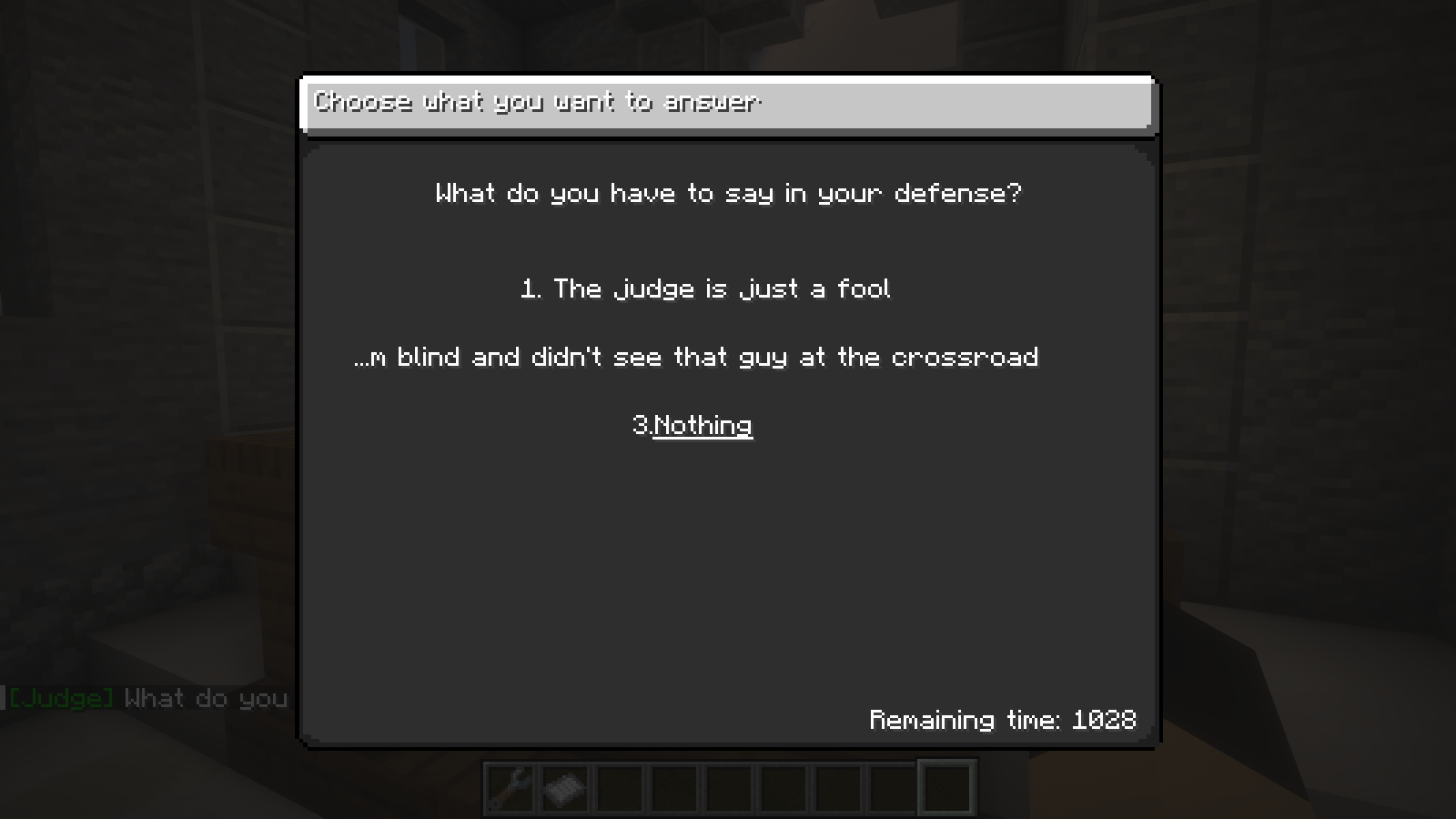 Selection window
 -
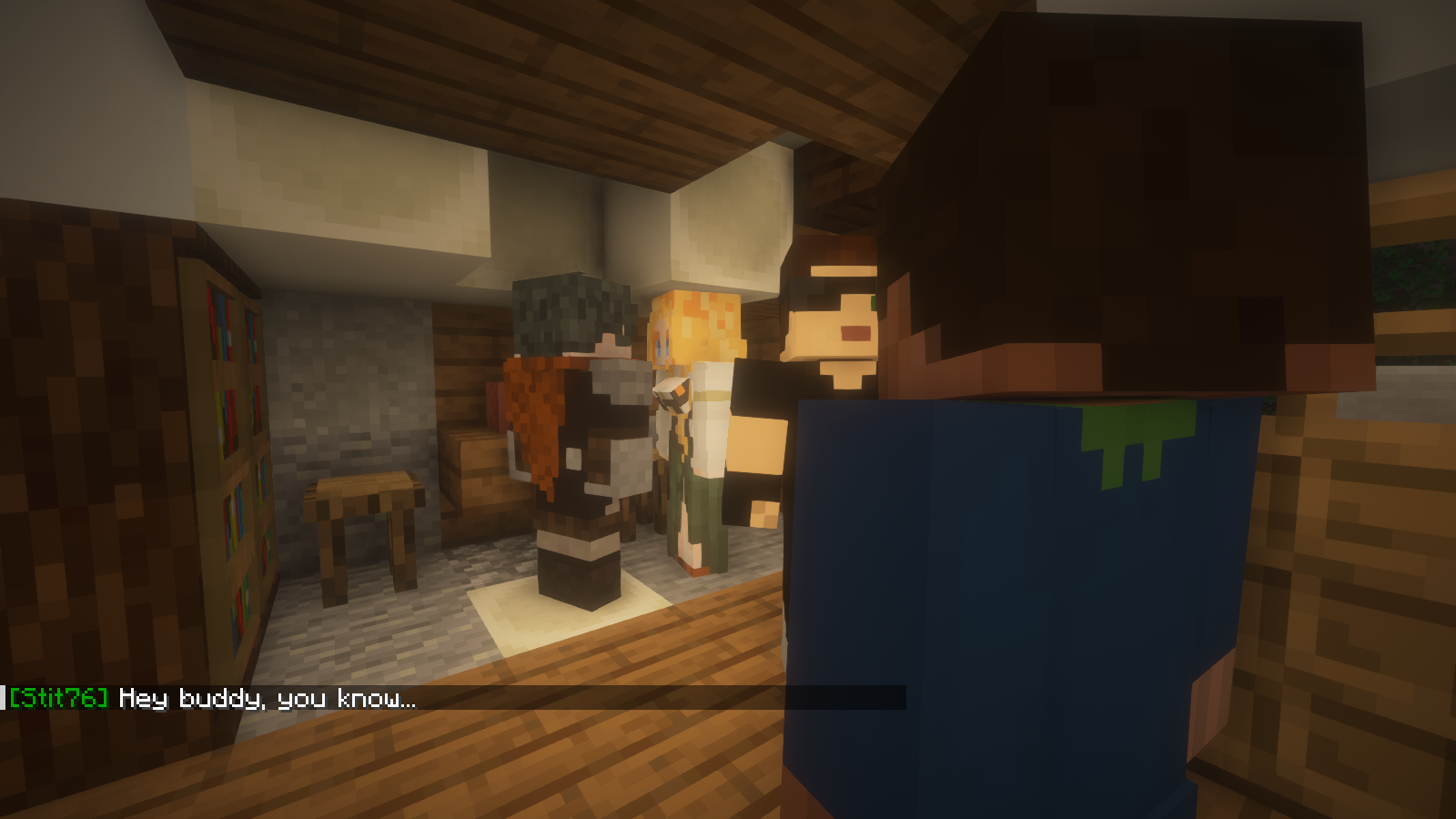 Example scene 2
 -
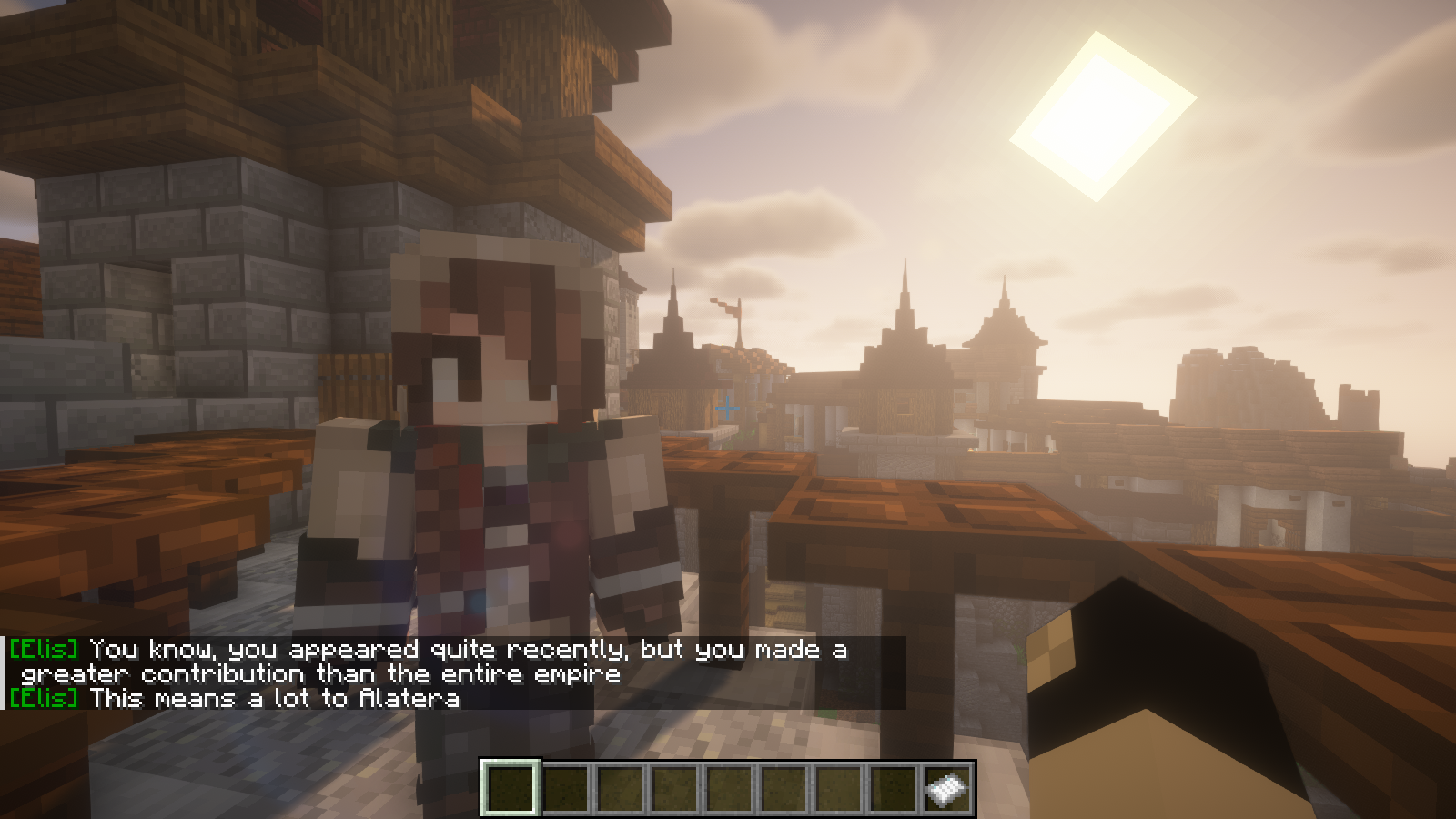 Example scene 1
Versions
Files
Relations
Project Relations
More like this
Similar Mods
Suggestions use data such as tags, dependencies, dependents, descriptions, titles, and more to rank how much they overlap with this mod.
On ModDex
Community snapshot
By the numbers
Statistics
 (opens in a new tab)
Get it on
Available Platforms
On ModDex
Community snapshot
By the numbers