Community listing page, reviews here may not be monitored by the author.
Stardom's Client


No reviews yet
Several additions to the Minecraft client to add more customization
Community voices
Reviews
No reviews yet. Be the first to review this project!
Get it on
Available Platforms
Compatibility
Supported Environments
Must be installed on both the client and the server.
About
Project Details
For authors
Embed Badge
If you're the author of this project, you can embed a live badge anywhere that supports HTML or Markdown. It updates automatically whenever ratings change.
Use HTML for any page that supports it, or Markdown for README files and Markdown-based descriptions.
Identifiers
Platform IDs
Resources
External Links
About
Description
Stardom's Client is a Minecraft Fabric mod for 1.21.1 that adds many features to enhance the Minecraft client:
- Custom Main Menu background
- Dark Mode
- Color Profiles
- Font Choices
- Fullbright
- Hotbar Tool Sorting
- Customizable HUD
- Cleaner F3 Menu
- Display Coordinates in HUD
- Custom Window Title
- Custom Splash
You can access all of these settings in the new button added in the Options menu.
Stardom's Client
Stardom's Client is a comprehensive client-side utility mod for Minecraft 1.21.6 (Fabric), designed to enhance your gameplay experience with a wide array of visual and quality-of-life improvements.
Features
Visual Customization
- Custom Main Menu: Set a custom panorama as your main menu background.
- Dark Mode: A sleek, dark theme for all UI screens.
- Color Profiles & Fonts: Customize the look of your game with various color profiles and font choices.
- Custom Window Title & Splash Text: Personalize the game's window title and main menu splash text.
- Fullbright: See clearly in dark areas without needing torches.
- Unique World Renders: Experience visual modes like "Blue World" and "Australia Mode".
HUD Enhancements
- Customizable HUD: Toggle the visibility of the health bar, armor bar, hunger bar, and XP bar.
- Coordinates & Biome Display: Show your current coordinates and biome directly on the HUD, with configurable positions.
- Cleaner F3 Menu: A streamlined debug menu that's easier to read.
Quality-of-Life Tools
- In-Game Notes: A complete note-taking system accessible via the
/notecommand or a button in the pause menu. Features a multi-line, word-wrapping text editor. - Hotbar Tool Sorting: Instantly sort your hotbar with the press of a key, arranging tools, weapons, and blocks according to a set priority.
- Recipe Viewer: Show an item's crafting recipe by clicking on it in the new section in the player inventory. (NOTE: Only supports vanilla recipes and select mods. If you are a developer and want to make your recipes available, then copy your recipe folder from your data folder into your assets folder)
How to Use
- Settings Menu: Nearly all visual and HUD settings can be configured in a new "Stardom's Client" settings screen, accessible from a button added to the main Options menu.
- Note System: Use
/noteto manage your notes or click the "Notes" button in the Game Menu (when paused). - Calculator: Use
/calculateto calculate a mathmatical equation fully in-game. - Hotbar Sorting: Press the assigned hotkey (check your keybindings) to sort your hotbar.
Screenshots
Gallery
-
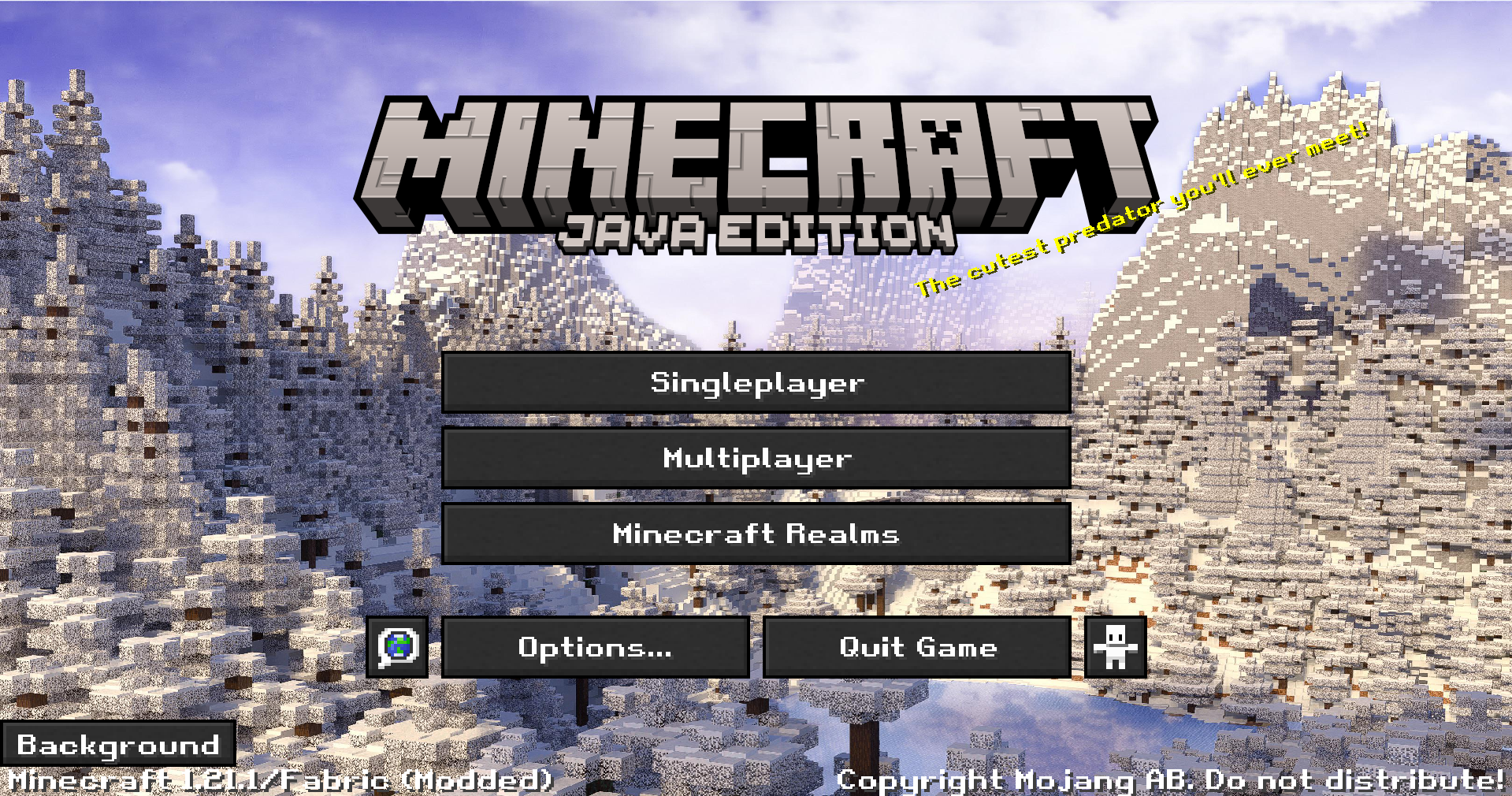 Main Menu
 -
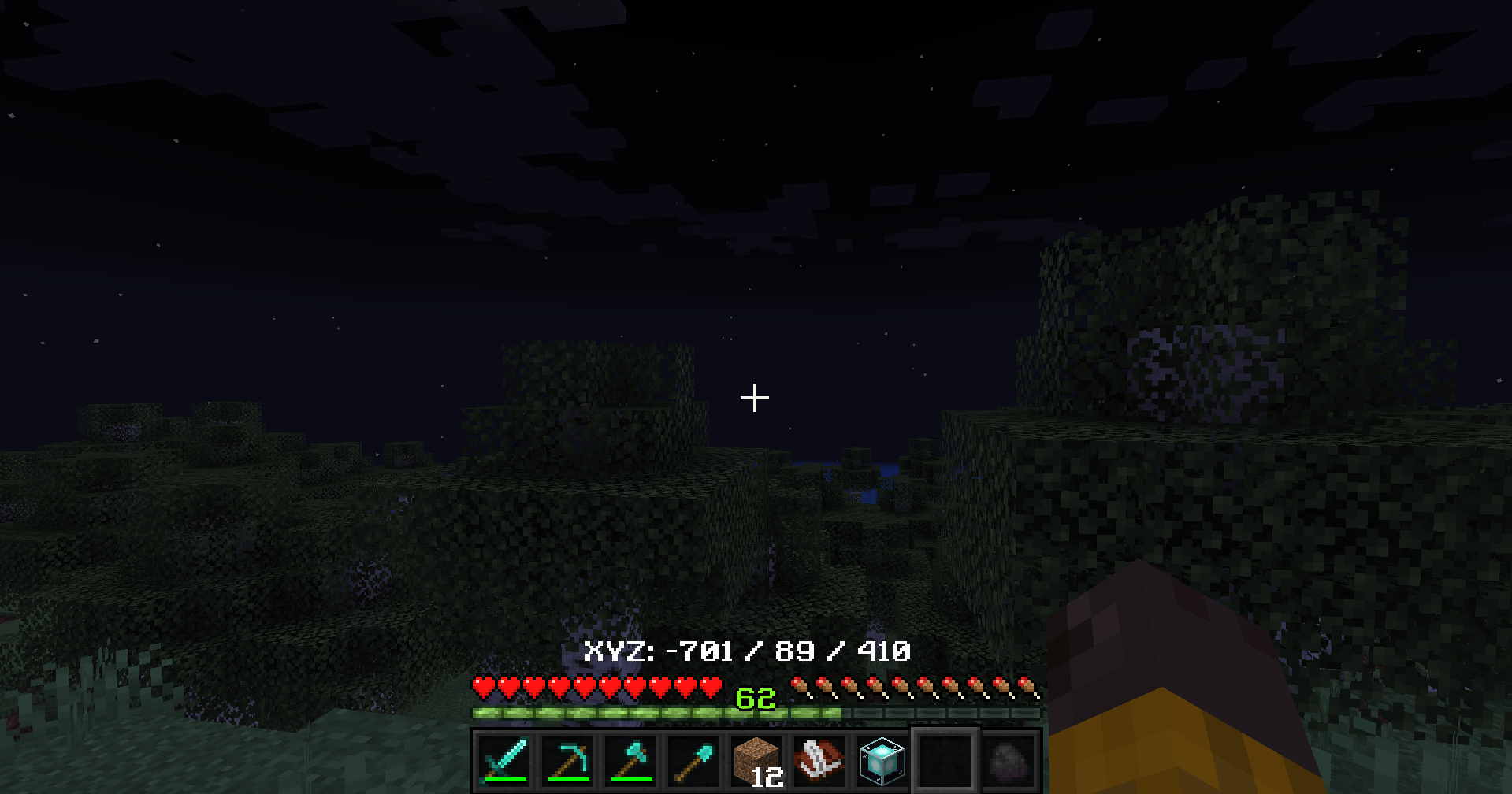 Fullbright Off
 -
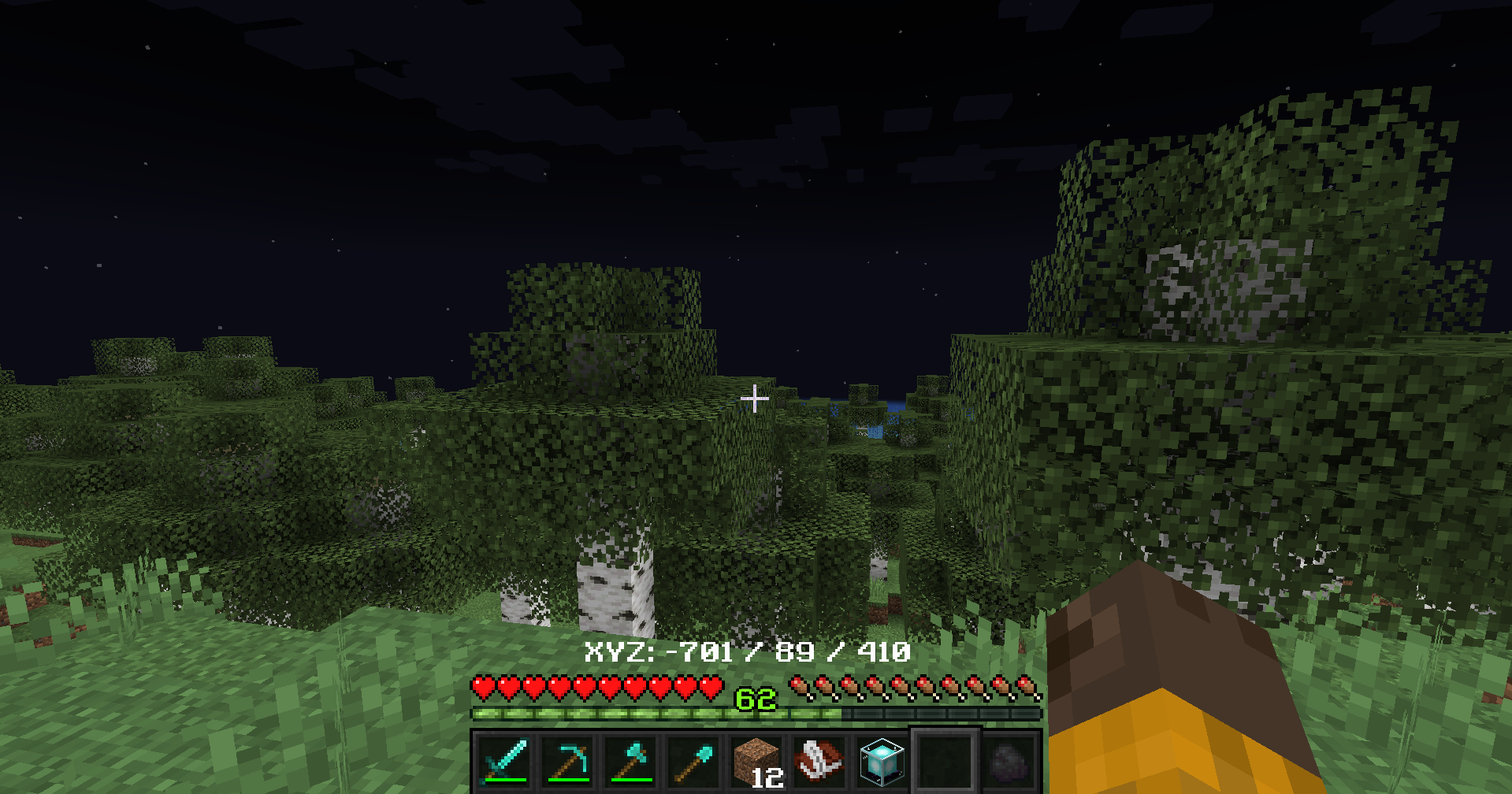 Fullbright On
 -
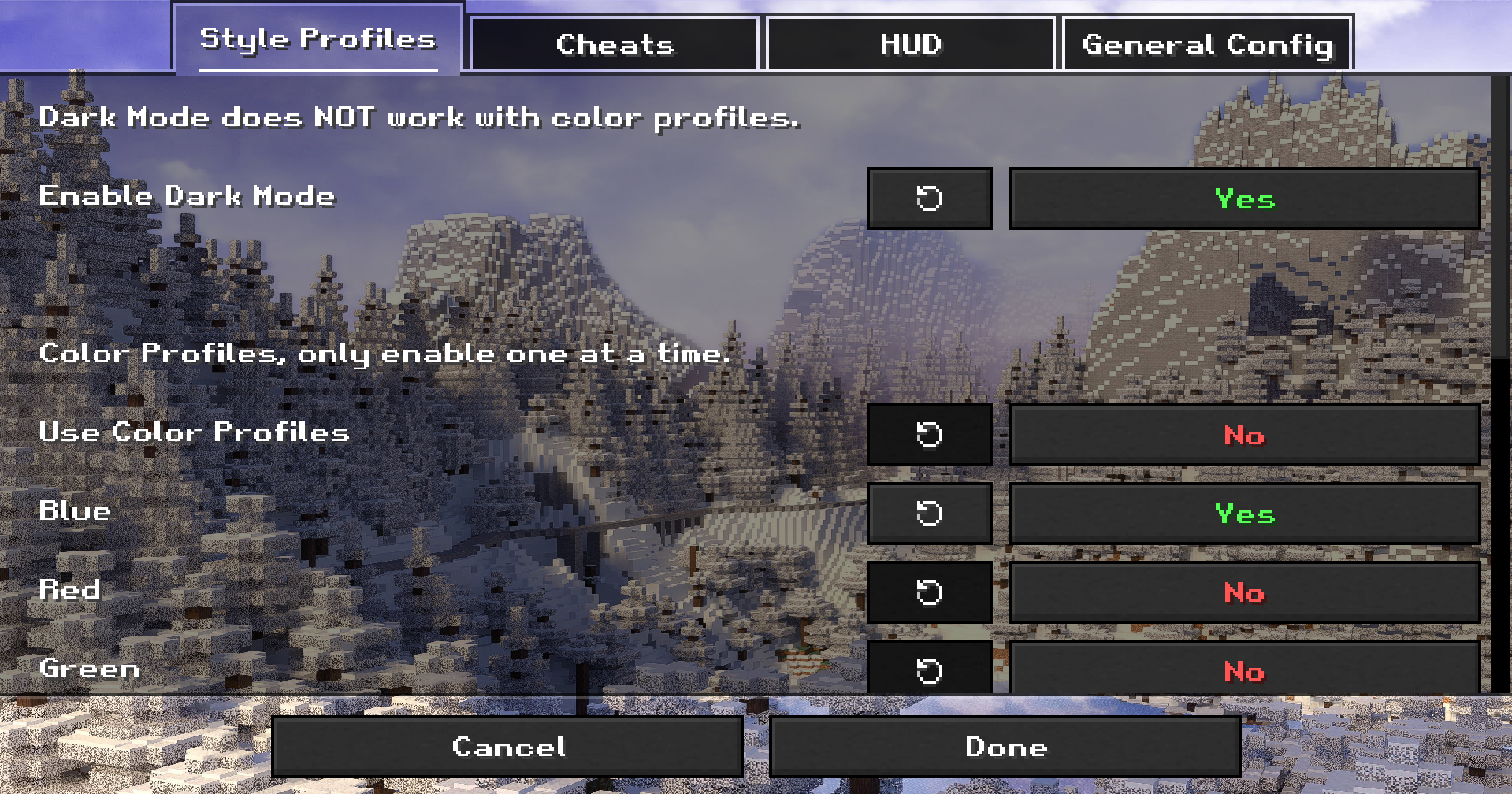 Settings
 -
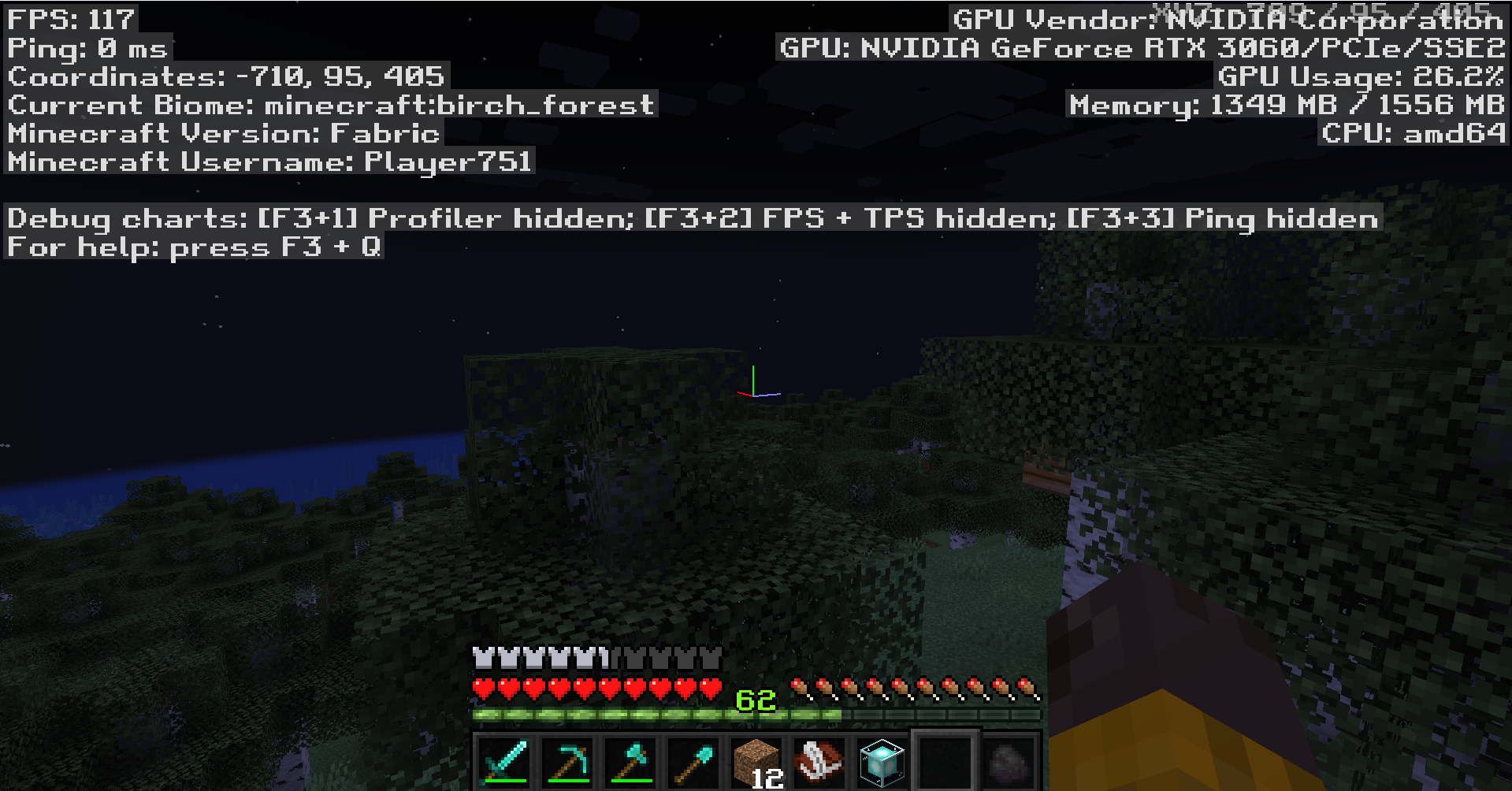 F3 Menu
Versions
Files
Relations
Project Relations
More like this
Similar Mods
Suggestions use data such as tags, dependencies, dependents, descriptions, titles, and more to rank how much they overlap with this mod.
On ModDex
Community snapshot
By the numbers
Statistics
Want to reach Minecraft players?
We're looking for a server hosting partner to feature here and other parts of the site. Interested? Send us a message!
Get in touchGet it on
Available Platforms
On ModDex
Community snapshot
By the numbers
Statistics
Resources