
Super Pickaxe Mod
No reviews yet
Adds a powerful super pickaxe with enhanced mining abilities.
Enhances game performance and optimizes resource usage.
Forge is a popular mod loader for versions 1.1+ of Minecraft.
Community voices
Reviews
Click once to include, again to exclude, again to clear
No reviews yet. Be the first to review this project!
Get it on
Available Platforms
 Modrinth
Compatibility
Supported Environments
About
Project Details
For authors
Embed Badge
If you're the author of this project, you can embed a live badge anywhere that supports HTML or Markdown. It updates automatically whenever ratings change.
Use HTML for any page that supports it, or Markdown for README files and Markdown-based descriptions.
Identifiers
Platform IDs
About
Description
Super Pickaxe Mod - Build & Installation Instructions
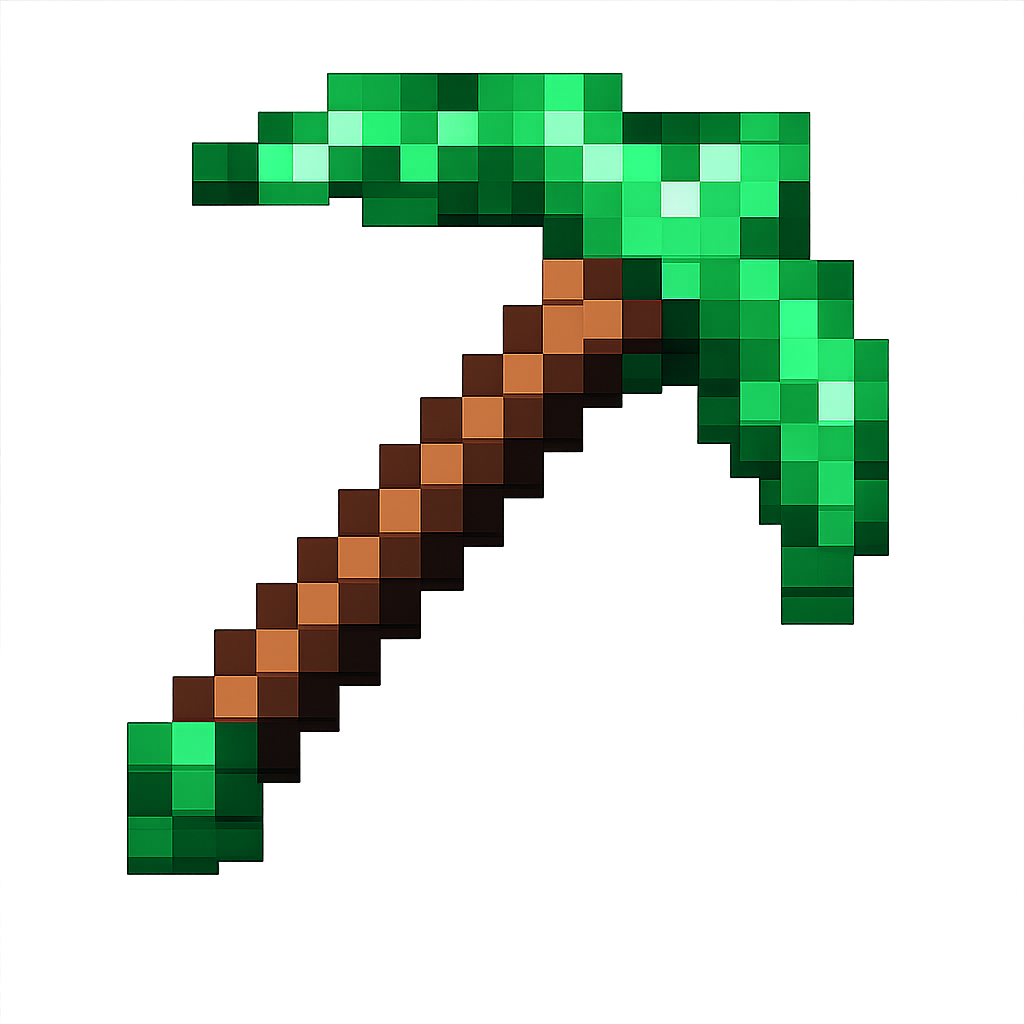
What This Mod Does
This mod adds a Super Pickaxe to Minecraft that:
- Mines in a 3x3x3 area instead of just one block
- Has the same durability and mining level as a diamond pickaxe
- Features a bright green texture
- Has a custom crafting recipe (1 cobblestone, 1 stone, 1 smooth stone on top, 2 sticks below)
- Gives you torches as you mine (1 torch per 18 blocks mined)
Download
Prerequisites
You need Java 17 installed on your Mac. Check with:
java -version
If you don't have Java 17, download it from: https://adoptium.net/
How to Compile the Mod
-
Open Terminal and navigate to the mod directory:
cd /Users/<user>/Desktop/Projects/minecraft/super-pickaxe -
Build the mod using Gradle:
./gradlew buildThis will take several minutes the first time as it downloads dependencies.
-
Once complete, your mod JAR file will be located at:
build/libs/superpickaxe-1.0.jar
How to Install the Mod
Step 1: Install Minecraft Forge
- Go to https://files.minecraftforge.net/
- Download Forge 1.20.1 (version 47.2.0 or higher)
- Run the installer and select "Install client"
- Launch Minecraft and select the "forge" profile
Step 2: Install Your Mod
-
Locate your Minecraft mods folder:
- On Mac:
~/Library/Application Support/minecraft/mods
- On Mac:
-
If the
modsfolder doesn't exist, create it:mkdir -p ~/Library/Application\ Support/minecraft/mods -
Copy your compiled mod to the mods folder:
cp build/libs/superpickaxe-1.0.jar ~/Library/Application\ Support/minecraft/mods/
Step 3: Enable and Use the Mod
- Launch Minecraft
- Select the "forge" profile from the launcher
- Click "Play"
- Once in-game, the mod is automatically enabled!
How to Craft the Super Pickaxe
Open a crafting table and arrange:
[Cobblestone] [Stone] [Smooth Stone]
              [Stick]
              [Stick]
This requires cobblestone, stone, and smooth stone, making it progressively more expensive but worth the 3x3x3 mining power!
Using the Super Pickaxe
- Equip the bright green Super Pickaxe
- Mine any block that a diamond pickaxe can mine
- It will automatically mine a 3x3x3 area (27 blocks total) around the block you mine
- Every 18 blocks you mine, you'll receive a torch automatically
Troubleshooting
Build fails?
- Ensure Java 17 is installed
- Try:
./gradlew clean build
Mod doesn't appear in game?
- Check you're using Forge 1.20.1
- Verify the JAR is in the correct mods folder
- Check logs at:
~/Library/Application Support/minecraft/logs/latest.log
Super Pickaxe has missing texture?
- The texture should be bright green
- If it appears purple/black, rebuild the mod:
./gradlew clean build
Development
To modify the mod:
- Edit the source files in
src/main/java/com/example/superpickaxe/ - Rebuild:
./gradlew build - Copy the new JAR to the mods folder
- Restart Minecraft
Key files:
SuperPickaxeItem.java- The pickaxe logic and 3x3x3 miningsrc/main/resources/data/superpickaxe/recipes/- Crafting recipesrc/main/resources/assets/superpickaxe/textures/item/- Bright green texture
Enjoy your new 3x3x3 mining pickaxe! 🟢⛏️
Screenshots
Gallery
-
 Super Pickaxe Mod Mines in a 3x3x3 area instead of just one block. Has the same durability and mining level as a diamond pickaxe.
Versions
Files
Relations
Project Relations
More like this
Similar Mods
Suggestions use data such as tags, dependencies, dependents, descriptions, titles, and more to rank how much they overlap with this mod.
On ModDex
Community snapshot
By the numbers
Statistics

Want to reach Minecraft players?
We're looking for a server hosting partner to feature here and other parts of the site. Interested? Send us a message!
Get in touchGet it on
Available Platforms
On ModDex
Community snapshot
By the numbers