
Community listing page, reviews here may not be monitored by the author.
Swift Wheel


No reviews yet
The next generation fast switch mod.
Community voices
Reviews
No reviews yet. Be the first to review this project!
Get it on
Available Platforms
Compatibility
Supported Environments
Runs entirely on the client. Works on vanilla servers.
About
Project Details
For authors
Embed Badge
If you're the author of this project, you can embed a live badge anywhere that supports HTML or Markdown. It updates automatically whenever ratings change.
Use HTML for any page that supports it, or Markdown for README files and Markdown-based descriptions.
Identifiers
Platform IDs
Resources
External Links
About
Description

Swift Wheel Mod - Enhanced Inventory Management for Minecraft
Swift Wheel is a versatile client-side utility mod designed to revolutionize your Minecraft inventory management experience. This innovative mod introduces a dynamic item wheel interface that allows players to quickly access and select items from their inventory without tedious scrolling or hotbar swapping.

Usage
Simply bind a hotkey to activate the item wheel, then hover over your desired category to quickly equip or use items. You are also allowed to right click into the specified item list for every category.Perfect for combat situations, building projects, and any scenario where every second counts!

Keybinds Notice
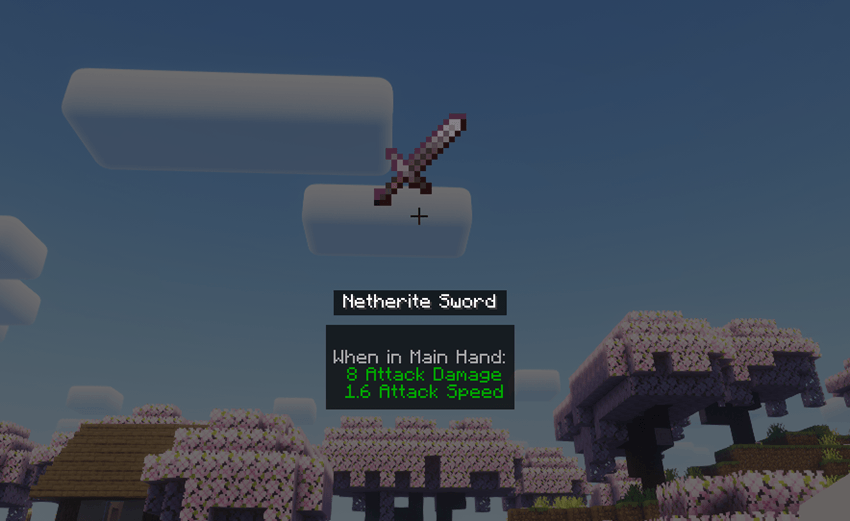
While holding the hotkey (default: "X"), standard mouse interactions are temporarily disabled. Left-click a category or release the hotkey to confirm your selection. Alternatively, right-click any category to enter Item List Mode, displaying all available items within that category. In this mode, middle-clicking an item reveals its detailed information.
Compatibility
Works with Forge only presently. Supports 1.20x game versions.
Configuration
Customize visible categories and rendering preferences through the mod's configuration file located at ".minecraft/config/swiftwheel-client.toml"

Swift Wheel Mod - Enhanced Inventory Management for Minecraft
Swift Wheel is a versatile client-side utility mod designed to revolutionize your Minecraft inventory management experience. This innovative mod introduces a dynamic item wheel interface that allows players to quickly access and select items from their inventory without tedious scrolling or hotbar swapping.

Usage
Simply bind a hotkey to activate the item wheel, then hover over your desired category to quickly equip or use items. You are also allowed to right click into the specified item list for every category.Perfect for combat situations, building projects, and any scenario where every second counts!

Keybinds Notice
While holding the hotkey (default: "X"), standard mouse interactions are temporarily disabled. Left-click a category or release the hotkey to confirm your selection. Alternatively, right-click any category to enter Item List Mode, displaying all available items within that category. In this mode, middle-clicking an item reveals its detailed information.

Compatibility
Works with Forge only presently. Supports 1.20x game versions.
Configuration
Customize visible categories and rendering preferences through the mod's configuration file located at ".minecraft/config/swiftwheel-client.toml"
Screenshots
Gallery
-
 preview
Versions
Files
Relations
Project Relations
More like this
Similar Mods
Suggestions use data such as tags, dependencies, dependents, descriptions, titles, and more to rank how much they overlap with this mod.
On ModDex
Community snapshot
By the numbers
Statistics
Want to reach Minecraft players?
We're looking for a server hosting partner to feature here and other parts of the site. Interested? Send us a message!
Get in touchGet it on
Available Platforms
On ModDex
Community snapshot
By the numbers
Statistics
Resources