
SwingSync
No reviews yet
A attack cooldown HUD for PvP instead of that vanilla cooldown line!
Fabric is a mod loader for versions 1.14+ of Minecraft, particularly popular for client side and optimization mods.
Community voices
Reviews
Click once to include, again to exclude, again to clear
No reviews yet. Be the first to review this project!
Get it on
Available Platforms
 Modrinth
Compatibility
Supported Environments
About
Project Details
For authors
Embed Badge
If you're the author of this project, you can embed a live badge anywhere that supports HTML or Markdown. It updates automatically whenever ratings change.
Use HTML for any page that supports it, or Markdown for README files and Markdown-based descriptions.
Identifiers
Platform IDs
About
Description
The vanilla attack cooldown indicator is a tiny icon sitting right at your crosshair — the exact spot you need to be watching your opponent. SwingSync moves that information out of the way and turns it into a proper bar on your HUD, so you always know when to swing without breaking your focus.
What it does
It shows your weapon cooldown as a clean horizontal bar that changes color as it charges. Red means not ready, yellow means charging, green means hit. When you hit full charge, the screen edges flash briefly so you feel it even in the middle of a hectic fight.
The bar only shows up when you are actually holding a weapon. Any other time it stays out of your way.
Why it helps
In sword or axe PvP, the difference between a full charge hit and a half charge hit is massive. Most players either stare at the crosshair icon and lose track of their opponent, or ignore it entirely and swing on feel. This gives you a third option — a bar that sits wherever you want on your screen and lets you track your cooldown without taking your eyes off the fight.
It is purely visual. Nothing is automated, nothing is modified. You still swing yourself, the game still runs exactly as normal. It just puts the information somewhere more useful.
Configuration
Press J in game to open the settings. You can move the bar anywhere on your screen, switch between a segmented or solid style, and toggle the flash effect on or off.
Compatibility
Works on any server. The mod only reads cooldown data the game already gives you and displays it differently. It does not touch packets, reach, or any game mechanic.
Requires Fabric API, Cloth Config, and Mod Menu.
Made by Muhammad Umair — All Rights Reserved
Screenshots
Gallery
-
 Red Stage of the Weapon Cooldown.
 -
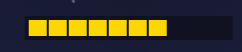 Yellow Stage of the Weapon Cooldown.
 -
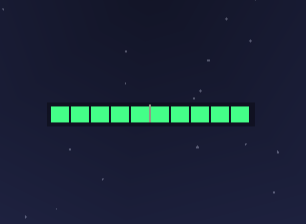 Green Stage of the Weapon Cooldown.
 -
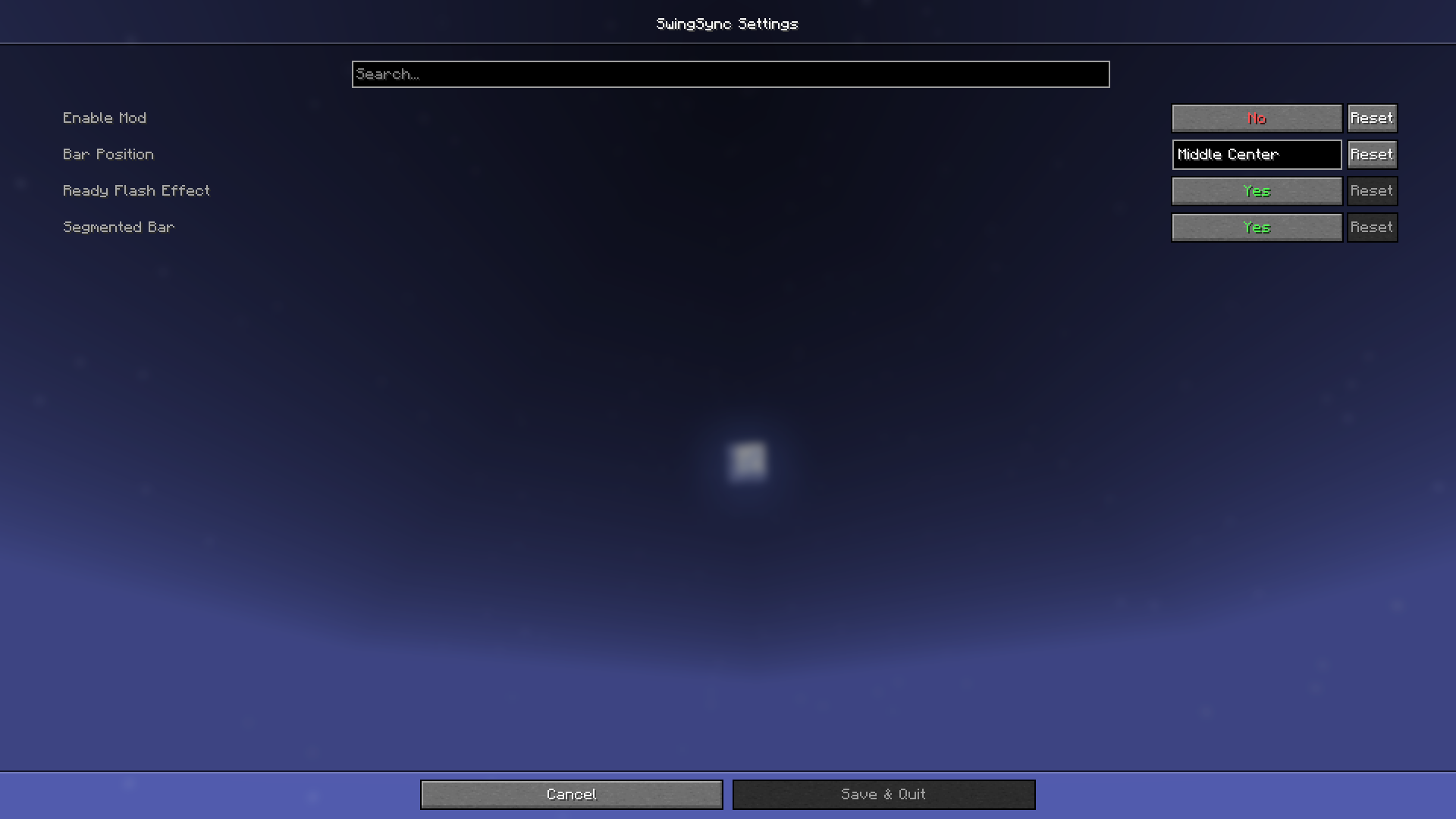 UI of the Mod.
 -
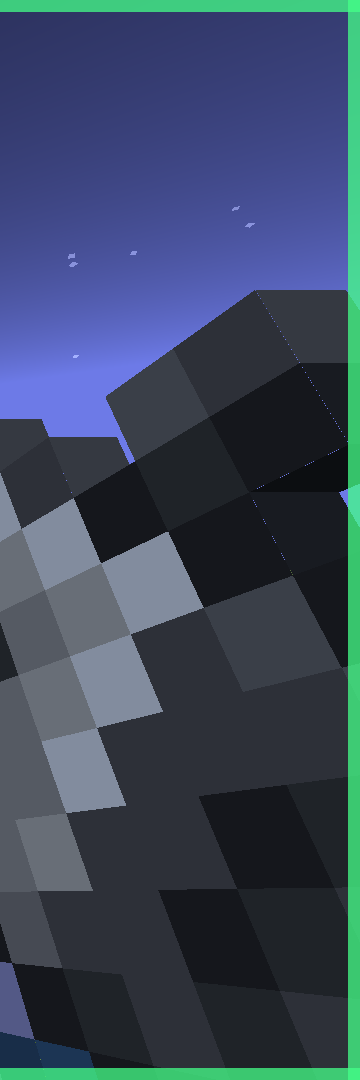 A Green Flash at edge after the cooldown is finished.
Versions
Files
Relations
Project Relations
More like this
Similar Mods
Suggestions use data such as tags, dependencies, dependents, descriptions, titles, and more to rank how much they overlap with this mod.
On ModDex
Community snapshot
By the numbers
Statistics

Want to reach Minecraft players?
We're looking for a server hosting partner to feature here and other parts of the site. Interested? Send us a message!
Get in touchGet it on
Available Platforms
On ModDex
Community snapshot
By the numbers