

Community listing page, reviews here may not be monitored by the author.
Sword Blocking Mechanics


No reviews yet
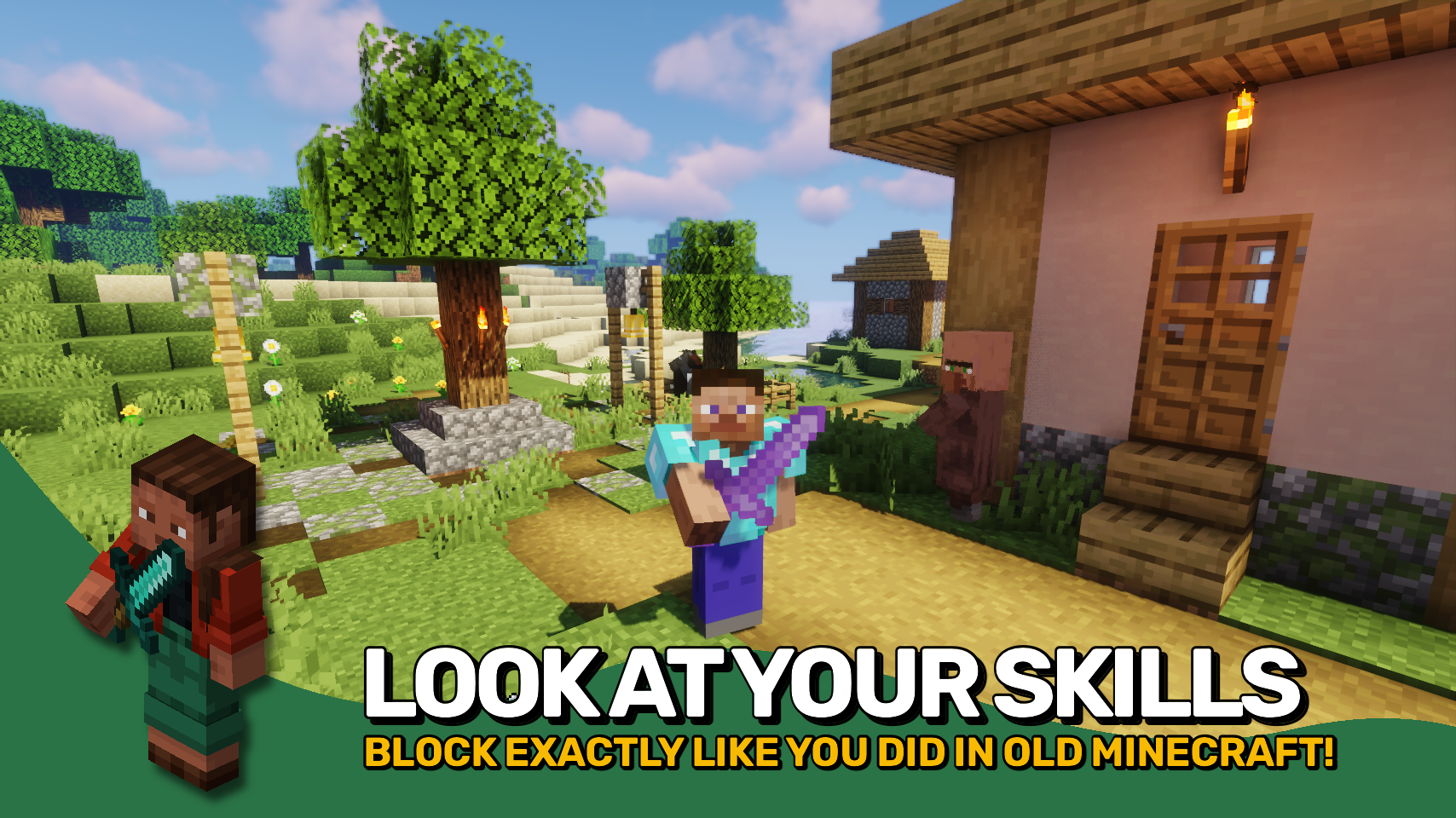
Sword blocking is back! Exactly like it used to be, or different? Your choice!
Community voices
Reviews
No reviews yet. Be the first to review this project!
Get it on
Available Platforms
Compatibility
Supported Environments
Must be installed on both the client and the server.
About
Project Details
For authors
Embed Badge
If you're the author of this project, you can embed a live badge anywhere that supports HTML or Markdown. It updates automatically whenever ratings change.
Use HTML for any page that supports it, or Markdown for README files and Markdown-based descriptions.
Identifiers
Platform IDs
About
Description









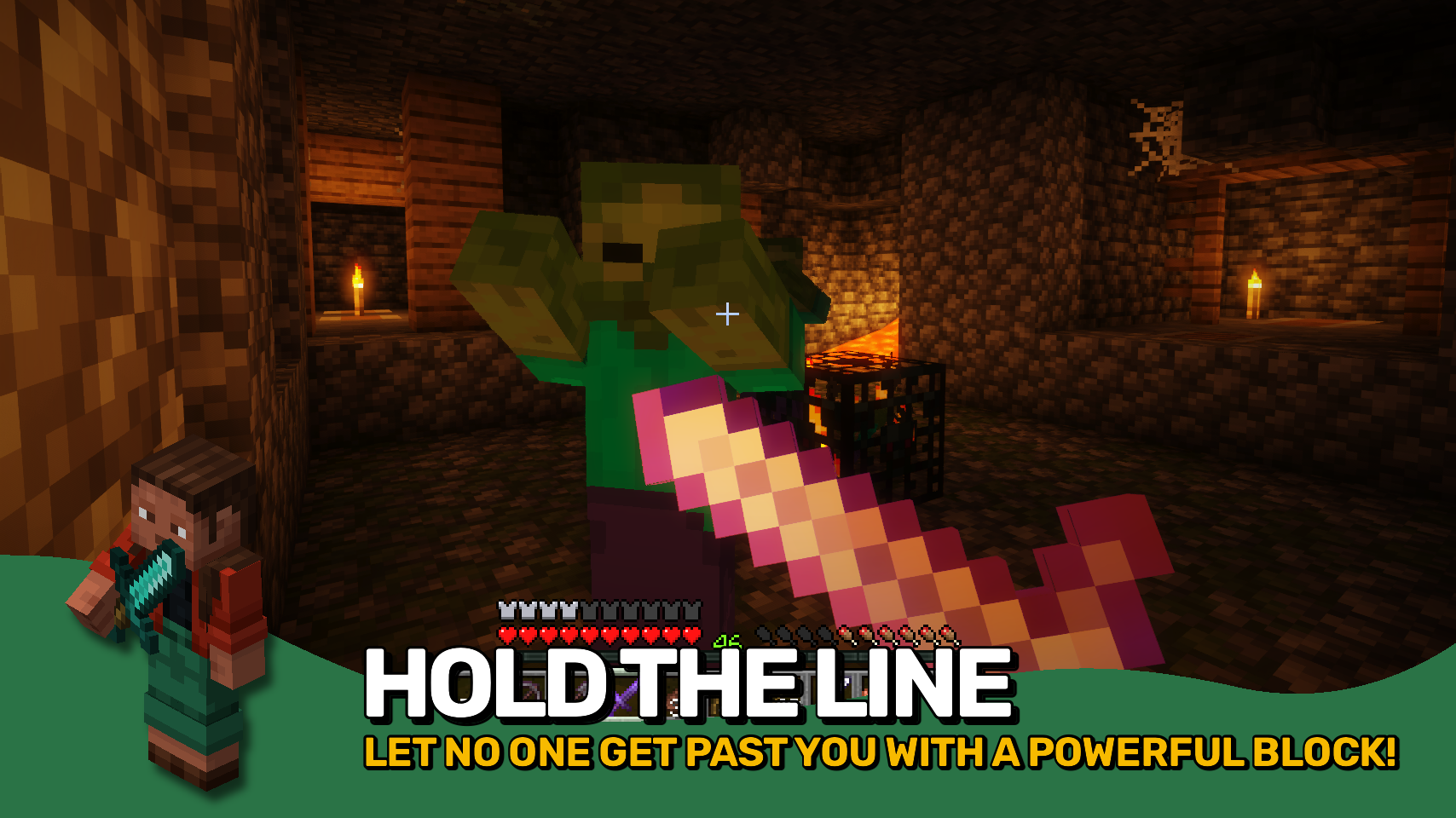
Sword Blocking Mechanics restores the very useful blocking ability to all swords straight from the Minecraft 1.7 / 1.8 combat era. What more is there to say really? It's just as equally awesome as it was back in the day. Simply right-click your held sword and 50% of all incoming damage will be blocked. Really easy to use and much more convenient than bulky shields. You still want to ocasionally use a shield though? No problem! When held in the offhand it will be prioritized over sword blocking.
Everything about sword blocking is fully customizable, and there even is a new parry mechanic. It is active in the first 0.5 seconds after initiating a sword block, where the block is more similar to a shield and prevents all incoming damage.
Any item that is to support the sword blocking mechanic must be added to the swordblockingmechanics:can_perform_sword_blocking item tag. Items you want to use from your offhand while holding a sword in the mainhand should be added to the swordblockingmechanics:overrides_sword_blocking_in_offhand item tag.
For bringing back not the old sword blocking mechanic, but also just fast paced combat, make sure to check out Golden Age Combat.


⏩ INSTALLATION REQUIRED ON CLIENT & REQUIRED ON SERVER
⏩ REQUIRES PUZZLES LIB TO BE INSTALLED (FABRIC & NEOFORGE)
⏩ REQUIRES FABRIC API TO BE INSTALLED (FABRIC)
⏩ REQUIRES FORGE CONFIG API PORT TO BE INSTALLED (FABRIC)

If available for a mod, configuration is possible directly from in-game using the mod menu (requires Mod Menu by Prospector to be installed on Fabric).
For manual configuration using an external text editor all files are found at .minecraft/config, named as MOD_ID-client.toml, MOD_ID-common.toml, or MOD_ID-server.toml, depending on the type of config. Not all types might exist for a mod, if any at all.
 |
 |
|
 |
 |
|
 |
 |
|
 |
 |
|
 |
 |
|

© 2026 @heyitsfuzs. All rights reserved. This page was last edited on 11 September 2026, at 06:44 (UTC).
Sword Blocking Mechanics restores the very useful blocking ability to all swords straight from the Minecraft 1.7 / 1.8 combat era. What more is there to say really? It's just as equally awesome as it was back in the day. Simply right-click your held sword and 50% of all incoming damage will be blocked. Really easy to use and much more convenient than bulky shields. You still want to ocasionally use a shield though? No problem! When held in the offhand it will be prioritized over sword blocking.
Everything about sword blocking is fully customizable, and there even is a new parry mechanic. It is active in the first 0.5 seconds after initiating a sword block, where the block is more similar to a shield and prevents all incoming damage.
Any item that is to support the sword blocking mechanic must be added to the swordblockingmechanics:can_perform_sword_blocking item tag. Items you want to use from your offhand while holding a sword in the mainhand should be added to the swordblockingmechanics:overrides_sword_blocking_in_offhand item tag.
For bringing back not the old sword blocking mechanic, but also just fast paced combat, make sure to check out Golden Age Combat.
⏩ INSTALLATION REQUIRED ON CLIENT & REQUIRED ON SERVER
⏩ REQUIRES PUZZLES LIB TO BE INSTALLED (FABRIC & NEOFORGE)
⏩ REQUIRES FABRIC API TO BE INSTALLED (FABRIC)
⏩ REQUIRES FORGE CONFIG API PORT TO BE INSTALLED (FABRIC)
If available for a mod, configuration is possible directly from in-game using the mod menu (requires Mod Menu by Prospector to be installed on Fabric).
For manual configuration using an external text editor all files are found at .minecraft/config, named as MOD_ID-client.toml, MOD_ID-common.toml, or MOD_ID-server.toml, depending on the type of config. Not all types might exist for a mod, if any at all.
 |
 |
|
 |
 |
|
 |
 |
|
 |
 |
|
|
 |
© 2026 @heyitsfuzs. All rights reserved. This page was last edited on 11 September 2026, at 06:44 (UTC).
Screenshots
Gallery
Versions
Files
Relations
Project Relations
More like this
Similar Mods
Suggestions use data such as tags, dependencies, dependents, descriptions, titles, and more to rank how much they overlap with this mod.
On ModDex
Community snapshot
By the numbers
Statistics
Want to reach Minecraft players?
We're looking for a server hosting partner to feature here and other parts of the site. Interested? Send us a message!
Get in touchGet it on
Available Platforms
On ModDex
Community snapshot
By the numbers