
Community listing page, reviews here may not be monitored by the author.
SyncCraft

No reviews yet
Link your server with your mobile device to have players experience things based on the physical and internal detections from the device.
Community voices
Reviews
No reviews yet. Be the first to review this project!
Get it on
Available Platforms
Compatibility
Supported Environments
Must be installed on both the client and the server.
About
Project Details
For authors
Embed Badge
If you're the author of this project, you can embed a live badge anywhere that supports HTML or Markdown. It updates automatically whenever ratings change.
Use HTML for any page that supports it, or Markdown for README files and Markdown-based descriptions.
Identifiers
Platform IDs
Resources
External Links
About
Description
SyncCraft
SyncCraft turns your phone into a Minecraft world controller. Every sensor on your phone maps to something in the game — tilt to shift gravity, point your camera at the sky, shake to cause earthquakes. One person with a phone controls the experience for everyone on the server.
The mod comes with an Android companion app and a built-in web control panel. Everything connects over a single port.
Download the Android Companion App
Features
Sensors
| Phone Sensor | In-Game Effect |
|---|---|
| Tilt / Gyroscope | Shifts gravity for players and entities (independently toggleable). Tilt sideways to push, face-down for low gravity. Camera lean and player model tilt to match. Fall damage reduced in low-g. Decoration entities (item frames, paintings, leads, armor stands) are protected from gravity effects. |
| Camera | Streams to the skybox ceiling. Look up and see the real world. Smooth fade-in/out with vignette blending. |
| Shake | Earthquake — camera shakes, entities pushed, optionally shatters nearby glass and ice. |
| Flashlight | On = Night Vision for all players. Off = removed. |
| Battery Level | Above 20% = clear. Below 20% = rain. Below 5% = thunderstorm. |
| Ambient Light | Room brightness maps to time of day. Dark room = midnight, bright room = noon. |
| Proximity | Phone face-down or in pocket = all players go invisible and sneak. |
| Barometer | Walking with phone causes subtle altitude bobbing on entities. |
| Charging | Plugged in = Regeneration I for all players. |
| Microphone | Voice plays from the sky with echo and spatial audio. Muffled underground. |
| Do Not Disturb | Mutes all player chat server-wide. |
| Notifications | Spawns a temporary glowing silverfish near each player. |
| Screenshot | Flashbang effect on all clients + auto-saves an in-game screenshot. |
| Power Save | Caps all clients to 15 FPS with an on-screen indicator. |
Grab Hand — Drag players around the world from the map view. Picked-up players float above terrain and receive Slow Falling on release.
World View — A live minimap streams to your phone or browser showing terrain, player positions, health, food, XP, weather, and time.
Requirements
- Minecraft 1.21.6 through 1.21.11 (Fabric) WIP
- Fabric Loader 0.18.5+
- Fabric API (matching your MC version)
- Java 21+
- All players need the mod installed (server + client)
Setup
Installation
Place the SyncCraft .jar and Fabric API into the mods/ folder on the server and all clients.
Server
The mod automatically starts a WebSocket + HTTP server on port 25566. No extra setup needed.
Connection
Android App
- Download the companion app from synccraft.lukecgg.com
- Install the APK on your Android device (8.0+)
- Enter your server IP and port (default 25566)
- Run
/synccraft pairon the server to get a 6-digit code - Enter the code in the app
- Future connections auto-pair without a code
Web Panel
- Open
https://YOUR_SERVER_IP:25566/in a browser - Accept the self-signed certificate warning
- Run
/synccraft pairand enter the code - HTTPS is required for gyro, camera, and mic access on mobile browsers
Usage
Toggle sensors, camera, and mic from the app dashboard or web panel. The Android app runs as a foreground service and keeps streaming with the screen locked.
Commands
All commands require operator permissions (level 2).
| Command | Description |
|---|---|
/synccraft pair |
Generate a 6-digit pairing code (60 second expiry) |
/synccraft disconnect |
Disconnect the paired device |
/synccraft status |
Show connection and feature status |
/synccraft reload |
Reload config from disk |
/synccraft config <feature> <true/false> |
Toggle a feature |
Toggleable features: gravity, gravity_players, gravity_entities, skybox, darkness, flashlight, shake, battery, ambient, proximity
Configuration
All settings live in config/synccraft.json on the server.
| Setting | Default | Description |
|---|---|---|
websocketPort |
25566 | Connection port |
gravityEnabled |
true | Master gravity toggle |
gravityPlayersEnabled |
true | Gravity effects on players (camera tilt, push, low-g) |
gravityEntitiesEnabled |
true | Gravity effects on non-player entities (mobs, items, etc.) |
gravitySensitivity |
1.0 | Tilt force multiplier |
shakeThreshold |
1.5 | Minimum shake intensity |
shakeBreaksBlocks |
false | Earthquakes break glass/ice |
batteryDuskThreshold |
20 | Battery % that triggers rain |
pairCodeExpirySeconds |
60 | Pairing code lifetime |
Every sensor feature can be toggled individually through the config or /synccraft config.
Networking
- Single port handles HTTP, HTTPS, and WebSocket connections
- Self-signed SSL certificate generated automatically
- Device trust system — pair once with a code, auto-reconnect after that
- One controller at a time with device takeover support
- Rate limiting and idle timeouts built in
- All effects revert cleanly when the phone disconnects
Platform Comparison
| Feature | Android App | Web Browser |
|---|---|---|
| Tilt / Gyroscope | Yes | Yes (HTTPS required) |
| Camera | Yes | Yes (HTTPS required) |
| Shake | Yes | Yes |
| Flashlight | Yes | Yes |
| Battery Level | Yes | No |
| Ambient Light | Yes | Yes |
| Proximity | Yes | No |
| Barometer | Yes | No |
| Charging | Yes | No |
| Microphone | Yes | Yes (HTTPS required) |
| Do Not Disturb | Yes | No |
| Notifications | Yes | No |
| Screenshot | Yes | No |
| Power Save | Yes | No |
| Grab Hand | Yes | Yes |
| World View | Yes | Yes |
| Background Streaming | Yes (foreground service) | No (tab must stay open) |
The Android app provides the fullest experience. The web panel works well for gyroscope, camera, mic, and map controls but cannot access system-level features like battery, flashlight, notifications, DND, or power save mode.
Notes
- Port 25566 must be reachable from your phone or browser. Forward it if you're on a remote server.
- The mod is built for one controller affecting all players — best suited for party games, streams, or playing with friends.
Screenshots
Gallery
-
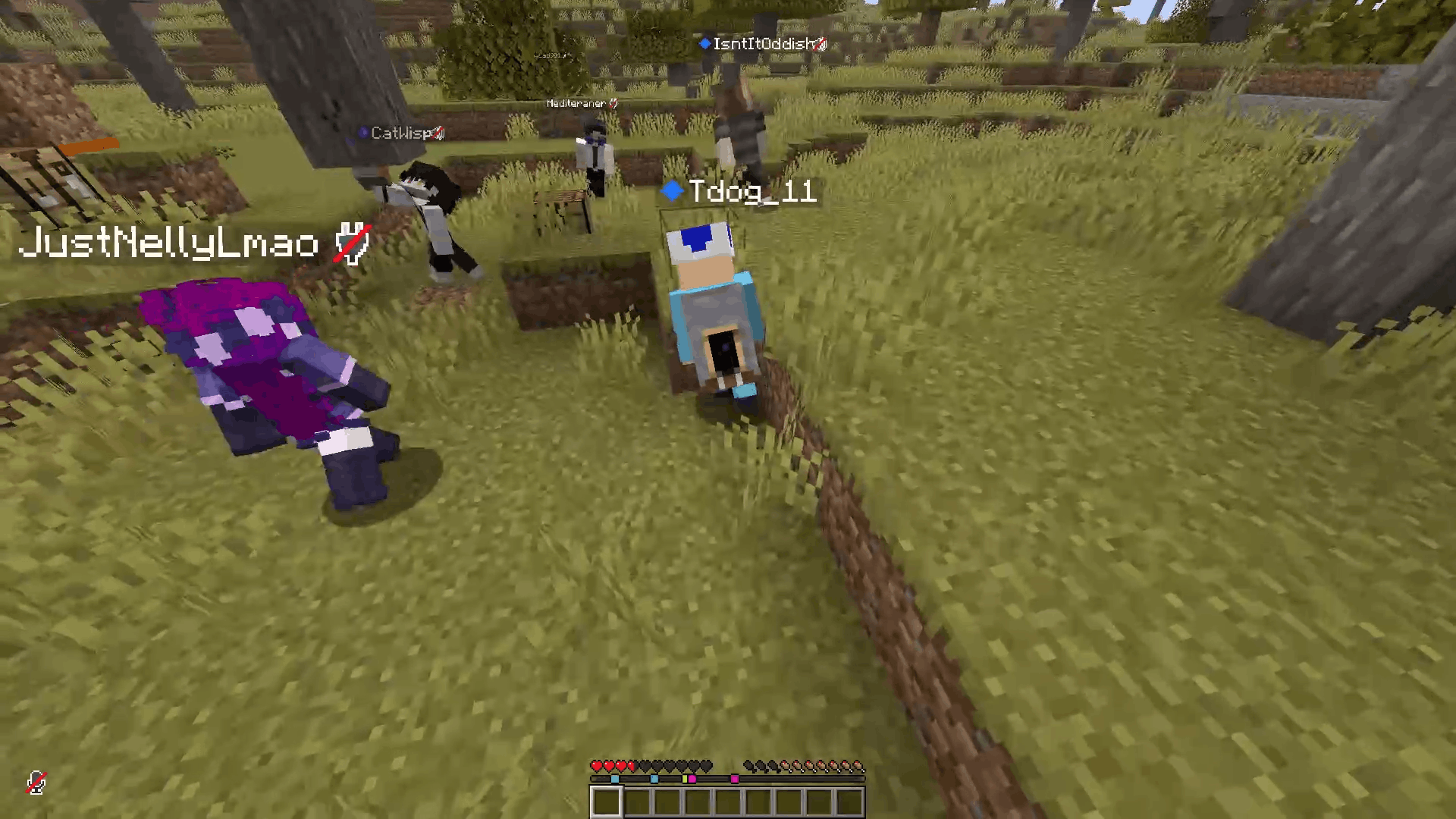 Leaning Players POV Tilts with world tilt
 -
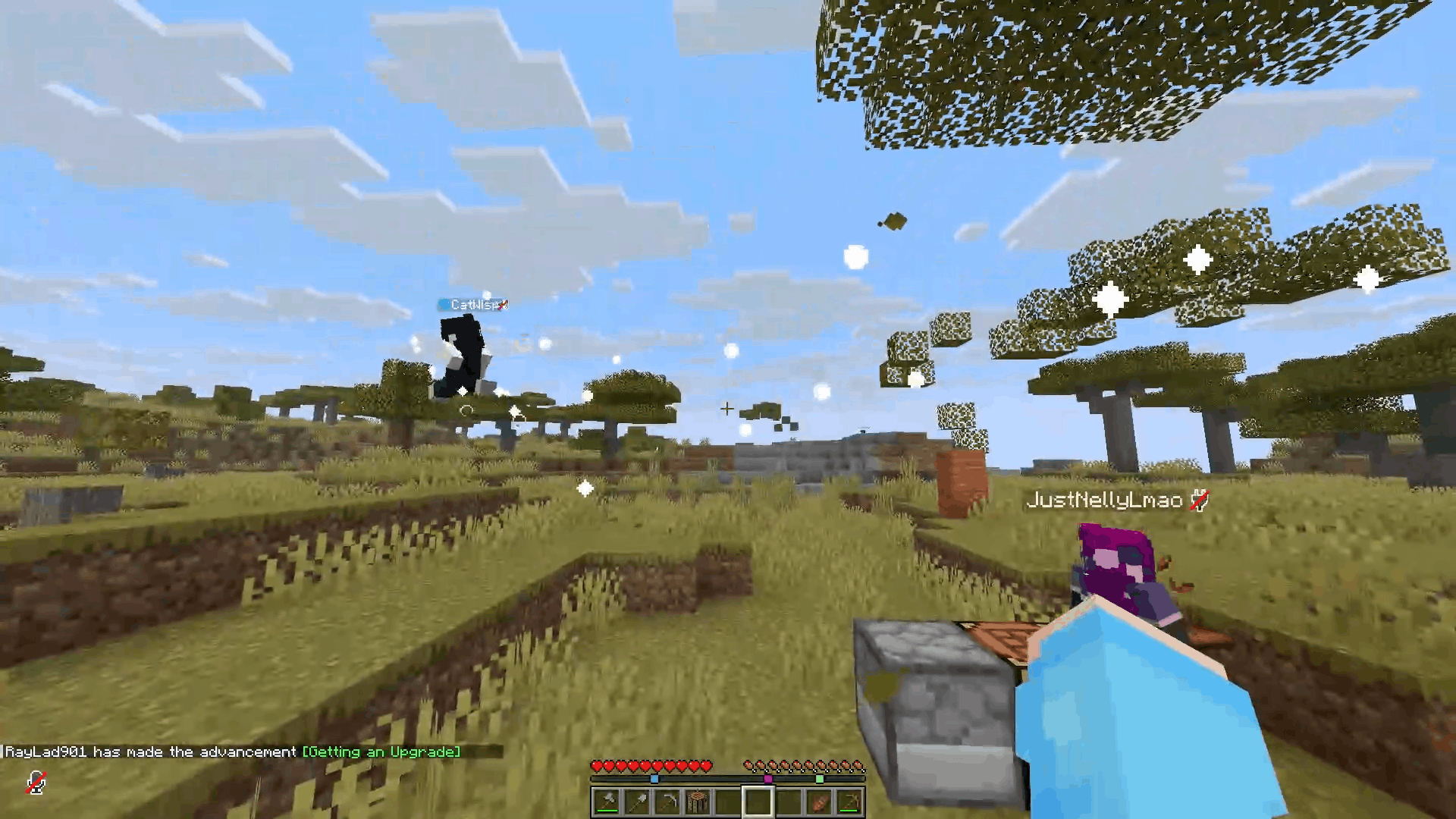 I'll take that. Pickup and move players with a supernatural power
 -
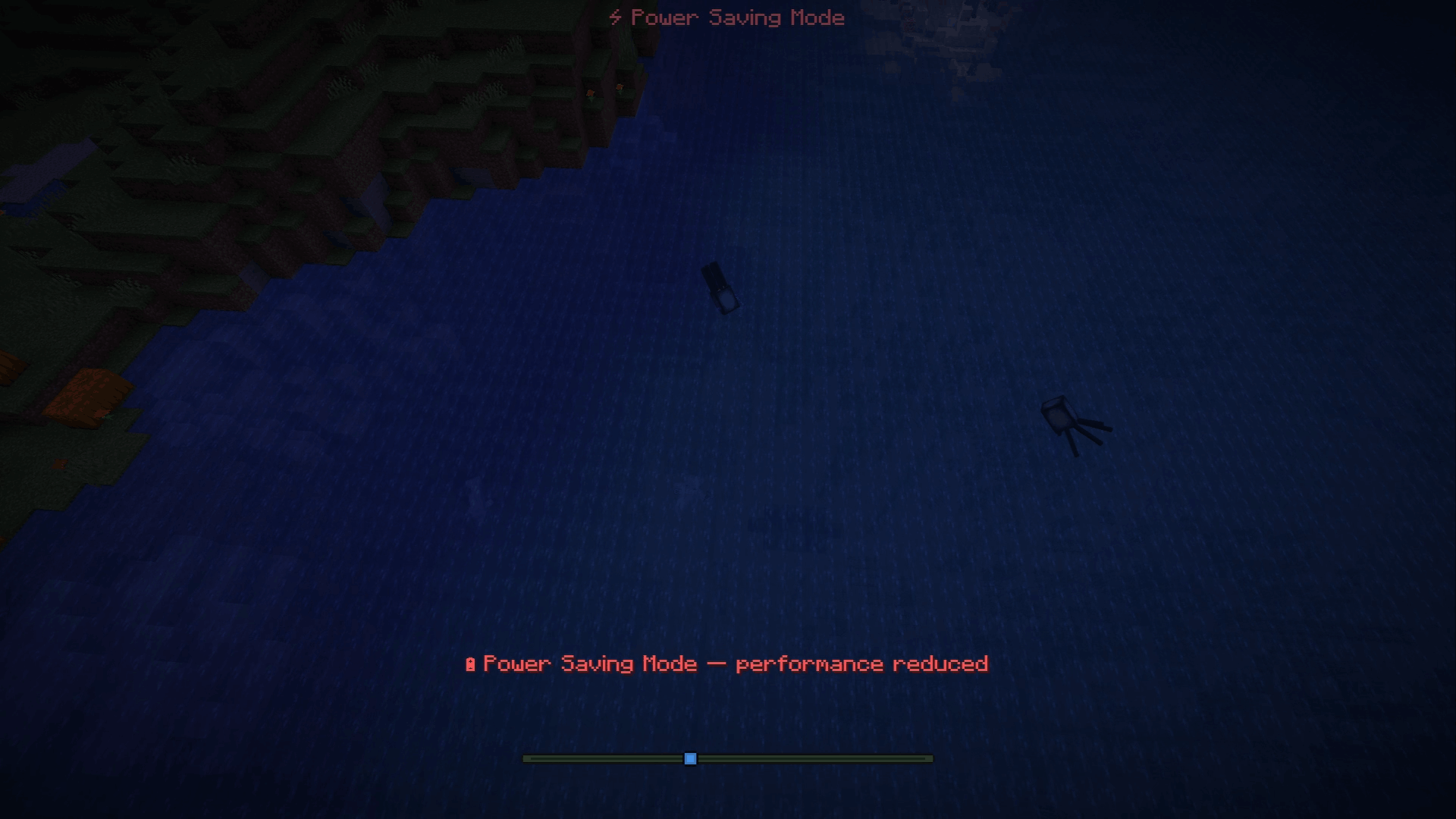 I need to charge this Heaps of synced actions for your phone through the android app
 -
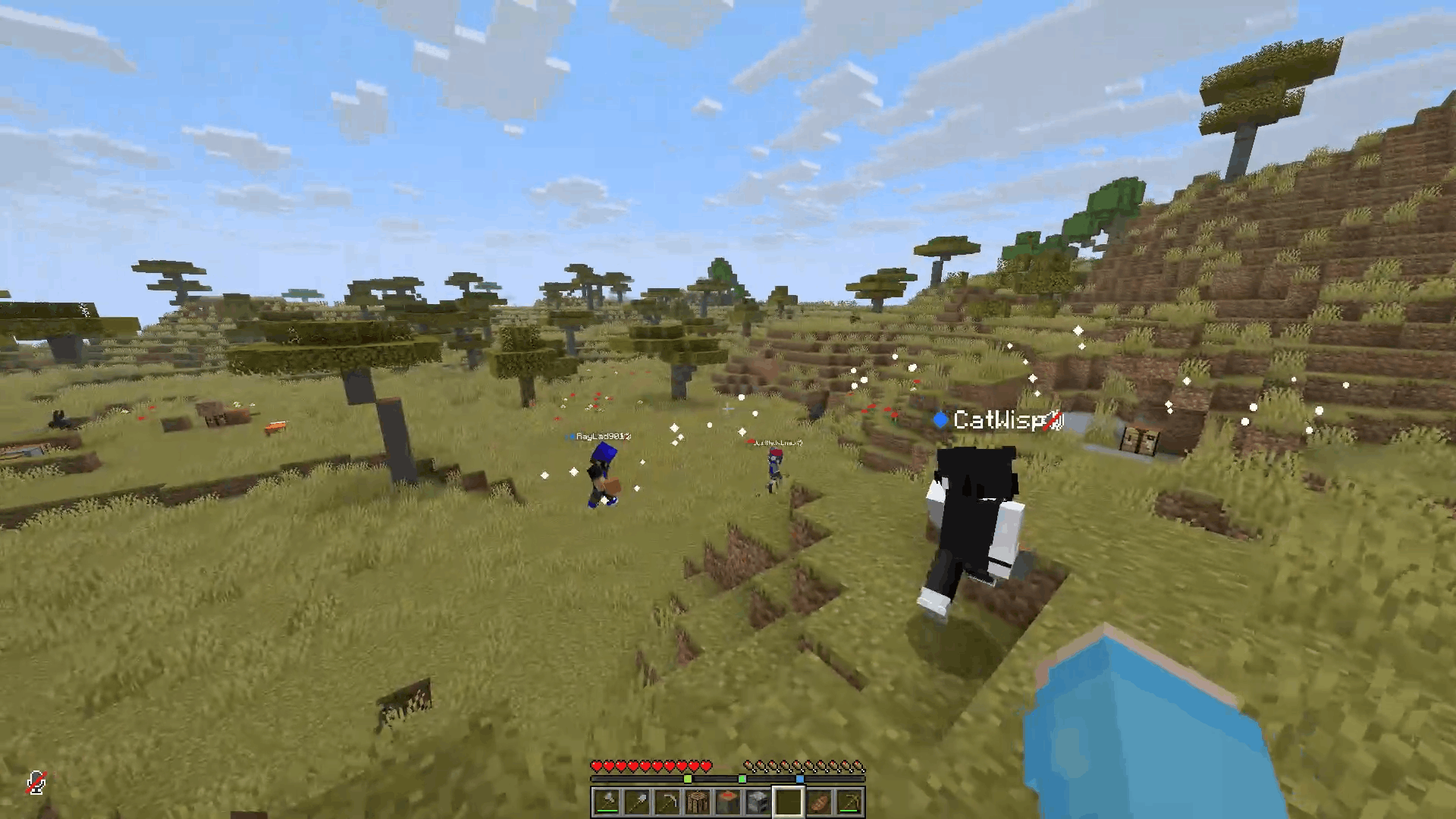 Troll your friends from your phone! So many ways to mess with your friends on a server or through a server.
Versions
Files
Relations
Project Relations
More like this
Similar Mods
Suggestions use data such as tags, dependencies, dependents, descriptions, titles, and more to rank how much they overlap with this mod.
On ModDex
Community snapshot
By the numbers
Statistics

Want to reach Minecraft players?
We're looking for a server hosting partner to feature here and other parts of the site. Interested? Send us a message!
Get in touchGet it on
Available Platforms
On ModDex
Community snapshot
By the numbers
Statistics
Resources