Community listing page, reviews here may not be monitored by the author.
TabbyChat

No reviews yet
SMP Chat Overhaul
Forge is a popular mod loader for versions 1.1+ of Minecraft.
Community voices
Reviews
Filters
Click once to include, again to exclude, again to clear
No reviews yet. Be the first to review this project!
Get it on
Available Platforms
About
Project Details
For authors
Embed Badge
If you're the author of this project, you can embed a live badge anywhere that supports HTML or Markdown. It updates automatically whenever ratings change.
Use HTML for any page that supports it, or Markdown for README files and Markdown-based descriptions.
Identifiers
Platform IDs
Resources
External Links
About
Description

Incoming chat messages from the MC server are scanned for special delimiters at the beginning of the chat line that are common to several server-side chat-channel plugins. When these chat channels can be deduced by TabbyChat, a new 'tab' is created above the chat window. This tab contains only the messages from that channel and filters out the rest.
The first tab listed will always be the catch-all tab, holding all received messages just like you would see without this mod, and is denoted with a * (asterisk).
Core behavior/functionality:
- Currently active tabs denoted by light-blue text/background, names surrounded by brackets
- Inactive tab name text is gray in color
- Inactive tabs that contain unread chat are surrounded by angle brackets, and text is red in color
- Tabs can be closed/removed by holding down the left Shift key while clicking
- Multiple tabs can be selected by left Control clicking
- Configuration of the mod separated into global (general/advanced) and server-specific (server/filters) settings, accessible by Shift-clicking on the initial * (asterisk) tab
- Tabs will also be created for chats sent/received player-to-player, i.e. the /msg command from Essentials, depending on the server configuration (i.e. delimiters)
- The mod disables itself during single-player play (this check is triggered by a chat event)
Additional features:
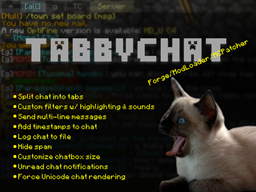
- Define custom filters, allowing you to direct/exclude chat from tabs you want. Also configure highlighting the matching text, and play a sound when a match is found
- Send multi-line messages at once, automatically split into multiple sends by TabbyChat, with a configurable time-delay between them
- Log chat to file
- Add timestamps to chat messages
- Automatically 'group' repeated messages (consolidate spam)
- Chat tabs with un-displayed messages can flash red to notify you of un-read chat
- Customize the size of your chatbox display to a configurable percentage of your current window size (20% to 100%)
- Customize how long new chat messages stay on the screen when the chat screen is inactive
- Force Unicode Rendering for Chat
- Configure automatic command prefixes for each tab (automatically begin message with command)
Installation
TabbyChat can be installed by any one of three methods:
- Patch minecraft.jar with the mod files via MCPatcher, Magic Launcher, MultiMC, etc.
- Load TabbyChat via ModLoader
- Load TabbyChat via Forge
Screenshots
Gallery
-
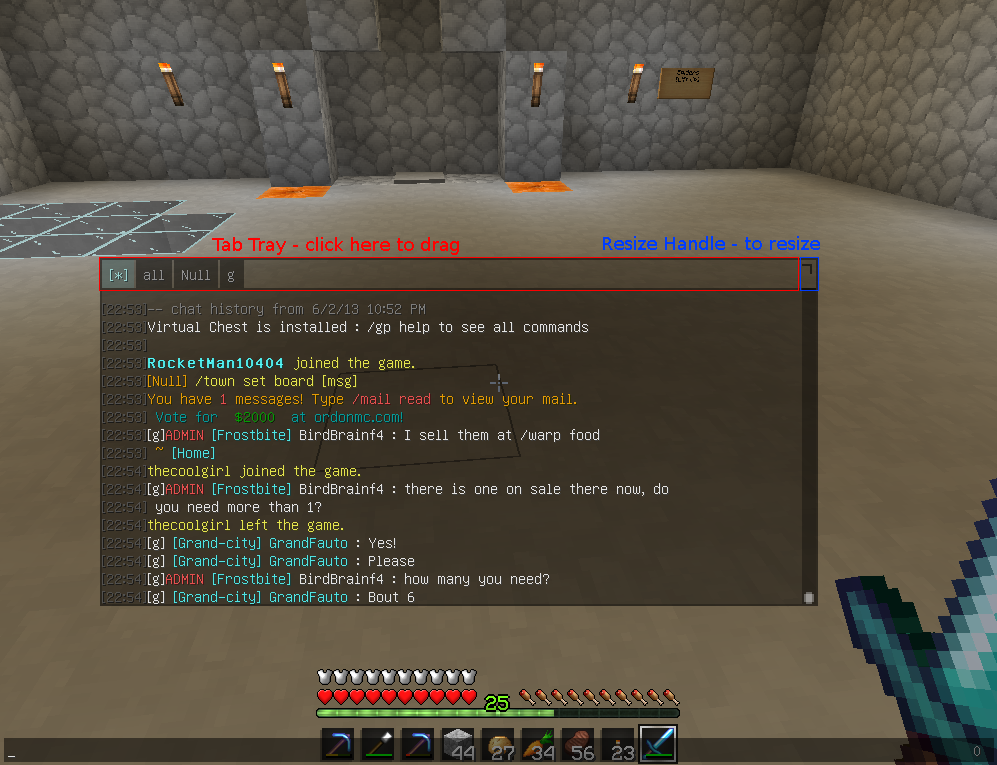 Dynamic Chatbox Dynamic Chatbox
 -
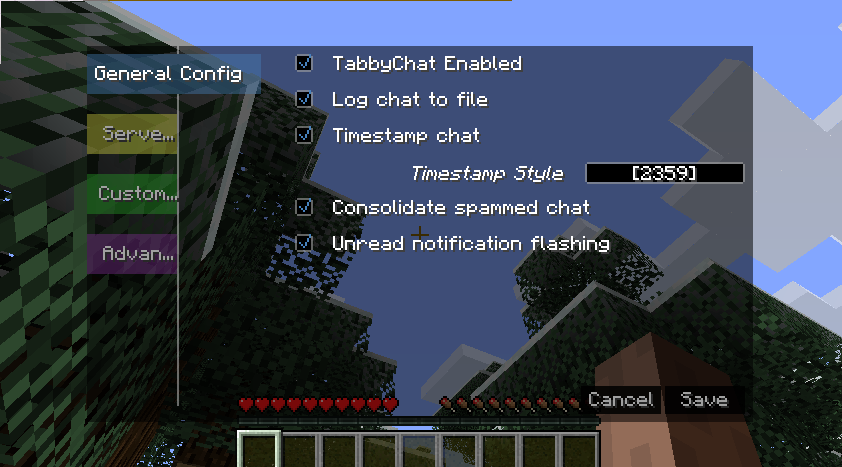 General Config The general config menu
 -
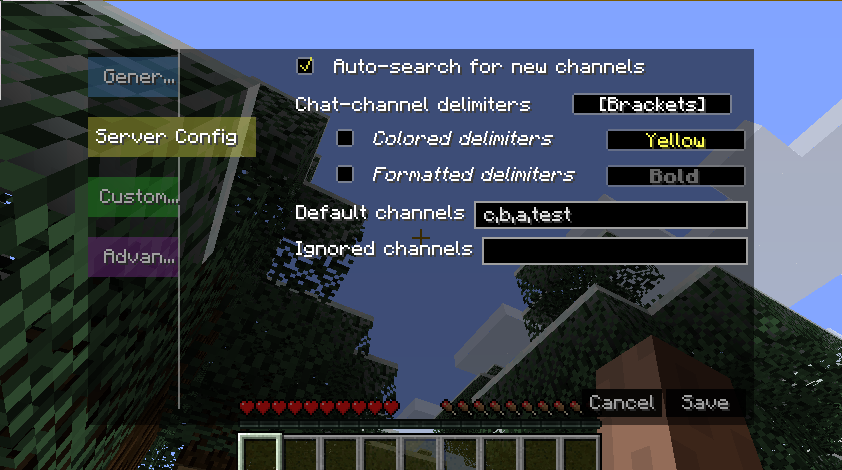 Server Config The server config menu
 -
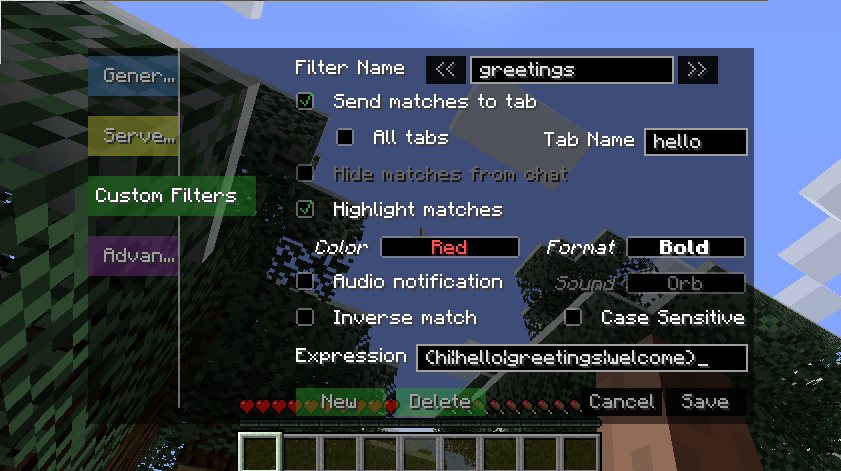 Custom Filters The custom filters menu**
 -
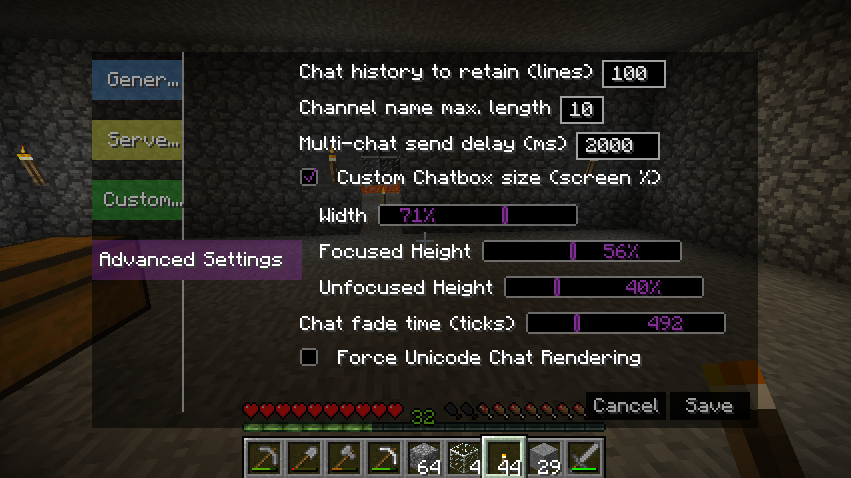 Advanced Settings The advanced settings menu
 -
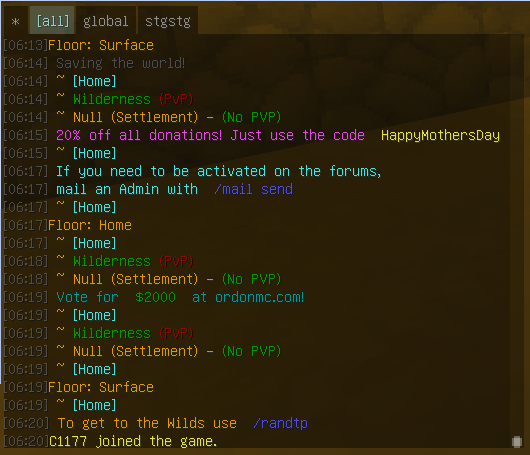 screenshot Screenshot
 -
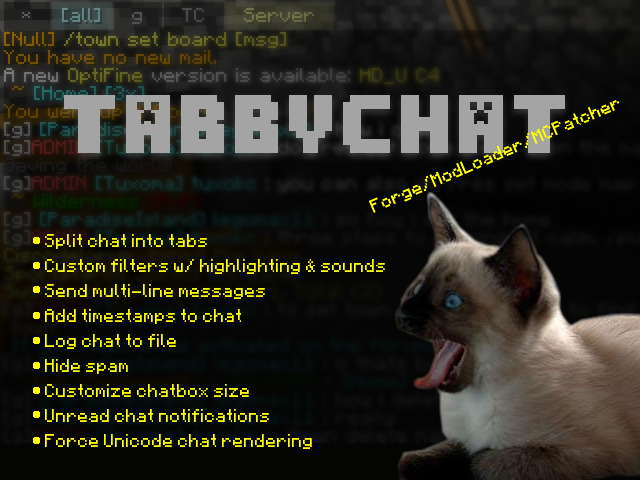 promo Overview
Versions
Files
Relations
Project Relations
More like this
Similar Mods
Suggestions use data such as tags, dependencies, dependents, descriptions, titles, and more to rank how much they overlap with this mod.
On ModDex
Community snapshot
By the numbers
Statistics
Want to reach Minecraft players?
We're looking for a server hosting partner to feature here and other parts of the site. Interested? Send us a message!
Get in touchGet it on
Available Platforms
On ModDex
Community snapshot
By the numbers
Statistics
Resources