
Tables & Chairs 2
No reviews yet
Modular, functional, and customisable tables and chairs for your Minecraft game, built from the ground up for performance. Vanilla furniture originally based on Axel's Tables & Chairs!
Data Packs were introduced to vanilla Minecraft in version 1.13 and allow the server to modify data about the game, or run commands. Data Packs are compatible with all mod loaders.
Forge is a popular mod loader for versions 1.1+ of Minecraft.
Neoforge is a fork of the Minecraft Forge available for versions 1.20.1+ of Minecraft. Many Forge mods are compatible with Neoforge and vice versa.
Fabric is a mod loader for versions 1.14+ of Minecraft, particularly popular for client side and optimization mods.
Quilt is a fork of the Fabric mod loader. Many Fabric mods are compatible with Quilt and vice versa.
Community voices
Reviews
Click once to include, again to exclude, again to clear
No reviews yet. Be the first to review this project!
Get it on
Available Platforms
 Modrinth
Compatibility
Supported Environments
About
Project Details
For authors
Embed Badge
If you're the author of this project, you can embed a live badge anywhere that supports HTML or Markdown. It updates automatically whenever ratings change.
Use HTML for any page that supports it, or Markdown for README files and Markdown-based descriptions.
Identifiers
Platform IDs
About
Description
Tables & Chairs 2
Probably the nicest looking, stable feeling and performant table and chair datapack. Originally based on Axel's Tables and Chairs, rewritten from the ground up by me. It uses all the latest datapack features to bring you a solid mod-like experience!
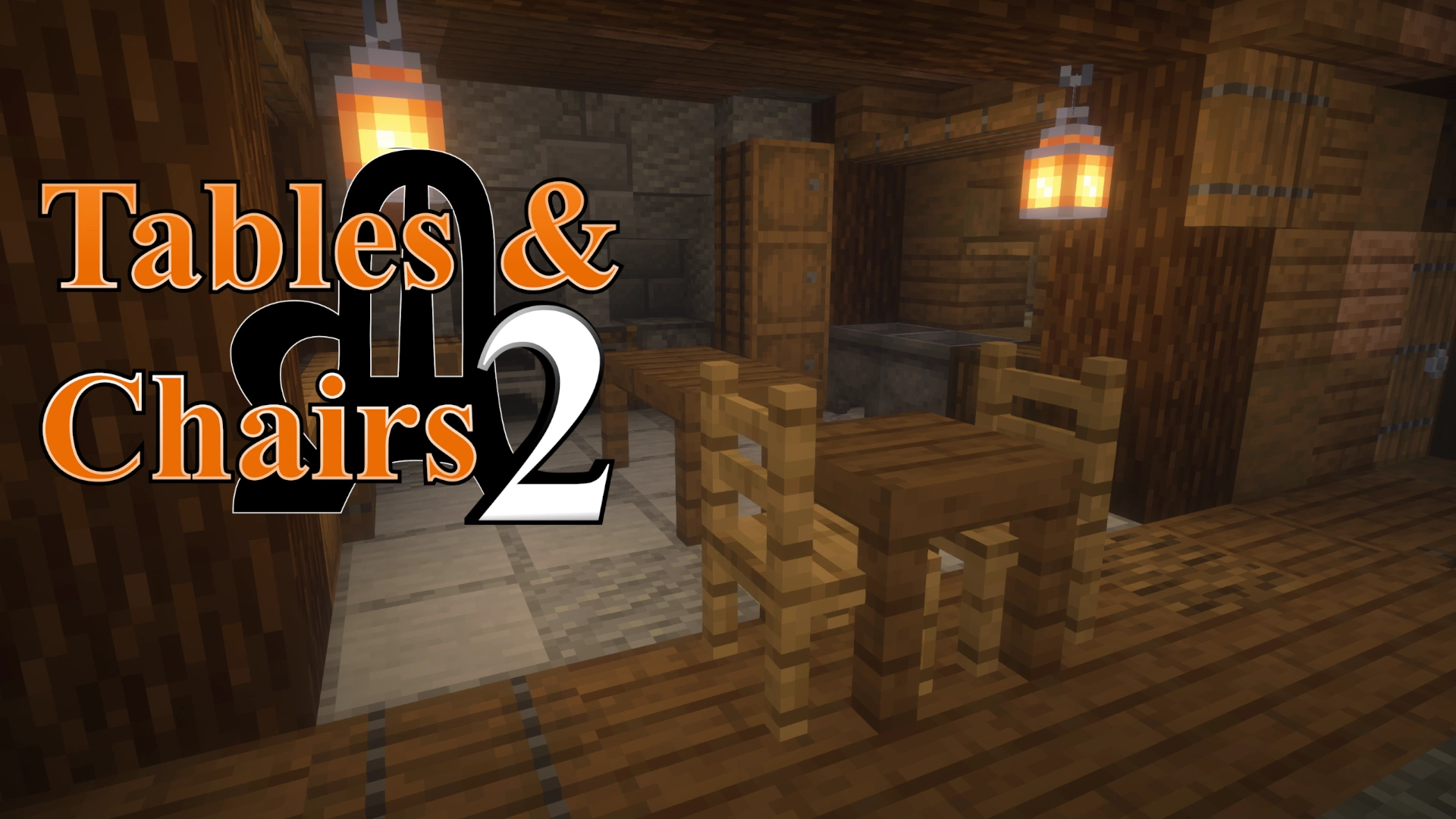
screenshot by Joel Duggan @ twitch.tv/joelduggan
RESOURCE PACK REQUIRED (unless installed as a mod)
Chairs
Right click: sit on chair
Left click (2x): destroy chair
Shift right click: rotate chair
Shift left click: move chair
Right click with a carpet to add a custom carpet layer. To take it off, right click again with shears or break the chair entirely.
Tables
A custom block that should work as expected.
Placing tables next to each other will automatically connect them together. Shift-placing prevents connections. To destroy, hold left click on the table-top with a proper tool until it breaks.
TIP: Left clicking it with an item will put it into an 'edit' mode briefly. Use this mode while shifting to place blocks and items on top of it as if it were a regular block.
Crafting recipes
There are soooo many different types of chairs you can craft. You can craft them in each kind of wood material (oak, mangrove, acacia, etc.), and each can be decorated with 16 colours of carpet, too! The 'carved' variant is special as it will have a unique model for each material that you craft them in.
In creative, you can use the /function tac:give/ command to pick and choose furniture items to give yourself. It works just like the /give command does.
All of these amazing models were made by Axel // Chuckchuck (with the exception of the Pedestal Table which is new to T&C2).
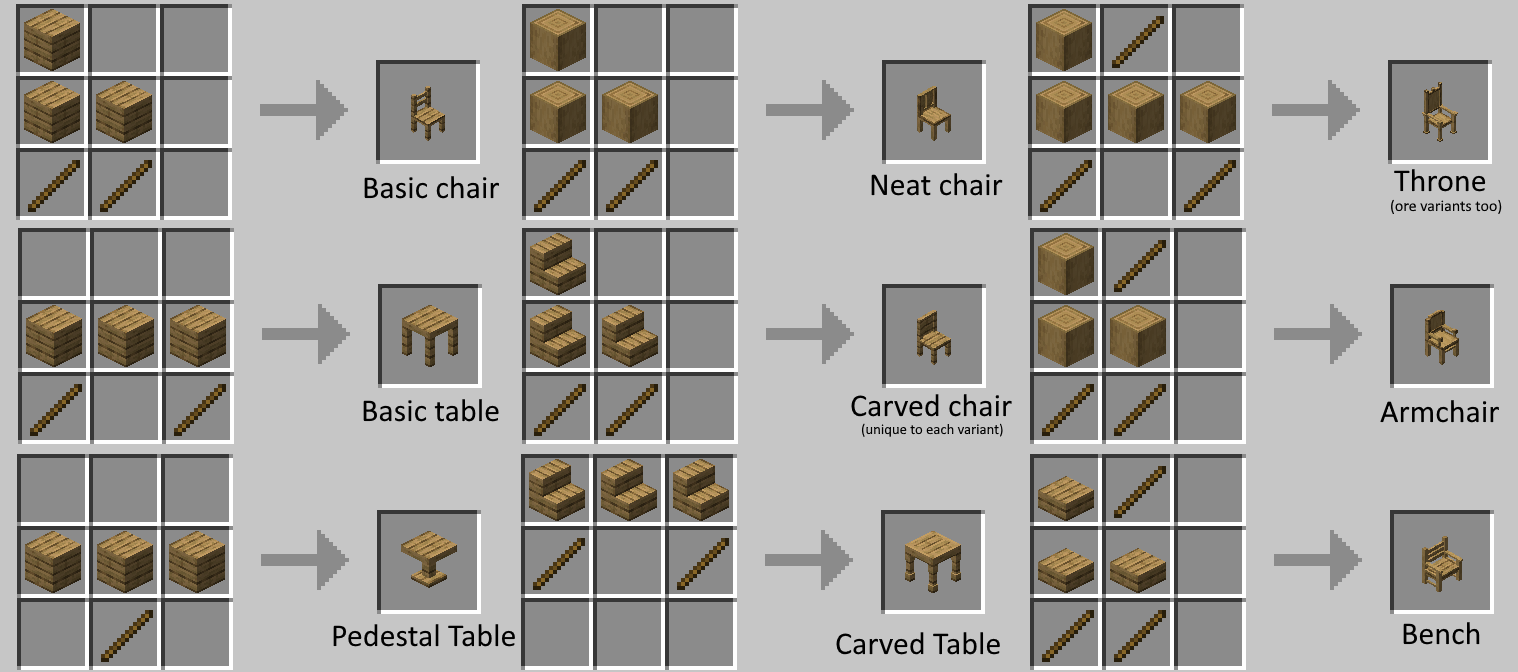
Difference between Axel's Tables & Chairs and Tables & Chairs 2.
If you don't know what any of this means, then don't worry, it's not for you.
My goal has been to generally simplify and remove some complicated additions of the original in order to make it easier to understand and perform better. For example the Sawmill, a custom crafting station used to create tables and chairs, has simply been replaced with the crafting table for that reason. Candles, trophies and ornaments will also be omitted here, though they could come back in a seperate datapack if I decide to reimplement them. The Hammer or at least a hammer-type system is still planned to be added before it gets out of beta.
As we go along, I would like you to send me feedback on the discord server, or an Issue on Github page. --- Discord ---- Github ---
Why make this a datapack?
Unlike traditional mods, these elements will persist within your world across all future updates and releases while the resource pack is enabled. This works through the use of vanilla features that cannot be overwritten, making it safe to add into your main survival worlds and ensuring your builds for the future.
Removing and Upgrading
Removing this datapack was made simple so that you can use it in your main survival worlds without worrying about breakages in future updates. You can also convert old Axel's Tables & Chairs content into Tables & Chairs 2, or convert your existing furniture into block-based equivalents.
/function tac:config
^ Type this command and browse the available conversion modes.
For older versions, this may be /function tac:xxx/, and you'll have to browse them manually.
Available Conversion Modes
-
Upgrade
- Upgrades all T&C1 furniture into T&C2.
-
Replace
- Replaces all furniture with block-based equivalents.
-
Clear
- Removes all furniture from the area.
WARNING: All changes are permanent and cannot be undone. Testing in backups is recommended. Proceed with caution.
Screenshots
Gallery
-
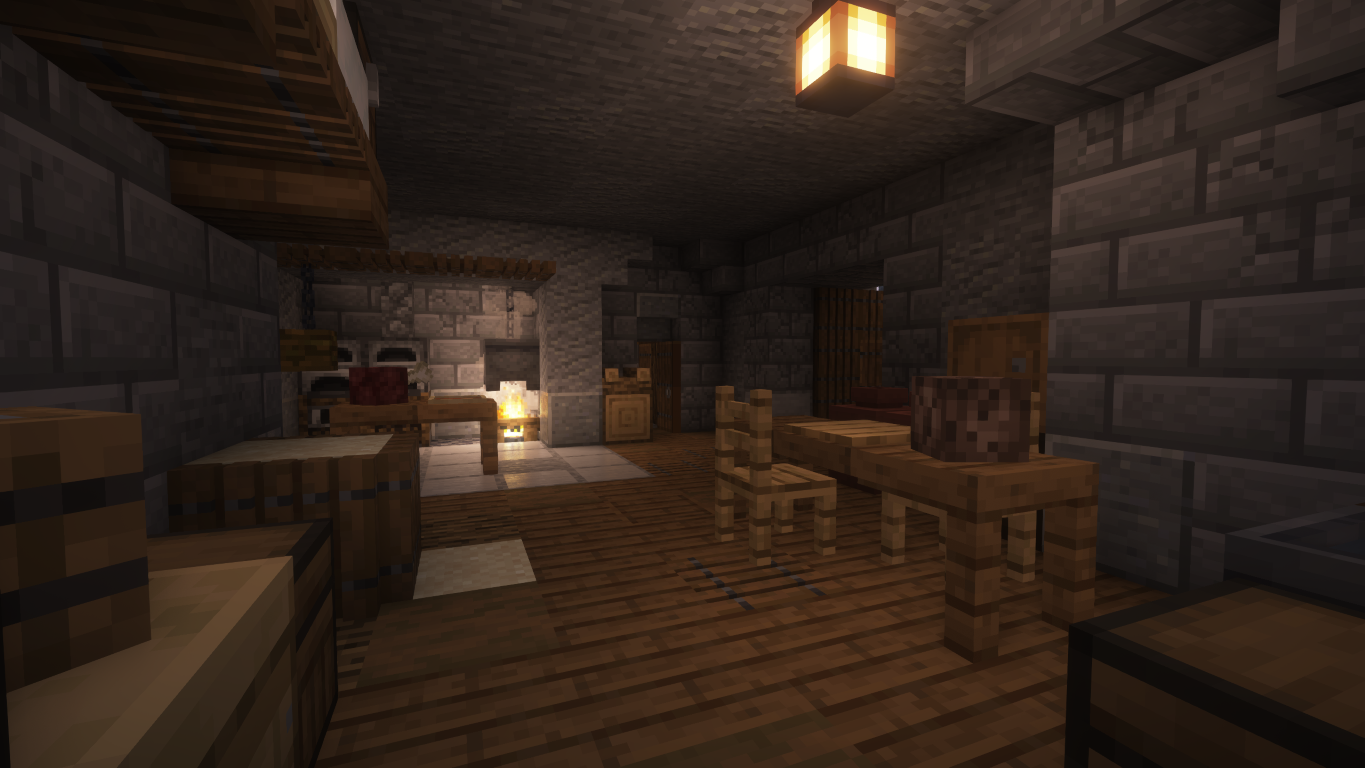 Tavern screenshot by Joel Duggan - twitch.tv/joelduggan - on The Citadel
 -
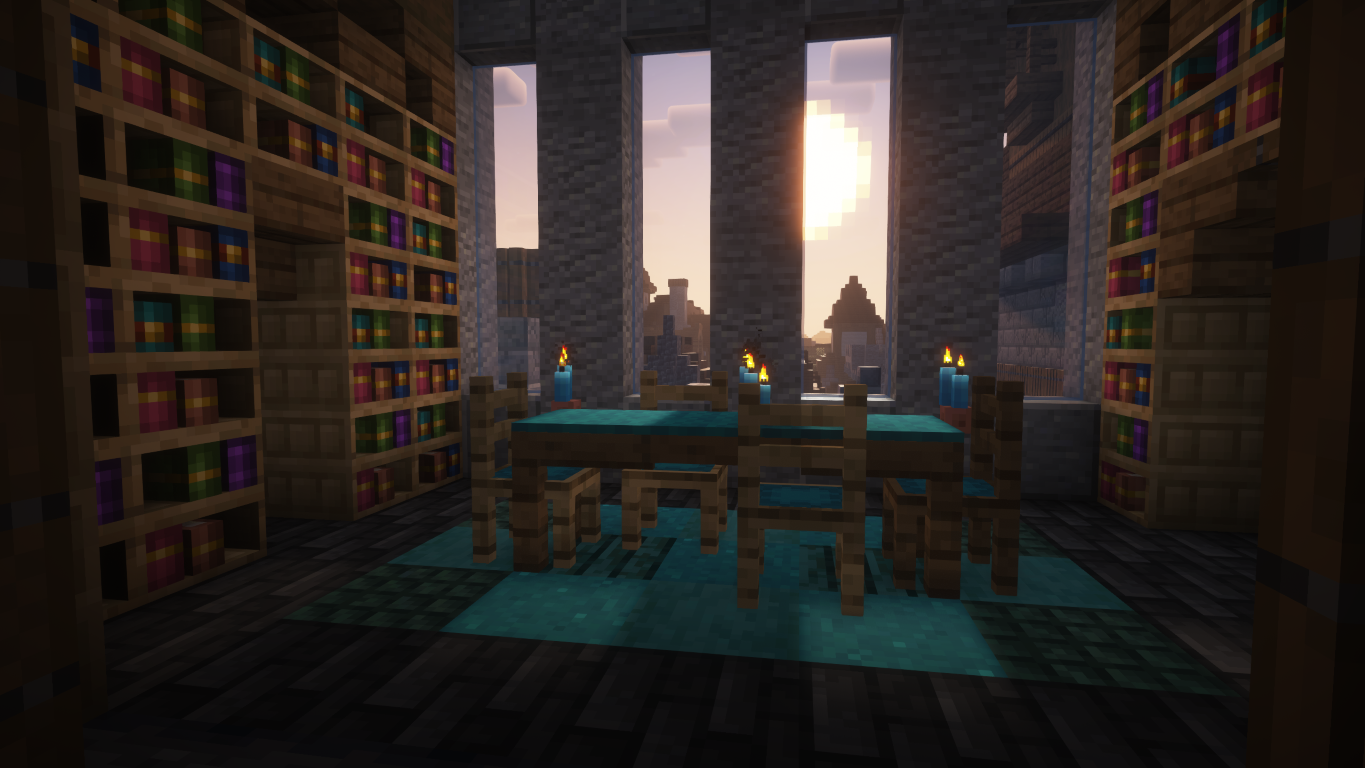 Reading Table screenshot by Joel Duggan - twitch.tv/joelduggan - on The Citadel
 -
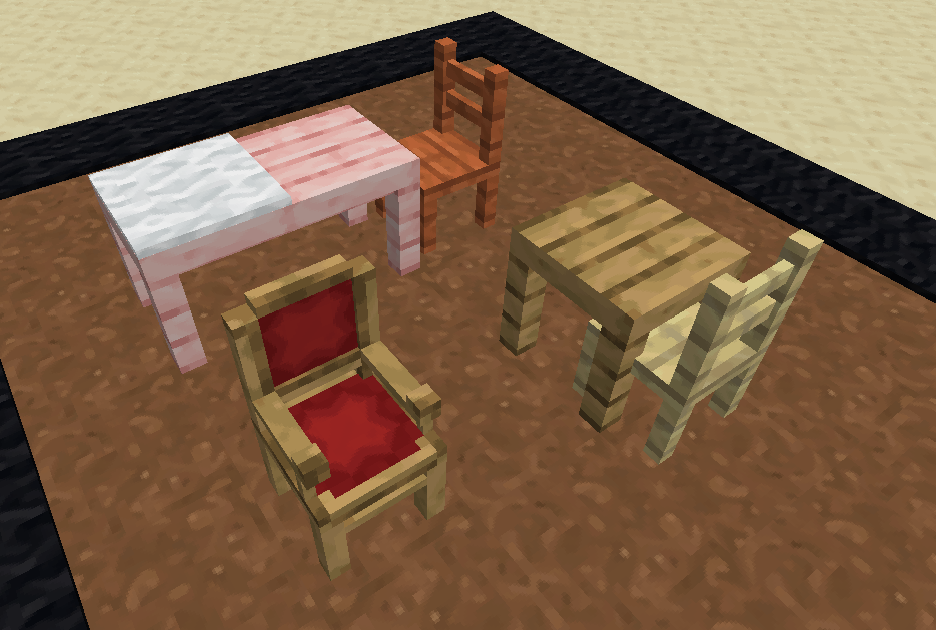 temp screenshot
 -
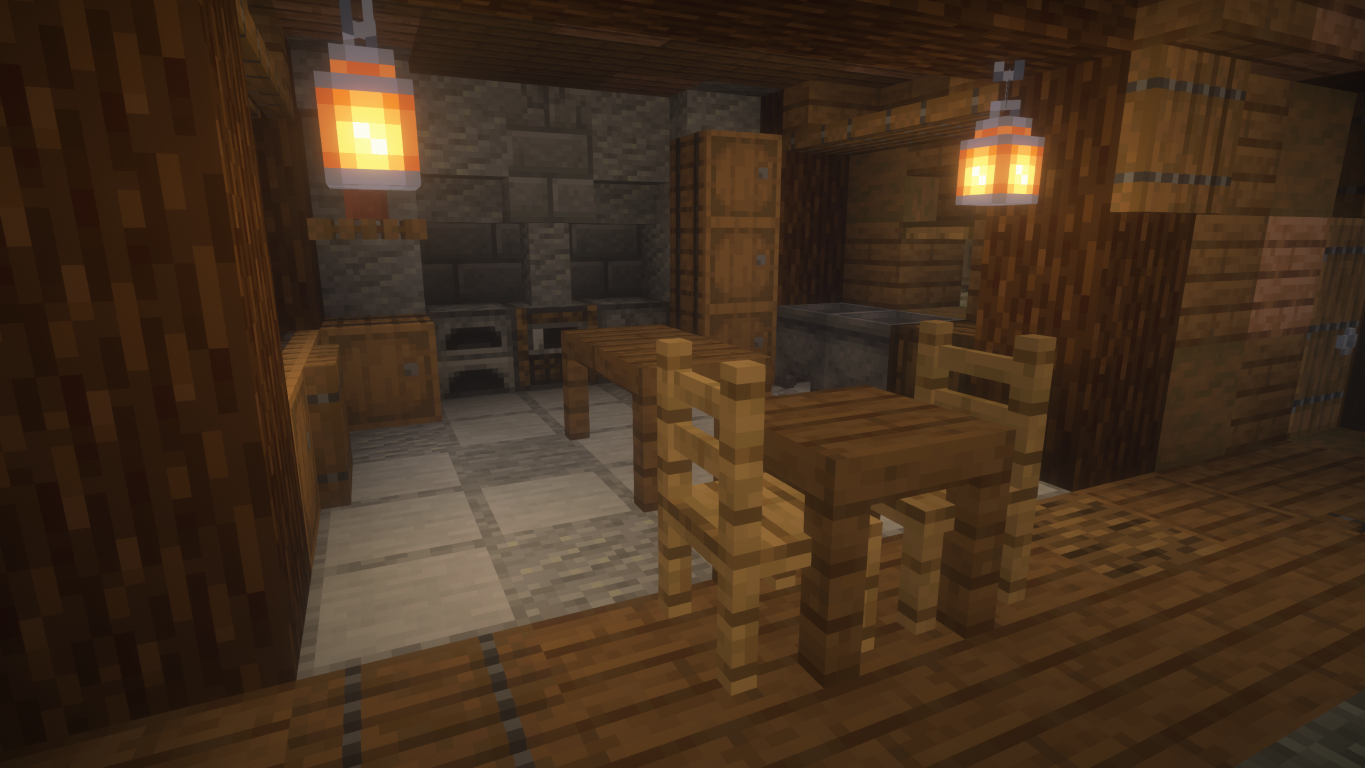 Kitchen screenshot by Joel Duggan - twitch.tv/joelduggan - on The Citadel
 -
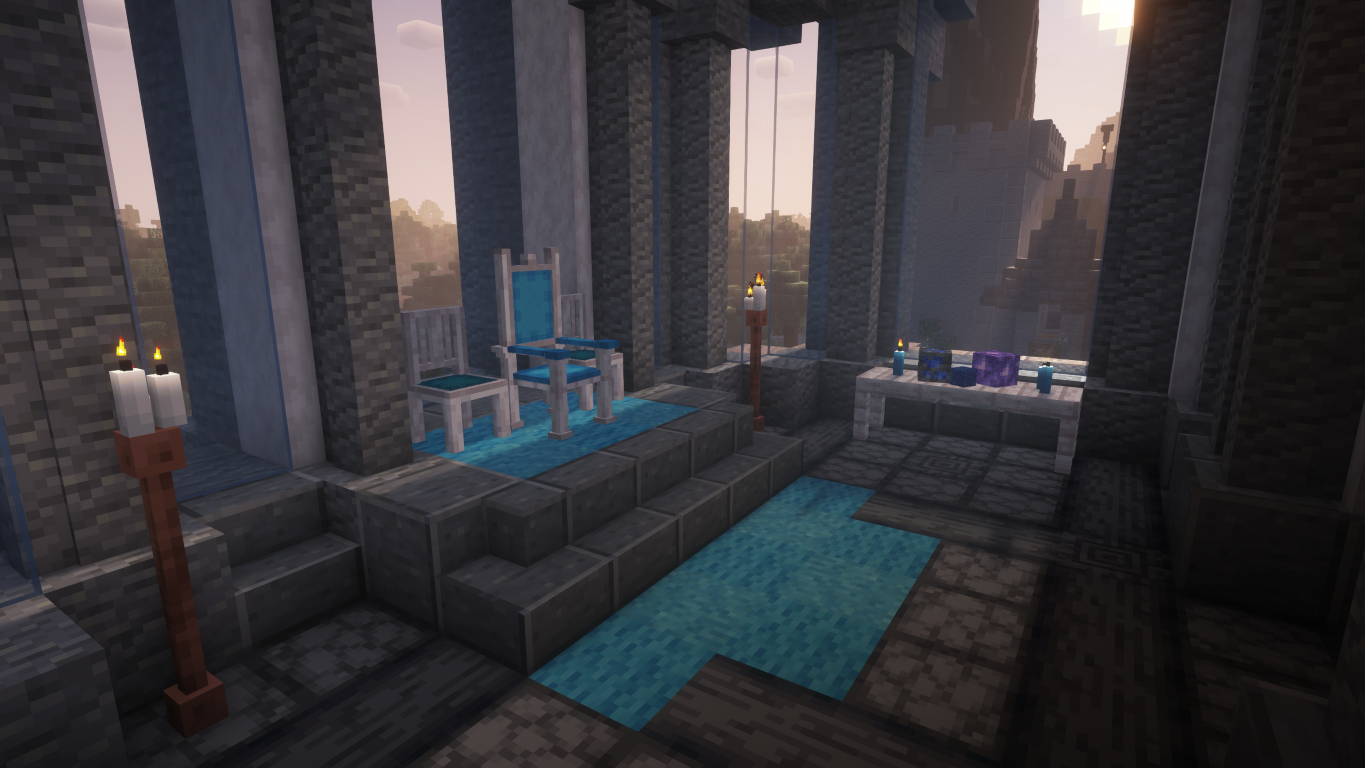 Royal Room screenshot by Joel Duggan - twitch.tv/joelduggan - on The Citadel
Versions
Files
Relations
Project Relations
More like this
Similar Mods
Suggestions use data such as tags, dependencies, dependents, descriptions, titles, and more to rank how much they overlap with this mod.
On ModDex
Community snapshot
By the numbers
Statistics

Want to reach Minecraft players?
We're looking for a server hosting partner to feature here and other parts of the site. Interested? Send us a message!
Get in touchGet it on
Available Platforms
On ModDex
Community snapshot
By the numbers