Community listing page, reviews may not be monitored by the author.
🐾 Tailcraft — Ears, Tails & Accessories

No reviews yet
Customizable ears, tails, and collars with smooth physics, fluffy styles, and multiplayer support.

Community voices
Reviews
No reviews yet. Be the first to review this project!
Get it on
Available Platforms
About
Project Details
For authors
Embed Badge
If you're the author of this project, you can embed a live badge anywhere that supports HTML or Markdown. It updates automatically whenever ratings change.
Use HTML for any page that supports it, or Markdown for README files and Markdown-based descriptions.
Identifiers
Platform IDs
Resources
External Links
About
Description
🐾 Tailcraft — Ears, Tails & Accessories
Give your Minecraft character a personal touch with customizable ears, expressive tails, and neck accessories. Mix different styles, create your own color combinations, and bring them to life with adjustable physics—all through an in-game menu.
✨ Create your own look
- Choose from 10 ear and tail types, including cats, dogs, foxes, wolves, raccoons, rabbits, squirrels, red pandas, and Nanachi-inspired designs.
- Explore five cat-ear variants, including small, fluffy, tufted, and folded ears.
- Adjust ear and tail size, proportions, angles, and bends.
- Choose from 24 tail poses and 10 ear poses.
- Customize outer ears, inner ears, tail colors, and individual tail segments.
- Add gradients, stripes, and contrasting tips.
- Choose short, fluffy, layered, long-lock, or fluffy-tip fur—or keep the tail without extra fur.
🎀 Accessories and neckwear
Complete your character with bows, rings, and bells for ears and tails.
Neckwear includes chains, chokers, spiked collars, leather collars with buckles, double chokers, bandanas, bow collars, and collars with tags or studs. A choker with a yellow bell is also available!
Customize fabric colors, metal finishes, bow styles, and accessory sizes.
🌿 Expressive movement
Tails react to movement and turns, with adjustable follow delay from the base to the tip. Tune stiffness, damping, inertia, and the movement of ears, fur, and pendants.
Enable occasional ear twitches or optional idle tail swaying and wagging. Visual collision lets tails bend away from blocks and the player’s legs.
Physics are cosmetic. Brief clipping may occur during sudden movement or in tight spaces.
🎨 Customize in-game
Press K to open the customization menu, featuring:
- A rotating character preview.
- Three interface themes: Classic, Warm Book, and Sakura.
- Animated menus and buttons.
- English and Russian, selected automatically through Minecraft’s language settings.
🌊 Water & Posture — New in 1.3
Open the customization menu with K and click the new Water button to customize how your ears and tail react to water and crouching.
- Enable or disable wet-tail and wet-ear effects separately.
- Adjust drying time from 5 to 120 seconds.
- Customize how much wet fur darkens and flattens.
- Adjust movement in water and ear tilting when crouching—or turn these effects off.
After leaving the water, your ears and tail gradually dry and return to their usual appearance. These settings synchronize with other players using the same beta version.
Available in Tailcraft 1.3 for Minecraft 1.21.1.
The menu key can be changed in Controls. Optional first-person tail visibility is also available.
👥 Multiplayer
To see each other’s cosmetics, install the same Tailcraft version on the server and participating clients. For LAN worlds, the host and guests need the mod.
Without the server mod, your cosmetics remain local to your client.
📦 Requirements
- Minecraft Java Edition 1.21.1 to 26.3
- NeoForge 21.1.259+
- Java 21
- No additional mod libraries required.
Place the JAR in your mods folder, launch the game, and press K to get started!
Main version: 1.21.1. This version will receive updates first!
(TailCraft mod version 1.2.6 has noticeable bugs related to tail poses. Please download the more stable version 1.3)
Screenshots
Gallery
-
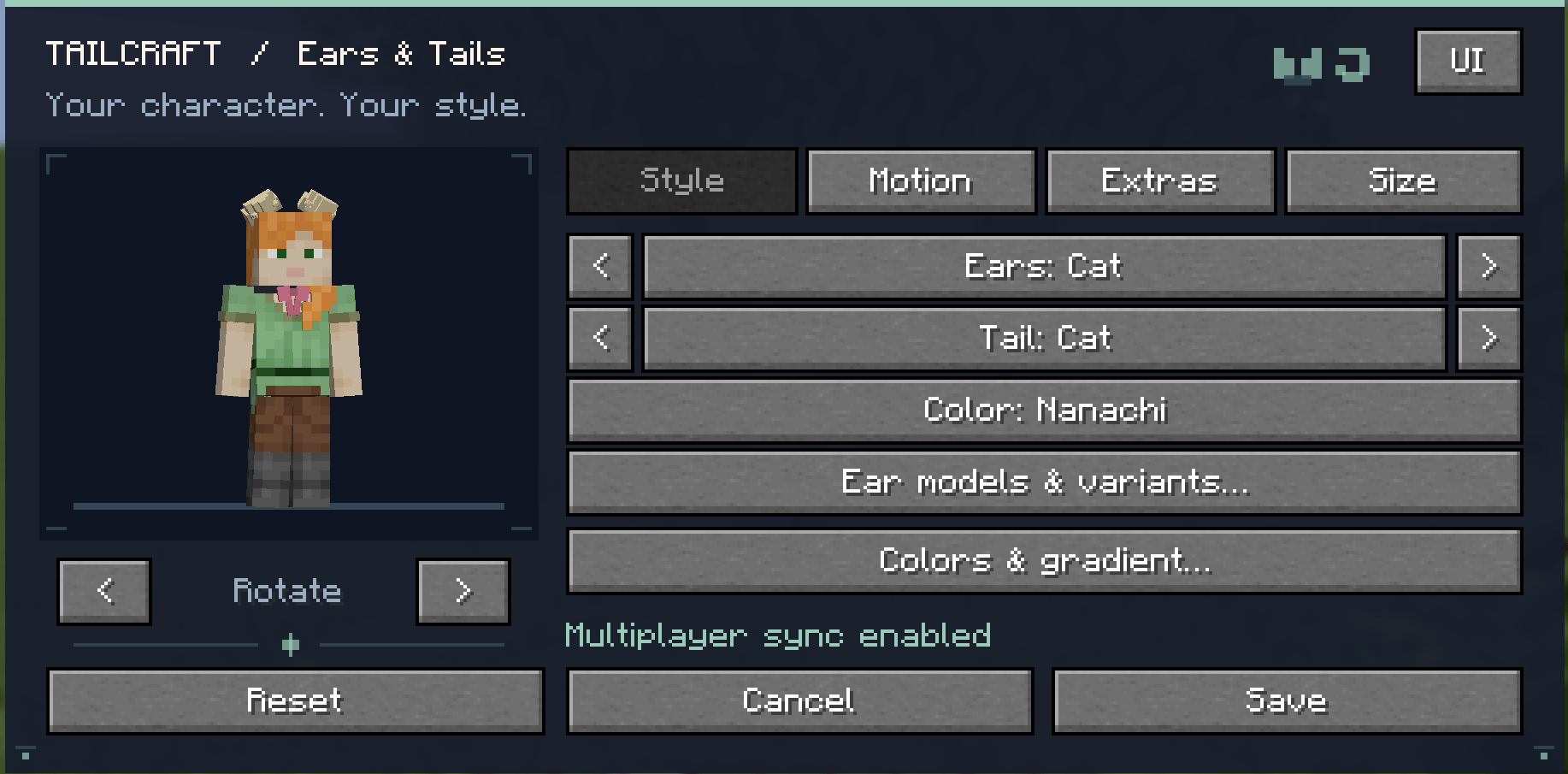 Default UI Default UI
-
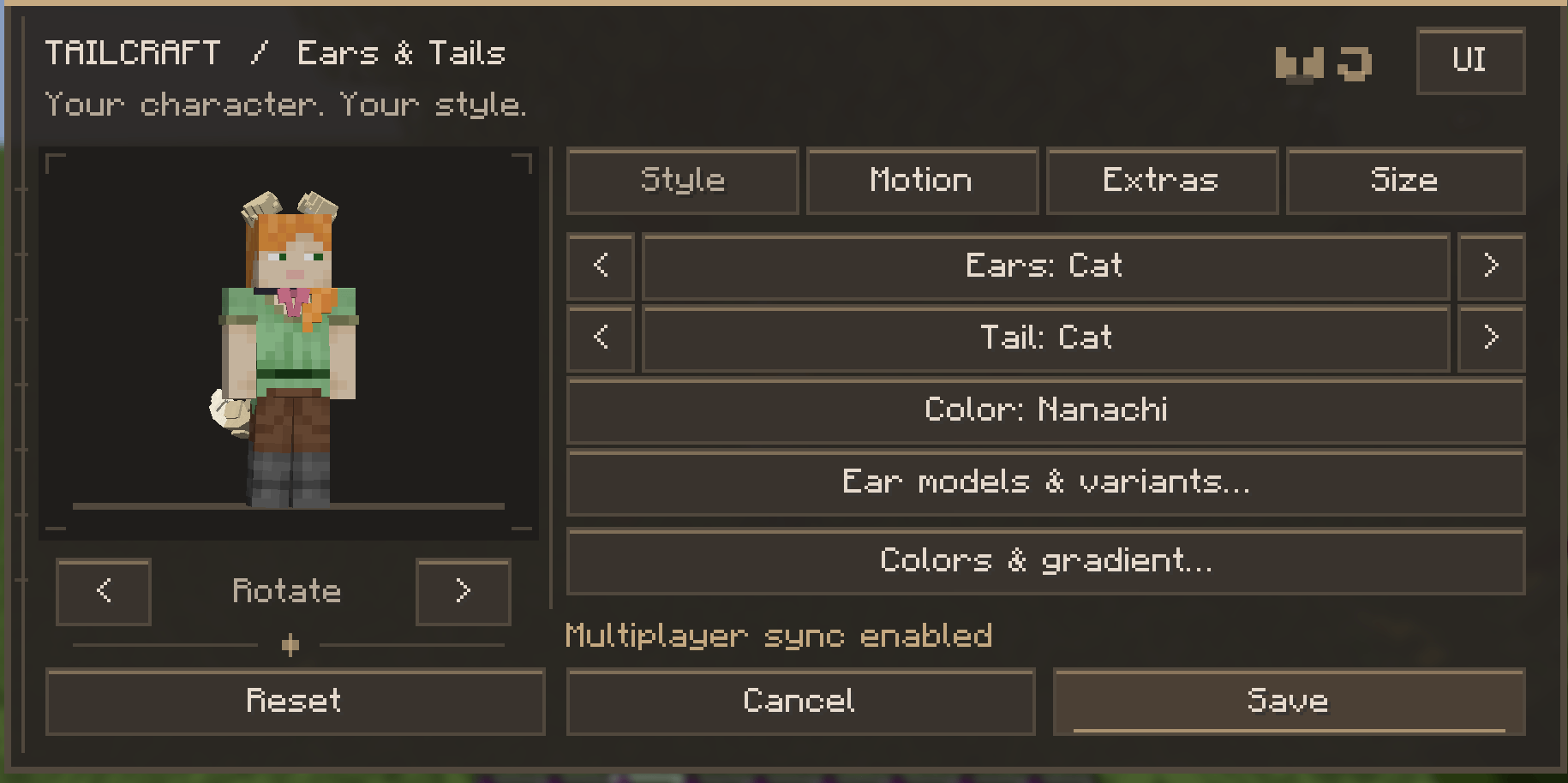 Warm Book UI Warm Book UI
-
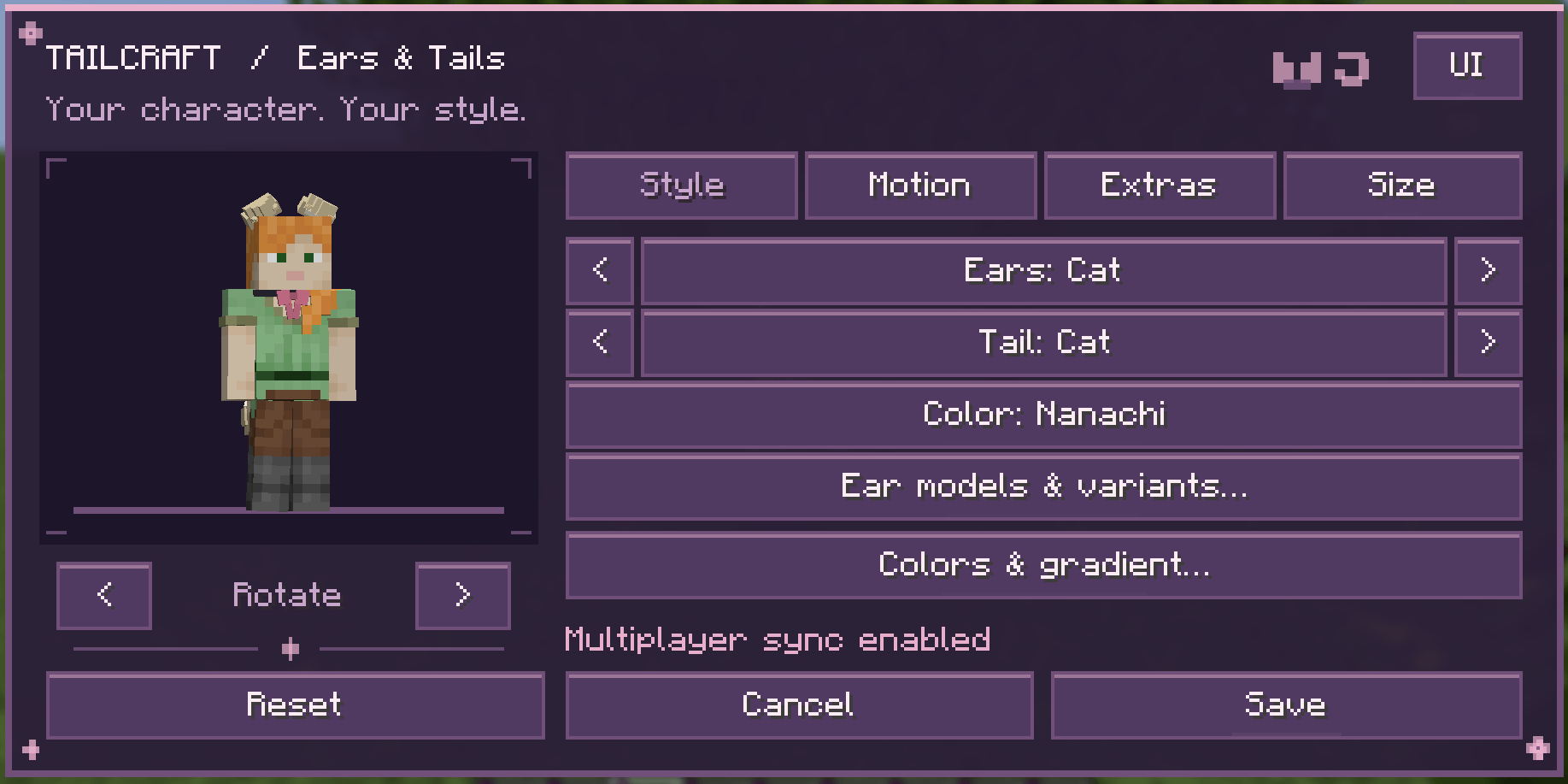 Sakura UI Sakura UI
-
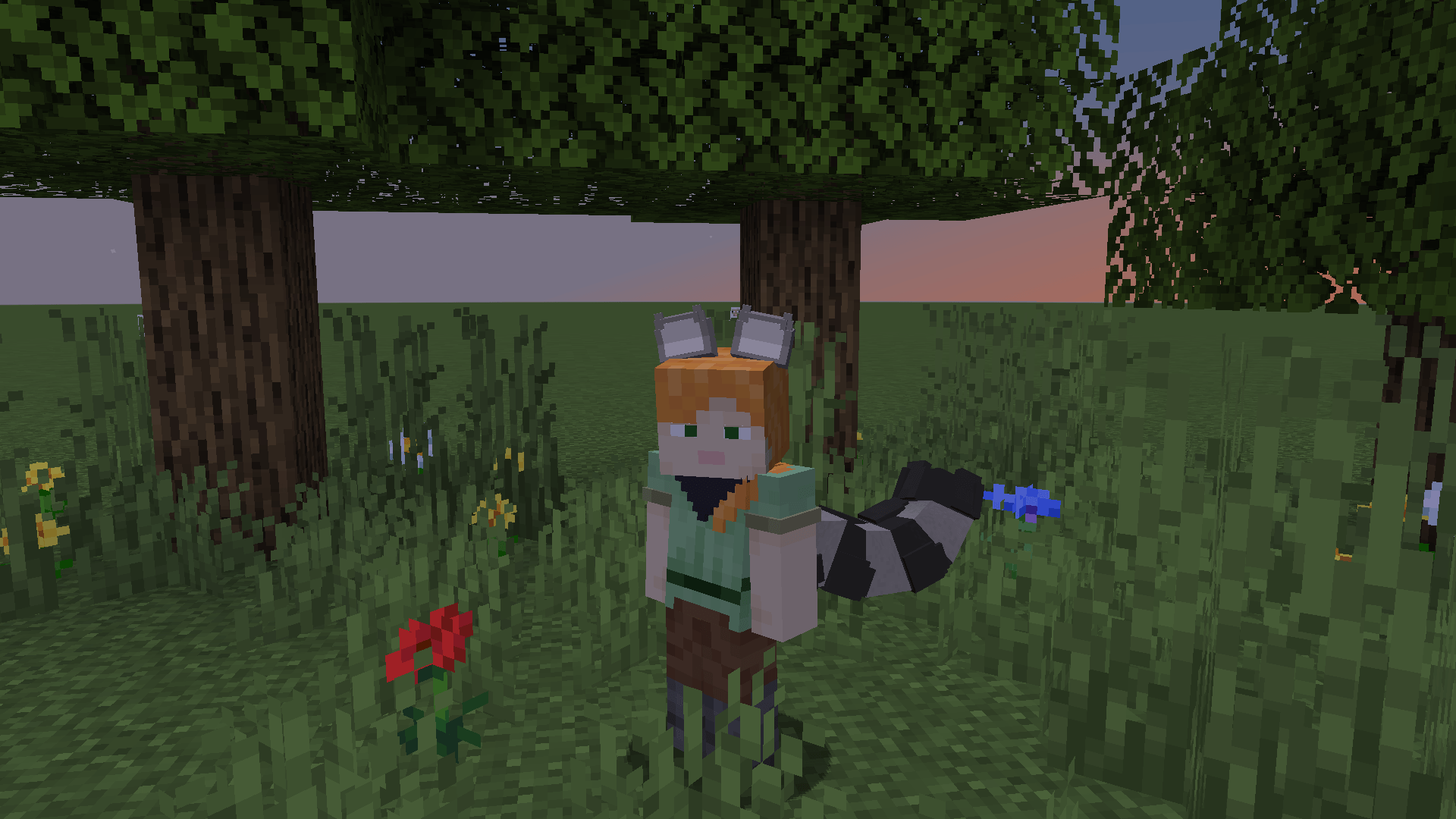 Racoon Tail & Ears Racoon Tail & Ears (a bandana around the neck)
-
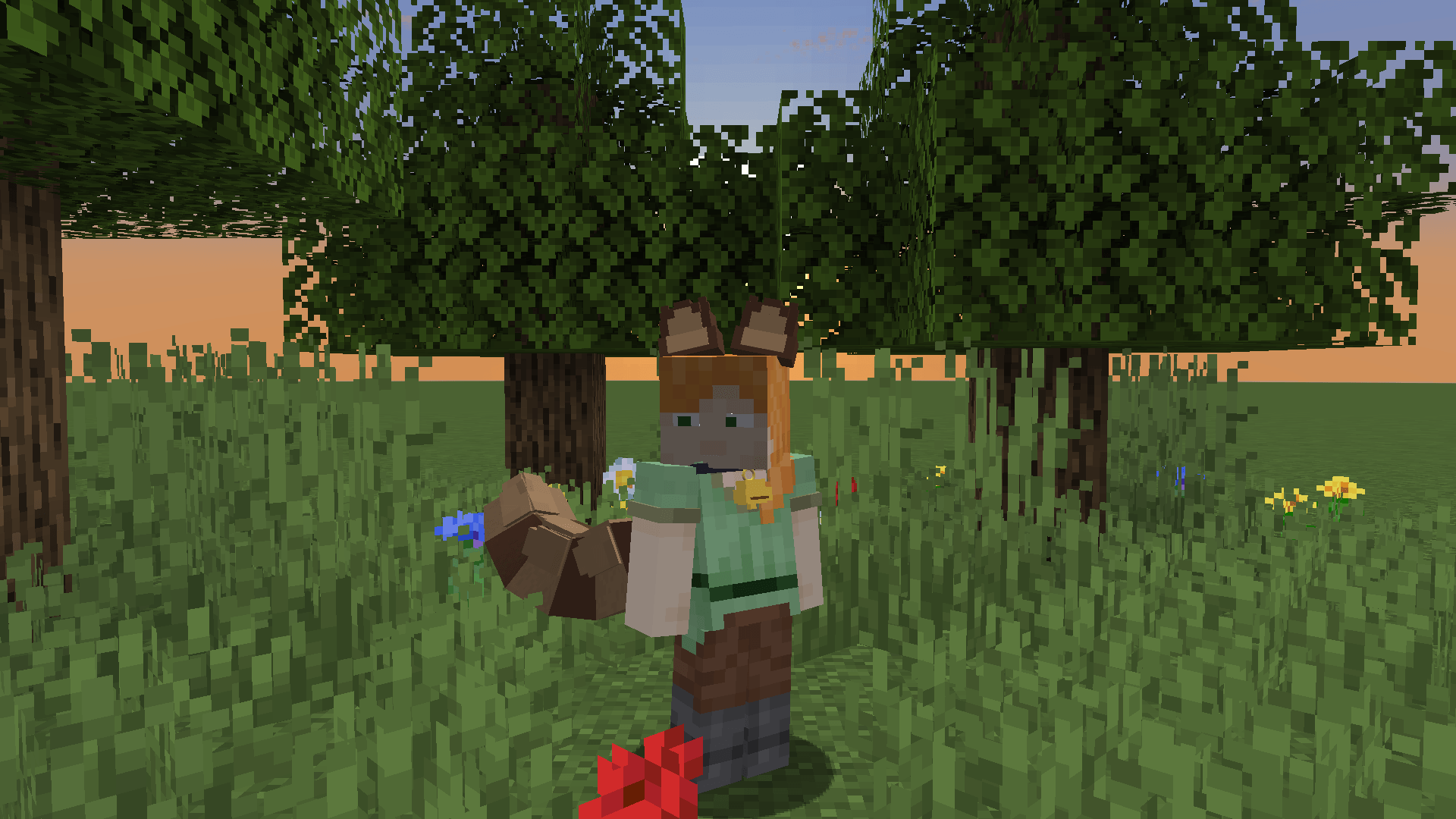 Red Panda Tail & Ears + Collar Red Panda Tail & Ears (a collar with a bell around its neck)
-
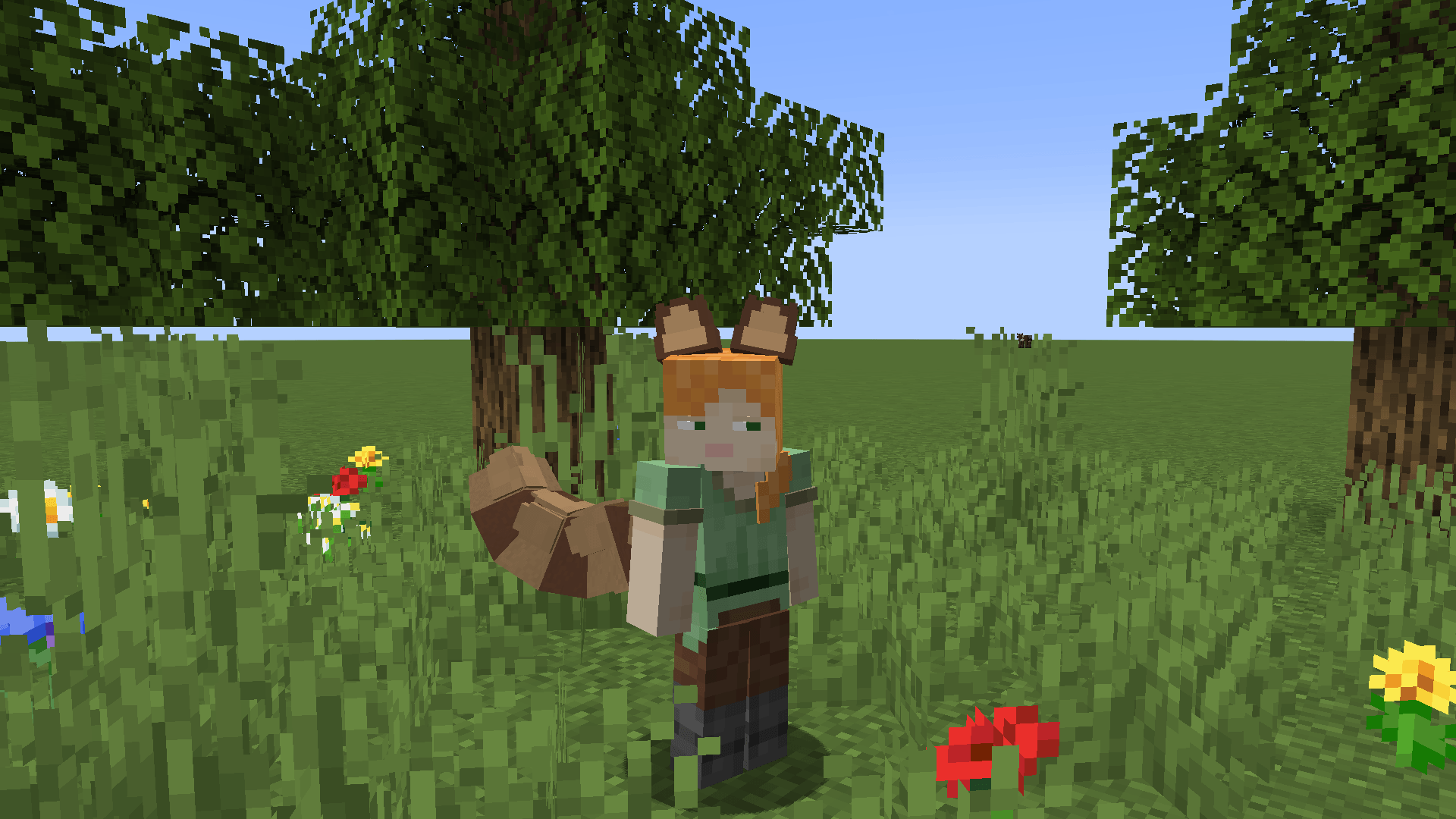 Red Panda Tail & Ears Red Panda Tail & Ears
-
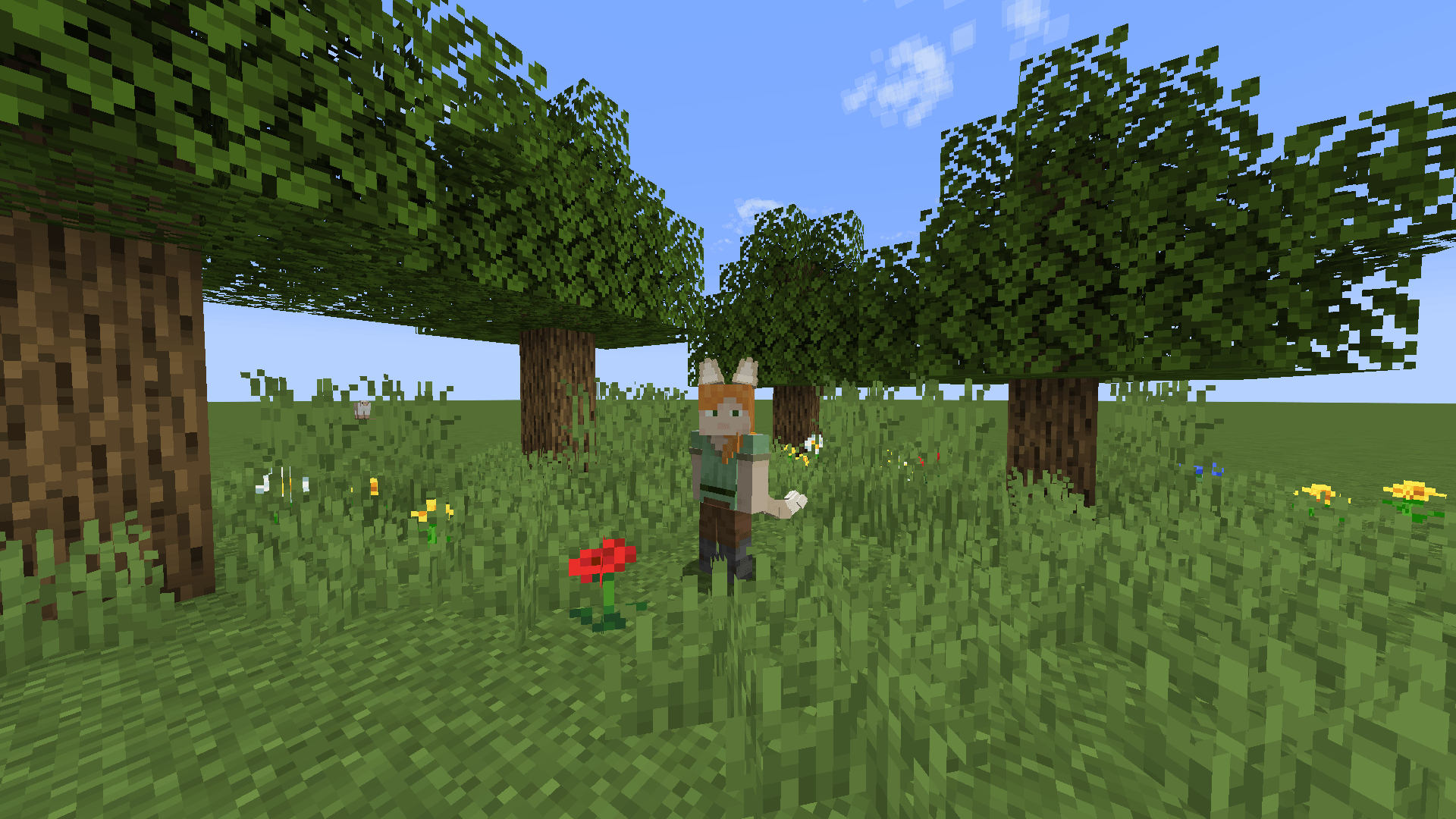 Cats Tail & Ears Cats Tail & Ears
-
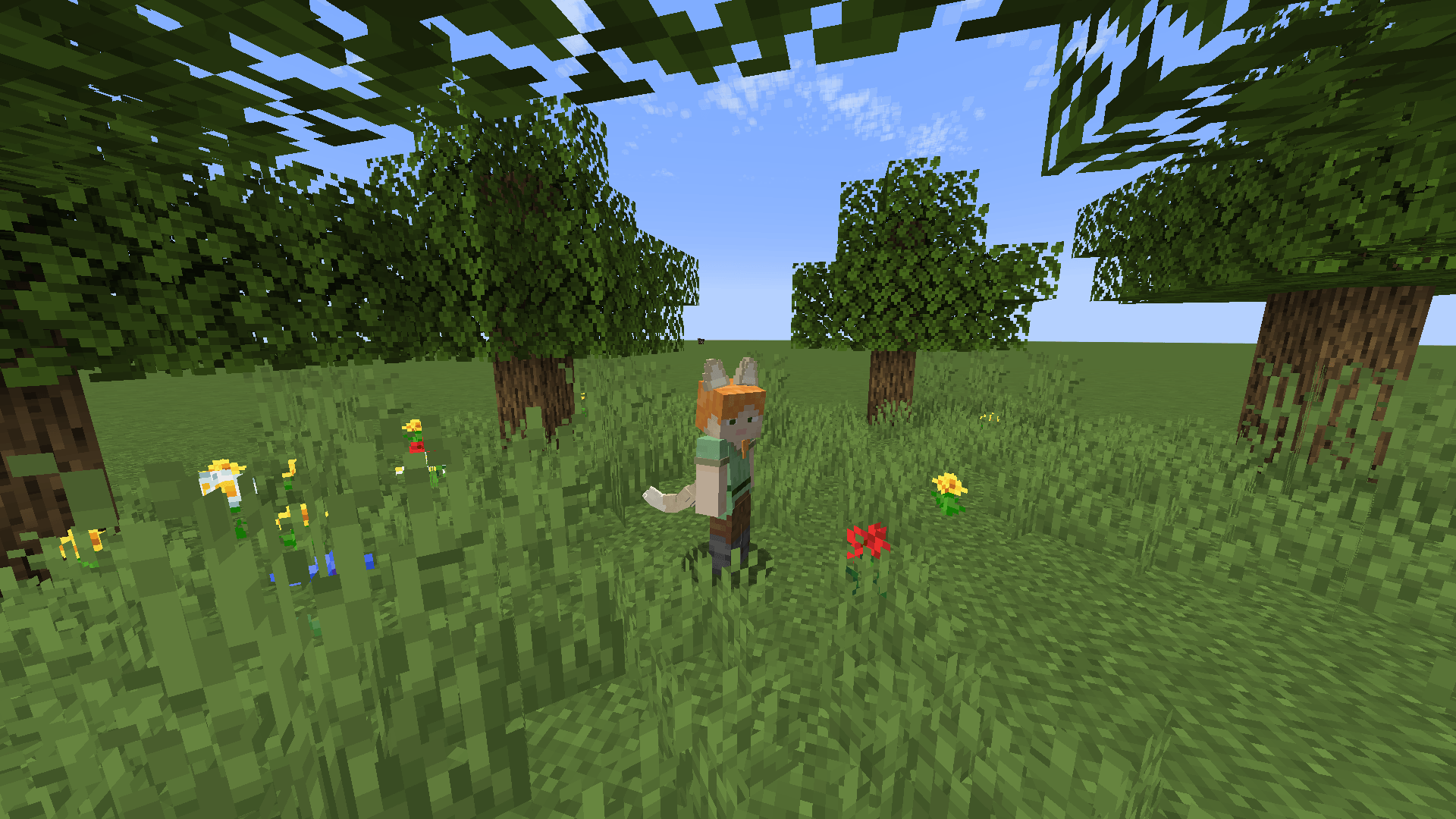 Cats Tail & Ears Cats Tail & Ears
-
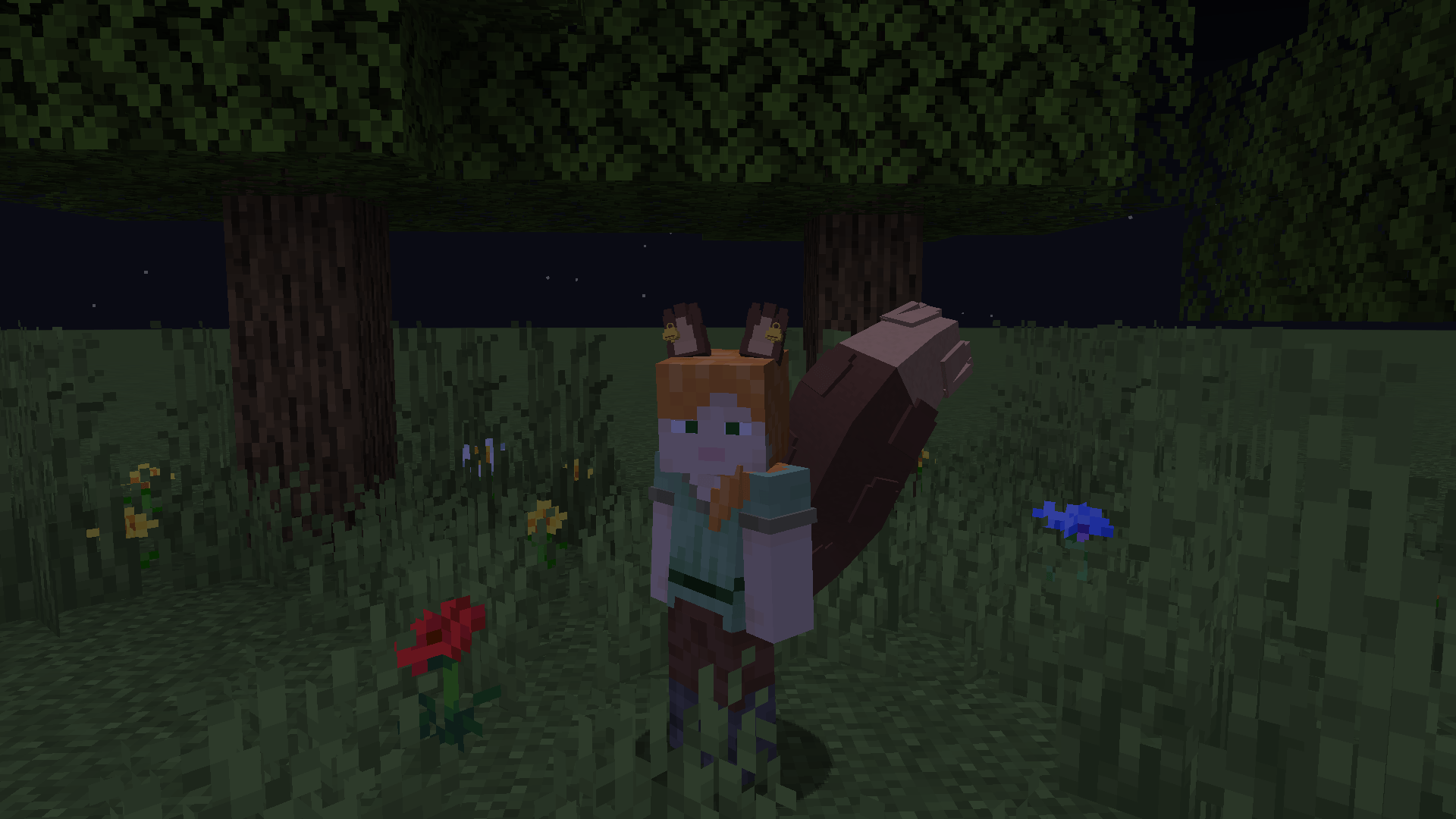 Squirrel Tail & Ears Squirrel Tail & Ears
Versions
Files
Relations
Project Relations
More like this
Similar Mods
Suggestions use data such as tags, dependencies, dependents, descriptions, titles, and more to rank how much they overlap with this mod.
On ModDex
Community snapshot
By the numbers
Statistics

Get it on
Available Platforms
On ModDex
Community snapshot
By the numbers
Statistics
Resources