Community listing page, reviews may not be monitored by the author.
TeleportHome


No reviews yet
Adds configurable commands for teleporting to spawn or one of your homes.

Community voices
Reviews
No reviews yet. Be the first to review this project!
Get it on
Available Platforms
Compatibility
Supported Environments
Runs entirely on the server. Also works in singleplayer.
About
Project Details
For authors
Embed Badge
If you're the author of this project, you can embed a live badge anywhere that supports HTML or Markdown. It updates automatically whenever ratings change.
Use HTML for any page that supports it, or Markdown for README files and Markdown-based descriptions.
Identifiers
Platform IDs
About
Description
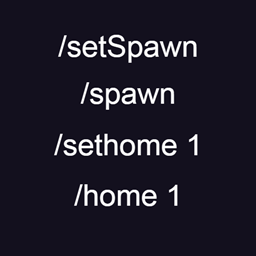
-Use command /setSpawn to select global spawn, then use /spawn to teleport to it.
/spawn can be used by everyone, /setSpawn can be used only with admin rights.

-Use command /setHome <name> to create your home point.
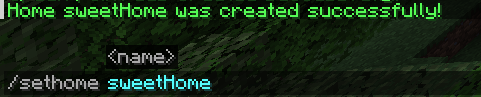
You can teleport to your home by /home <name>
This command can be used by everyone and homes are individual.
You can have only certain amount of homes that specified in the config.
If you at the limit of your homes, you can remove one of your homes to create a space for new one.
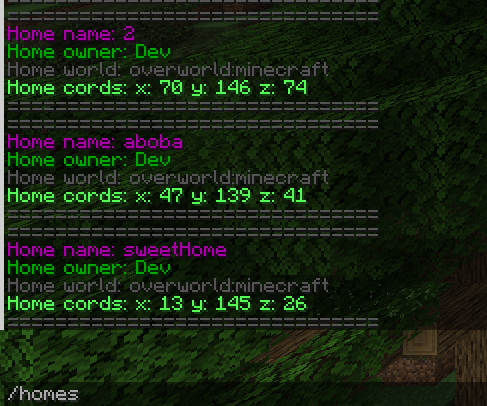
You can see all your homes with /homes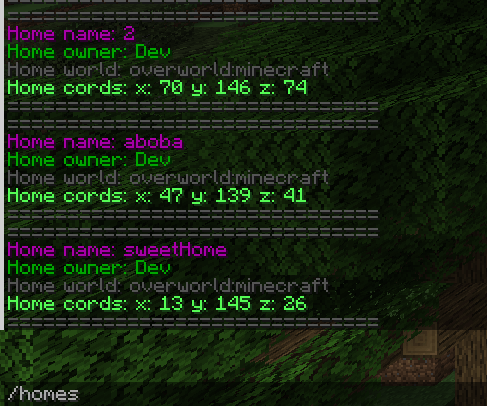
You can remove home with /removehome <name>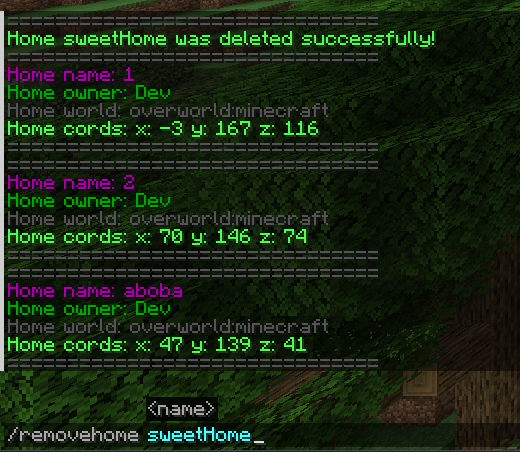
You can only remove homes that you own.
Homes are stored in the world's config saves/saveName/serverconfig/tp-server.toml
-Use command /setSpawn to select global spawn, then use /spawn to teleport to it.
/spawn can be used by everyone, /setSpawn can be used only with admin rights.

-Use command /setHome to create your home point.
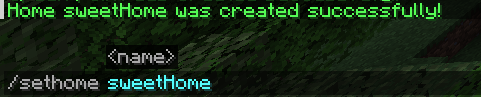
You can teleport to your home by /home

This command can be used by everyone and homes are individual. You can have only certain amount of homes that specified in the config.
If you at the limit of your homes, you can remove one of your homes to create a space for new one.
You can see all your homes with /homes
You can remove home with /removehome
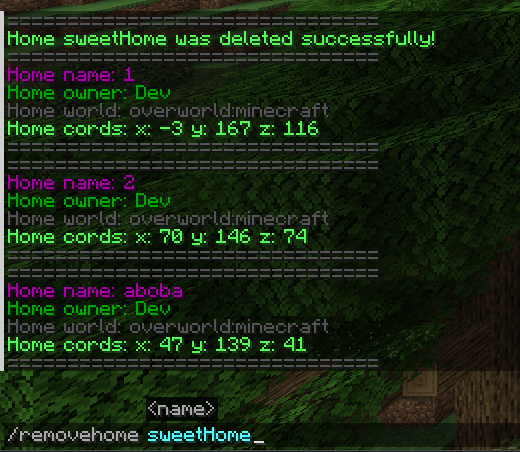
You can only remove homes that you own.
Homes are stored in the world's config saves/saveName/serverconfig/tp-server.toml
Screenshots
Gallery
Versions
Files
Relations
Project Relations
More like this
Similar Mods
Suggestions use data such as tags, dependencies, dependents, descriptions, titles, and more to rank how much they overlap with this mod.
On ModDex
Community snapshot
By the numbers
Statistics
 (opens in a new tab)
Get it on
Available Platforms
On ModDex
Community snapshot
By the numbers