
Tenite's PvP Client
No reviews yet
A standalone client that brings many features that are useful in PvP.
Fabric is a mod loader for versions 1.14+ of Minecraft, particularly popular for client side and optimization mods.
Community voices
Reviews
Click once to include, again to exclude, again to clear
No reviews yet. Be the first to review this project!
Get it on
Available Platforms
 Modrinth
Compatibility
Supported Environments
About
Project Details
For authors
Embed Badge
If you're the author of this project, you can embed a live badge anywhere that supports HTML or Markdown. It updates automatically whenever ratings change.
Use HTML for any page that supports it, or Markdown for README files and Markdown-based descriptions.
Identifiers
Platform IDs
Resources
External Links
About
Description
PvP client
A lightweight, client-side PvP enhancement mod for Minecraft (Fabric), by Tenite.
Everything runs client side only. PvP, overlay and QOL features inspired by popular PvP clients.
Features
HUD Overlays
- FPS Counter — clean FPS display
- Ping Display — live latency to the current server
- Potion Effects — active effects display
- Armor Status — durability of your equipped armor
All overlays are freely draggable and scalable in the built-in HUD editor.
Combat & Camera
- Zoom — spyglass-style zoom on a key or mouse button, with smooth zoom and cinematic camera options
- Freelook — look around without turning your character (hold or toggle, perspective choice, sensitivity and invert options)
- Toggle Sprint — sprint without holding the key
- Hit Color — recolor the damage flash on entities, with a separate color for their armor
- View Model — scale and reposition your hand, adjust shield height, fire overlay height, and totem pop size
Atmosphere
- Weather — force clear, rain, or thunder on your screen only
- Time of Day — lock the visuals to sunrise, day, noon, sunset, night, or midnight
Usage
- Press Right Shift (rebindable) to open the client menu.
- Click a module card to activate it, or Edit to open its settings.
- Use Edit HUD to drag and scale overlays.
- All settings are saved automatically.
Versions
Built for Minecraft 26.2, 1.21.11, and 1.21.4 (Fabric Loader + Fabric API required).
License
MIT — Copyright (c) 2026 Tenite
Screenshots
Gallery
-
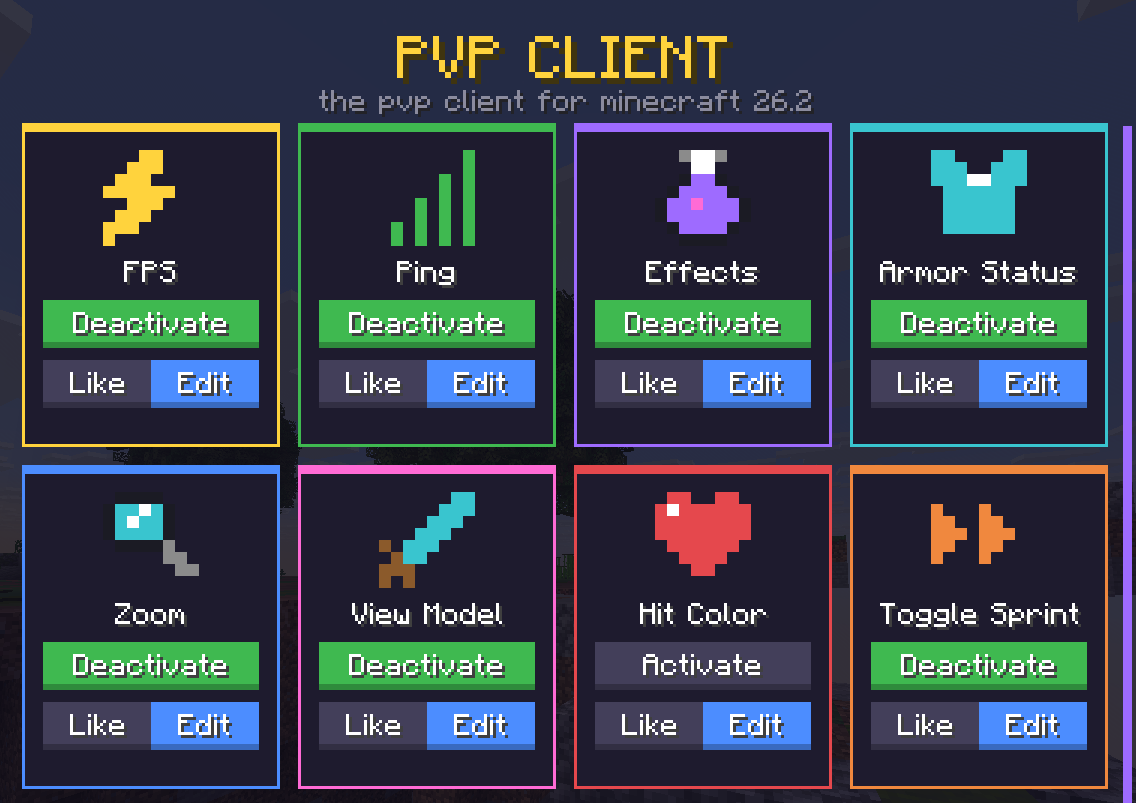 UI screen the UI screen of the mod
 -
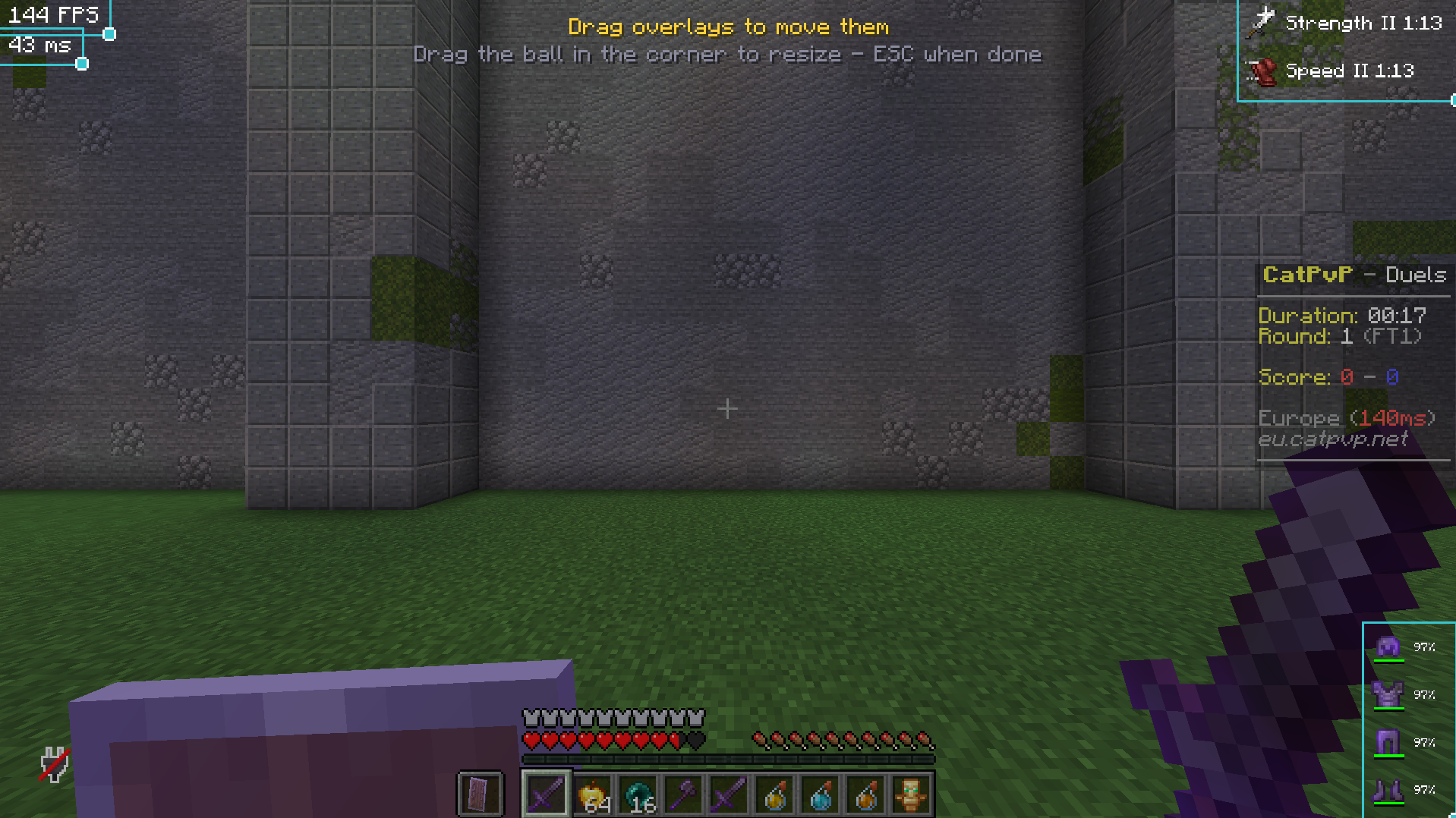 Edit HUD HUD edit screen
Versions
Files
Relations
Project Relations
More like this
Similar Mods
Suggestions use data such as tags, dependencies, dependents, descriptions, titles, and more to rank how much they overlap with this mod.
On ModDex
Community snapshot
By the numbers
Statistics

Want to reach Minecraft players?
We're looking for a server hosting partner to feature here and other parts of the site. Interested? Send us a message!
Get in touchGet it on
Available Platforms
On ModDex
Community snapshot
By the numbers
Statistics
Resources