
TextGenerator
No reviews yet
Create beautiful texts in your Minecraft world and customize it however you want!
Centers around fantasy elements such as spells, rituals, and magical energies, often involving personal empowerment and magical automation.
Paper is a fork of Spigot that adds its own plugin API on top of the Bukkit API. All Spigot plugins are compatible with paper, not all paper plugins are compatible with Spigot.
Spigot is a popular software for running dedicated servers that can load Plugins created with the Bukkit API.
Community voices
Reviews
Click once to include, again to exclude, again to clear
No reviews yet. Be the first to review this project!
Get it on
Available Platforms
 Modrinth
Compatibility
Supported Environments
About
Project Details
For authors
Embed Badge
If you're the author of this project, you can embed a live badge anywhere that supports HTML or Markdown. It updates automatically whenever ratings change.
Use HTML for any page that supports it, or Markdown for README files and Markdown-based descriptions.
Identifiers
Platform IDs
About
Description
TextGenerator
Features
- Drag to move the text
- You can edit the text whenever you want
- GUI to edit everything of the text
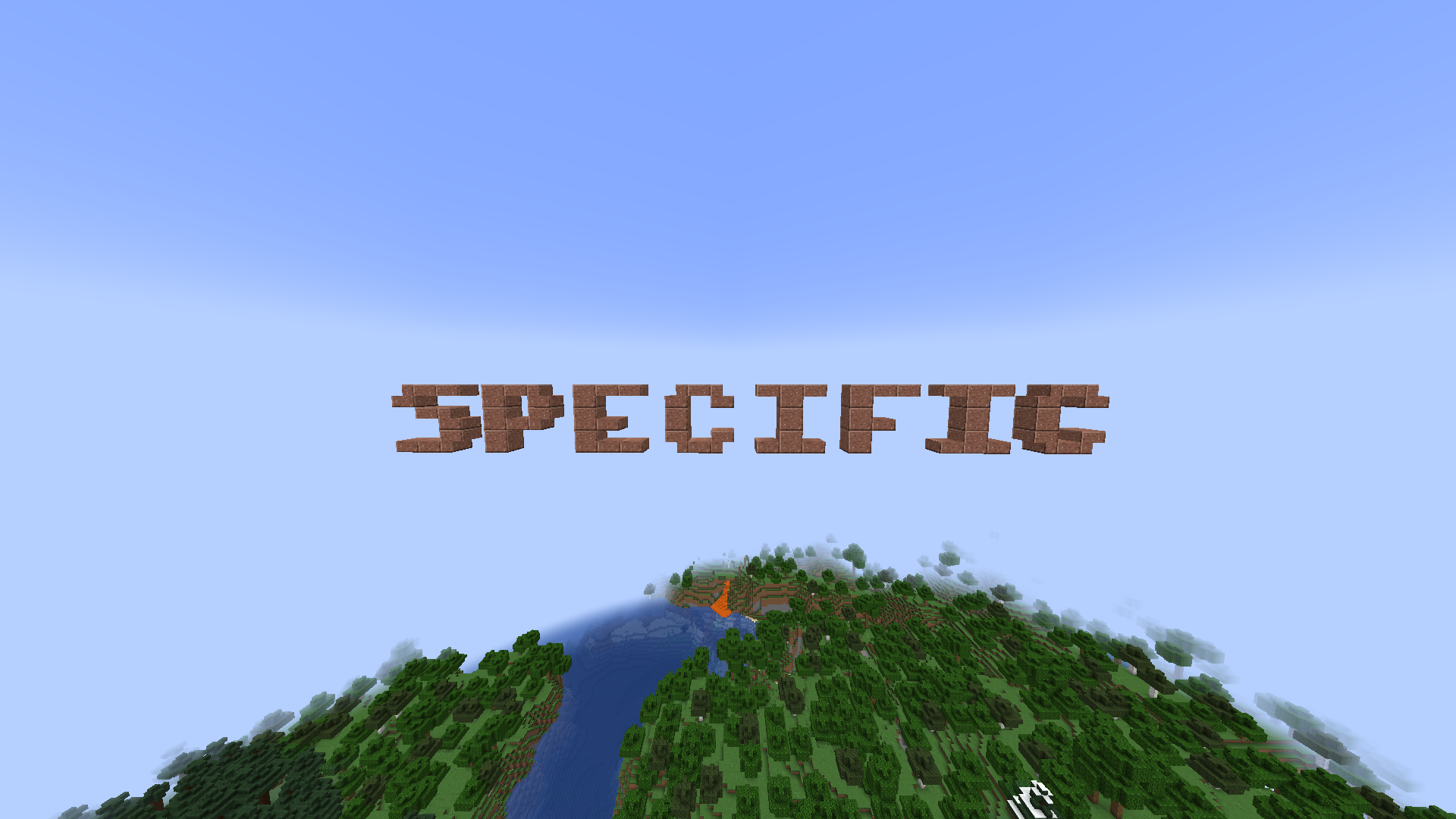
- A for Minecraft specific font size with slabs and stairs to generate small texts
- \n for a new line
- The text cannot override other blocks
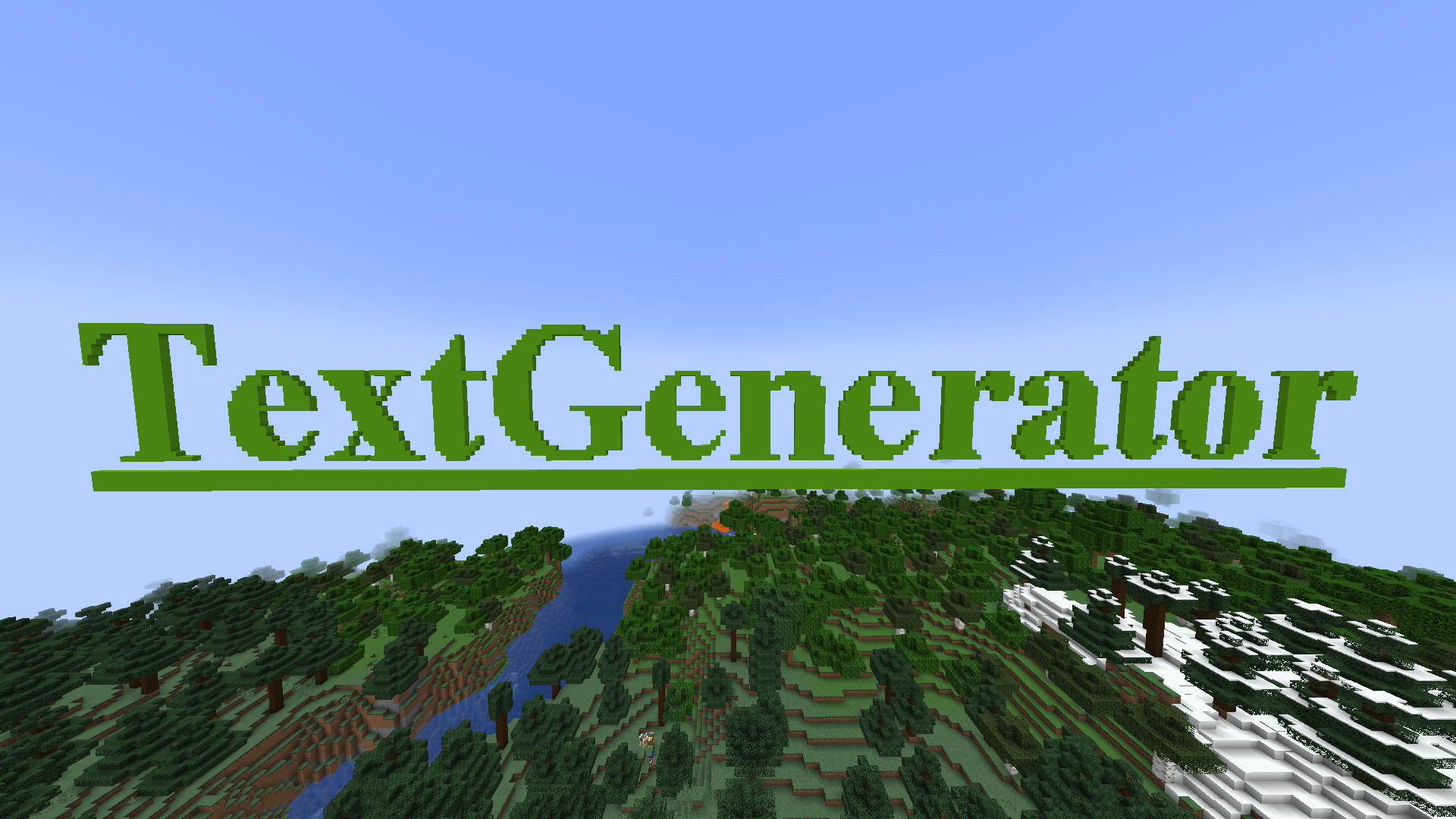
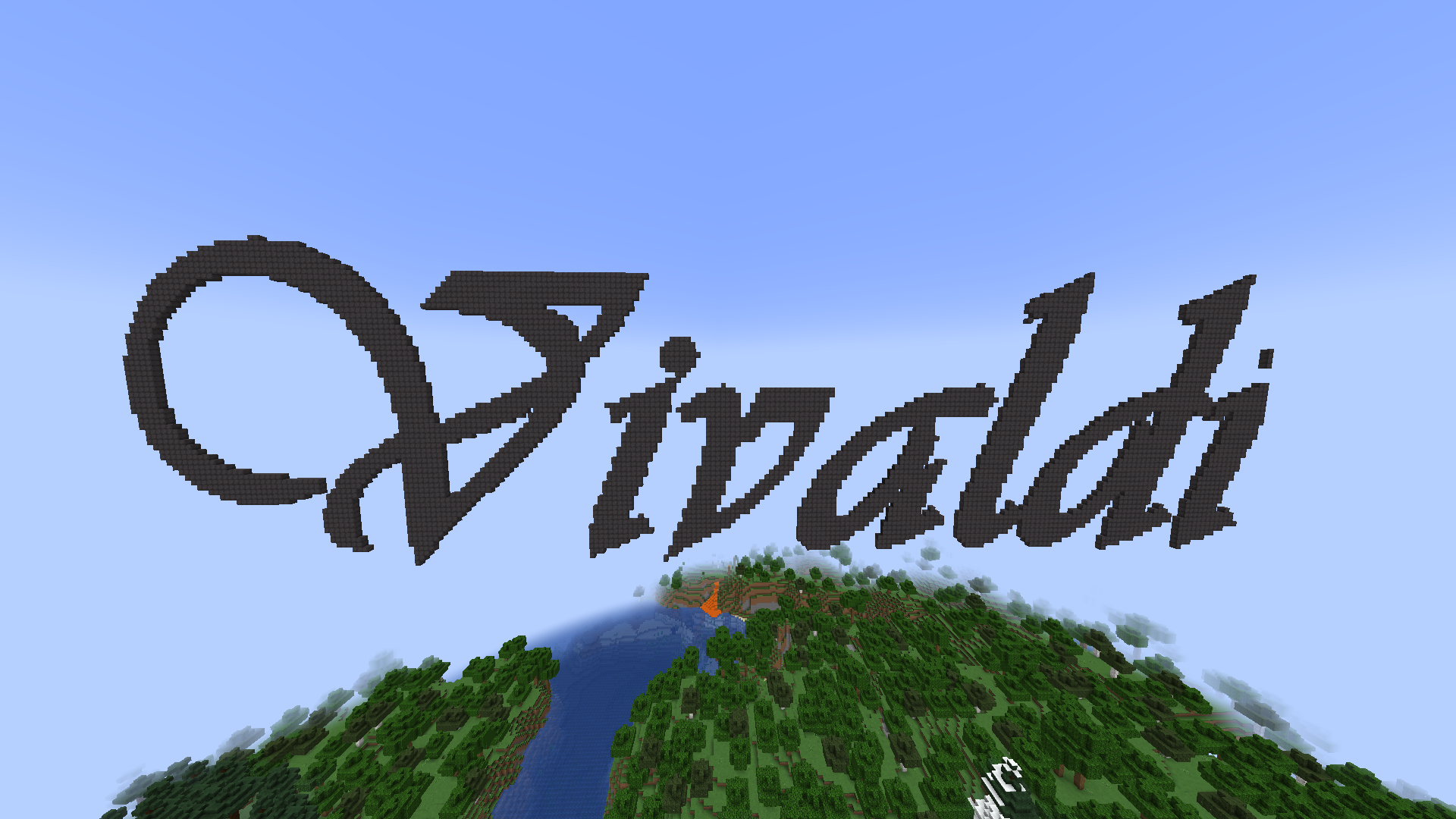
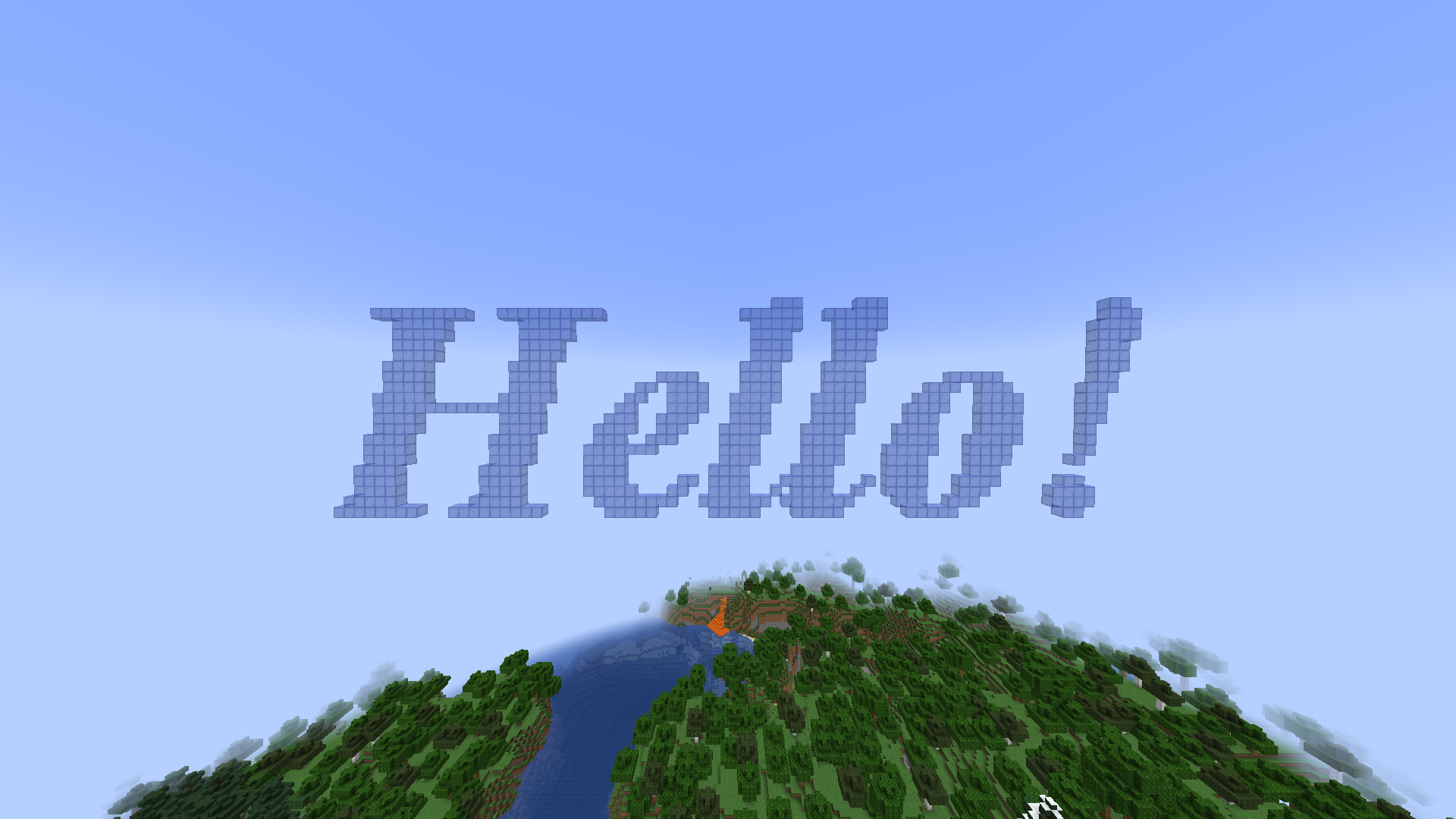
Examples of texts
Commands
All commands have the "textgenerator.use" permission
When not editing a text:
/tg generate [Your text] - Generates a text with your text settings in front of the player
/tg edit this - When looking at a previous generated text the player goes into the editing mode to edit it
/tg settings - Opens a GUI to edit the default text settings for the next generate
When editing a text:
/tg confirm - Stops editing the text and leaves it there
/tg edit menu - Opens a GUI to edit the text
/tg move [coordinates] - When drag to move is disabled it moves the text to the given directions. First number indicates left/right, second indicates top/bottom, and third indicates back/front
/tg refresh - When drag to move is disabled it moves the text to the players looking direction
/tg cancel - Destroys the text (when it was previously generated) or sets the text to its previous state (when it was edited)
/tg destroy - Destroys the text
/tg reset - Destroys all build blocks and builds it again
/tg remove - Removes the text from the plugin (the text cannot be edited anymore)
/tg setText [Your text] - Changes the text
PlaceHolderAPI
%textgeneratorGeneratedTexts% - Returns a list of all texts ever generated
The configuration file
placementRange: 30
dragToMove: false
textSettings:
  block: quartz_block
  fontName: Arial
  fontSize: 15
  fontStyle: BOLD
  underline: false
  lineSpacing: 2
Screenshots
Gallery
-
 Logo The logo of TextGenerator plugin
 -
TextGenerator Plugin name in the minecraft world
-
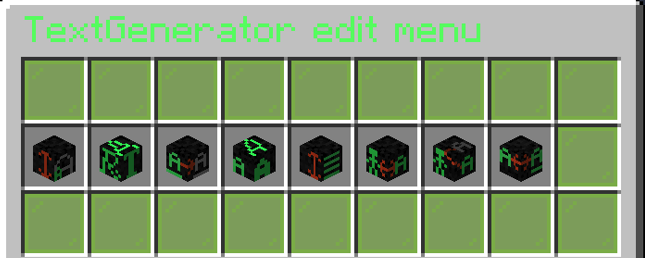 Edit Menu The edit menu GUI to change the text
 -
Hello
-
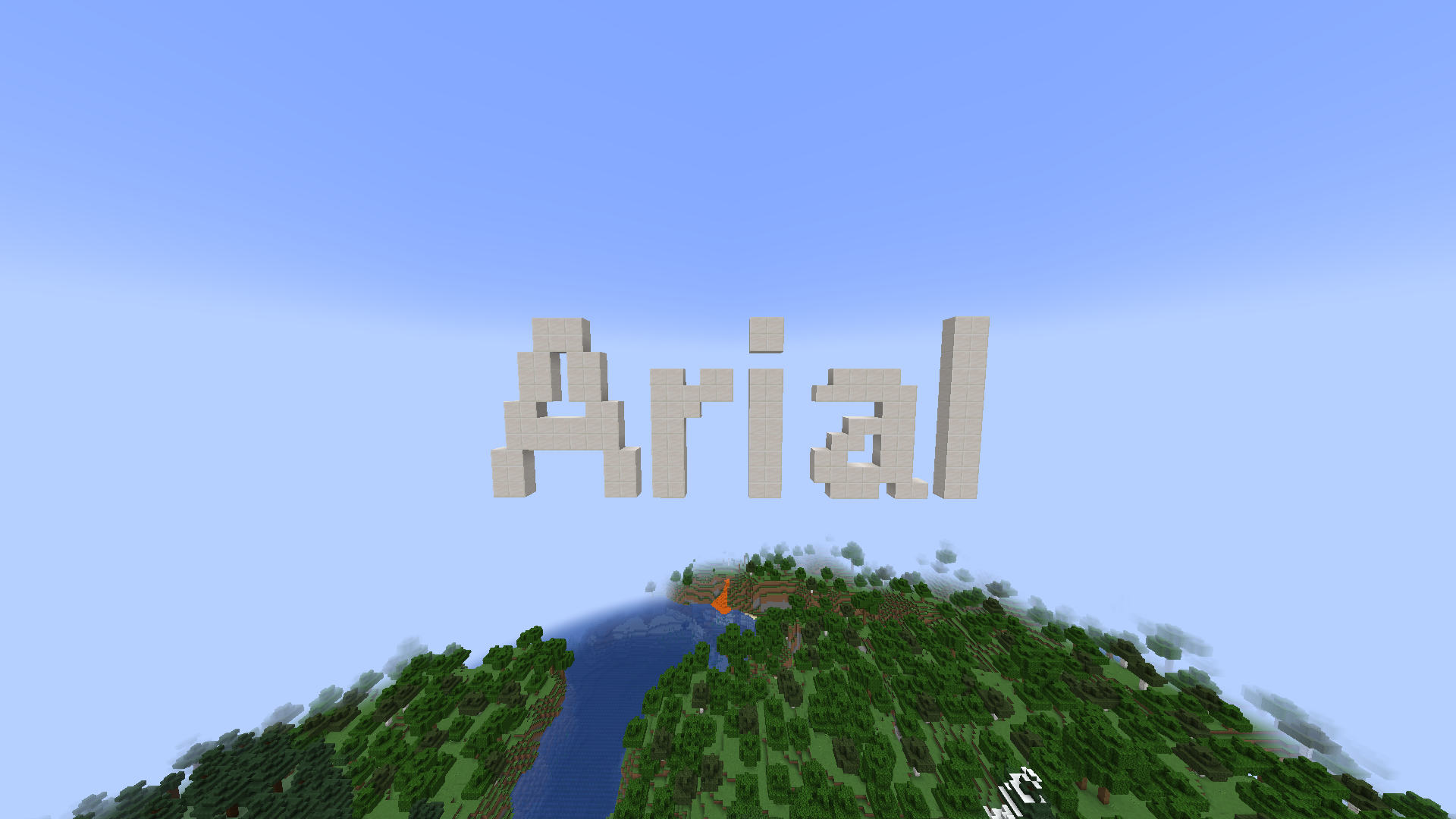 Arial Font
 -
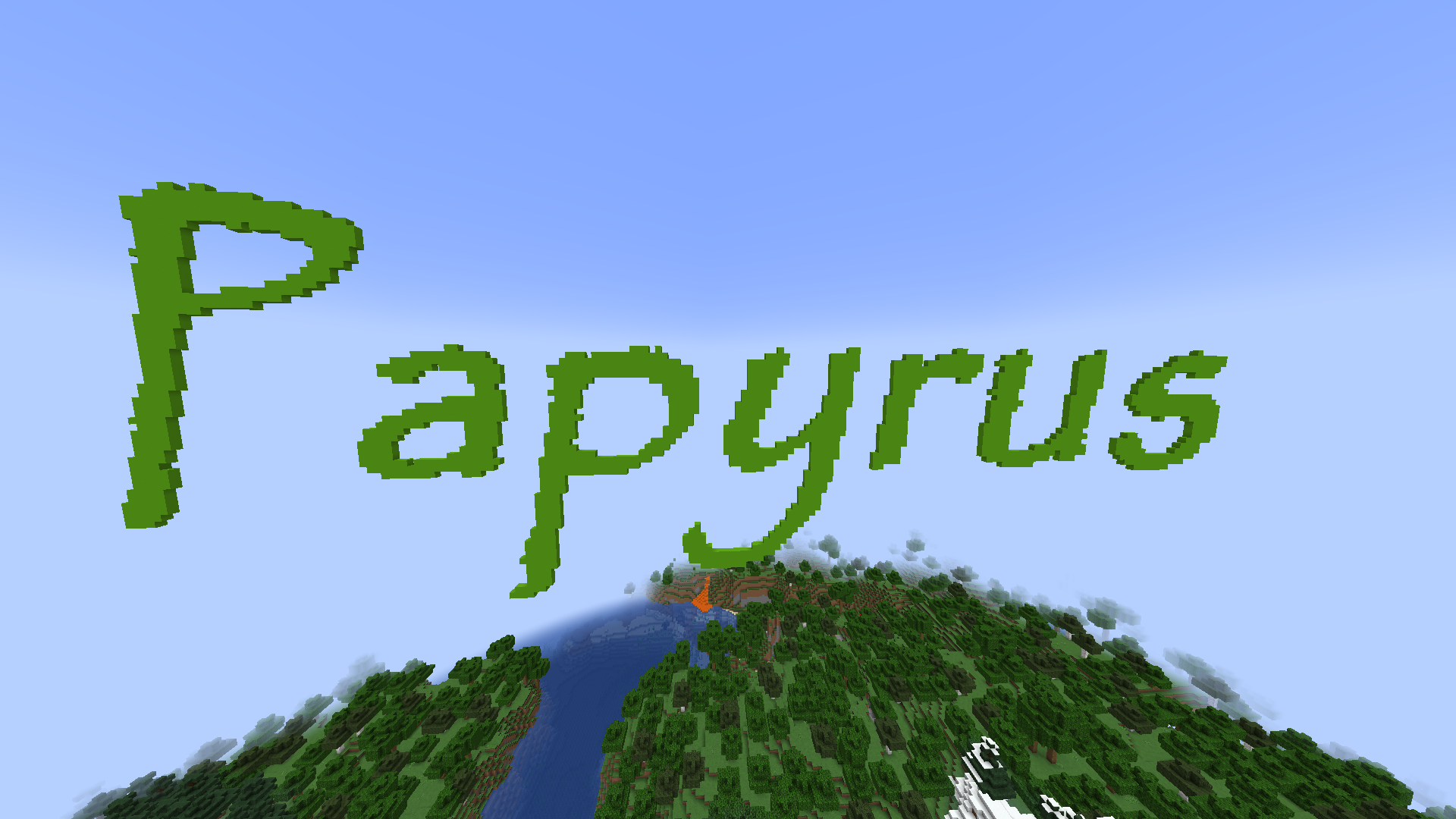 Papyrus Font
 -
Vivaldi Font
-
SpecificFontSize This font is especially for minecraft designed (has slabs and stairs)
Versions
Files
Relations
Project Relations
More like this
Similar Mods
Suggestions use data such as tags, dependencies, dependents, descriptions, titles, and more to rank how much they overlap with this mod.
On ModDex
Community snapshot
By the numbers
Statistics

Want to reach Minecraft players?
We're looking for a server hosting partner to feature here and other parts of the site. Interested? Send us a message!
Get in touchGet it on
Available Platforms
On ModDex
Community snapshot
By the numbers