Community listing page, reviews may not be monitored by the author.
ThaiFixes

No reviews yet
Makes Thai language vowels rendering in Minecraft readable.

Community voices
Reviews
No reviews yet. Be the first to review this project!
Get it on
Available Platforms
About
Project Details
For authors
Embed Badge
If you're the author of this project, you can embed a live badge anywhere that supports HTML or Markdown. It updates automatically whenever ratings change.
Use HTML for any page that supports it, or Markdown for README files and Markdown-based descriptions.
Identifiers
Platform IDs
About
Description
ThaiFixes 1.13.2 requires Chocohead's Rift Modloader fork.
ThaiFixes 1.14 snapshot requires Fabric Loader.
Thai language in Minecraft looks ugly? Don't want to write in "Karaoke" language?
ThaiFixes is here to help you. It corrects Thai language rendering in Minecraft to be in readable form.
It supports both texture-based, and truetype-based mode in Minecraft 1.13.2 and above.
Feature
- Correct Thai language rendering
Yes, only one feature, and the mod does its job well.
Installation
Client side - Minecraft 1.13.2 and above only
Drop the JAR file in the mods folder of your Minecraft installation.
There is no Twitch launcher support for Rift and Fabric yet.
For Minecraft 1.13.2, you also have to install this resource pack.
Report Bugs
Report bugs in our issue tracker on GitHub please.
Source Code
Old descriptions - Minecraft 1.6 and below only
For Client
Installation is the same as for any other client mod. Extract the contents of the downloaded .zip file into your minecraft.jar, and make sure to delete the META-INF folder inside minecraft.jar.
For Server
Installation is the same as for any other server mod (Craftbukkit). Extract the contents of the downloaded .zip file into your craftbukkit.jar, and make sure to delete the META-INF folder inside craftbukkit.jar.
Warning
This mod is not support the Opitifine mod, BetterFont mod and other mods to edit font render, edit sign and book.

Screenshots
Gallery
-
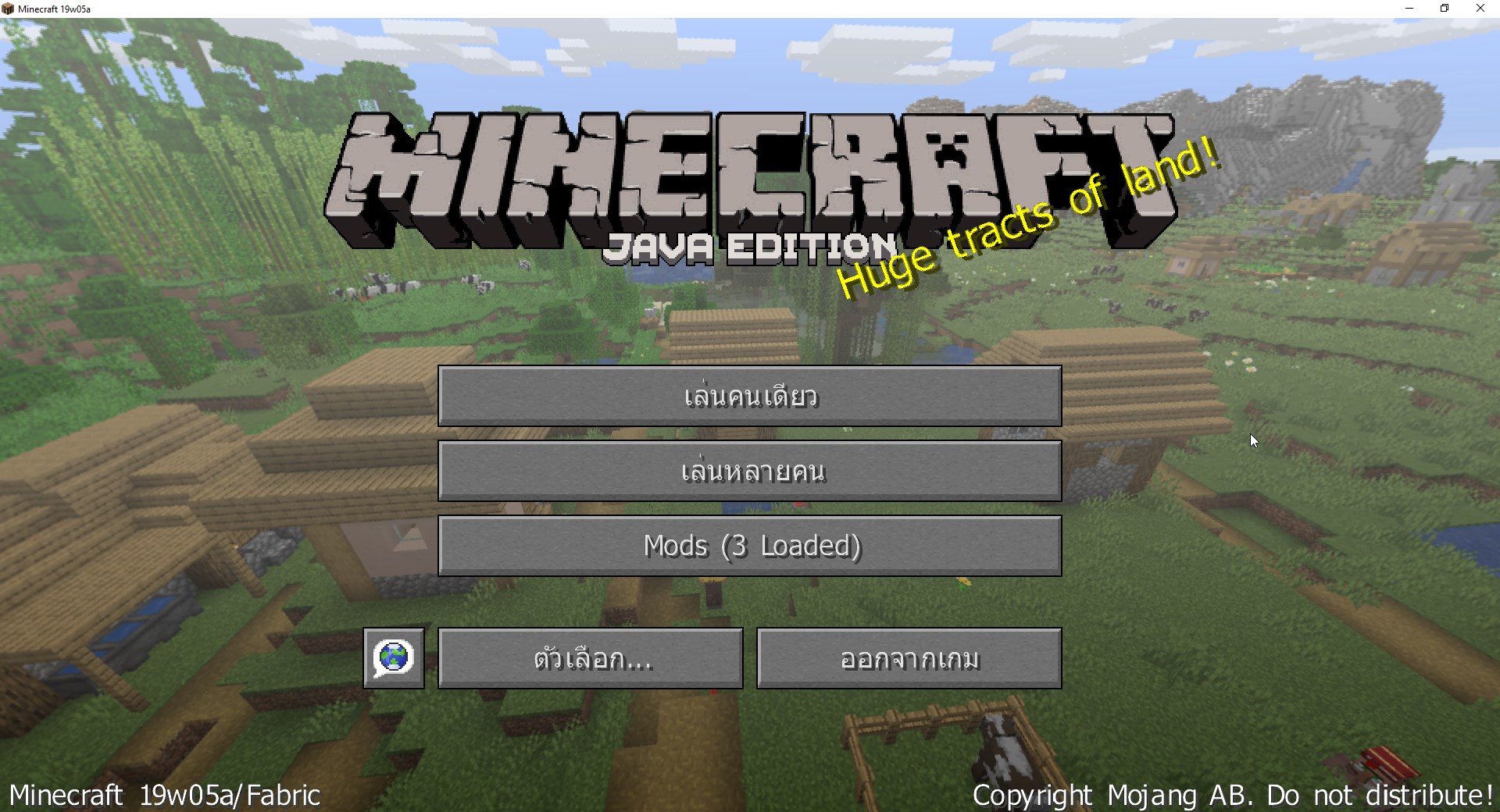 Minecraft 19w05a main menu
 -
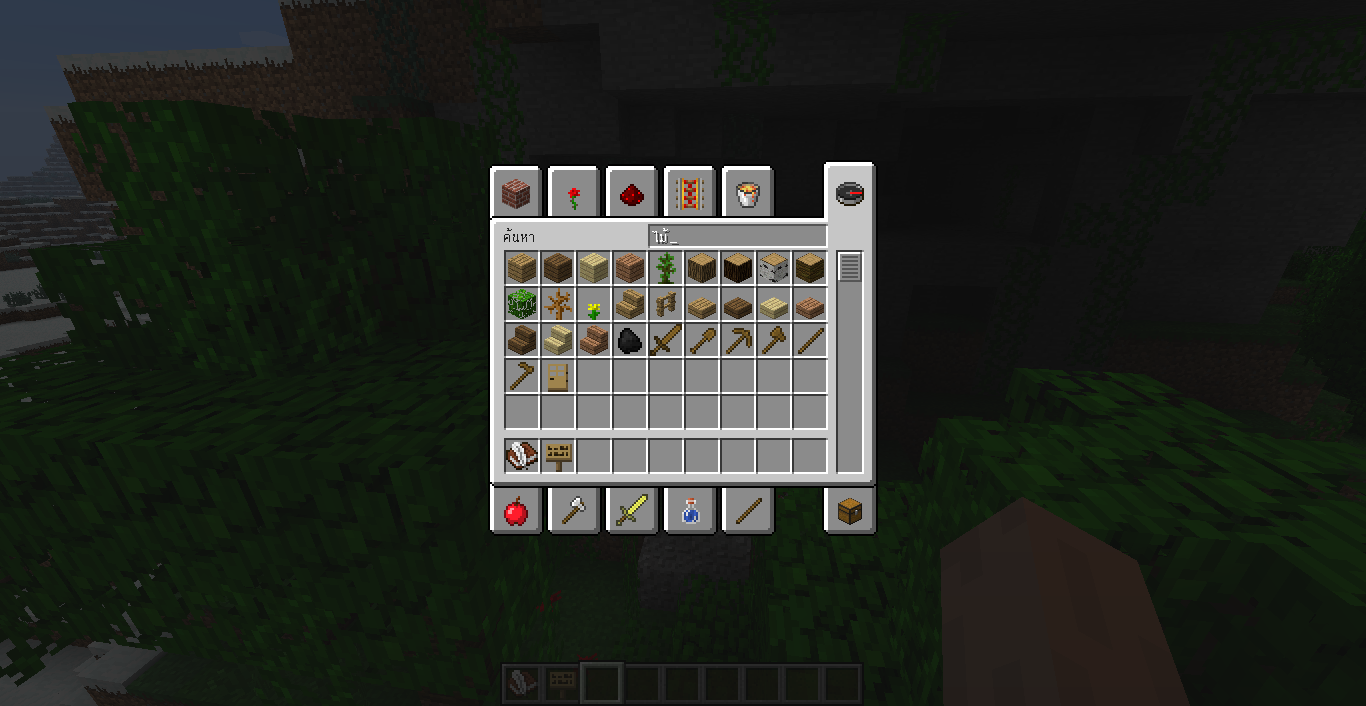 from Minecraft 1.3.2 #9 from Minecraft 1.3.2 #9
 -
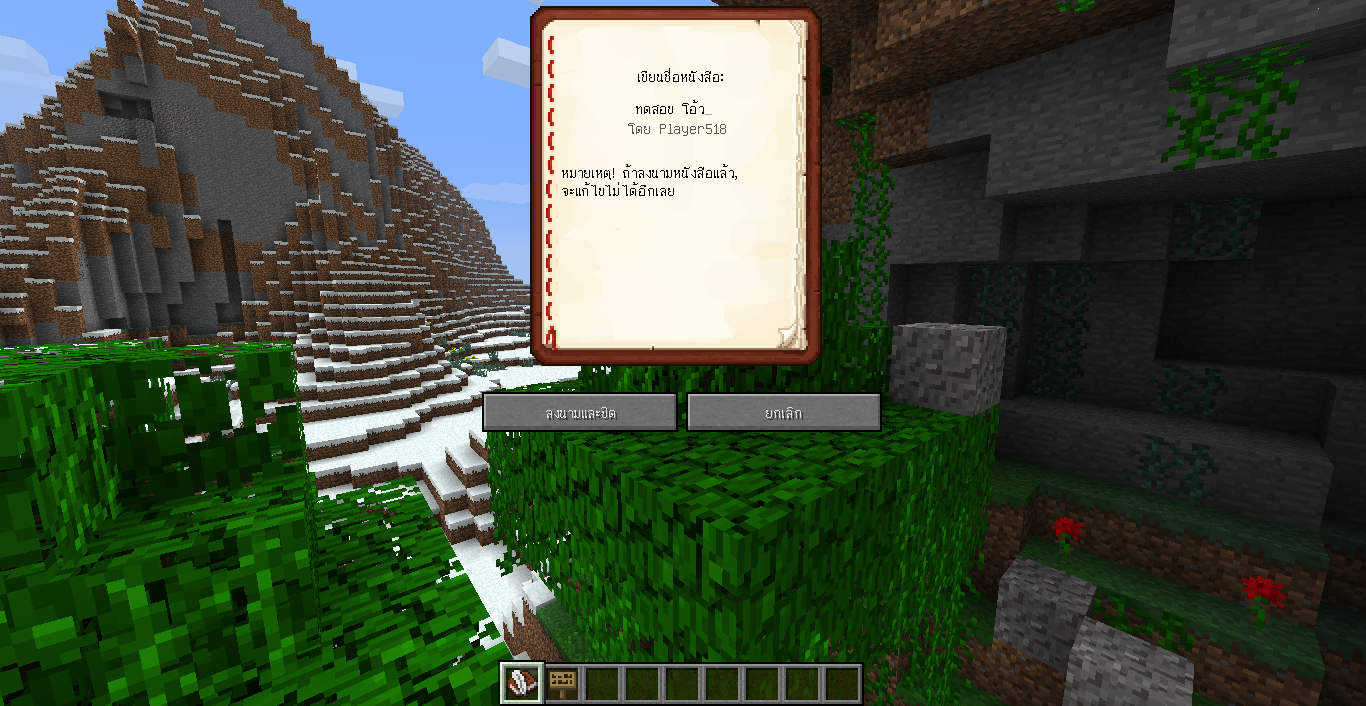 from Minecraft 1.3.2 #8 from Minecraft 1.3.2 #8
 -
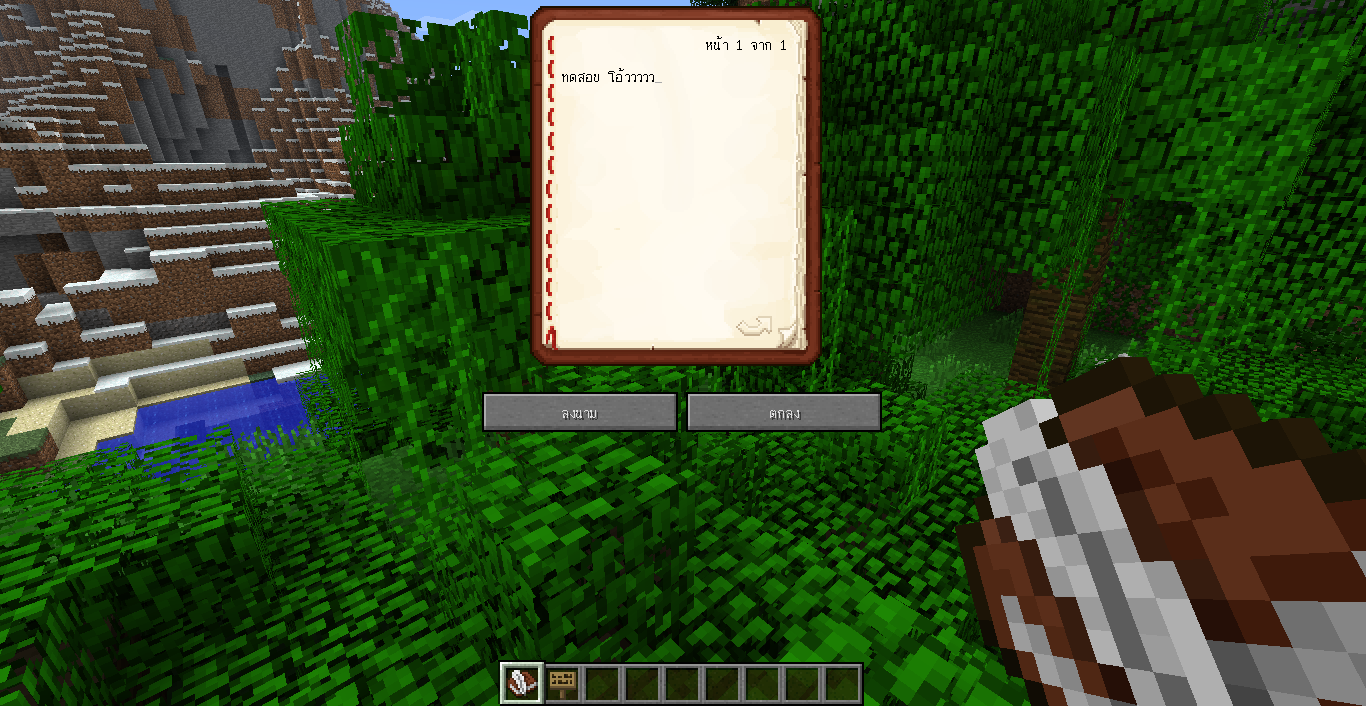 from Minecraft 1.3.2 #7 from Minecraft 1.3.2 #7
 -
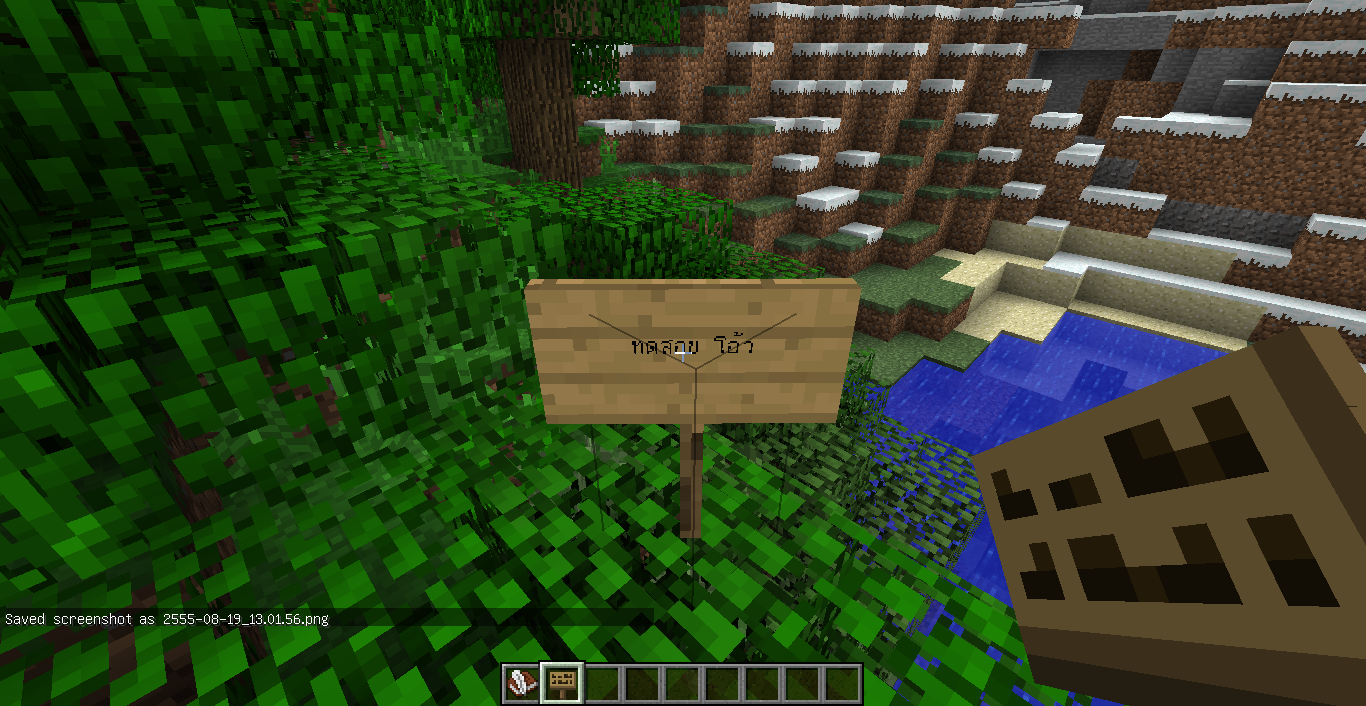 from Minecraft 1.3.2 #6 from Minecraft 1.3.2 #6
 -
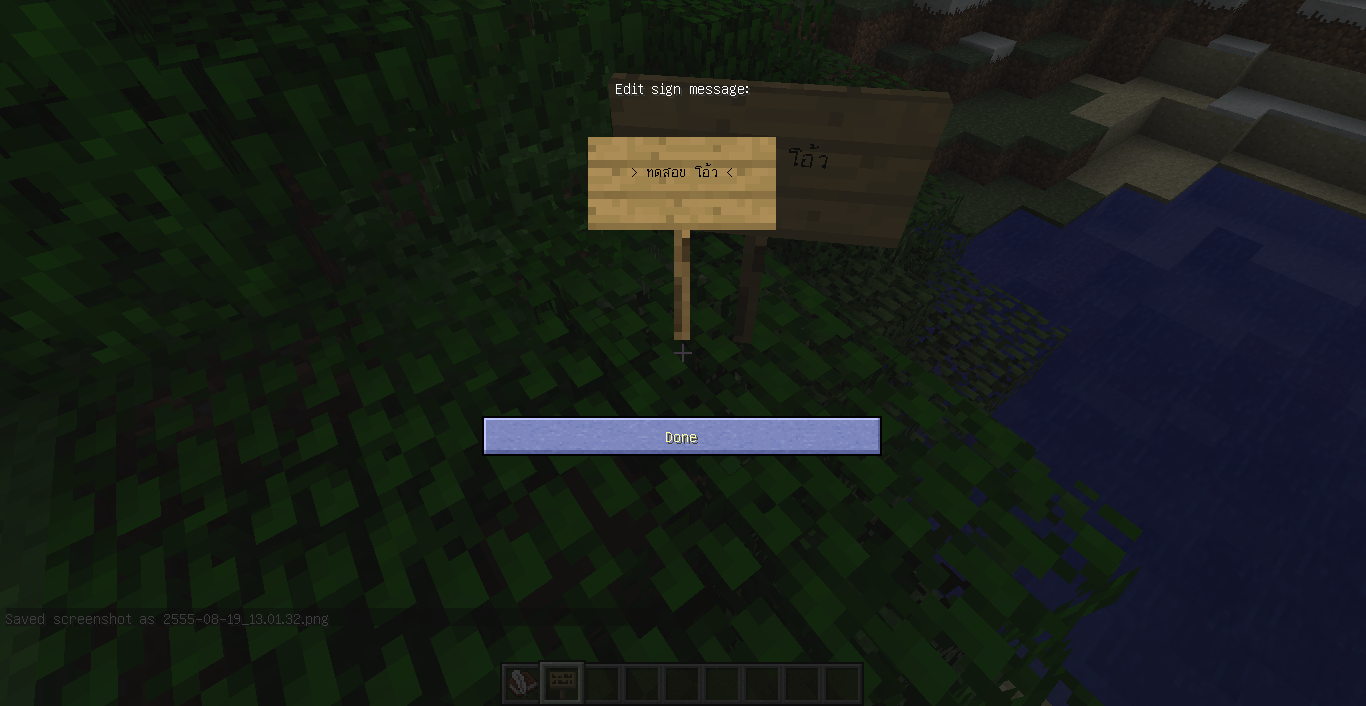 from Minecraft 1.3.2 #5 from Minecraft 1.3.2 #5
 -
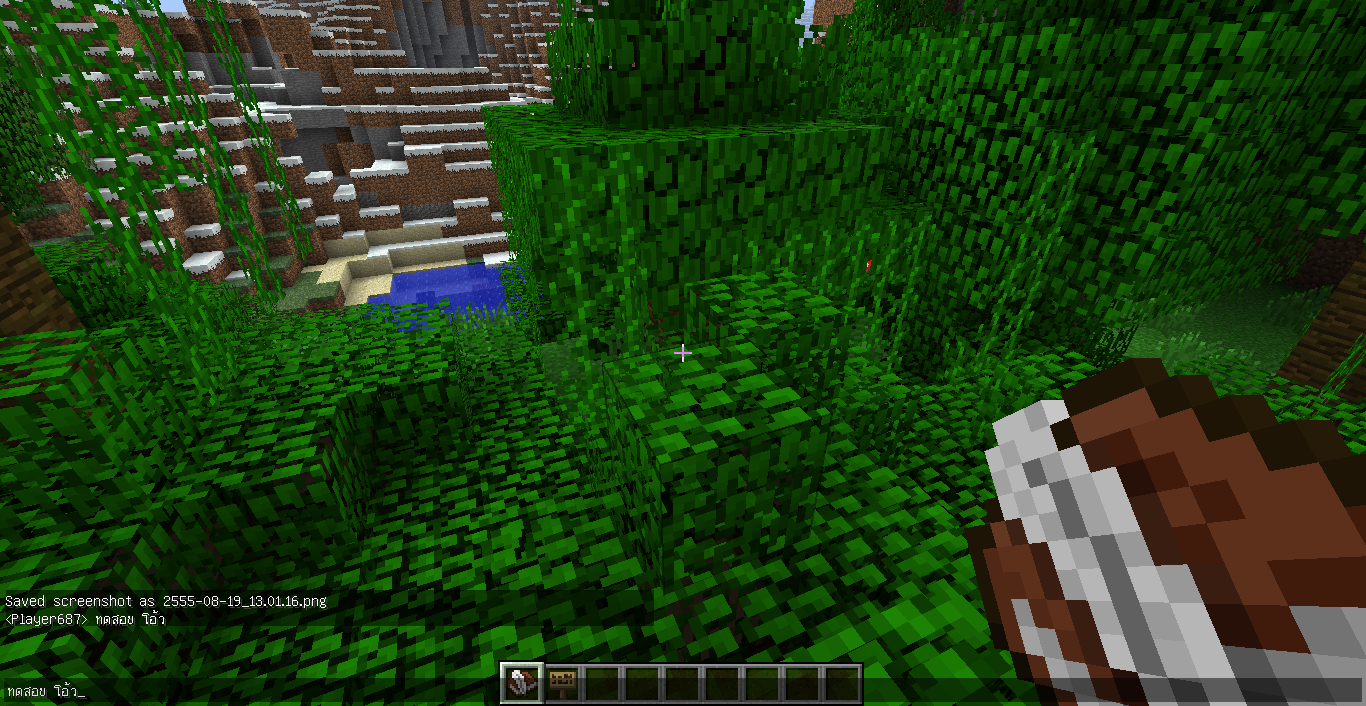 from Minecraft 1.3.2 #4 from Minecraft 1.3.2 #4
 -
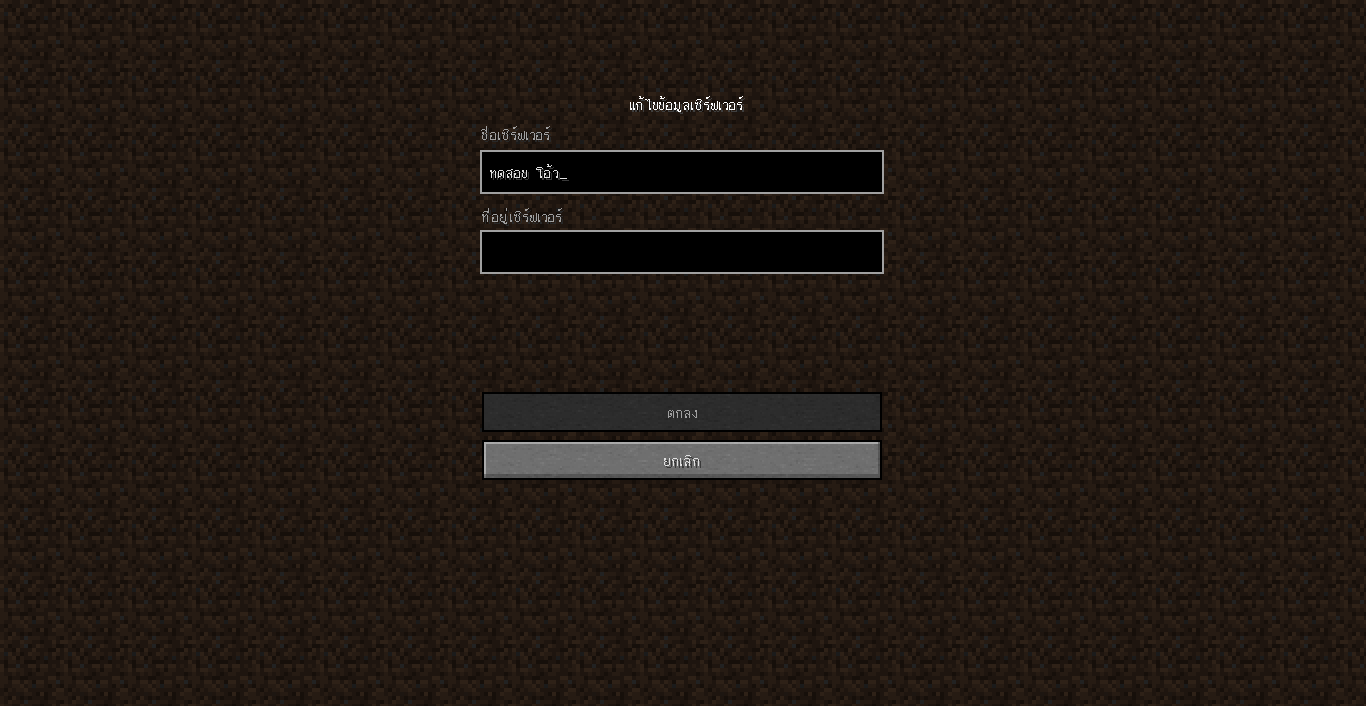 from Minecraft 1.3.2 #3 from Minecraft 1.3.2 #3
 -
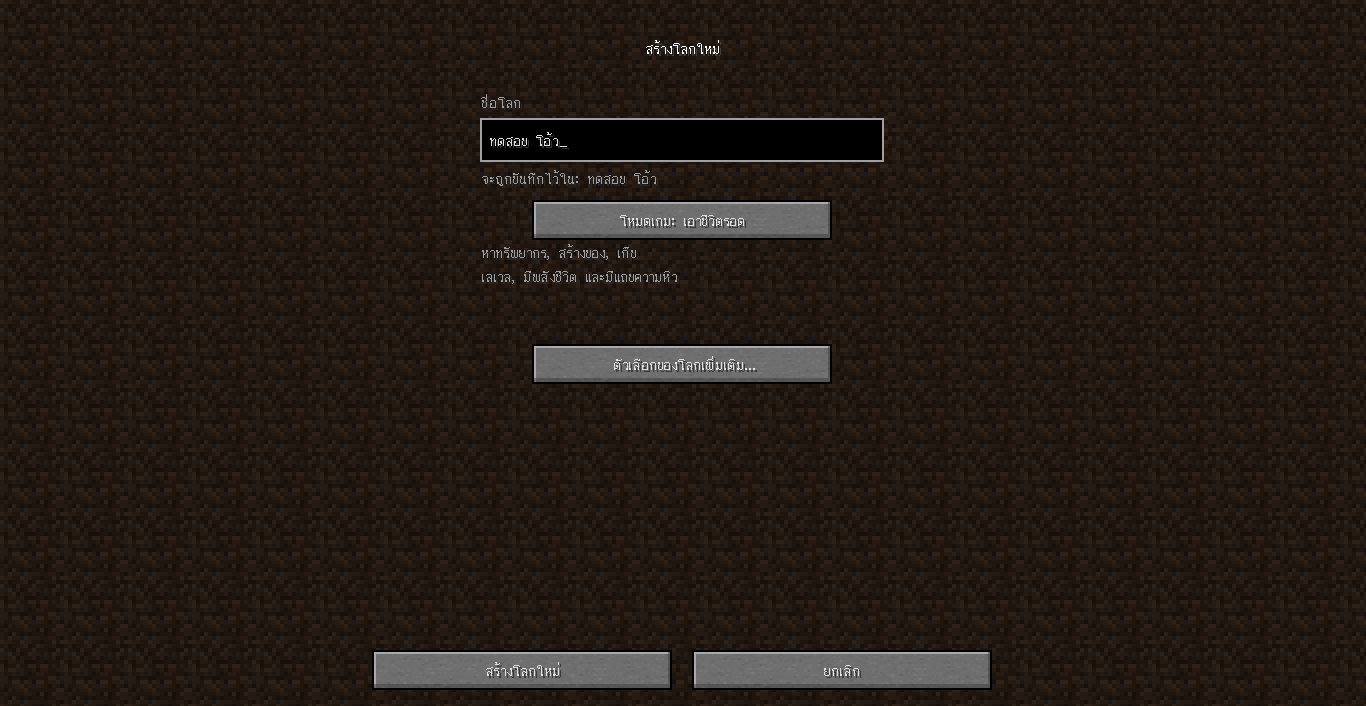 from Minecraft 1.3.2 #2 from Minecraft 1.3.2 #2
 -
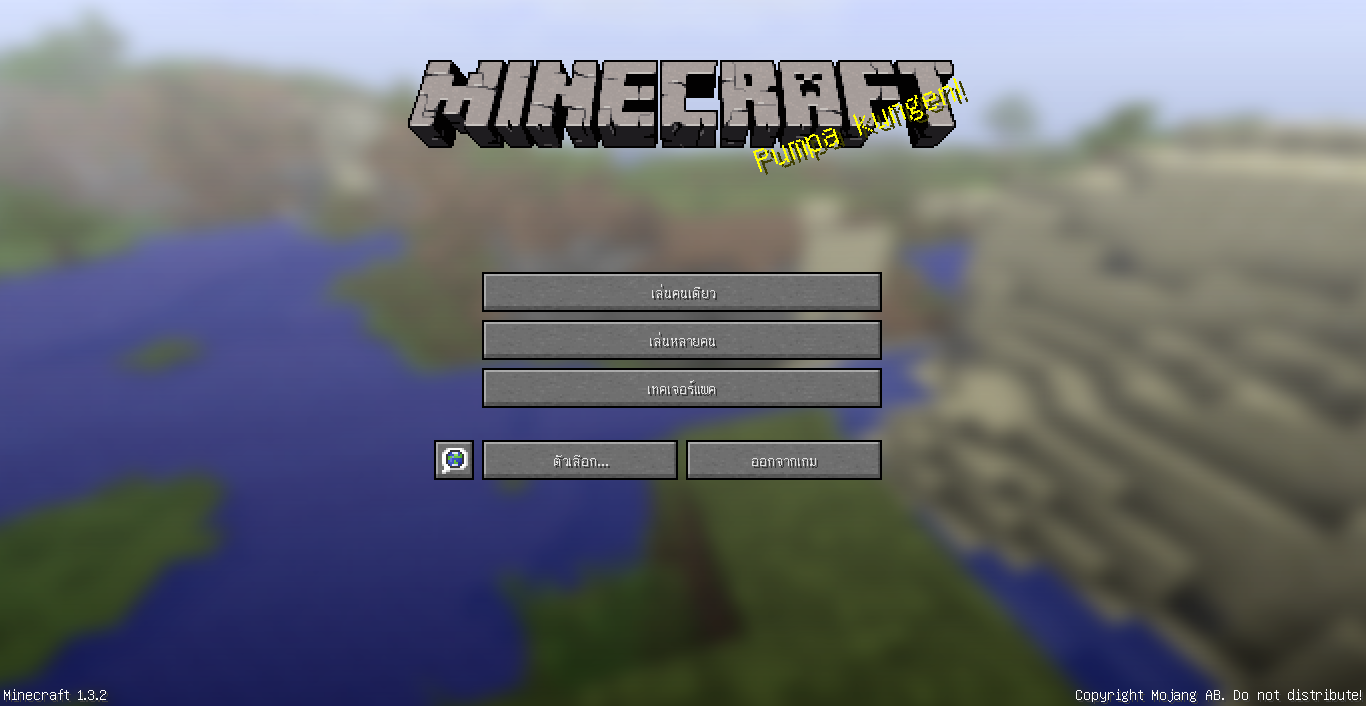 from Minecraft 1.3.2 #1 from Minecraft 1.3.2 #1
 -
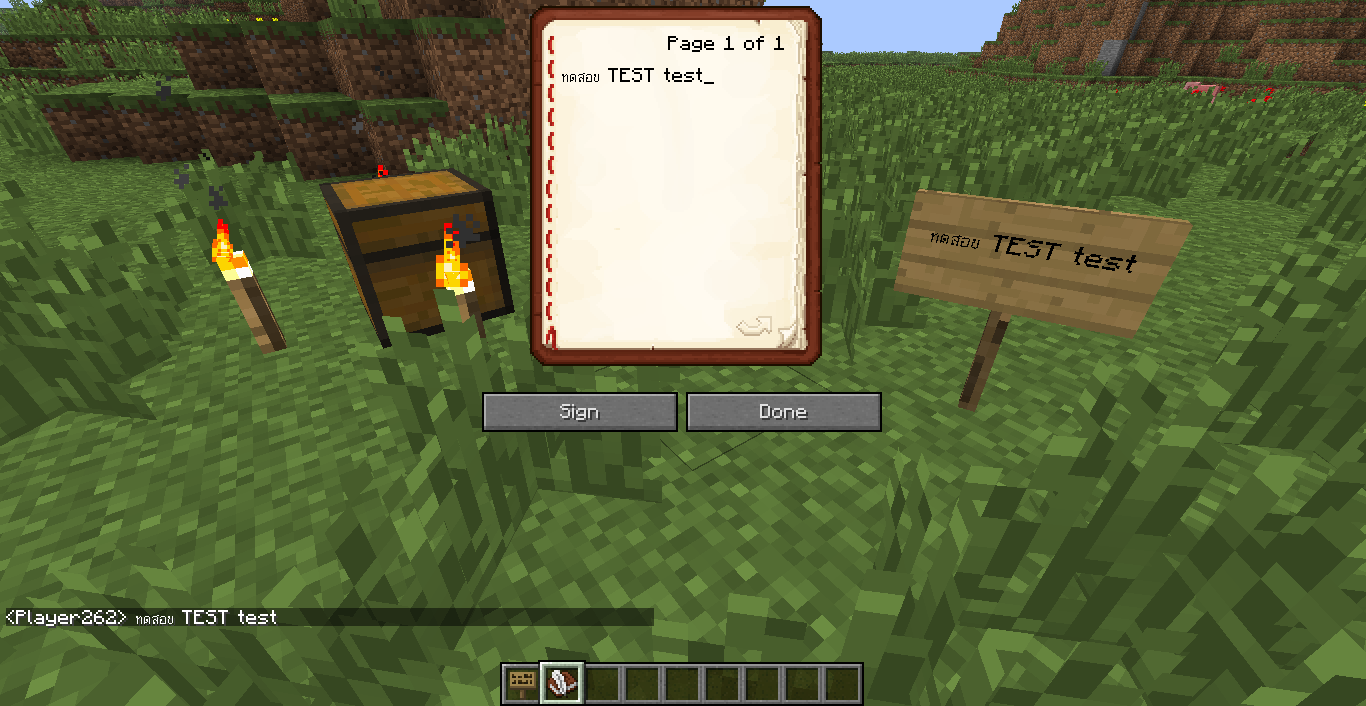 All feature in Minecraft 1.3.1 All feature in Minecraft 1.3.1
 -
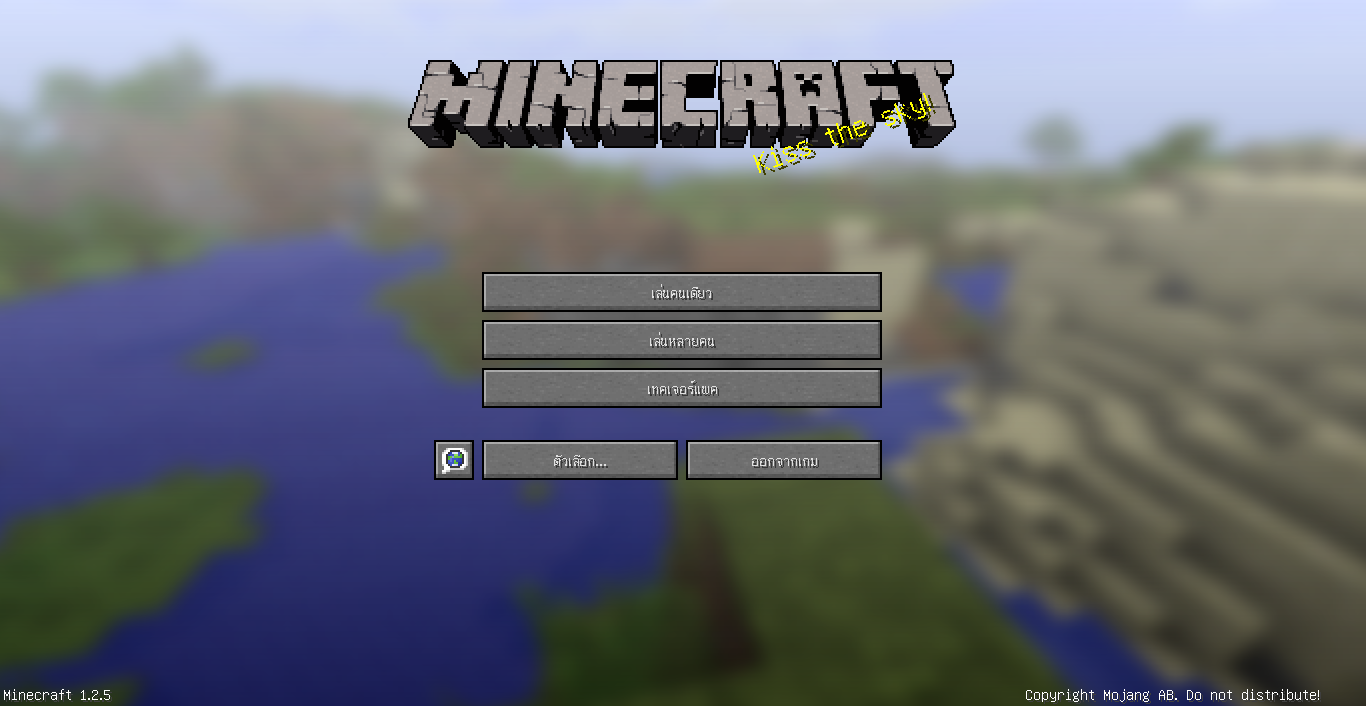 Screenshot Main menu after install this mod.
Versions
Files
Relations
Project Relations
More like this
Similar Mods
Suggestions use data such as tags, dependencies, dependents, descriptions, titles, and more to rank how much they overlap with this mod.
On ModDex
Community snapshot
By the numbers
Statistics

Get it on
Available Platforms
On ModDex
Community snapshot
By the numbers